JLinking Mathematica with Java and the other way
![Calling Java from Mathematica • Creating objects with Java. New[] – – Java. New[]](https://slidetodoc.com/presentation_image/f5df4693eca4e0ff10b19b544df20aaf/image-10.jpg "Calling Java from Mathematica • Creating objects with Java. New[] – – Java. New[]")
- Slides: 22
JLinking Mathematica with Java and the other way round…
Outline Introduction Calling Java from Mathematica Using Mathematica Kernel in Java applications
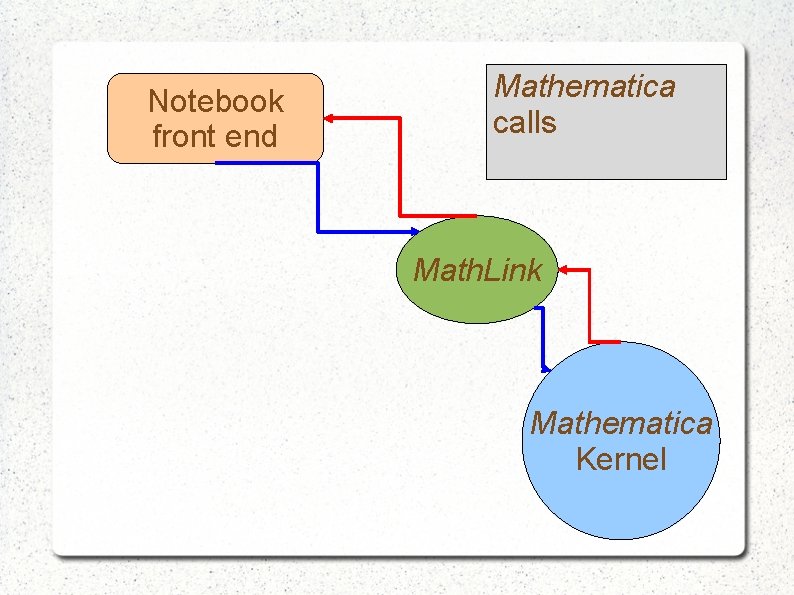
Notebook front end Mathematica calls Math. Link Mathematica Kernel
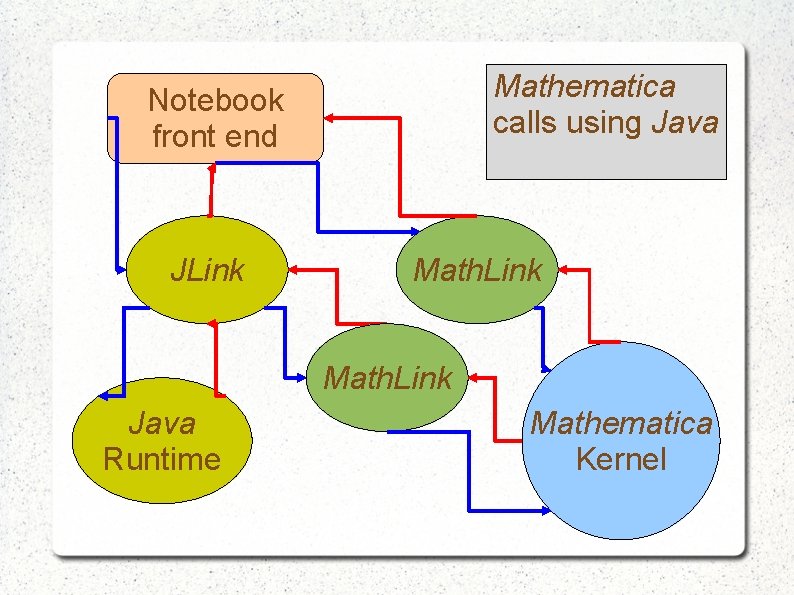
Mathematica calls using Java Notebook front end JLink Math. Link Java Runtime Mathematica Kernel
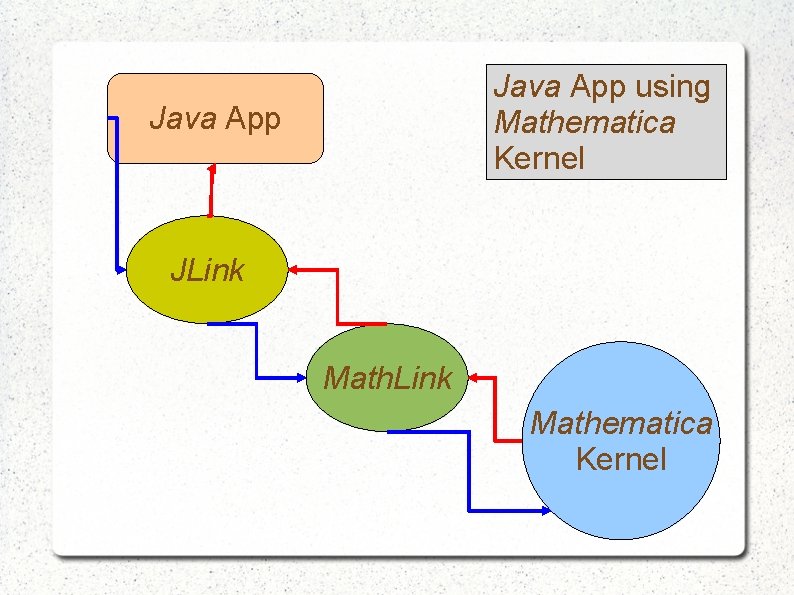
Java App using Mathematica Kernel Java App JLink Mathematica Kernel
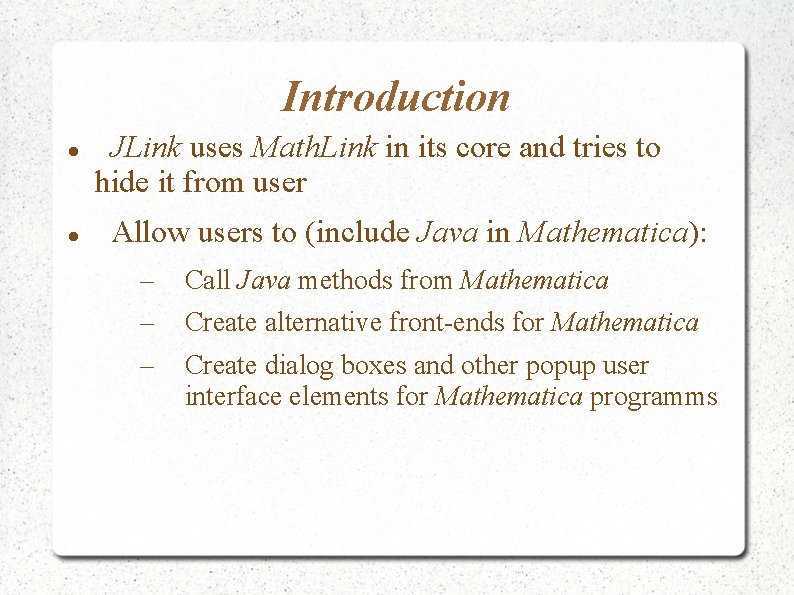
Introduction JLink uses Math. Link in its core and tries to hide it from user Allow users to (include Java in Mathematica): – – – Call Java methods from Mathematica Create alternative front-ends for Mathematica Create dialog boxes and other popup user interface elements for Mathematica programms
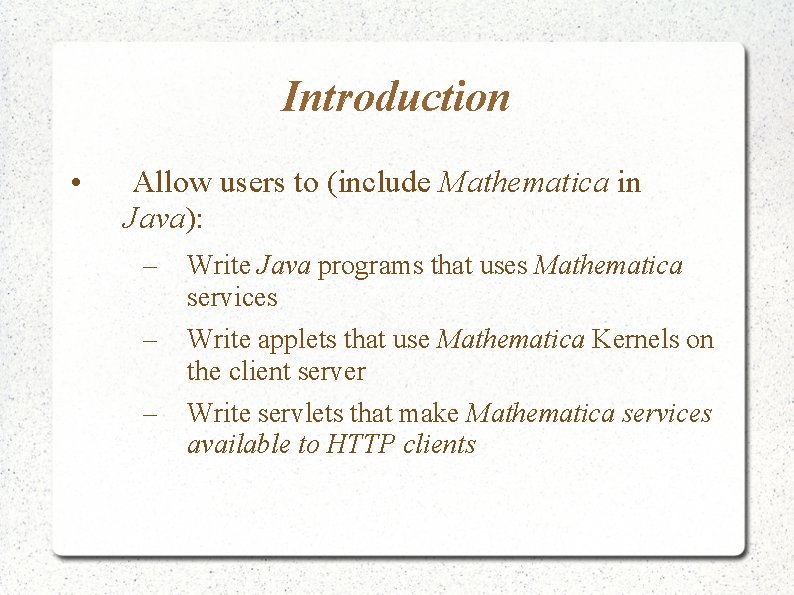
Introduction • Allow users to (include Mathematica in Java): – Write Java programs that uses Mathematica services – Write applets that use Mathematica Kernels on the client server – Write servlets that make Mathematica services available to HTTP clients
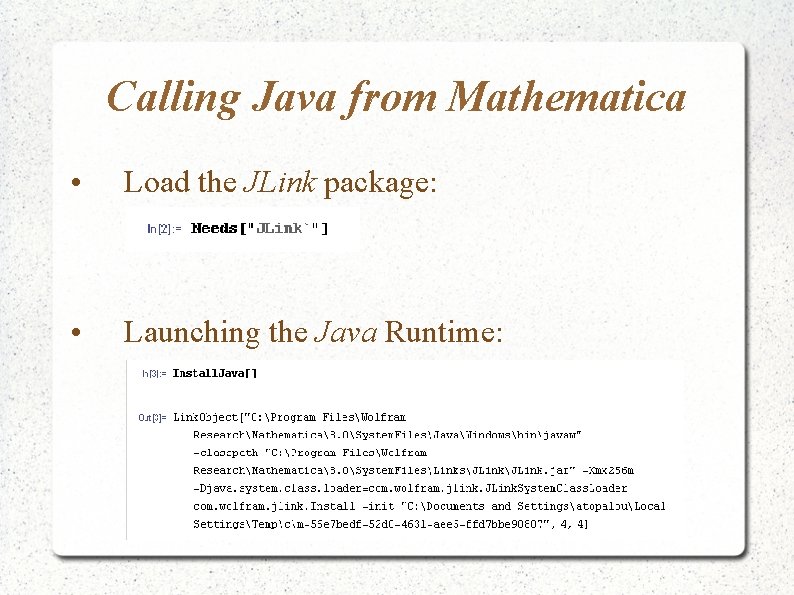
Calling Java from Mathematica • Load the JLink package: • Launching the Java Runtime:
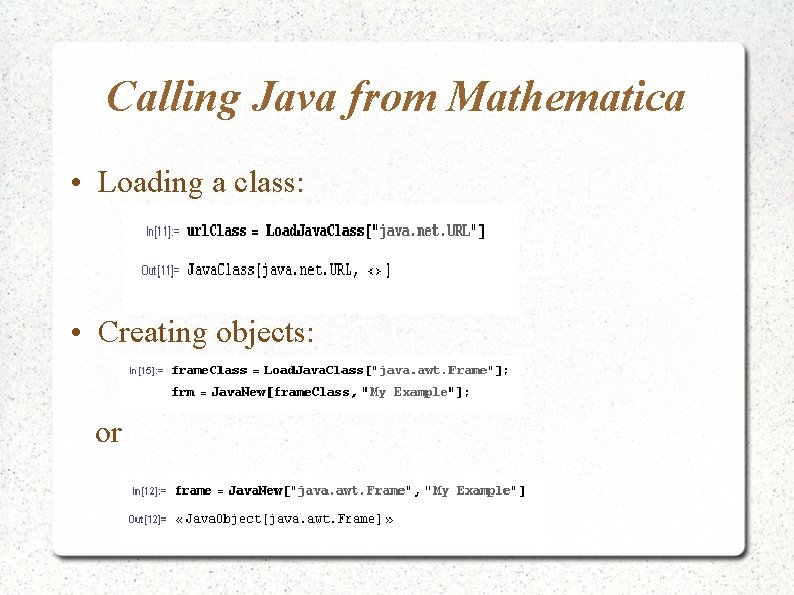
Calling Java from Mathematica • Loading a class: • Creating objects: or
Calling Java from Mathematica • Creating objects with Java. New[] – – Java. New[] returns a reference to the object All the data (fields) stay to the Java side That makes its call, fast Except: the times that is more convenient to be returned “by value”, that means the times that there is a corresponding type between the two languages
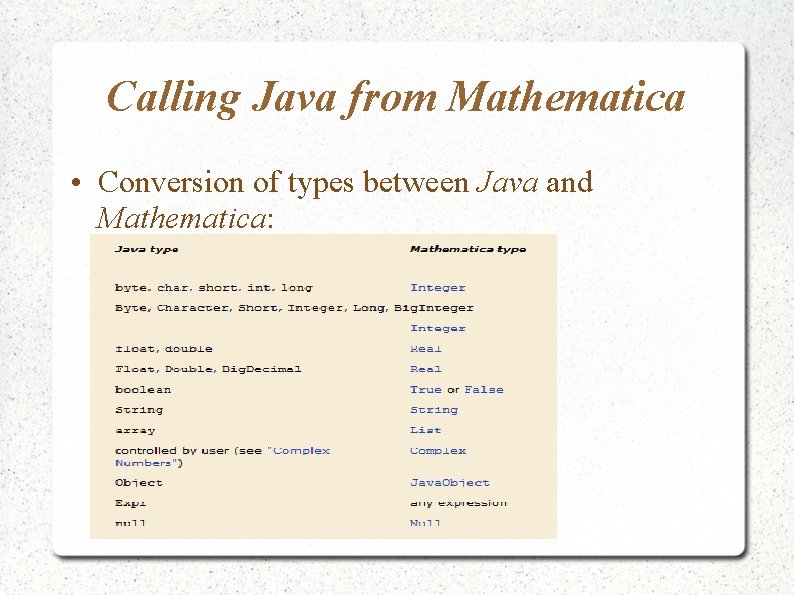
Calling Java from Mathematica • Conversion of types between Java and Mathematica:
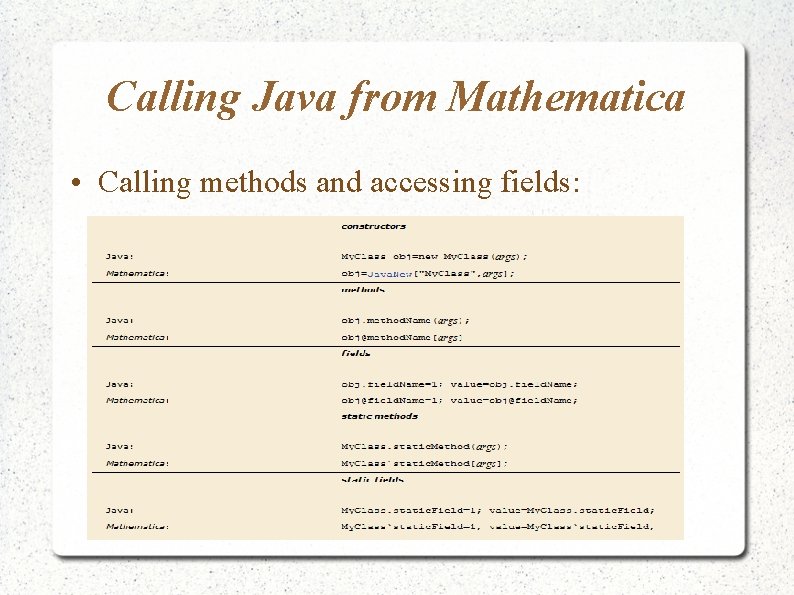
Calling Java from Mathematica • Calling methods and accessing fields:
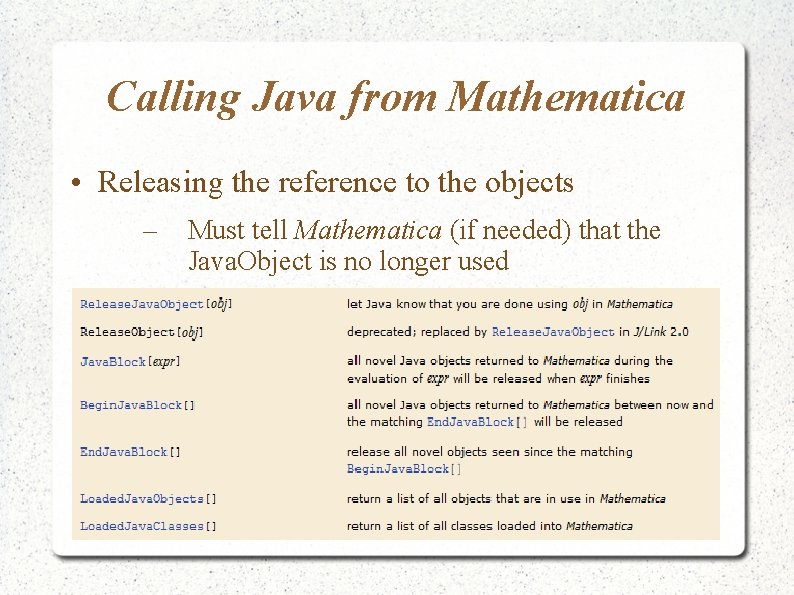
Calling Java from Mathematica • Releasing the reference to the objects – Must tell Mathematica (if needed) that the Java. Object is no longer used
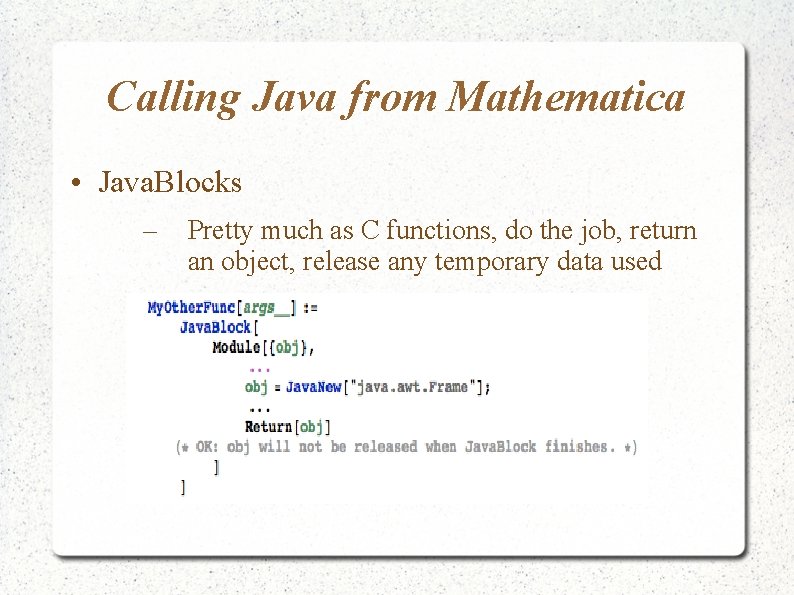
Calling Java from Mathematica • Java. Blocks – Pretty much as C functions, do the job, return an object, release any temporary data used
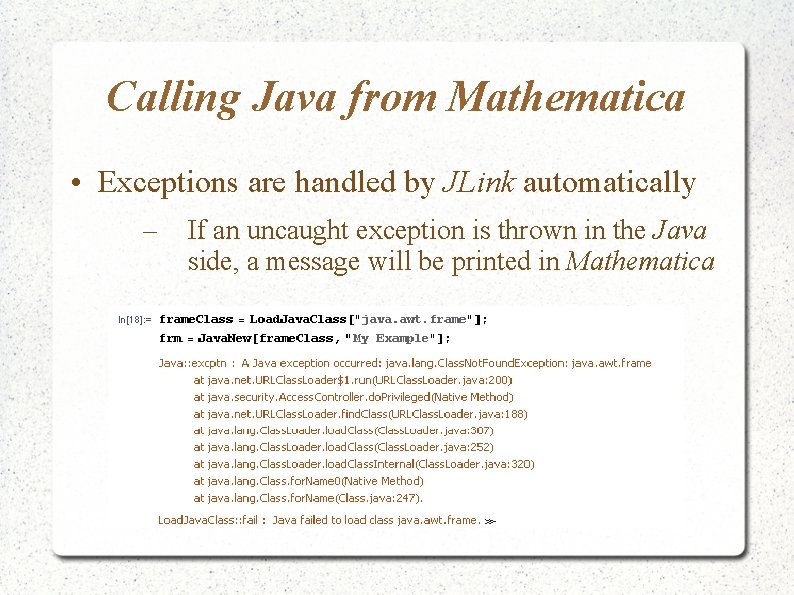
Calling Java from Mathematica • Exceptions are handled by JLink automatically – If an uncaught exception is thrown in the Java side, a message will be printed in Mathematica
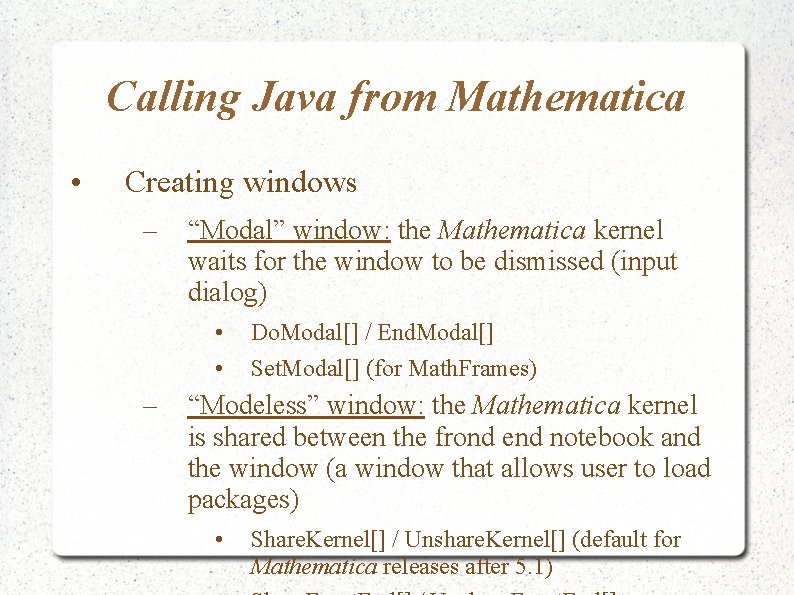
Calling Java from Mathematica • Creating windows – “Modal” window: the Mathematica kernel waits for the window to be dismissed (input dialog) • • – Do. Modal[] / End. Modal[] Set. Modal[] (for Math. Frames) “Modeless” window: the Mathematica kernel is shared between the frond end notebook and the window (a window that allows user to load packages) • Share. Kernel[] / Unshare. Kernel[] (default for Mathematica releases after 5. 1)
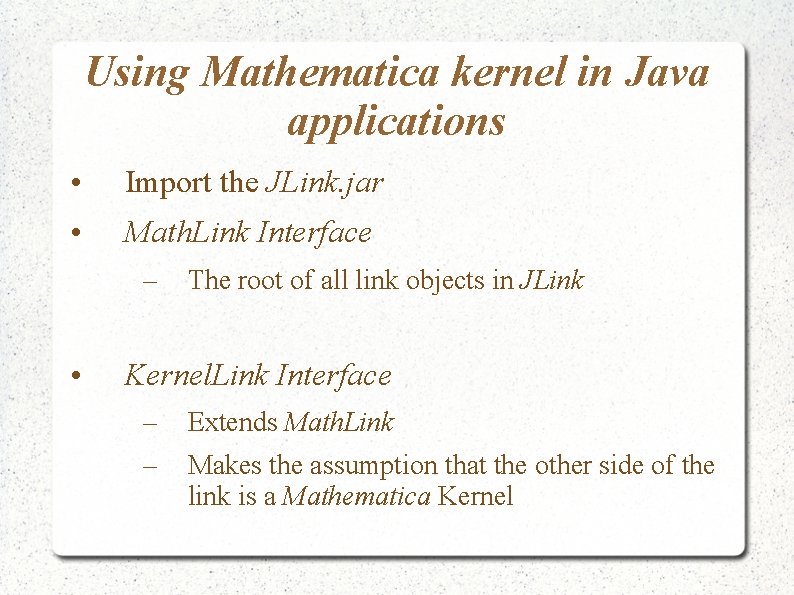
Using Mathematica kernel in Java applications • Import the JLink. jar • Math. Link Interface – • The root of all link objects in JLink Kernel. Link Interface – – Extends Math. Link Makes the assumption that the other side of the link is a Mathematica Kernel
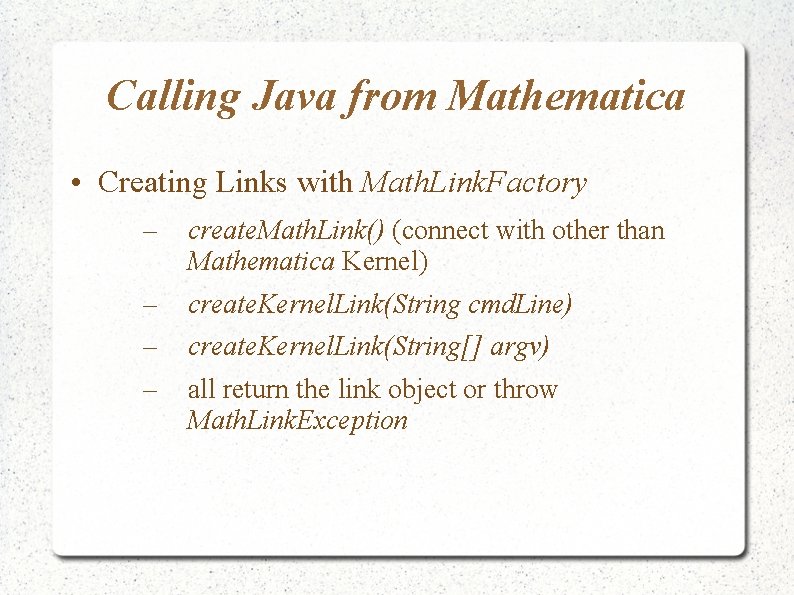
Calling Java from Mathematica • Creating Links with Math. Link. Factory – create. Math. Link() (connect with other than Mathematica Kernel) – – – create. Kernel. Link(String cmd. Line) create. Kernel. Link(String[] argv) all return the link object or throw Math. Link. Exception
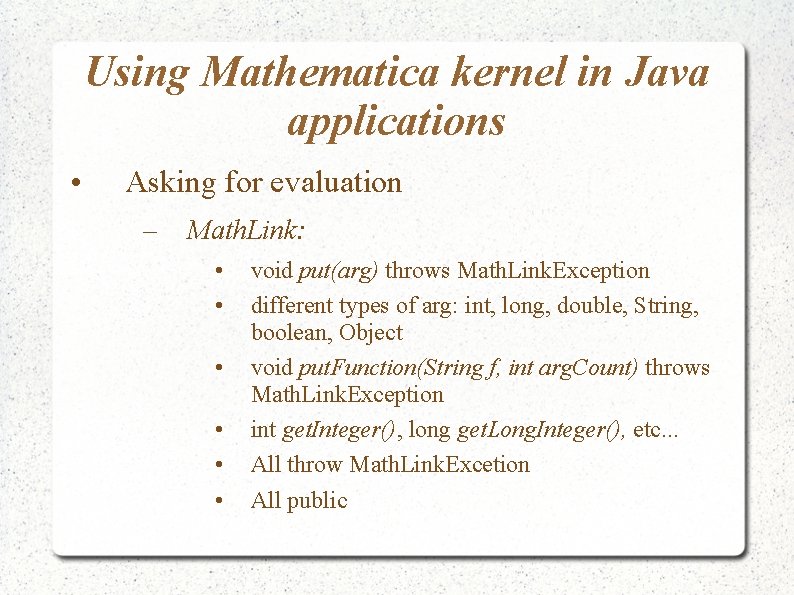
Using Mathematica kernel in Java applications • Asking for evaluation – Math. Link: • • • void put(arg) throws Math. Link. Exception different types of arg: int, long, double, String, boolean, Object void put. Function(String f, int arg. Count) throws Math. Link. Exception int get. Integer(), long get. Long. Integer(), etc. . . All throw Math. Link. Excetion All public
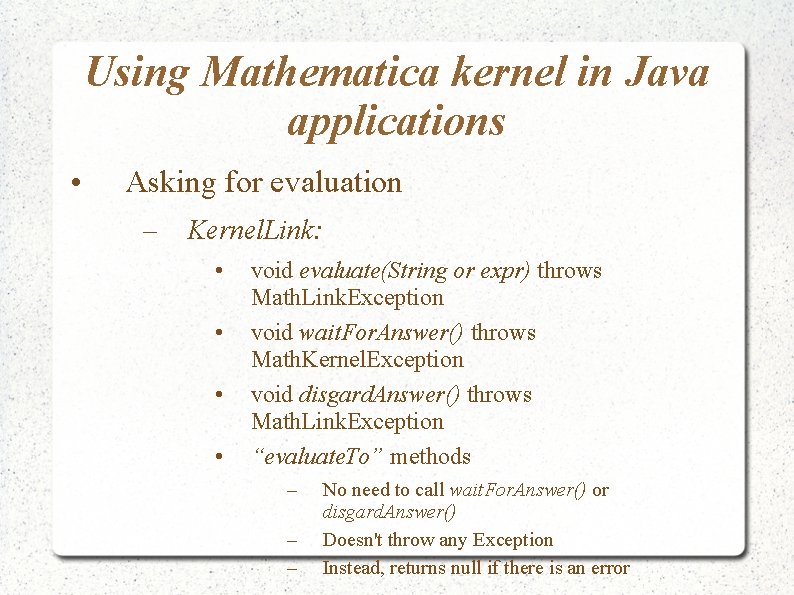
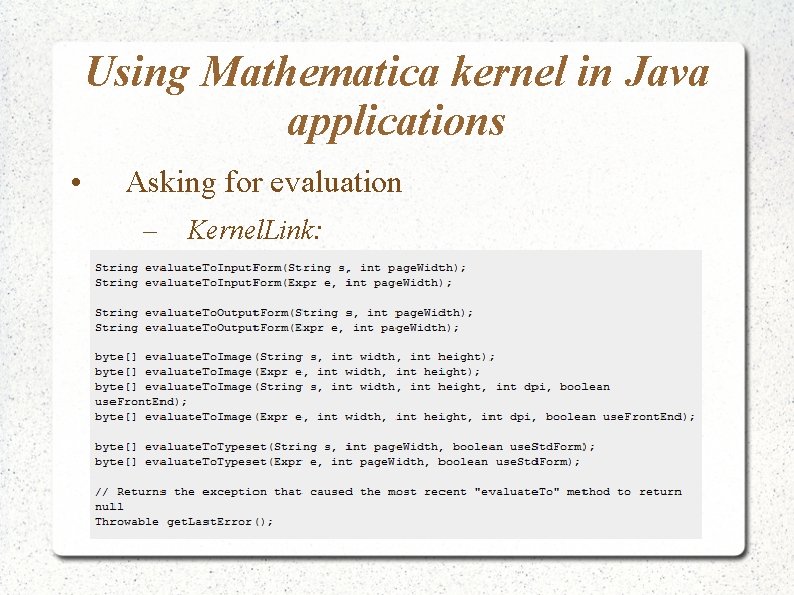
Using Mathematica kernel in Java applications • Asking for evaluation – Kernel. Link: • • void evaluate(String or expr) throws Math. Link. Exception void wait. For. Answer() throws Math. Kernel. Exception void disgard. Answer() throws Math. Link. Exception “evaluate. To” methods – – – No need to call wait. For. Answer() or disgard. Answer() Doesn't throw any Exception Instead, returns null if there is an error
Using Mathematica kernel in Java applications • Asking for evaluation – Kernel. Link:
Conclusion • JLink is a high-level protocol (based on Math. Link) to make easier the communication between Mathematica and Java • Works both ways • for more informations visit: http: //reference. wolfram. com/mathematica/JLink/tutor ial/Overview. html