Cosc 54730 Android Preferences and user settings data



- Slides: 30
Cosc 5/4730 Android: Preferences and user settings data
Preferences • It’s normally a good idea to allow a user to setup some preferences for an application • Example: Username • It’s saved data between runs about how the application should run. • This adds a level of professionalism as well to the app, since the preferences are handle just same as preferences for the rest of device, including look and feel. • Android provides a preference. Activity and Preference. Fragment to do this • now androidx. preference it's Preference. Fragment. Compat. there is no prefence. Activity
Preferences (2) • The bulk of the work is in the xml document • The preference. Activity and preference fragment only provide a place to show the xml document. • The preference. Activity is deprecated at API 13+ • So we use an activity and preference. Fragment.
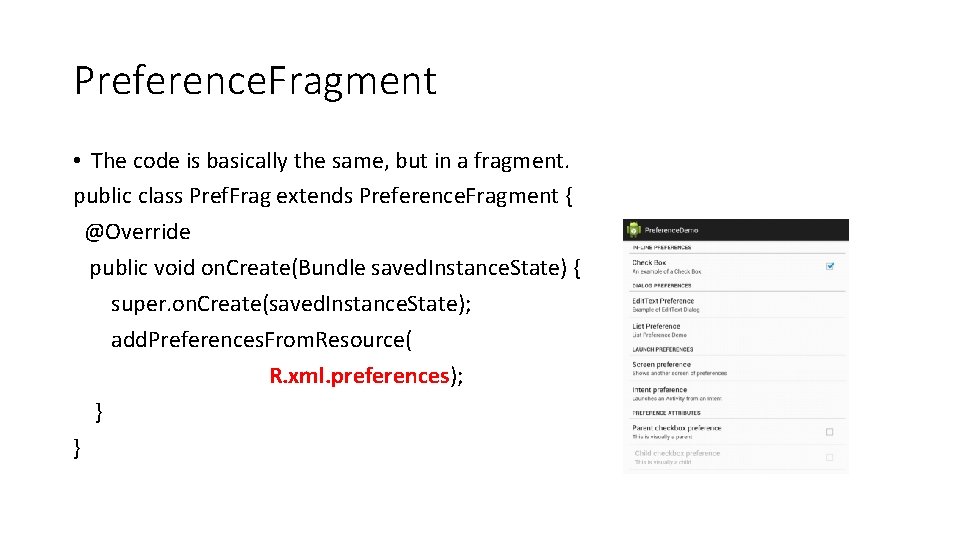
Preference. Fragment • The code is basically the same, but in a fragment. public class Pref. Frag extends Preference. Fragment { @Override public void on. Create(Bundle saved. Instance. State) { super. on. Create(saved. Instance. State); add. Preferences. From. Resource( R. xml. preferences); } }
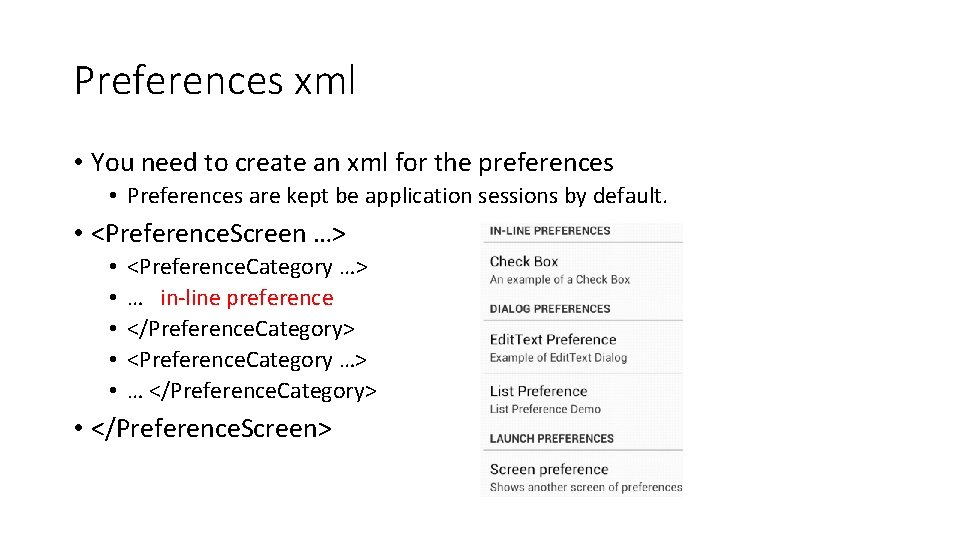
Preferences xml • You need to create an xml for the preferences • Preferences are kept be application sessions by default. • <Preference. Screen …> • • • <Preference. Category …> … in-line preference </Preference. Category> <Preference. Category …> … </Preference. Category> • </Preference. Screen>
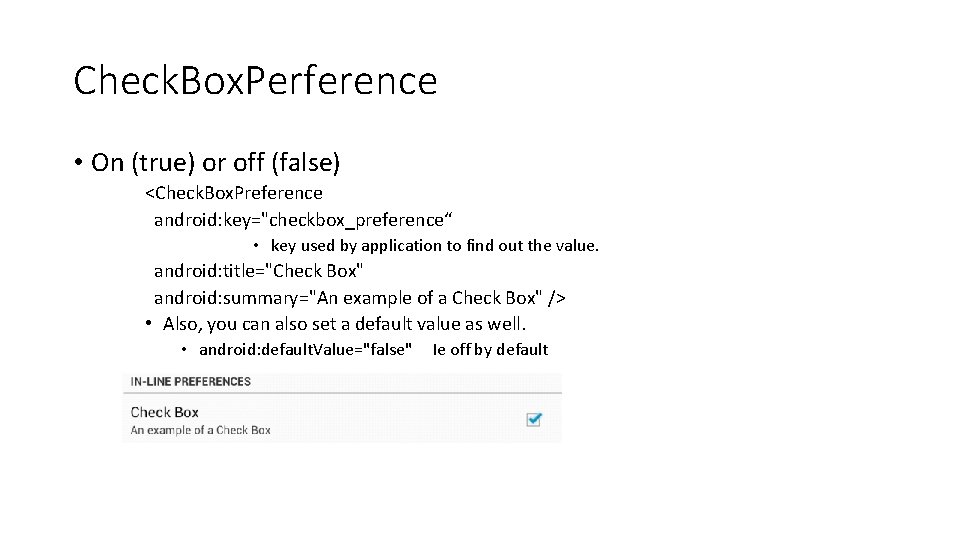
Check. Box. Perference • On (true) or off (false) <Check. Box. Preference android: key="checkbox_preference“ • key used by application to find out the value. android: title="Check Box" android: summary="An example of a Check Box" /> • Also, you can also set a default value as well. • android: default. Value="false" Ie off by default
Edit. Text. Preference <Edit. Text. Preference android: key="edittext_preference" android: title="Edit. Text Preference“ android: default. Value="" android: summary="Example of Edit. Text Dialog" android: dialog. Title="Enter your Name" />
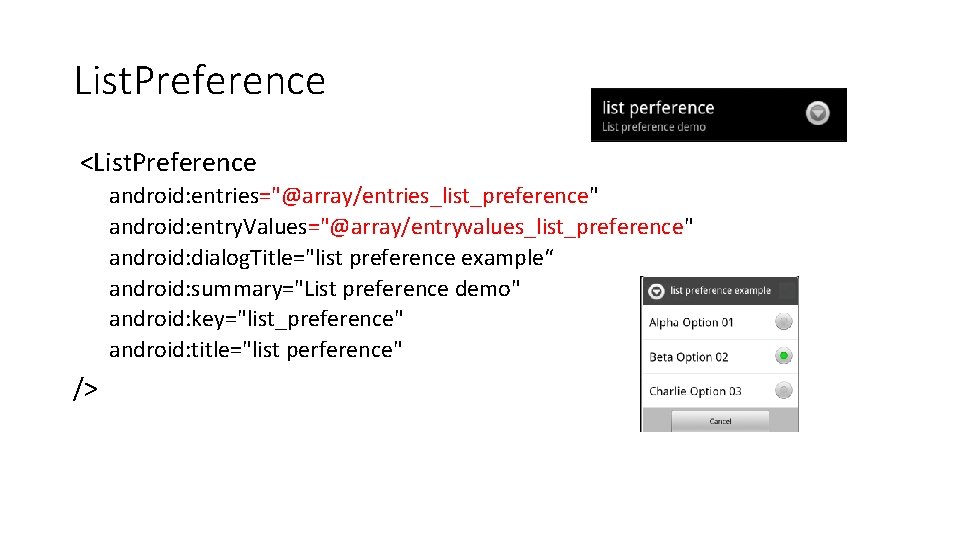
List. Preference <List. Preference android: entries="@array/entries_list_preference" android: entry. Values="@array/entryvalues_list_preference" android: dialog. Title="list preference example“ android: summary="List preference demo" android: key="list_preference" android: title="list perference" />
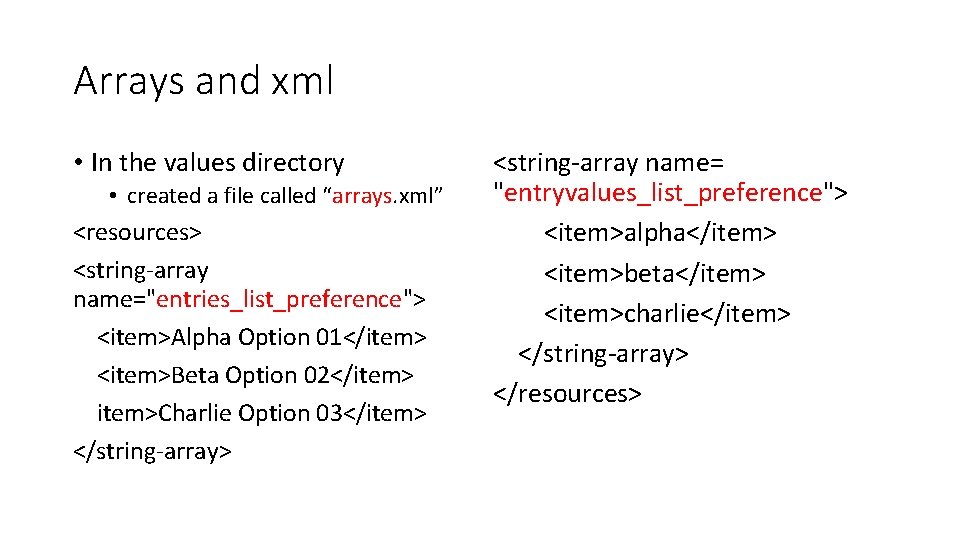
Arrays and xml • In the values directory • created a file called “arrays. xml” <resources> <string-array name="entries_list_preference"> <item>Alpha Option 01</item> <item>Beta Option 02</item>Charlie Option 03</item> </string-array> <string-array name= "entryvalues_list_preference"> <item>alpha</item> <item>beta</item> <item>charlie</item> </string-array> </resources>
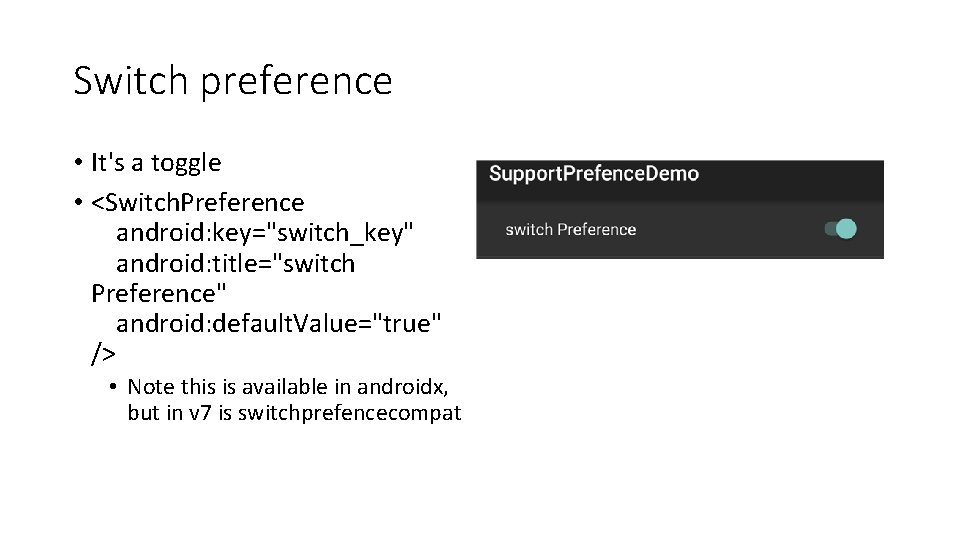
Switch preference • It's a toggle • <Switch. Preference android: key="switch_key" android: title="switch Preference" android: default. Value="true" /> • Note this is available in androidx, but in v 7 is switchprefencecompat
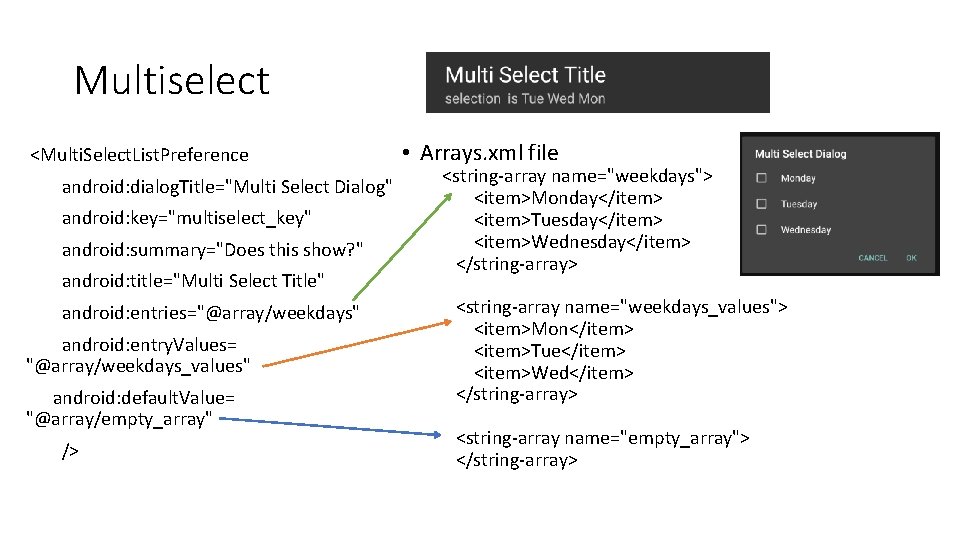
Multiselect <Multi. Select. List. Preference android: dialog. Title="Multi Select Dialog" android: key="multiselect_key" android: summary="Does this show? " android: title="Multi Select Title" android: entries="@array/weekdays" android: entry. Values= "@array/weekdays_values" android: default. Value= "@array/empty_array" /> • Arrays. xml file <string-array name="weekdays"> <item>Monday</item> <item>Tuesday</item> <item>Wednesday</item> </string-array> <string-array name="weekdays_values"> <item>Mon</item> <item>Tue</item> <item>Wed</item> </string-array> <string-array name="empty_array"> </string-array>
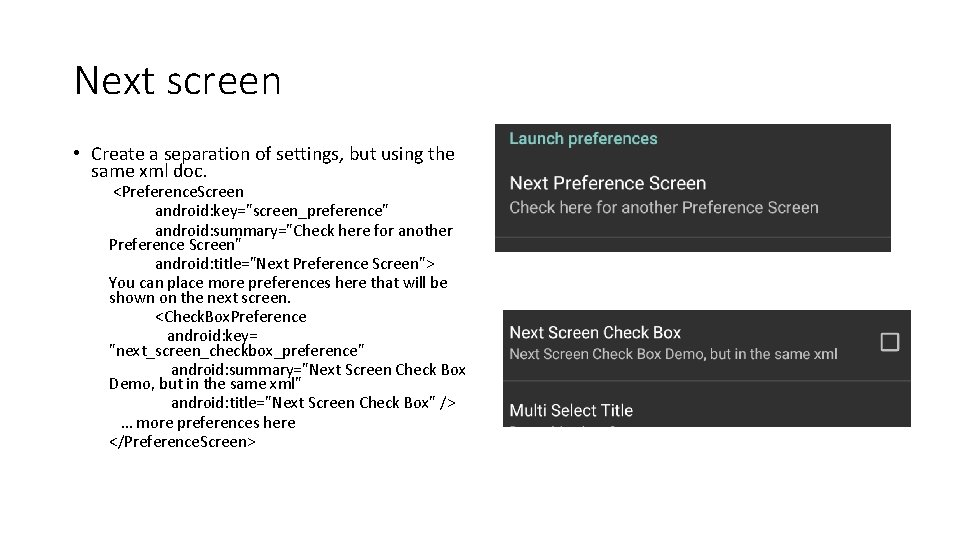
Next screen • Create a separation of settings, but using the same xml doc. <Preference. Screen android: key="screen_preference" android: summary="Check here for another Preference Screen" android: title="Next Preference Screen"> You can place more preferences here that will be shown on the next screen. <Check. Box. Preference android: key= "next_screen_checkbox_preference" android: summary="Next Screen Check Box Demo, but in the same xml" android: title="Next Screen Check Box" /> … more preferences here </Preference. Screen>
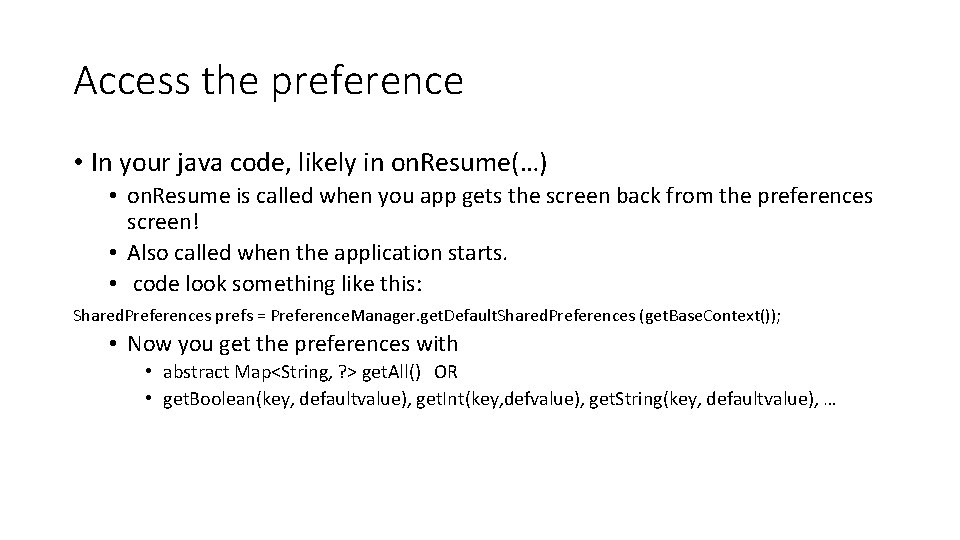
Access the preference • In your java code, likely in on. Resume(…) • on. Resume is called when you app gets the screen back from the preferences screen! • Also called when the application starts. • code look something like this: Shared. Preferences prefs = Preference. Manager. get. Default. Shared. Preferences (get. Base. Context()); • Now you get the preferences with • abstract Map<String, ? > get. All() OR • get. Boolean(key, defaultvalue), get. Int(key, defvalue), get. String(key, defaultvalue), …
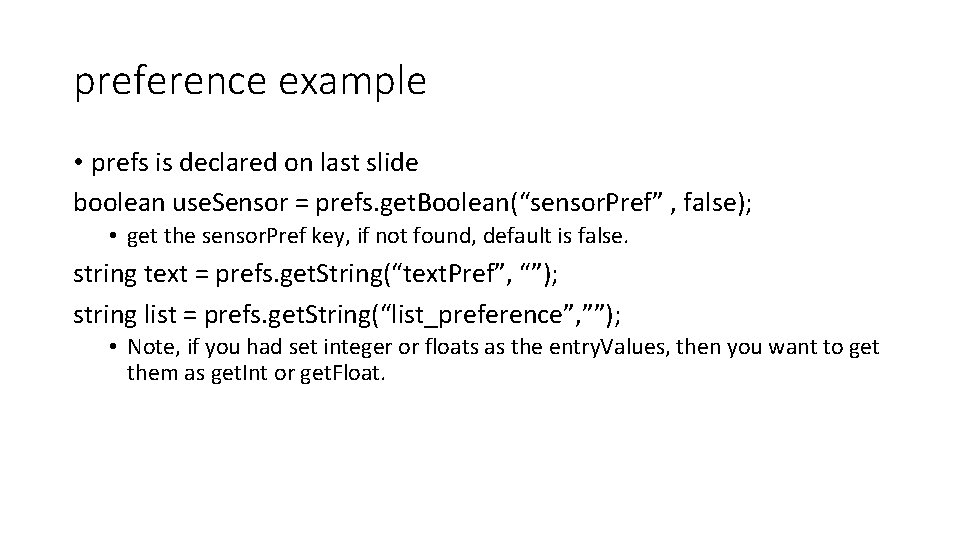
preference example • prefs is declared on last slide boolean use. Sensor = prefs. get. Boolean(“sensor. Pref” , false); • get the sensor. Pref key, if not found, default is false. string text = prefs. get. String(“text. Pref”, “”); string list = prefs. get. String(“list_preference”, ””); • Note, if you had set integer or floats as the entry. Values, then you want to get them as get. Int or get. Float.
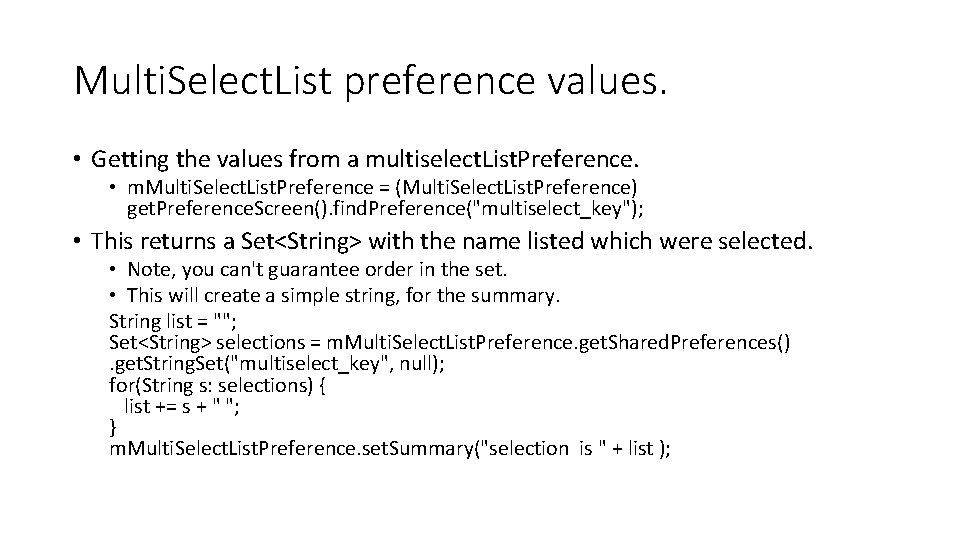
Multi. Select. List preference values. • Getting the values from a multiselect. List. Preference. • m. Multi. Select. List. Preference = (Multi. Select. List. Preference) get. Preference. Screen(). find. Preference("multiselect_key"); • This returns a Set<String> with the name listed which were selected. • Note, you can't guarantee order in the set. • This will create a simple string, for the summary. String list = ""; Set<String> selections = m. Multi. Select. List. Preference. get. Shared. Preferences(). get. String. Set("multiselect_key", null); for(String s: selections) { list += s + " "; } m. Multi. Select. List. Preference. set. Summary("selection is " + list );
Compatibility (without fragments) • get. Support. Fragment. Manager(). begin. Transaction(). replace(android. R. id. content, new Pref. Frag()). commit(); • android. R. id. content allows you to display the fragment even if you are not using fragments.
Example code • The Preference. Demo has the code from all in. • my. Preference. Fragment shows everything covered so far. • Preferenceupdate. Fragment show the next stuff • Where we have "live" updates of the data.
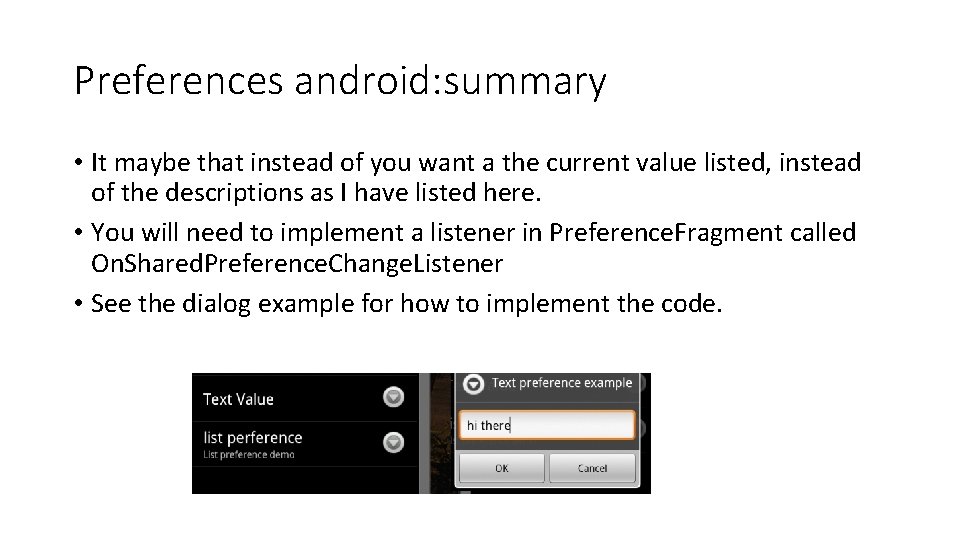
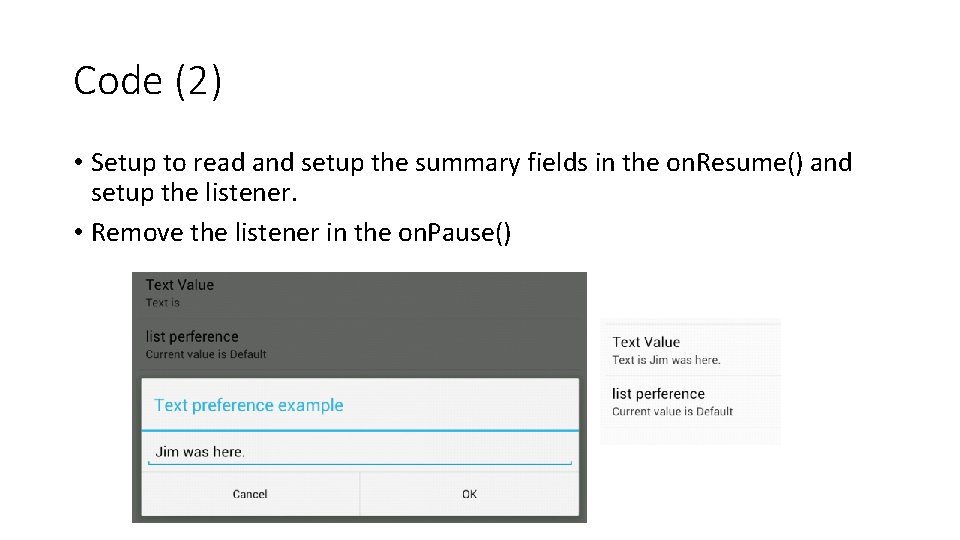
Preferences android: summary • It maybe that instead of you want a the current value listed, instead of the descriptions as I have listed here. • You will need to implement a listener in Preference. Fragment called On. Shared. Preference. Change. Listener • See the dialog example for how to implement the code.
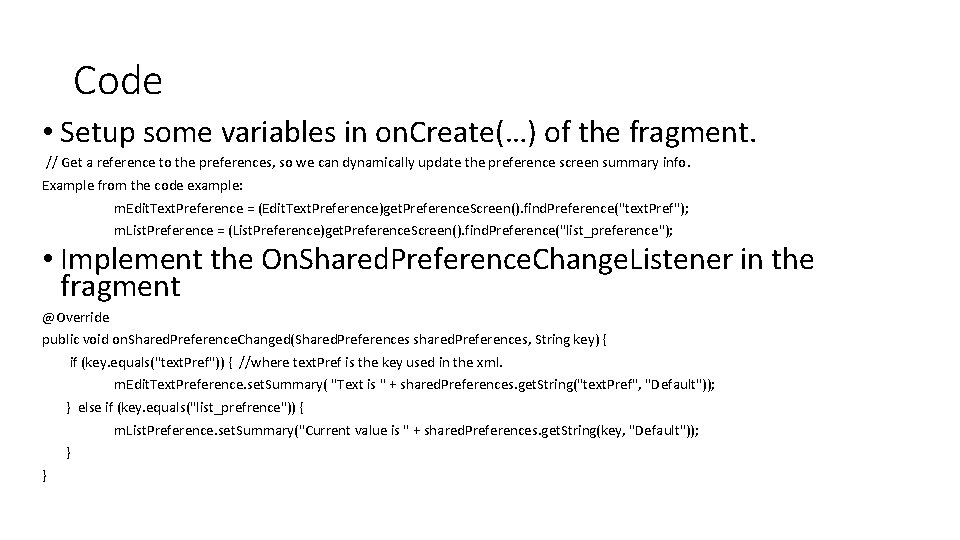
Code • Setup some variables in on. Create(…) of the fragment. // Get a reference to the preferences, so we can dynamically update the preference screen summary info. Example from the code example: m. Edit. Text. Preference = (Edit. Text. Preference)get. Preference. Screen(). find. Preference("text. Pref"); m. List. Preference = (List. Preference)get. Preference. Screen(). find. Preference("list_preference"); • Implement the On. Shared. Preference. Change. Listener in the fragment @Override public void on. Shared. Preference. Changed(Shared. Preferences shared. Preferences, String key) { if (key. equals("text. Pref")) { //where text. Pref is the key used in the xml. m. Edit. Text. Preference. set. Summary( "Text is " + shared. Preferences. get. String("text. Pref", "Default")); } else if (key. equals("list_prefrence")) { m. List. Preference. set. Summary("Current value is " + shared. Preferences. get. String(key, "Default")); } }
Code (2) • Setup to read and setup the summary fields in the on. Resume() and setup the listener. • Remove the listener in the on. Pause()
preferences xml • Only covered a good subset of the preferences xml, but this is not a complete list. • see http: //developer. android. com/reference/android/preference/Prefere nce. html for more information.
androidx library
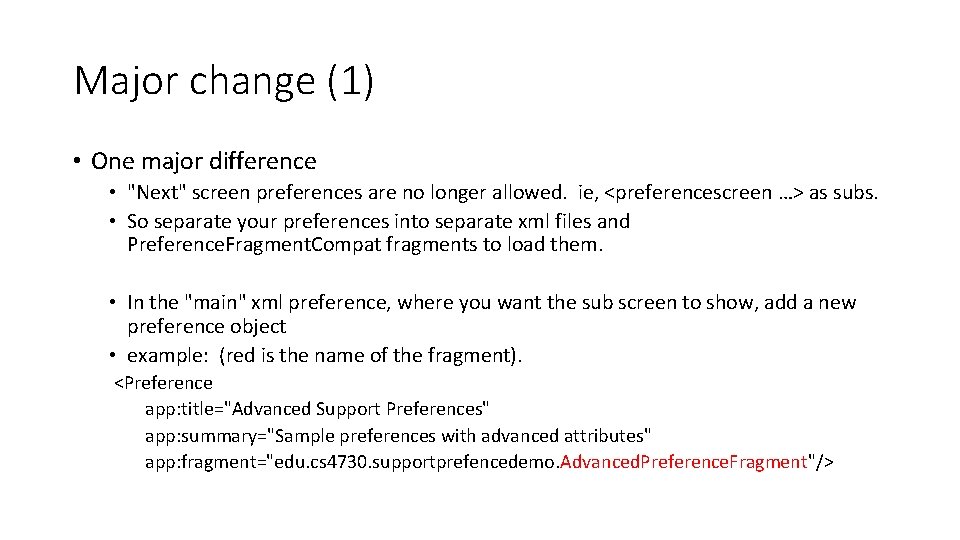
A note • The support preference libraries were setup so api 8+ would support all the new preferences that happened in API 14. • Initially, androidx preferences were put in the legacy group as well. • But it was moved out of legacy and new features are being added the androidx. preference library (and added to jetpack as well!) • it appears the androidx library is diverging from the "standard" preferences. • Declaring nested hierarchies within the same XML resource using a nested <Preference. Screen> is no longer supported. You should use nested Fragment objects instead. • https: //developer. android. com/guide/topics/ui/settings
Support preference • Support preference setup • implementation 'androidx. preference: 1. 1. 1' • Almost everything works the same. • in the xml, change it to <androidx. preference. Preference. Screen • You also need to add theme to the style. xml or it will force close. • <item name="preference. Theme">@style/Preference. Theme. Overlay</item>
Major change (1) • One major difference • "Next" screen preferences are no longer allowed. ie, <preferencescreen …> as subs. • So separate your preferences into separate xml files and Preference. Fragment. Compat fragments to load them. • In the "main" xml preference, where you want the sub screen to show, add a new preference object • example: (red is the name of the fragment). <Preference app: title="Advanced Support Preferences" app: summary="Sample preferences with advanced attributes" app: fragment="edu. cs 4730. supportprefencedemo. Advanced. Preference. Fragment"/>
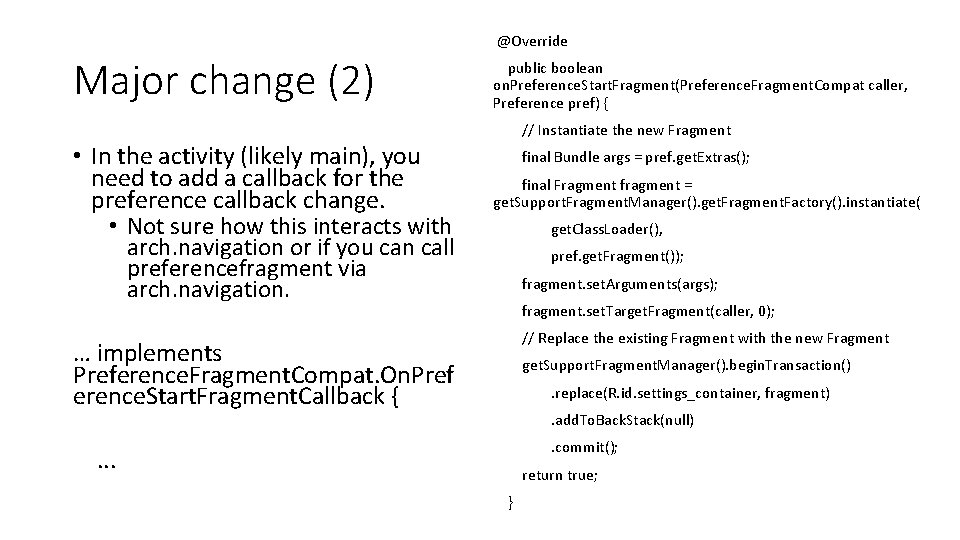
@Override Major change (2) public boolean on. Preference. Start. Fragment(Preference. Fragment. Compat caller, Preference pref) { // Instantiate the new Fragment • In the activity (likely main), you need to add a callback for the preference callback change. • Not sure how this interacts with final Bundle args = pref. get. Extras(); final Fragment fragment = get. Support. Fragment. Manager(). get. Fragment. Factory(). instantiate( get. Class. Loader(), arch. navigation or if you can call preferencefragment via arch. navigation. pref. get. Fragment()); fragment. set. Arguments(args); fragment. set. Target. Fragment(caller, 0); // Replace the existing Fragment with the new Fragment … implements Preference. Fragment. Compat. On. Pref erence. Start. Fragment. Callback { get. Support. Fragment. Manager(). begin. Transaction(). replace(R. id. settings_container, fragment). add. To. Back. Stack(null). commit(); . . . return true; }
example code
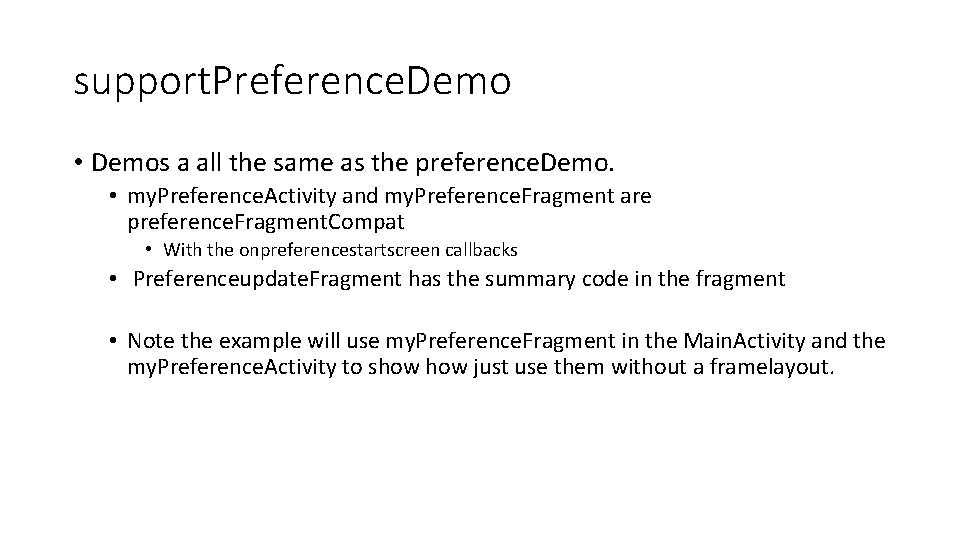
support. Preference. Demo • Demos a all the same as the preference. Demo. • my. Preference. Activity and my. Preference. Fragment are preference. Fragment. Compat • With the onpreferencestartscreen callbacks • Preferenceupdate. Fragment has the summary code in the fragment • Note the example will use my. Preference. Fragment in the Main. Activity and the my. Preference. Activity to show just use them without a framelayout.
References • • • https: //developer. android. com/jetpack/androidx/releases/preference https: //developer. android. com/guide/topics/ui/settings http: //developer. android. com/reference/android/preference/Preference. Activity. html http: //developer. android. com/reference/android/preference/Preference. Fragment. html older and maybe less useful now. • http: //stackoverflow. com/questions/7112706/preferencefragment-alternative-for-the-androidcompatibility-api • http: //android-er. blogspot. com/2012/07/example-of-using-preferencefragment. html • http: //gmariotti. blogspot. com/2013/01/preferenceactivity-preferencefragment. html • http: //www. cs. dartmouth. edu/~campbell/cs 65/lecture 12. html • https: //stackoverflow. com/questions/32487206/inner-preferencescreen-not-opens-withpreferencefragmentcompat and the github example code at https: //github. com/madlymad/Preference. App
Q&A