
COSC 3 P 91 Advanced ObjectOriented Programming GUI
COSC 3 P 91 – Advanced Object-Oriented Programming GUI Programming • • • graphical user interface – human-computer interface – replaces command-line interface – interface builders Java AWT/Swing – behavior is platform independent event-driven programming – user in control – user actions events – program responds to events © M. Winter 4. 1
COSC 3 P 91 – Advanced Object-Oriented Programming AWT and Swing • AWT components are heavyweight – associated with native components created by the underlying window system – appearance determined by the window system – different platforms = different look • Swing components are lightweight – created by the JVM – appearance determined by the JVM – different platforms = same look • Composite design pattern © M. Winter 4. 2

COSC 3 P 91 – Advanced Object-Oriented Programming AWT classes Component Button Container Canvas Checkbox Panel Window Scroll. Pane Choice Label Frame List Dialog Scrollbar Text. Component Text. Area © M. Winter Text. Field 4. 3
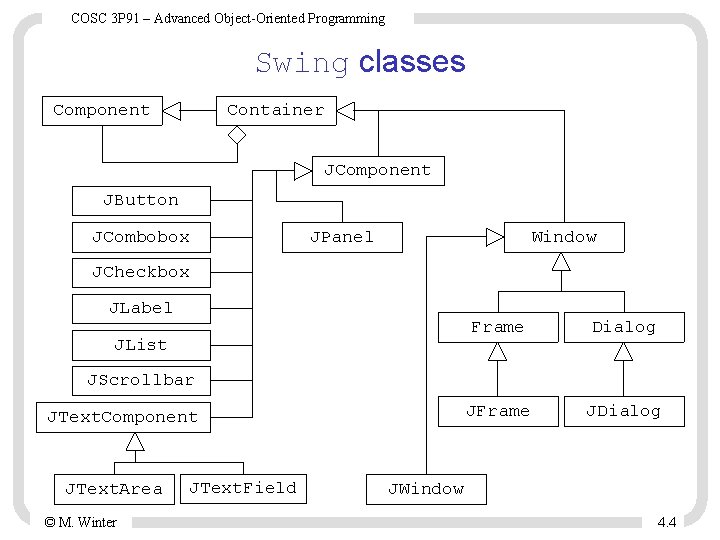
COSC 3 P 91 – Advanced Object-Oriented Programming Swing classes Component Container JComponent JButton JCombobox JPanel Window JCheckbox JLabel JList Frame Dialog JFrame JDialog JScrollbar JText. Component JText. Area © M. Winter JText. Field JWindow 4. 4
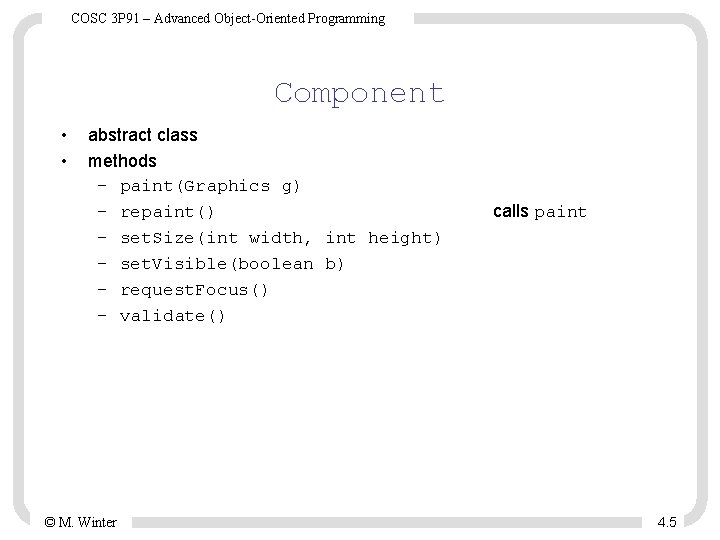
COSC 3 P 91 – Advanced Object-Oriented Programming Component • • abstract class methods – paint(Graphics g) – repaint() – set. Size(int width, int height) – set. Visible(boolean b) – request. Focus() – validate() © M. Winter calls paint 4. 5
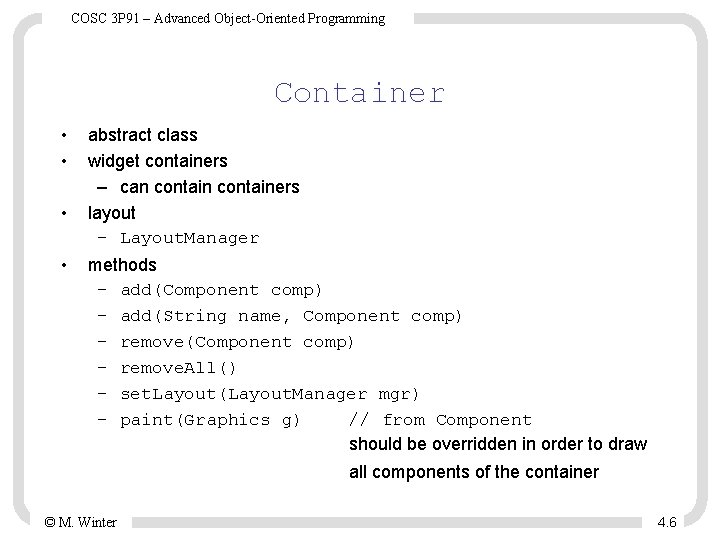
COSC 3 P 91 – Advanced Object-Oriented Programming Container • • abstract class widget containers – can containers layout – Layout. Manager methods – add(Component comp) – add(String name, Component comp) – remove(Component comp) – remove. All() – set. Layout(Layout. Manager mgr) – paint(Graphics g) // from Component should be overridden in order to draw all components of the container © M. Winter 4. 6
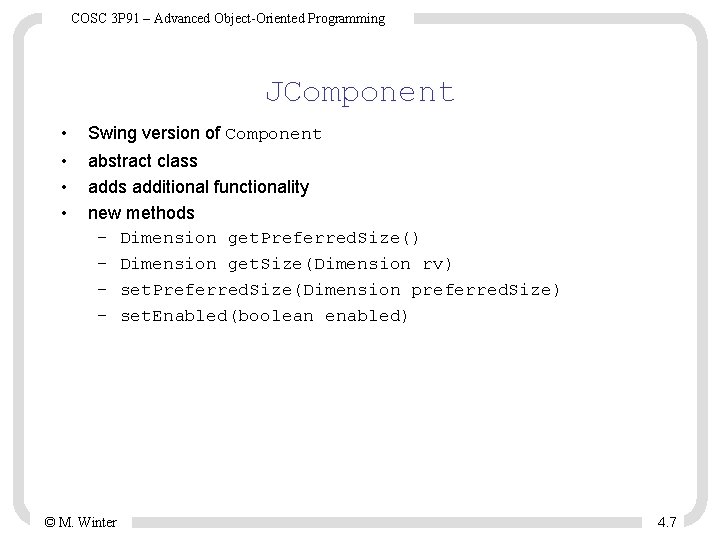
COSC 3 P 91 – Advanced Object-Oriented Programming JComponent • • Swing version of Component abstract class additional functionality new methods – Dimension get. Preferred. Size() – Dimension get. Size(Dimension rv) – set. Preferred. Size(Dimension preferred. Size) – set. Enabled(boolean enabled) © M. Winter 4. 7
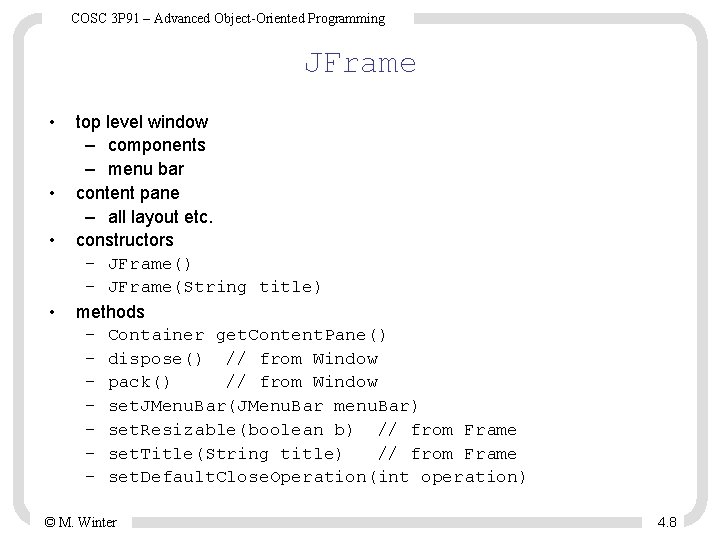
COSC 3 P 91 – Advanced Object-Oriented Programming JFrame • • top level window – components – menu bar content pane – all layout etc. constructors – JFrame() – JFrame(String title) methods – Container get. Content. Pane() – dispose() // from Window – pack() // from Window – set. JMenu. Bar(JMenu. Bar menu. Bar) – set. Resizable(boolean b) // from Frame – set. Title(String title) // from Frame – set. Default. Close. Operation(int operation) © M. Winter 4. 8
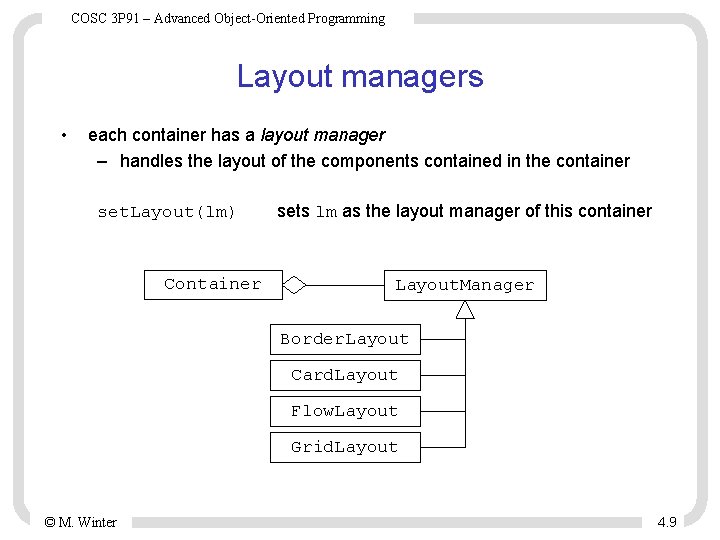
COSC 3 P 91 – Advanced Object-Oriented Programming Layout managers • each container has a layout manager – handles the layout of the components contained in the container set. Layout(lm) Container sets lm as the layout manager of this container Layout. Manager Border. Layout Card. Layout Flow. Layout Grid. Layout © M. Winter 4. 9
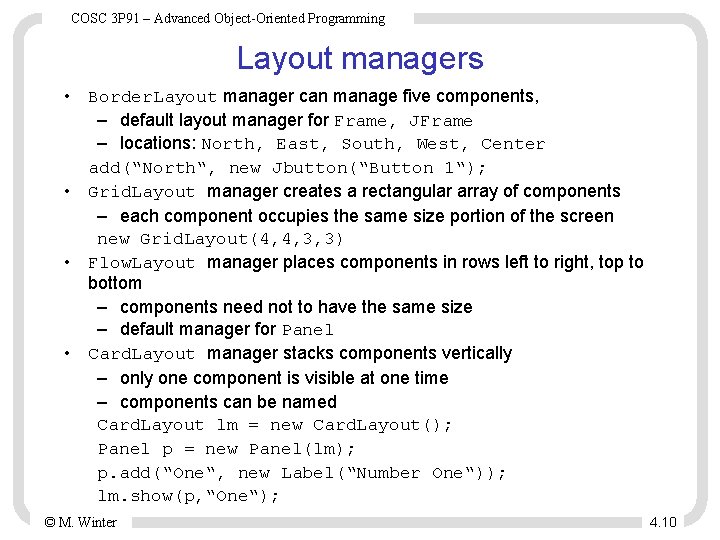
COSC 3 P 91 – Advanced Object-Oriented Programming Layout managers • Border. Layout manager can manage five components, – default layout manager for Frame, JFrame – locations: North, East, South, West, Center add(“North“, new Jbutton(“Button 1“); • Grid. Layout manager creates a rectangular array of components – each component occupies the same size portion of the screen new Grid. Layout(4, 4, 3, 3) • Flow. Layout manager places components in rows left to right, top to bottom – components need not to have the same size – default manager for Panel • Card. Layout manager stacks components vertically – only one component is visible at one time – components can be named Card. Layout lm = new Card. Layout(); Panel p = new Panel(lm); p. add(“One“, new Label(“Number One“)); lm. show(p, “One“); © M. Winter 4. 10
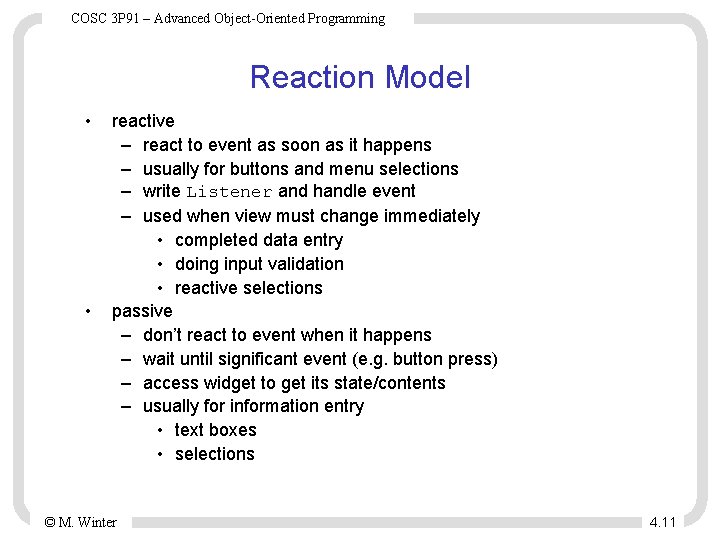
COSC 3 P 91 – Advanced Object-Oriented Programming Reaction Model • • reactive – react to event as soon as it happens – usually for buttons and menu selections – write Listener and handle event – used when view must change immediately • completed data entry • doing input validation • reactive selections passive – don’t react to event when it happens – wait until significant event (e. g. button press) – access widget to get its state/contents – usually for information entry • text boxes • selections © M. Winter 4. 11
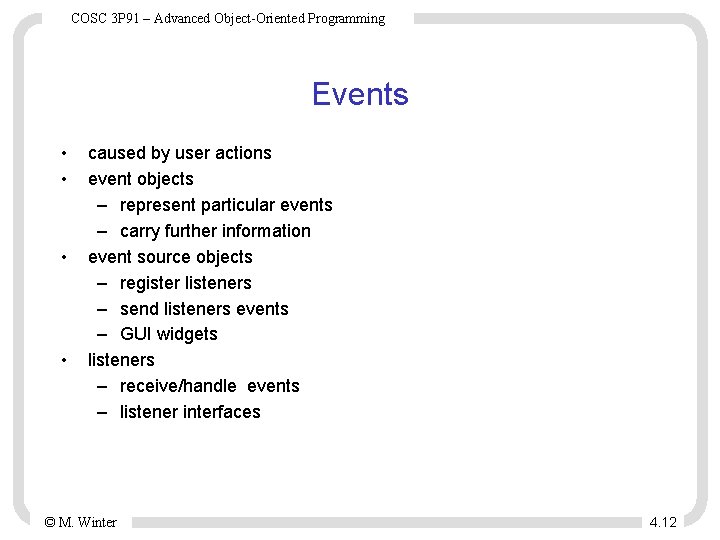
COSC 3 P 91 – Advanced Object-Oriented Programming Events • • caused by user actions event objects – represent particular events – carry further information event source objects – register listeners – send listeners events – GUI widgets listeners – receive/handle events – listener interfaces © M. Winter 4. 12
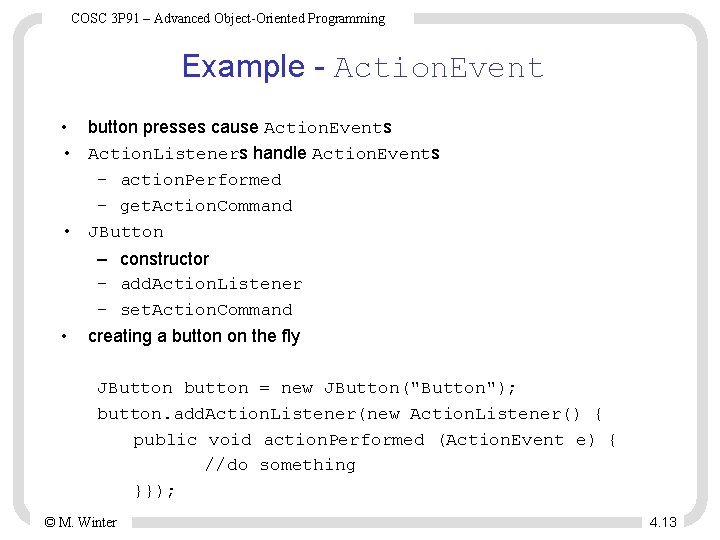
COSC 3 P 91 – Advanced Object-Oriented Programming Example - Action. Event • button presses cause Action. Events • Action. Listeners handle Action. Events – action. Performed – get. Action. Command • JButton – constructor – add. Action. Listener – set. Action. Command • creating a button on the fly JButton button = new JButton("Button"); button. add. Action. Listener(new Action. Listener() { public void action. Performed (Action. Event e) { //do something }}); © M. Winter 4. 13
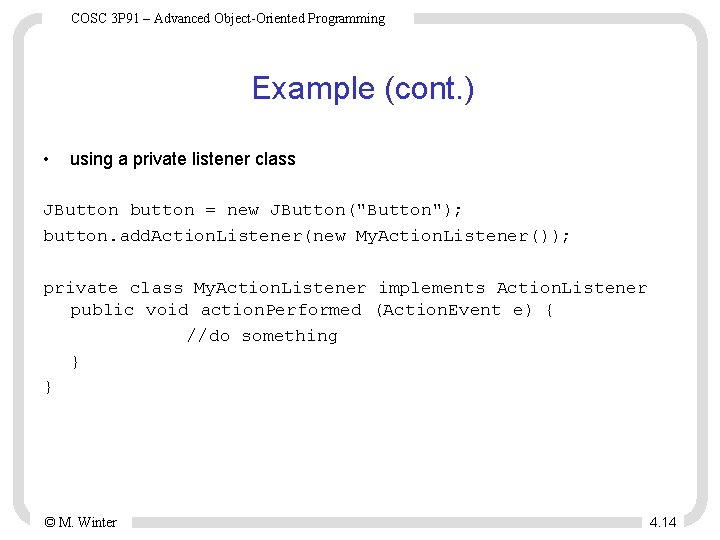
COSC 3 P 91 – Advanced Object-Oriented Programming Example (cont. ) • using a private listener class JButton button = new JButton("Button"); button. add. Action. Listener(new My. Action. Listener()); private class My. Action. Listener implements Action. Listener public void action. Performed (Action. Event e) { //do something } } © M. Winter 4. 14
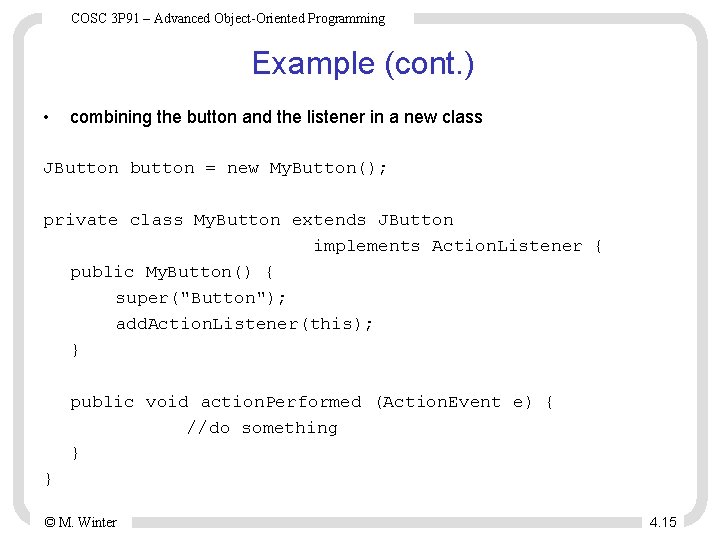
COSC 3 P 91 – Advanced Object-Oriented Programming Example (cont. ) • combining the button and the listener in a new class JButton button = new My. Button(); private class My. Button extends JButton implements Action. Listener { public My. Button() { super("Button"); add. Action. Listener(this); } public void action. Performed (Action. Event e) { //do something } } © M. Winter 4. 15
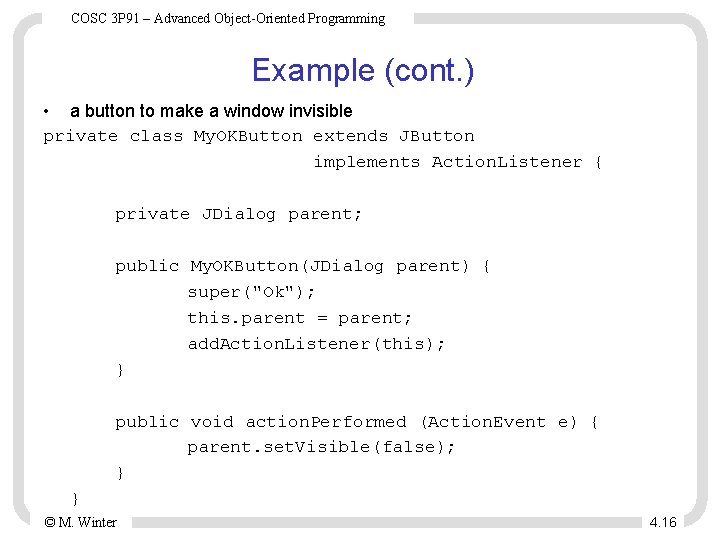
COSC 3 P 91 – Advanced Object-Oriented Programming Example (cont. ) • a button to make a window invisible private class My. OKButton extends JButton implements Action. Listener { private JDialog parent; public My. OKButton(JDialog parent) { super("Ok"); this. parent = parent; add. Action. Listener(this); } public void action. Performed (Action. Event e) { parent. set. Visible(false); } } © M. Winter 4. 16
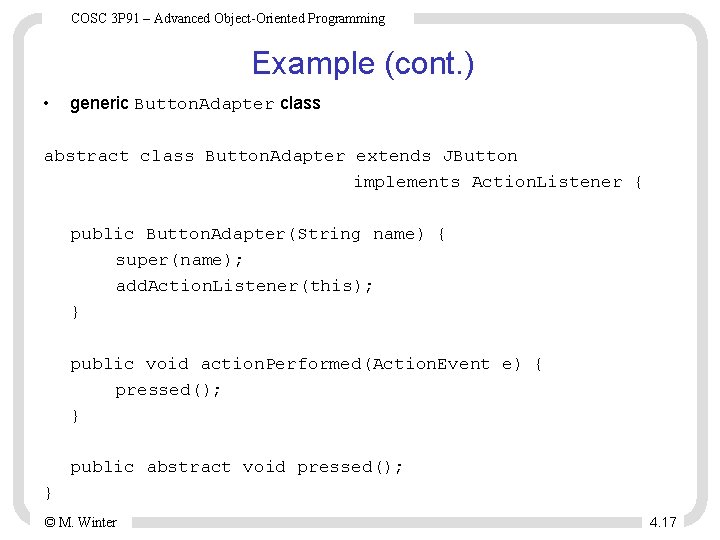
COSC 3 P 91 – Advanced Object-Oriented Programming Example (cont. ) • generic Button. Adapter class abstract class Button. Adapter extends JButton implements Action. Listener { public Button. Adapter(String name) { super(name); add. Action. Listener(this); } public void action. Performed(Action. Event e) { pressed(); } public abstract void pressed(); } © M. Winter 4. 17
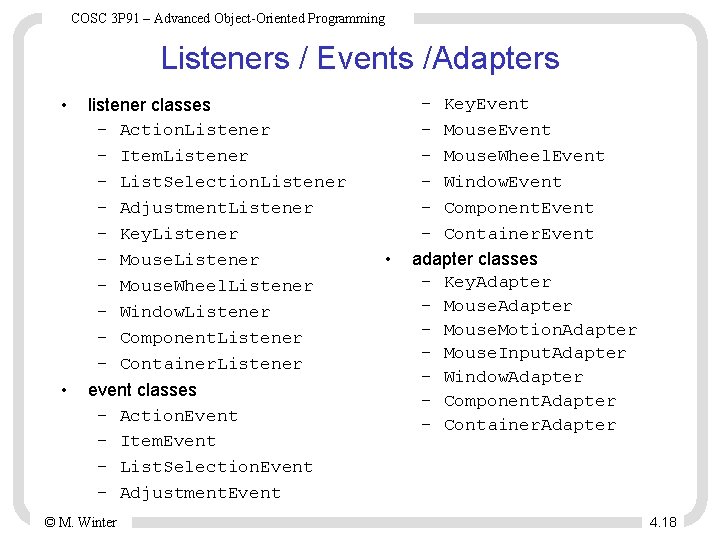
COSC 3 P 91 – Advanced Object-Oriented Programming Listeners / Events /Adapters • • listener classes – Action. Listener – Item. Listener – List. Selection. Listener – Adjustment. Listener – Key. Listener – Mouse. Wheel. Listener – Window. Listener – Component. Listener – Container. Listener event classes – Action. Event – Item. Event – List. Selection. Event – Adjustment. Event © M. Winter • – Key. Event – Mouse. Wheel. Event – Window. Event – Component. Event – Container. Event adapter classes – Key. Adapter – Mouse. Motion. Adapter – Mouse. Input. Adapter – Window. Adapter – Component. Adapter – Container. Adapter 4. 18
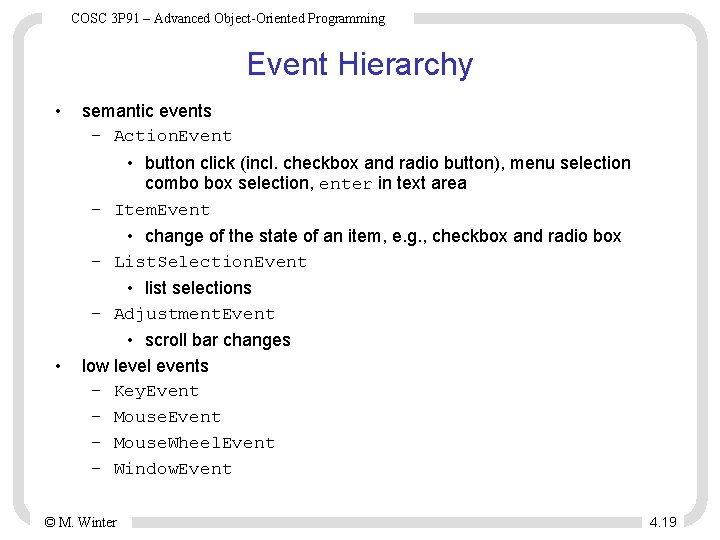
COSC 3 P 91 – Advanced Object-Oriented Programming Event Hierarchy • • semantic events – Action. Event • button click (incl. checkbox and radio button), menu selection combo box selection, enter in text area – Item. Event • change of the state of an item, e. g. , checkbox and radio box – List. Selection. Event • list selections – Adjustment. Event • scroll bar changes low level events – Key. Event – Mouse. Wheel. Event – Window. Event © M. Winter 4. 19
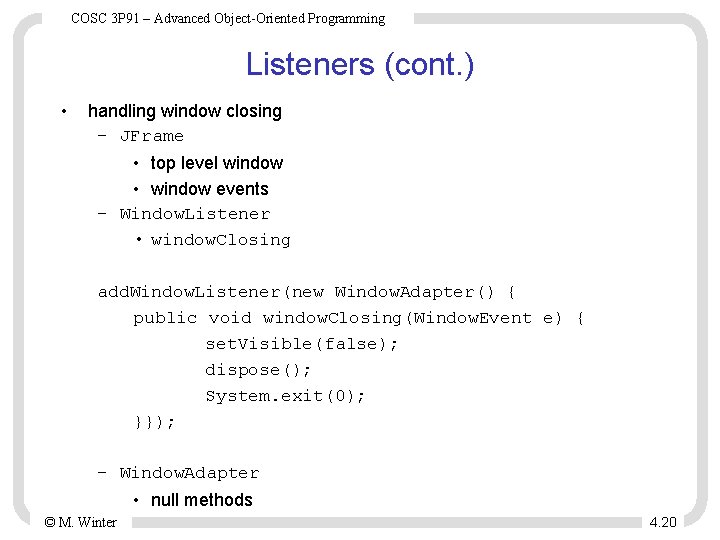
COSC 3 P 91 – Advanced Object-Oriented Programming Listeners (cont. ) • handling window closing – JFrame • top level window • window events – Window. Listener • window. Closing add. Window. Listener(new Window. Adapter() { public void window. Closing(Window. Event e) { set. Visible(false); dispose(); System. exit(0); }}); – Window. Adapter • null methods © M. Winter 4. 20
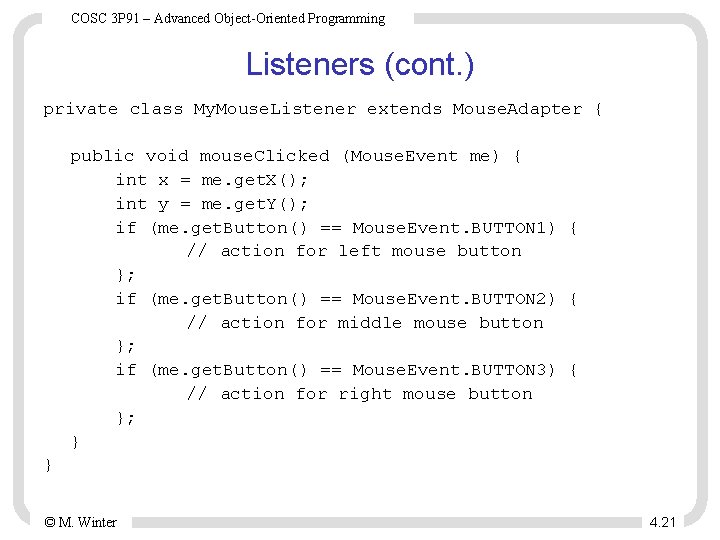
COSC 3 P 91 – Advanced Object-Oriented Programming Listeners (cont. ) private class My. Mouse. Listener extends Mouse. Adapter { public void mouse. Clicked (Mouse. Event me) { int x = me. get. X(); int y = me. get. Y(); if (me. get. Button() == Mouse. Event. BUTTON 1) { // action for left mouse button }; if (me. get. Button() == Mouse. Event. BUTTON 2) { // action for middle mouse button }; if (me. get. Button() == Mouse. Event. BUTTON 3) { // action for right mouse button }; } } © M. Winter 4. 21
COSC 3 P 91 – Advanced Object-Oriented Programming JPanel • contained container – lightweight – typically used as top level container in content pane – also for controlling layout – default layout manager: Flow. Layout. Manager • constructor – JPanel() © M. Winter 4. 22
COSC 3 P 91 – Advanced Object-Oriented Programming JButton • • button widget button with label press generates Action. Event • methods – add. Action. Listener ( Action. Listener l ) – set. Action. Command ( String action. Command ) – set. Enabled ( boolean b ) – set. Text ( String text ) constructor – JButton ( String label ) © M. Winter 4. 23
COSC 3 P 91 – Advanced Object-Oriented Programming JMenu. Bar • associated with a JFrame – frame. set. JMenu. Bar ( JMenu. Bar m. Bar ) • constructor – JMenu. Bar ( ) • methods – add ( JMenu menu ) © M. Winter 4. 24
COSC 3 P 91 – Advanced Object-Oriented Programming JMenu • • menu in a JMenu. Bar • methods – add ( JMenu. Item item ) – add. Separator ( ) – insert ( JMenu. Item item, int pos) – insert. Separator ( int pos ) – remove ( JMenu. Item item ) – remove ( int pos ) – remove. All ( ) constructor – JMenu ( String label ) © M. Winter 4. 25
COSC 3 P 91 – Advanced Object-Oriented Programming JMenu. Item • • selectable item in a JMenu • methods – add. Action. Listener ( Action. Listener listener ) – set. Action. Command ( String command ) – set. Enabled ( boolean b ) constructors – JMenu. Item ( String text ) © M. Winter 4. 26
COSC 3 P 91 – Advanced Object-Oriented Programming Example public My. Frame() { JMenu. Bar my. Bar = new JMenu. Bar(); JMenu file. Menu = new JMenu("File"); JMenu. Item start. Item = new JMenu. Item("Start Game"); start. Item. set. Enabled(false); file. Menu. add(start. Item); JMenu. Item quit. Item = new JMenu. Item("Quit"); quit. Item. add. Action. Listener(new Abstract. Action() { public void action. Performed(Action. Event e) { System. exit(0); }}); file. Menu. add(quit. Item); my. Bar. add(file. Menu); set. JMenu. Bar(my. Bar); set. Size(500, 300); set. Location(200, 200); set. Visible(true); } © M. Winter 4. 27
COSC 3 P 91 – Advanced Object-Oriented Programming JRadio. Button • buttons that can be grouped • Button. Group – constructor • Button. Group ( ) – methods • add ( Abstract. Button b ) • Button. Model get. Selection ( ) • constructors – JRadio. Button ( String label ) – JRadio. Button ( String label, boolean state ) • methods – add. Action. Listener ( Actionlistener ) – set. Action. Command ( String action. Command ) – set. Enabled ( boolean b ) – boolean is. Selected ( ) – set. Selected ( boolean state ) © M. Winter 4. 28
COSC 3 P 91 – Advanced Object-Oriented Programming JDialog • • dialog window – has a parent (owner) – modal or non-modal content pane constructors – JDialog ( ) – JDialog ( Dialog owner ) – JDialog ( Frame owner ) – JDialog ( Dialog owner, boolean modal ) – JDialog ( Frame owner, boolean modal ) methods – Container get. Content. Pane ( ) – dispose ( ) // from Window – pack ( ) // from Window – set. Resizable ( boolean b ) // from Dialog – set. Title ( String title ) // from Dialog – set. Default. Close. Operation ( int operation ) © M. Winter 4. 29
COSC 3 P 91 – Advanced Object-Oriented Programming Example public My. Dialog(JFrame parent) { super(parent, true); set. Size(220, 160); set. Title("Select number of players"); Button. Group group = new Button. Group(); JRadio. Button one = new JRadio. Button("One", true); JRadio. Button two = new JRadio. Button("Two", false); JRadio. Button three = new JRadio. Button("Three", false); JRadio. Button four = new JRadio. Button("Four", false); group. add(one); group. add(two); group. add(three); group. add(four); JPanel select. Panel = new JPanel(); select. Panel. set. Layout(new Grid. Layout(4, 1)); select. Panel. add(one); select. Panel. add(two); select. Panel. add(three); select. Panel. add(four); get. Content. Pane(). add(select. Panel, Border. Layout. NORTH); © M. Winter 4. 30
COSC 3 P 91 – Advanced Object-Oriented Programming Example (cont’d) JPanel button. Panel = new JPanel(); JButton ok = new JButton("OK"); ok. add. Action. Listener(new Abstract. Action() { public void action. Performed(Action. Event e) { set. Visible(false); }}); button. Panel. add(ok, Border. Layout. CENTER); get. Content. Pane(). add(button. Panel, Border. Layout. SOUTH); set. Visible(false); } In My. Frame: private My. Dialog dialog = new My. Dialog(this); . . . start. Item. add. Action. Listener(new Abstract. Action() { public void action. Performed(Action. Event e) { dialog. set. Visible(true); }}); © M. Winter 4. 31
COSC 3 P 91 – Advanced Object-Oriented Programming JScroll. Bar • constructors – JScroll. Bar (int orientation, int value, int extent, int min, int max ) • methods – add. Adjustment. Listener( Adjustment. Listener listener ) – get. Orientation( ) – get. Value( ) – set. Value( int value ) © M. Winter 4. 32
COSC 3 P 91 – Advanced Object-Oriented Programming JLabel • • text label constructors – JLabel ( ( String text ) String text, int align ) Icon icon ) String text, Icon icon, int align ) • alignment – JLabel. LEFT – JLabel. RIGHT – JLabel. CENTER • methods – set. Text ( String text ) – set. Icon ( Icon icon ) © M. Winter 4. 33
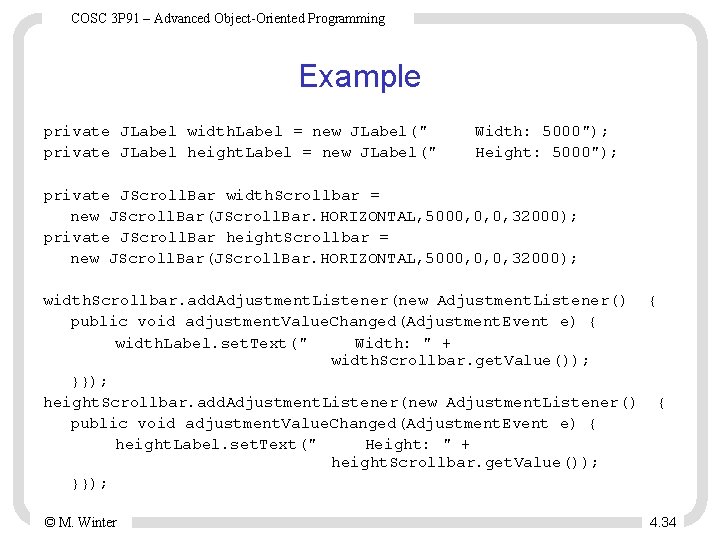
COSC 3 P 91 – Advanced Object-Oriented Programming Example private JLabel width. Label = new JLabel(" private JLabel height. Label = new JLabel(" Width: 5000"); Height: 5000"); private JScroll. Bar width. Scrollbar = new JScroll. Bar(JScroll. Bar. HORIZONTAL, 5000, 0, 0, 32000); private JScroll. Bar height. Scrollbar = new JScroll. Bar(JScroll. Bar. HORIZONTAL, 5000, 0, 0, 32000); width. Scrollbar. add. Adjustment. Listener(new Adjustment. Listener() { public void adjustment. Value. Changed(Adjustment. Event e) { width. Label. set. Text(" Width: " + width. Scrollbar. get. Value()); }}); height. Scrollbar. add. Adjustment. Listener(new Adjustment. Listener() { public void adjustment. Value. Changed(Adjustment. Event e) { height. Label. set. Text(" Height: " + height. Scrollbar. get. Value()); }}); © M. Winter 4. 34
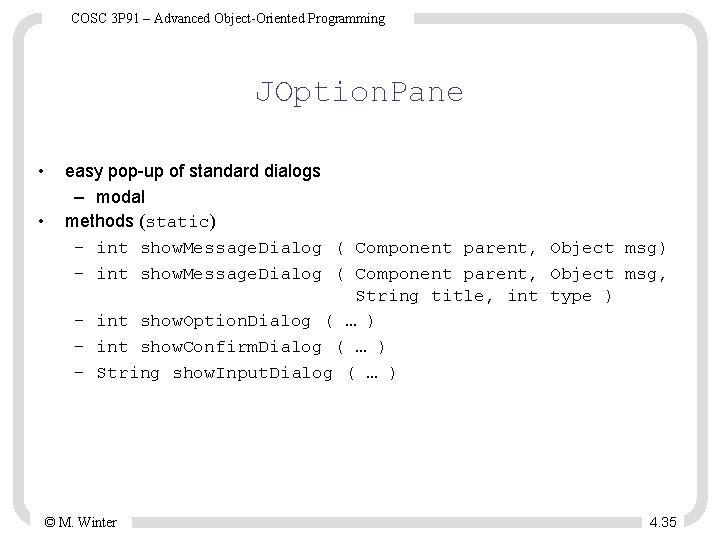
COSC 3 P 91 – Advanced Object-Oriented Programming JOption. Pane • • easy pop-up of standard dialogs – modal methods (static) – int show. Message. Dialog ( Component parent, Object msg, String title, int type ) – int show. Option. Dialog ( … ) – int show. Confirm. Dialog ( … ) – String show. Input. Dialog ( … ) © M. Winter 4. 35
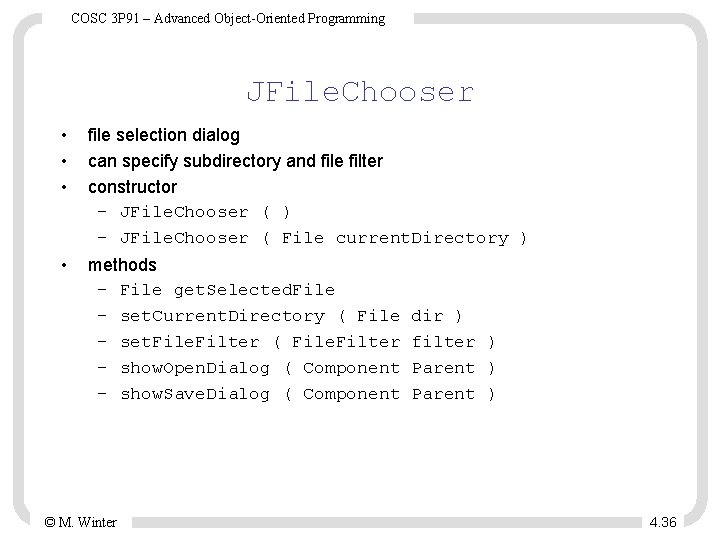
COSC 3 P 91 – Advanced Object-Oriented Programming JFile. Chooser • • • file selection dialog can specify subdirectory and file filter constructor – JFile. Chooser ( ) – JFile. Chooser ( File current. Directory ) • methods – File get. Selected. File – set. Current. Directory ( File – set. File. Filter ( File. Filter – show. Open. Dialog ( Component – show. Save. Dialog ( Component © M. Winter dir ) filter ) Parent ) 4. 36
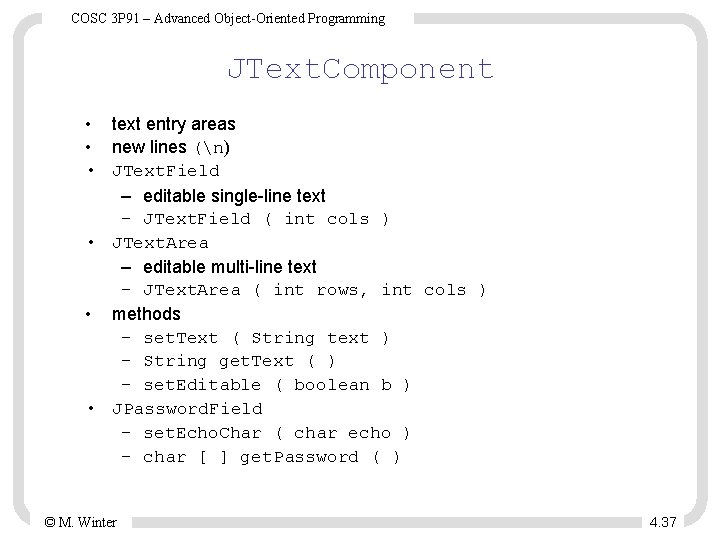
COSC 3 P 91 – Advanced Object-Oriented Programming JText. Component • text entry areas • new lines (n) • JText. Field – editable single-line text – JText. Field ( int cols ) • JText. Area – editable multi-line text – JText. Area ( int rows, int cols ) • methods – set. Text ( String text ) – String get. Text ( ) – set. Editable ( boolean b ) • JPassword. Field – set. Echo. Char ( char echo ) – char [ ] get. Password ( ) © M. Winter 4. 37
COSC 3 P 91 – Advanced Object-Oriented Programming JCheckbox • • • a checkbox generates Action. Event • methods – add. Action. Listener ( Actoinlistener ) – set. Action. Command ( String action. Command ) – set. Enabled ( boolean b ) – boolean is. Selected ( ) – set. Selected ( boolean state ) constructors – JCheckbox ( String label ) – JCheckbox ( String label, boolean state ) © M. Winter 4. 38
COSC 3 P 91 – Advanced Object-Oriented Programming JList • • list selector generates List. Selection. Event constructor – JList ( Object[] items ) – JList ( List. Model data. Model ) methods – set. Visible. Row. Count ( int rows ) – set. Fixed. Cell. Width ( int width) – set. Selection. Mode ( int mode ) • JList. SINGLE_SELECTION, JList. SINGLE_INTERVAL_SELECTION, JList. MULTIPLE_INTERVAL_SELECTION – add. List. Selection. Listener ( List. Selection. Listener l ) – Object[] get. Selected. Values ( ) – Object get. Selected. Value ( ) © M. Winter 4. 39
COSC 3 P 91 – Advanced Object-Oriented Programming List. Selection. Listener • javax. swing. event • method – value. Changed ( List. Selection. Event e ) • List. Selection. Event – boolean get. Value. Is. Adjusting ( ) – Object get. Source ( ) © M. Winter 4. 40
COSC 3 P 91 – Advanced Object-Oriented Programming JScroll. Pane • • • scrolling for other components place component in JScroll. Pane and then add scroll pane to container constructor – JScroll. Pane ( Component c ) © M. Winter 4. 41
COSC 3 P 91 – Advanced Object-Oriented Programming 2 D Graphics and Animation Requirements: Java 1. 4. 1 or newer. Some basic notions: • Resolution: Typical resolutions are 640 x 480, 800 x 600, 1024 x 768 and 1280 x 1024. • Bit depth: The number of colors a monitor can display depends on the bit depth. Common bit depth are 8, 15, 16, 24 and 32 bits. – human eye can see about 10 million colors 16, 777, 216 = 224, 24 bit is optimal. • Refresh rate: The monitor continuously refreshes the display. How fast it refreshes is known as the refresh rate, and is measured in Hertz (Hz), i. e. , cycles per second. A refresh rate between 75 Hz and 85 Hz is usually suitable for the human eye. © M. Winter 4. 42
COSC 3 P 91 – Advanced Object-Oriented Programming Images - Transparency Three types of image transparency: • Opaque: Every pixel in the image is visible. • Transparent: Every pixel in the image is either completely visible or completely see-through. • Translucent: Pixels can be partially transparent, to create a ghostlike, partially see-through effect. © M. Winter 4. 43
COSC 3 P 91 – Advanced Object-Oriented Programming Images – File Formats Three formats are supported: • GIF: – opaque or transparent – 8 -bit color or less • PNG: – any type of transparency – up to 24 -bit color – PNG supercedes GIF • JPEG: – opaque – 24 -bit color – high compression (lossy compression) – for photographic images © M. Winter 4. 44
COSC 3 P 91 – Advanced Object-Oriented Programming Images – Reading Using the Toolkit’s get. Image() method: Toolkit toolkit = Toolkit. get. Default. Toolkit(); Image image = toolkit. get. Image(filename); The code above does not actually load the image (The image begins loading in another thread). Image. Icon icon = new Image. Icon(filename); Image image = icon. get. Image(); or Image. IO. read(new File(filename)); © M. Winter 4. 45
COSC 3 P 91 – Advanced Object-Oriented Programming Hardware-Accelerated Images Hardware-accelerated images are images that are stored in video memory rather than system memory. Java tries to hardware-accelerate any image you load. Issues that will keep images from being accelerated: • constantly changing the contents of the image • translucent images are not accelerated (Java 1. 4. 1) • system has no accelerated images capability © M. Winter 4. 46
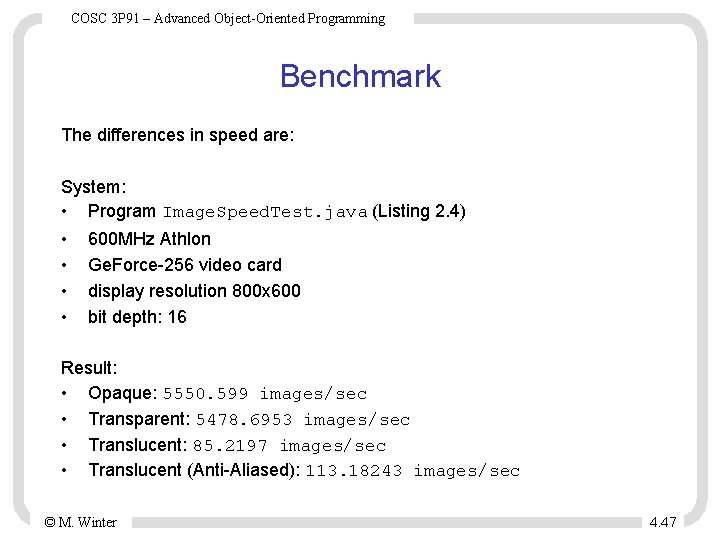
COSC 3 P 91 – Advanced Object-Oriented Programming Benchmark The differences in speed are: System: • Program Image. Speed. Test. java (Listing 2. 4) • • 600 MHz Athlon Ge. Force-256 video card display resolution 800 x 600 bit depth: 16 Result: • Opaque: 5550. 599 images/sec • Transparent: 5478. 6953 images/sec • Translucent: 85. 2197 images/sec • Translucent (Anti-Aliased): 113. 18243 images/sec © M. Winter 4. 47
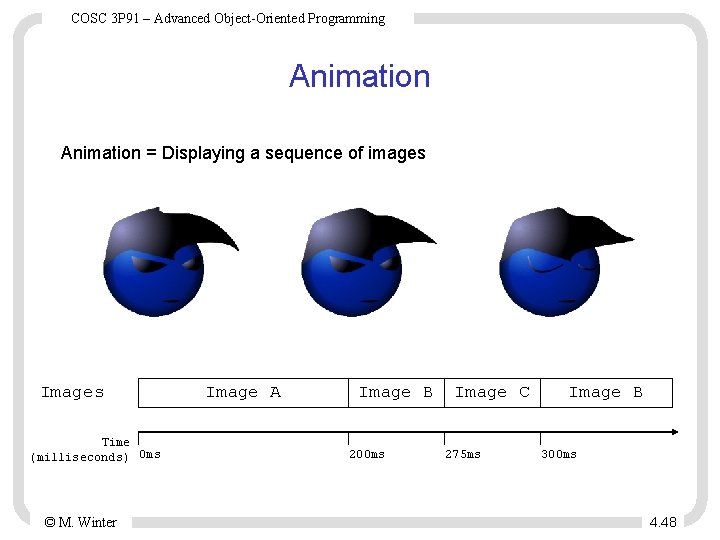
COSC 3 P 91 – Advanced Object-Oriented Programming Animation = Displaying a sequence of images Images Time (milliseconds) 0 ms © M. Winter Image A Image B 200 ms Image C 275 ms Image B 300 ms 4. 48
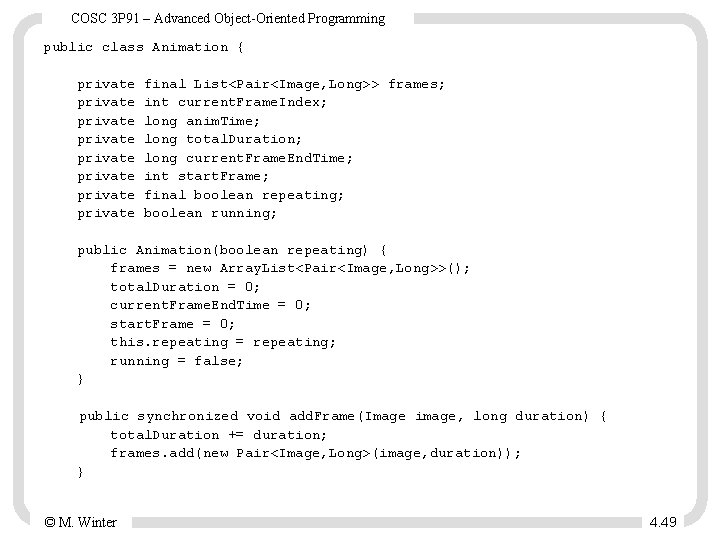
COSC 3 P 91 – Advanced Object-Oriented Programming public class Animation { private private final List<Pair<Image, Long>> frames; int current. Frame. Index; long anim. Time; long total. Duration; long current. Frame. End. Time; int start. Frame; final boolean repeating; boolean running; public Animation(boolean repeating) { frames = new Array. List<Pair<Image, Long>>(); total. Duration = 0; current. Frame. End. Time = 0; start. Frame = 0; this. repeating = repeating; running = false; } public synchronized void add. Frame(Image image, long duration) { total. Duration += duration; frames. add(new Pair<Image, Long>(image, duration)); } © M. Winter 4. 49
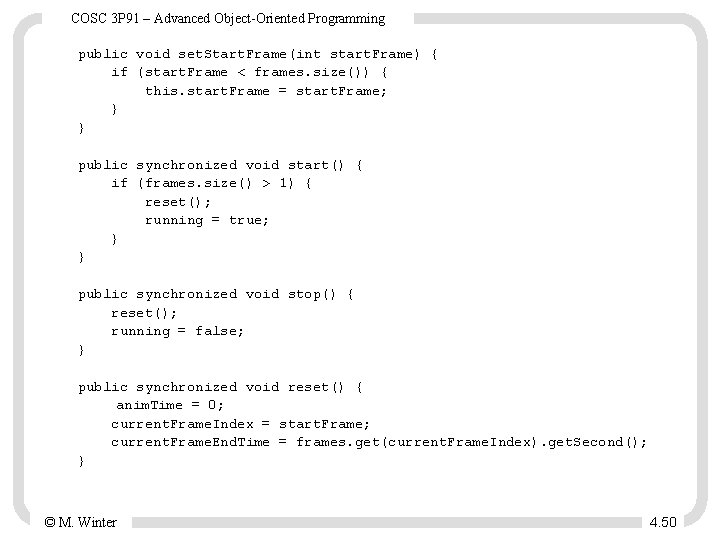
COSC 3 P 91 – Advanced Object-Oriented Programming public void set. Start. Frame(int start. Frame) { if (start. Frame < frames. size()) { this. start. Frame = start. Frame; } } public synchronized void start() { if (frames. size() > 1) { reset(); running = true; } } public synchronized void stop() { reset(); running = false; } public synchronized void reset() { anim. Time = 0; current. Frame. Index = start. Frame; current. Frame. End. Time = frames. get(current. Frame. Index). get. Second(); } © M. Winter 4. 50
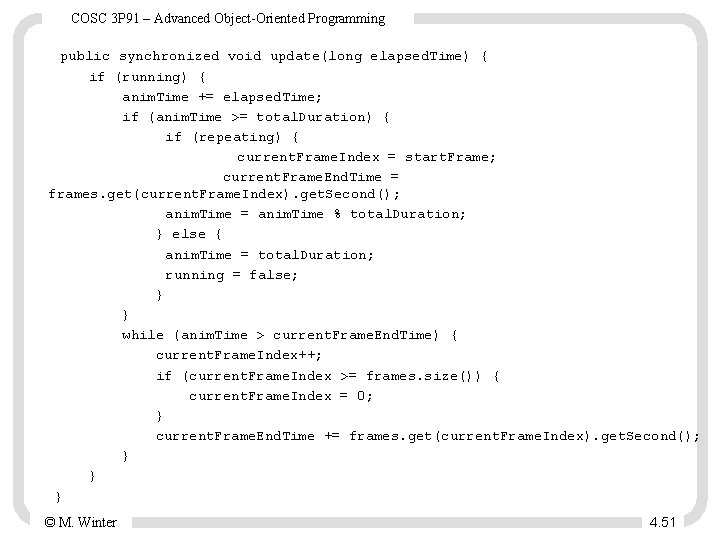
COSC 3 P 91 – Advanced Object-Oriented Programming public synchronized void update(long elapsed. Time) { if (running) { anim. Time += elapsed. Time; if (anim. Time >= total. Duration) { if (repeating) { current. Frame. Index = start. Frame; current. Frame. End. Time = frames. get(current. Frame. Index). get. Second(); anim. Time = anim. Time % total. Duration; } else { anim. Time = total. Duration; running = false; } } while (anim. Time > current. Frame. End. Time) { current. Frame. Index++; if (current. Frame. Index >= frames. size()) { current. Frame. Index = 0; } current. Frame. End. Time += frames. get(current. Frame. Index). get. Second(); } } } © M. Winter 4. 51
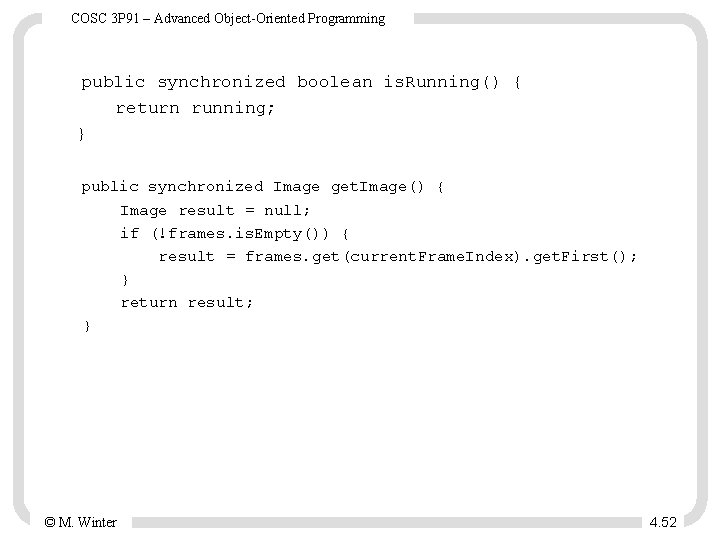
COSC 3 P 91 – Advanced Object-Oriented Programming public synchronized boolean is. Running() { return running; } public synchronized Image get. Image() { Image result = null; if (!frames. is. Empty()) { result = frames. get(current. Frame. Index). get. First(); } return result; } © M. Winter 4. 52
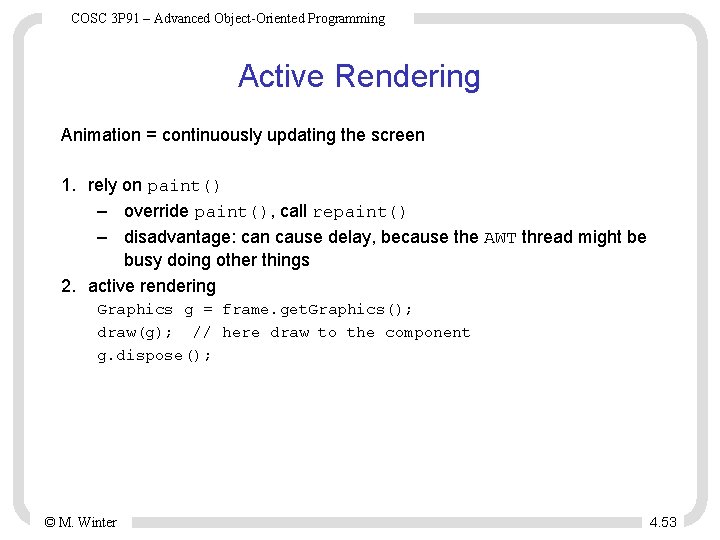
COSC 3 P 91 – Advanced Object-Oriented Programming Active Rendering Animation = continuously updating the screen 1. rely on paint() – override paint(), call repaint() – disadvantage: can cause delay, because the AWT thread might be busy doing other things 2. active rendering Graphics g = frame. get. Graphics(); draw(g); // here draw to the component g. dispose(); © M. Winter 4. 53
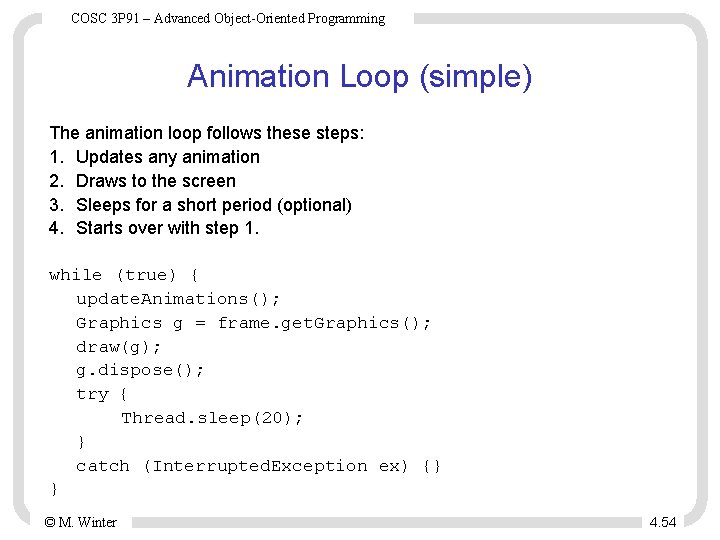
COSC 3 P 91 – Advanced Object-Oriented Programming Animation Loop (simple) The animation loop follows these steps: 1. Updates any animation 2. Draws to the screen 3. Sleeps for a short period (optional) 4. Starts over with step 1. while (true) { update. Animations(); Graphics g = frame. get. Graphics(); draw(g); g. dispose(); try { Thread. sleep(20); } catch (Interrupted. Exception ex) {} } © M. Winter 4. 54
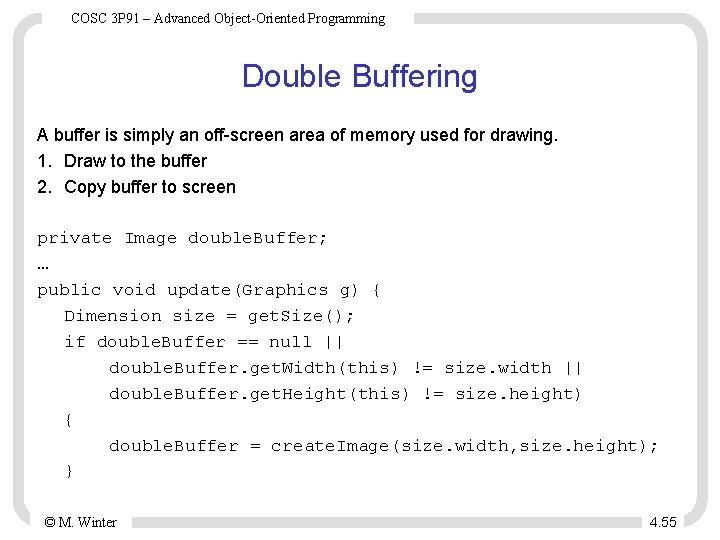
COSC 3 P 91 – Advanced Object-Oriented Programming Double Buffering A buffer is simply an off-screen area of memory used for drawing. 1. Draw to the buffer 2. Copy buffer to screen private Image double. Buffer; … public void update(Graphics g) { Dimension size = get. Size(); if double. Buffer == null || double. Buffer. get. Width(this) != size. width || double. Buffer. get. Height(this) != size. height) { double. Buffer = create. Image(size. width, size. height); } © M. Winter 4. 55
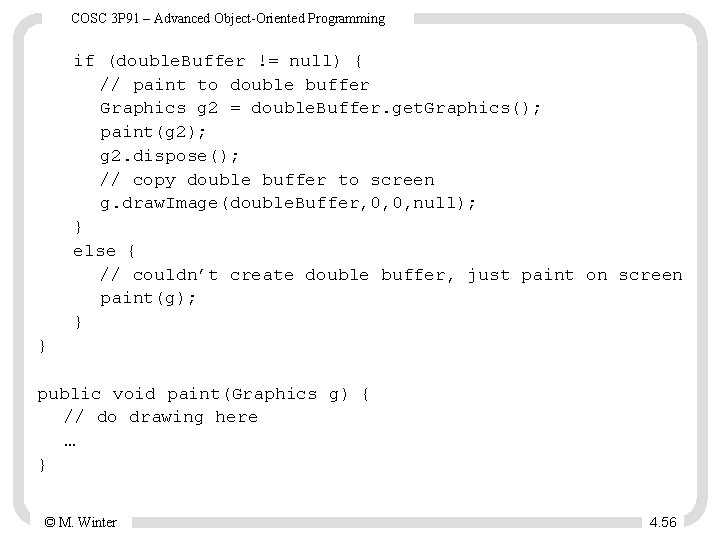
COSC 3 P 91 – Advanced Object-Oriented Programming if (double. Buffer != null) { // paint to double buffer Graphics g 2 = double. Buffer. get. Graphics(); paint(g 2); g 2. dispose(); // copy double buffer to screen g. draw. Image(double. Buffer, 0, 0, null); } else { // couldn’t create double buffer, just paint on screen paint(g); } } public void paint(Graphics g) { // do drawing here … } © M. Winter 4. 56
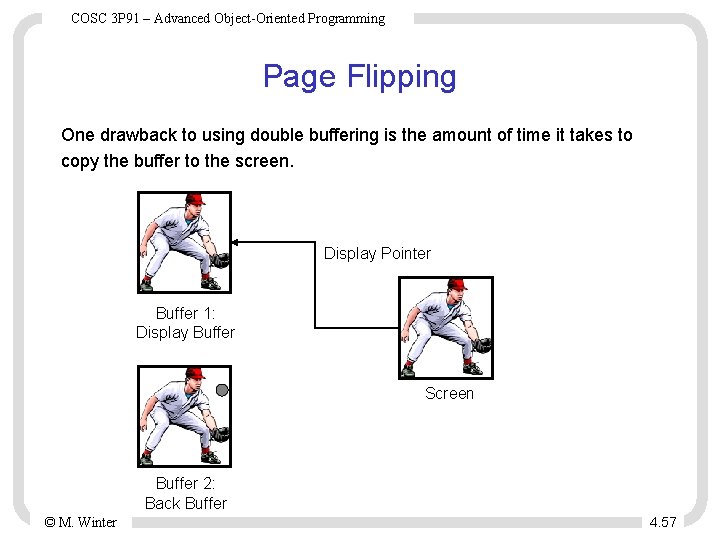
COSC 3 P 91 – Advanced Object-Oriented Programming Page Flipping One drawback to using double buffering is the amount of time it takes to copy the buffer to the screen. Display Pointer Buffer 1: Display Buffer Screen Buffer 2: Back Buffer © M. Winter 4. 57
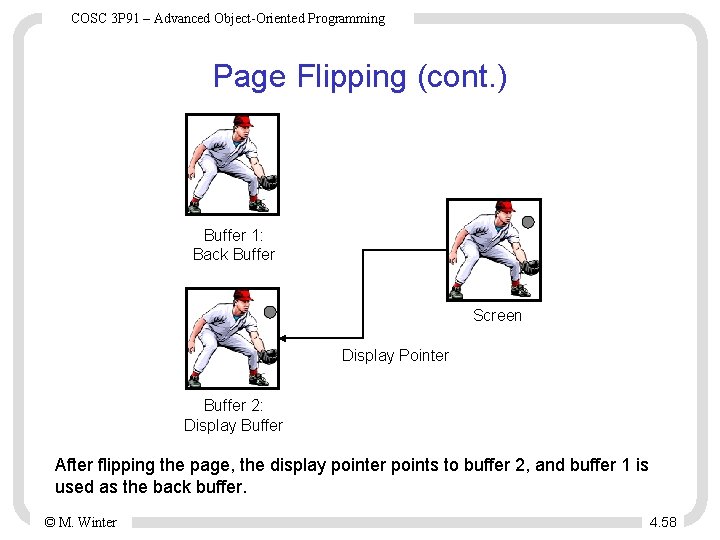
COSC 3 P 91 – Advanced Object-Oriented Programming Page Flipping (cont. ) Buffer 1: Back Buffer Screen Display Pointer Buffer 2: Display Buffer After flipping the page, the display pointer points to buffer 2, and buffer 1 is used as the back buffer. © M. Winter 4. 58
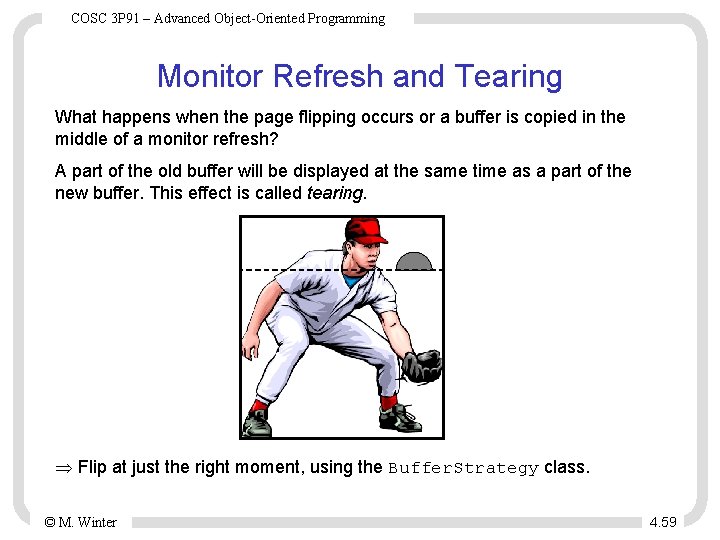
COSC 3 P 91 – Advanced Object-Oriented Programming Monitor Refresh and Tearing What happens when the page flipping occurs or a buffer is copied in the middle of a monitor refresh? A part of the old buffer will be displayed at the same time as a part of the new buffer. This effect is called tearing. Flip at just the right moment, using the Buffer. Strategy class. © M. Winter 4. 59
COSC 3 P 91 – Advanced Object-Oriented Programming The Buffer. Strategy class Double buffering, page flipping, and waiting for the monitor refresh all are handled by the Buffer. Strategy class. First, it tries page flipping. If that is not possible, it tries double buffering. Both Canvas and Window objects can have a Buffer. Strategy. Creating a new Buffer. Strategy. Example: frame. create. Buffer. Strategy(2); Using the Buffer. Strategy. Example: Buffer. Strategy strategy = frame. get. Buffer. Strategy(); Graphics g = strategy. get. Draw. Graphics(); draw(g); g. dispose(); strategy. show(); © M. Winter 4. 60
COSC 3 P 91 – Advanced Object-Oriented Programming Animation loop (full) Code in a Canvas or other appropriate object probably running as its own thread. create. Buffer. Strategy(2); Buffer. Strategy strategy = get. Buffer. Strategy(); long last. Loop. Time = System. current. Time. Millis(); long current. Time; long delta; Graphics graphics; © M. Winter 4. 61
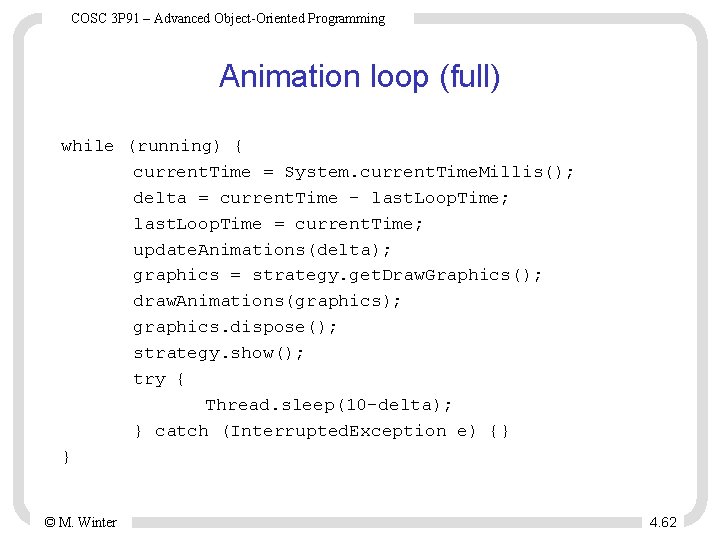
COSC 3 P 91 – Advanced Object-Oriented Programming Animation loop (full) while (running) { current. Time = System. current. Time. Millis(); delta = current. Time - last. Loop. Time; last. Loop. Time = current. Time; update. Animations(delta); graphics = strategy. get. Draw. Graphics(); draw. Animations(graphics); graphics. dispose(); strategy. show(); try { Thread. sleep(10 -delta); } catch (Interrupted. Exception e) {} } © M. Winter 4. 62
COSC 3 P 91 – Advanced Object-Oriented Programming Screen. Manager Update of the Simple. Screen. Manager with these new features: 1. Double buffering and page flipping by creating a Buffer. Strategy. 2. get. Graphics(), which gets the graphic context for the display. 3. update(), which updates the display. 4. get. Compatible. Display. Modes(), which gets a list of the compatible display modes. 5. get. Current. Display. Mode(), which gets the current display mode. 6. find. First. Compatible. Mode(), which gets the first compatible mode from a list of modes. © M. Winter 4. 63
COSC 3 P 91 – Advanced Object-Oriented Programming Sprites A sprite is a graphic that moves independently around the screen. Besides an animation, the sprites will be composed of • a position – float attributes • a velocity (a speed and a direction) – horizontal and vertical component – pixels per millisecond © M. Winter 4. 64
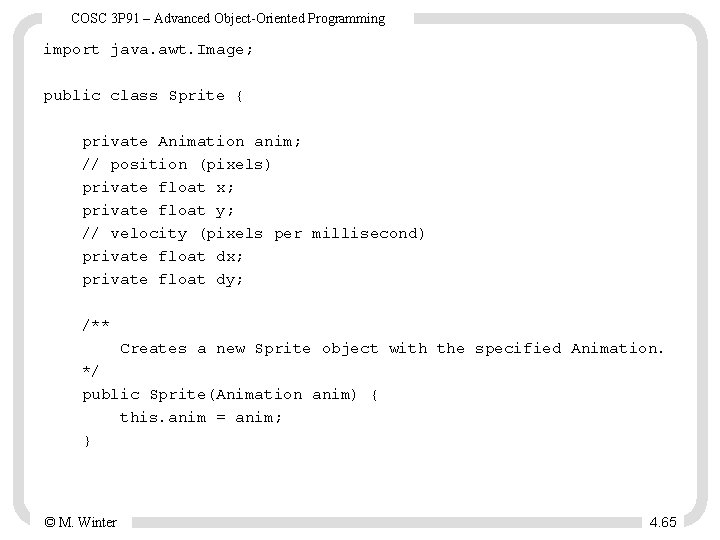
COSC 3 P 91 – Advanced Object-Oriented Programming import java. awt. Image; public class Sprite { private Animation anim; // position (pixels) private float x; private float y; // velocity (pixels per millisecond) private float dx; private float dy; /** Creates a new Sprite object with the specified Animation. */ public Sprite(Animation anim) { this. anim = anim; } © M. Winter 4. 65
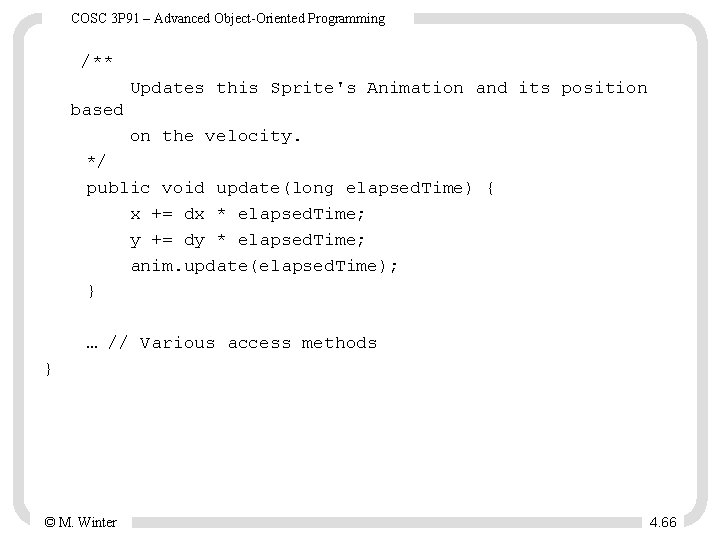
COSC 3 P 91 – Advanced Object-Oriented Programming /** Updates this Sprite's Animation and its position based on the velocity. */ public void update(long elapsed. Time) { x += dx * elapsed. Time; y += dy * elapsed. Time; anim. update(elapsed. Time); } … // Various access methods } © M. Winter 4. 66
COSC 3 P 91 – Advanced Object-Oriented Programming Image Transforms Image transforms enable you to translate, flip, scale, shear, and rotate images, even on the fly. An Affine. Transform object describes a transform (strategy design pattern). The transformation itself is stored in a 3 x 3 matrix. The class provides several easy methods that do the calculation: • rotate(double theta, double x, double y) Concatenates this transform with a transform that rotates coordinates around an anchor point. • scale(double sx, double sy) Concatenates this transform with a scaling transformation. • translate(double tx, double ty) Concatenates this transform with a translation transformation. © M. Winter 4. 67
COSC 3 P 91 – Advanced Object-Oriented Programming Example The character normally faces right. Using a transformation we make the character face left when it is moving left. Affine. Transform transform = new Affine. Transform(); transform. scale(-1, 1); transform. translate(-sprite. get. Width(), 0); g. draw. Image(sprite. get. Image(), transform, null); Problem with transformations: Transforming images does not take advantage of hardware acceleration. use transformations sparingly. © M. Winter 4. 68
- Slides: 68