
COSC 1306 COMPUTER SCIENCE AND PROGRAMMING JehanFranois Pris

- Slides: 69
COSC 1306 COMPUTER SCIENCE AND PROGRAMMING Jehan-François Pâris jfparis@uh. edu
CHAPTER III Al. GORITHMS
Chapter overview n n How computers work ¨ Hardware ¨ Software Algorithms and Heuristics ¨ Algorithmic thinking
HOW COMPUTERS WORK
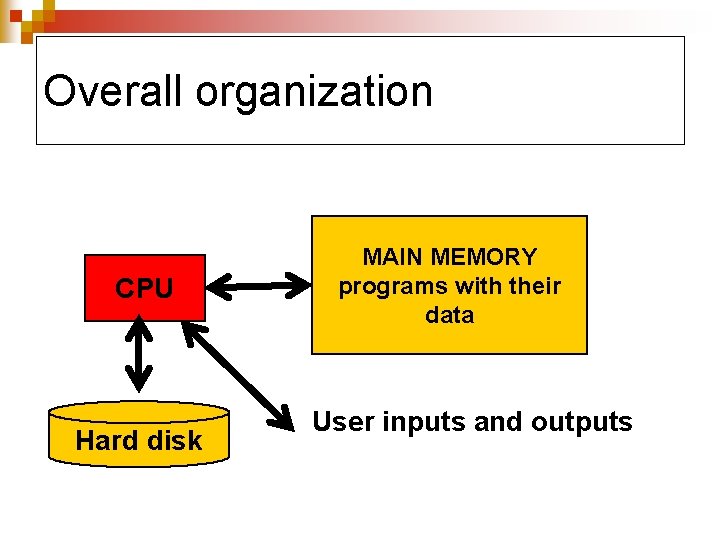
Overall organization CPU Hard disk MAIN MEMORY programs with their data User inputs and outputs
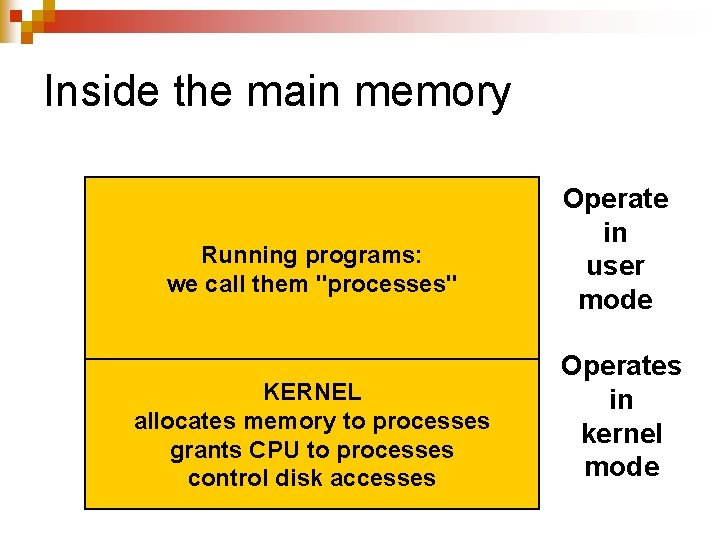
Inside the main memory Running programs: we call them "processes" KERNEL allocates memory to processes grants CPU to processes control disk accesses Operate in user mode Operates in kernel mode
The running programs n n n Reside in main memory ¨ while they are running Include many background processes ¨ We do not see them ¨ Take space and often CPU time Having a large main memory allows us to run more programs at the same time
TIP n n If your computer becomes slow whenever you switch among programs ¨ You need more memory If your computer takes a lot of time to boot ¨ You could have a slow disk ¨ Your OS has a lot of things to load into main memory n Useful and not so useful
The kernel n Responsible for ¨ Managing the resources n Which process should get the CPU n How our files are stored n… ¨ Enforcing security and preventing crashes
Security issues n n Must protect running programs from attempts to modify them by other programs ¨ Mostly programming issues ¨ Also viruses Must protect our data on disk ¨ Especially if computer is shared
Running a program n n n OS creates a process ¨ Allocates memory space to the process ¨ Disk copy of program is brought from disk into main memory Process competes with other processes for CPU time Process is deleted when program terminates
Saving the results n n Normally done by saving the results in a file stored on disk Can print them later
What is inside a program? n n n Instructions: ¨ Telling the CPU what to do Constants: ¨ Stable values Variables: n Memory locations where results can be stored
CHAPTER III ALGORITHMS Work in progress: Will still add new materials
What is an algorithm? n “Effective method expressed as a finite list of well-defined instructions for calculating a function” ¨ Wikipedia
Three important points n It must be an effective method ¨ Guaranteed to produce the result n The instructions should be well-defined ¨ Anybody using the algorithm should obtain the same answer n It should have a finite number of steps ¨ An algorithm must terminate after a finite number of finite steps
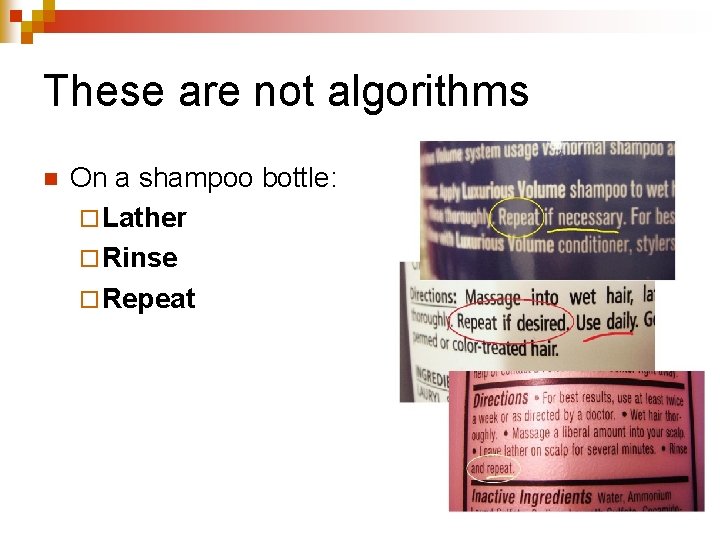
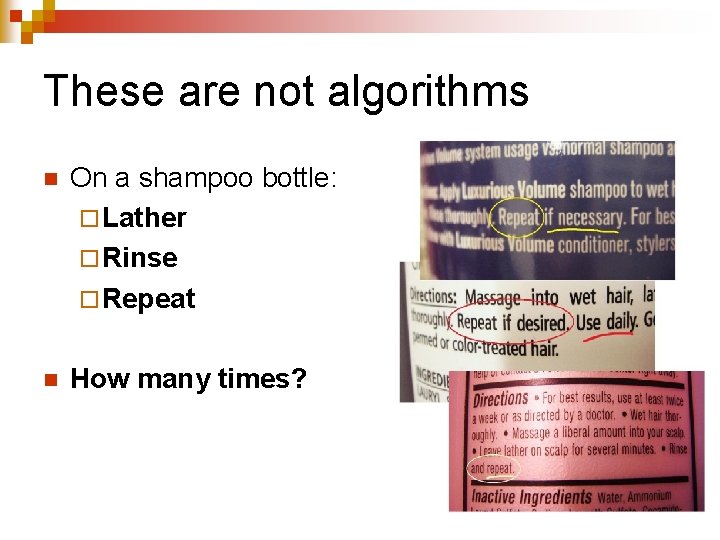
These are not algorithms n On a shampoo bottle: ¨ Lather ¨ Rinse ¨ Repeat
These are not algorithms n On a shampoo bottle: ¨ Lather ¨ Rinse ¨ Repeat n How many times?
These are not algorithms n On fuel tank cap: ¨ Turn until three o'clock
These are not algorithms n On fuel tank cap: ¨ Turn until three o'clock n That could be a long time!
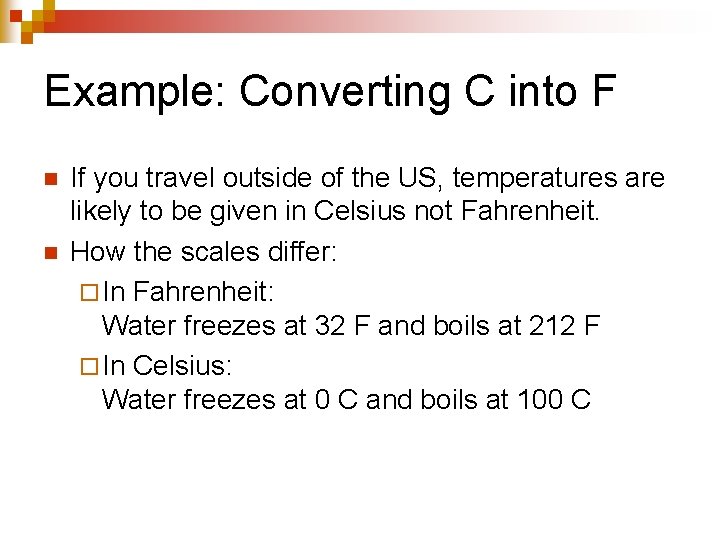
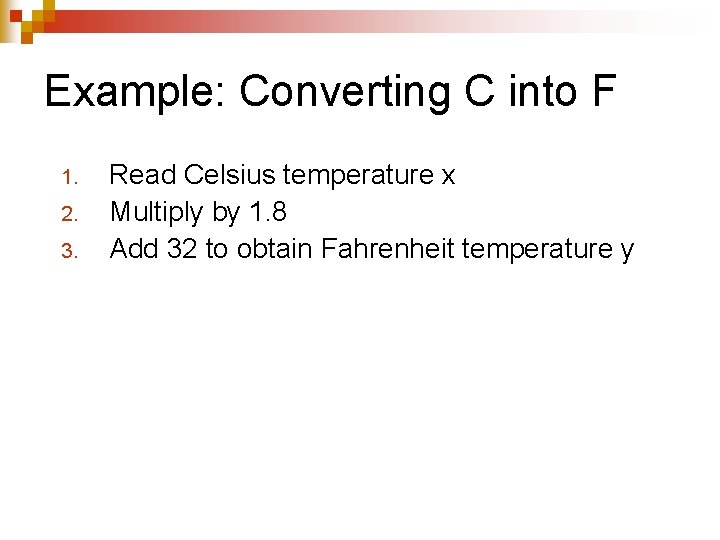
Example: Converting C into F n n If you travel outside of the US, temperatures are likely to be given in Celsius not Fahrenheit. How the scales differ: ¨ In Fahrenheit: Water freezes at 32 F and boils at 212 F ¨ In Celsius: Water freezes at 0 C and boils at 100 C
Example: Converting C into F 1. 2. 3. Read Celsius temperature x Multiply by 1. 8 Add 32 to obtain Fahrenheit temperature y
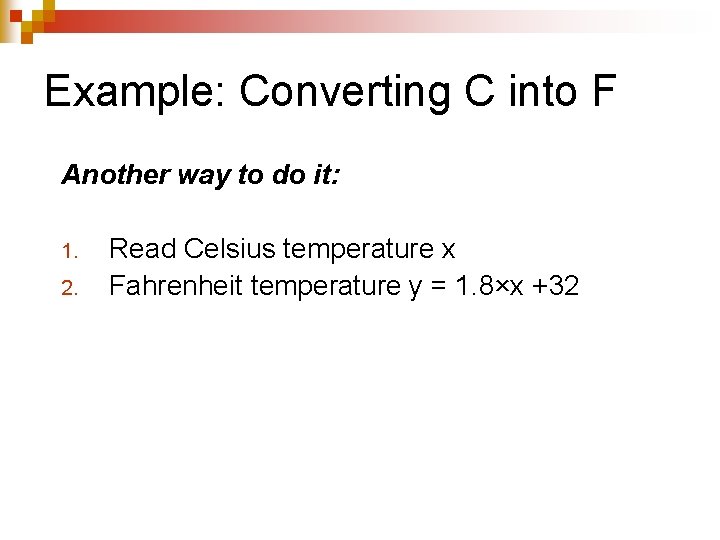
Example: Converting C into F Another way to do it: 1. 2. Read Celsius temperature x Fahrenheit temperature y = 1. 8×x +32
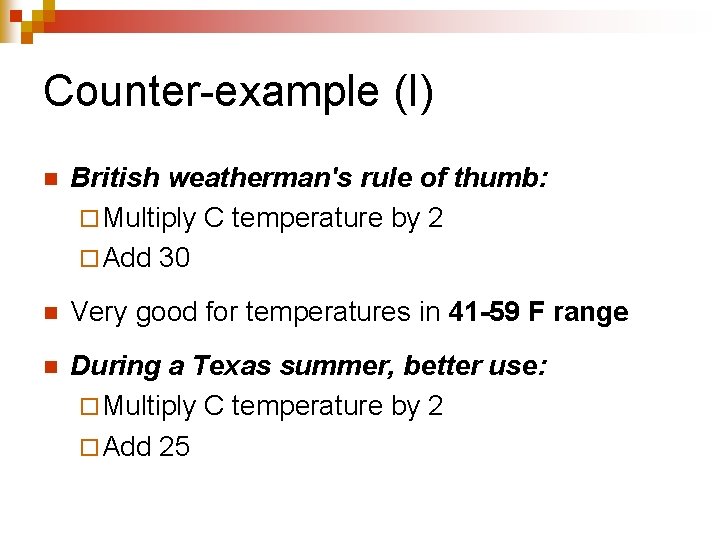
Counter-example (I) n British weatherman's rule of thumb: ¨ Multiply C temperature by 2 ¨ Add 30 n Very good for temperatures in 41 -59 F range n During a Texas summer, better use: ¨ Multiply C temperature by 2 ¨ Add 25
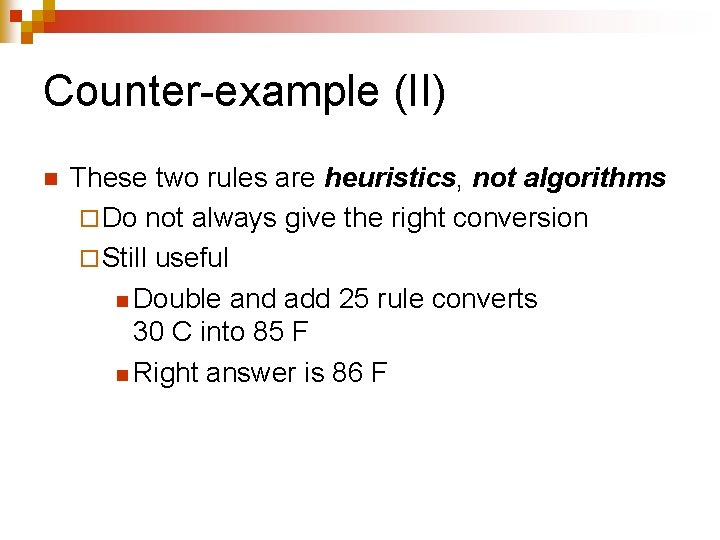
Counter-example (II) n These two rules are heuristics, not algorithms ¨ Do not always give the right conversion ¨ Still useful n Double and add 25 rule converts 30 C into 85 F n Right answer is 86 F
A program is not algorithm n It is the expression of an algorithm in a programming language n Picking the right algorithm is the most important task ¨ After that, we just have to code!
Example n n n Finding a name in a table Naïve solution is sequential search Binary search is much faster
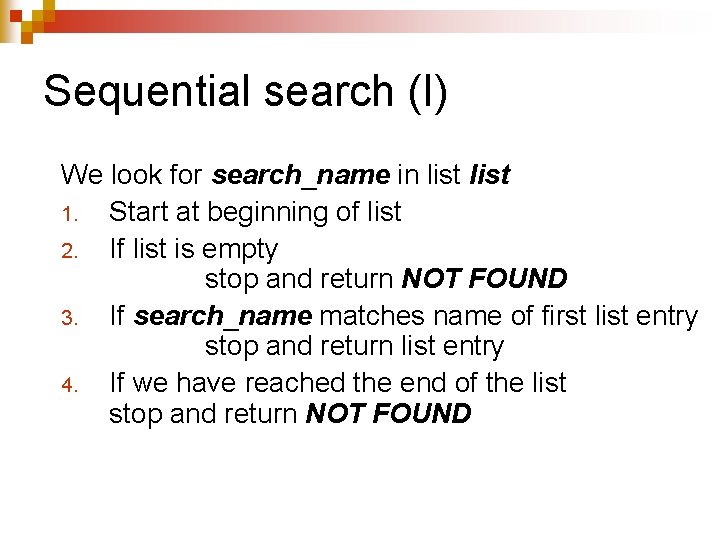
Sequential search (I) We look for search_name in list 1. Start at beginning of list 2. If list is empty stop and return NOT FOUND 3. If search_name matches name of first list entry stop and return list entry 4. If we have reached the end of the list stop and return NOT FOUND
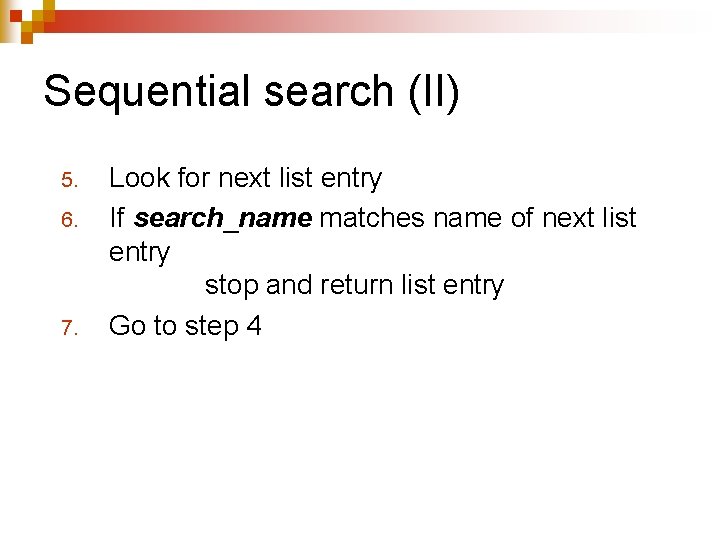
Sequential search (II) 5. 6. 7. Look for next list entry If search_name matches name of next list entry stop and return list entry Go to step 4
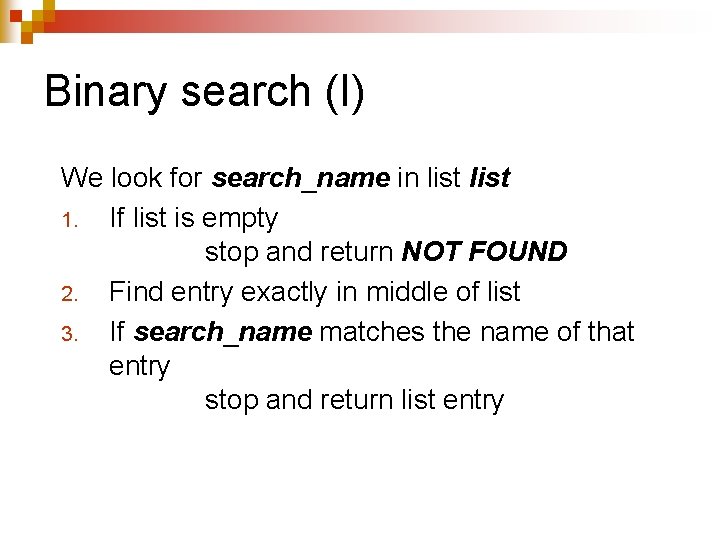
Binary search (I) We look for search_name in list 1. If list is empty stop and return NOT FOUND 2. Find entry exactly in middle of list 3. If search_name matches the name of that entry stop and return list entry
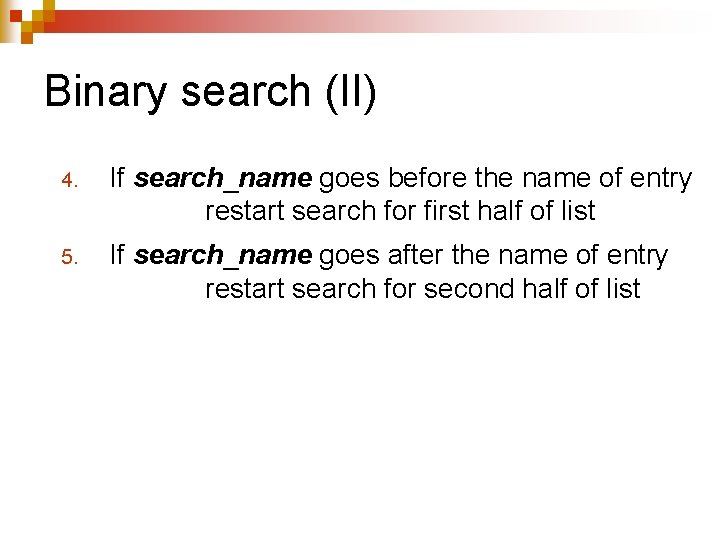
Binary search (II) 4. If search_name goes before the name of entry restart search for first half of list 5. If search_name goes after the name of entry restart search for second half of list
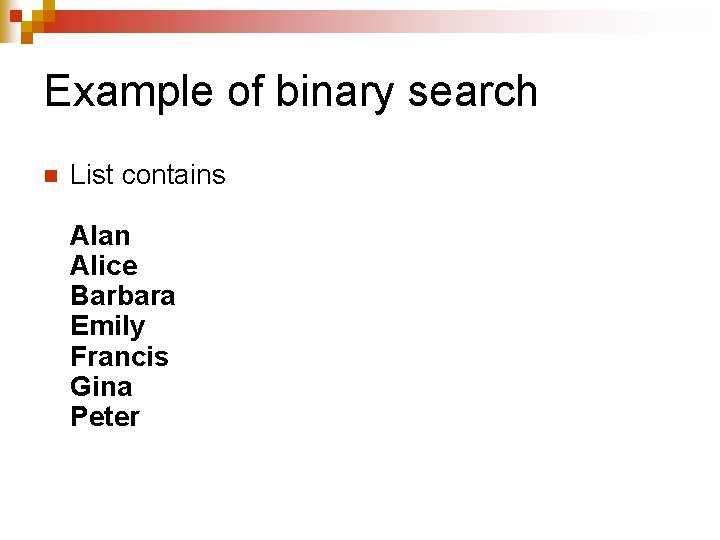
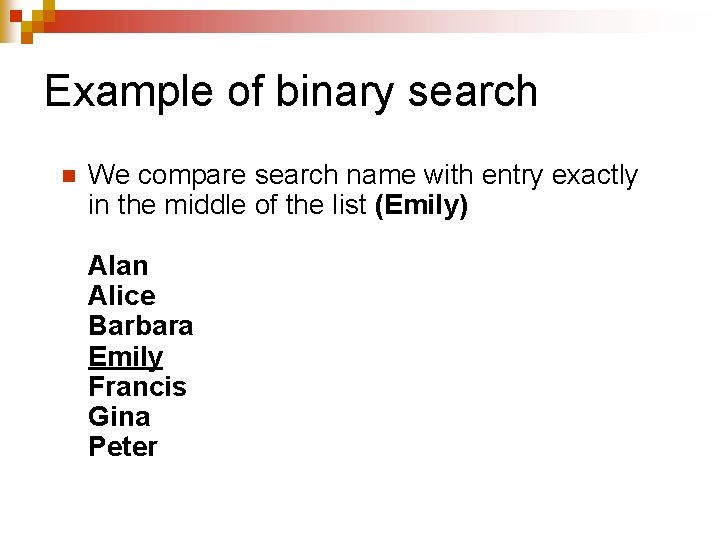
Example of binary search n List contains Alan Alice Barbara Emily Francis Gina Peter
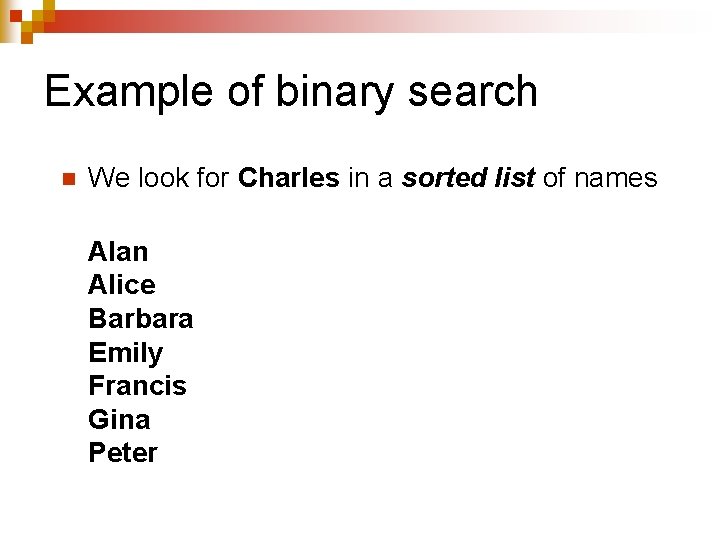
Example of binary search n We look for Charles in a sorted list of names Alan Alice Barbara Emily Francis Gina Peter
Example of binary search n We compare search name with entry exactly in the middle of the list (Emily) Alan Alice Barbara Emily Francis Gina Peter
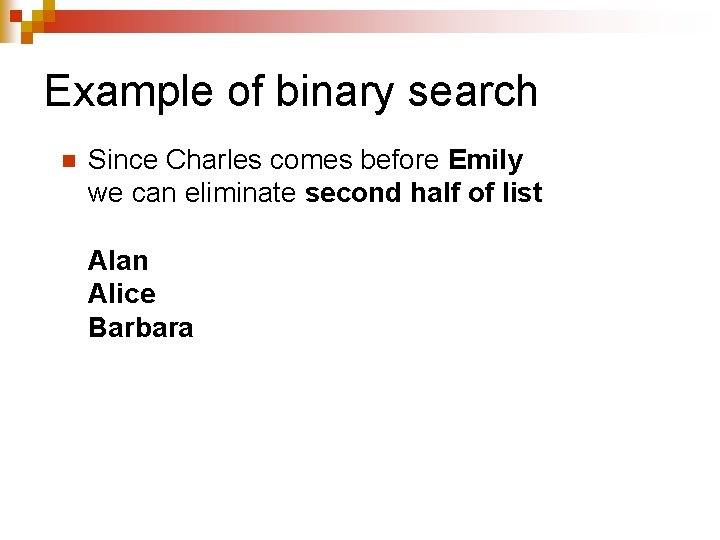
Example of binary search n Since Charles comes before Emily we can eliminate second half of list Alan Alice Barbara
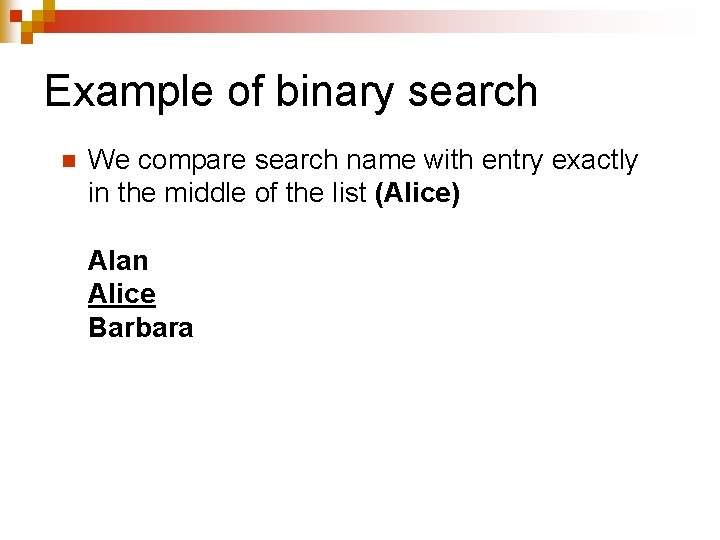
Example of binary search n We compare search name with entry exactly in the middle of the list (Alice) Alan Alice Barbara
Example of binary search n Since Charles comes after Alice we can eliminate the first half of list Barbara
Example of binary search n We compare search name with entry exactly in the middle of the list (Barbara) Barbara
Example of binary search n Since Charles comes after Alice we can eliminate the first half of the list Barbara
Example of binary search n Since Charles comes before Barbara we can eliminate one half of the list
Example of binary search n Since list to be searched is now empty we conclude that the list does not contain Charles
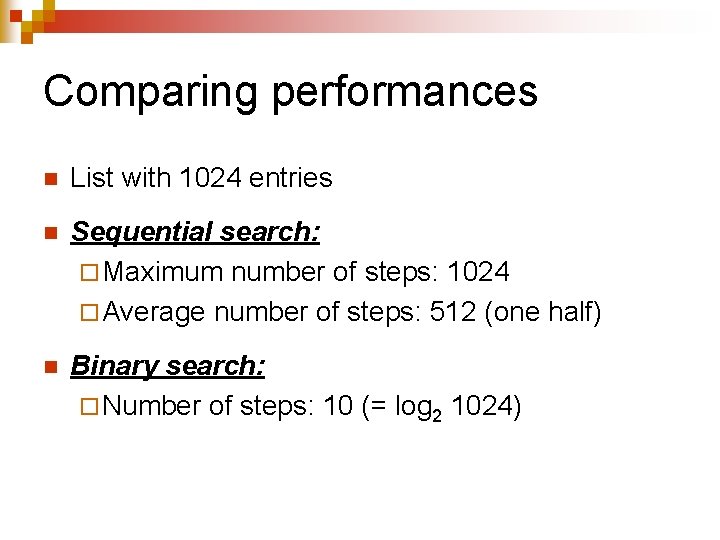
Comparing performances n List with 1024 entries n Sequential search: ¨ Maximum number of steps: 1024 ¨ Average number of steps: 512 (one half) n Binary search: ¨ Number of steps: 10 (= log 2 1024)
Heuristics (I) n n Many problems have no practical algorithmic solution ¨ Algorithm will take too long Example: ¨ Finding the absolute best price for an item ¨ Should check everywhere ¨ Not cost-effective
Heuristics (I) n n Heuristics provide solutions ¨ That are not guaranteed to work in all cases ¨ That provide a good approximation of the correct solution Example: ¨ When we want to buy an item, we focus on the stores that are likely to sell the item at a good price
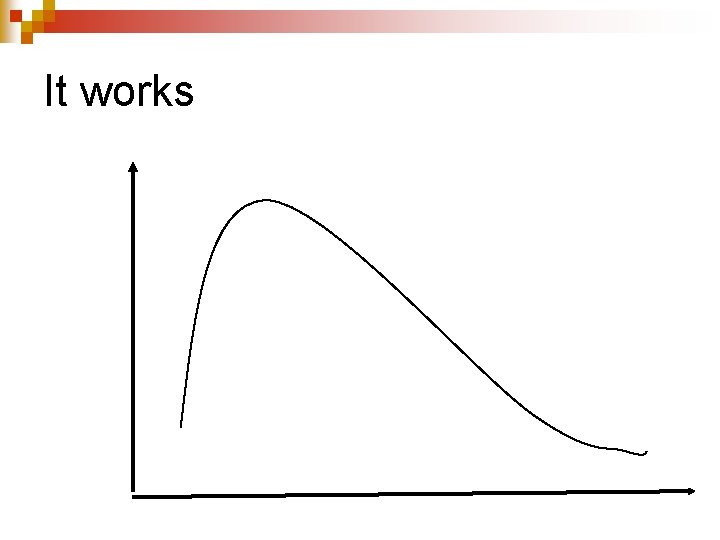
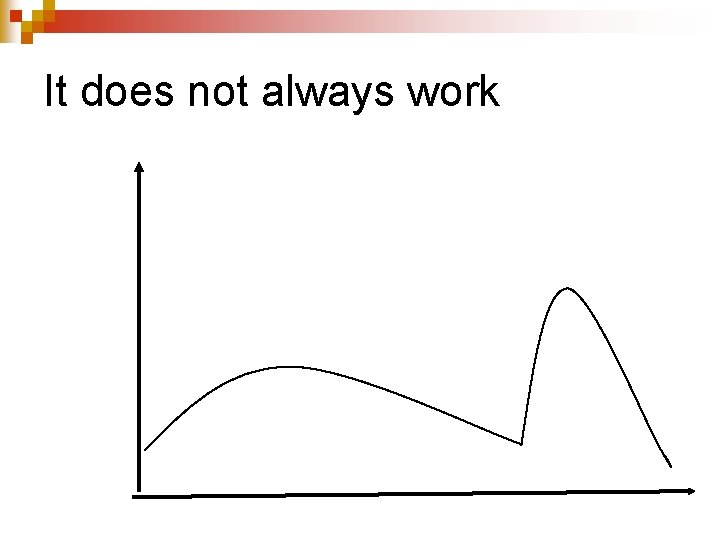
An example n Finding the maximum of a curve ¨ Start at any given point ¨ Move on the curve following the upward direction ¨ Stop when the curve reaches a start going downward
It works
It does not always work
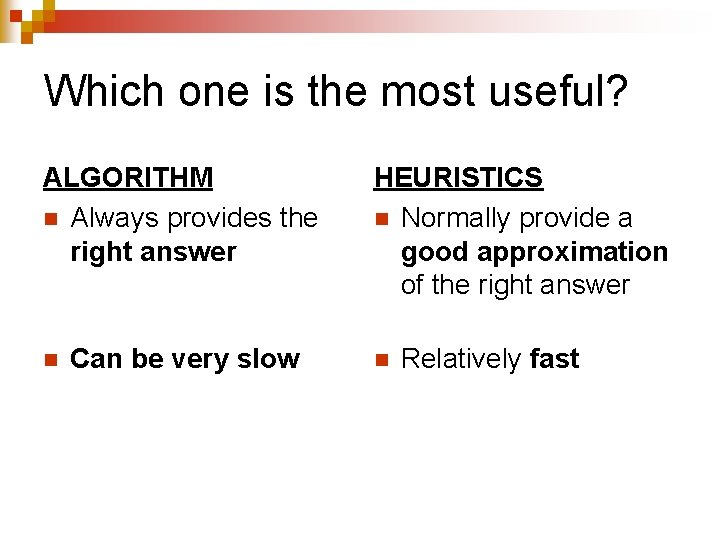
Which one is the most useful? ALGORITHM n Always provides the right answer n Can be very slow HEURISTICS n Normally provide a good approximation of the right answer n Relatively fast
Algorithmic thinking n n Way to analyze problems and come with one or more algorithmic solutions that ¨ fully describe the solution ¨ handle all special cases ¨ can implemented on a computer system ¨ will run at a reasonable cost Most important skill for a programmer ¨ Can be learned
Typical algorithmic patterns
Sequences n n n Almost trivial Specifies steps that must be taken in sequence Default for most programming languages Read Celsius temperature x 2. Fahrenheit temperature y = 1. 8×x +32 1.
Alternatives n Can be ¨ Simple ¨ Double ¨ Multiple
Simple alternative n Describes an action that will be taken if some condition is true ¨ Other choice is doing nothing ¨ If item is taxable: tax = item_value* tax_rate
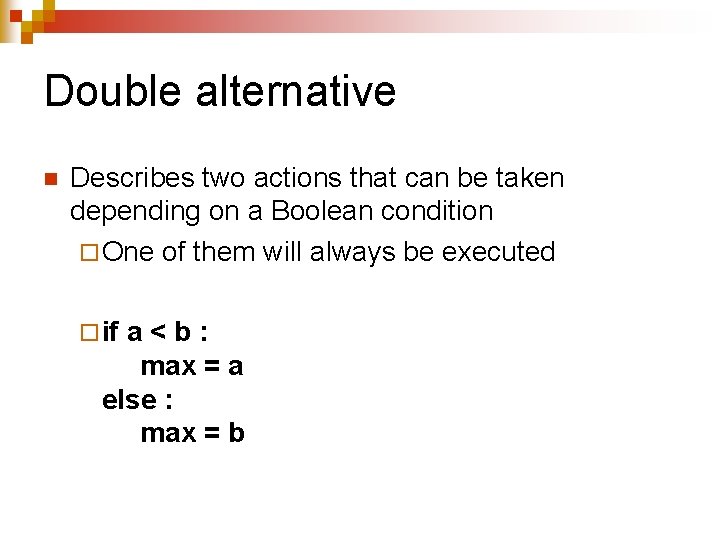
Double alternative n Describes two actions that can be taken depending on a Boolean condition ¨ One of them will always be executed ¨ if a<b: max = a else : max = b
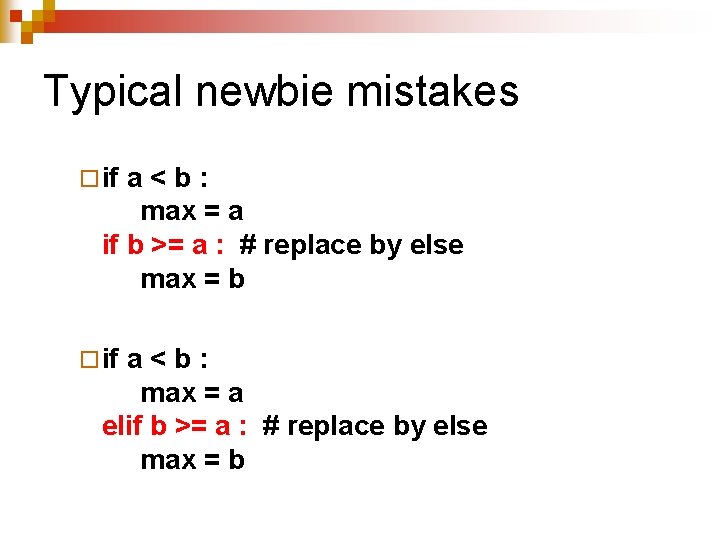
Typical newbie mistakes ¨ if a<b: max = a if b >= a : # replace by else max = b ¨ if a<b: max = a elif b >= a : # replace by else max = b
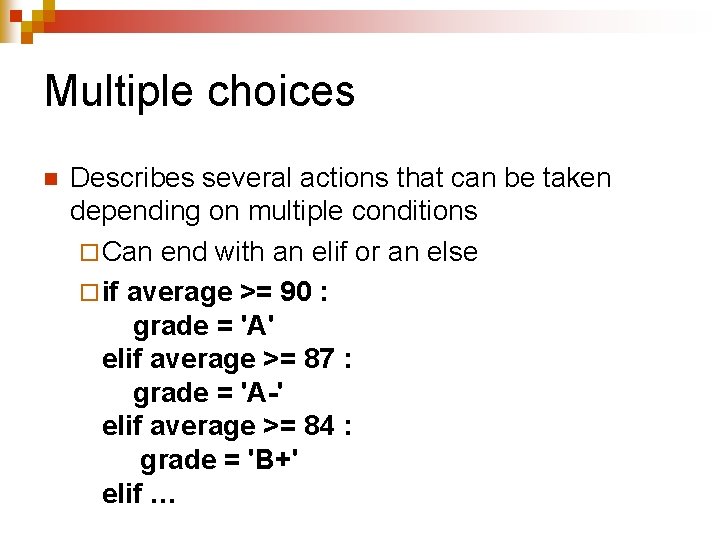
Multiple choices n Describes several actions that can be taken depending on multiple conditions ¨ Can end with an elif or an else ¨ if average >= 90 : grade = 'A' elif average >= 87 : grade = 'A-' elif average >= 84 : grade = 'B+' elif …
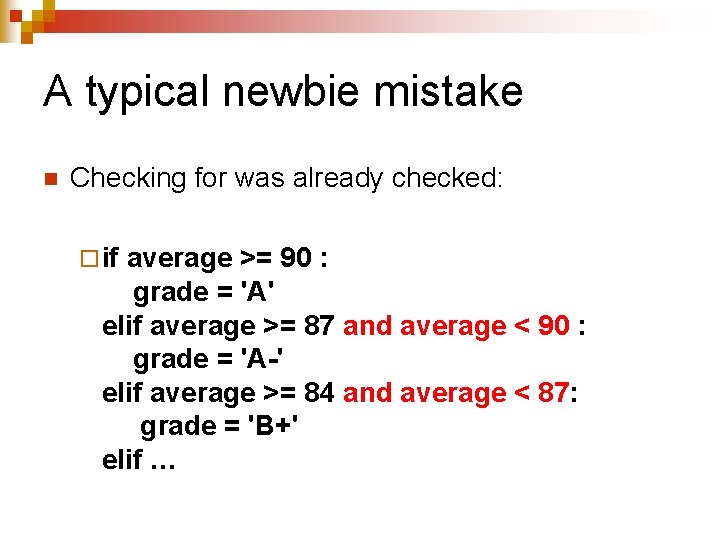
A typical newbie mistake n Checking for was already checked: ¨ if average >= 90 : grade = 'A' elif average >= 87 and average < 90 : grade = 'A-' elif average >= 84 and average < 87: grade = 'B+' elif …
Loops n Can be ¨ based on a condition ¨ based on a range
Condition-based loops n condition = True while condition : … condition = False # last loop iteration … n while True : … break # immediate exit … n Can combine both!
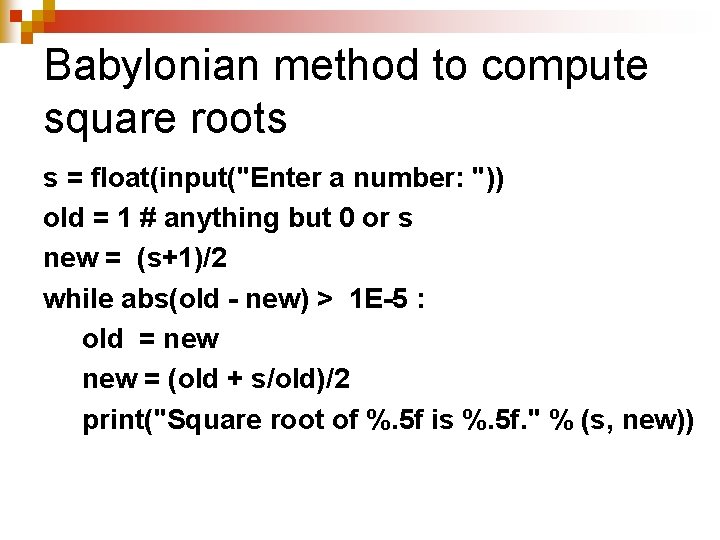
Iterative algorithms n An important special case of loop algorithms n Idea is to compute a numerical result by successively computing better and better approximations ¨ Will stop when the value is accurate enough n So many decimals
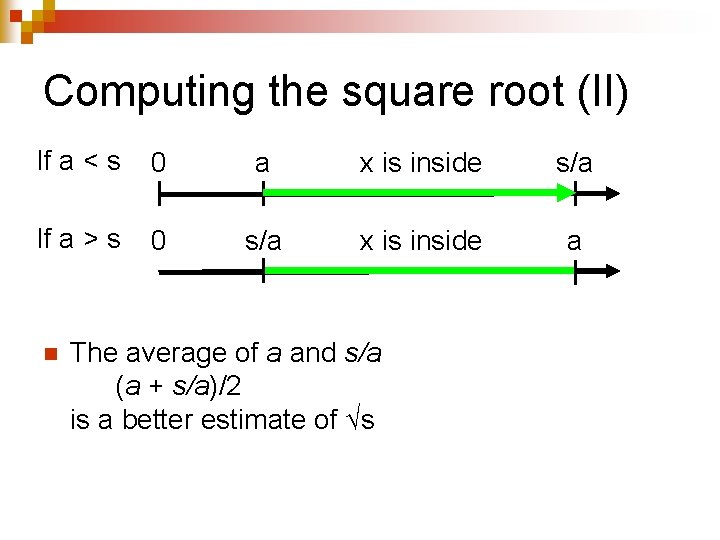
Computing the square root (I) n n Want a simple algorithm to compute √s of a positive number. STEM 2 If x = √s then x = s and x = s/x Students Consider an approximation a of √s only ¨ If a < √s then s/a >√s ¨ If a > √s then s/a <√s In either case, √s is between a and s/a
Computing the square root (II) If a < s 0 a x is inside s/a If a > s 0 s/a x is inside a n The average of a and s/a (a + s/a)/2 is a better estimate of √s
Babylonian method to compute square roots s = float(input("Enter a number: ")) old = 1 # anything but 0 or s new = (s+1)/2 while abs(old - new) > 1 E-5 : old = new = (old + s/old)/2 print("Square root of %. 5 f is %. 5 f. " % (s, new))
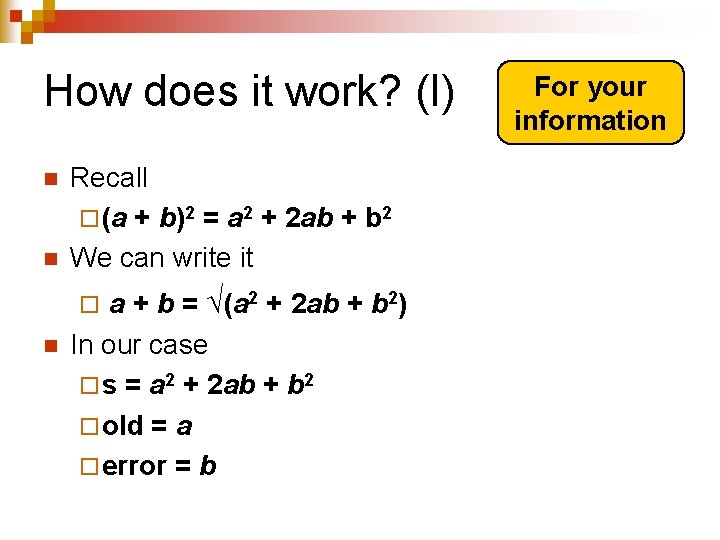
How does it work? (I) n n Recall ¨ (a + b)2 = a 2 + 2 ab + b 2 We can write it a + b = √(a 2 + 2 ab + b 2) In our case ¨ s = a 2 + 2 ab + b 2 ¨ old = a ¨ error = b ¨ n For your information
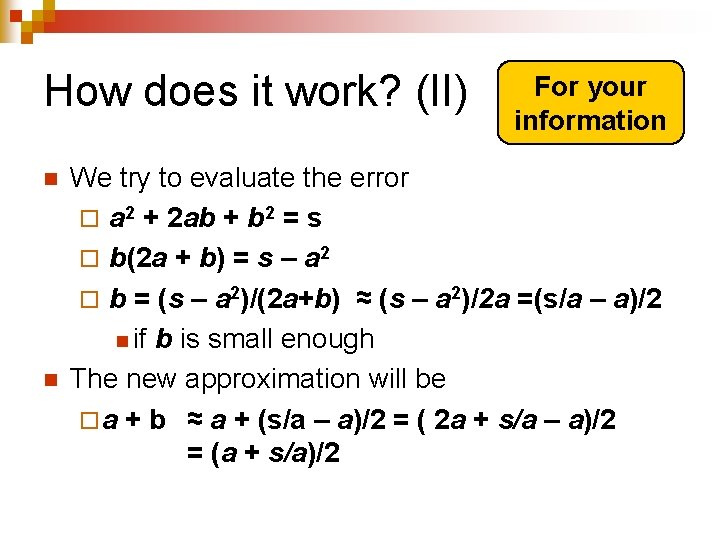
How does it work? (II) n n For your information We try to evaluate the error ¨ a 2 + 2 ab + b 2 = s ¨ b(2 a + b) = s – a 2 ¨ b = (s – a 2)/(2 a+b) ≈ (s – a 2)/2 a =(s/a – a)/2 n if b is small enough The new approximation will be ¨ a + b ≈ a + (s/a – a)/2 = ( 2 a + s/a – a)/2 = (a + s/a)/2
Advantages/Disadvantages n Simpler to program than non-iterative methods ¨ Each step typically performs a relatively simple computation n Number of steps required to achieve the required accuracy level can be a critical issue ¨ Try to pick an algorithm that converges fast
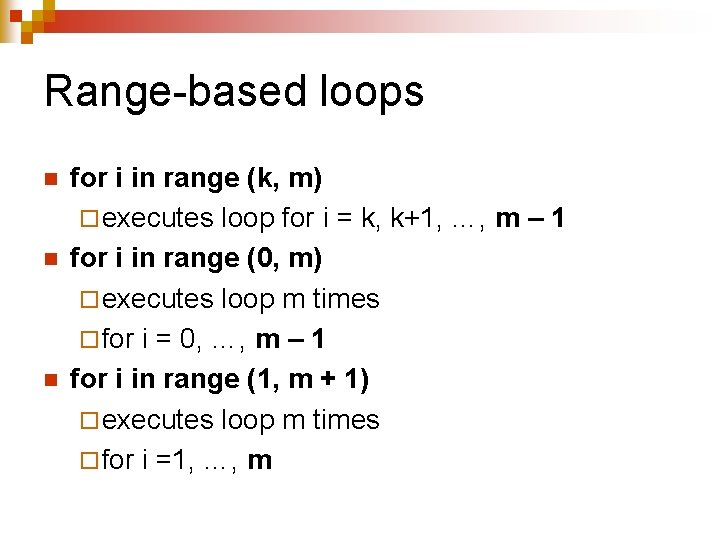
Range-based loops n n n for i in range (k, m) ¨ executes loop for i = k, k+1, …, m – 1 for i in range (0, m) ¨ executes loop m times ¨ for i = 0, …, m – 1 for i in range (1, m + 1) ¨ executes loop m times ¨ for i =1, …, m
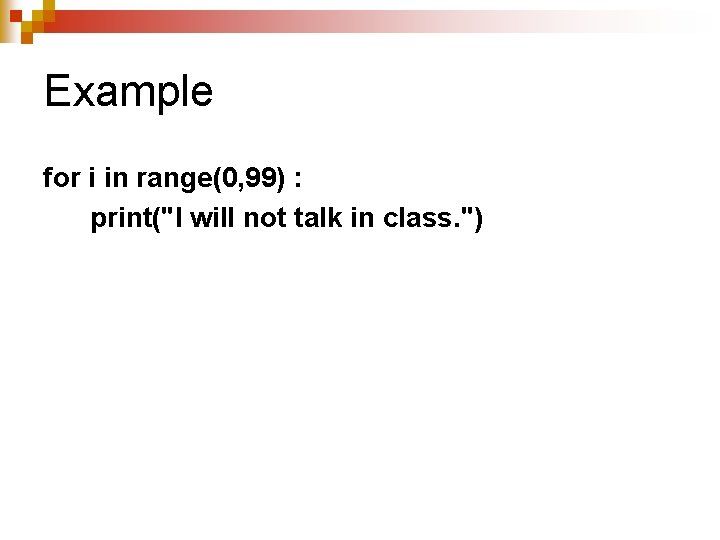
Example for i in range(0, 99) : print("I will not talk in class. ")
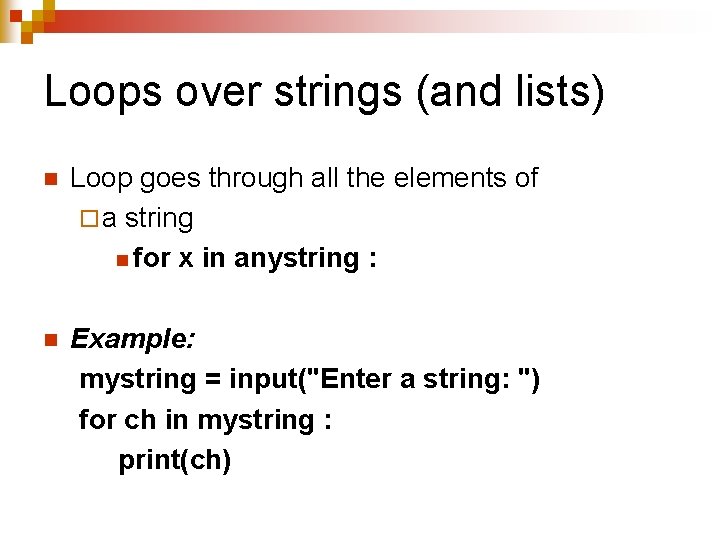
Loops over strings (and lists) n Loop goes through all the elements of ¨ a string n for x in anystring : n Example: mystring = input("Enter a string: ") for ch in mystring : print(ch)