COS 126 Atomic Theory of Matter Goal of

![Blob. Finder - Depth First Search n n Use boolean[][] array to mark visited](https://slidetodoc.com/presentation_image/8df2926148dd57ecd48526052bcc81f5/image-9.jpg "Blob. Finder - Depth First Search n n Use boolean[][] array to mark visited")
![Blob. Finder - Depth First Search n n Use boolean[][] array to mark visited](https://slidetodoc.com/presentation_image/8df2926148dd57ecd48526052bcc81f5/image-10.jpg "Blob. Finder - Depth First Search n n Use boolean[][] array to mark visited")
![Blob. Finder - Depth First Search n n Use boolean[][] array to mark visited](https://slidetodoc.com/presentation_image/8df2926148dd57ecd48526052bcc81f5/image-11.jpg "Blob. Finder - Depth First Search n n Use boolean[][] array to mark visited")
![Blob. Finder - Depth First Search n n Use boolean[][] array to mark visited](https://slidetodoc.com/presentation_image/8df2926148dd57ecd48526052bcc81f5/image-12.jpg "Blob. Finder - Depth First Search n n Use boolean[][] array to mark visited")
![Blob. Finder - Depth First Search n n Use boolean[][] array to mark visited](https://slidetodoc.com/presentation_image/8df2926148dd57ecd48526052bcc81f5/image-13.jpg "Blob. Finder - Depth First Search n n Use boolean[][] array to mark visited")
![Blob. Finder - Depth First Search n n Use boolean[][] array to mark visited](https://slidetodoc.com/presentation_image/8df2926148dd57ecd48526052bcc81f5/image-14.jpg "Blob. Finder - Depth First Search n n Use boolean[][] array to mark visited")
- Slides: 22
COS 126 – Atomic Theory of Matter
Goal of the Assignment n Calculate Avogadro’s number n n n Input data n n Using Einstein’s equations Using fluorescent imaging Sequence of images Each image is a rectangle of pixels Each pixel is either light or dark Output n Estimate of Avogadro’s number
Assignment: Four Programs n Blob data type n n Blob. Finder n n n Find all blobs in a JPEG image List all the big blobs (aka beads) Bead. Tracker n n Maximal set of connected light pixels Track beads from one image to the next Avogadro n Data analysis to estimate Avogadro’s number from the motion of beads
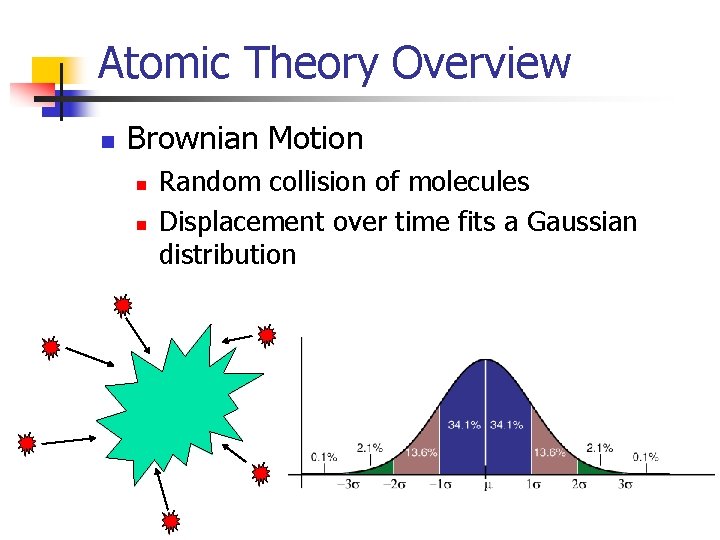
Atomic Theory Overview n Brownian Motion n n Random collision of molecules Displacement over time fits a Gaussian distribution
Atomic Theory Overview n Avogadro’s Number n Number of atoms needed to equal substance’s atomic mass in grams n n NA atoms of Carbon-12 = 12 grams Can calculate from Brownian Motion n Variance of Gaussian distribution is a function of resistance in water, number of molecules
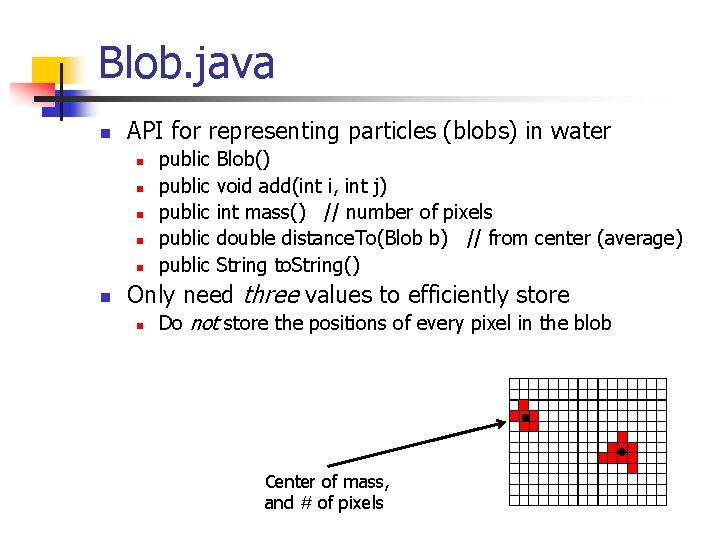
Blob. java n API for representing particles (blobs) in water n n n public public Blob() void add(int i, int j) int mass() // number of pixels double distance. To(Blob b) // from center (average) String to. String() Only need three values to efficiently store n Do not store the positions of every pixel in the blob Center of mass, and # of pixels
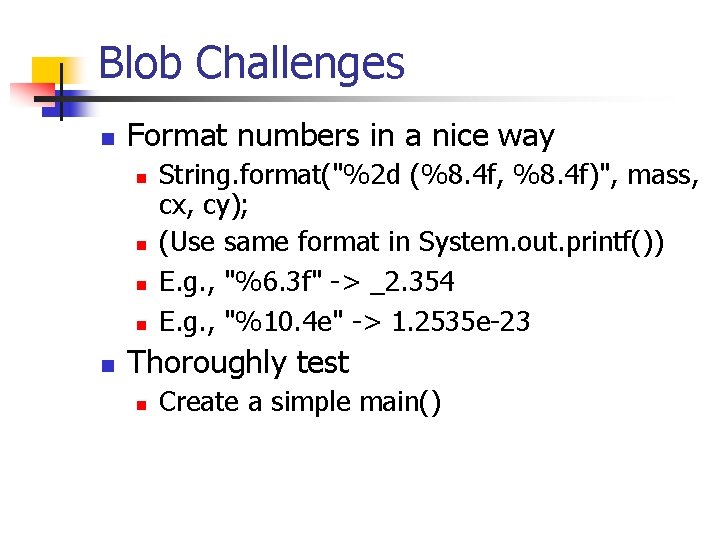
Blob Challenges n Format numbers in a nice way n n n String. format("%2 d (%8. 4 f, %8. 4 f)", mass, cx, cy); (Use same format in System. out. printf()) E. g. , "%6. 3 f" -> _2. 354 E. g. , "%10. 4 e" -> 1. 2535 e-23 Thoroughly test n Create a simple main()
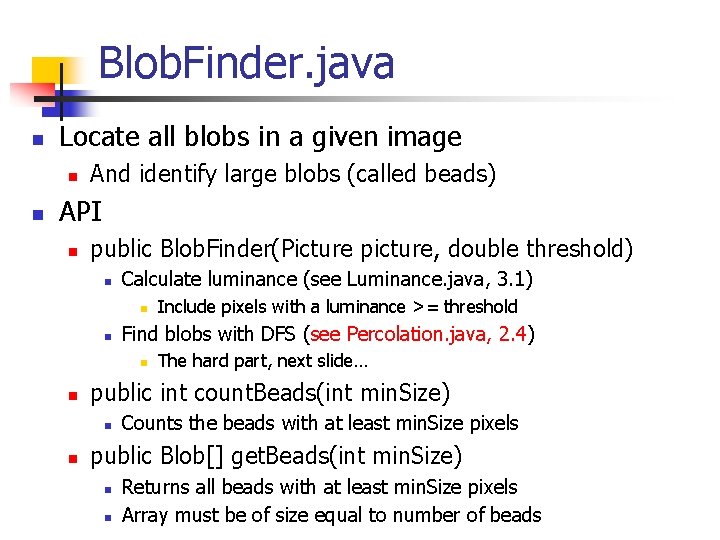
Blob. Finder. java n Locate all blobs in a given image n n And identify large blobs (called beads) API n public Blob. Finder(Picture picture, double threshold) n Calculate luminance (see Luminance. java, 3. 1) n n Find blobs with DFS (see Percolation. java, 2. 4) n n The hard part, next slide… public int count. Beads(int min. Size) n n Include pixels with a luminance >= threshold Counts the beads with at least min. Size pixels public Blob[] get. Beads(int min. Size) n n Returns all beads with at least min. Size pixels Array must be of size equal to number of beads
Blob. Finder - Depth First Search n n Use boolean[][] array to mark visited Traverse image pixel by pixel n Dark pixel n n Light pixel n n Mark as visited, continue Create new blob, call DFS algorithm n Base case: simply return if n n n Pixel out-of-bounds Pixel has been visited Pixel is dark (and mark as visited) Add pixel to current blob, mark as visited Recursively visit up, down, left, and right neighbors
Blob. Finder - Depth First Search n n Use boolean[][] array to mark visited Traverse image pixel by pixel n Dark pixel n n Light pixel n n Mark as visited, continue Create new blob, call DFS algorithm n Base case: simply return if n n n Pixel out-of-bounds Pixel has been visited Pixel is dark (and mark as visited) Add pixel to current blob, mark as visited Recursively visit up, down, left, and right neighbors
Blob. Finder - Depth First Search n n Use boolean[][] array to mark visited Traverse image pixel by pixel n Dark pixel n n Light pixel n n Mark as visited, continue Create new blob, call DFS algorithm n Base case: simply return if n n n Pixel out-of-bounds Pixel has been visited Pixel is dark (and mark as visited) Add pixel to current blob, mark as visited Recursively visit up, down, left, and right neighbors
Blob. Finder - Depth First Search n n Use boolean[][] array to mark visited Traverse image pixel by pixel n Dark pixel n n Light pixel n n Mark as visited, continue Create new blob, call DFS algorithm n Base case: simply return if n n n Pixel out-of-bounds Pixel has been visited Pixel is dark (and mark as visited) Add pixel to current blob, mark as visited Recursively visit up, down, left, and right neighbors
Blob. Finder - Depth First Search n n Use boolean[][] array to mark visited Traverse image pixel by pixel n Dark pixel n n Light pixel n n Mark as visited, continue Create new blob, call DFS algorithm n Base case: simply return if n n n Pixel out-of-bounds Pixel has been visited Pixel is dark (and mark as visited) Add pixel to current blob, mark as visited Recursively visit up, down, left, and right neighbors
Blob. Finder - Depth First Search n n Use boolean[][] array to mark visited Traverse image pixel by pixel n Dark pixel n n Light pixel n n Mark as visited, continue Create new blob, call DFS algorithm n Base case: simply return if n n n Pixel out-of-bounds Pixel has been visited Pixel is dark (and mark as visited) Add pixel to current blob, mark as visited Recursively visit up, down, left, and right neighbors
Blob. Finder Challenges n Data structure for the collection of blobs n n Store them any way you like But be aware of memory use and timing
Blob. Finder Challenges n Data structure for the collection of blobs n n n Array of blobs? n n But how big should the array be? Linked list of blobs? n n n Store them any way you like But be aware of memory use and timing Memory efficient, but harder to implement Avoid traversing whole list to add a blob! Anything else? n Submit your (extra) object classes if not in 4. 3
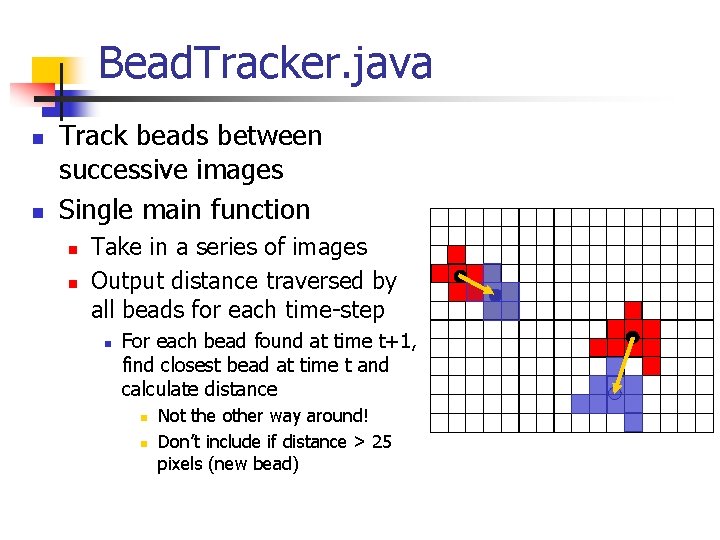
Bead. Tracker. java n n Track beads between successive images Single main function n n Take in a series of images Output distance traversed by all beads for each time-step n For each bead found at time t+1, find closest bead at time t and calculate distance n n Not the other way around! Don’t include if distance > 25 pixels (new bead)
Bead. Tracker Challenges n Reading multiple input files n n Avoiding running out of memory n n java Bead. Tracker run_1/*. jpg Expands files in alphabetical order End up as args[0], args[1], … How? Recompiling n Recompile if Blob or Blob. Finder change
Bead. Tracker Challenges n Reading multiple input files n n Avoiding running out of memory n n n java Bead. Tracker run_1/*. jpg Expands files in alphabetical order End up as args[0], args[1], … Do not open all picture files at same time Only two need to be open at a time Recompiling n Recompile if Blob or Blob. Finder change
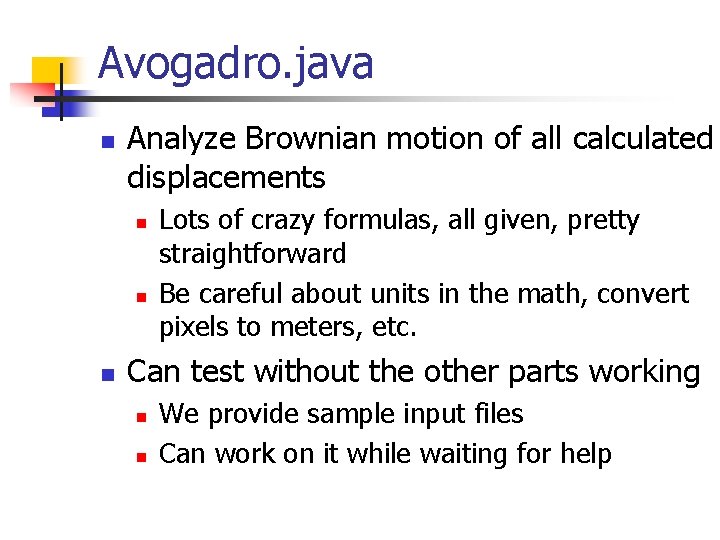
Avogadro. java n Analyze Brownian motion of all calculated displacements n n n Lots of crazy formulas, all given, pretty straightforward Be careful about units in the math, convert pixels to meters, etc. Can test without the other parts working n n We provide sample input files Can work on it while waiting for help
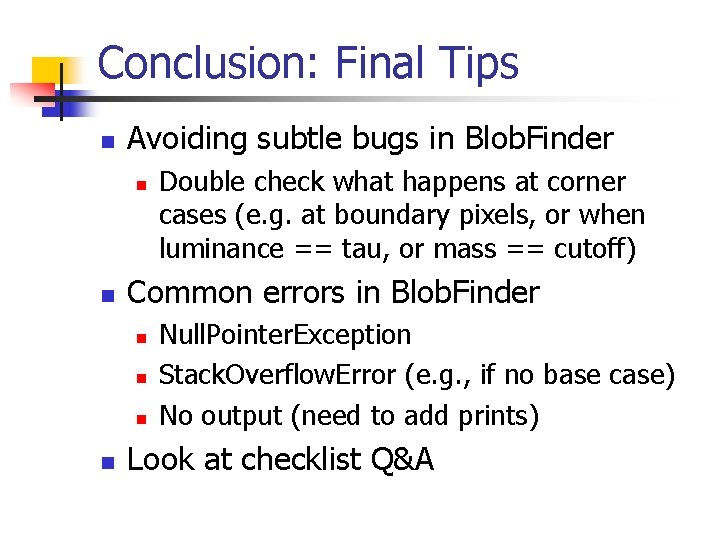
Conclusion: Final Tips n Avoiding subtle bugs in Blob. Finder n n Common errors in Blob. Finder n n Double check what happens at corner cases (e. g. at boundary pixels, or when luminance == tau, or mass == cutoff) Null. Pointer. Exception Stack. Overflow. Error (e. g. , if no base case) No output (need to add prints) Look at checklist Q&A
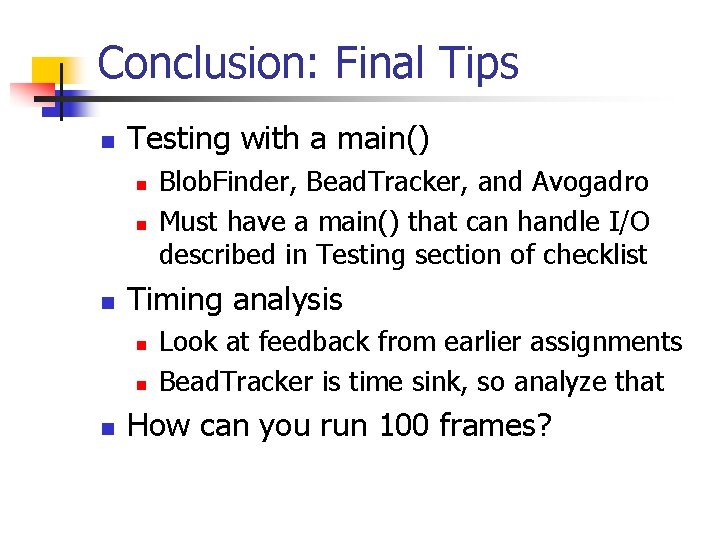
Conclusion: Final Tips n Testing with a main() n n n Timing analysis n n n Blob. Finder, Bead. Tracker, and Avogadro Must have a main() that can handle I/O described in Testing section of checklist Look at feedback from earlier assignments Bead. Tracker is time sink, so analyze that How can you run 100 frames?