Cisco ASA 5505 Vejledning Opstning af DMZzone Hvad
- Slides: 22
Cisco ASA 5505 Vejledning Opsætning af DMZ-zone
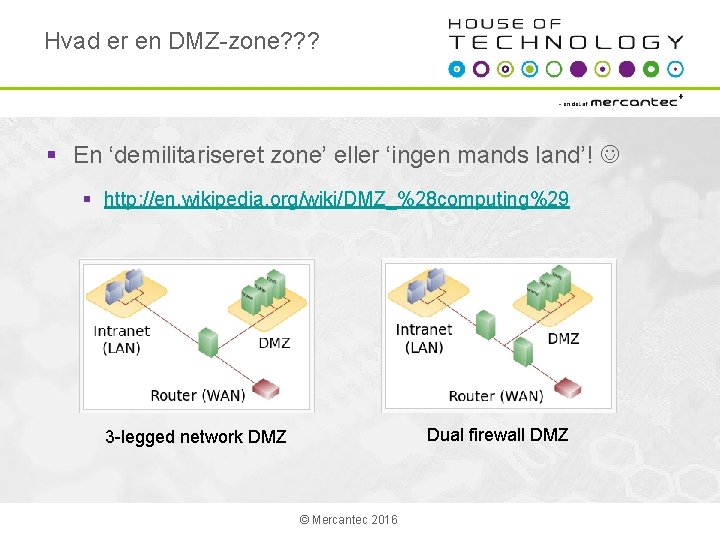
Hvad er en DMZ-zone? ? ? § En ‘demilitariseret zone’ eller ‘ingen mands land’! § http: //en. wikipedia. org/wiki/DMZ_%28 computing%29 Dual firewall DMZ 3 -legged network DMZ © Mercantec 2016
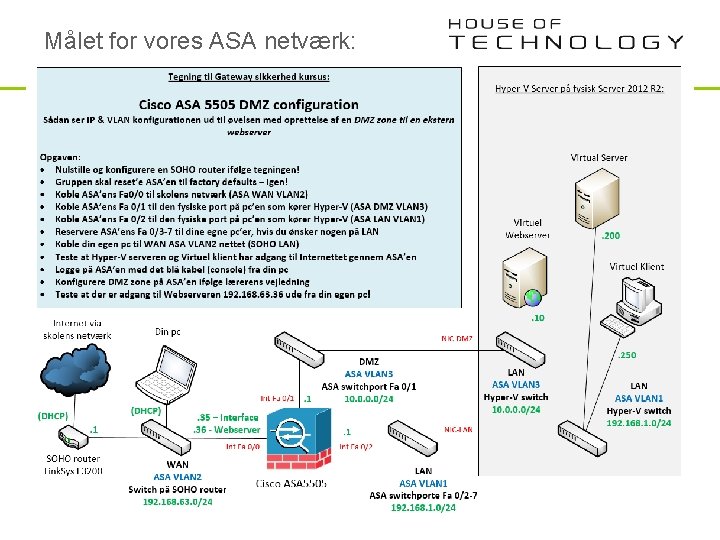
Målet for vores ASA netværk:
Bemærk! § ASA 5505 er ingen almindelig Cisco router! § Den kører med sit eget og helt specielle software. § Man kan som udgangspunkt IKKE pinge igennem en ASA! § Se vejledningen der åbner for ping på de næste sider § Det er vigtigt at ‘Google’ dokumenter til korrekt ASA software version for at finde de rette vejledninger ; -) § Udskift IP adresserne i denne vejledning med jeres egne efter behov! § Held og lykke ; -) © Mercantec 2016
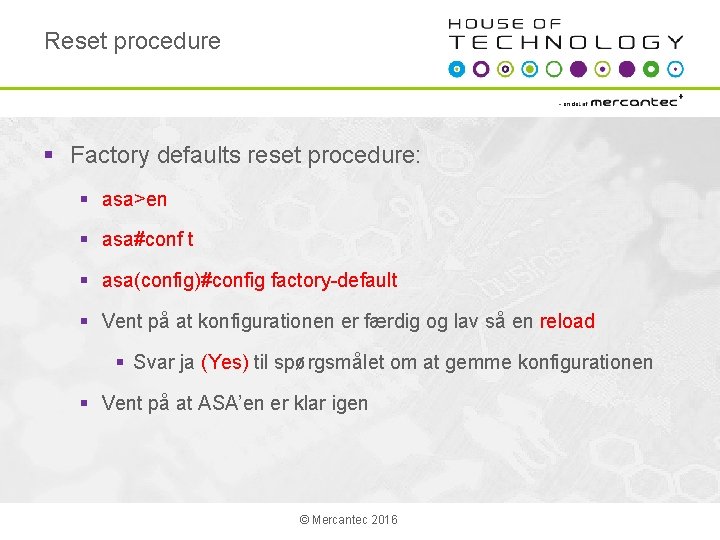
Reset procedure § Factory defaults reset procedure: § asa>en § asa#conf t § asa(config)#config factory-default § Vent på at konfigurationen er færdig og lav så en reload § Svar ja (Yes) til spørgsmålet om at gemme konfigurationen § Vent på at ASA’en er klar igen © Mercantec 2016
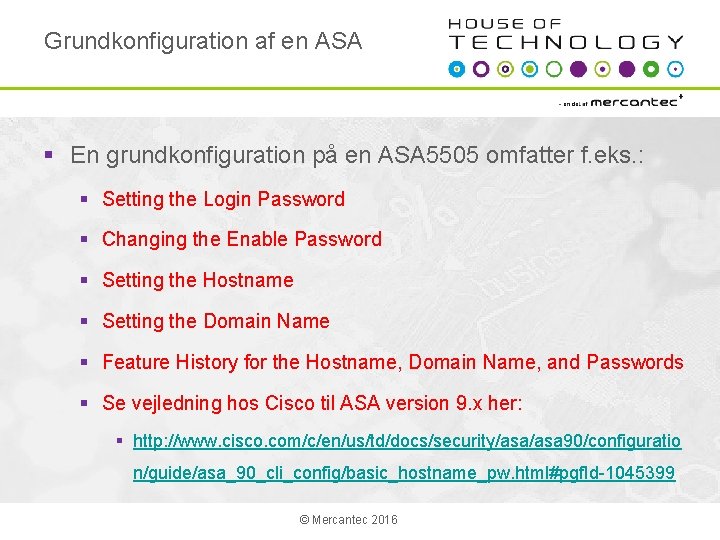
Grundkonfiguration af en ASA § En grundkonfiguration på en ASA 5505 omfatter f. eks. : § Setting the Login Password § Changing the Enable Password § Setting the Hostname § Setting the Domain Name § Feature History for the Hostname, Domain Name, and Passwords § Se vejledning hos Cisco til ASA version 9. x her: § http: //www. cisco. com/c/en/us/td/docs/security/asa 90/configuratio n/guide/asa_90_cli_config/basic_hostname_pw. html#pgf. Id-1045399 © Mercantec 2016
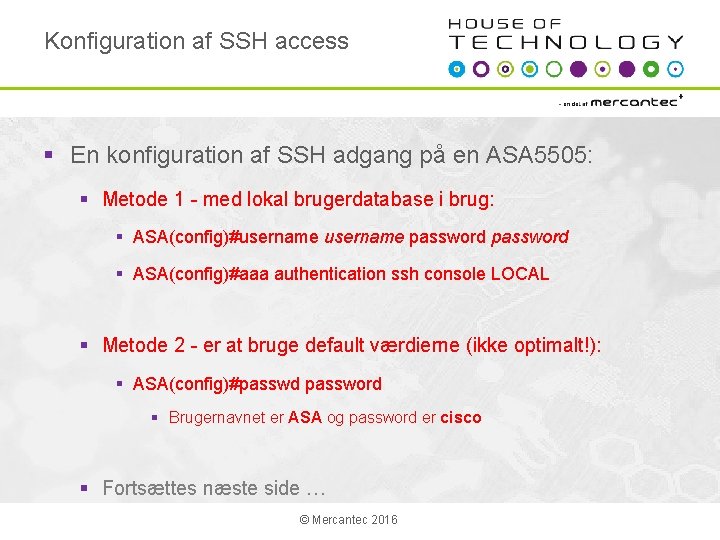
Konfiguration af SSH access § En konfiguration af SSH adgang på en ASA 5505: § Metode 1 - med lokal brugerdatabase i brug: § ASA(config)#username password § ASA(config)#aaa authentication ssh console LOCAL § Metode 2 - er at bruge default værdierne (ikke optimalt!): § ASA(config)#passwd password § Brugernavnet er ASA og password er cisco § Fortsættes næste side … © Mercantec 2016
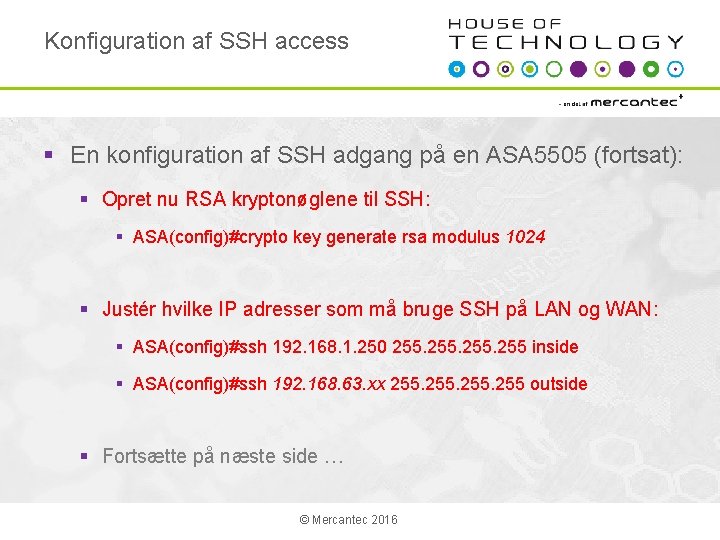
Konfiguration af SSH access § En konfiguration af SSH adgang på en ASA 5505 (fortsat): § Opret nu RSA kryptonøglene til SSH: § ASA(config)#crypto key generate rsa modulus 1024 § Justér hvilke IP adresser som må bruge SSH på LAN og WAN: § ASA(config)#ssh 192. 168. 1. 250 255 inside § ASA(config)#ssh 192. 168. 63. xx 255 outside § Fortsætte på næste side … © Mercantec 2016
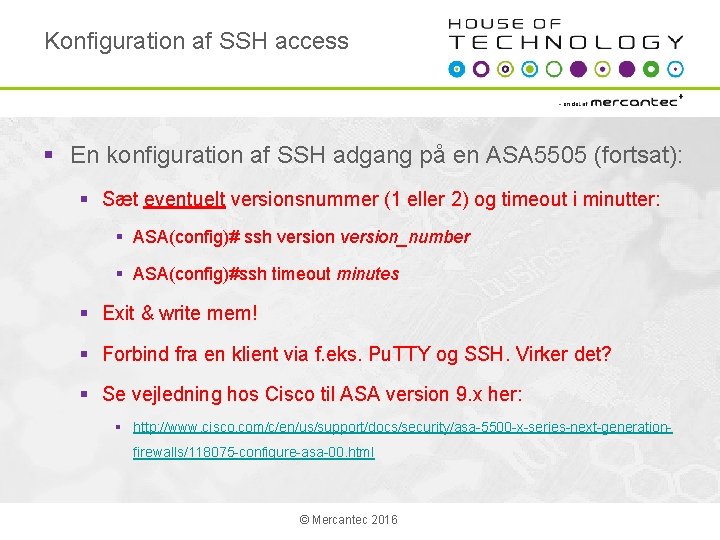
Konfiguration af SSH access § En konfiguration af SSH adgang på en ASA 5505 (fortsat): § Sæt eventuelt versionsnummer (1 eller 2) og timeout i minutter: § ASA(config)# ssh version_number § ASA(config)#ssh timeout minutes § Exit & write mem! § Forbind fra en klient via f. eks. Pu. TTY og SSH. Virker det? § Se vejledning hos Cisco til ASA version 9. x her: § http: //www. cisco. com/c/en/us/support/docs/security/asa-5500 -x-series-next-generationfirewalls/118075 -configure-asa-00. html © Mercantec 2016
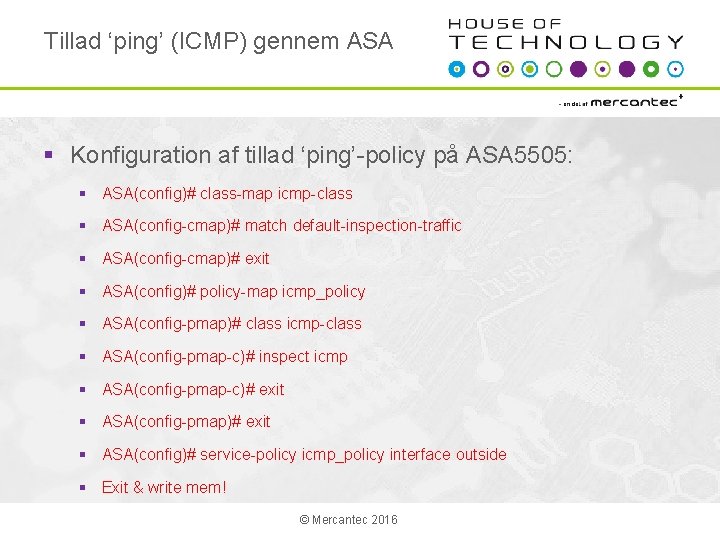
Tillad ‘ping’ (ICMP) gennem ASA § Konfiguration af tillad ‘ping’-policy på ASA 5505: § ASA(config)# class-map icmp-class § ASA(config-cmap)# match default-inspection-traffic § ASA(config-cmap)# exit § ASA(config)# policy-map icmp_policy § ASA(config-pmap)# class icmp-class § ASA(config-pmap-c)# inspect icmp § ASA(config-pmap-c)# exit § ASA(config-pmap)# exit § ASA(config)# service-policy icmp_policy interface outside § Exit & write mem! © Mercantec 2016
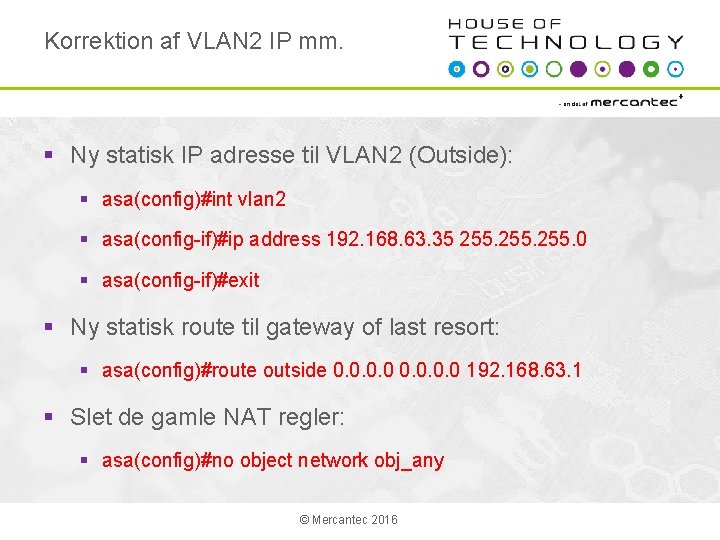
Korrektion af VLAN 2 IP mm. § Ny statisk IP adresse til VLAN 2 (Outside): § asa(config)#int vlan 2 § asa(config-if)#ip address 192. 168. 63. 35 255. 0 § asa(config-if)#exit § Ny statisk route til gateway of last resort: § asa(config)#route outside 0. 0 192. 168. 63. 1 § Slet de gamle NAT regler: § asa(config)#no object network obj_any © Mercantec 2016
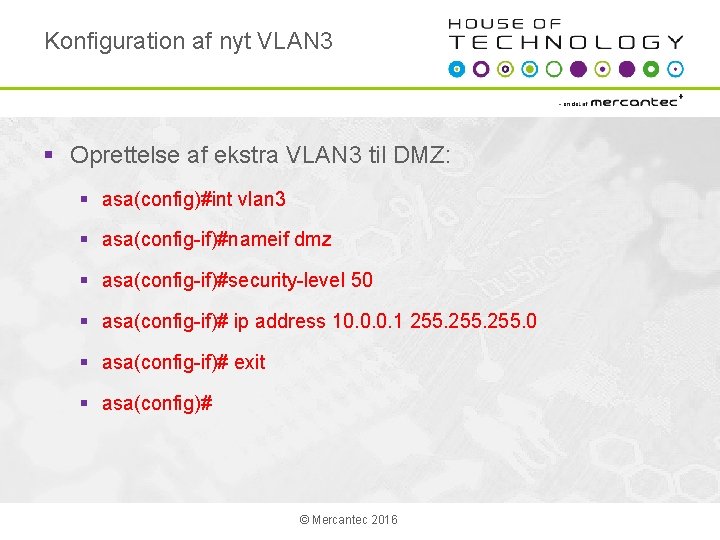
Konfiguration af nyt VLAN 3 § Oprettelse af ekstra VLAN 3 til DMZ: § asa(config)#int vlan 3 § asa(config-if)#nameif dmz § asa(config-if)#security-level 50 § asa(config-if)# ip address 10. 0. 0. 1 255. 0 § asa(config-if)# exit § asa(config)# © Mercantec 2016
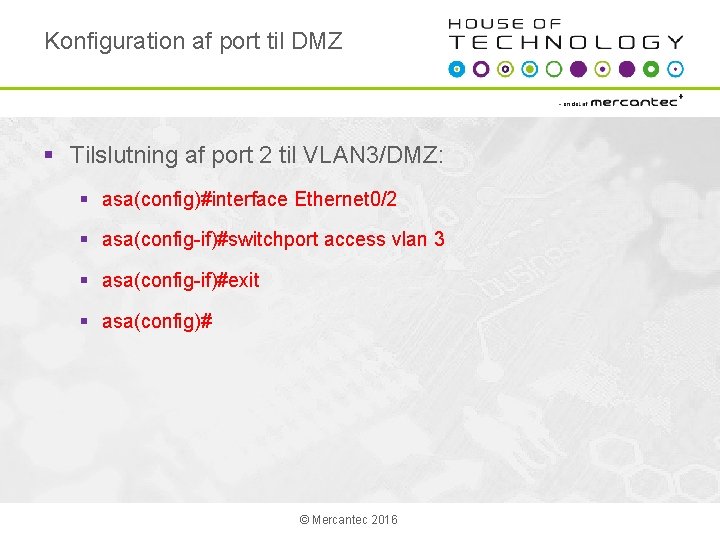
Konfiguration af port til DMZ § Tilslutning af port 2 til VLAN 3/DMZ: § asa(config)#interface Ethernet 0/2 § asa(config-if)#switchport access vlan 3 § asa(config-if)#exit § asa(config)# © Mercantec 2016
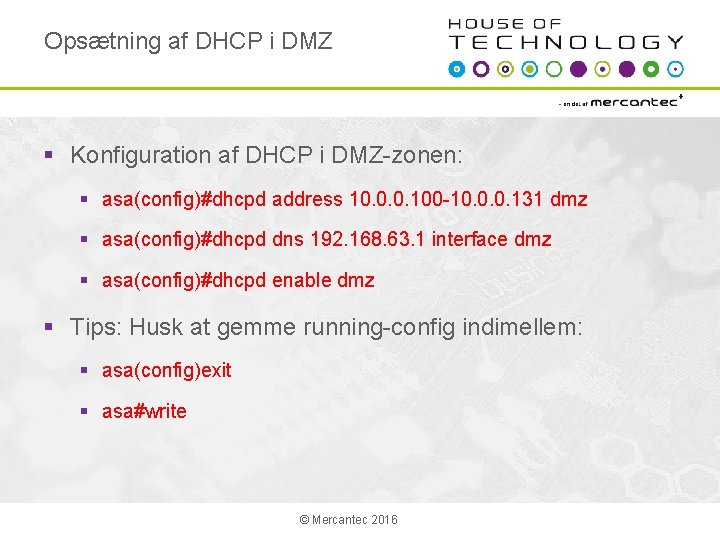
Opsætning af DHCP i DMZ § Konfiguration af DHCP i DMZ-zonen: § asa(config)#dhcpd address 10. 0. 0. 100 -10. 0. 0. 131 dmz § asa(config)#dhcpd dns 192. 168. 63. 1 interface dmz § asa(config)#dhcpd enable dmz § Tips: Husk at gemme running-config indimellem: § asa(config)exit § asa#write © Mercantec 2016
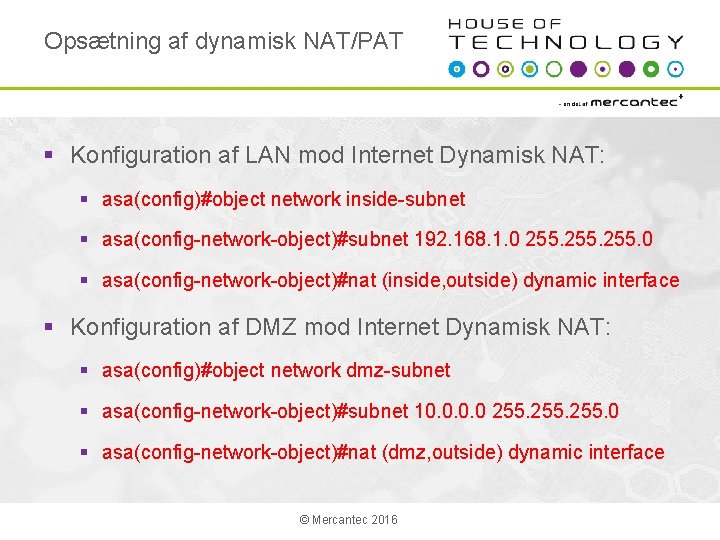
Opsætning af dynamisk NAT/PAT § Konfiguration af LAN mod Internet Dynamisk NAT: § asa(config)#object network inside-subnet § asa(config-network-object)#subnet 192. 168. 1. 0 255. 0 § asa(config-network-object)#nat (inside, outside) dynamic interface § Konfiguration af DMZ mod Internet Dynamisk NAT: § asa(config)#object network dmz-subnet § asa(config-network-object)#subnet 10. 0 255. 0 § asa(config-network-object)#nat (dmz, outside) dynamic interface © Mercantec 2016
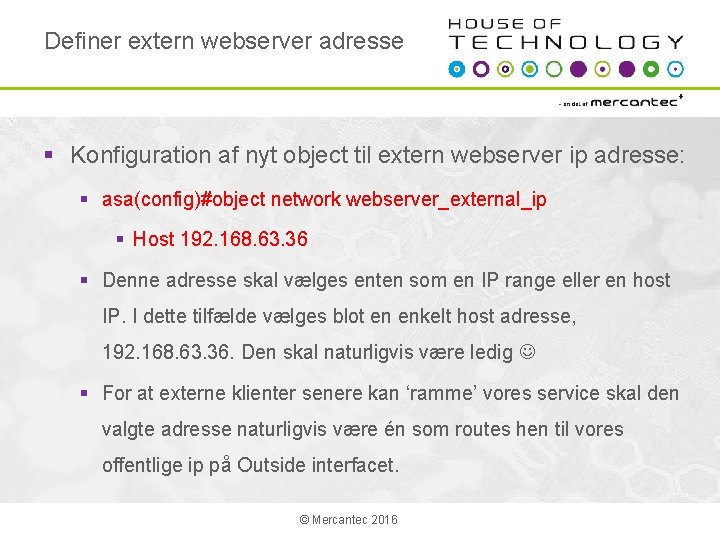
Definer extern webserver adresse § Konfiguration af nyt object til extern webserver ip adresse: § asa(config)#object network webserver_external_ip § Host 192. 168. 63. 36 § Denne adresse skal vælges enten som en IP range eller en host IP. I dette tilfælde vælges blot en enkelt host adresse, 192. 168. 63. 36. Den skal naturligvis være ledig § For at externe klienter senere kan ‘ramme’ vores service skal den valgte adresse naturligvis være én som routes hen til vores offentlige ip på Outside interfacet. © Mercantec 2016
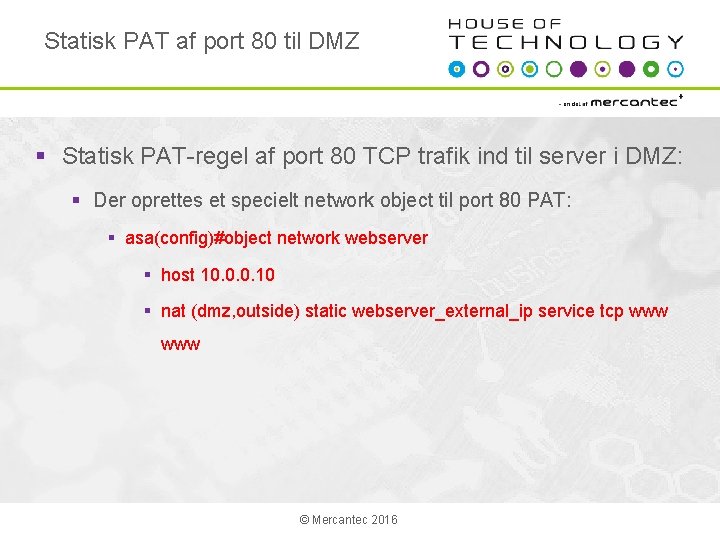
Statisk PAT af port 80 til DMZ § Statisk PAT-regel af port 80 TCP trafik ind til server i DMZ: § Der oprettes et specielt network object til port 80 PAT: § asa(config)#object network webserver § host 10. 0. 0. 10 § nat (dmz, outside) static webserver_external_ip service tcp www © Mercantec 2016
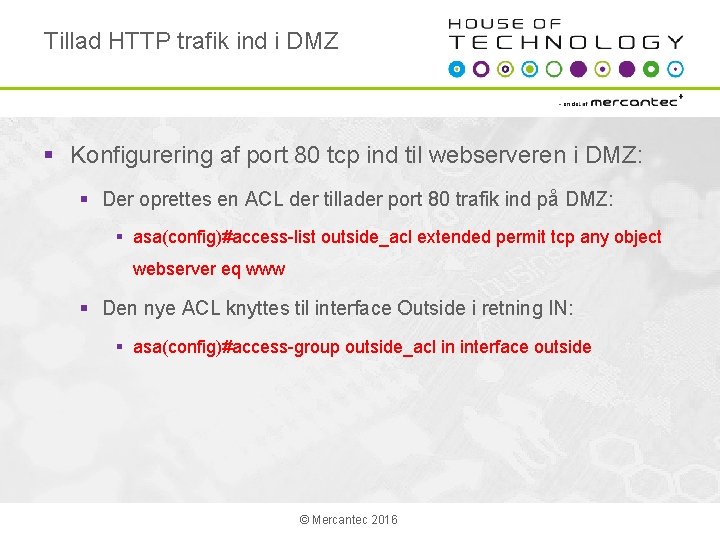
Tillad HTTP trafik ind i DMZ § Konfigurering af port 80 tcp ind til webserveren i DMZ: § Der oprettes en ACL der tillader port 80 trafik ind på DMZ: § asa(config)#access-list outside_acl extended permit tcp any object webserver eq www § Den nye ACL knyttes til interface Outside i retning IN: § asa(config)#access-group outside_acl in interface outside © Mercantec 2016
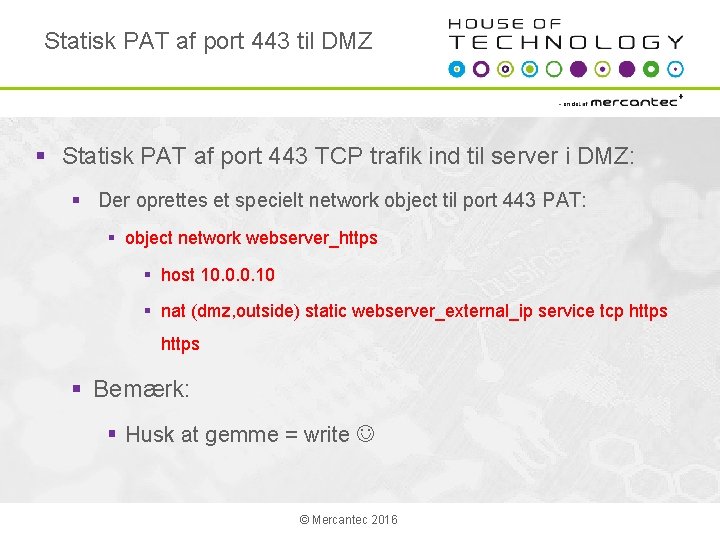
Statisk PAT af port 443 til DMZ § Statisk PAT af port 443 TCP trafik ind til server i DMZ: § Der oprettes et specielt network object til port 443 PAT: § object network webserver_https § host 10. 0. 0. 10 § nat (dmz, outside) static webserver_external_ip service tcp https § Bemærk: § Husk at gemme = write © Mercantec 2016
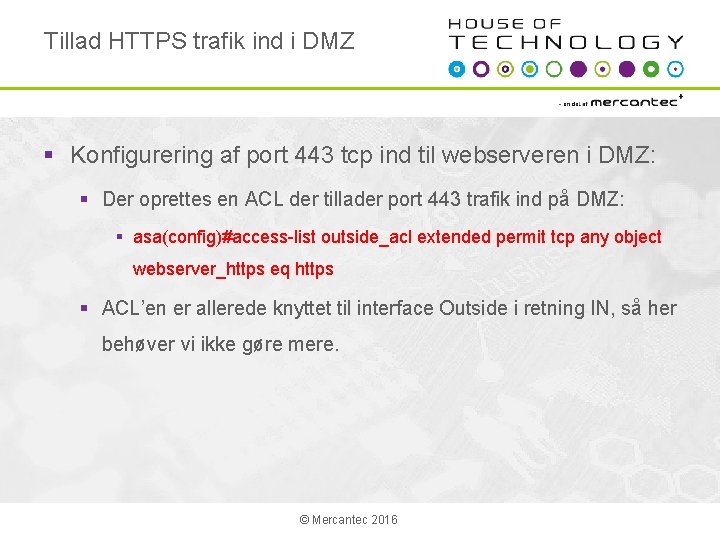
Tillad HTTPS trafik ind i DMZ § Konfigurering af port 443 tcp ind til webserveren i DMZ: § Der oprettes en ACL der tillader port 443 trafik ind på DMZ: § asa(config)#access-list outside_acl extended permit tcp any object webserver_https eq https § ACL’en er allerede knyttet til interface Outside i retning IN, så her behøver vi ikke gøre mere. © Mercantec 2016
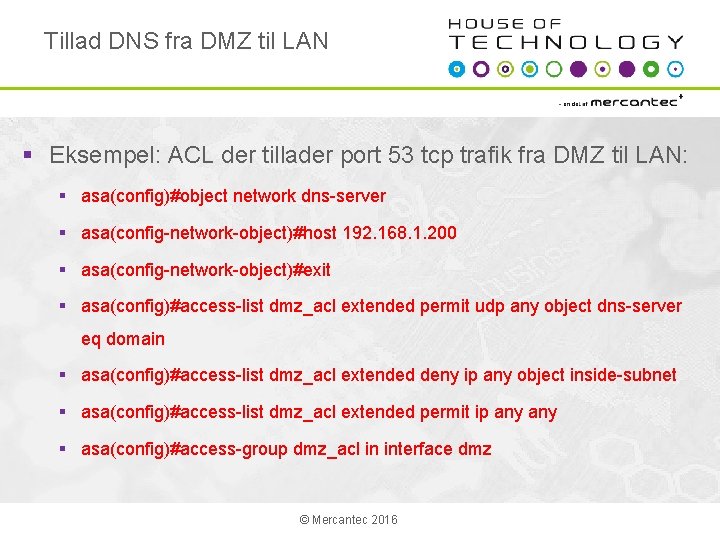
Tillad DNS fra DMZ til LAN § Eksempel: ACL der tillader port 53 tcp trafik fra DMZ til LAN: § asa(config)#object network dns-server § asa(config-network-object)#host 192. 168. 1. 200 § asa(config-network-object)#exit § asa(config)#access-list dmz_acl extended permit udp any object dns-server eq domain § asa(config)#access-list dmz_acl extended deny ip any object inside-subnet § asa(config)#access-list dmz_acl extended permit ip any § asa(config)#access-group dmz_acl in interface dmz © Mercantec 2016
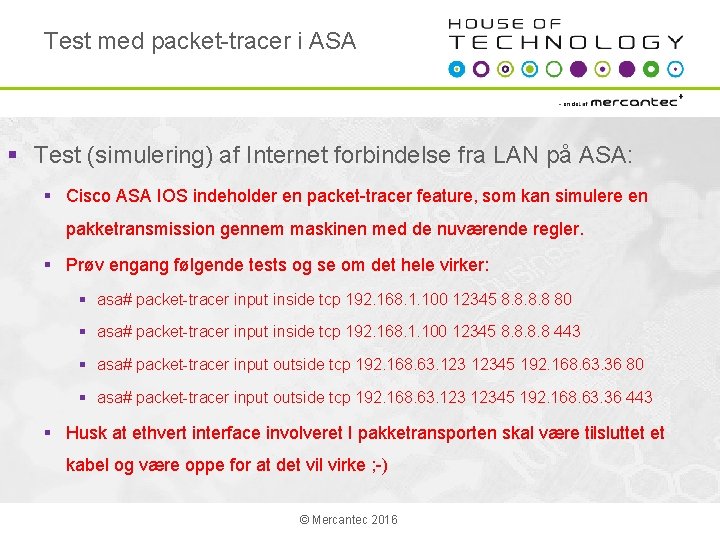
Test med packet-tracer i ASA § Test (simulering) af Internet forbindelse fra LAN på ASA: § Cisco ASA IOS indeholder en packet-tracer feature, som kan simulere en pakketransmission gennem maskinen med de nuværende regler. § Prøv engang følgende tests og se om det hele virker: § asa# packet-tracer input inside tcp 192. 168. 1. 100 12345 8. 8 80 § asa# packet-tracer input inside tcp 192. 168. 1. 100 12345 8. 8 443 § asa# packet-tracer input outside tcp 192. 168. 63. 12345 192. 168. 63. 36 80 § asa# packet-tracer input outside tcp 192. 168. 63. 12345 192. 168. 63. 36 443 § Husk at ethvert interface involveret I pakketransporten skal være tilsluttet et kabel og være oppe for at det vil virke ; -) © Mercantec 2016