Agents Pros and Cons Keita Fujii Jennifer Rhough
- Slides: 45
Agents: Pros and Cons Keita Fujii Jennifer Rhough
Papers Agents that Reduce Work and Information Overload (P. Maes, p. 525 -536) Presenting Through Performing: On the Use of Multiple Lifelike Characters in Knowledge-Based Presentation Systems (E. André, T. Rist; IUI-2000, pp. 1 -8) Embedding Critics in Design Environments (G. Fischer, 537561) Multimodal Interaction for Distributed Interactive Simulation (P. Cohen et al. , 562 -571) Animated Conversation: Rule-based Generation of Facial Expression, Gesture and Spoken Intonation for Multiple Conversational Agents (J. Cassell, J. et al. , p. 582 -591) Direct manipulation vs. interface agents§§ (B. Shneiderman, P. Maes; Interactions 4, 1997, p. 42 -61)
These papers focus on agents that: Support task performance l Perform tasks on behalf of users l Present information l Enable integration of complex software systems l Create interfaces possessing anthropomorphic communicative abilities l l integrated speech, facial displays, gesture
Agents that Reduce Work and Information Overload Motivation We increasingly use computers for our everyday activities l Increasing number of untrained users l Dominant Interaction Metaphor l Direct manipulation vs. Indirect management
Building Agents Two problems to overcome l Competence l l How, when and what Trust Comfort levels in delegating tasks l Integrate into existing interfaces l Way of operating should be easily understandable l
Past Approaches “Semi-autonomous Agents” l l Example: Email sorting agent Consists of a collection of user programmed rules Competence not dealt with Trust l Do you trust your own skills? “Knowledge-based approach” l l l Interface agent supplied with extensive domain specific knowledge Competence issues Trust issues
Another approach Hypothesis is that under certain conditions the agent can “program itself” Two conditions need to be fulfilled Use of application involves repetitive behavior l This behavior is potentially different for all users l
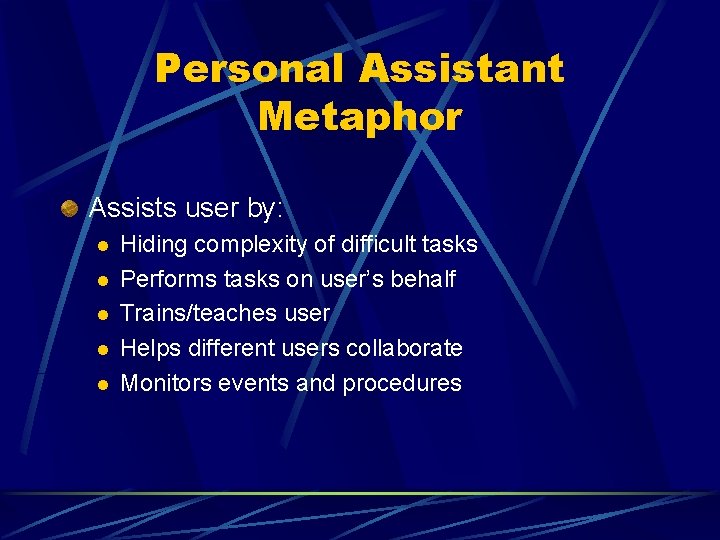
Personal Assistant Metaphor Assists user by: l l l Hiding complexity of difficult tasks Performs tasks on user’s behalf Trains/teaches user Helps different users collaborate Monitors events and procedures
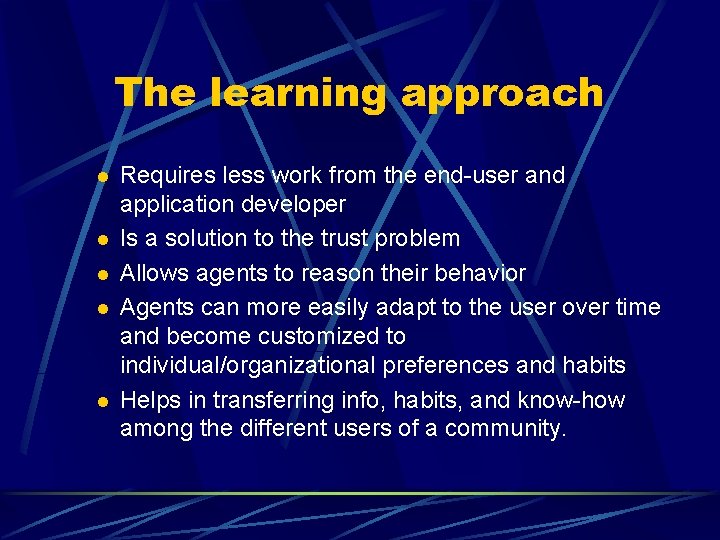
The learning approach l l l Requires less work from the end-user and application developer Is a solution to the trust problem Allows agents to reason their behavior Agents can more easily adapt to the user over time and become customized to individual/organizational preferences and habits Helps in transferring info, habits, and know-how among the different users of a community.
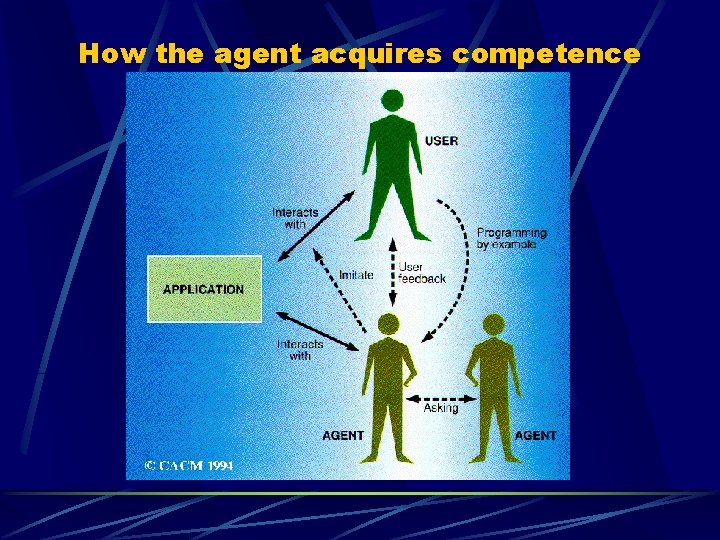
How the agent acquires competence
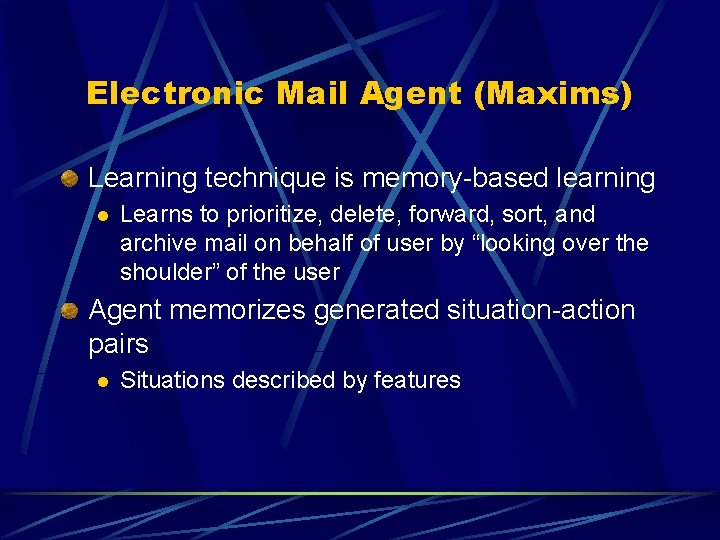
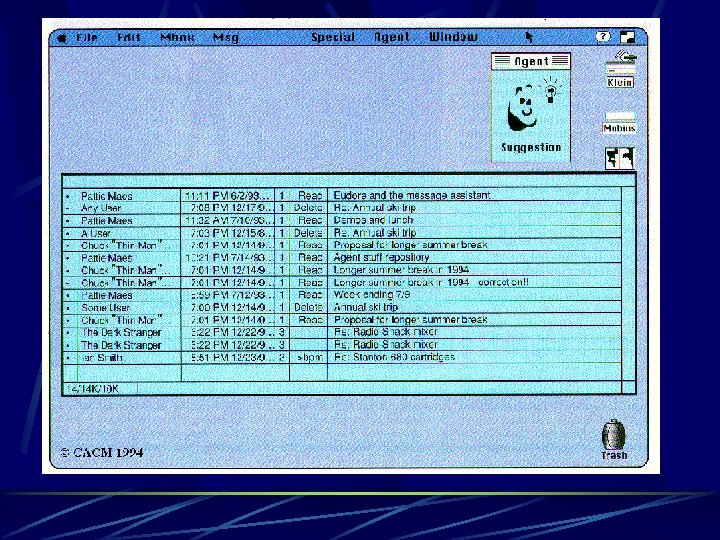
Electronic Mail Agent (Maxims) Learning technique is memory-based learning l Learns to prioritize, delete, forward, sort, and archive mail on behalf of user by “looking over the shoulder” of the user Agent memorizes generated situation-action pairs l Situations described by features
Maxims Agent will compare new with memorized situations and tries to find a set of nearest neighbors to base its action l l distance metric – weighted sum of differences for the features; weight determined by agent analyzes its memory for correlation bet features and actions taken l l From vs Date measures confidence in prediction
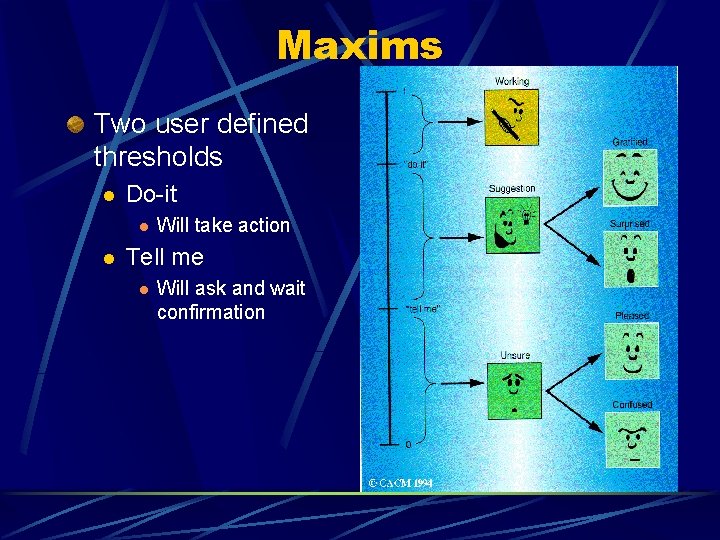
Maxims Two user defined thresholds l Do-it l l Will take action Tell me l Will ask and wait confirmation
Maxims Slow start problem l user can instruct agent explicitly l l default or hard-and-fast rules, use of “wildcard” fields Multi-agent collaboration l l Confidence is below “tell-me” so ask other agents by sending part of description via email Learns trustworthy sources Preliminary user approval l l Report feeling comfortable delegating tasks Users want to be able to instruct agent to disregard behavior
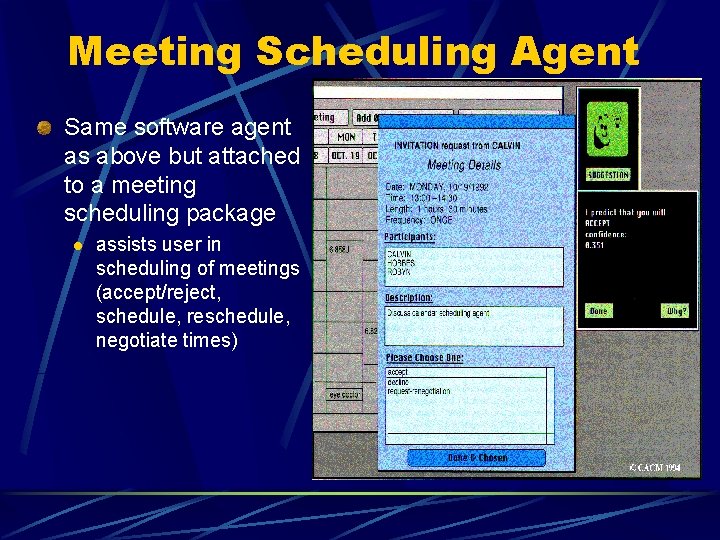
Meeting Scheduling Agent Same software agent as above but attached to a meeting scheduling package l assists user in scheduling of meetings (accept/reject, schedule, reschedule, negotiate times)
News Filtering Agent User creates “news agents” and initialize by giving it +/- examples of articles User can give feedback on portions of articles recommended No social filtering Limitations l l Users rely on it too much - still responsible for finding less predictably interesting articles Restriction to keywords only, no semantic analysis
Entertainment Selection Agent Social filtering l Relies solely on correlations between different users Problems l l l Users can rely too much and not enter new information on items discovered themselves How to jumpstart the system so agents notice correlations Users can rely too much and not enter new information on items discovered themselves Virtual Users
Some questions to ask How to guarantee user’s privacy? How can heterogeneous agents collaborate? Should the user be held responsible for the agent’s actions?
Presenting through Performing: On the Use of Multiple Animated Characters in Knowledge-Based Presentation Systems Based on observation that vivid and believable dialogues are a means to present information to an audience Use of animated characters l l l Ability to express emotions in a believable way Provide means of conveying conversational signals Users rate presentations by characters as lively and engaging
Rationale Presentation teams vs. face to face l Easier to convey differing points of view l Debates between two characters Allows reinforcement l Single members function as indices to help user classify information l l l Also used to convey meta-information Some people feel uncomfortable when addressed directly by an agent
Related Work Virtual human-like weather reporter l One agent for presenting information Bank teller and employee l Restricted to Q&A type dialogue between two agents Mr. Bengo l l Resolutions of disputes with judge, prosecutor, and lawyer (controlled by user) Exhibits basic emotions but not through linguistic style
Designing Presentation Dialogues Choose dialogue type l Sales dialogue and soccer commentary Define roles l Sales – seller and buyer Define characters to occupy roles l Personality and emotional traits l l Gestures, linguistic style Distinguishable by expertise, audio/visual appearance, interests
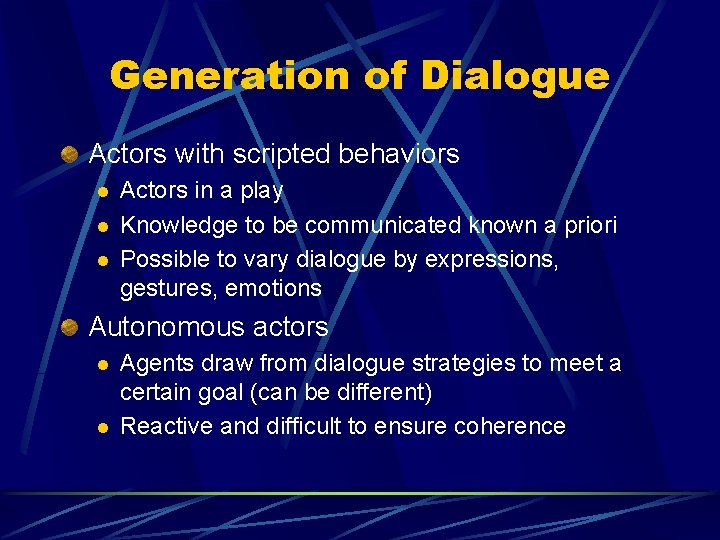
Generation of Dialogue Actors with scripted behaviors l l l Actors in a play Knowledge to be communicated known a priori Possible to vary dialogue by expressions, gestures, emotions Autonomous actors l l Agents draw from dialogue strategies to meet a certain goal (can be different) Reactive and difficult to ensure coherence
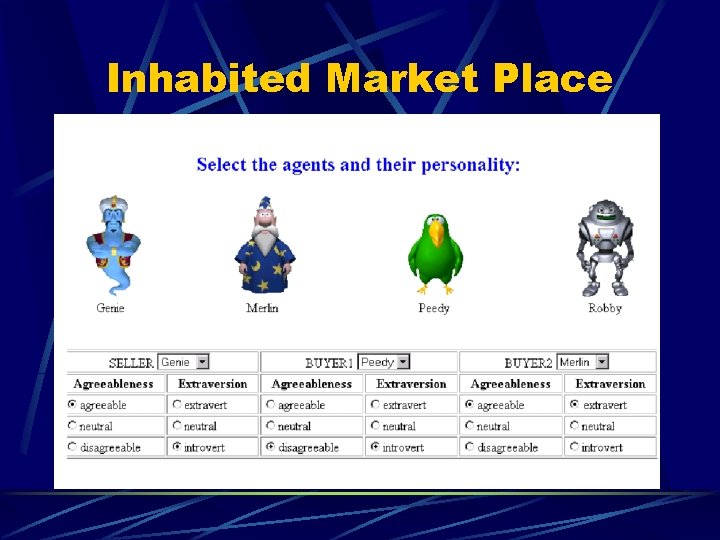
Inhabited Market Place
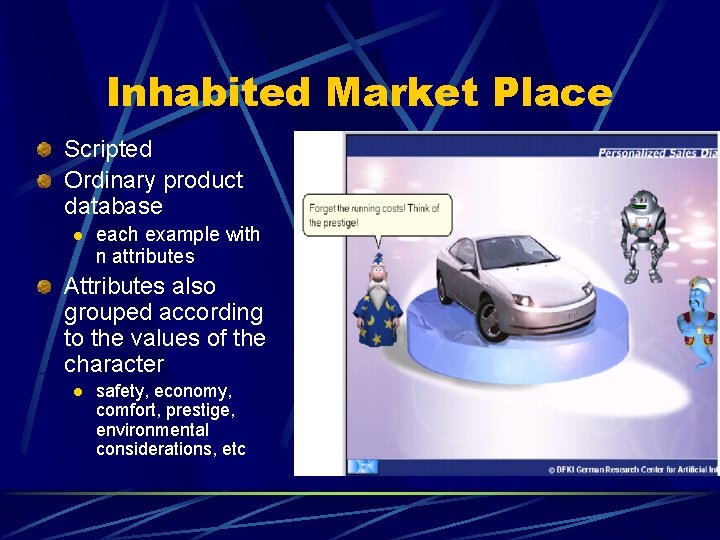
Inhabited Market Place Scripted Ordinary product database l each example with n attributes Attributes also grouped according to the values of the character l safety, economy, comfort, prestige, environmental considerations, etc
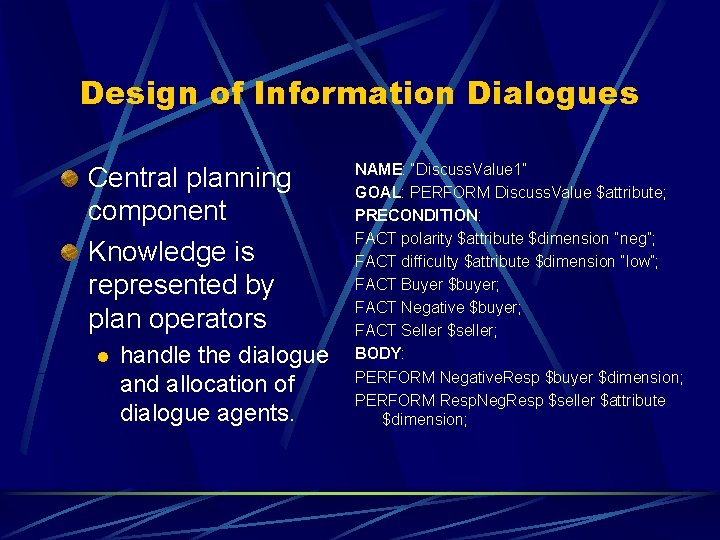
Design of Information Dialogues Central planning component Knowledge is represented by plan operators l handle the dialogue and allocation of dialogue agents. NAME: “Discuss. Value 1” GOAL: PERFORM Discuss. Value $attribute; PRECONDITION: FACT polarity $attribute $dimension “neg”; FACT difficulty $attribute $dimension “low”; FACT Buyer $buyer; FACT Negative $buyer; FACT Seller $seller; BODY: PERFORM Negative. Resp $buyer $dimension; PERFORM Resp. Neg. Resp $seller $attribute $dimension;
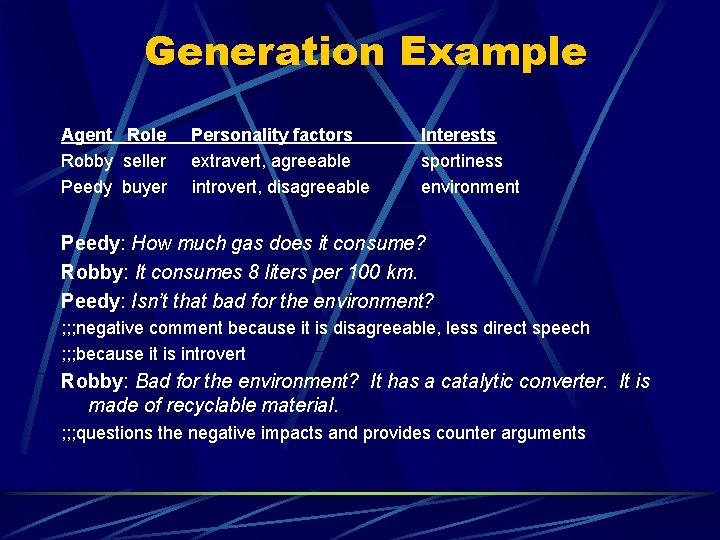
Generation Example Agent Role Robby seller Peedy buyer Personality factors extravert, agreeable introvert, disagreeable Interests sportiness environment Peedy: How much gas does it consume? Robby: It consumes 8 liters per 100 km. Peedy: Isn’t that bad for the environment? ; ; ; negative comment because it is disagreeable, less direct speech ; ; ; because it is introvert Robby: Bad for the environment? It has a catalytic converter. It is made of recyclable material. ; ; ; questions the negative impacts and provides counter arguments
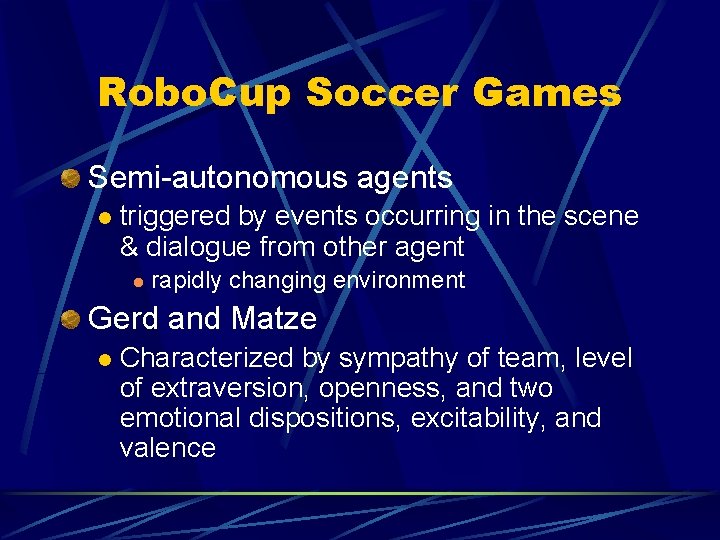
Robo. Cup Soccer Games Semi-autonomous agents l triggered by events occurring in the scene & dialogue from other agent l rapidly changing environment Gerd and Matze l Characterized by sympathy of team, level of extraversion, openness, and two emotional dispositions, excitability, and valence
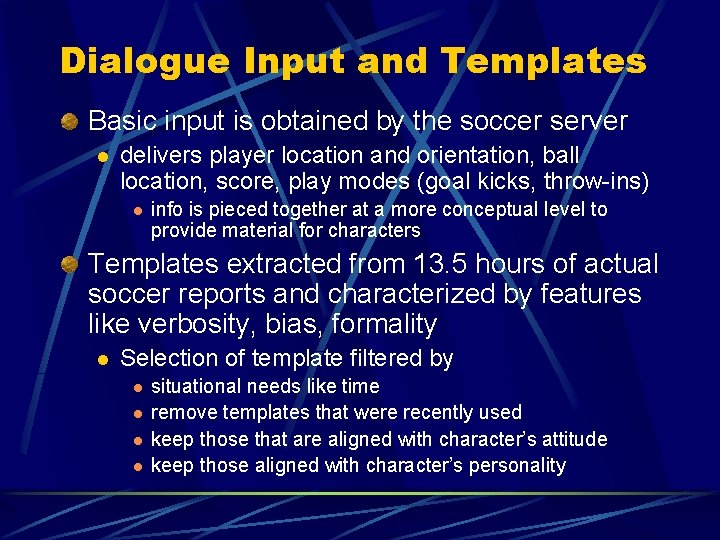
Dialogue Input and Templates Basic input is obtained by the soccer server l delivers player location and orientation, ball location, score, play modes (goal kicks, throw-ins) l info is pieced together at a more conceptual level to provide material for characters Templates extracted from 13. 5 hours of actual soccer reports and characterized by features like verbosity, bias, formality l Selection of template filtered by l l situational needs like time remove templates that were recently used keep those that are aligned with character’s attitude keep those aligned with character’s personality
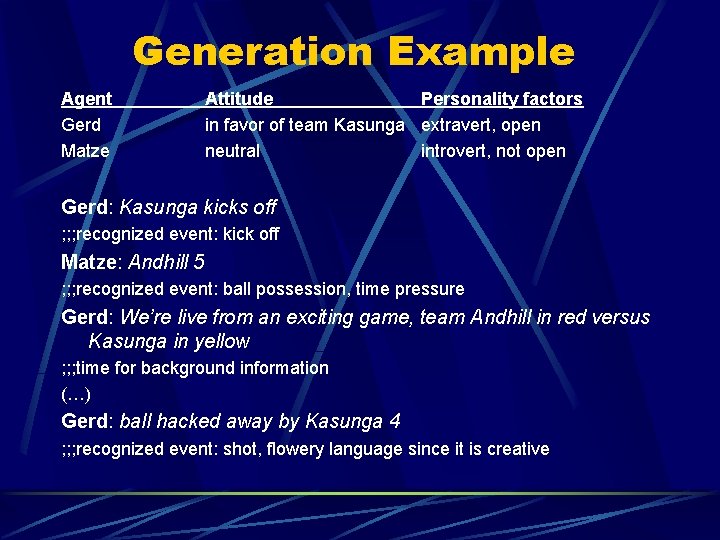
Generation Example Agent Gerd Matze Attitude Personality factors in favor of team Kasunga extravert, open neutral introvert, not open Gerd: Kasunga kicks off ; ; ; recognized event: kick off Matze: Andhill 5 ; ; ; recognized event: ball possession, time pressure Gerd: We’re live from an exciting game, team Andhill in red versus Kasunga in yellow ; ; ; time for background information (…) Gerd: ball hacked away by Kasunga 4 ; ; ; recognized event: shot, flowery language since it is creative
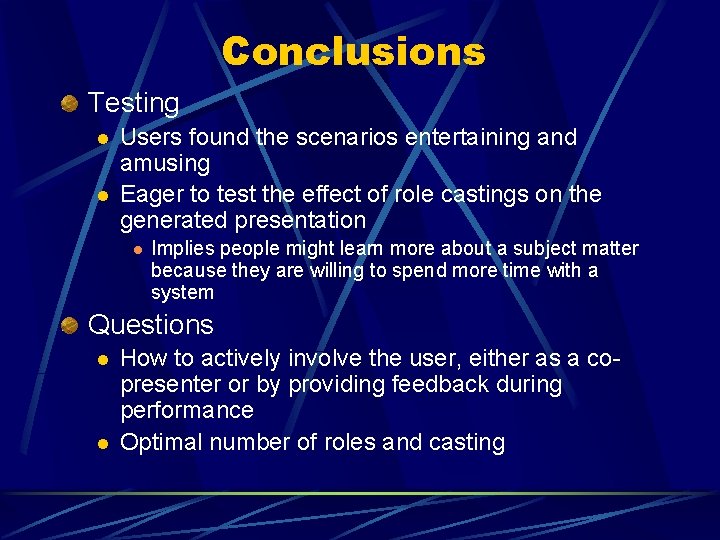
Conclusions Testing l l Users found the scenarios entertaining and amusing Eager to test the effect of role castings on the generated presentation l Implies people might learn more about a subject matter because they are willing to spend more time with a system Questions l l How to actively involve the user, either as a copresenter or by providing feedback during performance Optimal number of roles and casting
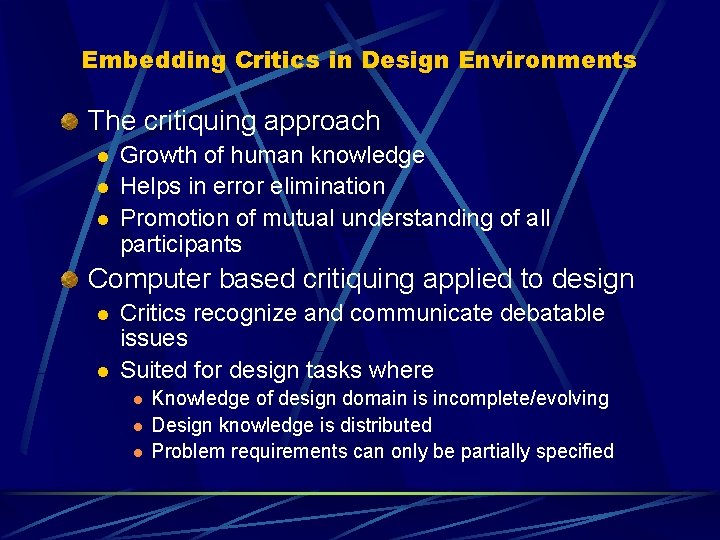
Embedding Critics in Design Environments The critiquing approach l l l Growth of human knowledge Helps in error elimination Promotion of mutual understanding of all participants Computer based critiquing applied to design l l Critics recognize and communicate debatable issues Suited for design tasks where l l l Knowledge of design domain is incomplete/evolving Design knowledge is distributed Problem requirements can only be partially specified
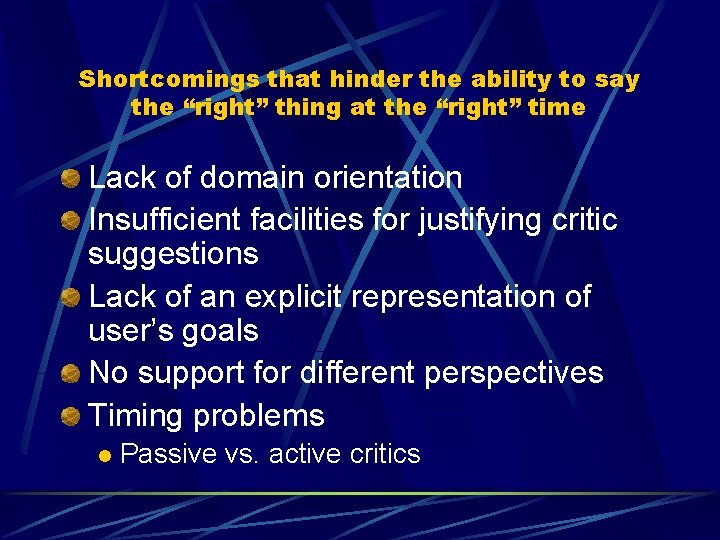
Shortcomings that hinder the ability to say the “right” thing at the “right” time Lack of domain orientation Insufficient facilities for justifying critic suggestions Lack of an explicit representation of user’s goals No support for different perspectives Timing problems l Passive vs. active critics
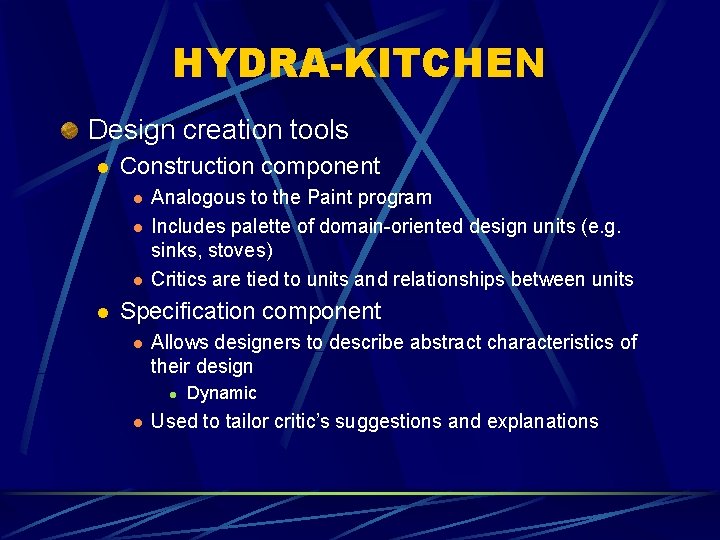
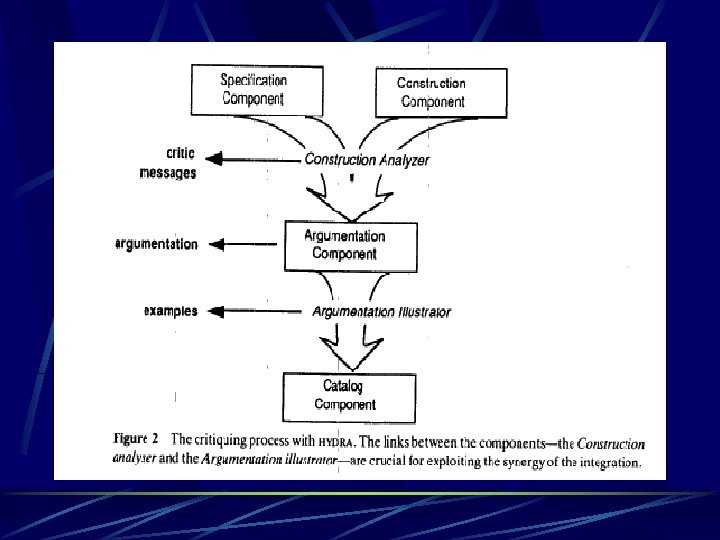
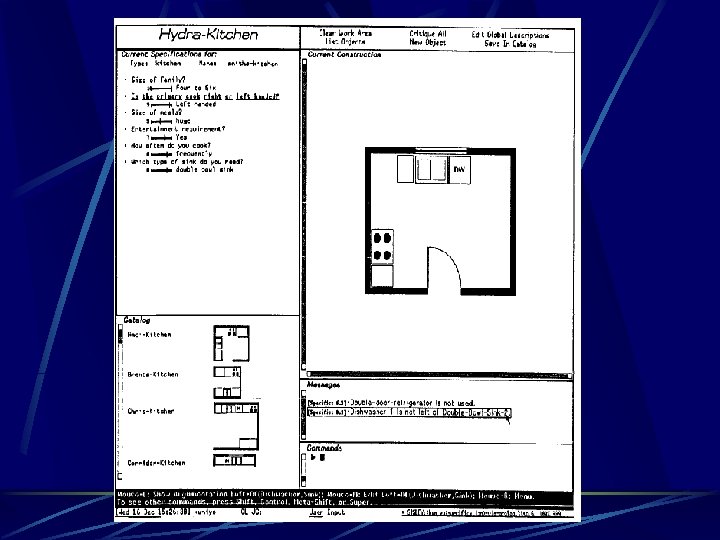
HYDRA-KITCHEN Design creation tools l Construction component l l Analogous to the Paint program Includes palette of domain-oriented design units (e. g. sinks, stoves) Critics are tied to units and relationships between units Specification component l Allows designers to describe abstract characteristics of their design l l Dynamic Used to tailor critic’s suggestions and explanations
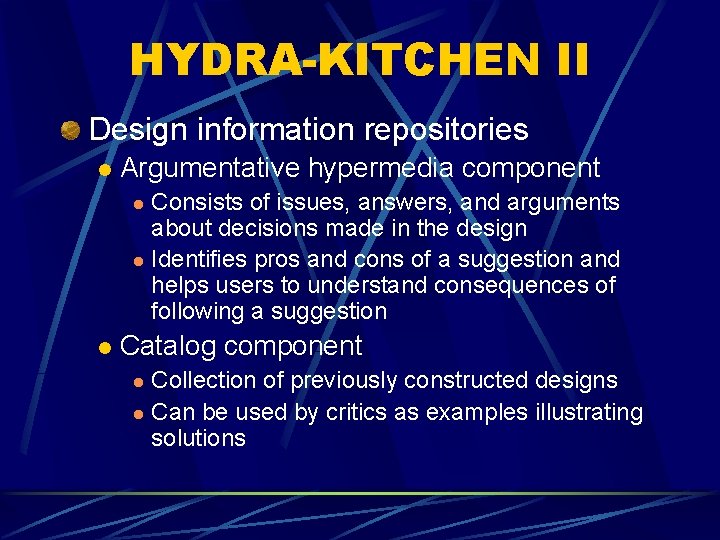
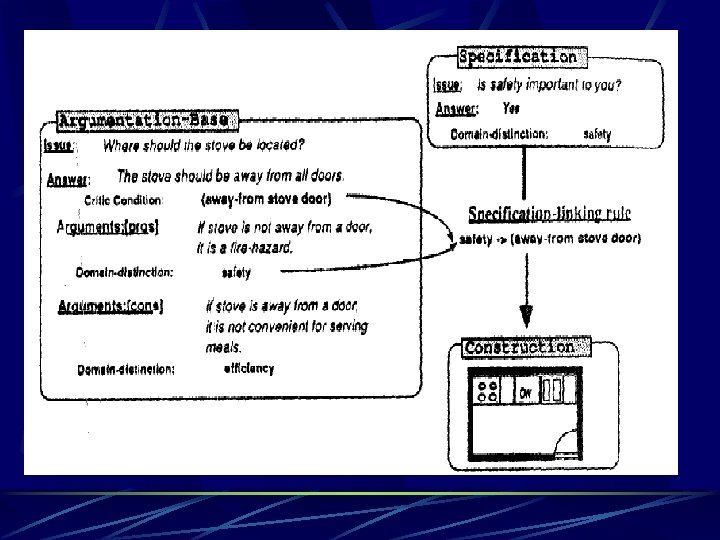
HYDRA-KITCHEN II Design information repositories l Argumentative hypermedia component Consists of issues, answers, and arguments about decisions made in the design l Identifies pros and cons of a suggestion and helps users to understand consequences of following a suggestion l l Catalog component Collection of previously constructed designs l Can be used by critics as examples illustrating solutions l
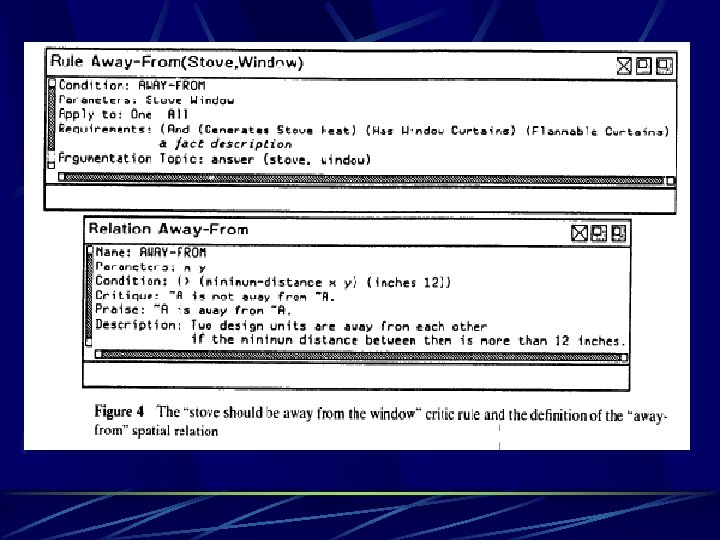
Generic Critics Enabled by placing design units into the construction area Reflects knowledge that applies to all designs Defined through property sheets that specify rules and relations l Users can add and modify
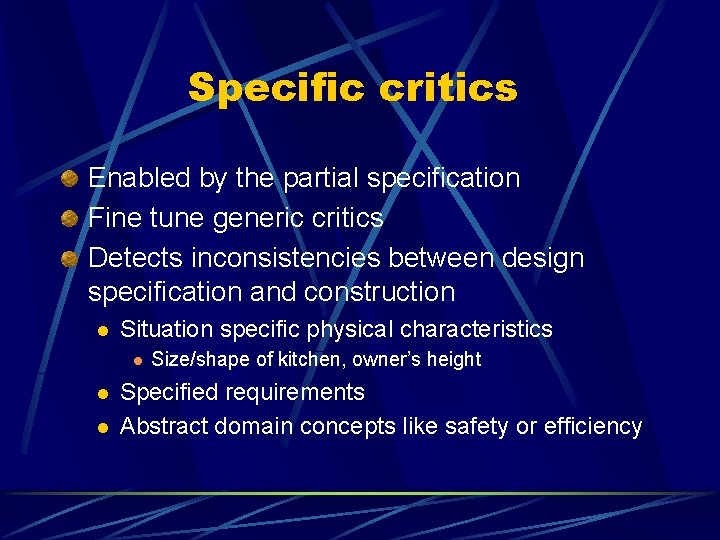
Specific critics Enabled by the partial specification Fine tune generic critics Detects inconsistencies between design specification and construction l Situation specific physical characteristics l l l Size/shape of kitchen, owner’s height Specified requirements Abstract domain concepts like safety or efficiency
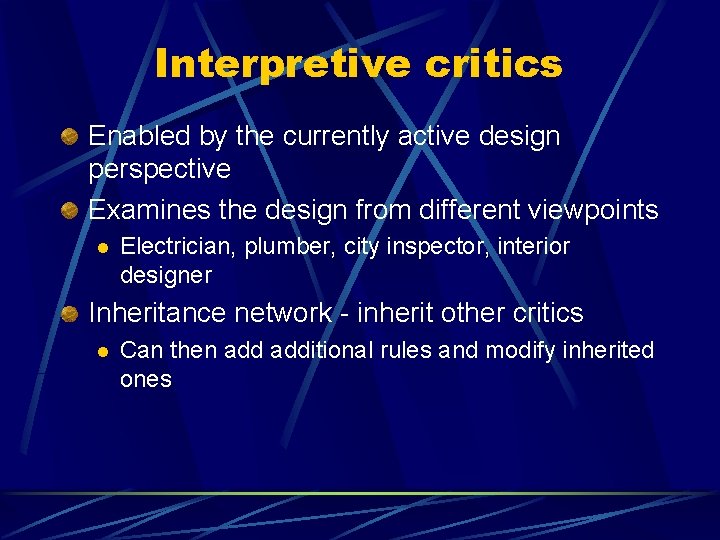
Interpretive critics Enabled by the currently active design perspective Examines the design from different viewpoints l Electrician, plumber, city inspector, interior designer Inheritance network - inherit other critics l Can then additional rules and modify inherited ones
Some advantages Embedding allows access the work state and time delivery of information that is relevant to the current task Support for different perspectives Critic suggestions supported by domain-oriented design environment Design environment allows explicit representation of user’s goals Locating relevant information l Large information space l People are lazy or unaware
HYDRA-KITCHEN Remarks Learning on demand Integrate learning into work l Immediate gratification l Relevant to task l End user modifiability How to “seed” with domain knowledge l System builders not domain experts