Oracle Analytic Functions for IR Analysis and Reporting
![Example 3. T-Test Function • STATS_T_TEST_* (exp 1, exp 2, [return value]) • The](https://slidetodoc.com/presentation_image/ffb90446e484aa2784d44c94751d46ff/image-19.jpg "Example 3. T-Test Function • STATS_T_TEST_* (exp 1, exp 2, [return value]) • The")
![Example 4. F-Test • STATS_F_TEST(expr 1, expr 2, [return value]) • This function takes](https://slidetodoc.com/presentation_image/ffb90446e484aa2784d44c94751d46ff/image-21.jpg "Example 4. F-Test • STATS_F_TEST(expr 1, expr 2, [return value]) • This function takes")
- Slides: 29
Oracle Analytic Functions for IR Analysis and Reporting Mingguang Xu and Denise Gardner Office of Institutional Research University of Georgia
Overview of IR Analysis • Extract data from a database • Export to a flat file • Use SAS or SPSS or other analytic software to analyze the data
SQL Functions • Standard SQL provides a big set of functions for data manipulation, e. g. select to_char(birth_date, 'yyyymmdd') bd from emp select to_number(to_char(birth_date, 'yyyymmdd')) bd from emp select sysdate now from dual select to_char(sysdate, 'yyyymmdd') today from dual Select avg(salary) from emp; Select dept, avg(age) from emp group by dept; • http: //download-east. oracle. com/docs/cd/B 19306_01/server. 102/b 14200. pdf
Oracle Analytic Functions • • • An extension of SQL Currently under review by ANSI SQL committee Designed for advanced data analysis and reporting, e. g. – Ranking functions compute the rank of a record compared to other records in the dataset – Moving window calculations allow you to find moving and cumulative aggregations – Lag/lead analysis enables direct inter-row references so you can calculate period-toperiod changes. – First/last analysis enables you to find the first or last value in an ordered group – Hypothesis tests, such as ANOVA, T/F tests – Linear regression Calculates linear regression and other statistics
The Analytic Functions Are Easy and Powerful • • • Data will stay in the database No extra time spent on data extraction No need of flat files Better data security since data stay in the database Similar syntax to traditional SQL functions Easy to use Efficient: removes a lot of procedural code and complex or inefficient queries that would have taken a long tome to develop, to achieve the same result Useful for quick looks at data and trends Outputs can be exported/saved to several file formats
3 Ways to Look at the Analytic Functions 1. 2. 3. Anatomy of the syntax Comparisons between analytic functions and traditional SQL functions Common IR analytical examples
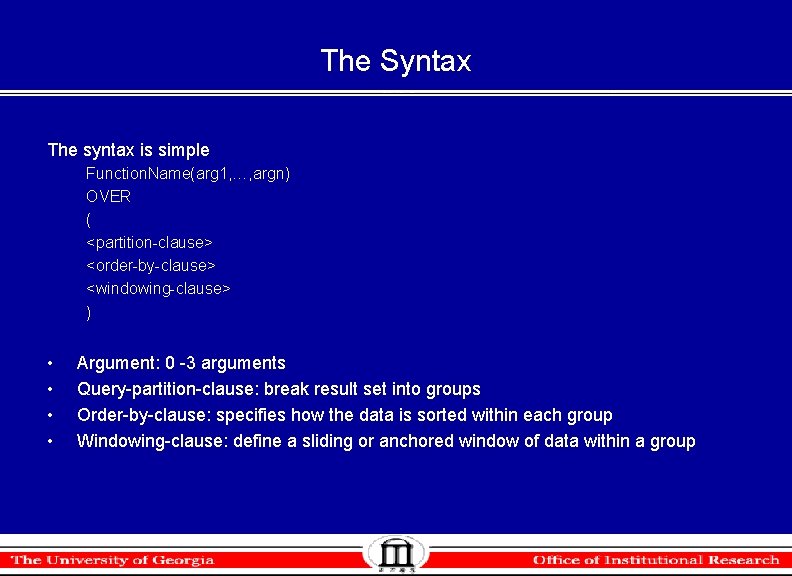
The Syntax The syntax is simple Function. Name(arg 1, …, argn) OVER ( <partition-clause> <order-by-clause> <windowing-clause> ) • • Argument: 0 -3 arguments Query-partition-clause: break result set into groups Order-by-clause: specifies how the data is sorted within each group Windowing-clause: define a sliding or anchored window of data within a group
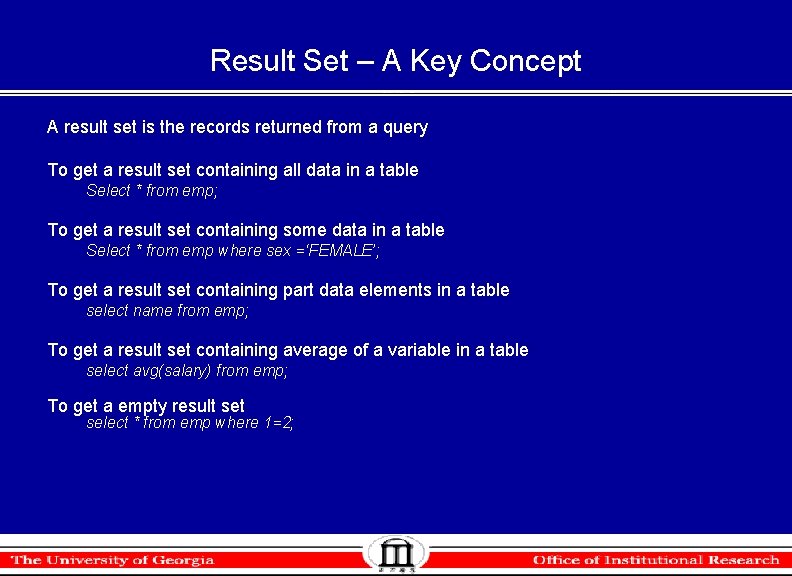
Result Set – A Key Concept A result set is the records returned from a query To get a result set containing all data in a table Select * from emp; To get a result set containing some data in a table Select * from emp where sex =‘FEMALE’; To get a result set containing part data elements in a table select name from emp; To get a result set containing average of a variable in a table select avg(salary) from emp; To get a empty result select * from emp where 1=2;
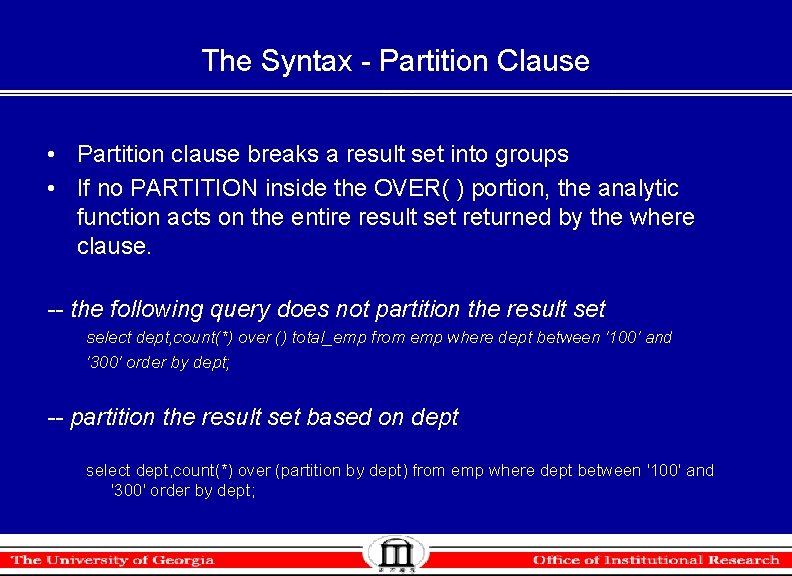
The Syntax - Partition Clause • Partition clause breaks a result set into groups • If no PARTITION inside the OVER( ) portion, the analytic function acts on the entire result set returned by the where clause. -- the following query does not partition the result select dept, count(*) over () total_emp from emp where dept between '100' and '300' order by dept; -- partition the result set based on dept select dept, count(*) over (partition by dept) from emp where dept between '100' and '300' order by dept;
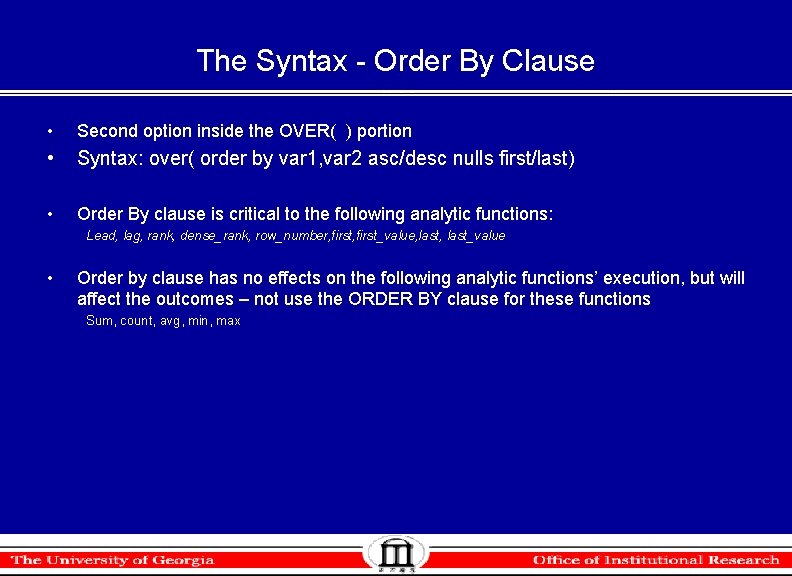
The Syntax - Order By Clause • Second option inside the OVER( ) portion • Syntax: over( order by var 1, var 2 asc/desc nulls first/last) • Order By clause is critical to the following analytic functions: Lead, lag, rank, dense_rank, row_number, first_value, last_value • Order by clause has no effects on the following analytic functions’ execution, but will affect the outcomes – not use the ORDER BY clause for these functions Sum, count, avg, min, max
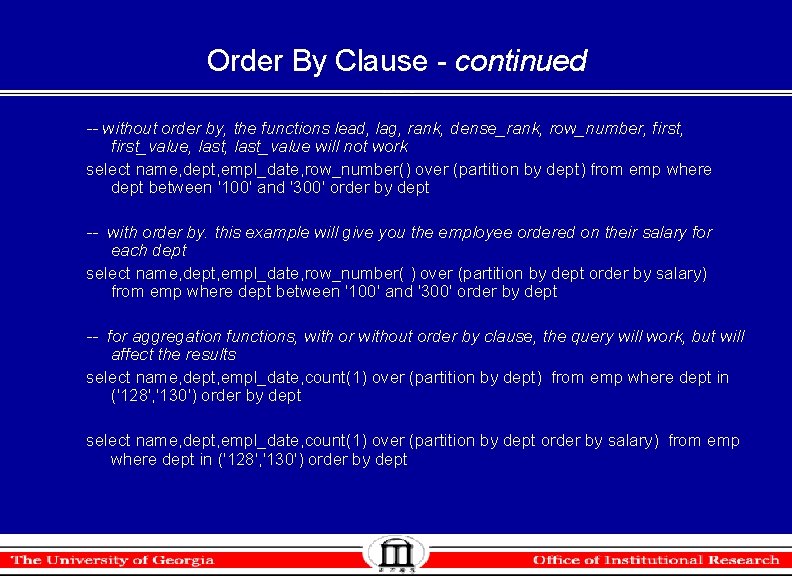
Order By Clause - continued -- without order by, the functions lead, lag, rank, dense_rank, row_number, first_value, last_value will not work select name, dept, empl_date, row_number() over (partition by dept) from emp where dept between '100' and '300' order by dept -- with order by. this example will give you the employee ordered on their salary for each dept select name, dept, empl_date, row_number( ) over (partition by dept order by salary) from emp where dept between '100' and '300' order by dept -- for aggregation functions, with or without order by clause, the query will work, but will affect the results select name, dept, empl_date, count(1) over (partition by dept) from emp where dept in ('128', '130') order by dept select name, dept, empl_date, count(1) over (partition by dept order by salary) from emp where dept in ('128', '130') order by dept
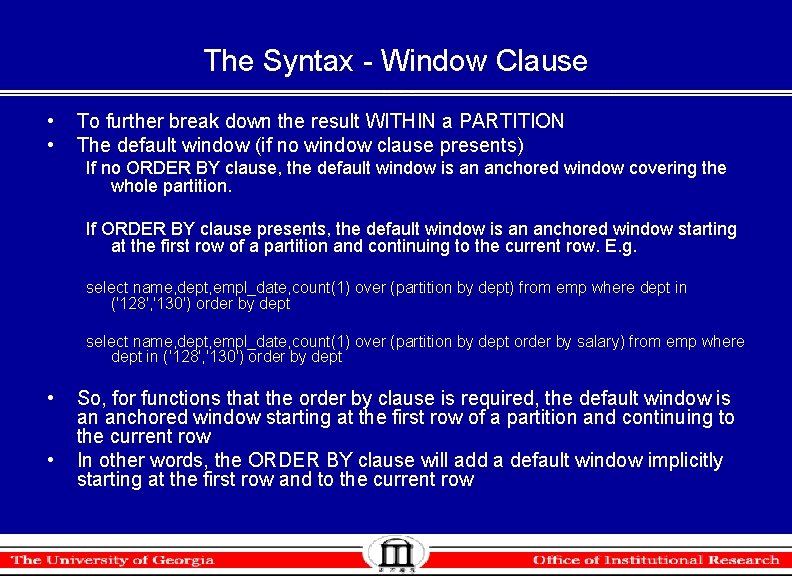
The Syntax - Window Clause • • To further break down the result WITHIN a PARTITION The default window (if no window clause presents) If no ORDER BY clause, the default window is an anchored window covering the whole partition. If ORDER BY clause presents, the default window is an anchored window starting at the first row of a partition and continuing to the current row. E. g. select name, dept, empl_date, count(1) over (partition by dept) from emp where dept in ('128', '130') order by dept select name, dept, empl_date, count(1) over (partition by dept order by salary) from emp where dept in ('128', '130') order by dept • • So, for functions that the order by clause is required, the default window is an anchored window starting at the first row of a partition and continuing to the current row In other words, the ORDER BY clause will add a default window implicitly starting at the first row and to the current row
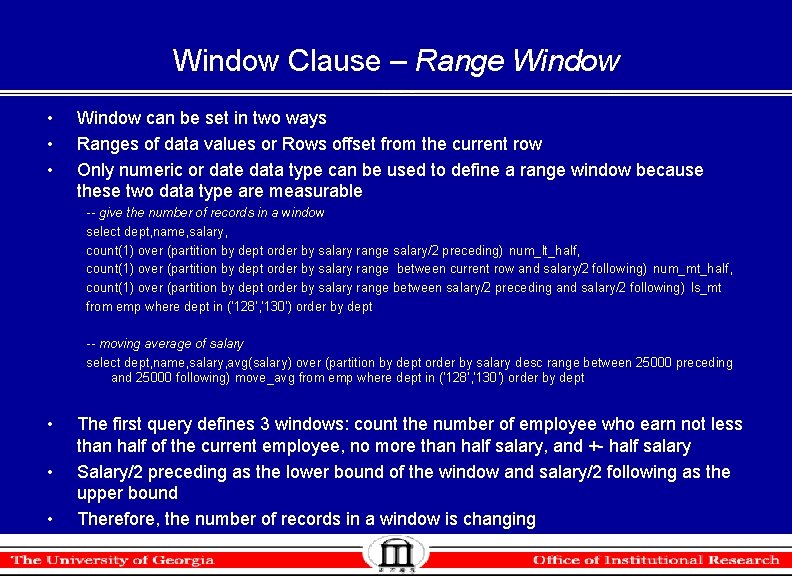
Window Clause – Range Window • • • Window can be set in two ways Ranges of data values or Rows offset from the current row Only numeric or date data type can be used to define a range window because these two data type are measurable -- give the number of records in a window select dept, name, salary, count(1) over (partition by dept order by salary range salary/2 preceding) num_lt_half, count(1) over (partition by dept order by salary range between current row and salary/2 following) num_mt_half, count(1) over (partition by dept order by salary range between salary/2 preceding and salary/2 following) ls_mt from emp where dept in ('128', '130') order by dept -- moving average of salary select dept, name, salary, avg(salary) over (partition by dept order by salary desc range between 25000 preceding and 25000 following) move_avg from emp where dept in ('128', '130') order by dept • • • The first query defines 3 windows: count the number of employee who earn not less than half of the current employee, no more than half salary, and +- half salary Salary/2 preceding as the lower bound of the window and salary/2 following as the upper bound Therefore, the number of records in a window is changing
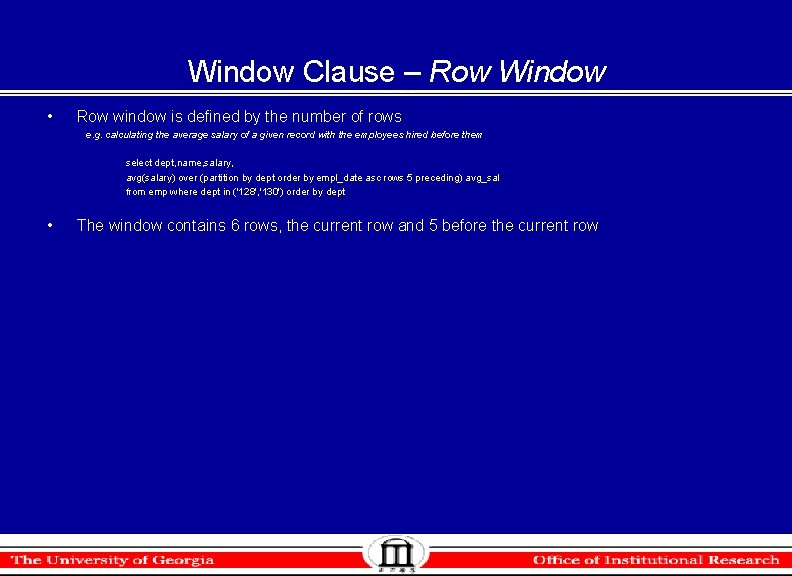
Window Clause – Row Window • Row window is defined by the number of rows e. g. calculating the average salary of a given record with the employees hired before them select dept, name, salary, avg(salary) over (partition by dept order by empl_date asc rows 5 preceding) avg_sal from emp where dept in ('128', '130') order by dept • The window contains 6 rows, the current row and 5 before the current row
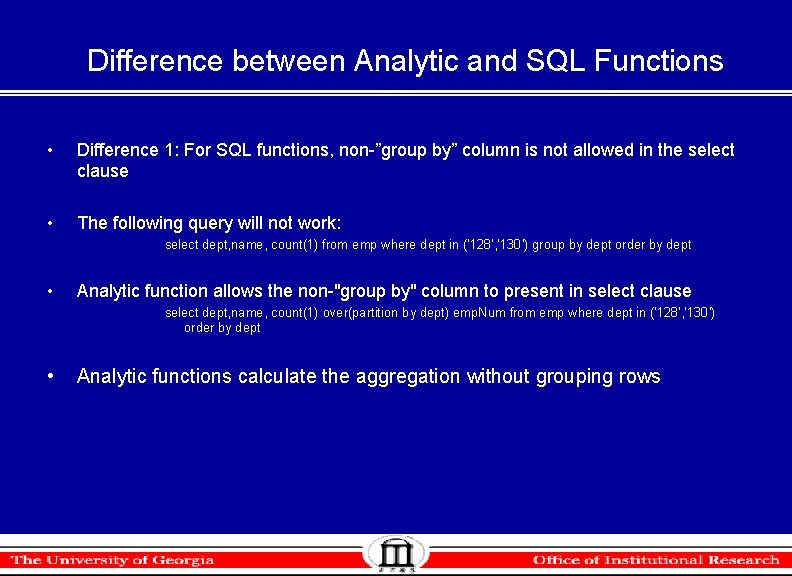
Difference between Analytic and SQL Functions • Difference 1: For SQL functions, non-”group by” column is not allowed in the select clause • The following query will not work: select dept, name, count(1) from emp where dept in ('128', '130') group by dept order by dept • Analytic function allows the non-"group by" column to present in select clause select dept, name, count(1) over(partition by dept) emp. Num from emp where dept in ('128', '130') order by dept • Analytic functions calculate the aggregation without grouping rows
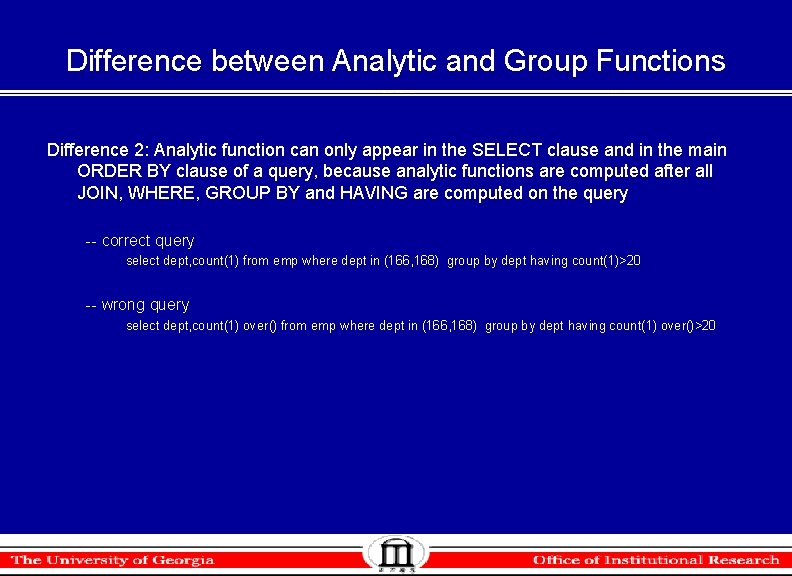
Difference between Analytic and Group Functions Difference 2: Analytic function can only appear in the SELECT clause and in the main ORDER BY clause of a query, because analytic functions are computed after all JOIN, WHERE, GROUP BY and HAVING are computed on the query -- correct query select dept, count(1) from emp where dept in (166, 168) group by dept having count(1)>20 -- wrong query select dept, count(1) over() from emp where dept in (166, 168) group by dept having count(1) over()>20
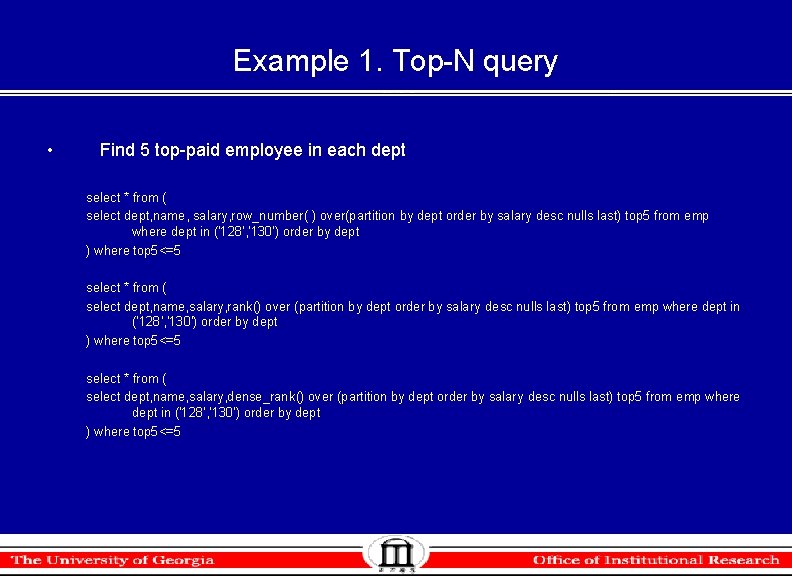
Example 1. Top-N query • Find 5 top-paid employee in each dept select * from ( select dept, name, salary, row_number( ) over(partition by dept order by salary desc nulls last) top 5 from emp where dept in ('128', '130') order by dept ) where top 5<=5 select * from ( select dept, name, salary, rank() over (partition by dept order by salary desc nulls last) top 5 from emp where dept in ('128', '130') order by dept ) where top 5<=5 select * from ( select dept, name, salary, dense_rank() over (partition by dept order by salary desc nulls last) top 5 from emp where dept in ('128', '130') order by dept ) where top 5<=5
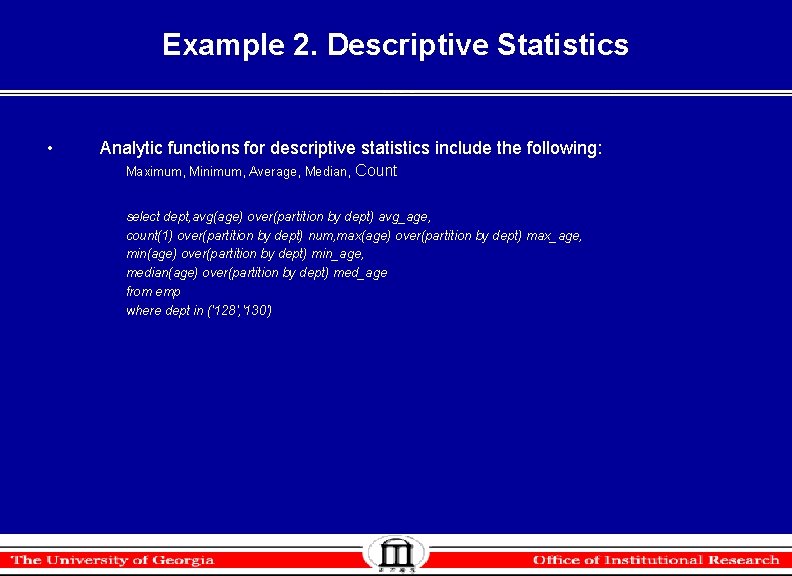
Example 2. Descriptive Statistics • Analytic functions for descriptive statistics include the following: Maximum, Minimum, Average, Median, Count select dept, avg(age) over(partition by dept) avg_age, count(1) over(partition by dept) num, max(age) over(partition by dept) max_age, min(age) over(partition by dept) min_age, median(age) over(partition by dept) med_age from emp where dept in ('128', '130')
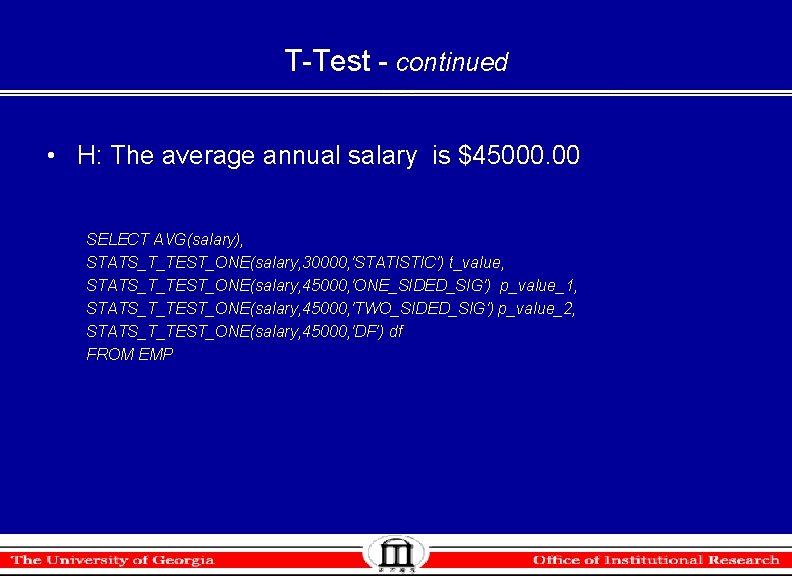
Example 3. T-Test Function • STATS_T_TEST_* (exp 1, exp 2, [return value]) • The return values are: STATISTIC Observed value of t DF Degree of freedom ONE_SIDED_SIGO One-tailed significance of t TWO_SIDED_SIGT Two-tailed significance of t
T-Test - continued • H: The average annual salary is $45000. 00 SELECT AVG(salary), STATS_T_TEST_ONE(salary, 30000, 'STATISTIC') t_value, STATS_T_TEST_ONE(salary, 45000, 'ONE_SIDED_SIG') p_value_1, STATS_T_TEST_ONE(salary, 45000, 'TWO_SIDED_SIG') p_value_2, STATS_T_TEST_ONE(salary, 45000, 'DF') df FROM EMP
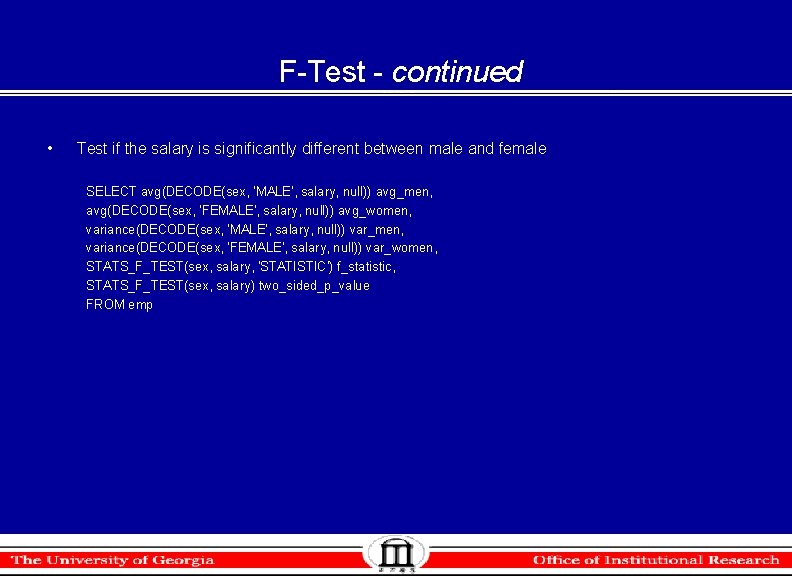
Example 4. F-Test • STATS_F_TEST(expr 1, expr 2, [return value]) • This function takes three arguments: expr 1 is the grouping or independent variable and expr 2 is the sample of values. The function returns one number, determined by the value of the third argument. If you omit the third argument, the default is TWO_SIDED_SIG. Return Value Meaning STATISTIC The observed value of f DF_NUM Degree of freedom for the numerator DF_DEN Degree of freedom for the denominator ONE_SIDED_SIG One-tailed significance of f TWO_SIDED_SIG Two-tailed significance of f
F-Test - continued • Test if the salary is significantly different between male and female SELECT avg(DECODE(sex, 'MALE', salary, null)) avg_men, avg(DECODE(sex, 'FEMALE', salary, null)) avg_women, variance(DECODE(sex, 'MALE', salary, null)) var_men, variance(DECODE(sex, 'FEMALE', salary, null)) var_women, STATS_F_TEST(sex, salary, 'STATISTIC') f_statistic, STATS_F_TEST(sex, salary) two_sided_p_value FROM emp
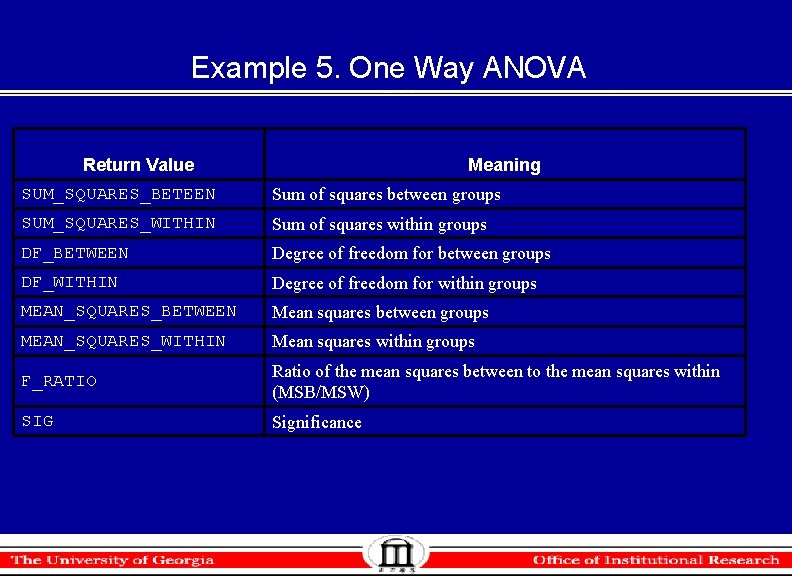
Example 5. One Way ANOVA Return Value Meaning SUM_SQUARES_BETEEN Sum of squares between groups SUM_SQUARES_WITHIN Sum of squares within groups DF_BETWEEN Degree of freedom for between groups DF_WITHIN Degree of freedom for within groups MEAN_SQUARES_BETWEEN Mean squares between groups MEAN_SQUARES_WITHIN Mean squares within groups F_RATIO Ratio of the mean squares between to the mean squares within (MSB/MSW) SIG Significance
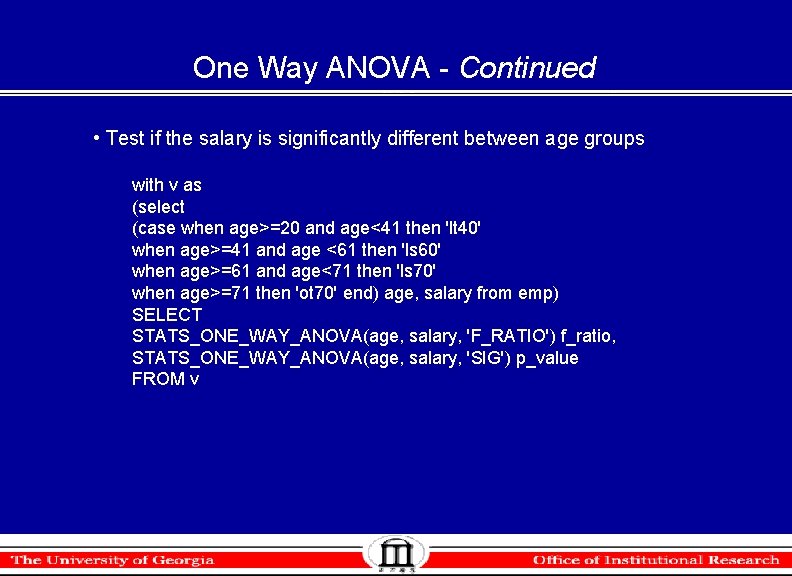
One Way ANOVA - Continued • Test if the salary is significantly different between age groups with v as (select (case when age>=20 and age<41 then 'lt 40' when age>=41 and age <61 then 'ls 60' when age>=61 and age<71 then 'ls 70' when age>=71 then 'ot 70' end) age, salary from emp) SELECT STATS_ONE_WAY_ANOVA(age, salary, 'F_RATIO') f_ratio, STATS_ONE_WAY_ANOVA(age, salary, 'SIG') p_value FROM v
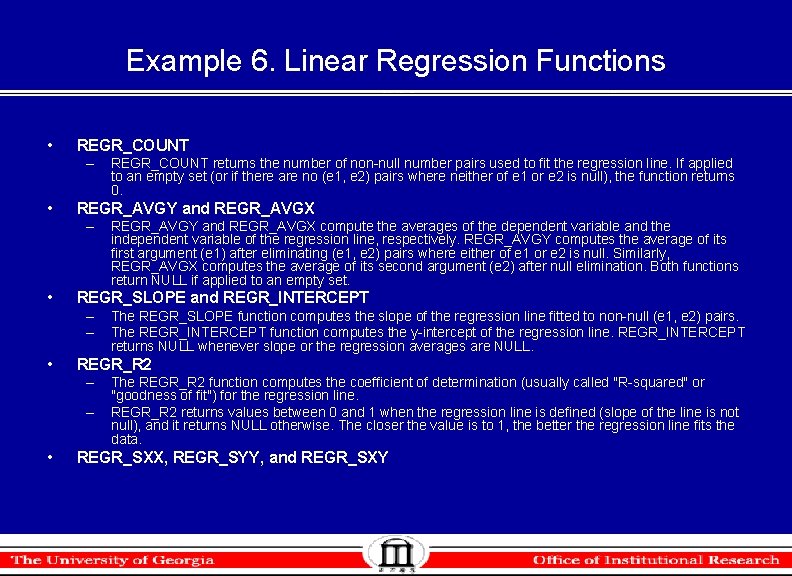
Example 6. Linear Regression Functions • REGR_COUNT – • REGR_AVGY and REGR_AVGX – • The REGR_SLOPE function computes the slope of the regression line fitted to non-null (e 1, e 2) pairs. The REGR_INTERCEPT function computes the y-intercept of the regression line. REGR_INTERCEPT returns NULL whenever slope or the regression averages are NULL. REGR_R 2 – – • REGR_AVGY and REGR_AVGX compute the averages of the dependent variable and the independent variable of the regression line, respectively. REGR_AVGY computes the average of its first argument (e 1) after eliminating (e 1, e 2) pairs where either of e 1 or e 2 is null. Similarly, REGR_AVGX computes the average of its second argument (e 2) after null elimination. Both functions return NULL if applied to an empty set. REGR_SLOPE and REGR_INTERCEPT – – • REGR_COUNT returns the number of non-null number pairs used to fit the regression line. If applied to an empty set (or if there are no (e 1, e 2) pairs where neither of e 1 or e 2 is null), the function returns 0. The REGR_R 2 function computes the coefficient of determination (usually called "R-squared" or "goodness of fit") for the regression line. REGR_R 2 returns values between 0 and 1 when the regression line is defined (slope of the line is not null), and it returns NULL otherwise. The closer the value is to 1, the better the regression line fits the data. REGR_SXX, REGR_SYY, and REGR_SXY
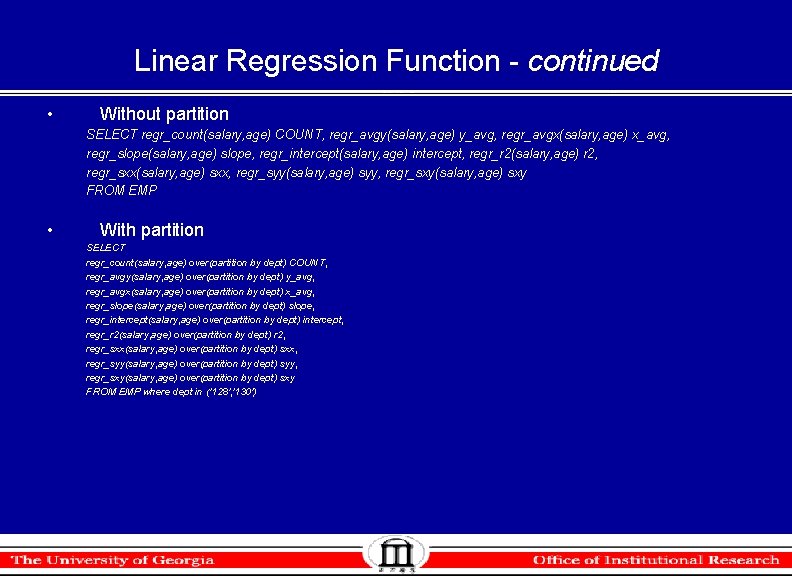
Linear Regression Function - continued • Without partition SELECT regr_count(salary, age) COUNT, regr_avgy(salary, age) y_avg, regr_avgx(salary, age) x_avg, regr_slope(salary, age) slope, regr_intercept(salary, age) intercept, regr_r 2(salary, age) r 2, regr_sxx(salary, age) sxx, regr_syy(salary, age) syy, regr_sxy(salary, age) sxy FROM EMP • With partition SELECT regr_count(salary, age) over(partition by dept) COUNT, regr_avgy(salary, age) over(partition by dept) y_avg, regr_avgx(salary, age) over(partition by dept) x_avg, regr_slope(salary, age) over(partition by dept) slope, regr_intercept(salary, age) over(partition by dept) intercept, regr_r 2(salary, age) over(partition by dept) r 2, regr_sxx(salary, age) over(partition by dept) sxx, regr_syy(salary, age) over(partition by dept) syy, regr_sxy(salary, age) over(partition by dept) sxy FROM EMP where dept in ('128', '130')
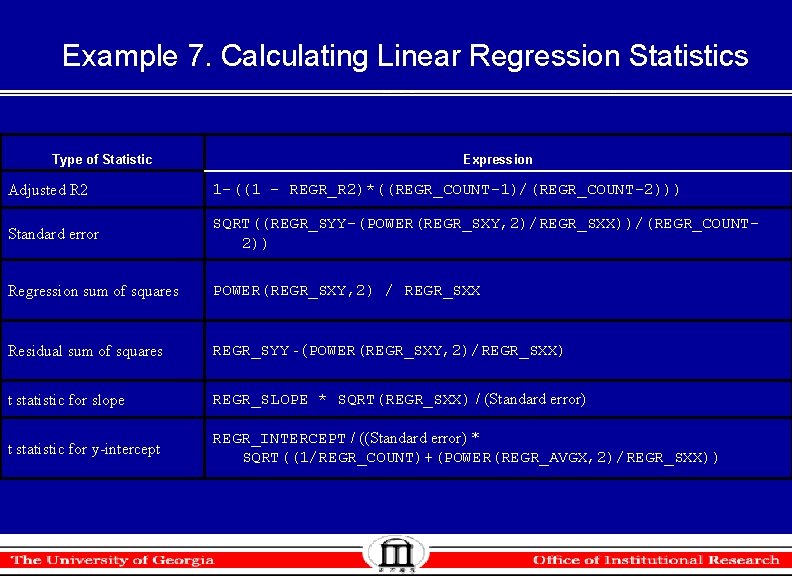
Example 7. Calculating Linear Regression Statistics Type of Statistic Expression Adjusted R 2 1 -((1 - REGR_R 2)*((REGR_COUNT-1)/(REGR_COUNT-2))) Standard error SQRT((REGR_SYY-(POWER(REGR_SXY, 2)/REGR_SXX))/(REGR_COUNT 2)) Regression sum of squares POWER(REGR_SXY, 2) / REGR_SXX Residual sum of squares REGR_SYY - (POWER(REGR_SXY, 2)/REGR_SXX) t statistic for slope REGR_SLOPE * SQRT(REGR_SXX) / (Standard error) t statistic for y-intercept REGR_INTERCEPT / ((Standard error) * SQRT((1/REGR_COUNT)+(POWER(REGR_AVGX, 2)/REGR_SXX))
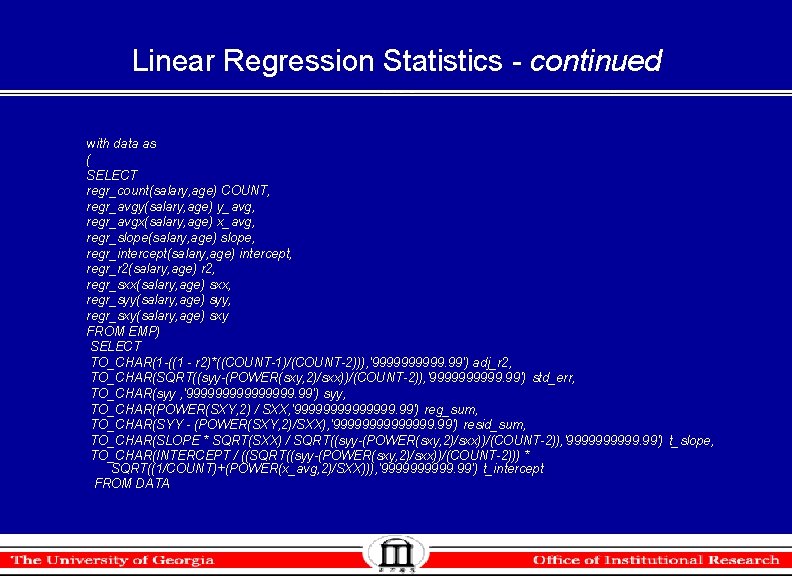
Linear Regression Statistics - continued with data as ( SELECT regr_count(salary, age) COUNT, regr_avgy(salary, age) y_avg, regr_avgx(salary, age) x_avg, regr_slope(salary, age) slope, regr_intercept(salary, age) intercept, regr_r 2(salary, age) r 2, regr_sxx(salary, age) sxx, regr_syy(salary, age) syy, regr_sxy(salary, age) sxy FROM EMP) SELECT TO_CHAR(1 -((1 - r 2)*((COUNT-1)/(COUNT-2))), '99999. 99') adj_r 2, TO_CHAR(SQRT((syy-(POWER(sxy, 2)/sxx))/(COUNT-2)), '99999. 99') std_err, TO_CHAR(syy , '99999999. 99') syy, TO_CHAR(POWER(SXY, 2) / SXX, '9999999. 99') reg_sum, TO_CHAR(SYY - (POWER(SXY, 2)/SXX), '9999999. 99') resid_sum, TO_CHAR(SLOPE * SQRT(SXX) / SQRT((syy-(POWER(sxy, 2)/sxx))/(COUNT-2)), '99999. 99') t_slope, TO_CHAR(INTERCEPT / ((SQRT((syy-(POWER(sxy, 2)/sxx))/(COUNT-2))) * SQRT((1/COUNT)+(POWER(x_avg, 2)/SXX))), '99999. 99') t_intercept FROM DATA
References • SQL Reference http: //download-east. oracle. com/docs/cd/B 19306_01/server. 102/b 14200. pdf • Data Warehousing Guide http: //download-east. oracle. com/docs/cd/B 19306_01/server. 102/b 14223. pdf • OIR’s website http: //www. oir. uga. edu/oirpres. html