
Omaha Team System User Group Welcome TFS Command
- Slides: 24
Omaha Team System User Group Welcome!
TFS Command Line Tools & TFS Power Tools
Command Line Tools TFS Command Line Tools n Administration n Customization n Build n Setup/Configuration TF Command Line Tools n Version Control n Very Useful
Command Line Tools Administration n n TFSSecurity TFSDelete. Project (TFSAdmin covered in Setup/Config)
Command Line Tools Administration – TFSSecurity n Create, modify, delete l l n Create, modify, delete permissions l l n n TFS Groups Users Use Visual Studio for everyday use Use command line for batch or automated processes
Command Line Tools Administration – TFSDelete. Project n Demo - Let’s delete a project
Command Line Tools Customization n n n TFSField. Mapping witimport witexport witfields glimport glexport
Command Line Tools Customization - TFSField. Mapping n n n Change or customize the project-mapping XML file after you create a team project Use same utility to upload/download MS Project required
Command Line Tools Customization – witimport/witexport n n n Export/Import WIT Separate tools for each Exports WIT as XML Witimport treats items with new/different names as “new” Recommend using Process Editor in Power Tools
Command Line Tools Customization – glimport/glexport n n n Export/Import Global Lists Separate tools for each Exports as XML glimport treats items with new/different names as “new” Recommend using Process Editor in Power Tools
Command Line Tools Config/Setup n n n TFSAdmin. Util TFSSetup. Warehouse TFSReg
Command Line Tools Setup/Config - TFSAdmin. Util Not Your Everyday Tasks n Change service accounts and passwords n Rename or move servers n Add additional servers n http: //msdn. microsoft. com/enus/library/ms 253116. aspx n Use Visual Studio
Command Line Tools Setup/Config - Setup. Warehouse n n Runs automatically during initial TFS Install Can be run anytime to delete and rebuild TFS Warehouse l Corruption l Server moves l Backup/restore Run it only when necessary http: //msdn. microsoft. com/enus/library/ms 400783. aspx
Command Line Tools Setup/Config - TFSReg n n n Server moves Backup/restore http: //msdn. microsoft. com/enus/library/ms 253176. aspx
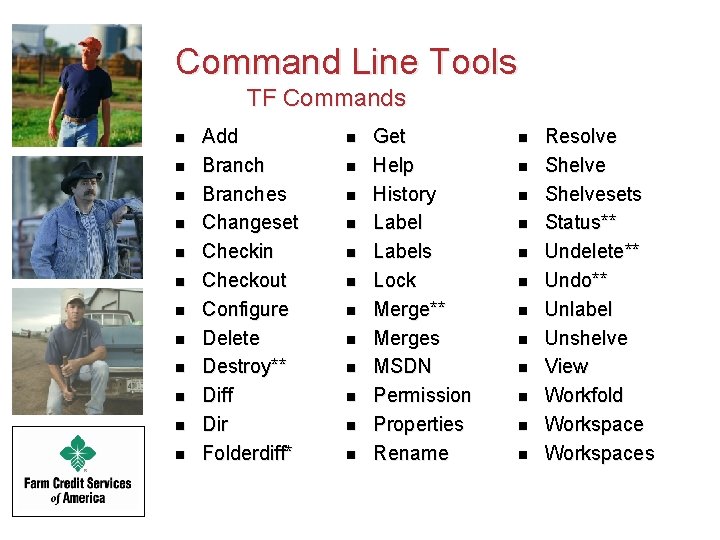
Command Line Tools TF Commands n n n Add Branches Changeset Checkin Checkout Configure Delete Destroy** Diff Dir Folderdiff* n n n Get Help History Labels Lock Merge** Merges MSDN Permission Properties Rename n n n Resolve Shelvesets Status** Undelete** Undo** Unlabel Unshelve View Workfold Workspaces
TFS Power Tools n n n Tools not Toys New version just released! New Features l Team Members l Shell Extensions l Power. Shell Support l TFPT (enhanced)
TFS Power Tools TFPT n n n n n Create. Team. Project Scorch Workspace Unshelve Rollback** Online Get. CS UU Annotate n n n n Review History Workitem Query Treeclean Destroy. WI** Destroy. WITD Tweak. UI
TFS Power Tools Process Editor n n Default Templates are a good starting point Modification of templates can be “interesting” Practice on “fake” projects Bring your patience
TFS Power Tools Process Editor n Demo
TFS Power Tools Build Notification n Alternative to email Check the status of “other” builds Quick Access to l l Build Logs Drop Folder Changesets Work Items
TFS Power Tools Build Notification n Demo
TFS Power Tools Team Members n Demo
TFS Power Tools Windows Shell Extensions n Demo
Thank You Russ Wagner wagnerr@fcsamerica. com