
Welcome Power BI User Group PUG London Power
Welcome! Power BI User Group (PUG) London
Power BI for Program Managers Stuart Box Burningsuit Ltd

Welcome to Power BI for Program Managers Strategies for getting your users on-side with Power BI, enabling them to use Data and Templates created for them and managing access to data provided as Power BI Data Models
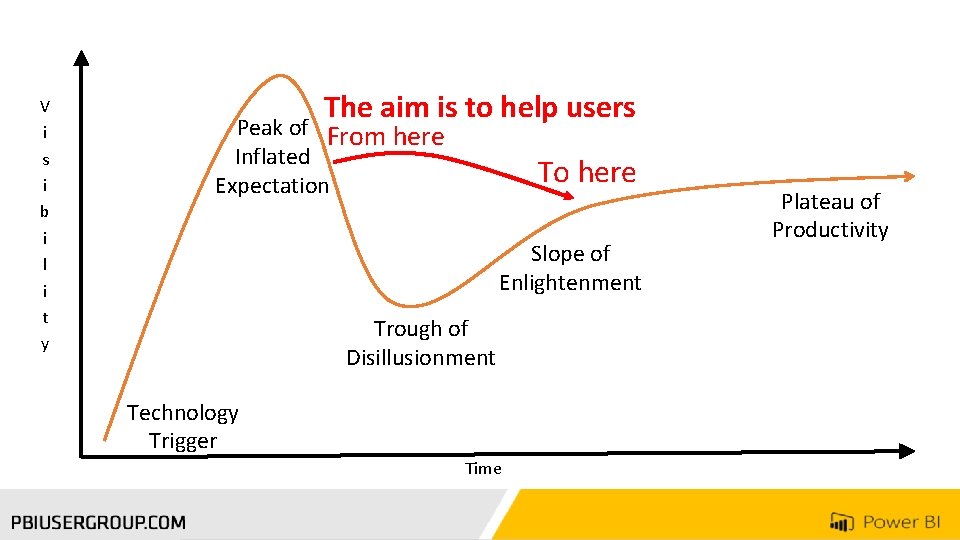
V i s i b i l i t y The aim is to help users Peak of From here Inflated Expectation To here Slope of Enlightenment Trough of Disillusionment Technology Trigger Time Plateau of Productivity
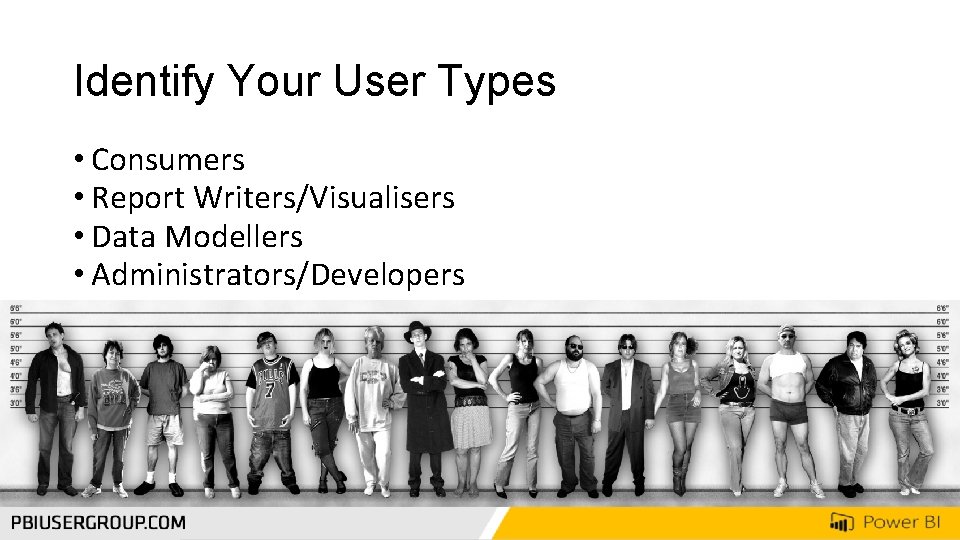
Identify Your User Types • Consumers • Report Writers/Visualisers • Data Modellers • Administrators/Developers

Administration & Configuration Data Connections Query, Data filtering Query, Data clean up Data Modelling – Relationships Data Modelling – Measures Data Modelling – Denormalisation Data Modelling – Hide fields & tables Visualisations – Reports & Dashboards Visualisations – Custom Visualisations – Filtering & Interaction Workgroups – Sharing & Admin Workgroups – Premium Workgroups – Publishing Apps Finding Apps Viewing & Filtering Reports & Dashboards Notifications & Subscriptions Smart. Phone & Tablet use Developers Data Modellers Report Writers Consumers
Build Groups • Create Active Directory Groups • Configure Administration Settings for Power BI


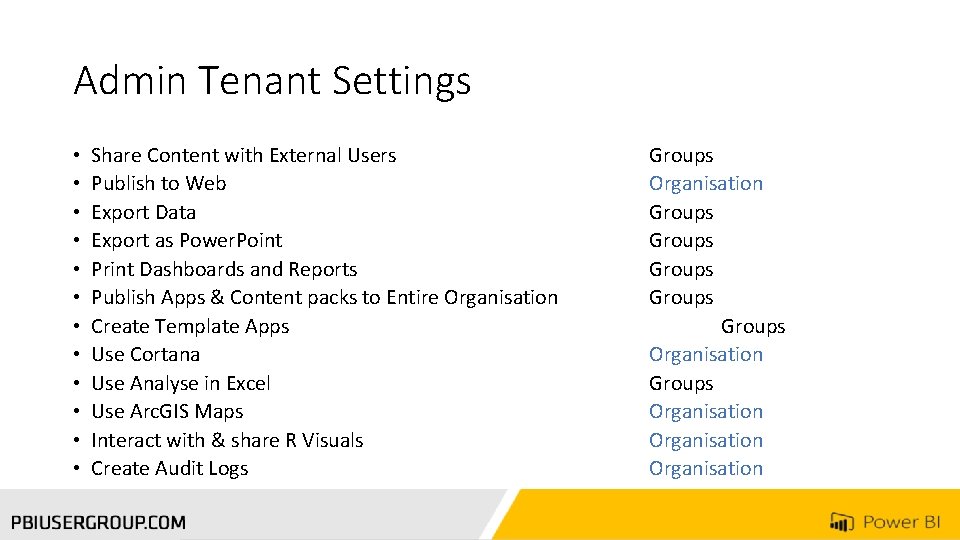
Admin Tenant Settings • • • Share Content with External Users Publish to Web Export Data Export as Power. Point Print Dashboards and Reports Publish Apps & Content packs to Entire Organisation Create Template Apps Use Cortana Use Analyse in Excel Use Arc. GIS Maps Interact with & share R Visuals Create Audit Logs Groups Organisation Groups Groups Organisation
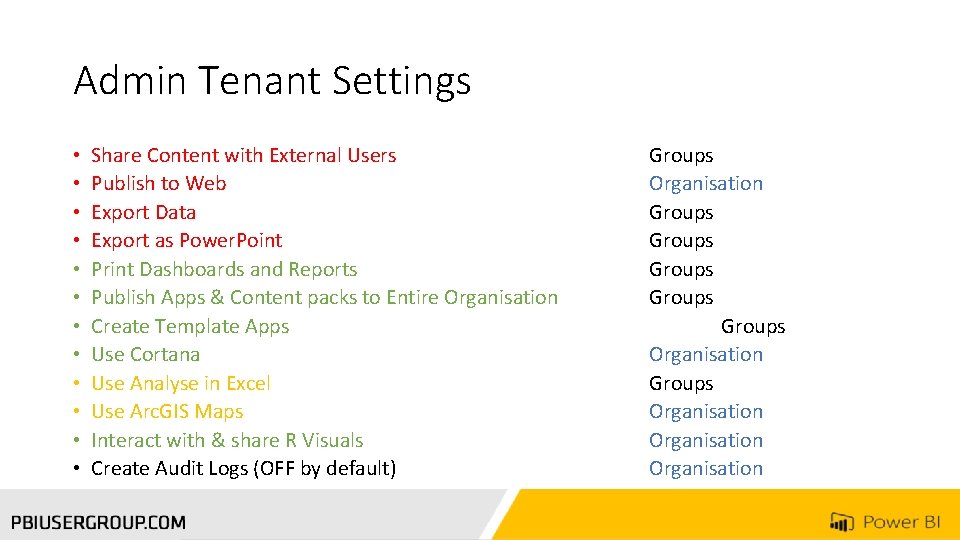
Admin Tenant Settings • • • Share Content with External Users Publish to Web Export Data Export as Power. Point Print Dashboards and Reports Publish Apps & Content packs to Entire Organisation Create Template Apps Use Cortana Use Analyse in Excel Use Arc. GIS Maps Interact with & share R Visuals Create Audit Logs (OFF by default) Groups Organisation Groups Groups Organisation

The Data Modellers
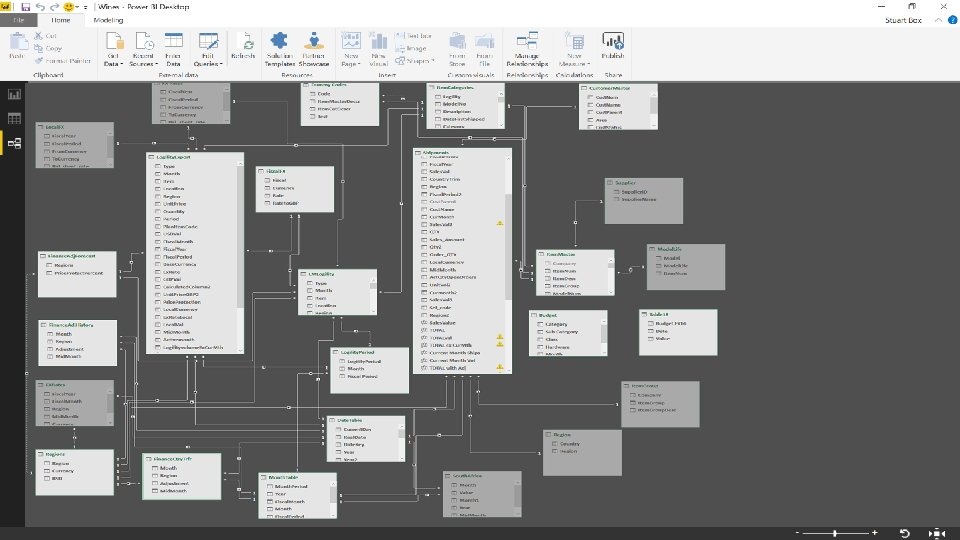
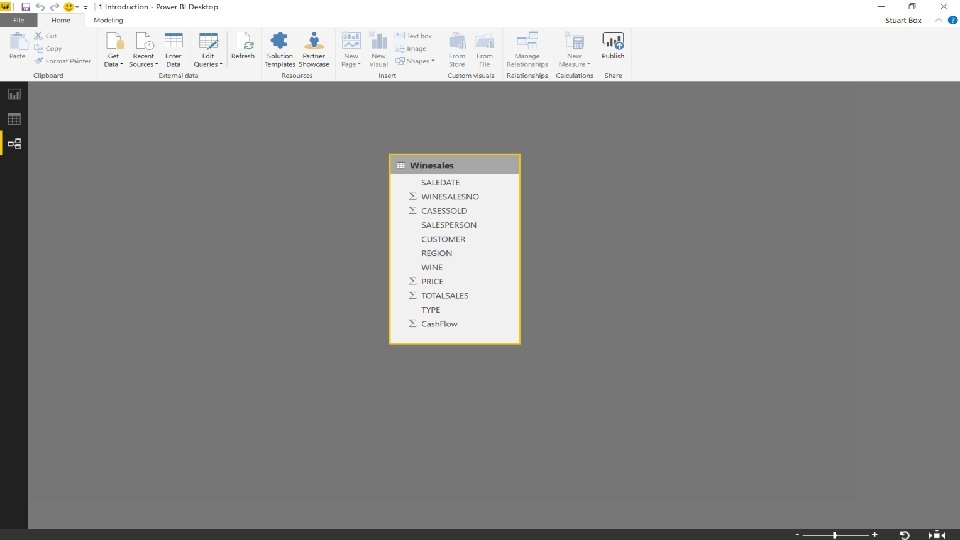
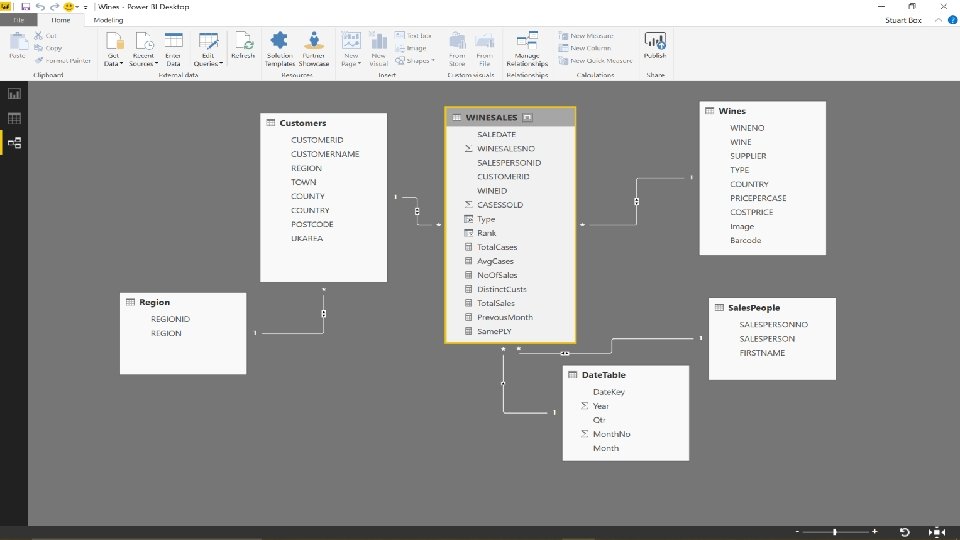

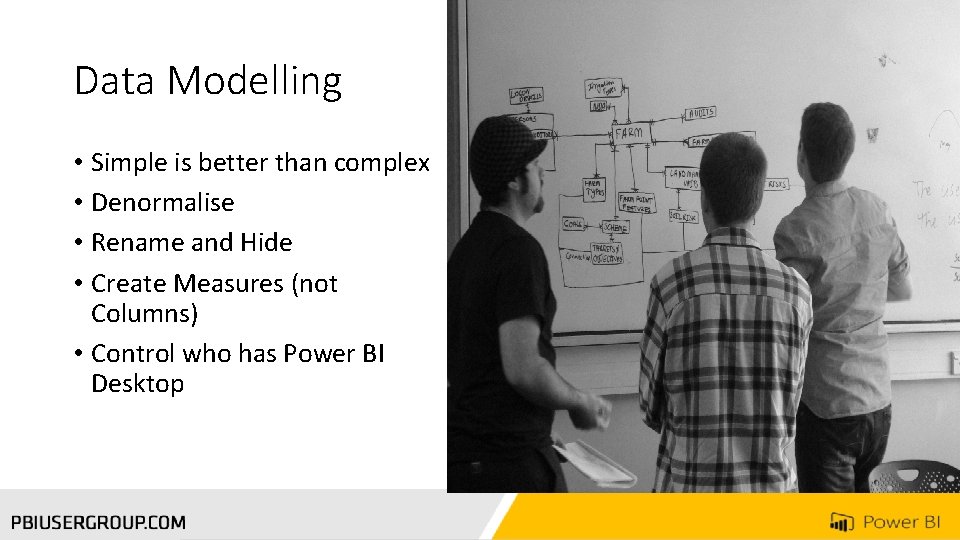
Data Modelling • Simple is better than complex • Denormalise • Rename and Hide • Create Measures (not Columns) • Control who has Power BI Desktop

The Report Writers
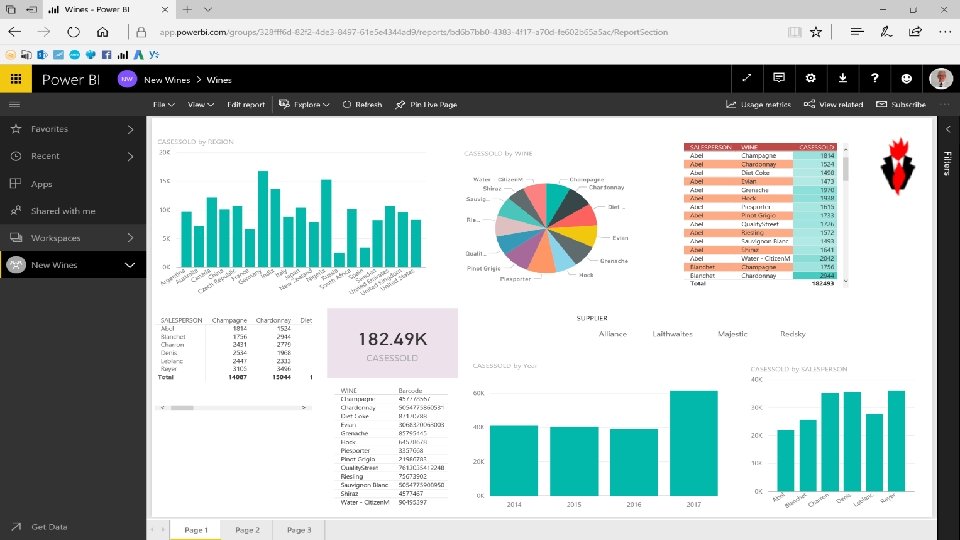
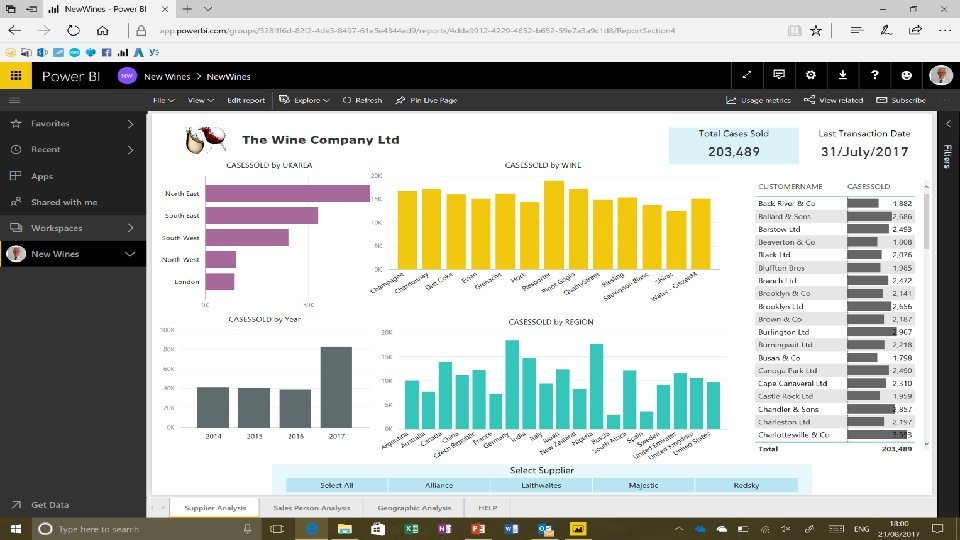

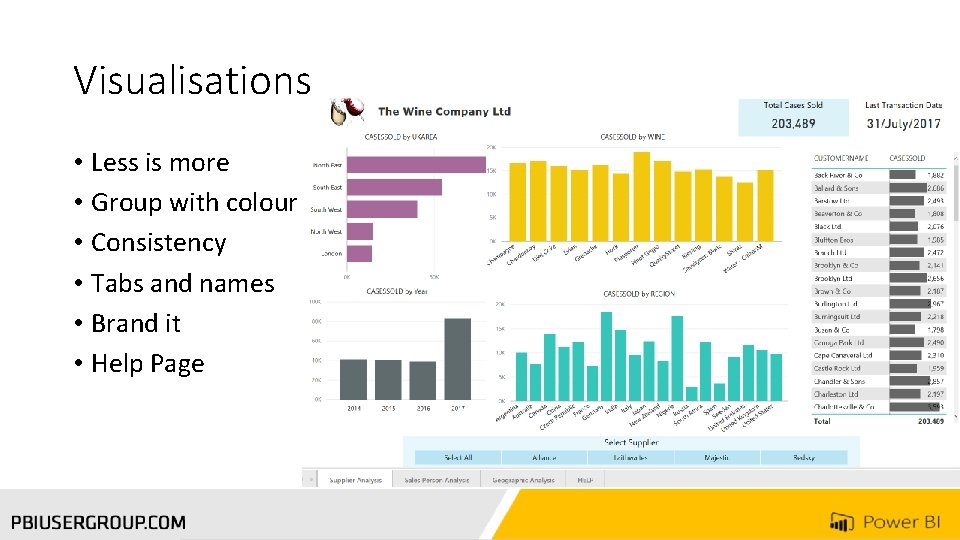
Visualisations • Less is more • Group with colour • Consistency • Tabs and names • Brand it • Help Page
Developers • Use Workgroups • Pro – Share • Premium Apps

Consumers • Much of the earlier work is to make things easier for Consumers • Help with Logging On • Use cards for notifications • Iphone & Tablets

Conclusions • Identify your user types and train them accordingly • The right training program, delivered to the right people, will encourage adoption and smooth the roll-out of Power BI • This should be thought about before the roll-out begins, not during or after • “If you think education is expensive, try ignorance”.
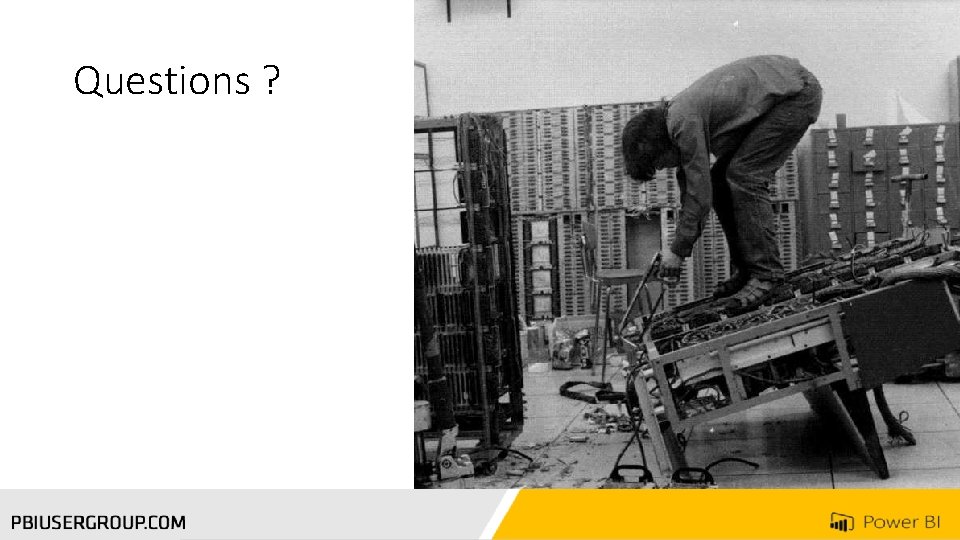
Questions ?
Thank you for Attending! Don’t forget to join your local PUG to enjoy year-round networking and learning. www. pbiusergroup. com/london www. pbiusergroup. com/northampton www. pbiusergroup. com/manchester
- Slides: 29