Komputer Grafik 2 AK 045206 Pemetaan Tekstur 1
- Slides: 35
Komputer Grafik 2 (AK 045206) Pemetaan Tekstur 1
Komputer Grafik 2 (AK 045206) • • Outline Memetakan tekstur ke permukaan datar Contoh contoh dengan Open. GL Pemetaan ‘Bump’ MIPMAPS Pemetaan Tekstur 2
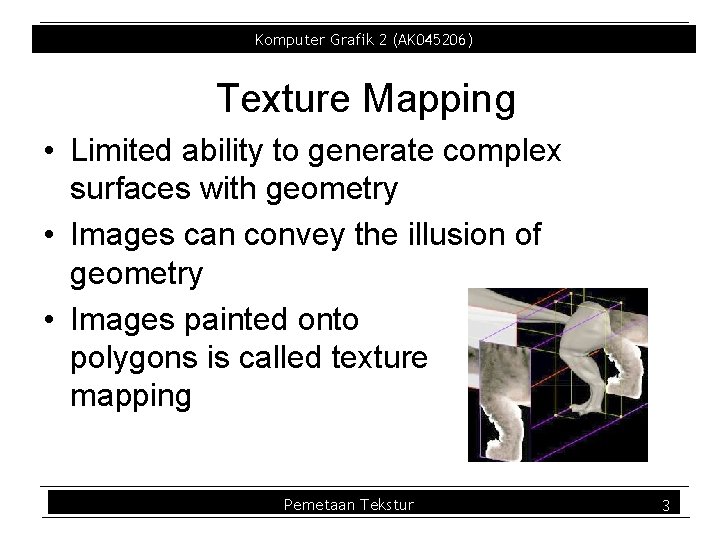
Komputer Grafik 2 (AK 045206) Texture Mapping • Limited ability to generate complex surfaces with geometry • Images can convey the illusion of geometry • Images painted onto polygons is called texture mapping Pemetaan Tekstur 3
Komputer Grafik 2 (AK 045206) Texture Maps • Images applied to polygons to enhance the visual effect of a scene – Rectangular arrays of data • Color, luminance, alpha • Components of array called texels – We’ve also had volumetric voxels Pemetaan Tekstur 4
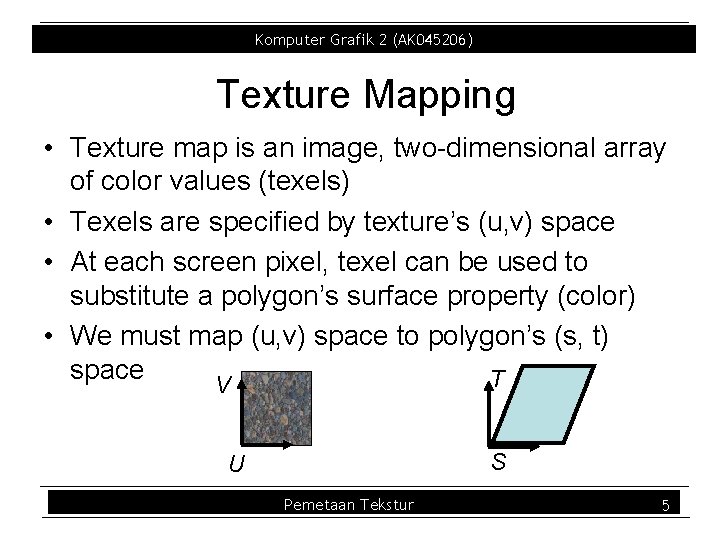
Komputer Grafik 2 (AK 045206) Texture Mapping • Texture map is an image, two dimensional array of color values (texels) • Texels are specified by texture’s (u, v) space • At each screen pixel, texel can be used to substitute a polygon’s surface property (color) • We must map (u, v) space to polygon’s (s, t) space T V S U Pemetaan Tekstur 5
Komputer Grafik 2 (AK 045206) Texture Mapping • (u, v) to (s, t) mapping can be explicitly set at vertices by storing texture coordinates with each vertex • How do we compute (u, v) to (s, t) mapping for points in between – Watch for aliasing – Watch for many to one mappings – Watch for perspective foreshortening effects and linear interpolation Pemetaan Tekstur 6
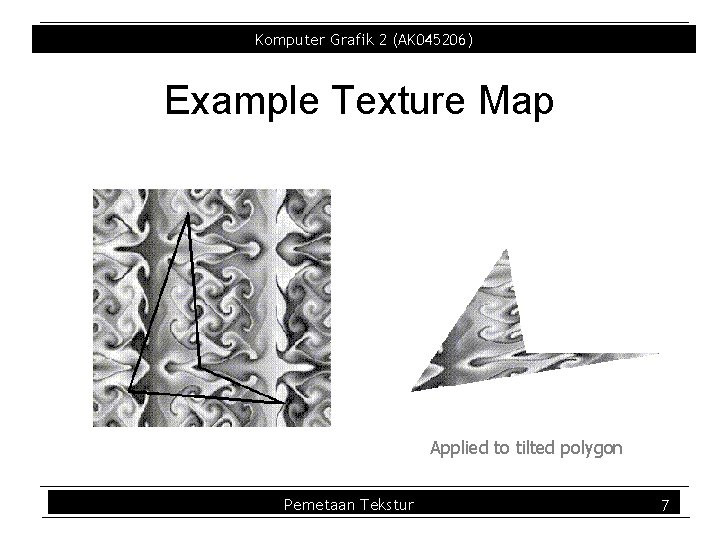
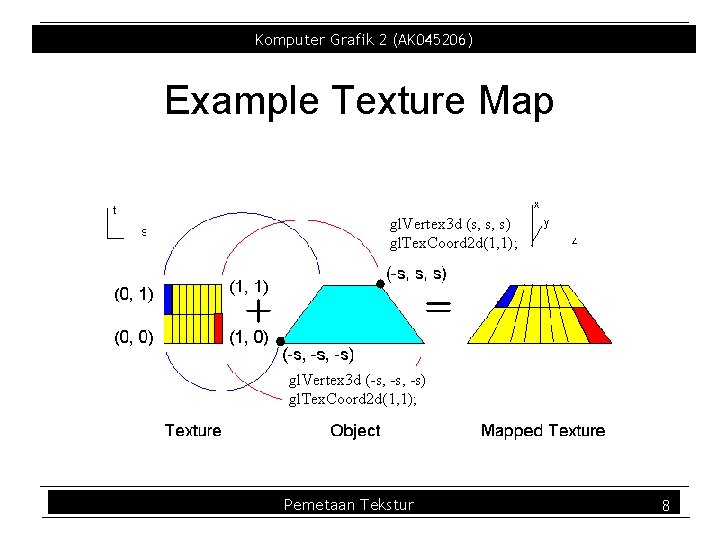
Komputer Grafik 2 (AK 045206) Example Texture Map Applied to tilted polygon Pemetaan Tekstur 7
Komputer Grafik 2 (AK 045206) Example Texture Map gl. Vertex 3 d (s, s, s) gl. Tex. Coord 2 d(1, 1); gl. Vertex 3 d (-s, -s) gl. Tex. Coord 2 d(1, 1); Pemetaan Tekstur 8
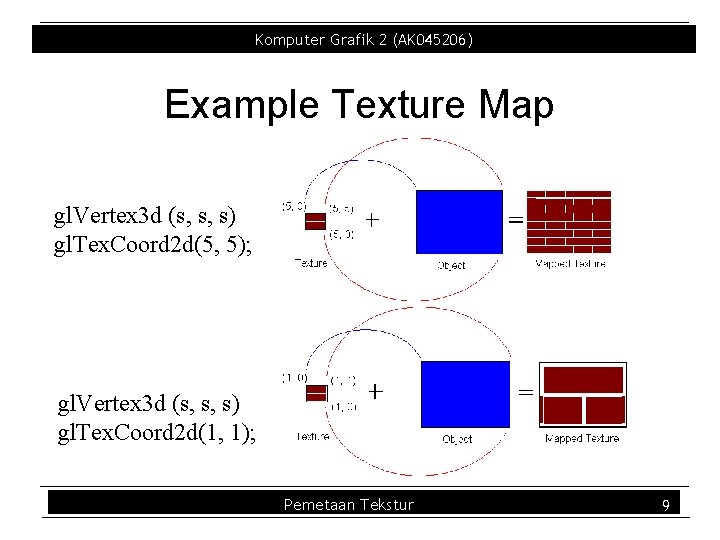
Komputer Grafik 2 (AK 045206) Example Texture Map gl. Vertex 3 d (s, s, s) gl. Tex. Coord 2 d(5, 5); gl. Vertex 3 d (s, s, s) gl. Tex. Coord 2 d(1, 1); Pemetaan Tekstur 9
Komputer Grafik 2 (AK 045206) Texture Coordinates • Every polygon has object coordinates and texture coordinates – Object coordinates describe where polygon vertices are on the screen – Texture coordinates describe texel coordinates of each vertex (usually 0 > 1) – Texture coordinates are interpolated along vertex edges • gl. Tex. Coord{1234}{sifd}(TYPE coords) Pemetaan Tekstur 10
Komputer Grafik 2 (AK 045206) Textures • Texture Object – An Open. GL data type that keeps textures resident in memory and provides identifiers to easily access them – Provides efficiency gains over having to repeatedly load and reload a texture – You can prioritize textures to keep in memory – Open. GL uses least recently used (LRU) if no priority is assigned Pemetaan Tekstur 11
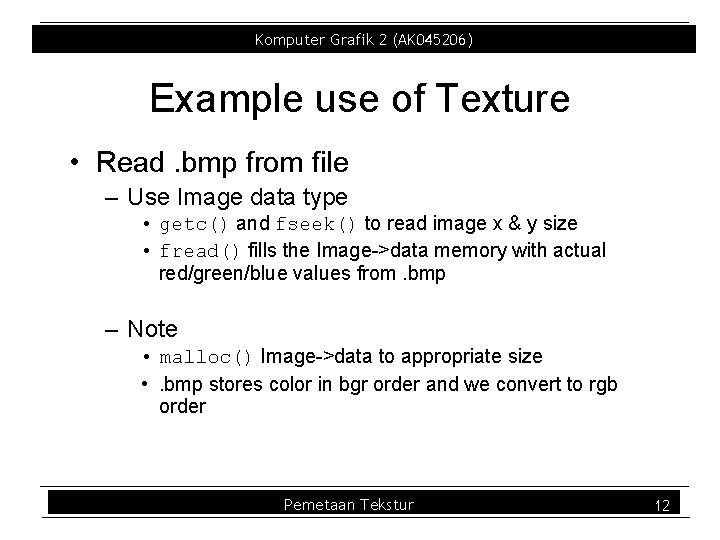
Komputer Grafik 2 (AK 045206) Example use of Texture • Read. bmp from file – Use Image data type • getc() and fseek() to read image x & y size • fread() fills the Image >data memory with actual red/green/blue values from. bmp – Note • malloc() Image >data to appropriate size • . bmp stores color in bgr order and we convert to rgb order Pemetaan Tekstur 12
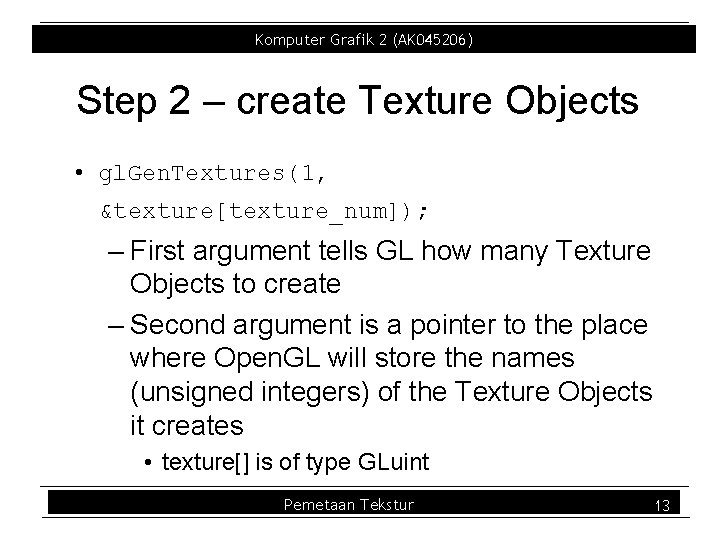
Komputer Grafik 2 (AK 045206) Step 2 – create Texture Objects • gl. Gen. Textures(1, &texture[texture_num]); – First argument tells GL how many Texture Objects to create – Second argument is a pointer to the place where Open. GL will store the names (unsigned integers) of the Texture Objects it creates • texture[] is of type GLuint Pemetaan Tekstur 13
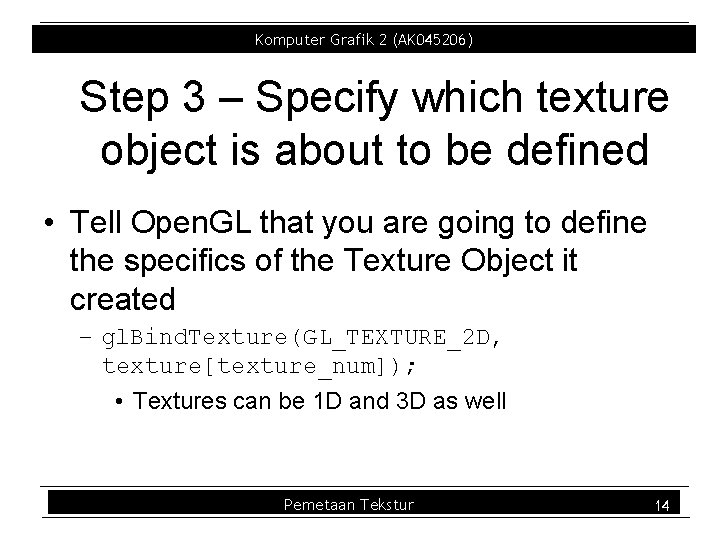
Komputer Grafik 2 (AK 045206) Step 3 – Specify which texture object is about to be defined • Tell Open. GL that you are going to define the specifics of the Texture Object it created – gl. Bind. Texture(GL_TEXTURE_2 D, texture[texture_num]); • Textures can be 1 D and 3 D as well Pemetaan Tekstur 14
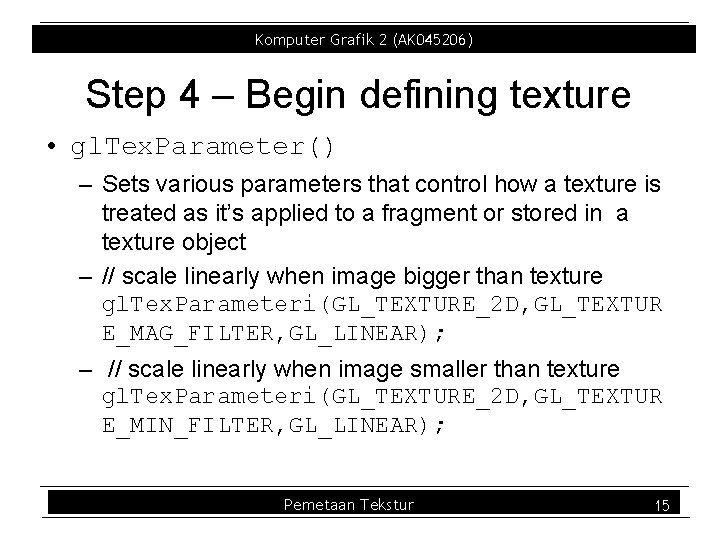
Komputer Grafik 2 (AK 045206) Step 4 – Begin defining texture • gl. Tex. Parameter() – Sets various parameters that control how a texture is treated as it’s applied to a fragment or stored in a texture object – // scale linearly when image bigger than texture gl. Tex. Parameteri(GL_TEXTURE_2 D, GL_TEXTUR E_MAG_FILTER, GL_LINEAR); – // scale linearly when image smaller than texture gl. Tex. Parameteri(GL_TEXTURE_2 D, GL_TEXTUR E_MIN_FILTER, GL_LINEAR); Pemetaan Tekstur 15
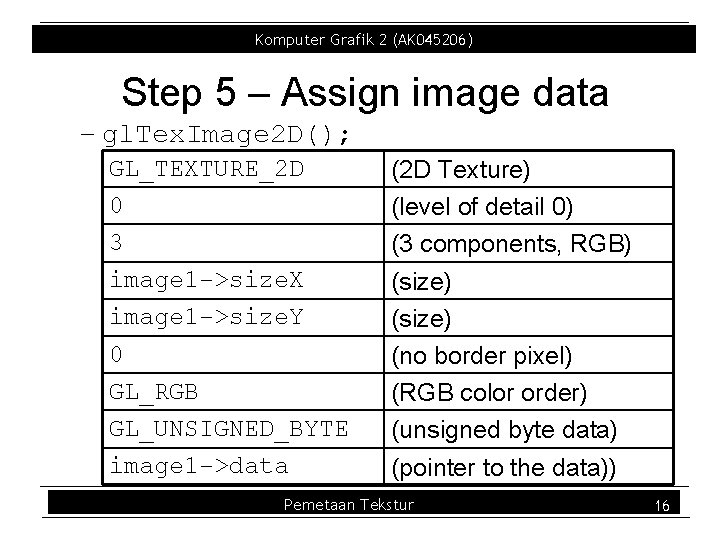
Komputer Grafik 2 (AK 045206) Step 5 – Assign image data – gl. Tex. Image 2 D(); GL_TEXTURE_2 D 0 3 image 1 ->size. X image 1 ->size. Y 0 GL_RGB GL_UNSIGNED_BYTE image 1 ->data (2 D Texture) (level of detail 0) (3 components, RGB) (size) (no border pixel) (RGB color order) (unsigned byte data) (pointer to the data)) Pemetaan Tekstur 16
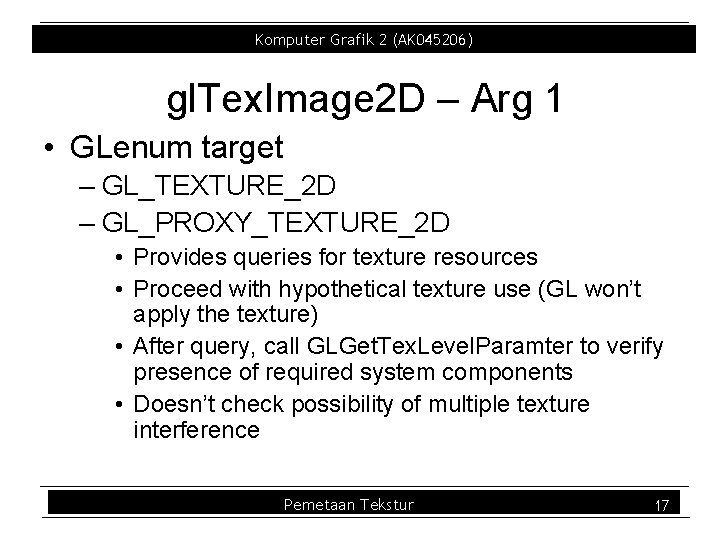
Komputer Grafik 2 (AK 045206) gl. Tex. Image 2 D – Arg 1 • GLenum target – GL_TEXTURE_2 D – GL_PROXY_TEXTURE_2 D • Provides queries for texture resources • Proceed with hypothetical texture use (GL won’t apply the texture) • After query, call GLGet. Tex. Level. Paramter to verify presence of required system components • Doesn’t check possibility of multiple texture interference Pemetaan Tekstur 17
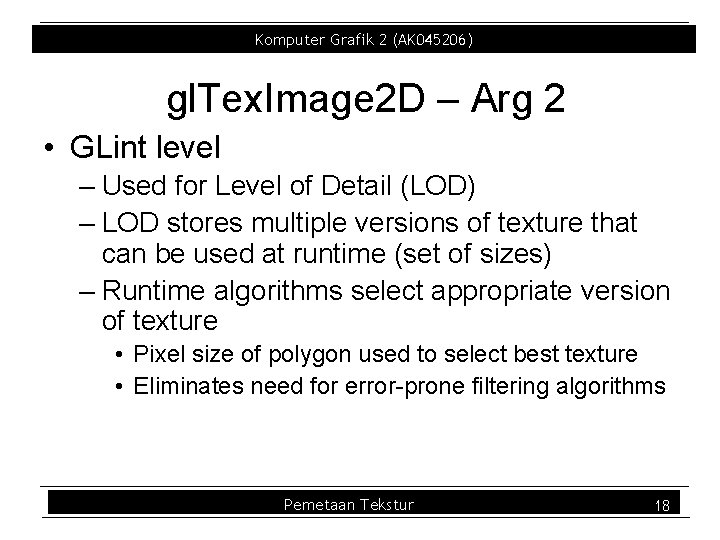
Komputer Grafik 2 (AK 045206) gl. Tex. Image 2 D – Arg 2 • GLint level – Used for Level of Detail (LOD) – LOD stores multiple versions of texture that can be used at runtime (set of sizes) – Runtime algorithms select appropriate version of texture • Pixel size of polygon used to select best texture • Eliminates need for error prone filtering algorithms Pemetaan Tekstur 18
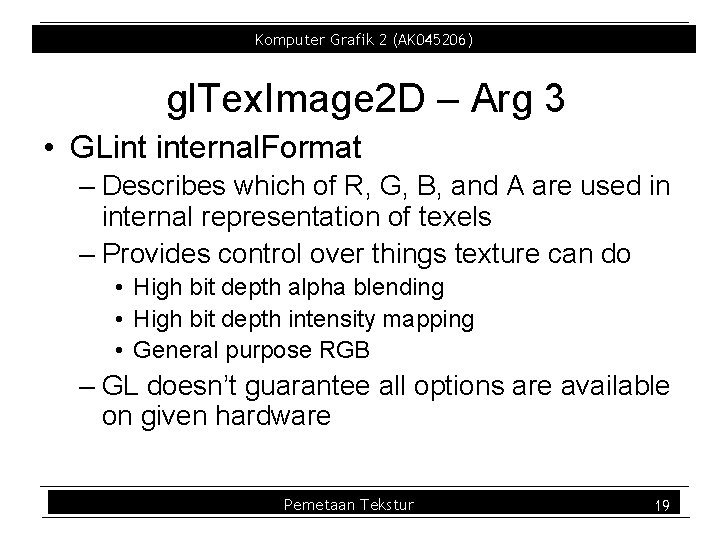
Komputer Grafik 2 (AK 045206) gl. Tex. Image 2 D – Arg 3 • GLint internal. Format – Describes which of R, G, B, and A are used in internal representation of texels – Provides control over things texture can do • High bit depth alpha blending • High bit depth intensity mapping • General purpose RGB – GL doesn’t guarantee all options are available on given hardware Pemetaan Tekstur 19
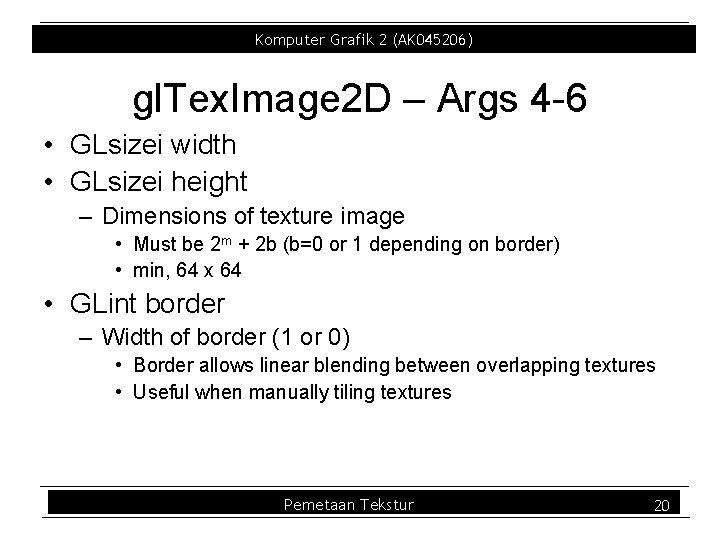
Komputer Grafik 2 (AK 045206) gl. Tex. Image 2 D – Args 4 6 • GLsizei width • GLsizei height – Dimensions of texture image • Must be 2 m + 2 b (b=0 or 1 depending on border) • min, 64 x 64 • GLint border – Width of border (1 or 0) • Border allows linear blending between overlapping textures • Useful when manually tiling textures Pemetaan Tekstur 20
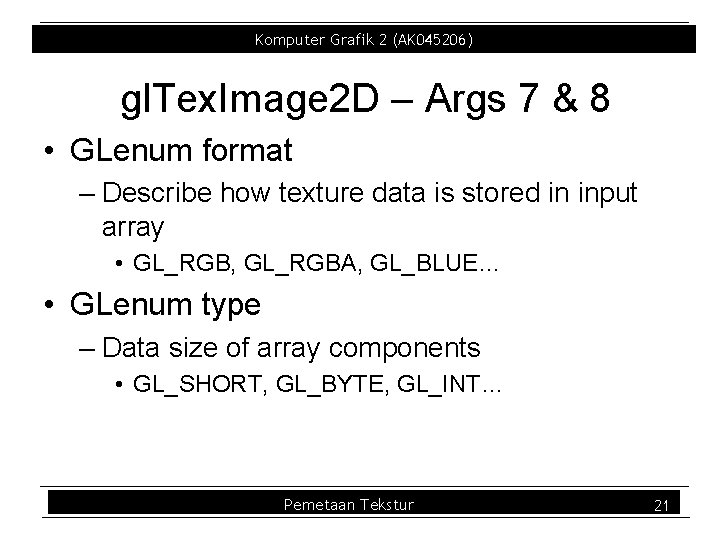
Komputer Grafik 2 (AK 045206) gl. Tex. Image 2 D – Args 7 & 8 • GLenum format – Describe how texture data is stored in input array • GL_RGB, GL_RGBA, GL_BLUE… • GLenum type – Data size of array components • GL_SHORT, GL_BYTE, GL_INT… Pemetaan Tekstur 21
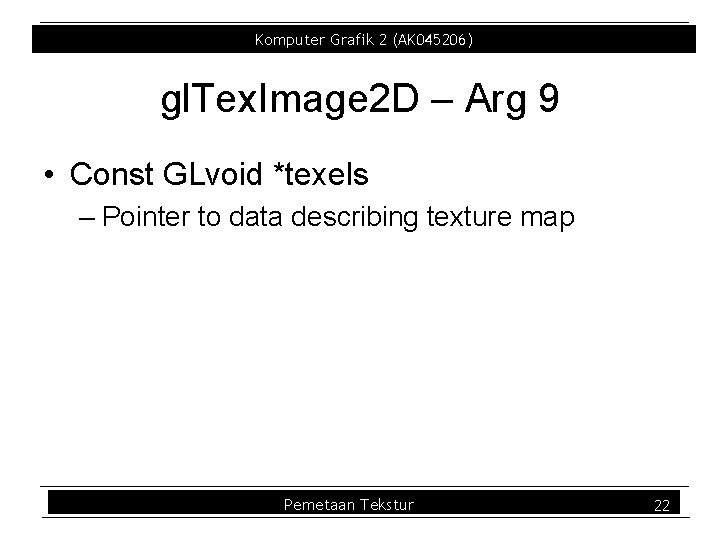
Komputer Grafik 2 (AK 045206) gl. Tex. Image 2 D – Arg 9 • Const GLvoid *texels – Pointer to data describing texture map Pemetaan Tekstur 22
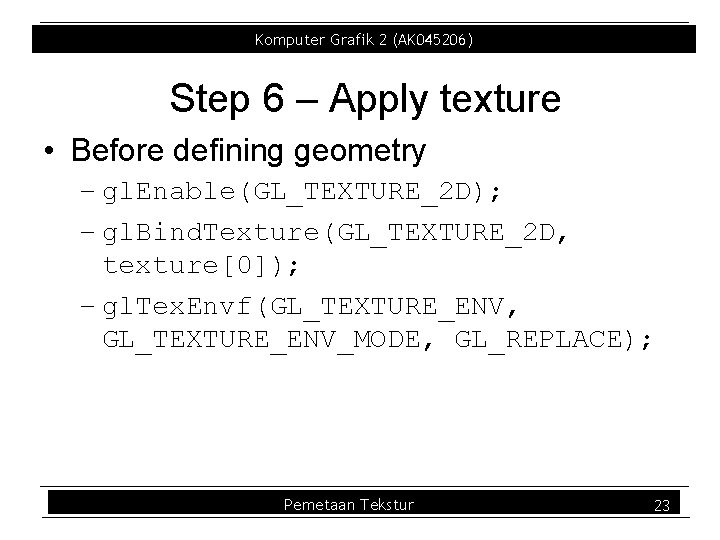
Komputer Grafik 2 (AK 045206) Step 6 – Apply texture • Before defining geometry – gl. Enable(GL_TEXTURE_2 D); – gl. Bind. Texture(GL_TEXTURE_2 D, texture[0]); – gl. Tex. Envf(GL_TEXTURE_ENV, GL_TEXTURE_ENV_MODE, GL_REPLACE); Pemetaan Tekstur 23
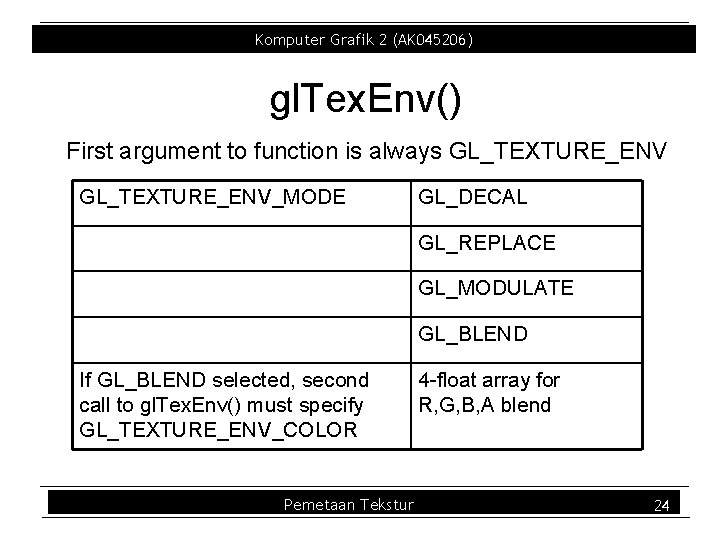
Komputer Grafik 2 (AK 045206) gl. Tex. Env() First argument to function is always GL_TEXTURE_ENV_MODE GL_DECAL GL_REPLACE GL_MODULATE GL_BLEND If GL_BLEND selected, second call to gl. Tex. Env() must specify GL_TEXTURE_ENV_COLOR Pemetaan Tekstur 4 float array for R, G, B, A blend 24
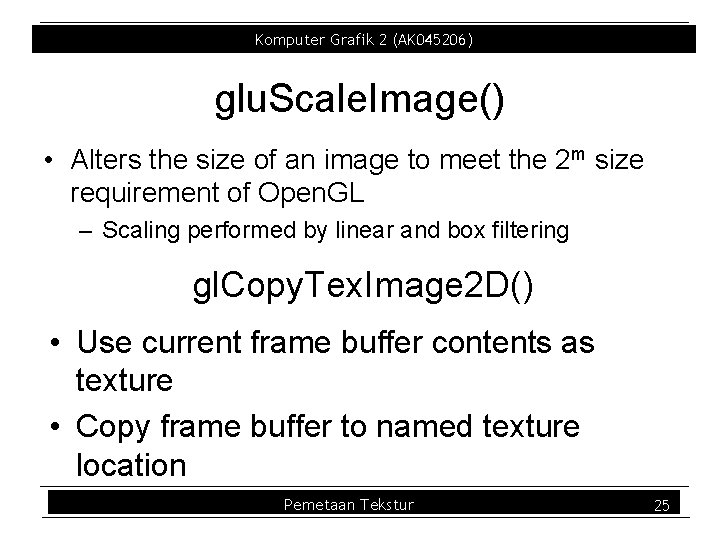
Komputer Grafik 2 (AK 045206) glu. Scale. Image() • Alters the size of an image to meet the 2 m size requirement of Open. GL – Scaling performed by linear and box filtering gl. Copy. Tex. Image 2 D() • Use current frame buffer contents as texture • Copy frame buffer to named texture location Pemetaan Tekstur 25
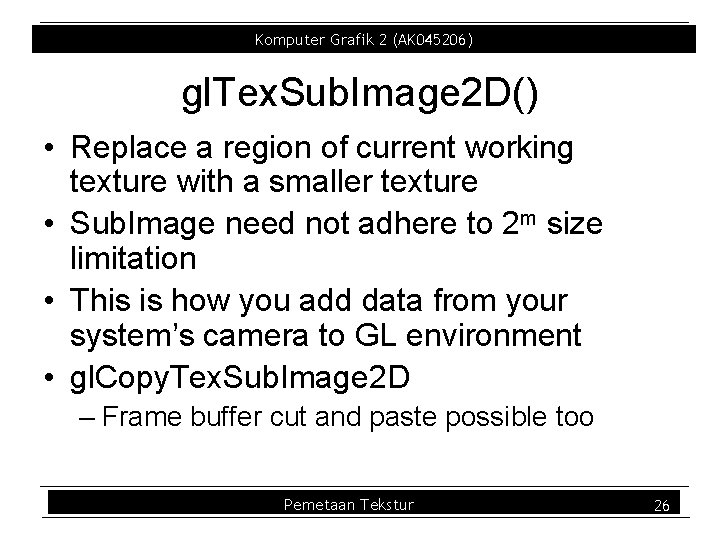
Komputer Grafik 2 (AK 045206) gl. Tex. Sub. Image 2 D() • Replace a region of current working texture with a smaller texture • Sub. Image need not adhere to 2 m size limitation • This is how you add data from your system’s camera to GL environment • gl. Copy. Tex. Sub. Image 2 D – Frame buffer cut and paste possible too Pemetaan Tekstur 26
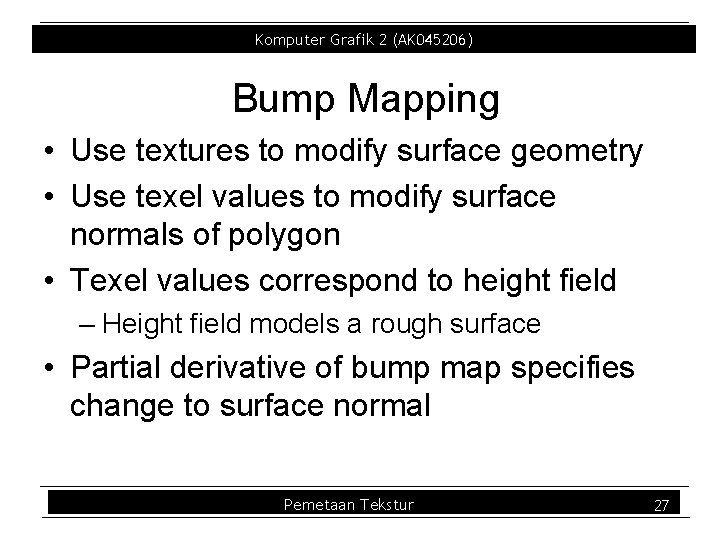
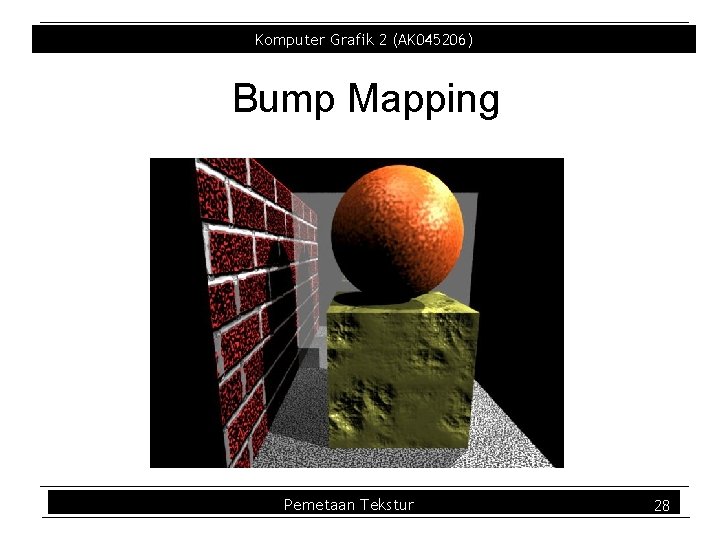
Komputer Grafik 2 (AK 045206) Bump Mapping • Use textures to modify surface geometry • Use texel values to modify surface normals of polygon • Texel values correspond to height field – Height field models a rough surface • Partial derivative of bump map specifies change to surface normal Pemetaan Tekstur 27
Komputer Grafik 2 (AK 045206) Bump Mapping Pemetaan Tekstur 28
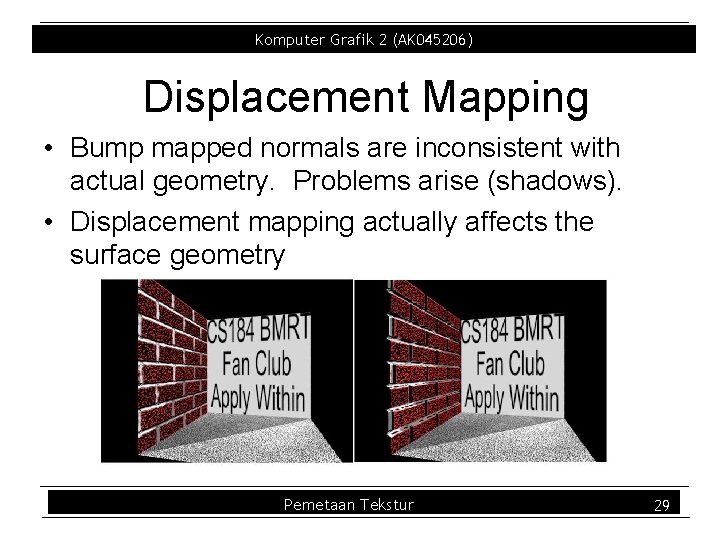
Komputer Grafik 2 (AK 045206) Displacement Mapping • Bump mapped normals are inconsistent with actual geometry. Problems arise (shadows). • Displacement mapping actually affects the surface geometry Pemetaan Tekstur 29
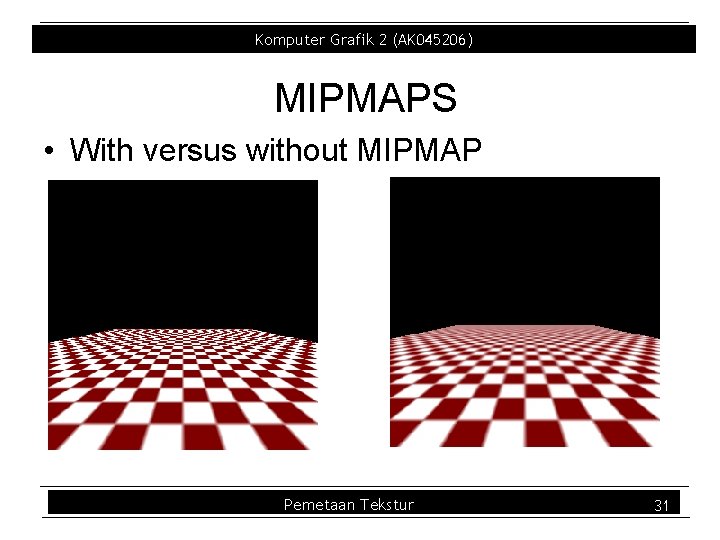
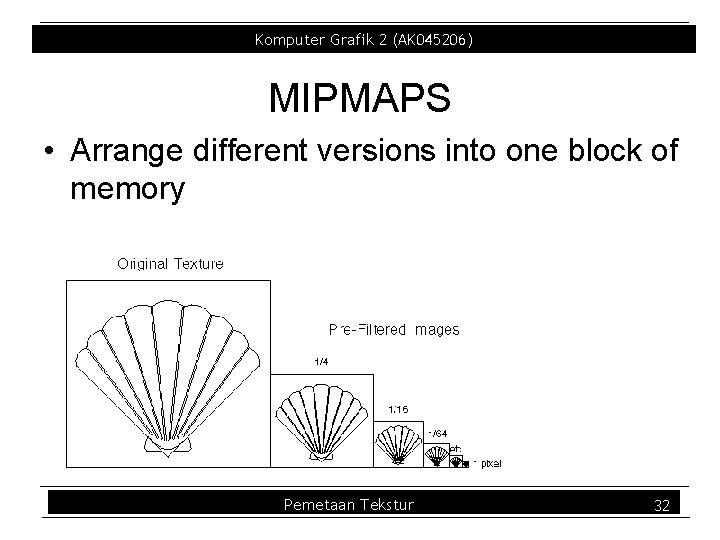
Komputer Grafik 2 (AK 045206) Mipmaps • multum in parvo many things in a small place • A texture LOD technique • Prespecify a series of prefiltered texture maps of decreasing resolutions • Requires more texture storage • Eliminates shimmering and flashing as objects move Pemetaan Tekstur 30
Komputer Grafik 2 (AK 045206) MIPMAPS • With versus without MIPMAP Pemetaan Tekstur 31
Komputer Grafik 2 (AK 045206) MIPMAPS • Arrange different versions into one block of memory Pemetaan Tekstur 32
Komputer Grafik 2 (AK 045206) glu. Build 2 DMipmaps • Automatically constructs a family of textures from original texture size down to 1 x 1 Pemetaan Tekstur 33
Komputer Grafik 2 (AK 045206) Advanced Mipmaps • You can specify additional mipmap levels on the fly – MIN_LOD may reduce popping – MAX_LOD may reduce over compression • You can specify min mipmap level – Useful for mosaicing (Alphabet on a texture) Pemetaan Tekstur 34
Komputer Grafik 2 (AK 045206) Referensi • 1: , 4: Graphics. Slides 07. pdf , 9: Lecture 14 • Buku Teks : 1. F. S. Hill, Jr. , COMPUTER GRAPHICS – Using Open GL, Second Edition, Prentice Hall, 2001 2. Foley, van Dam, Feiner, Hughes, and Philips, Introduction to Computer Graphics, Addison Wesley, 2000 • Lecture Notes / Slide-Presentation / Referensi lain yang diperoleh melalui internet : 3. Andries van Dam, Introduction to Computer Graphics, Slide Presentation, Brown University, 2003, (folder : brown. Uni) 4. ________, Interactive Computer Graphic, Slide Presentation, (folder : Lect_IC_AC_UK) 5. Michael CS 488/688 Mc. Cool, : Introduction to Computer Graphics, Lecture Notes, University of Waterloo, 2003 (lecturenotes. pdf) 6. ________, Computer Science 559, Slide Presentation, Wisconsin University, (folder : Lect_Wisc_EDU) 7. http: //graphics. lcs. mit. edu/classses/6. 837/F 98/Lecture 4/Slide 23. html , Slide Presentation, MIT, (folder : MIT_Course. Note) 8. ________, CS 319 : Advance Topic in Computer Graphics, Slide Presentation, (folder : uiuc_cs) 9. ________, CS 445/645 : Introduction to Computer Graphics, Slide Presentation, (folder : COMP_GRAFIK) 10. Gladimir V. G. Baranoski, CS 488 : Introduction to Computer Graphics , Waterloo University 11. Prof. Peter Panfilov , http: //cse. yeditepe. edu. tr/~osertel/courses/CSE 484/index. html 12. http: //www. cl. cam. ac. uk/Teaching/1998/AGraphics/l 3 a. html Pemetaan Tekstur 35