i TWIN The Limitless Pen drive i Twin



- Slides: 23
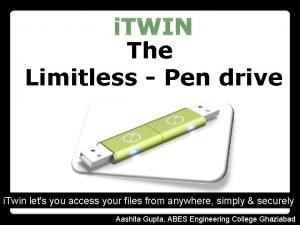
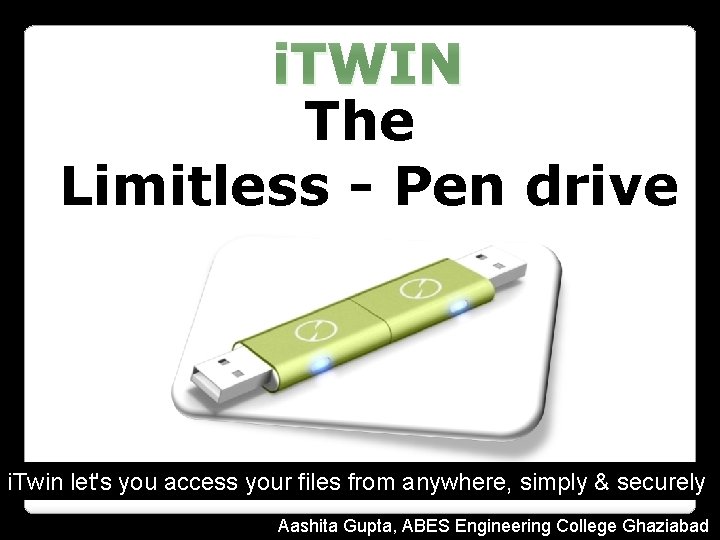
i. TWIN The Limitless - Pen drive i. Twin let's you access your files from anywhere, simply & securely Aashita Gupta, ABES Engineering College Ghaziabad
But this is not an apple product
AWARDS
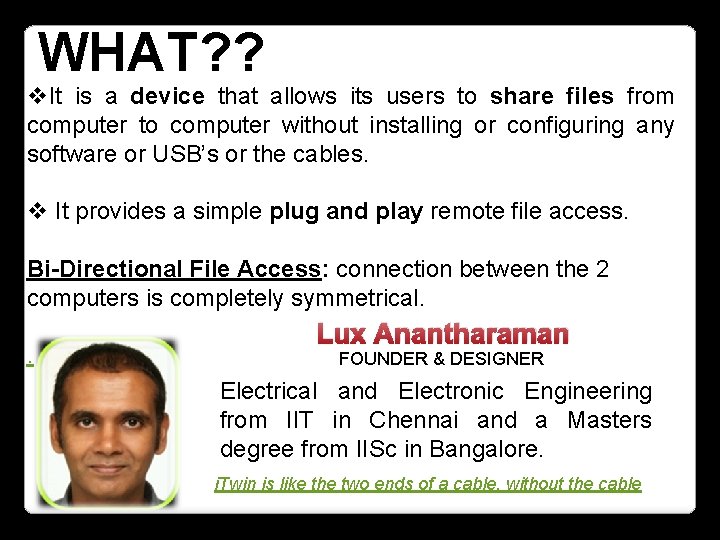
WHAT? ? v. It is a device that allows its users to share files from computer to computer without installing or configuring any software or USB’s or the cables. v It provides a simple plug and play remote file access. Bi-Directional File Access: connection between the 2 computers is completely symmetrical. . Lux Anantharaman FOUNDER & DESIGNER Electrical and Electronic Engineering from IIT in Chennai and a Masters degree from IISc in Bangalore. i. Twin is like the two ends of a cable, without the cable
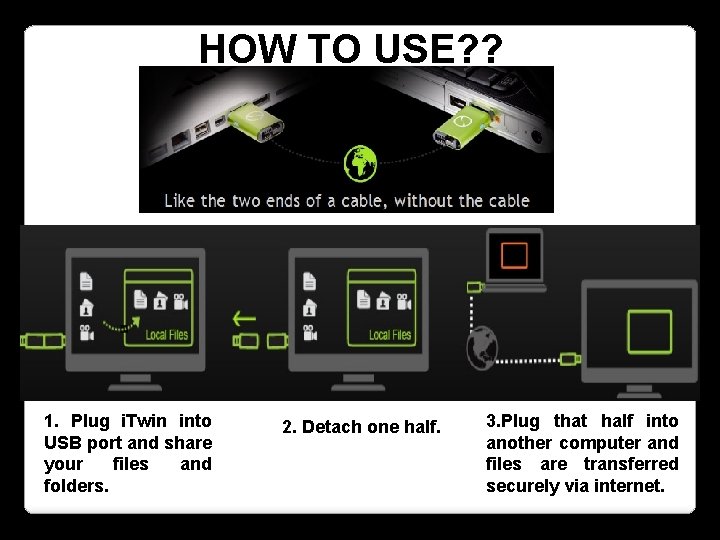
HOW TO USE? ? 1. Plug i. Twin into USB port and share your files and folders. 2. Detach one half. 3. Plug that half into another computer and files are transferred securely via internet.
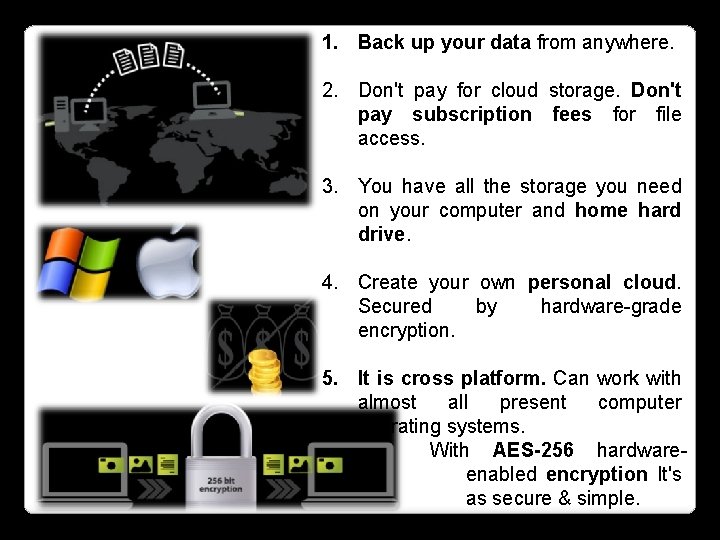
1. Back up your data from anywhere. 2. Don't pay for cloud storage. Don't pay subscription fees for file access. 3. You have all the storage you need on your computer and home hard drive. 4. Create your own personal cloud. Secured by hardware-grade encryption. 5. It is cross platform. Can work with almost all present computer operating systems. With AES-256 hardwareenabled encryption It's as secure & simple.
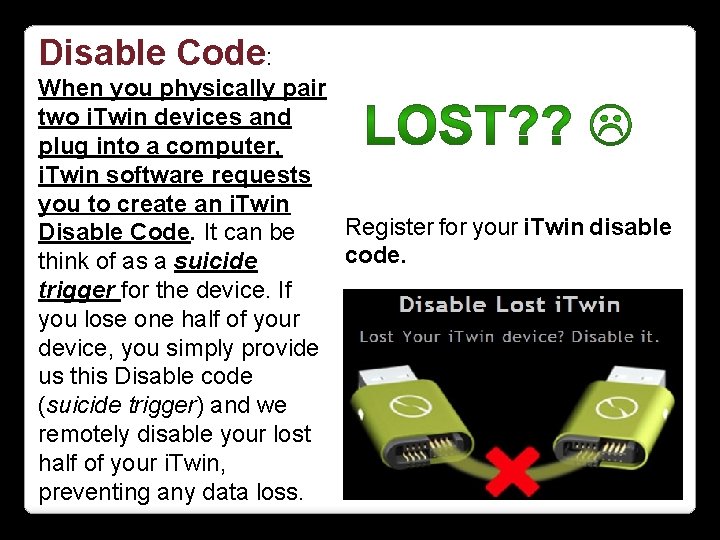
Disable Code: When you physically pair two i. Twin devices and plug into a computer, i. Twin software requests you to create an i. Twin Register for your i. Twin disable Disable Code. It can be code. think of as a suicide trigger for the device. If you lose one half of your device, you simply provide us this Disable code (suicide trigger) and we remotely disable your lost half of your i. Twin, preventing any data loss.
Software Requirements 1. When you plug i. Twin into a computer for the first time, i. Twin software gets installed on the computer. 2. Requires a min 512 MB. 3. Requires 15 MB hard-disk space. 4. USB 2. 0 port 5. Requires broad-band Internet access 1 Mbps upload speed recommended. 6. Need administrator rights to access. Can be uninstalled. 7. Automatic Updates.
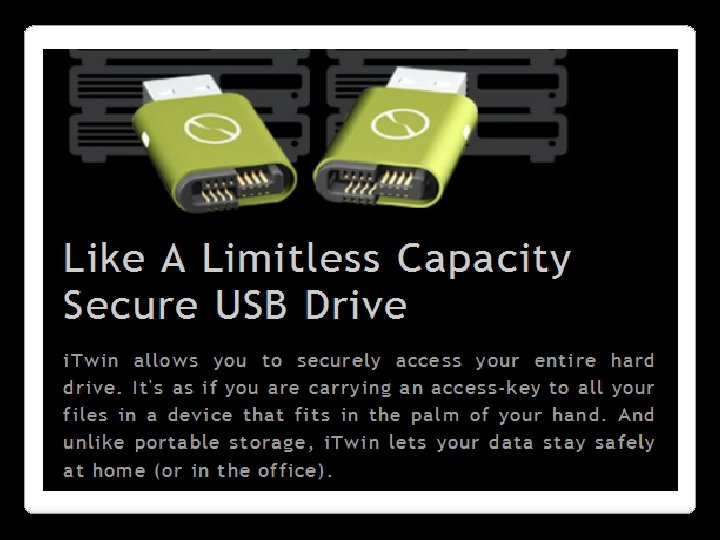
No Storage Limitations 1. i. Twin does not store any of your data on itself. i. Twin is a data access device between two computers. 2. The only limit is the size of your computer's hard drive. If you have a 1 TB hard-drive and desire to access it completely, you can do so with i. Twin. 3. Any network files folders that you can access from your computer can be shared using i. Twin. Network sharing. 4. No "Temp Files“ Unplug i. Twin and all temp files are purged automatically. This is especially useful when using a computer that does not belong to you.
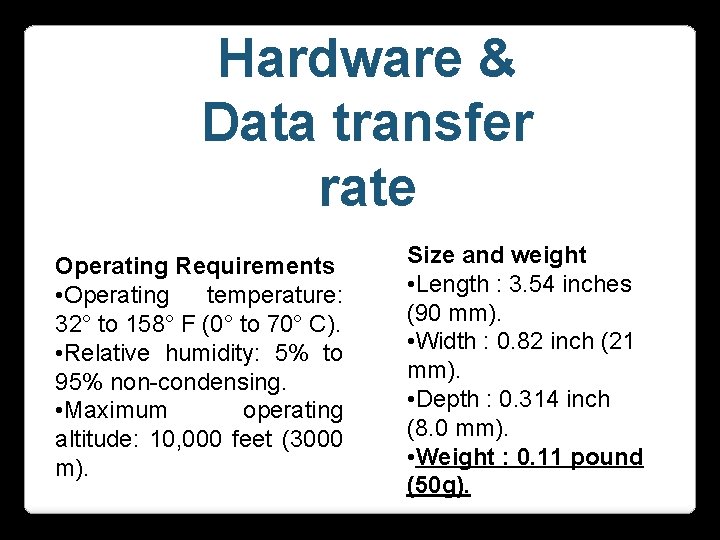
Hardware & Data transfer rate Operating Requirements • Operating temperature: 32° to 158° F (0° to 70° C). • Relative humidity: 5% to 95% non-condensing. • Maximum operating altitude: 10, 000 feet (3000 m). Size and weight • Length : 3. 54 inches (90 mm). • Width : 0. 82 inch (21 mm). • Depth : 0. 314 inch (8. 0 mm). • Weight : 0. 11 pound (50 g).
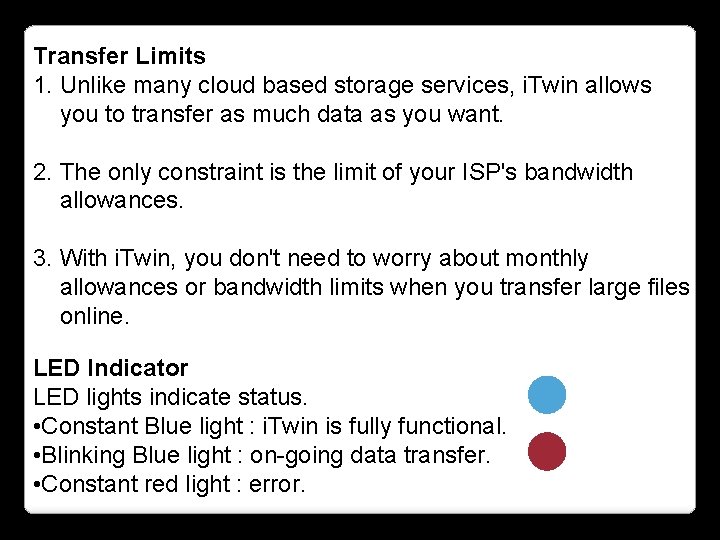
Transfer Limits 1. Unlike many cloud based storage services, i. Twin allows you to transfer as much data as you want. 2. The only constraint is the limit of your ISP's bandwidth allowances. 3. With i. Twin, you don't need to worry about monthly allowances or bandwidth limits when you transfer large files online. LED Indicator LED lights indicate status. • Constant Blue light : i. Twin is fully functional. • Blinking Blue light : on-going data transfer. • Constant red light : error.
Other Noticable Features 1. i. Twin detects almost all types of proxies, firewalls and NATs and self-configures. 2. In case, one or both i. Twin are not directly accessible (behind firewalls), i. Twin encrypted data traffic is relayed through globally distributed servers. (amazon EC 2 based). 3. i. Twin uses Amazon Web Services infrastructure with 99. 5% availability to ensure fast, safe and secure data relays.
NETWORK ERROR 1. In case of Internet disruption, i. Twin file transfers pause. 2. When the internet connection is resumed, i. Twin software continues the file transfer from where it left off. 3. i. Twin's progress bar indicates the amount left to be transferred. DATA PIRACY 1. All data is encrypted before it leaves your computer. 2. Your data remains encrypted until it reaches the computer to which the second half of i. Twin is attached. 3. Your data is never stored on any i. Twin SERVER. Your data is stored only on your computer.
SECURITY 1. As doesn't store any data on itself. Your remote data can only be accessed if you have the physical i. Twin with you. You can set up your i. Twin to require a password. 2. Two i. Twins together generate a random 256 -bit AES key, everytime they are physically paired and plugged into a computer. 3. Advanced Encryption Standard (AES) 256 bit encryption is used to protect all data communication & its standard has not been broken so far and many consider AES to be military grade.
SET PASSWORD 1. Passwords of any length can be set. i. Twin's password is stored on itself, not on any server. 2. If you forget your password, simply pair both halves of your i. Twin, plug them into a computer and set a new password. No need for tech support!
ENCRYPTION STANDARDS Smart Key Generation 1. Two i. Twins together generate a random 256 -bit AES key, every time they are physically paired and plugged into a computer. 2. Smart Key generation is assisted by the computer to add randomness. 3. Smart crypto key resides only on the two halves of the paired i. Twin. 4. Smart Crypto key is used for encrypting all data traffic between two i. Twins.
DETAILED AUTHENTICATION PROCESS
1. Before allowing any data transfer, every i. Twin is authenticated by i. Twin's Twin. Trust servers. 2. All communication between i. Twin and Twin. Trust is secured using industry strength HTTPS (RSA 1024 bit, 128 bit RC 4) protocol. 3. After successful authentication by Twin. Trust, Twin. Trust assist i. Twin to discover its other half. 4. After authenticating with Twin. Trust, two halves of i. Twin mutually authenticate each other using their preshared AES 256 bit crypto key. 5. If password is set, then verification is performed on both i. Twins before data transfer is initiated.
CONCLUSION
INFORMATION SOURCES www. . com