Having Fun with WUFAR Wisconsin Uniform Financial Accounting
- Slides: 60
Having Fun with WUFAR Wisconsin Uniform Financial Accounting Requirements Terry Casper, Accountant School Financial Services Team WASBO Accounting Conference March 20, 2019
Goals • Introduce WUFAR and “fund accounting” • Define account sequence • Describe how WUFAR is used • Provide DPI resources • Discuss new technology code changes
Why WUFAR? Wisconsin Statutes, s. 115. 28(13) UNIFORM FINANCIAL FUND ACCOUNTING. [The state superintendent shall] prescribe a uniform financial fund accounting system, applicable to all school districts and county children with disabilities education boards, which provides for the recording of all financial transactions inherent in the management of schools and county children with disabilities education board programs and the administration of the state's school aid programs.
Why WUFAR? Wisconsin Statutes, s. 115. 30(1) …School district officers and employees shall maintain a uniform recording of accounting as prescribed by the department and make such reports to the department as will enable it to distribute state school fund appropriations and state educational appropriations to the schools and persons entitled thereto. . .
Why WUFAR for DPI? • Collect consistent financial data among districts and LEAs to: Determine state aids Track federal grants Report information to other levels of government and the public
Why WUFAR for You? • Local flexibility built into account structure • Easy to define account ranges for reports and budget controls • Accurate comparisons with other districts • Meet Uniform Grant Guidance requirements to track federal grant expenditures
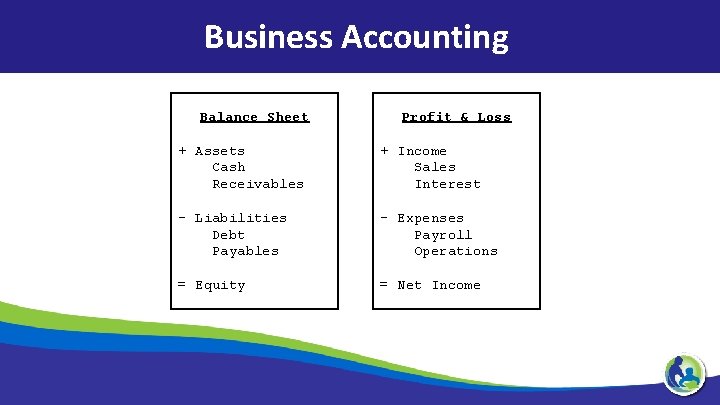
Business Accounting Balance Sheet Profit & Loss + Assets Cash Receivables + Income Sales Interest - Liabilities Debt Payables - Expenses Payroll Operations = Equity = Net Income
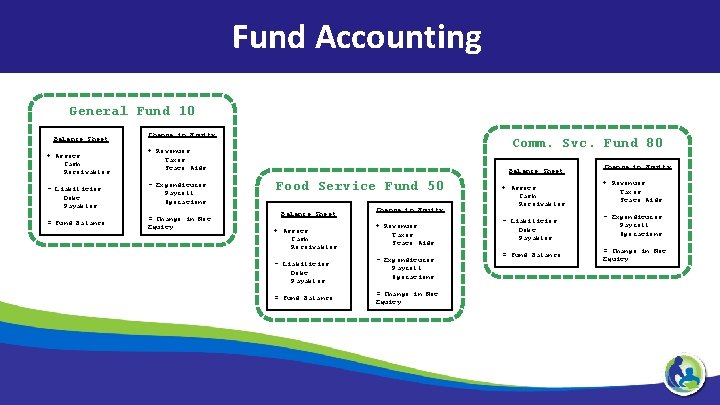
Fund Accounting General Fund 10 Balance Sheet + Assets Cash Receivables - Liabilities Debt Payables = Fund Balance Change in Equity Comm. Svc. Fund 80 + Revenues Taxes State Aids - Expenditures Payroll Operations = Change in Net Equity Balance Sheet Food Service Fund 50 Balance Sheet + Assets Cash Receivables - Liabilities Debt Payables = Fund Balance Change in Equity + Revenues Taxes State Aids - Expenditures Payroll Operations = Change in Net Equity
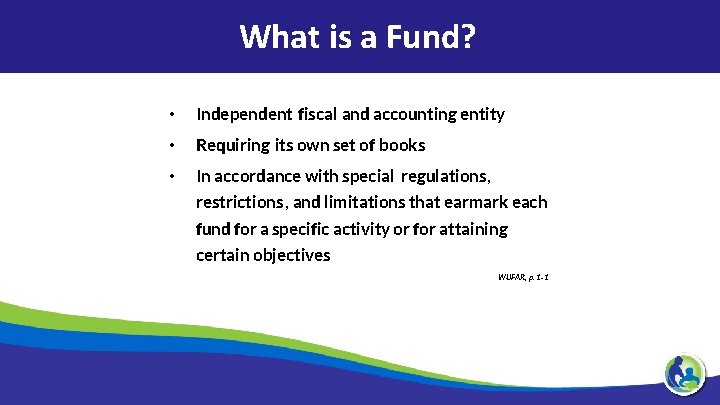
What is a Fund? • Independent fiscal and accounting entity • Requiring its own set of books • In accordance with special regulations, restrictions , and limitations that earmark each fund for a specific activity or for attaining certain objectives WUFAR, p. 1 -1
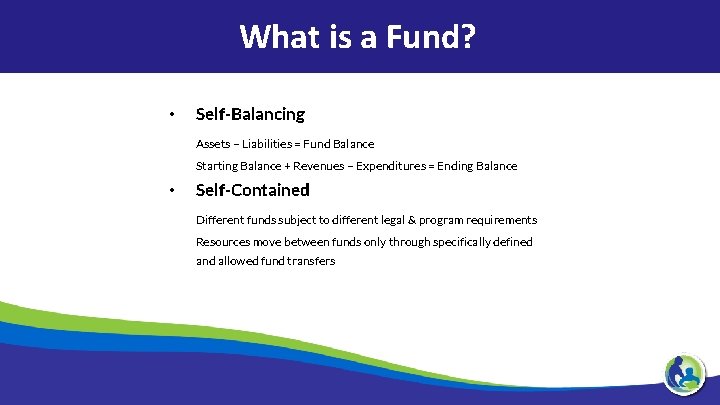
What is a Fund? • Self-Balancing Assets – Liabilities = Fund Balance Starting Balance + Revenues – Expenditures = Ending Balance • Self-Contained Different funds subject to different legal & program requirements Resources move between funds only through specifically defined and allowed fund transfers
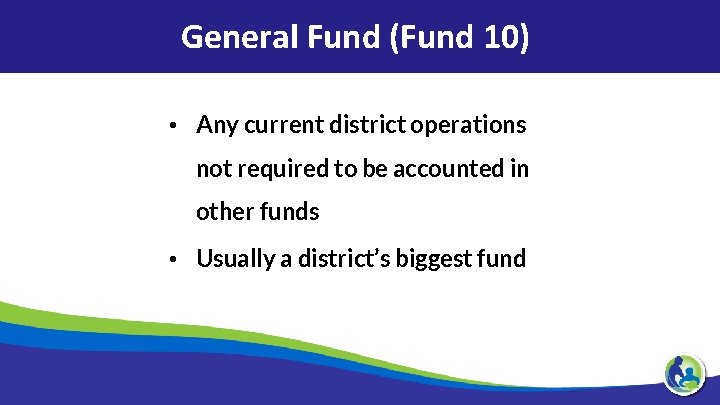
General Fund (Fund 10) • Any current district operations not required to be accounted in other funds • Usually a district’s biggest fund
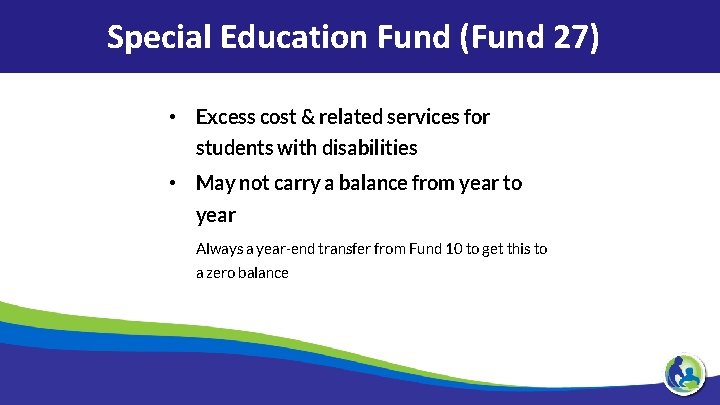
Special Education Fund (Fund 27) • Excess cost & related services for students with disabilities • May not carry a balance from year to year Always a year-end transfer from Fund 10 to get this to a zero balance
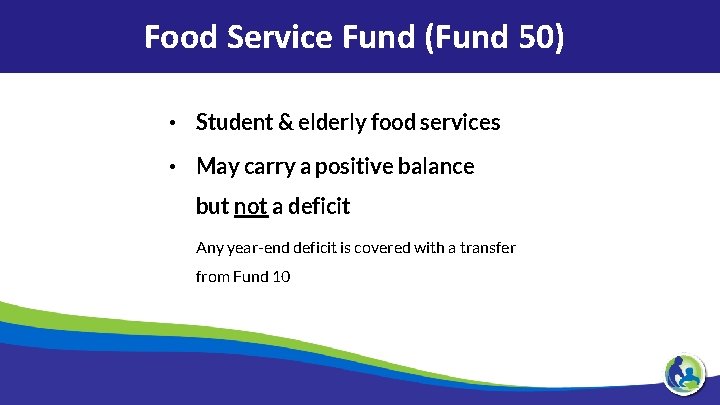
Food Service Fund (Fund 50) • Student & elderly food services • May carry a positive balance but not a deficit Any year-end deficit is covered with a transfer from Fund 10
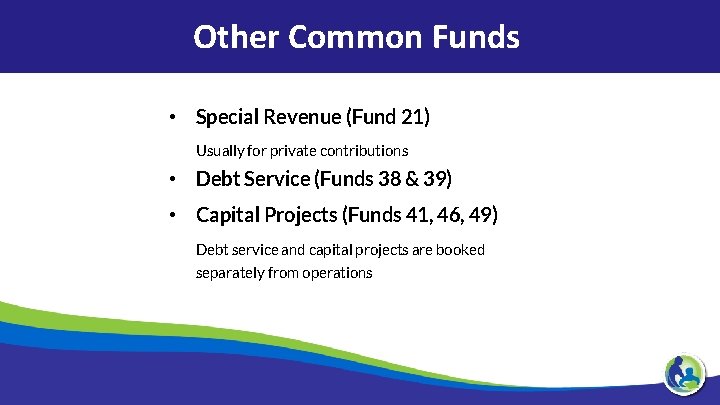
Other Common Funds • Special Revenue (Fund 21) Usually for private contributions • Debt Service (Funds 38 & 39) • Capital Projects (Funds 41, 46, 49) Debt service and capital projects are booked separately from operations
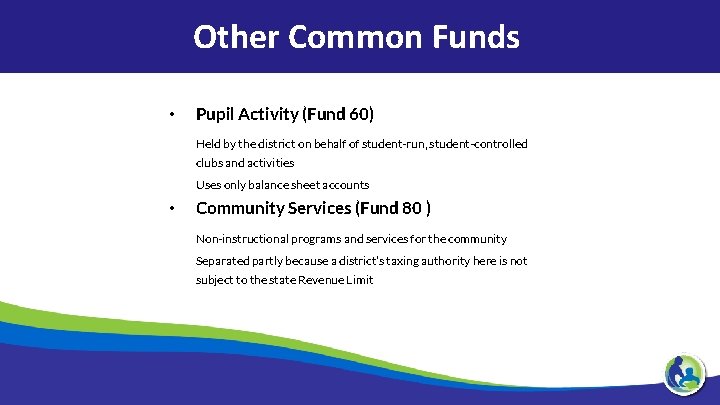
Other Common Funds • Pupil Activity (Fund 60) Held by the district on behalf of student-run, student-controlled clubs and activities Uses only balance sheet accounts • Community Services (Fund 80 ) Non-instructional programs and services for the community Separated partly because a district’s taxing authority here is not subject to the state Revenue Limit
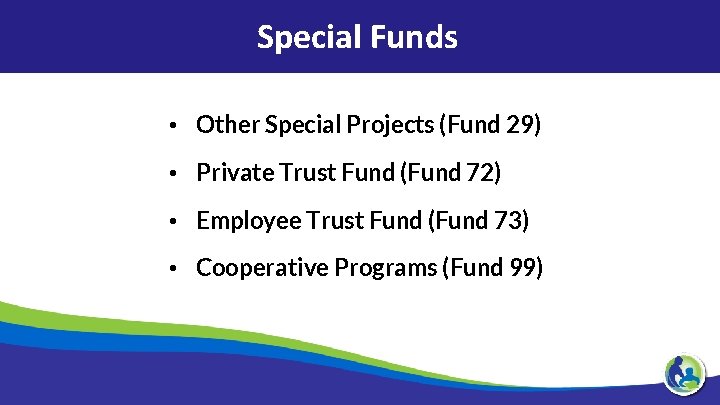
Special Funds • Other Special Projects (Fund 29) • Private Trust Fund (Fund 72) • Employee Trust Fund (Fund 73) • Cooperative Programs (Fund 99)
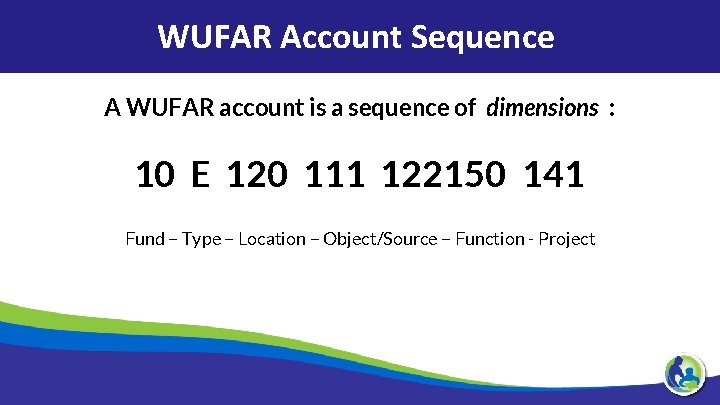
WUFAR Account Sequence A WUFAR account is a sequence of dimensions : 10 E 120 111 122150 141 Fund – Type – Location – Object/Source – Function - Project
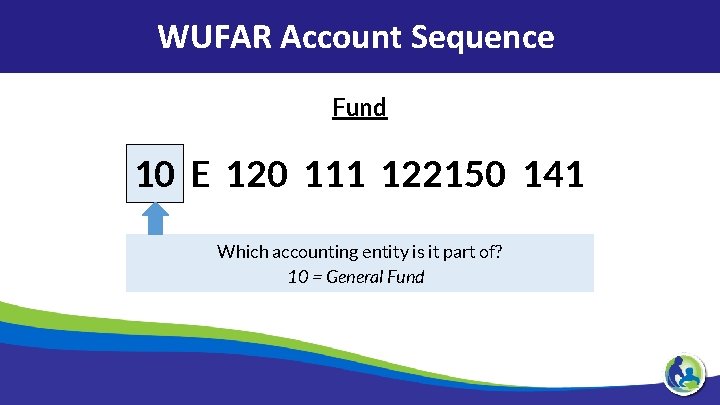
WUFAR Account Sequence Fund 10 E 120 111 122150 141 Which accounting entity is it part of? 10 = General Fund
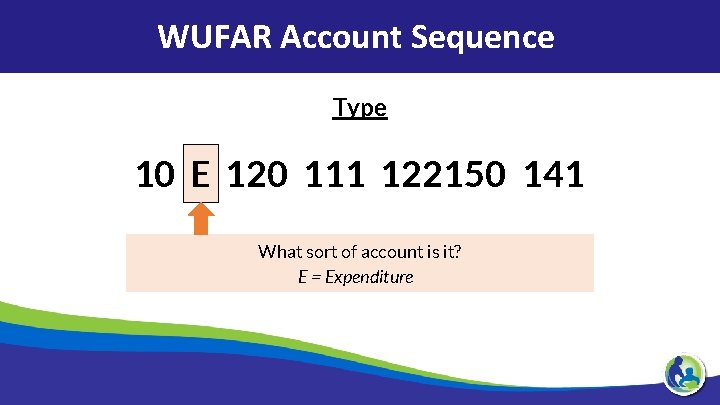
WUFAR Account Sequence Type 10 E 120 111 122150 141 What sort of account is it? E = Expenditure
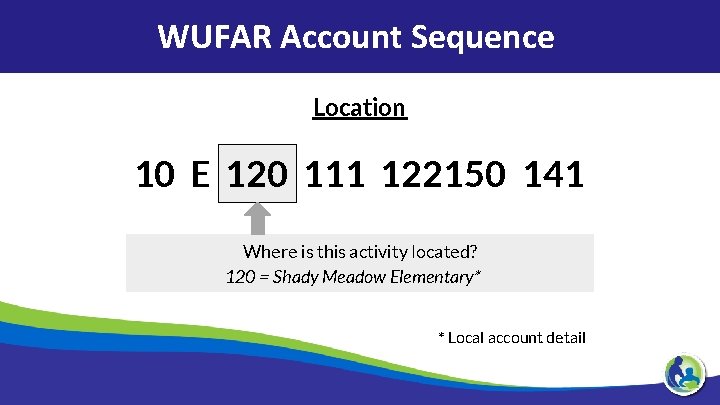
WUFAR Account Sequence Location 10 E 120 111 122150 141 Where is this activity located? 120 = Shady Meadow Elementary* * Local account detail
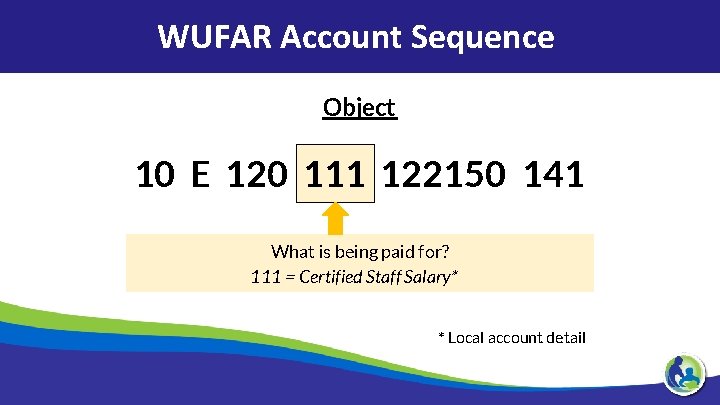
WUFAR Account Sequence Object 10 E 120 111 122150 141 What is being paid for? 111 = Certified Staff Salary* * Local account detail
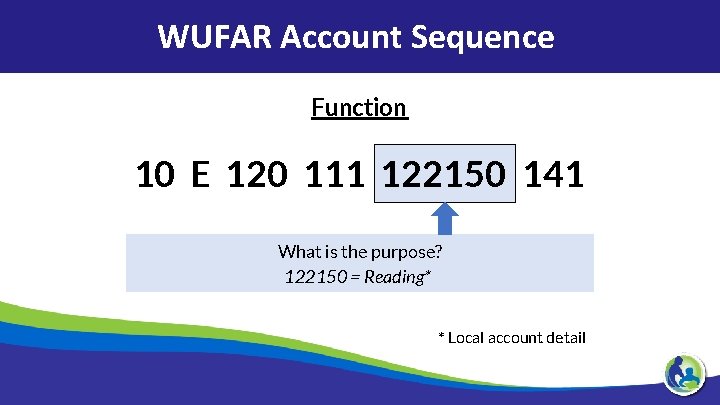
WUFAR Account Sequence Function 10 E 120 111 122150 141 What is the purpose? 122150 = Reading* * Local account detail
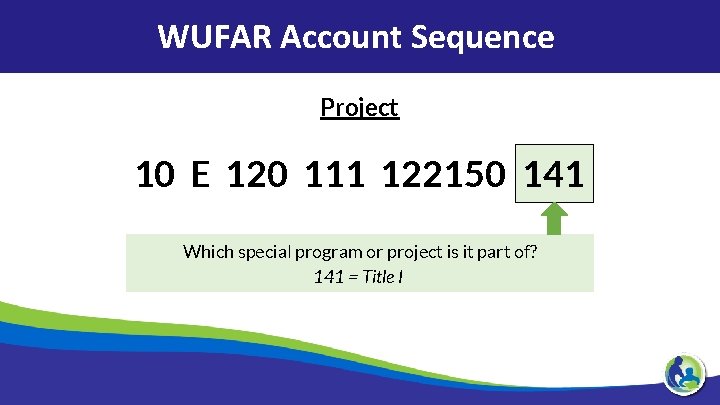
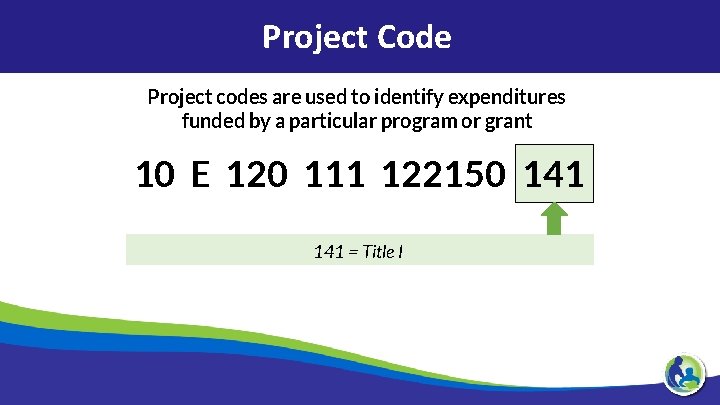
WUFAR Account Sequence Project 10 E 120 111 122150 141 Which special program or project is it part of? 141 = Title I
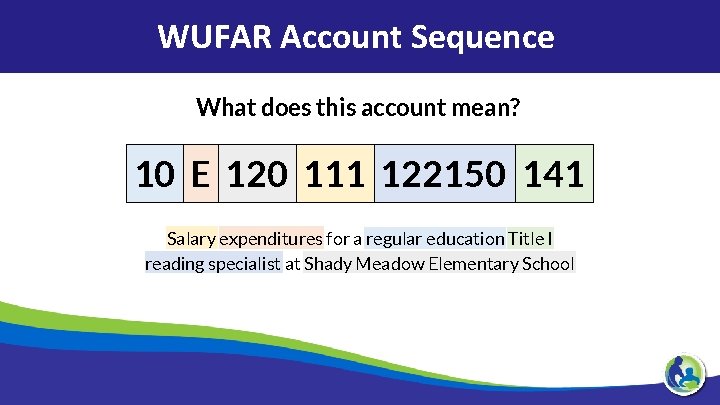
WUFAR Account Sequence What does this account mean? 10 E 120 111 122150 141 Salary expenditures for a regular education Title I reading specialist at Shady Meadow Elementary School
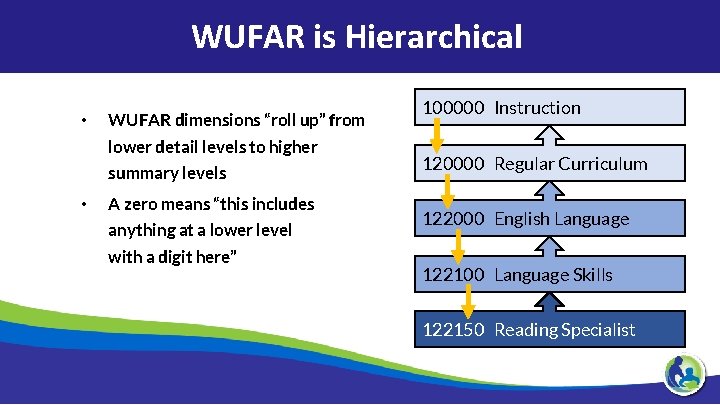
WUFAR is Hierarchical • WUFAR dimensions “roll up” from lower detail levels to higher summary levels • A zero means “this includes anything at a lower level with a digit here” 100000 Instruction 120000 Regular Curriculum 122000 English Language 122100 Language Skills 122150 Reading Specialist
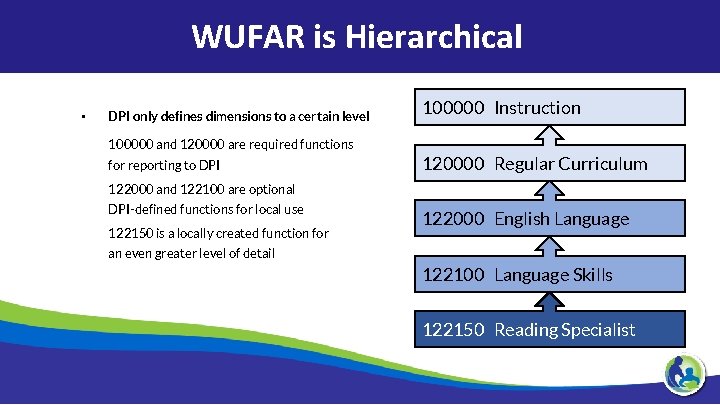
WUFAR is Hierarchical • DPI only defines dimensions to a certain level 100000 and 120000 are required functions for reporting to DPI 100000 Instruction 120000 Regular Curriculum 122000 and 122100 are optional DPI-defined functions for local use 122150 is a locally created function for 122000 English Language an even greater level of detail 122100 Language Skills 122150 Reading Specialist
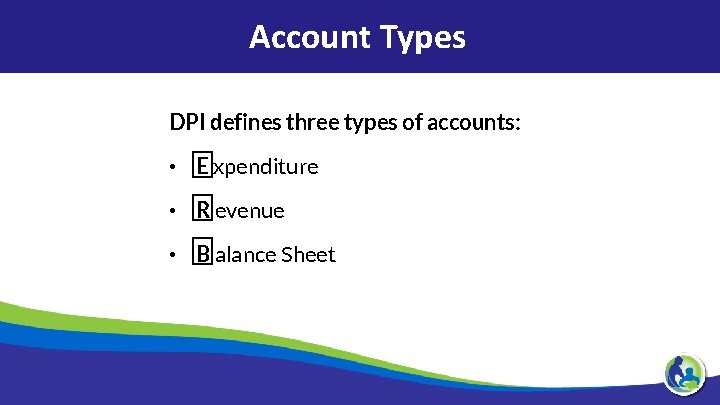
Account Types DPI defines three types of accounts: • E xpenditure • R evenue • B alance Sheet
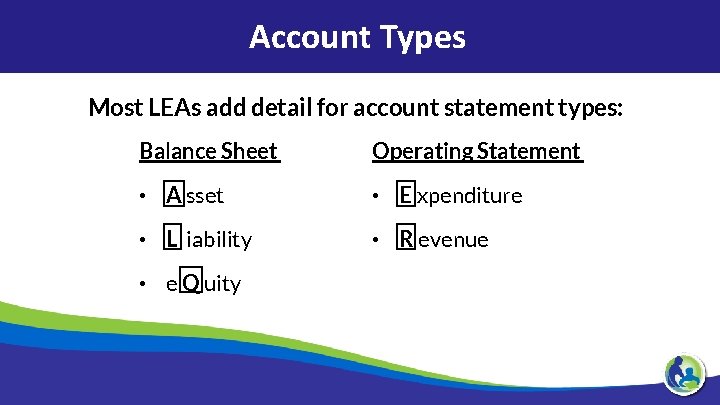
Account Types Most LEAs add detail for account statement types: Balance Sheet Operating Statement • A sset • E xpenditure • L iability • R evenue • e Q uity
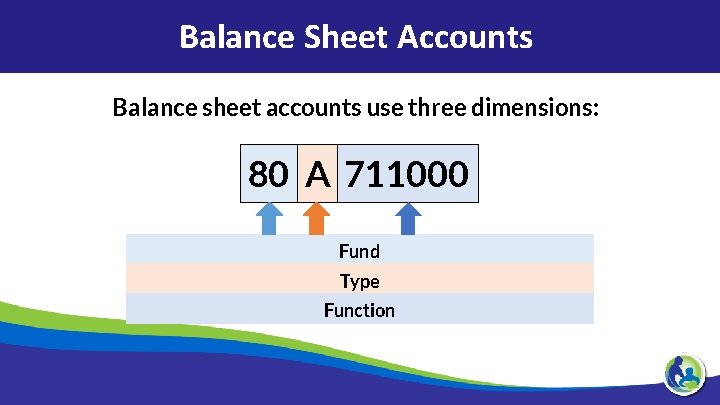
Balance Sheet Accounts Balance sheet accounts use three dimensions: 80 A 711000 Fund Type Function
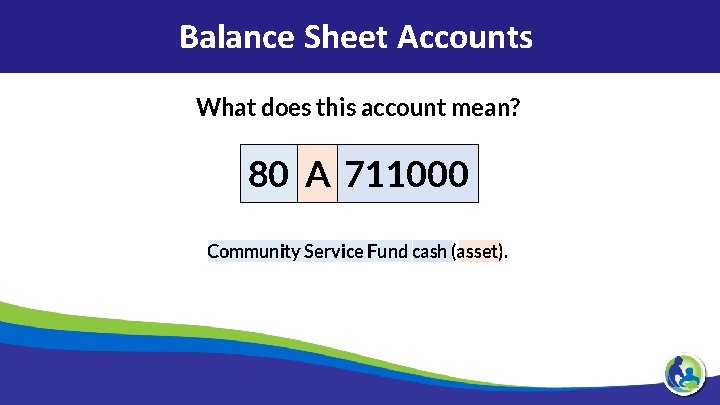
Balance Sheet Accounts What does this account mean? 80 A 711000 Community Service Fund cash (asset).
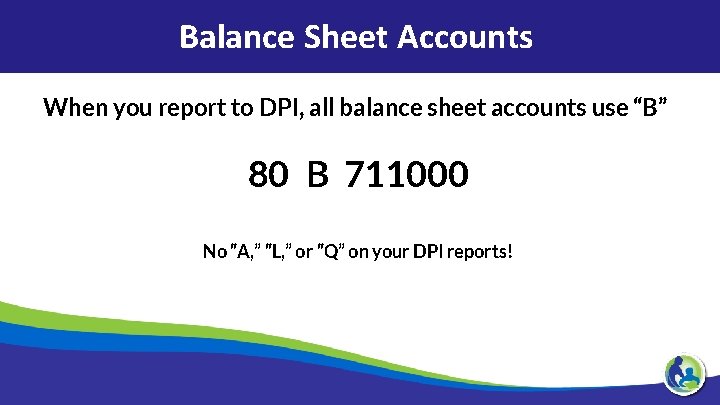
Balance Sheet Accounts When you report to DPI, all balance sheet accounts use “B” 80 B 711000 No “A, ” “L, ” or “Q” on your DPI reports!
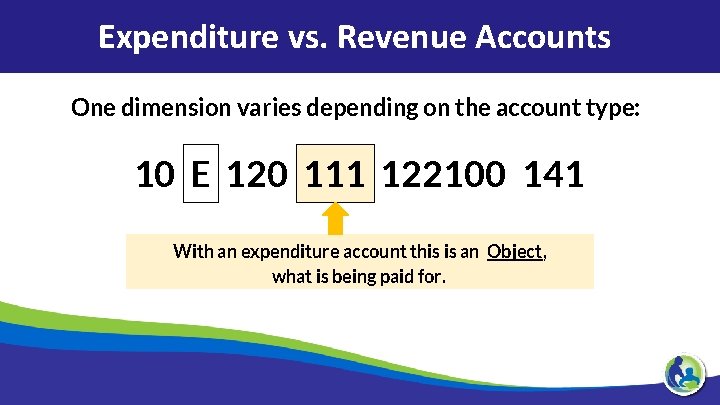
Expenditure vs. Revenue Accounts One dimension varies depending on the account type: 10 E 120 111 122100 141 With an expenditure account this is an Object, what is being paid for.
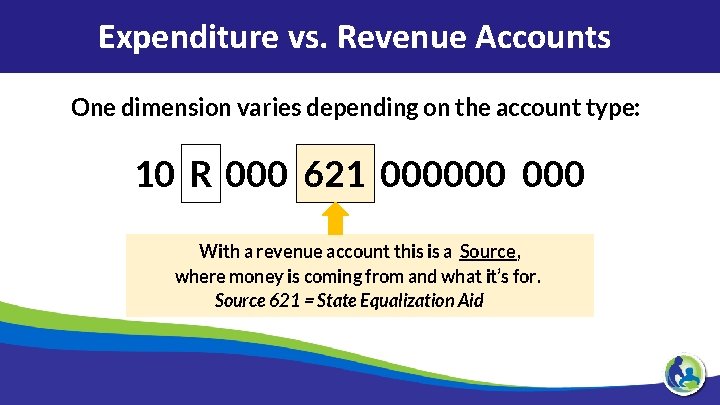
Expenditure vs. Revenue Accounts One dimension varies depending on the account type: 10 R 000 621 000000 With a revenue account this is a Source, where money is coming from and what it’s for. Source 621 = State Equalization Aid
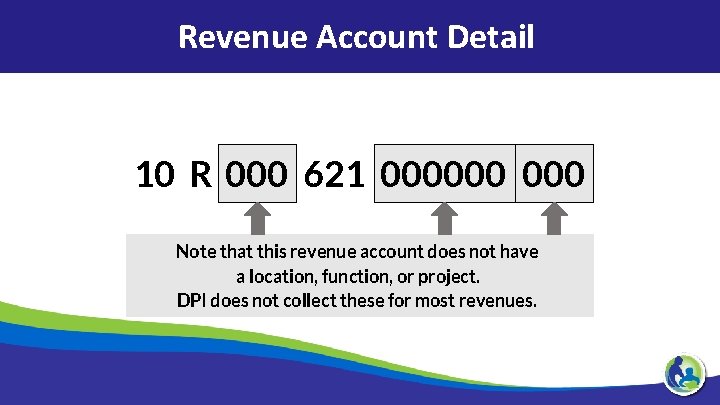
Revenue Account Detail 10 R 000 621 000000 Note that this revenue account does not have a location, function, or project. DPI does not collect these for most revenues.
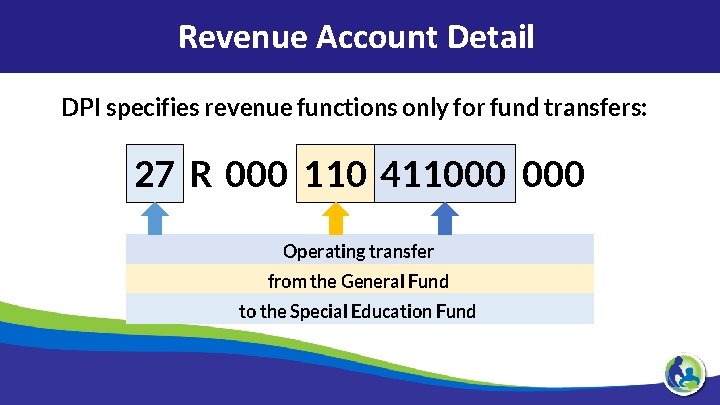
Revenue Account Detail DPI specifies revenue functions only for fund transfers: 27 R 000 110 411000 Operating transfer from the General Fund to the Special Education Fund
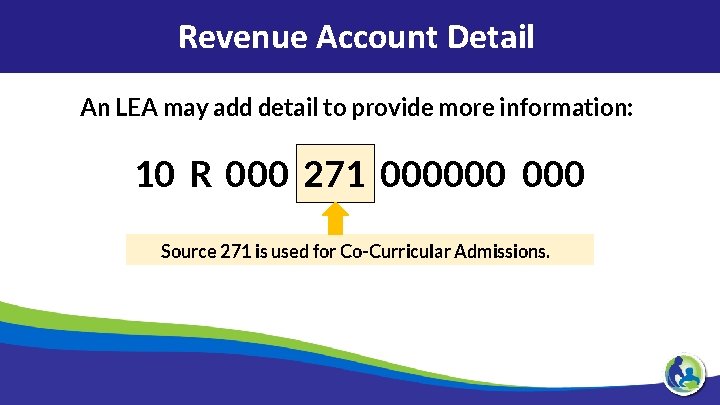
Revenue Account Detail An LEA may add detail to provide more information: 10 R 000 271 000000 Source 271 is used for Co-Curricular Admissions.
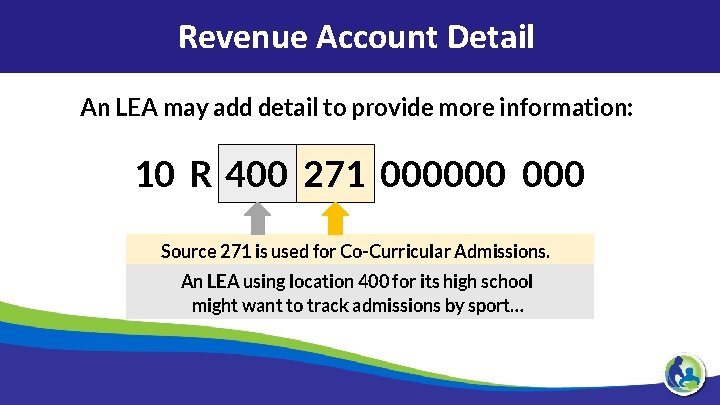
Revenue Account Detail An LEA may add detail to provide more information: 10 R 400 271 000000 Source 271 is used for Co-Curricular Admissions. An LEA using location 400 for its high school might want to track admissions by sport…
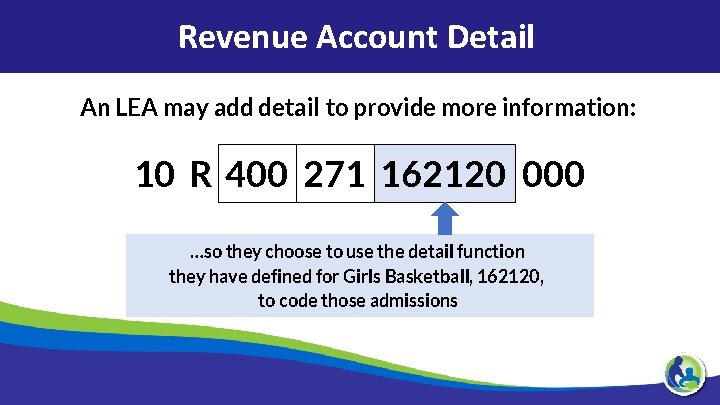
Revenue Account Detail An LEA may add detail to provide more information: 10 R 400 271 162120 000 …so they choose to use the detail function they have defined for Girls Basketball, 162120, to code those admissions
Project Code Project codes are used to identify expenditures funded by a particular program or grant 10 E 120 111 122150 141 = Title I
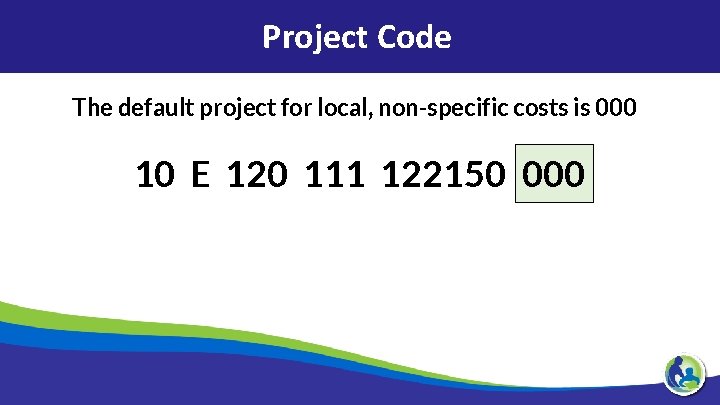
Project Code The default project for local, non-specific costs is 000 10 E 120 111 122150 000
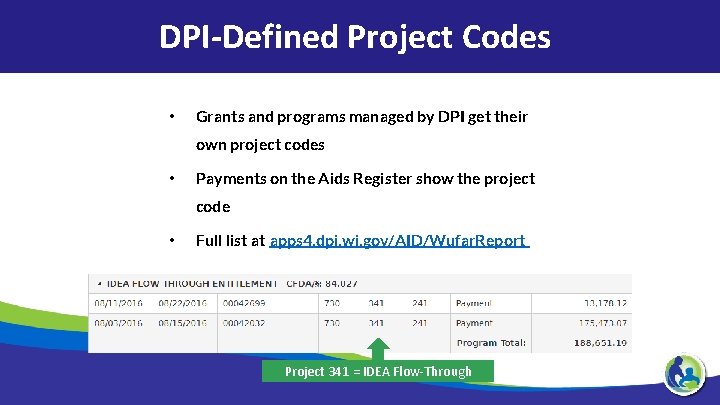
DPI-Defined Project Codes • Grants and programs managed by DPI get their own project codes • Payments on the Aids Register show the project code • Full list at apps 4. dpi. wi. gov/AID/Wufar. Report Project 341 = IDEA Flow-Through
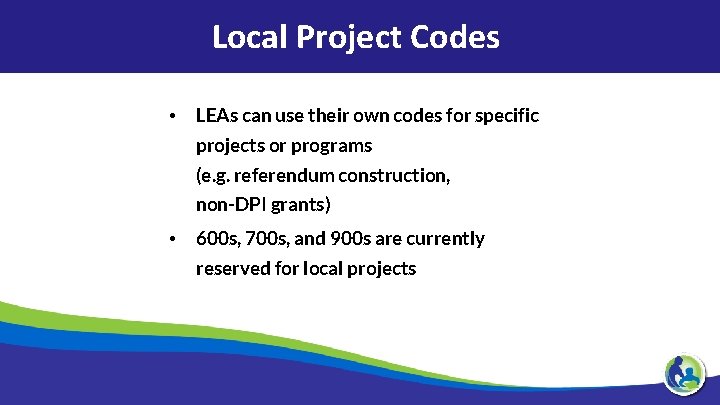
Local Project Codes • LEAs can use their own codes for specific projects or programs (e. g. referendum construction, non-DPI grants) • 600 s, 700 s, and 900 s are currently reserved for local projects
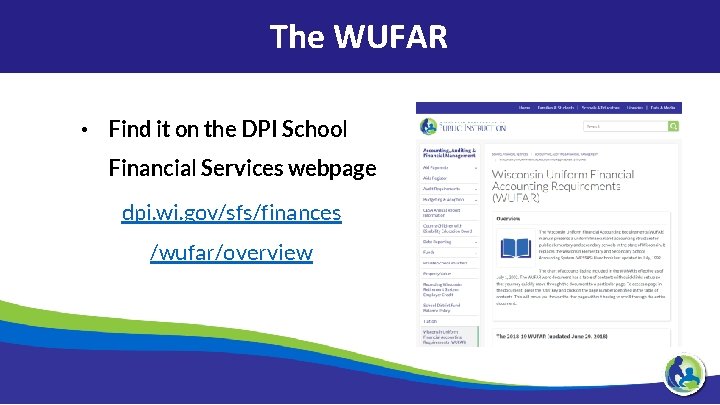
The WUFAR • Find it on the DPI School Financial Services webpage dpi. wi. gov/sfs/finances /wufar/overview
The WUFAR • Document defining DPI’s accounting requirements for reporting financial data • Revised and updated twice per year (October and April)
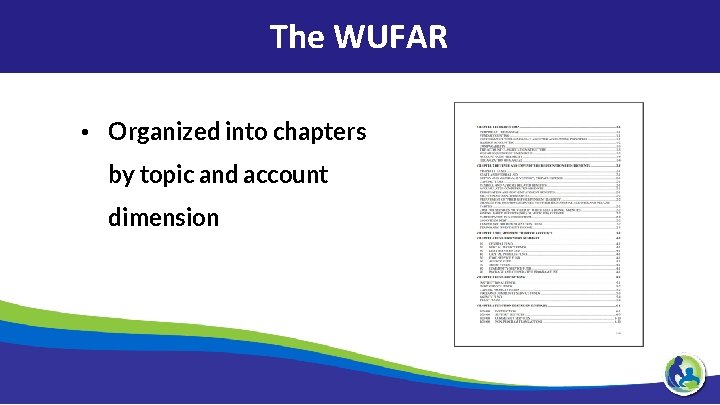
The WUFAR • Organized into chapters by topic and account dimension
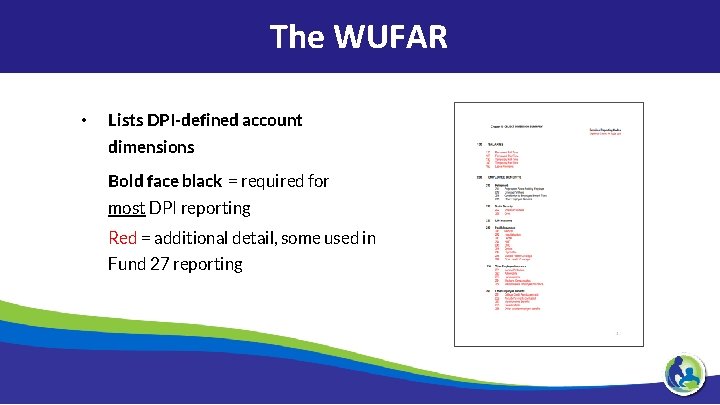
The WUFAR • Lists DPI-defined account dimensions Bold face black = required for most DPI reporting Red = additional detail, some used in Fund 27 reporting
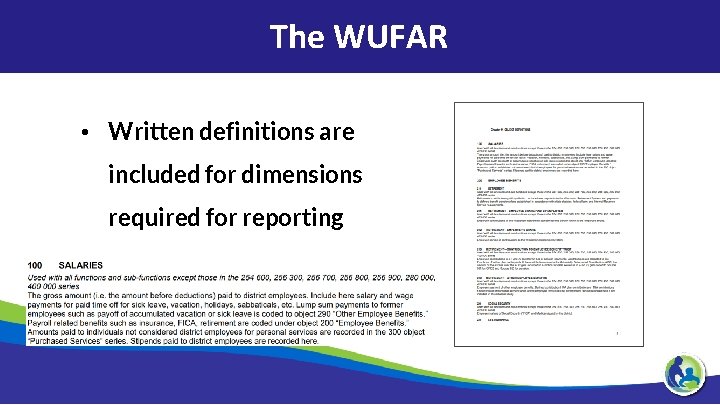
The WUFAR • Written definitions are included for dimensions required for reporting
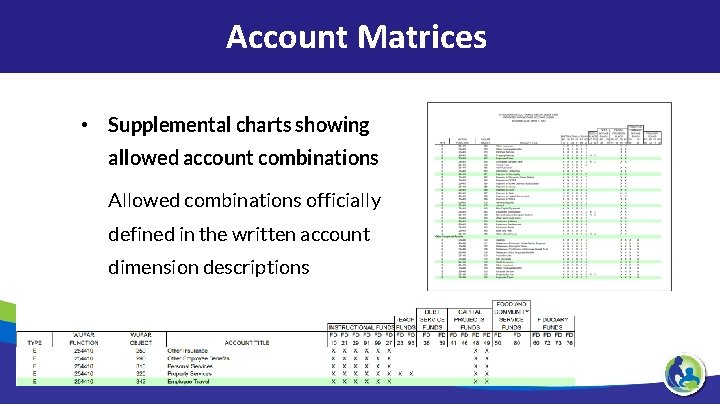
Account Matrices • Supplemental charts showing allowed account combinations Allowed combinations officially defined in the written account dimension descriptions
2018 -19 Technology Coding Changes • The US Census Bureau in 2015 began requesting additional detail for technology related expenditures as part of the Fiscal Survey F-33 • New codes are required for FY 18 -19
New Tech Functions • 221500 Instruction Related Technology for instructional support (e. g. teacher devices, computer labs, technology integration) Classroom technology for student instructions is still coded to the appropriate 100000 function Library Media technology coded to 222000
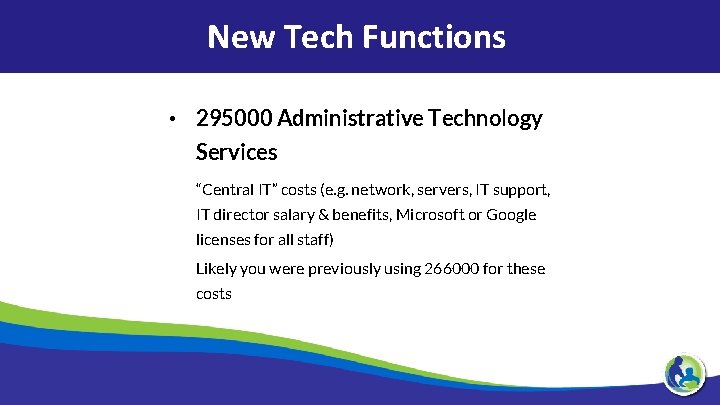
New Tech Functions • 295000 Administrative Technology Services “Central IT” costs (e. g. network, servers, IT support, IT director salary & benefits, Microsoft or Google licenses for all staff) Likely you were previously using 266000 for these costs
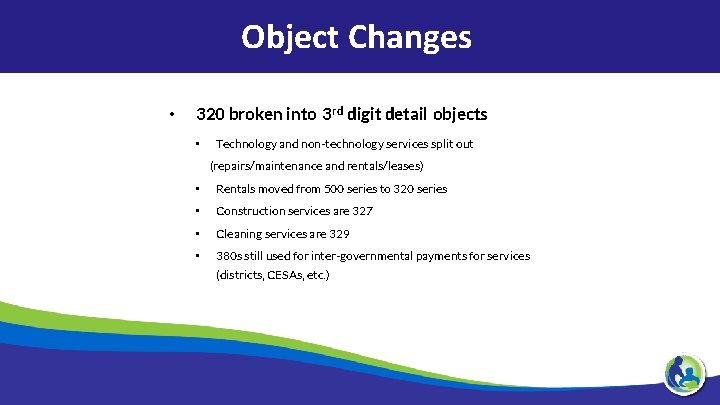
Object Changes • 320 broken into 3 rd digit detail objects • Technology and non-technology services split out (repairs/maintenance and rentals/leases) • Rentals moved from 500 series to 320 series • Construction services are 327 • Cleaning services are 329 • 380 s still used for inter-governmental payments for services (districts, CESAs, etc. )
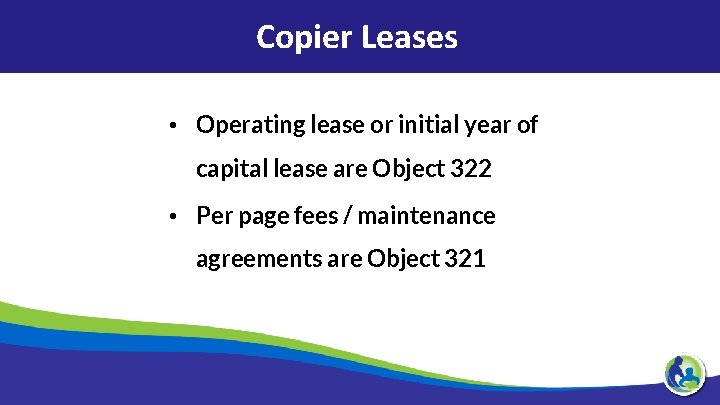
Copier Leases • Operating lease or initial year of capital lease are Object 322 • Per page fees / maintenance agreements are Object 321
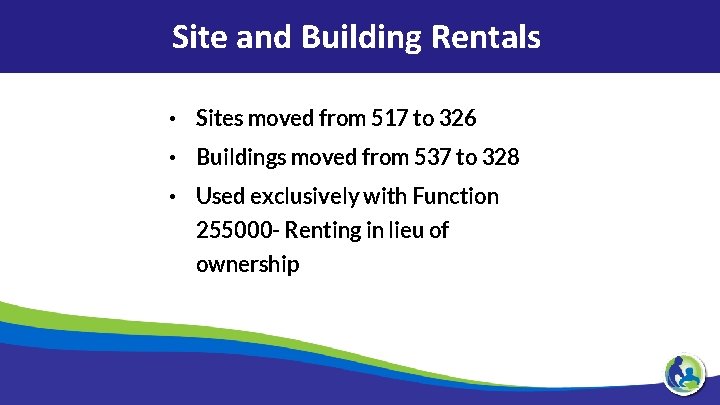
Site and Building Rentals • Sites moved from 517 to 326 • Buildings moved from 537 to 328 • Used exclusively with Function 255000 - Renting in lieu of ownership
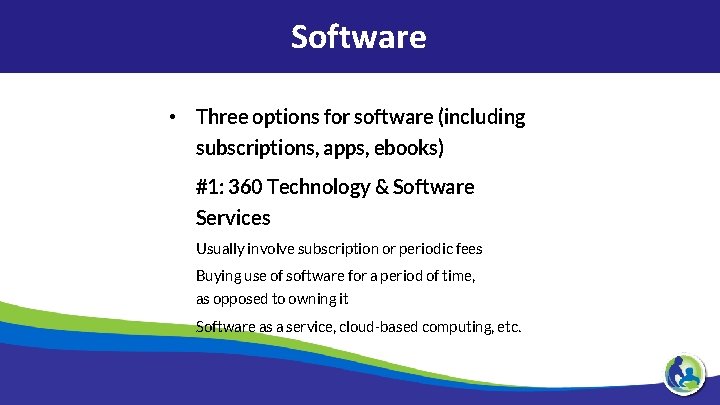
Software • Three options for software (including subscriptions, apps, ebooks) #1: 360 Technology & Software Services Usually involve subscription or periodic fees Buying use of software for a period of time, as opposed to owning it Software as a service, cloud-based computing, etc.
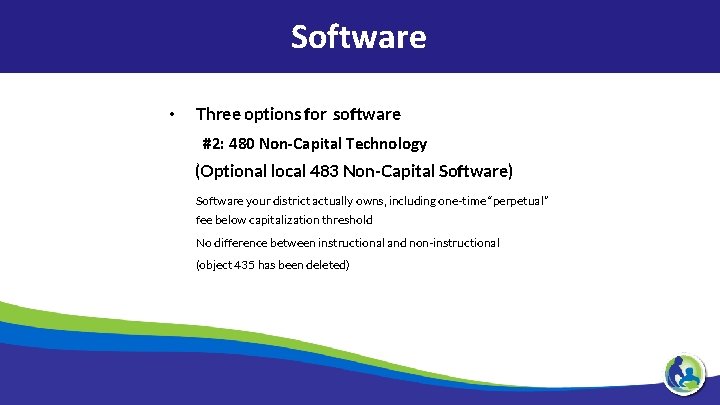
Software • Three options for software #2: 480 Non-Capital Technology (Optional local 483 Non-Capital Software) Software your district actually owns, including one-time “perpetual” fee below capitalization threshold No difference between instructional and non-instructional (object 435 has been deleted)
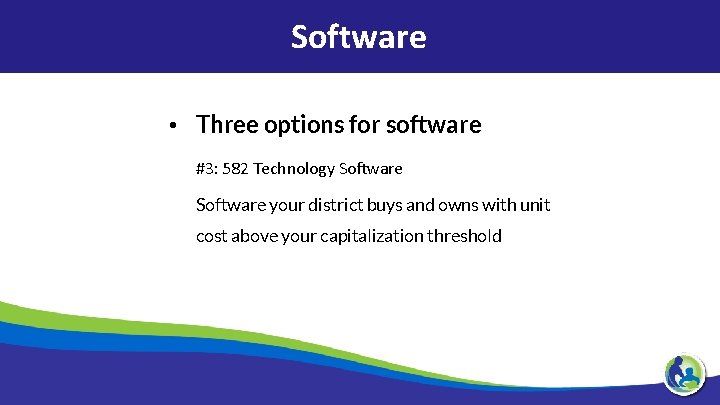
Software • Three options for software #3: 582 Technology Software your district buys and owns with unit cost above your capitalization threshold
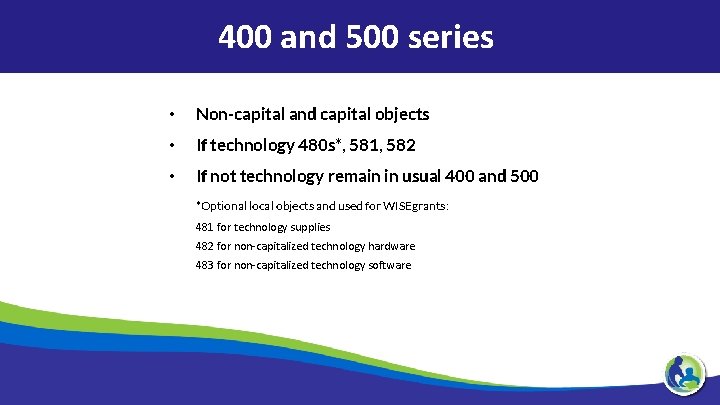
400 and 500 series • Non-capital and capital objects • If technology 480 s*, 581, 582 • If not technology remain in usual 400 and 500 *Optional local objects and used for WISEgrants: 481 for technology supplies 482 for non-capitalized technology hardware 483 for non-capitalized technology software
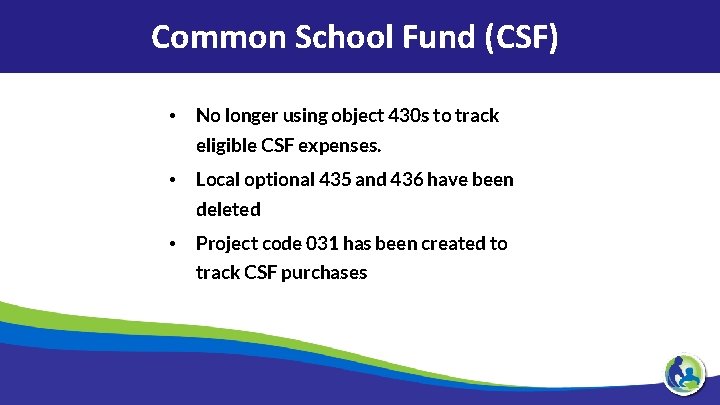
Common School Fund (CSF) • No longer using object 430 s to track eligible CSF expenses. • Local optional 435 and 436 have been deleted • Project code 031 has been created to track CSF purchases
SFS Contacts and Resources • Terry Casper, Accountant terry. casper@dpi. wi. gov, 608 -267 -9218 • WUFAR https: //dpi. wi. gov/sfs/finances/wufar/overvie w