Developing Server Side Content Using ASP Technology Ronald

- Slides: 49
Developing Server Side Content Using ASP Technology Ronald J. Glotzbach Purdue University
What is ASP? • Microsoft’s server side technology for creating dynamic content – Capabilities: • Browser independent • Language independent [Vbscript, Javascript, Perl. Scrip] • Access databases, install application logic, accept user input via forms, send email, etc. • Replacement for CGI programming
Needs met by ASP? • Dynamic content deployment – Links and content that changes multiple times each day [New sites, portal sites] – www. msn. com, www. freerealtime. com, etc. – Application logic needed to perform calculations or perform logical functions. – www. progressive. com, [self site] – Interface to “outside programs” – Custom Active X controls
How does is compare to CGI? • Replacement for CGI • Pools systems resources more efficiently than CGI. Threads can share. • Guarantees the presence of a core set of methods and functions. • Faster than CGI.
Objectives • Create an individualized set of web pages using ASP for Web and Hybrid CD-ROM delivery – Exposure: • ASP Structure • ASP Objects • ASP Construction Tools
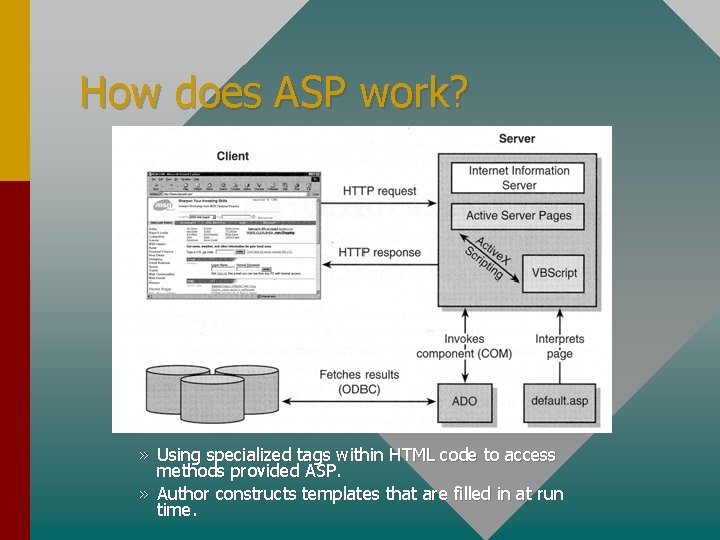
How does ASP work? » Using specialized tags within HTML code to access methods provided ASP. » Author constructs templates that are filled in at run time.
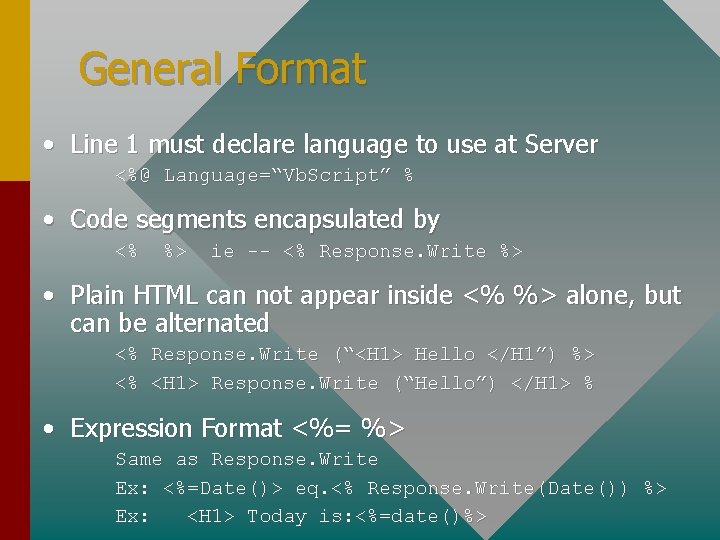
General Format • Line 1 must declare language to use at Server <%@ Language=“Vb. Script” % • Code segments encapsulated by <% %> ie -- <% Response. Write %> • Plain HTML can not appear inside <% %> alone, but can be alternated <% Response. Write (“<H 1> Hello </H 1”) %> <% <H 1> Response. Write (“Hello”) </H 1> % • Expression Format <%= %> Same as Response. Write Ex: <%=Date()> eq. <% Response. Write(Date()) %> Ex: <H 1> Today is: <%=date()%>
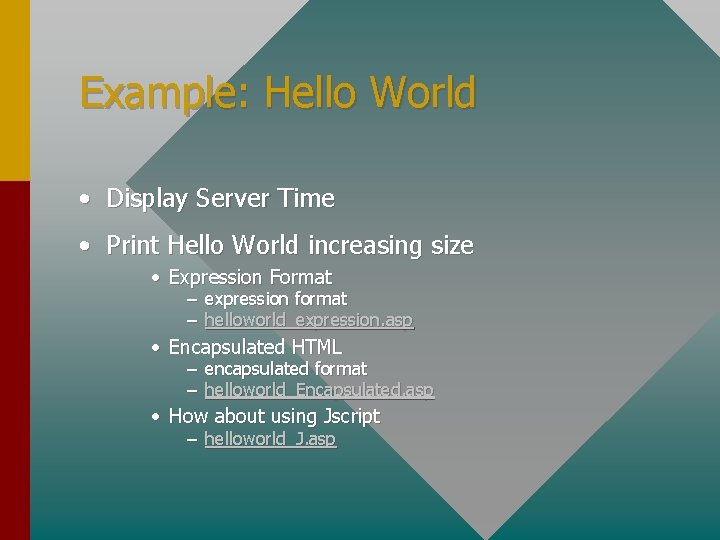
Example: Hello World • Display Server Time • Print Hello World increasing size • Expression Format – expression format – helloworld_expression. asp • Encapsulated HTML – – encapsulated format helloworld_Encapsulated. asp • How about using Jscript – helloworld_J. asp
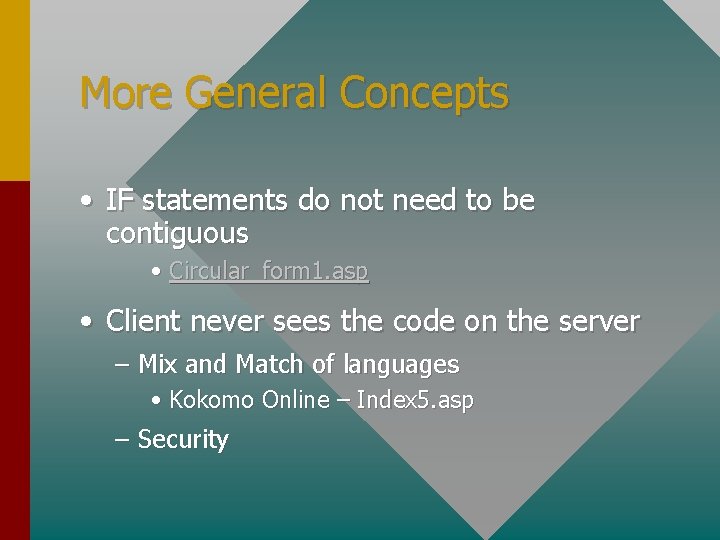
More General Concepts • IF statements do not need to be contiguous • Circular_form 1. asp • Client never sees the code on the server – Mix and Match of languages • Kokomo Online – Index 5. asp – Security
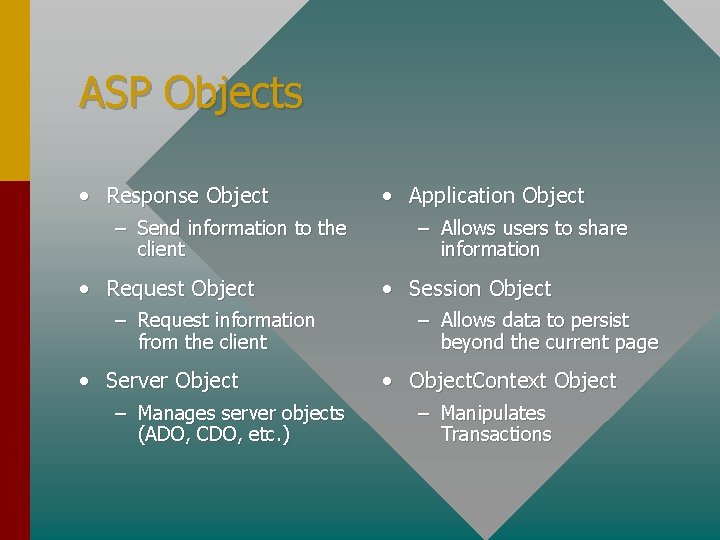
ASP Objects • Response Object – Send information to the client • Request Object – Request information from the client • Server Object – Manages server objects (ADO, CDO, etc. ) • Application Object – Allows users to share information • Session Object – Allows data to persist beyond the current page • Object. Context Object – Manipulates Transactions
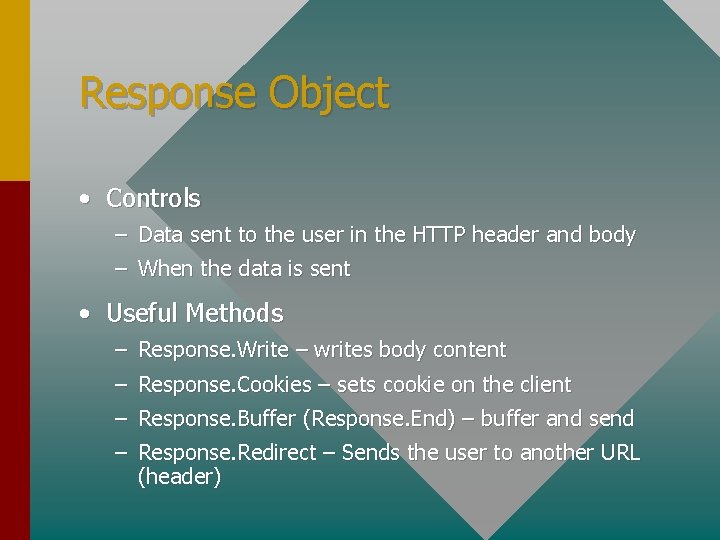
Response Object • Controls – Data sent to the user in the HTTP header and body – When the data is sent • Useful Methods – Response. Write – writes body content – Response. Cookies – sets cookie on the client – Response. Buffer (Response. End) – buffer and send – Response. Redirect – Sends the user to another URL (header)
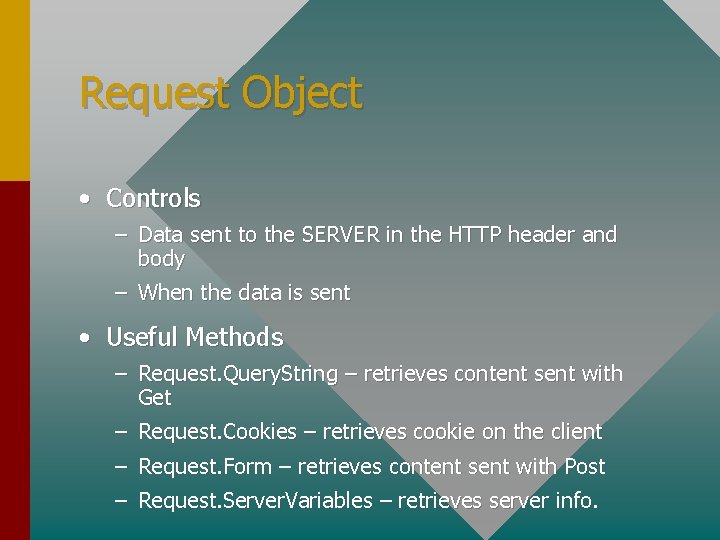
Request Object • Controls – Data sent to the SERVER in the HTTP header and body – When the data is sent • Useful Methods – Request. Query. String – retrieves content sent with Get – Request. Cookies – retrieves cookie on the client – Request. Form – retrieves content sent with Post – Request. Server. Variables – retrieves server info.
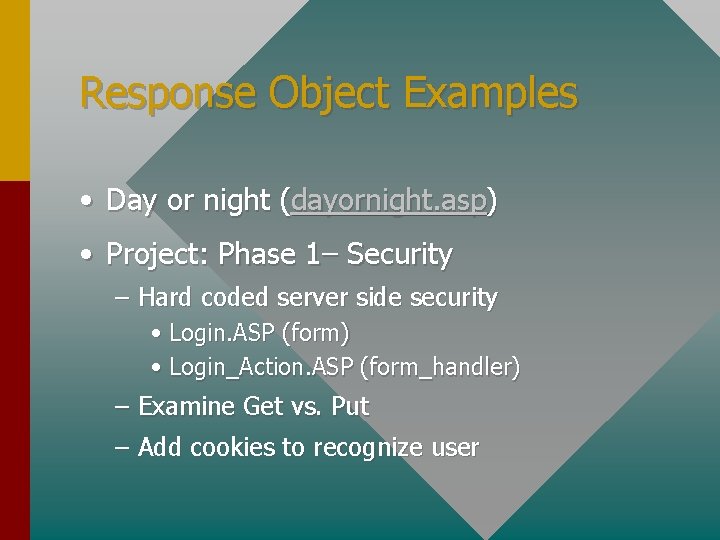
Response Object Examples • Day or night (dayornight. asp) • Project: Phase 1– Security – Hard coded server side security • Login. ASP (form) • Login_Action. ASP (form_handler) – Examine Get vs. Put – Add cookies to recognize user
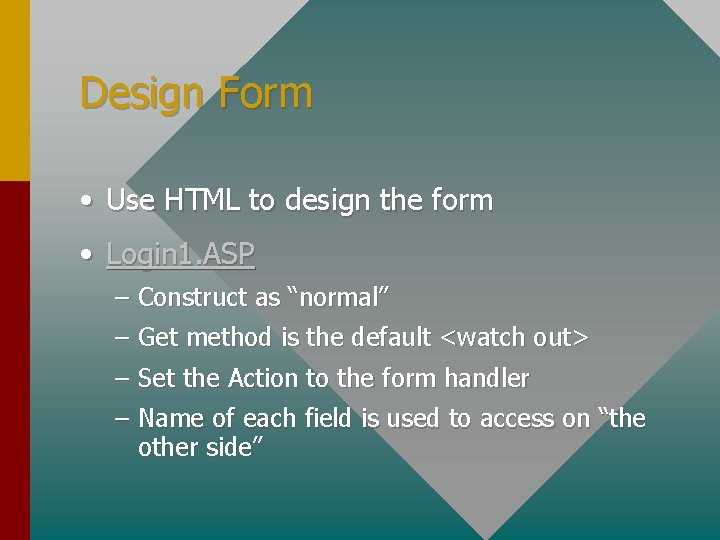
Design Form • Use HTML to design the form • Login 1. ASP – Construct as “normal” – Get method is the default <watch out> – Set the Action to the form handler – Name of each field is used to access on “the other side”
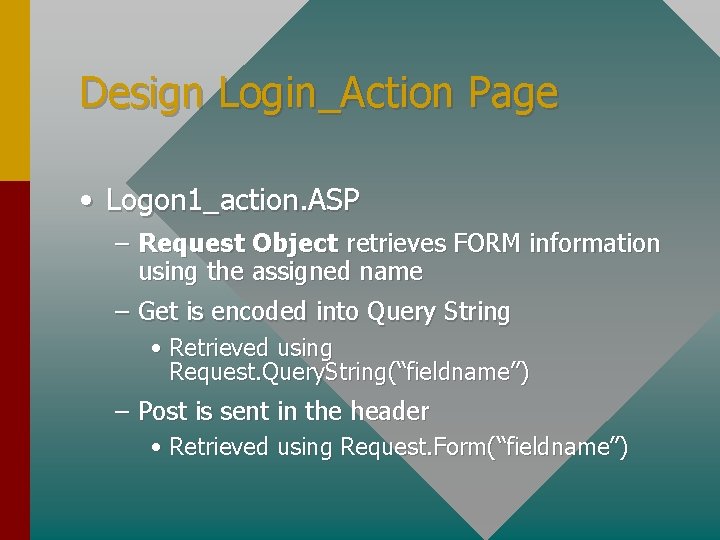
Design Login_Action Page • Logon 1_action. ASP – Request Object retrieves FORM information using the assigned name – Get is encoded into Query String • Retrieved using Request. Query. String(“fieldname”) – Post is sent in the header • Retrieved using Request. Form(“fieldname”)
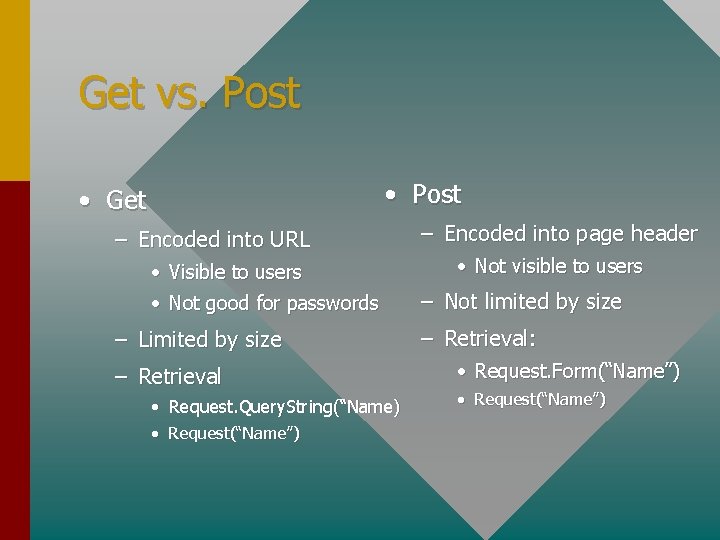
Get vs. Post • Post • Get – Encoded into URL • Visible to users • Not good for passwords – Limited by size – Retrieval • Request. Query. String(“Name) • Request(“Name”) – Encoded into page header • Not visible to users – Not limited by size – Retrieval: • Request. Form(“Name”) • Request(“Name”)
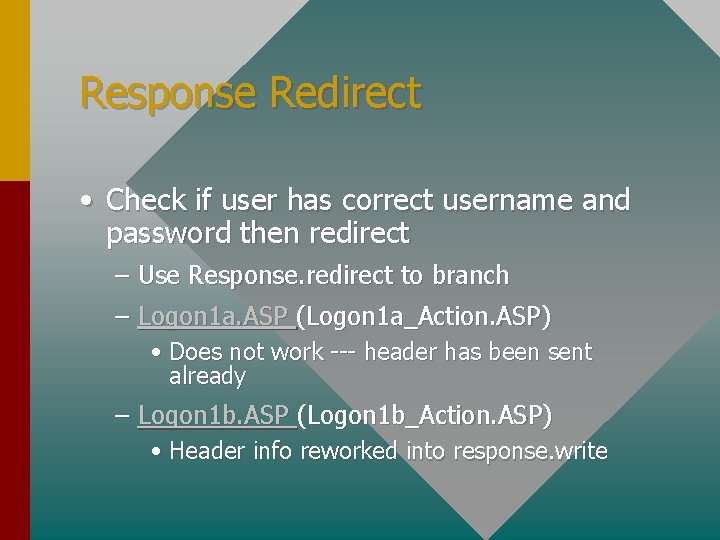
Response Redirect • Check if user has correct username and password then redirect – Use Response. redirect to branch – Logon 1 a. ASP (Logon 1 a_Action. ASP) • Does not work --- header has been sent already – Logon 1 b. ASP (Logon 1 b_Action. ASP) • Header info reworked into response. write
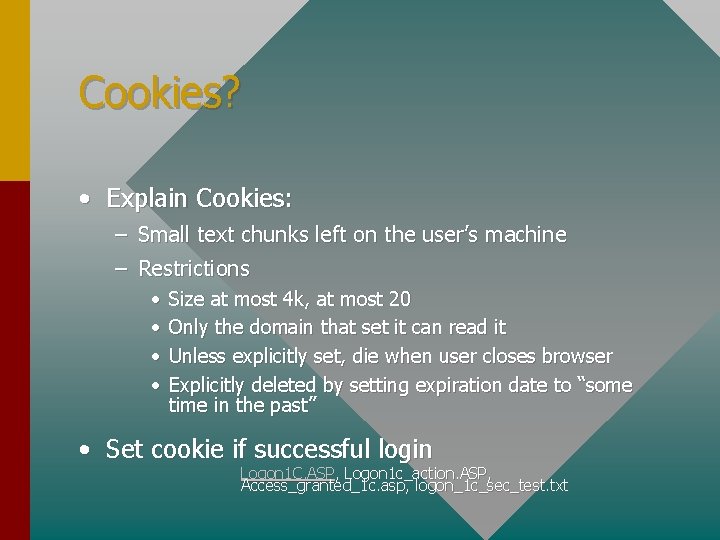
Cookies? • Explain Cookies: – Small text chunks left on the user’s machine – Restrictions • • Size at most 4 k, at most 20 Only the domain that set it can read it Unless explicitly set, die when user closes browser Explicitly deleted by setting expiration date to “some time in the past” • Set cookie if successful login Logon 1 C. ASP, Logon 1 c_action. ASP, Access_granted_1 c. asp, logon_1 c_sec_test. txt
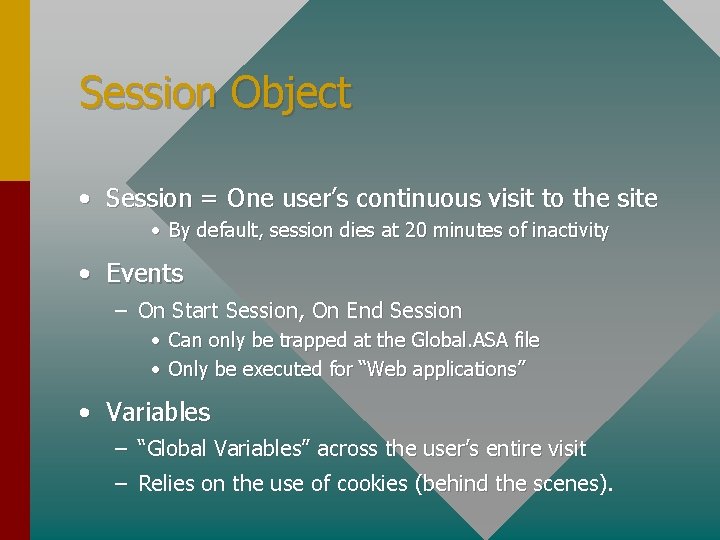
Session Object • Session = One user’s continuous visit to the site • By default, session dies at 20 minutes of inactivity • Events – On Start Session, On End Session • Can only be trapped at the Global. ASA file • Only be executed for “Web applications” • Variables – “Global Variables” across the user’s entire visit – Relies on the use of cookies (behind the scenes).
Modification to Login. ASP • If user has visited the site, their name should be filled into the login form • If user has been away for more than 20 minutes, they have to re-log in. • If user has not logged in, they are redirected to the login page. • Files: logon 15. asp, logon 15_action. asp sucess_user 15. asp, security_test 15. txt
Static Password? ? What about DBAccess? • Yes, but…Let’s polish the pages up a bit first & look at “rest of objects. ” – 1) Create ASP pages in MS Visual Studio – 2) Create visual elements in Photoshop – 3) Use Dreamweaver to: • 1) Move all logic into 1 layer • 2) Move visual elements into other layers – Logon 15_polished. asp
Content Rotator Object • Allows content to be rotated – Items can be weighted – Used for text, video, links, etc. – Uses: Saying of the day, image of the day, etc. • Configuration – ASP file instantiates MSWC. Content. Rotator – Content. txt carries content • %% New Entry • Number specifies the Weight • Included in IIS 5. 0 --- NOT with IIS 4. 0 – Resource Kit for IIS 4. 0 has this component • File: Logon 15_cr. asp, Sayings. txt
Banner Rotator Object • Allows banners to be rotated – Items can be weighted – Used for displaying advertising • Configuration – ASP file instantiates MSWC. Ad. Rotator – Content. txt carries content • Weight, target URL, ALT tag text • Included in IIS 5. 0 and IIS 4. 0 – Resource Kit for IIS 4. 0 has this component • File: Logon 15_br. asp, Schedule. txt
Banner Rotator: Track where the user clicks • Use Database to track user • Use the redirect page to write to the database
ADO: Active. X Data Objects • Active X Data Objects – allows access of any Data Source with ODBC drivers • Language Independent {VB, VC++, ASP, etc. } • Works against just about any database – Access, MS SQL Server, Informix, DB 2, Oracle • Takes SQL as argument, returns recordsets – Solid foundation in SQL helps
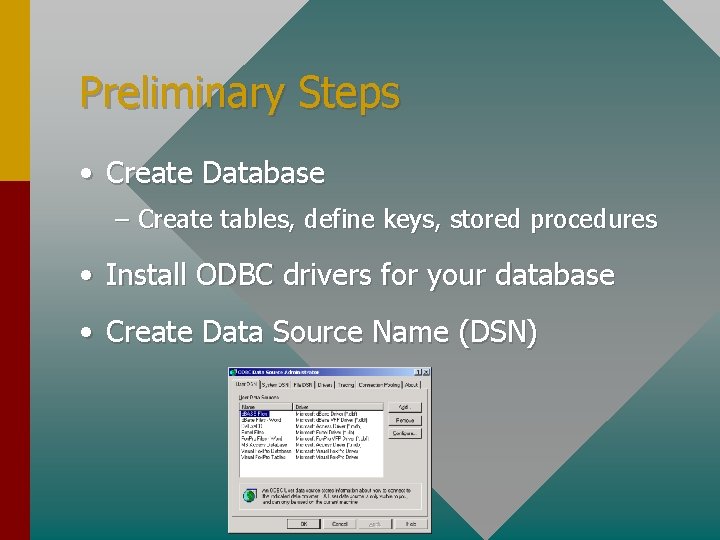
Preliminary Steps • Create Database – Create tables, define keys, stored procedures • Install ODBC drivers for your database • Create Data Source Name (DSN)
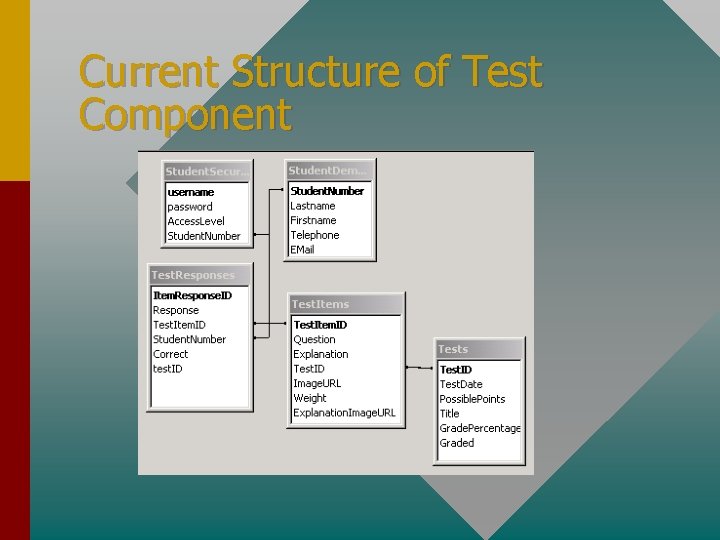
Current Structure of Test Component
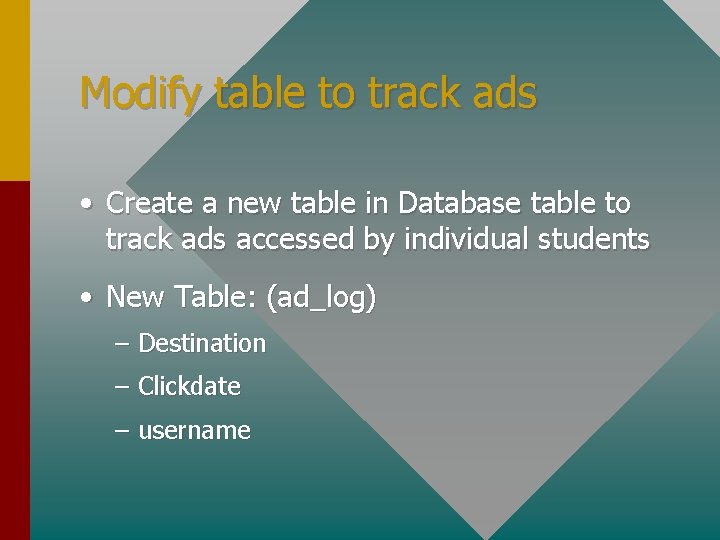
Modify table to track ads • Create a new table in Database table to track ads accessed by individual students • New Table: (ad_log) – Destination – Clickdate – username
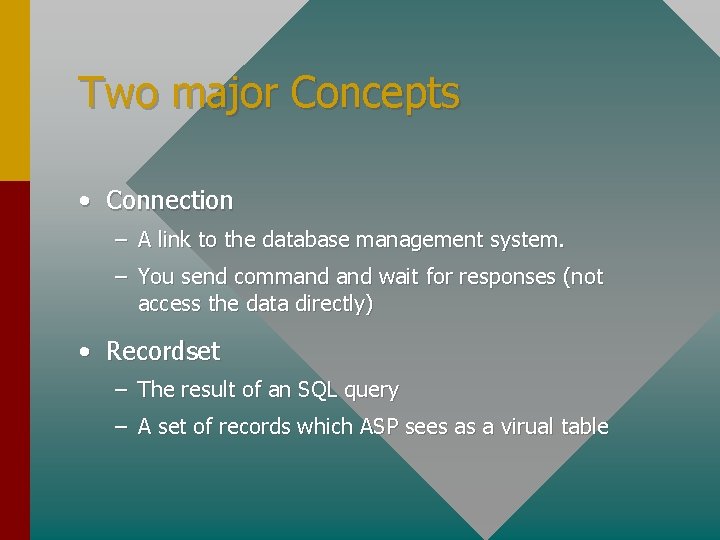
Two major Concepts • Connection – A link to the database management system. – You send command wait for responses (not access the data directly) • Recordset – The result of an SQL query – A set of records which ASP sees as a virual table
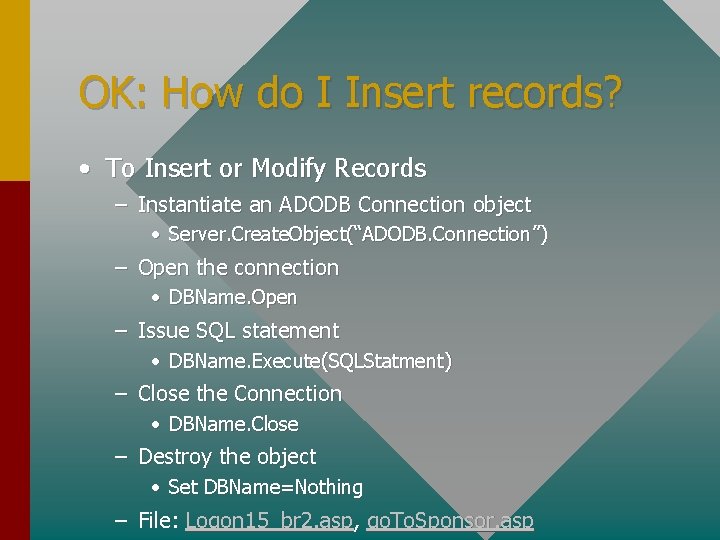
OK: How do I Insert records? • To Insert or Modify Records – Instantiate an ADODB Connection object • Server. Create. Object(“ADODB. Connection”) – Open the connection • DBName. Open – Issue SQL statement • DBName. Execute(SQLStatment) – Close the Connection • DBName. Close – Destroy the object • Set DBName=Nothing – File: Logon 15_br 2. asp, go. To. Sponsor. asp
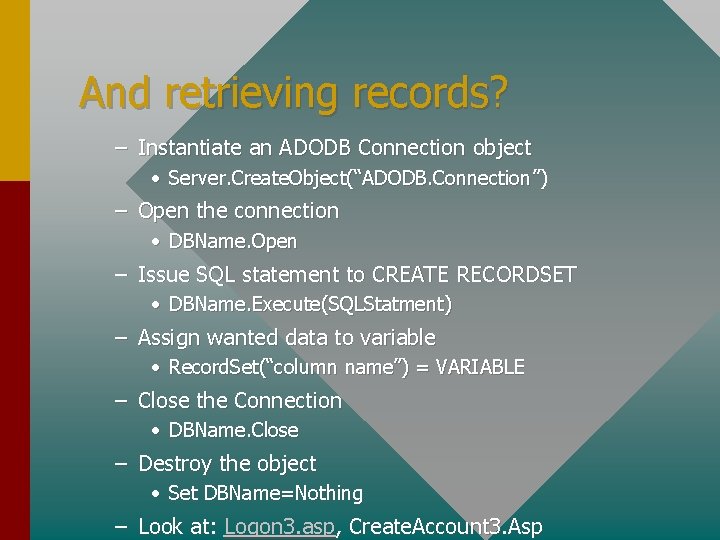
And retrieving records? – Instantiate an ADODB Connection object • Server. Create. Object(“ADODB. Connection”) – Open the connection • DBName. Open – Issue SQL statement to CREATE RECORDSET • DBName. Execute(SQLStatment) – Assign wanted data to variable • Record. Set(“column name”) = VARIABLE – Close the Connection • DBName. Close – Destroy the object • Set DBName=Nothing – Look at: Logon 3. asp, Create. Account 3. Asp
What if something goes wrong? • IIS include MS Transaction Server – All fails or all succeeds – Start Transaction, Commit Transaction, Rollback Transaction • On Error Resume – Allow the page to continue to execute even if errors occur • You can then trap for the errors • See Create_Account_Action 3. ASP – Both inserts succeed or fail
Important Recordset concepts • A recordset is a virtual table – To update you must update original tables • The “Cursor” always points to only 1 record within the recordset • Rec. Set. Move. Next, *. Move. First, *. Move. Last, *. Move. Previous
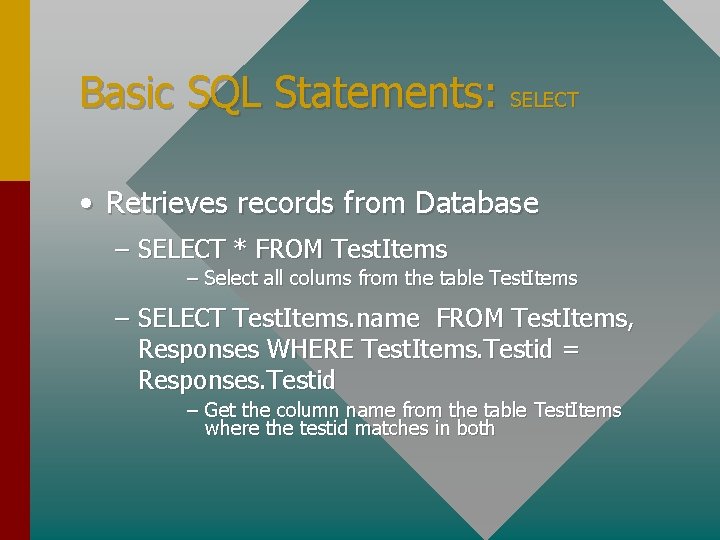
Basic SQL Statements: SELECT • Retrieves records from Database – SELECT * FROM Test. Items – Select all colums from the table Test. Items – SELECT Test. Items. name FROM Test. Items, Responses WHERE Test. Items. Testid = Responses. Testid – Get the column name from the table Test. Items where the testid matches in both
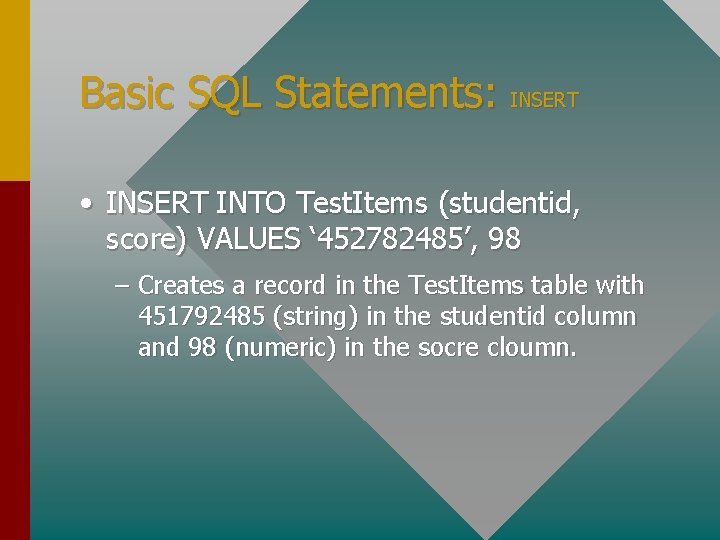
Basic SQL Statements: INSERT • INSERT INTO Test. Items (studentid, score) VALUES ‘ 452782485’, 98 – Creates a record in the Test. Items table with 451792485 (string) in the studentid column and 98 (numeric) in the socre cloumn.
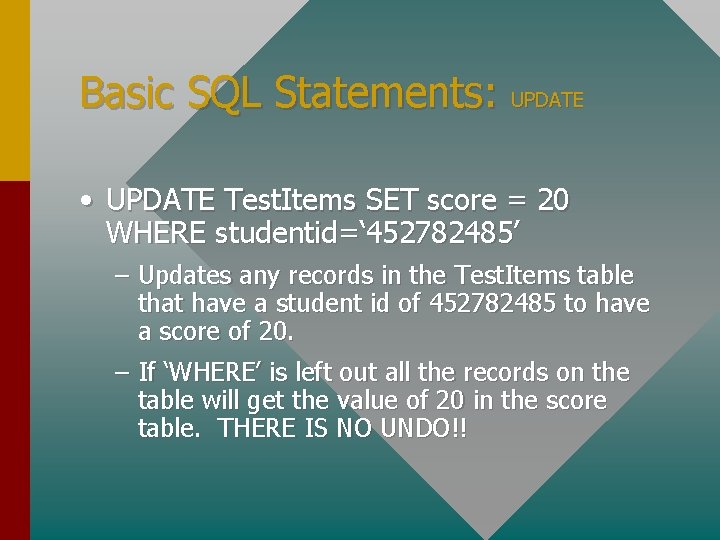
Basic SQL Statements: UPDATE • UPDATE Test. Items SET score = 20 WHERE studentid=‘ 452782485’ – Updates any records in the Test. Items table that have a student id of 452782485 to have a score of 20. – If ‘WHERE’ is left out all the records on the table will get the value of 20 in the score table. THERE IS NO UNDO!!
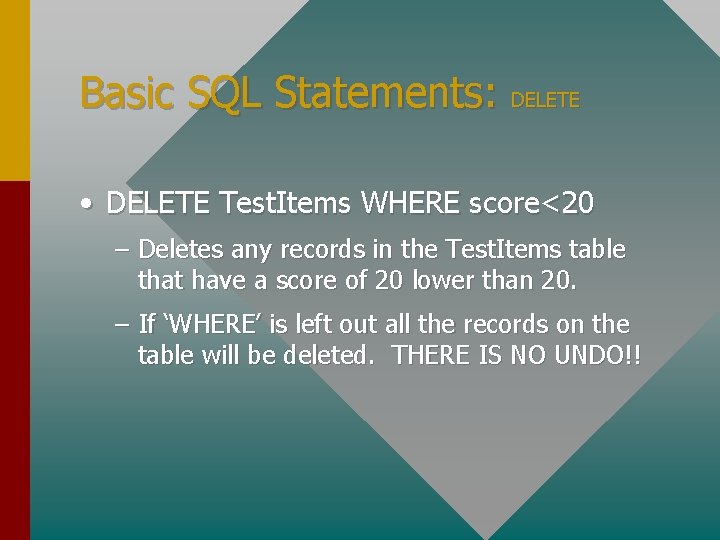
Basic SQL Statements: DELETE • DELETE Test. Items WHERE score<20 – Deletes any records in the Test. Items table that have a score of 20 lower than 20. – If ‘WHERE’ is left out all the records on the table will be deleted. THERE IS NO UNDO!!
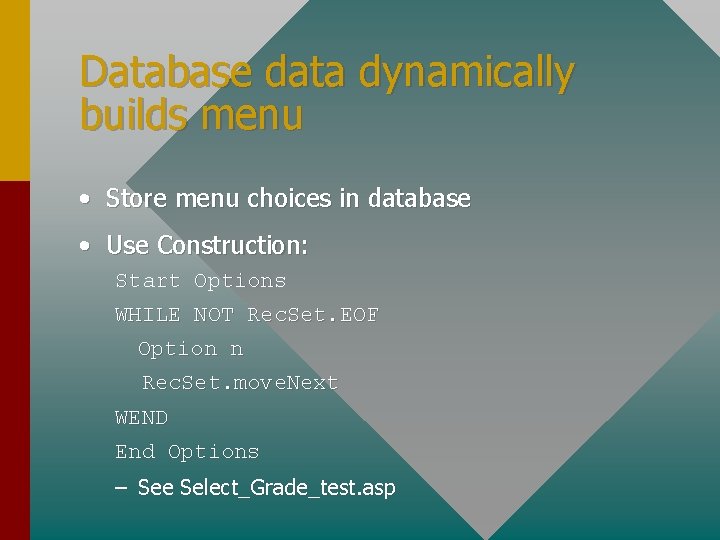
Database data dynamically builds menu • Store menu choices in database • Use Construction: Start Options WHILE NOT Rec. Set. EOF Option n Rec. Set. move. Next WEND End Options – See Select_Grade_test. asp
Site Page Structure
CDONTS Objects • Collaborative Data Objects for NT Server – Allows Web Server to send and receive Emails – Uses: Form handling, sending remainders, sending grades, etc. – Requires SMPT component installed on IIS – See: e_mail. asp, grade_test_action. asp
File Access • Allows ASP to access file system – Write, read, copy, move, etc. • Uses guest books, page counters, message board, dynamically writing HTML files – See: text_counter. asp, grade_test_action. asp
File Upload Component • Allows uses to upload files to server through web site – Benefits easies interface for users than FTP, IRC, etc. • Not provided by ASP, but easily added through third party component • Example shows SA-Upload Component – Files: Homework_Upload. ASP
Application Object • Application = All files that make up a specific web directory/site/etc. • Defined using the Internet Service Manager • Global. ASA file must be on root of application directory, if it is to be executed. • Events – On start application, only runs “for the first user. ” • Variables – “Global Variables” across ALL users entire visit
IIS 4. 0/IIS 5. 0/PWS • Internet Information Server 4. 0 • • Installed on NT by installing Option Pack 4 Lacks Content Rotator Supports “unlimited” number of connections ASP 2. 0 • IIS 5. 0 • • • Comes with Win 2000/2000 Server/2000 Adv. Server Includes Content Rotator, Server. Transfer ASP 3. 0 • PWS (Win 98, NT 4. 0 Workstation) • Scaled version of IIS, limited by number of connections.
Tools • Macromedia Drumbeat 2000 (Ultra. Dev) • Drag and Drop tool for creating ASP/JSP Pages • Easy to learn • Good Query Designer (Basic) • Microsoft Inter. Dev • • • Developer strength ASP programming tool Same IDE as Visual J++ Adds Scripting Object Model • Dreamweaver (Ultra. Dev) • Good Visual editor • Great client side DHTML capabilities • Net. Objects Fusion • Great Site Dev Tool (WYSIWYG)
Scripting Object Model • A set of scripts provided by Inter. Dev which provide: – Event Driven capabilities in ASP. • Example on_enter_Page – Access to Design Time Controls – Consistent programming model for DHTML and ASP
Combining with Multimedia • ASP can be used a component in CDROM based multimedia projects. • Benefits: – Media delivery capabilities of CD-ROM – Flexibility of Web based projects • See: Unified Multimedia System
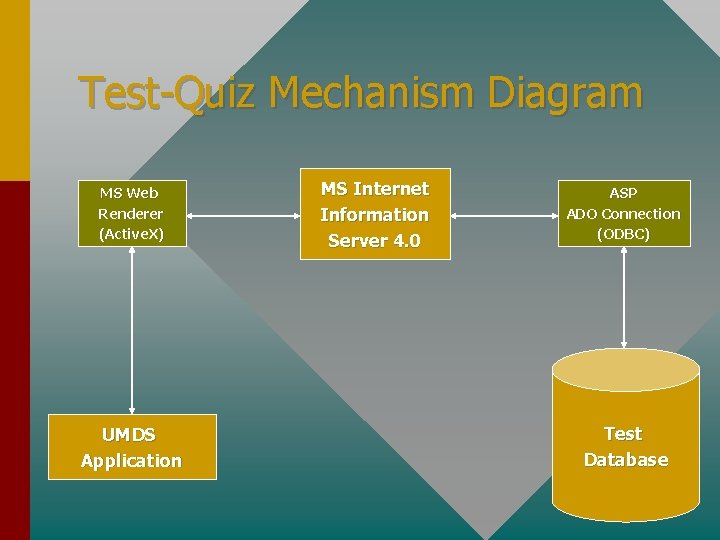
Test-Quiz Mechanism Diagram MS Web Renderer (Active. X) UMDS Application MS Internet Information Server 4. 0 ASP ADO Connection (ODBC) Test Database
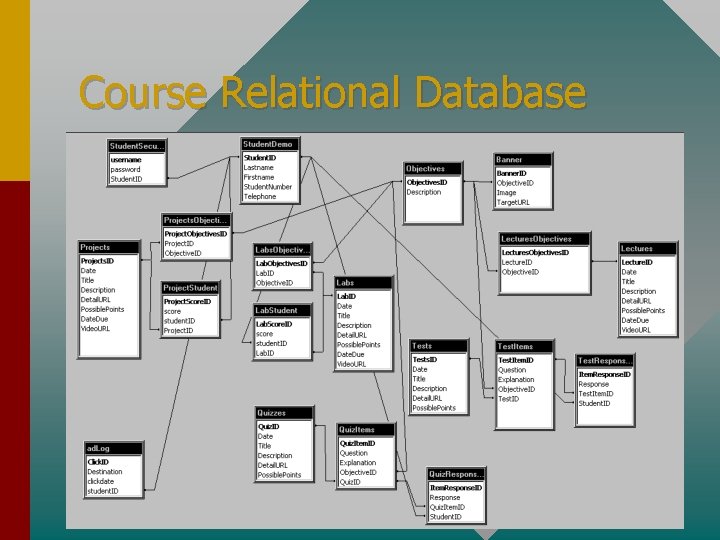
Course Relational Database