CTPP Access Tool CAT Nanda Srinivasan CTPP Staff


- Slides: 18
CTPP Access Tool (CAT) Nanda Srinivasan CTPP Staff Support Cambridge Systematics Inc.
CTPP Access Tool Contractors: • Beyond 20/20, Digital Engineering Corporation • Software is being released along with data
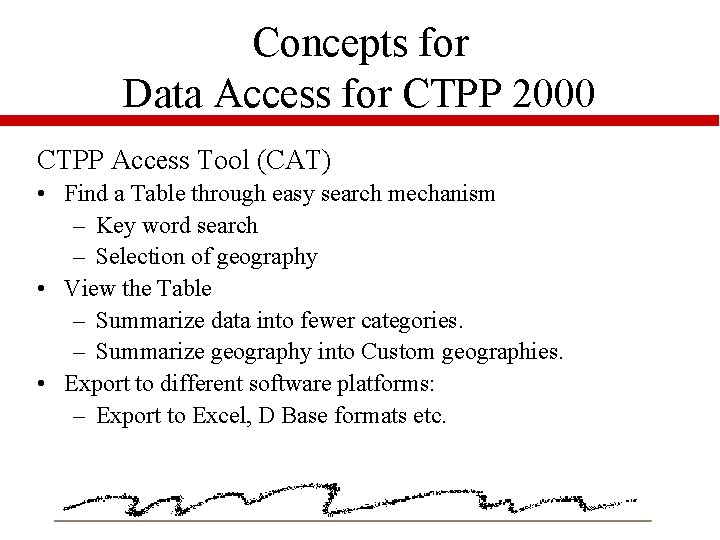
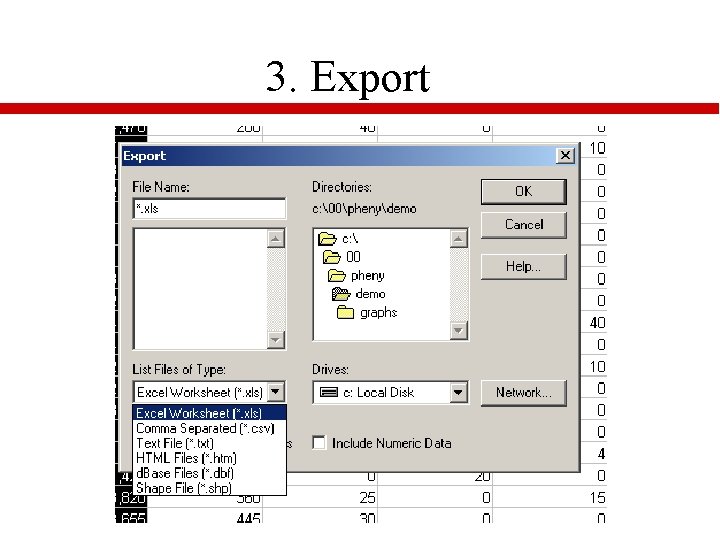
Concepts for Data Access for CTPP 2000 CTPP Access Tool (CAT) • Find a Table through easy search mechanism – Key word search – Selection of geography • View the Table – Summarize data into fewer categories. – Summarize geography into Custom geographies. • Export to different software platforms: – Export to Excel, D Base formats etc.
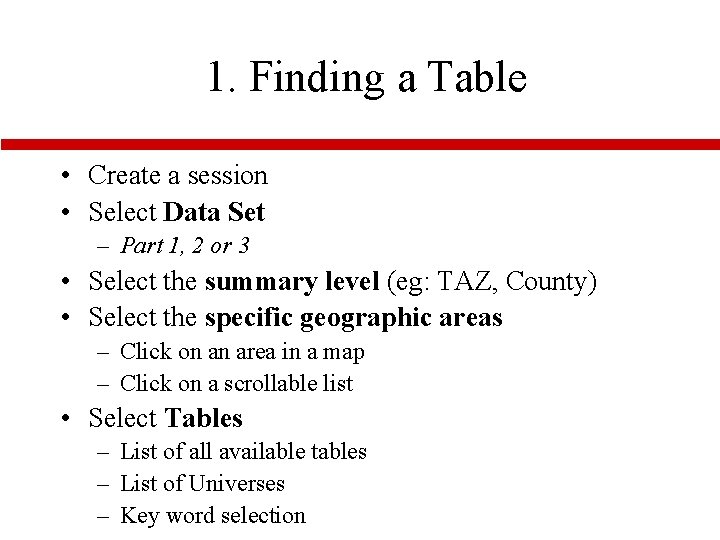
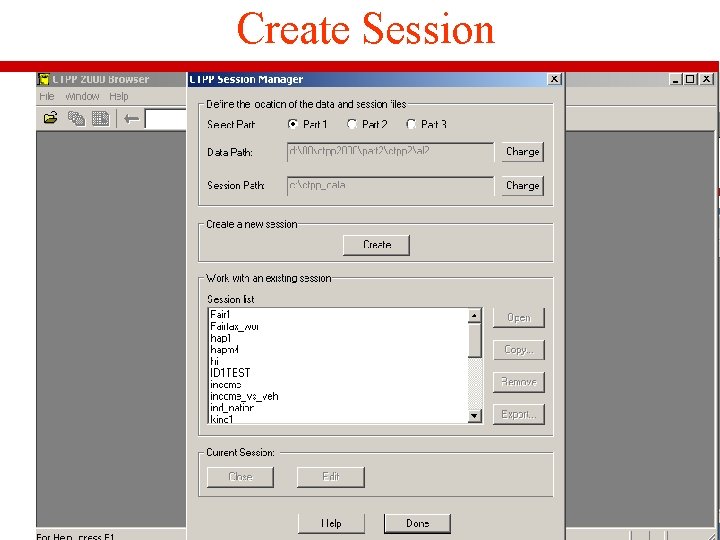
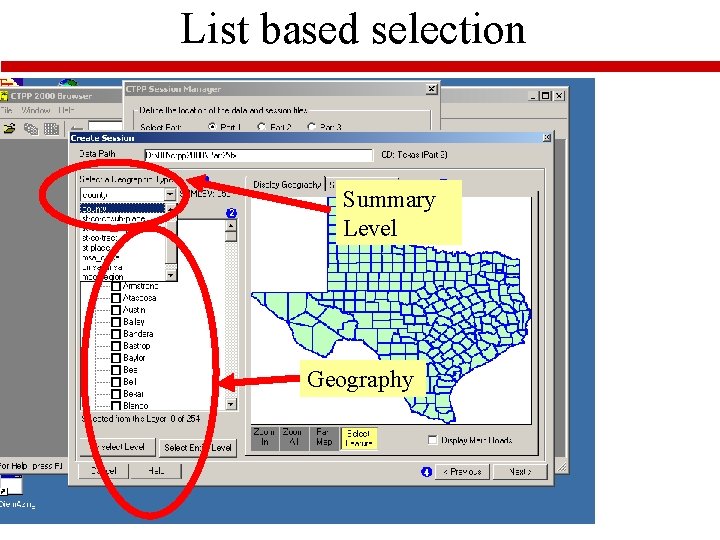
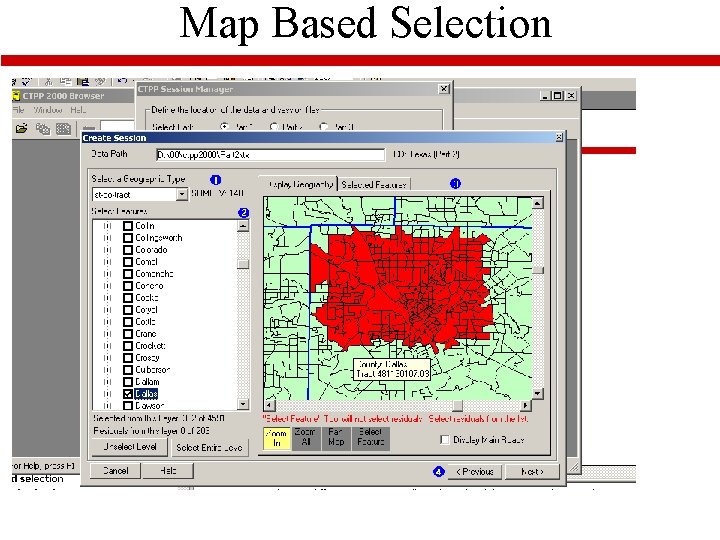
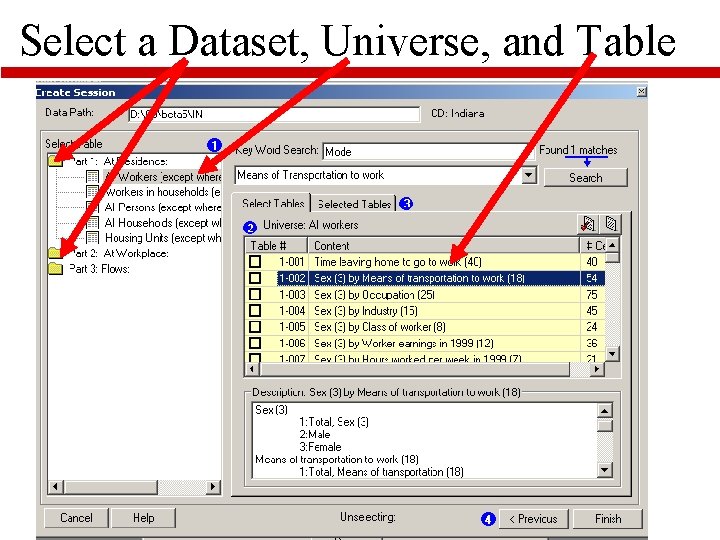
1. Finding a Table • Create a session • Select Data Set – Part 1, 2 or 3 • Select the summary level (eg: TAZ, County) • Select the specific geographic areas – Click on an area in a map – Click on a scrollable list • Select Tables – List of all available tables – List of Universes – Key word selection
Create Session
List based selection Summary Level Geography
Map Based Selection
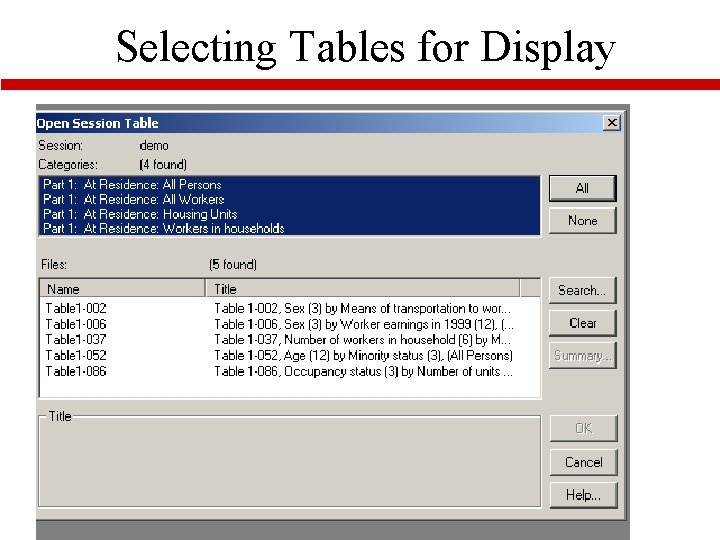
Select a Dataset, Universe, and Table
Selecting Tables for Display
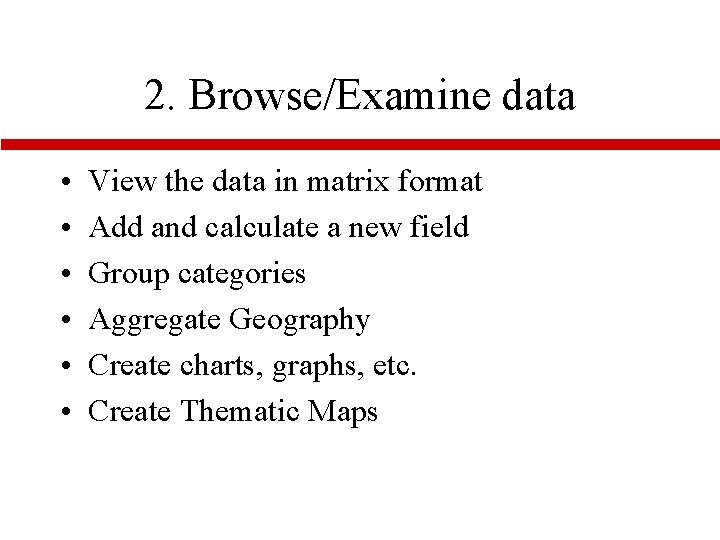
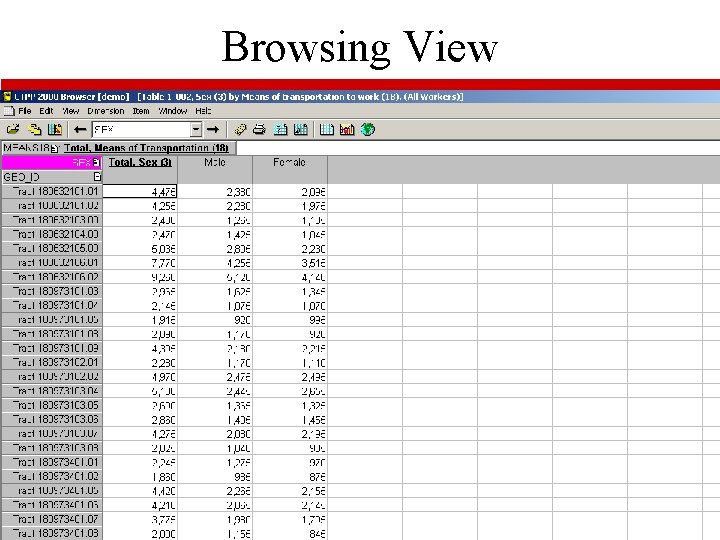
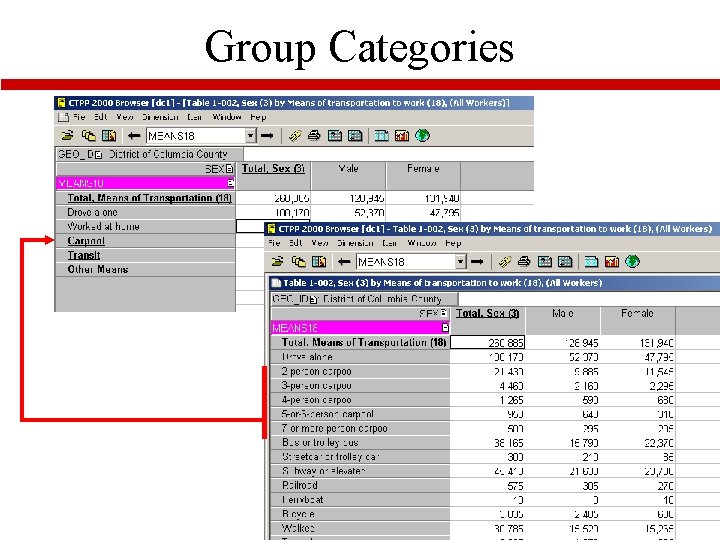
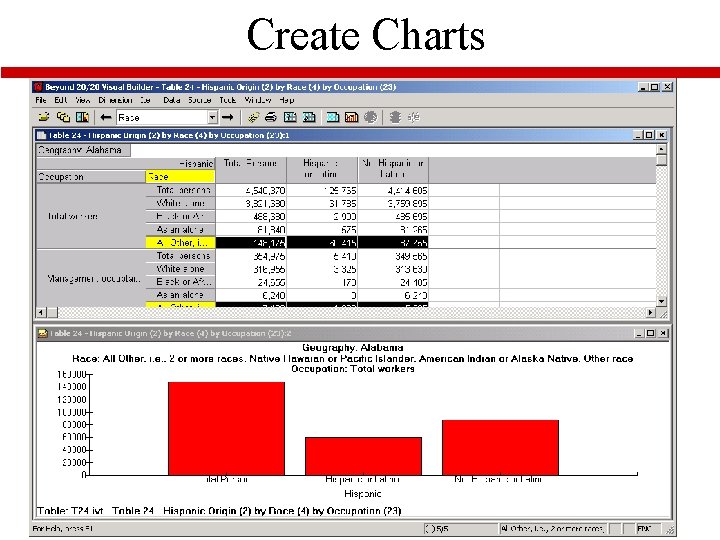
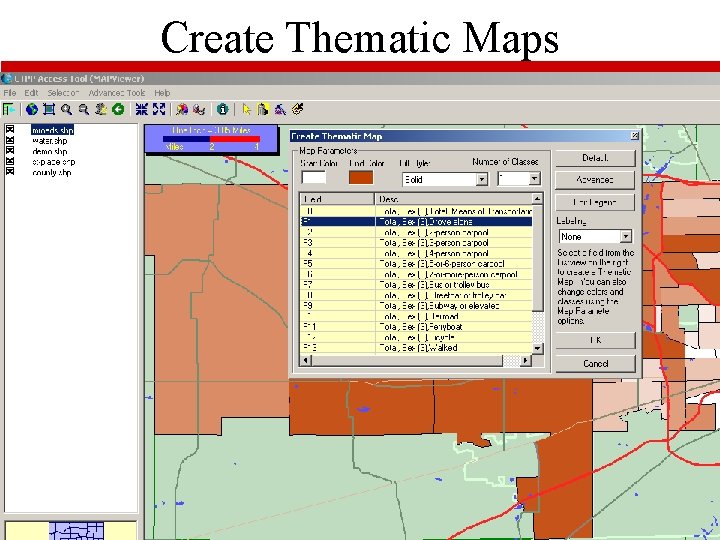
2. Browse/Examine data • • • View the data in matrix format Add and calculate a new field Group categories Aggregate Geography Create charts, graphs, etc. Create Thematic Maps
Browsing View
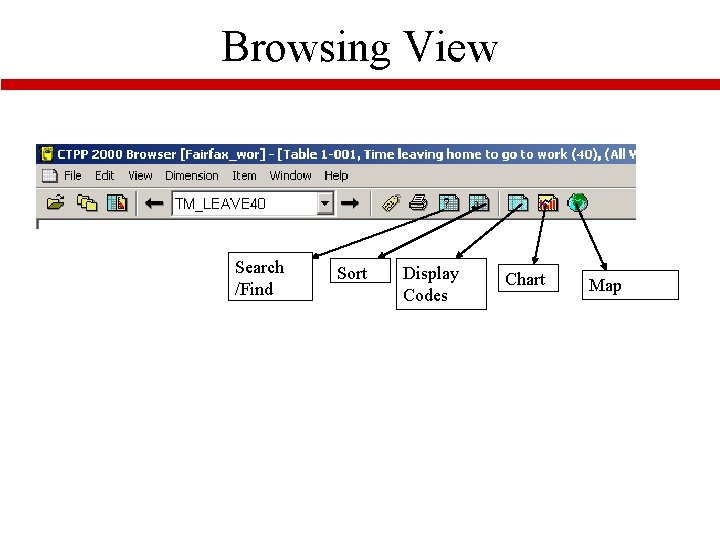
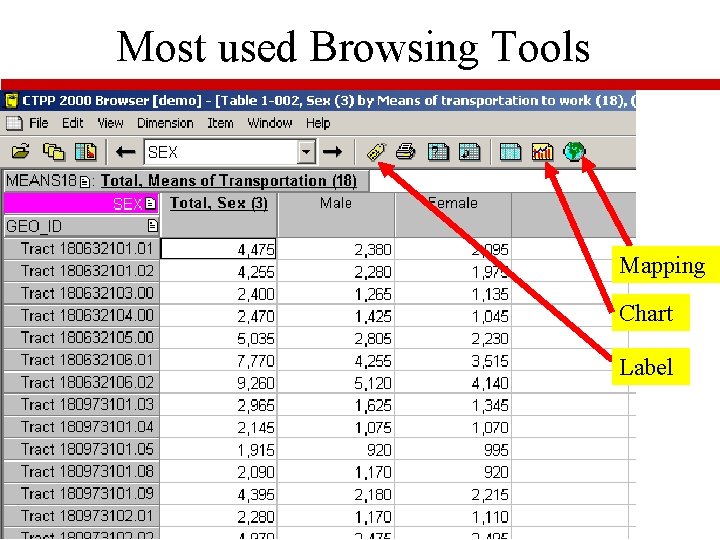
Browsing View Search /Find Sort Display Codes Chart Map
Most used Browsing Tools Mapping Chart Label
Group Categories
Create Charts
Create Thematic Maps
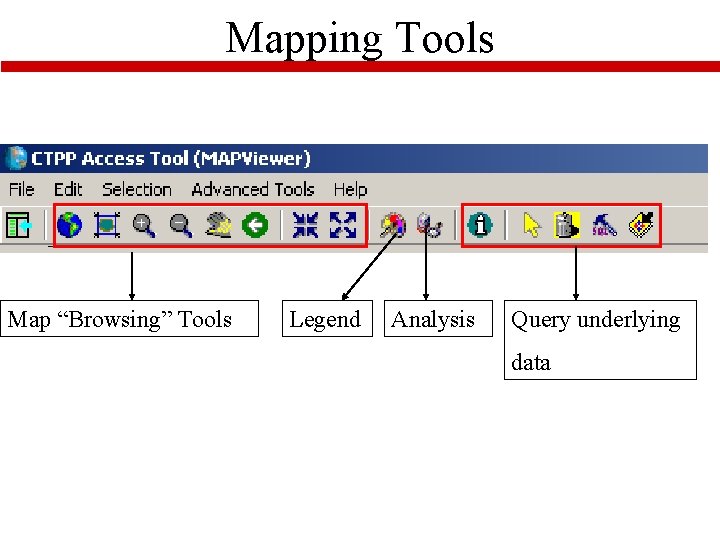
Mapping Tools Map “Browsing” Tools Legend Analysis Query underlying data
3. Export