CS 3214 Computer Systems Supplementary Material on Unix
- Slides: 26
CS 3214 Computer Systems Supplementary Material on Unix System Calls and Standard I/O
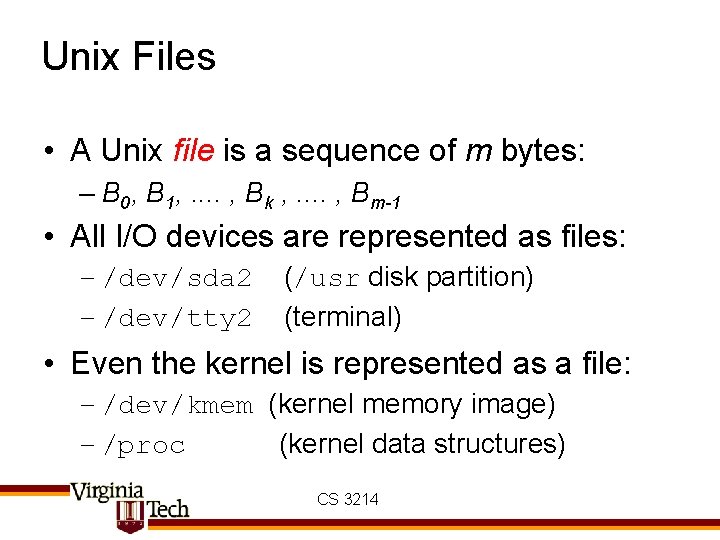
Unix Files • A Unix file is a sequence of m bytes: – B 0, B 1, . . , Bk , . . , Bm-1 • All I/O devices are represented as files: – /dev/sda 2 – /dev/tty 2 (/usr disk partition) (terminal) • Even the kernel is represented as a file: – /dev/kmem (kernel memory image) – /proc (kernel data structures) CS 3214
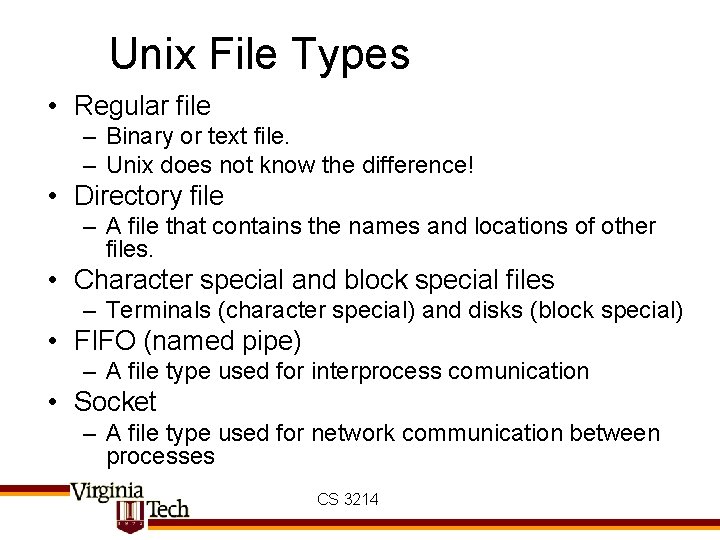
Unix File Types • Regular file – Binary or text file. – Unix does not know the difference! • Directory file – A file that contains the names and locations of other files. • Character special and block special files – Terminals (character special) and disks (block special) • FIFO (named pipe) – A file type used for interprocess comunication • Socket – A file type used for network communication between processes CS 3214
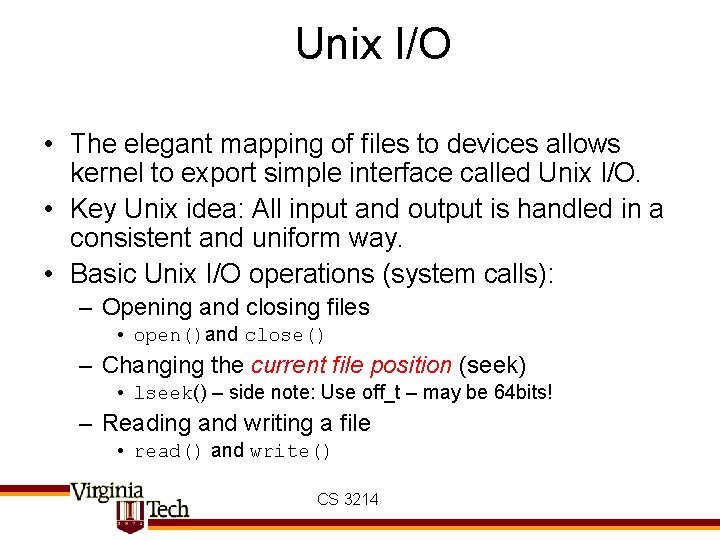
Unix I/O • The elegant mapping of files to devices allows kernel to export simple interface called Unix I/O. • Key Unix idea: All input and output is handled in a consistent and uniform way. • Basic Unix I/O operations (system calls): – Opening and closing files • open()and close() – Changing the current file position (seek) • lseek() – side note: Use off_t – may be 64 bits! – Reading and writing a file • read() and write() CS 3214
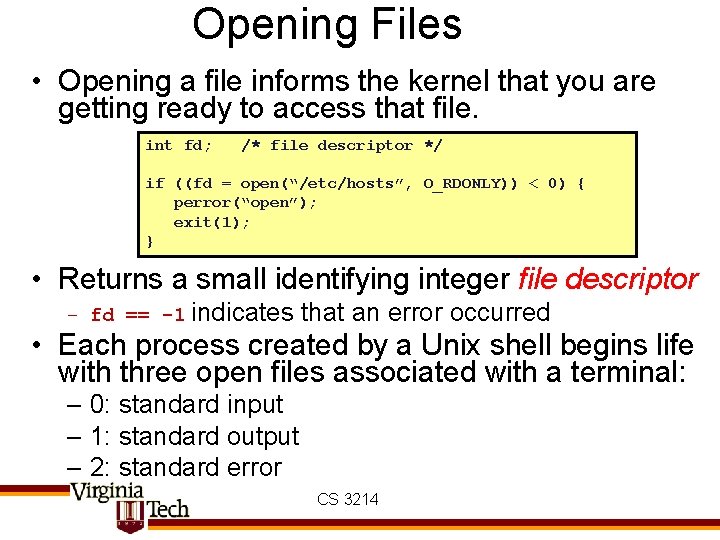
Opening Files • Opening a file informs the kernel that you are getting ready to access that file. int fd; /* file descriptor */ if ((fd = open(“/etc/hosts”, O_RDONLY)) < 0) { perror(“open”); exit(1); } • Returns a small identifying integer file descriptor – fd == -1 indicates that an error occurred • Each process created by a Unix shell begins life with three open files associated with a terminal: – 0: standard input – 1: standard output – 2: standard error CS 3214
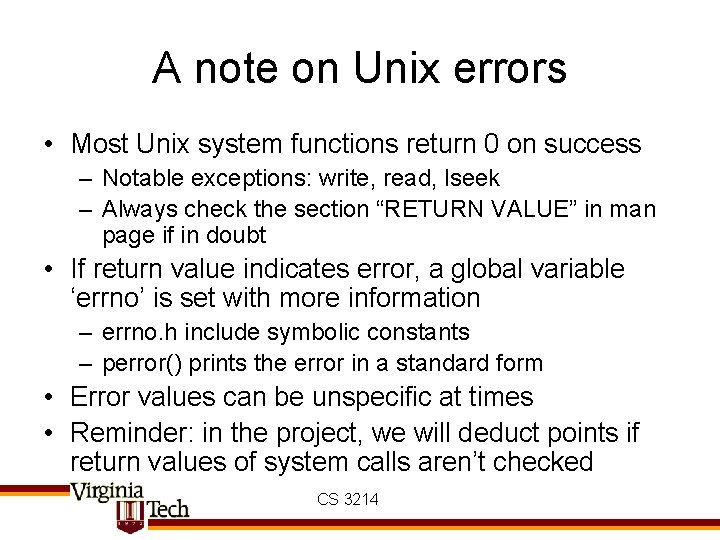
A note on Unix errors • Most Unix system functions return 0 on success – Notable exceptions: write, read, lseek – Always check the section “RETURN VALUE” in man page if in doubt • If return value indicates error, a global variable ‘errno’ is set with more information – errno. h include symbolic constants – perror() prints the error in a standard form • Error values can be unspecific at times • Reminder: in the project, we will deduct points if return values of system calls aren’t checked CS 3214
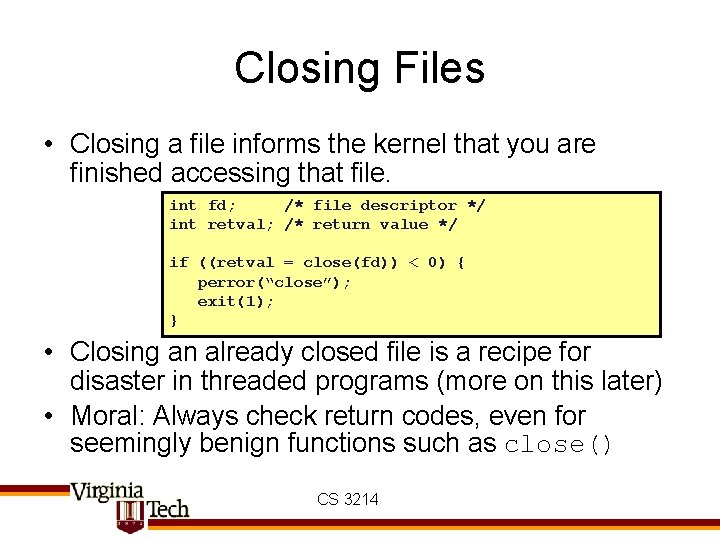
Closing Files • Closing a file informs the kernel that you are finished accessing that file. int fd; /* file descriptor */ int retval; /* return value */ if ((retval = close(fd)) < 0) { perror(“close”); exit(1); } • Closing an already closed file is a recipe for disaster in threaded programs (more on this later) • Moral: Always check return codes, even for seemingly benign functions such as close() CS 3214
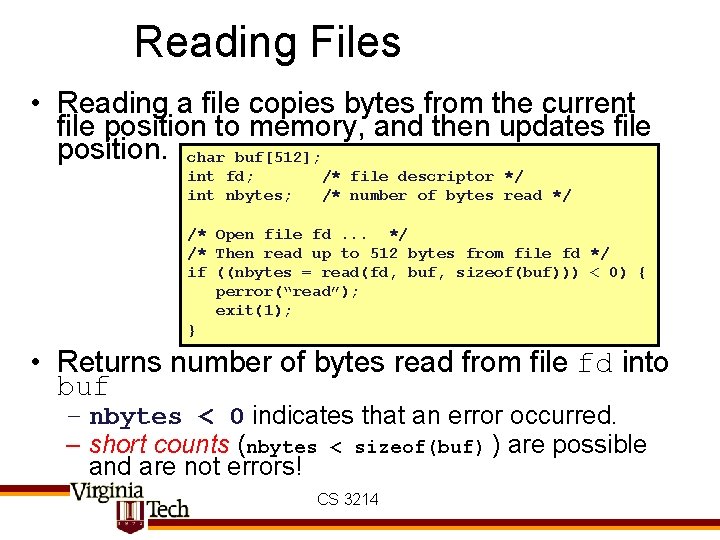
Reading Files • Reading a file copies bytes from the current file position to memory, and then updates file position. char buf[512]; int fd; int nbytes; /* file descriptor */ /* number of bytes read */ /* Open file fd. . . */ /* Then read up to 512 bytes from file fd */ if ((nbytes = read(fd, buf, sizeof(buf))) < 0) { perror(“read”); exit(1); } • Returns number of bytes read from file fd into buf – nbytes < 0 indicates that an error occurred. – short counts (nbytes < sizeof(buf) ) are possible and are not errors! CS 3214
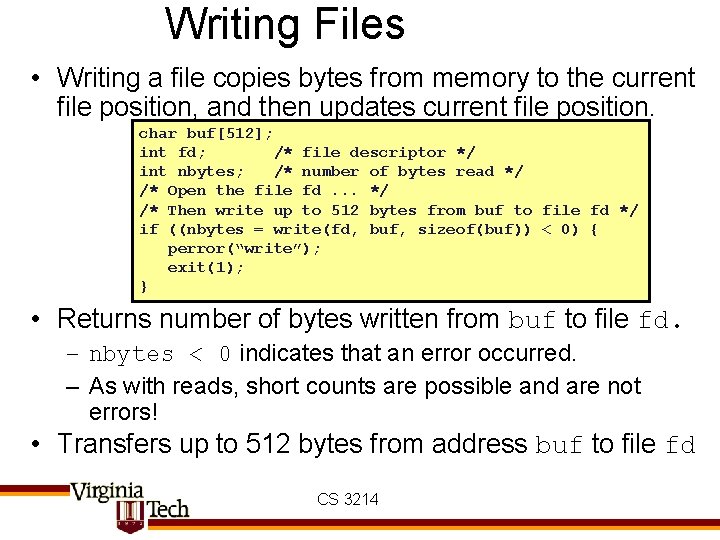
Writing Files • Writing a file copies bytes from memory to the current file position, and then updates current file position. char buf[512]; int fd; /* file descriptor */ int nbytes; /* number of bytes read */ /* Open the file fd. . . */ /* Then write up to 512 bytes from buf to file fd */ if ((nbytes = write(fd, buf, sizeof(buf)) < 0) { perror(“write”); exit(1); } • Returns number of bytes written from buf to file fd. – nbytes < 0 indicates that an error occurred. – As with reads, short counts are possible and are not errors! • Transfers up to 512 bytes from address buf to file fd CS 3214
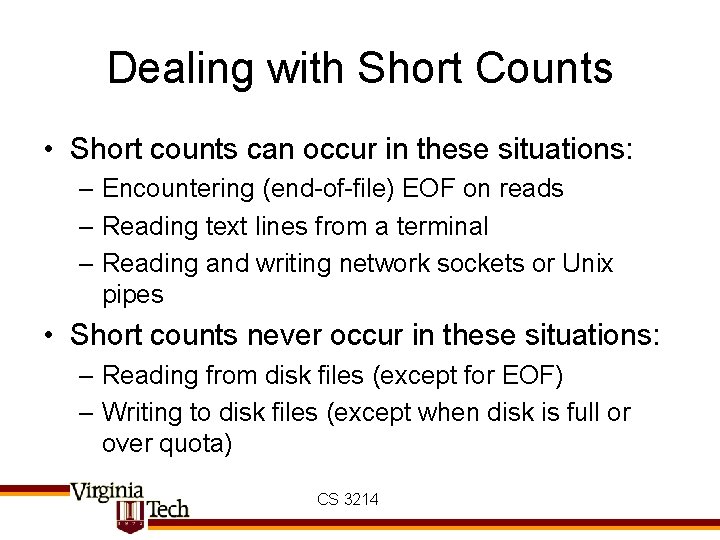
Dealing with Short Counts • Short counts can occur in these situations: – Encountering (end-of-file) EOF on reads – Reading text lines from a terminal – Reading and writing network sockets or Unix pipes • Short counts never occur in these situations: – Reading from disk files (except for EOF) – Writing to disk files (except when disk is full or over quota) CS 3214
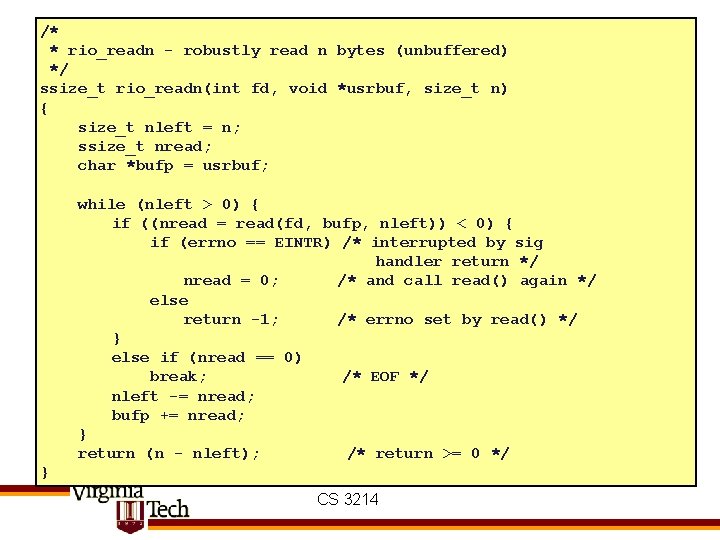
/* * rio_readn - robustly read n bytes (unbuffered) */ ssize_t rio_readn(int fd, void *usrbuf, size_t n) { size_t nleft = n; ssize_t nread; char *bufp = usrbuf; while (nleft > 0) { if ((nread = read(fd, bufp, nleft)) < 0) { if (errno == EINTR) /* interrupted by sig handler return */ nread = 0; /* and call read() again */ else return -1; /* errno set by read() */ } else if (nread == 0) break; /* EOF */ nleft -= nread; bufp += nread; } return (n - nleft); /* return >= 0 */ } CS 3214
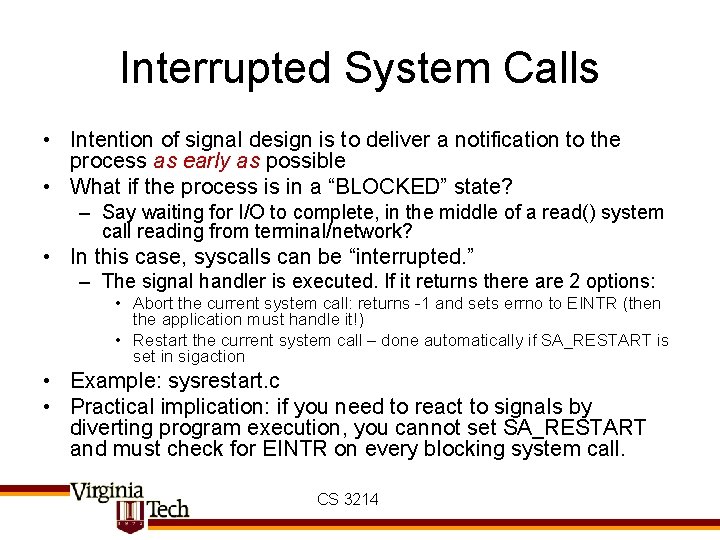
Interrupted System Calls • Intention of signal design is to deliver a notification to the process as early as possible • What if the process is in a “BLOCKED” state? – Say waiting for I/O to complete, in the middle of a read() system call reading from terminal/network? • In this case, syscalls can be “interrupted. ” – The signal handler is executed. If it returns there are 2 options: • Abort the current system call: returns -1 and sets errno to EINTR (then the application must handle it!) • Restart the current system call – done automatically if SA_RESTART is set in sigaction • Example: sysrestart. c • Practical implication: if you need to react to signals by diverting program execution, you cannot set SA_RESTART and must check for EINTR on every blocking system call. CS 3214
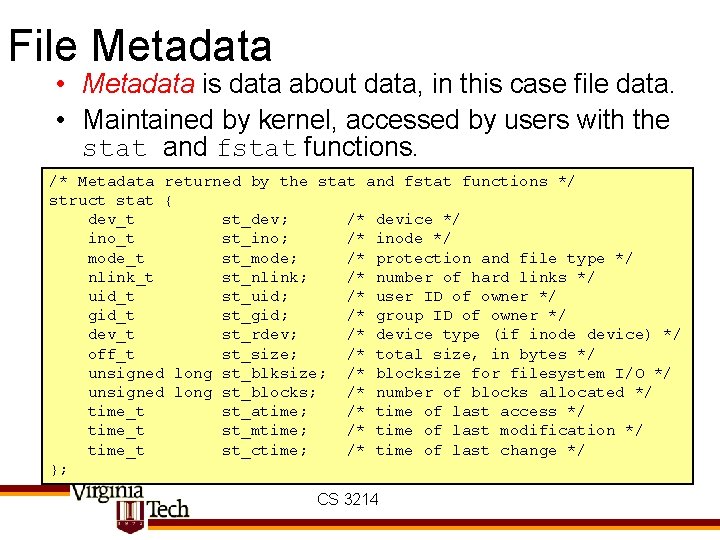
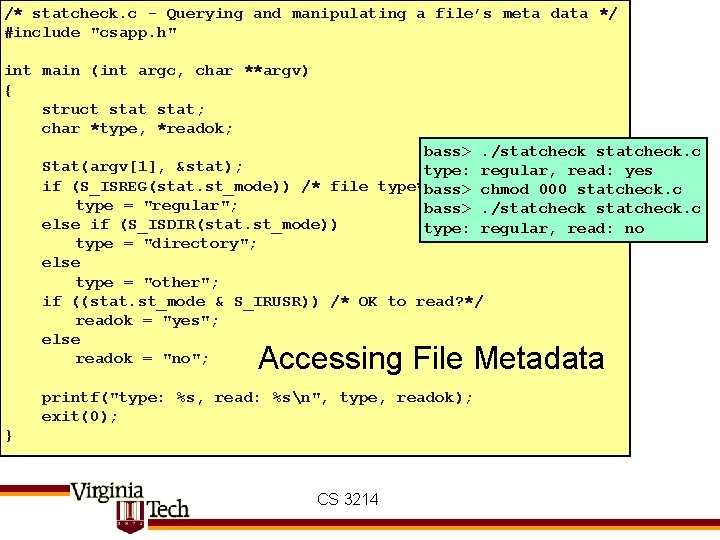
File Metadata • Metadata is data about data, in this case file data. • Maintained by kernel, accessed by users with the stat and fstat functions. /* Metadata returned by the stat and fstat functions */ struct stat { dev_t st_dev; /* device */ ino_t st_ino; /* inode */ mode_t st_mode; /* protection and file type */ nlink_t st_nlink; /* number of hard links */ uid_t st_uid; /* user ID of owner */ gid_t st_gid; /* group ID of owner */ dev_t st_rdev; /* device type (if inode device) */ off_t st_size; /* total size, in bytes */ unsigned long st_blksize; /* blocksize for filesystem I/O */ unsigned long st_blocks; /* number of blocks allocated */ time_t st_atime; /* time of last access */ time_t st_mtime; /* time of last modification */ time_t st_ctime; /* time of last change */ }; CS 3214
/* statcheck. c - Querying and manipulating a file’s meta data */ #include "csapp. h" int main (int argc, char **argv) { struct stat; char *type, *readok; bass>. /statcheck. c Stat(argv[1], &stat); type: regular, read: yes if (S_ISREG(stat. st_mode)) /* file type*/ bass> chmod 000 statcheck. c type = "regular"; bass>. /statcheck. c else if (S_ISDIR(stat. st_mode)) type: regular, read: no type = "directory"; else type = "other"; if ((stat. st_mode & S_IRUSR)) /* OK to read? */ readok = "yes"; else readok = "no"; Accessing File Metadata printf("type: %s, read: %sn", type, readok); exit(0); } CS 3214
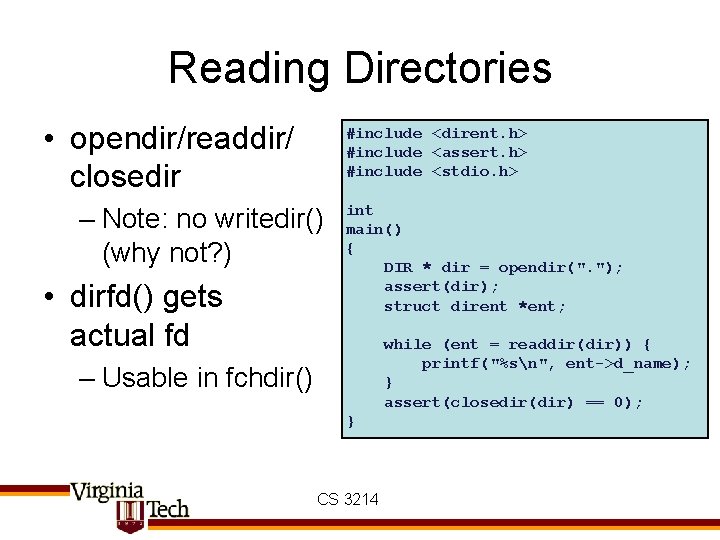
Reading Directories • opendir/readdir/ closedir #include <dirent. h> #include <assert. h> #include <stdio. h> – Note: no writedir() (why not? ) • dirfd() gets actual fd int main() { DIR * dir = opendir(". "); assert(dir); struct dirent *ent; while (ent = readdir(dir)) { printf("%sn", ent->d_name); } assert(closedir(dir) == 0); – Usable in fchdir() } CS 3214
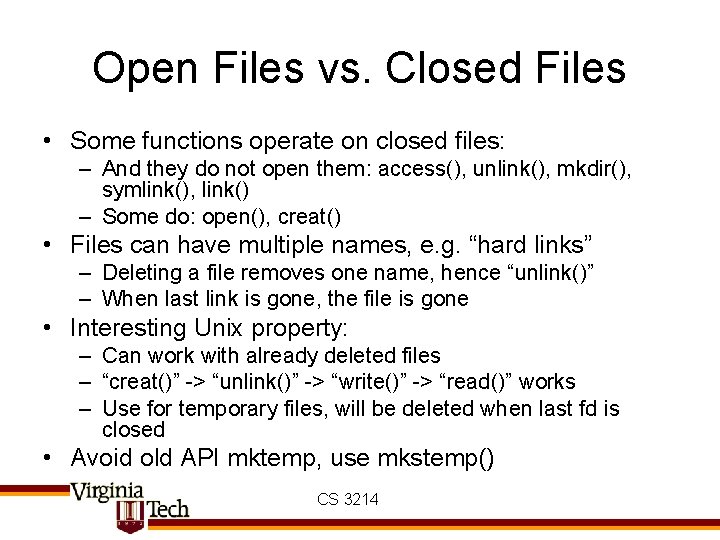
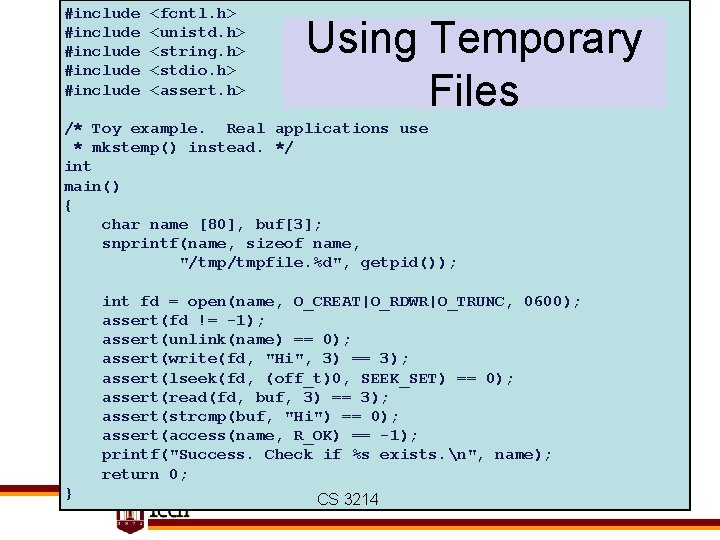
Open Files vs. Closed Files • Some functions operate on closed files: – And they do not open them: access(), unlink(), mkdir(), symlink(), link() – Some do: open(), creat() • Files can have multiple names, e. g. “hard links” – Deleting a file removes one name, hence “unlink()” – When last link is gone, the file is gone • Interesting Unix property: – Can work with already deleted files – “creat()” -> “unlink()” -> “write()” -> “read()” works – Use for temporary files, will be deleted when last fd is closed • Avoid old API mktemp, use mkstemp() CS 3214
#include #include <fcntl. h> <unistd. h> <string. h> <stdio. h> <assert. h> Using Temporary Files /* Toy example. Real applications use * mkstemp() instead. */ int main() { char name [80], buf[3]; snprintf(name, sizeof name, "/tmpfile. %d", getpid()); int fd = open(name, O_CREAT|O_RDWR|O_TRUNC, 0600); assert(fd != -1); assert(unlink(name) == 0); assert(write(fd, "Hi", 3) == 3); assert(lseek(fd, (off_t)0, SEEK_SET) == 0); assert(read(fd, buf, 3) == 3); assert(strcmp(buf, "Hi") == 0); assert(access(name, R_OK) == -1); printf("Success. Check if %s exists. n", name); return 0; } CS 3214
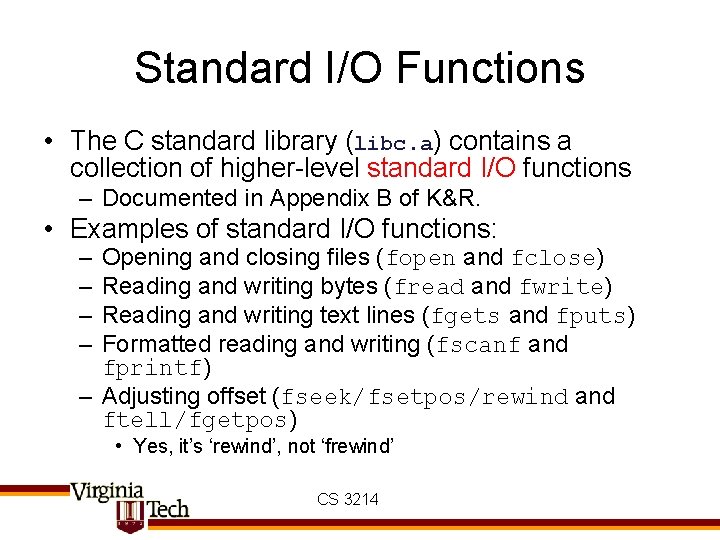
Standard I/O Functions • The C standard library (libc. a) contains a collection of higher-level standard I/O functions – Documented in Appendix B of K&R. • Examples of standard I/O functions: – – Opening and closing files (fopen and fclose) Reading and writing bytes (fread and fwrite) Reading and writing text lines (fgets and fputs) Formatted reading and writing (fscanf and fprintf) – Adjusting offset (fseek/fsetpos/rewind and ftell/fgetpos) • Yes, it’s ‘rewind’, not ‘frewind’ CS 3214
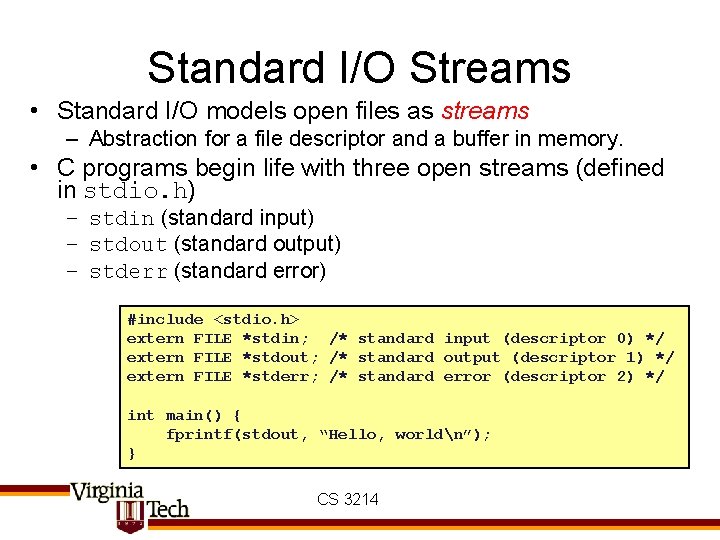
Standard I/O Streams • Standard I/O models open files as streams – Abstraction for a file descriptor and a buffer in memory. • C programs begin life with three open streams (defined in stdio. h) – stdin (standard input) – stdout (standard output) – stderr (standard error) #include <stdio. h> extern FILE *stdin; /* standard input (descriptor 0) */ extern FILE *stdout; /* standard output (descriptor 1) */ extern FILE *stderr; /* standard error (descriptor 2) */ int main() { fprintf(stdout, “Hello, worldn”); } CS 3214
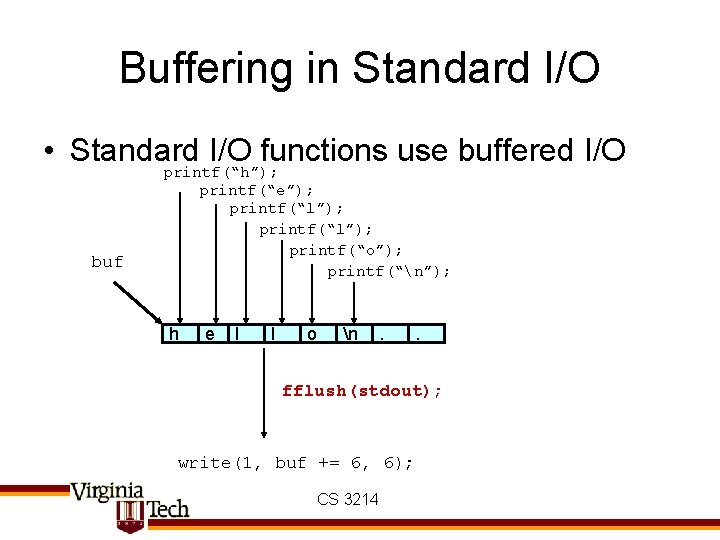
Buffering in Standard I/O • Standard I/O functions use buffered I/O buf printf(“h”); printf(“e”); printf(“l”); printf(“o”); printf(“n”); h e l l o n . . fflush(stdout); write(1, buf += 6, 6); CS 3214
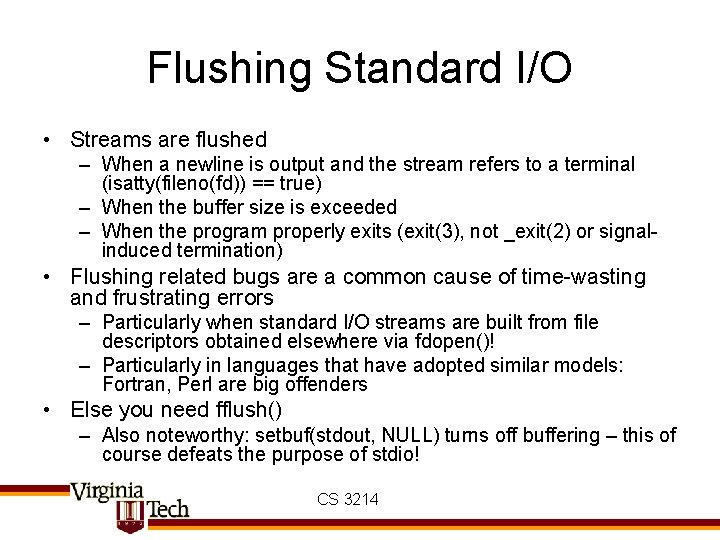
Flushing Standard I/O • Streams are flushed – When a newline is output and the stream refers to a terminal (isatty(fileno(fd)) == true) – When the buffer size is exceeded – When the program properly exits (exit(3), not _exit(2) or signalinduced termination) • Flushing related bugs are a common cause of time-wasting and frustrating errors – Particularly when standard I/O streams are built from file descriptors obtained elsewhere via fdopen()! – Particularly in languages that have adopted similar models: Fortran, Perl are big offenders • Else you need fflush() – Also noteworthy: setbuf(stdout, NULL) turns off buffering – this of course defeats the purpose of stdio! CS 3214
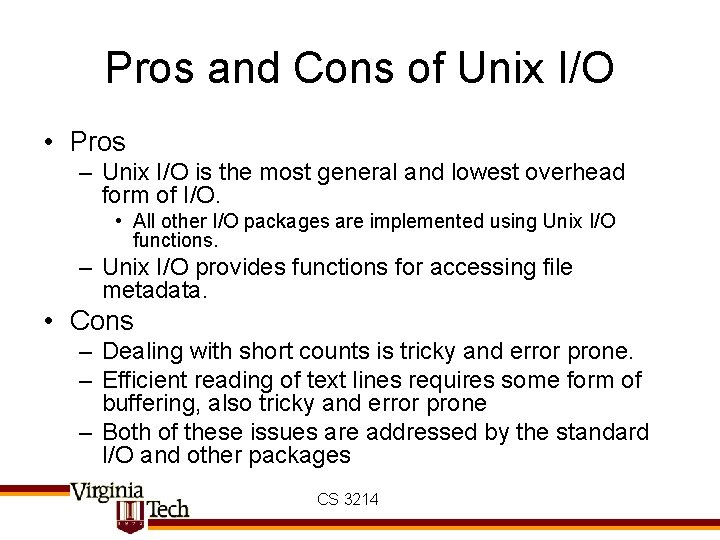
Pros and Cons of Unix I/O • Pros – Unix I/O is the most general and lowest overhead form of I/O. • All other I/O packages are implemented using Unix I/O functions. – Unix I/O provides functions for accessing file metadata. • Cons – Dealing with short counts is tricky and error prone. – Efficient reading of text lines requires some form of buffering, also tricky and error prone – Both of these issues are addressed by the standard I/O and other packages CS 3214
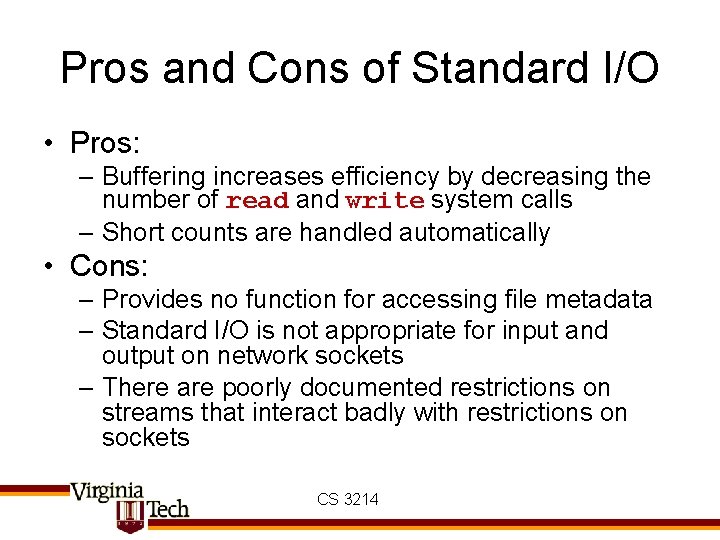
Pros and Cons of Standard I/O • Pros: – Buffering increases efficiency by decreasing the number of read and write system calls – Short counts are handled automatically • Cons: – Provides no function for accessing file metadata – Standard I/O is not appropriate for input and output on network sockets – There are poorly documented restrictions on streams that interact badly with restrictions on sockets CS 3214
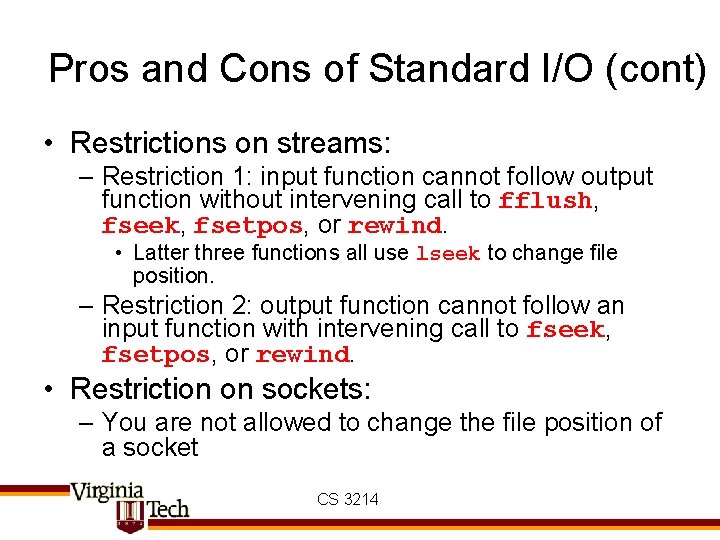
Pros and Cons of Standard I/O (cont) • Restrictions on streams: – Restriction 1: input function cannot follow output function without intervening call to fflush, fseek, fsetpos, or rewind. • Latter three functions all use lseek to change file position. – Restriction 2: output function cannot follow an input function with intervening call to fseek, fsetpos, or rewind. • Restriction on sockets: – You are not allowed to change the file position of a socket CS 3214
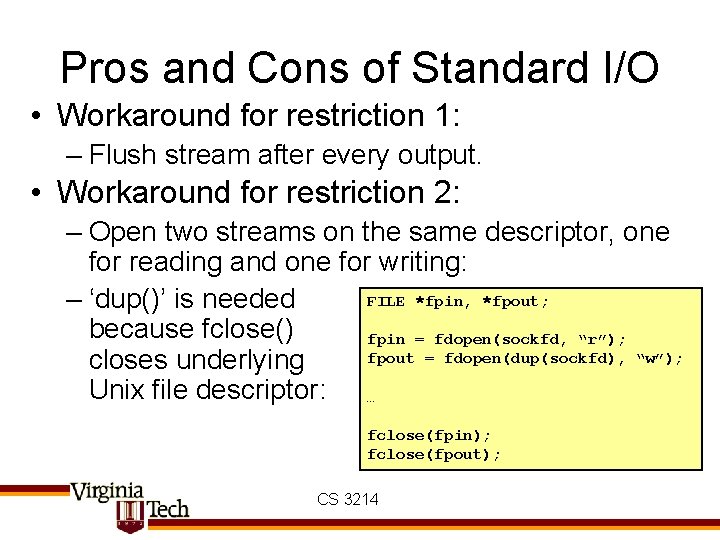
Pros and Cons of Standard I/O • Workaround for restriction 1: – Flush stream after every output. • Workaround for restriction 2: – Open two streams on the same descriptor, one for reading and one for writing: FILE *fpin, *fpout; – ‘dup()’ is needed because fclose() fpin = fdopen(sockfd, “r”); fpout = fdopen(dup(sockfd), “w”); closes underlying Unix file descriptor: … fclose(fpin); fclose(fpout); CS 3214
Choosing I/O Functions • General rule: Use the highest-level I/O functions you can – Many C programmers are able to do all of their work using the standard I/O functions • When to use standard I/O? – When working with disk or terminal files • When to use raw Unix I/O – When you need to fetch file metadata – In rare cases when you need absolute highest performance – In signal handlers (none of stdio is async-signal-safe) • What about network sockets? – Generally, don’t use standard I/O or raw Unix I/O on sockets – Need to create layer to handle short reads appropriately CS 3214