Computer Graphics CSE 167 Win 19 Lecture 7
![Computer Graphics CSE 167 [Win 19], Lecture 7: Open. GL Shading Ravi Ramamoorthi http:](https://slidetodoc.com/presentation_image/faf447376b5d873e8454135811af65cc/image-1.jpg "Computer Graphics CSE 167 [Win 19], Lecture 7: Open. GL Shading Ravi Ramamoorthi http:")

- Slides: 41
Computer Graphics CSE 167 [Win 19], Lecture 7: Open. GL Shading Ravi Ramamoorthi http: //viscomp. ucsd. edu/classes/cse 167/wi 19
To Do § This week’s lectures have all info for HW 2 § Start EARLY (milestone due Monday Feb 4)
Methodology for Lecture § Lecture deals with lighting (DEMO for HW 2) § Briefly explain shaders used for mytest 3 § Do this before explaining code fully so you can start HW 2 § Primarily explain with reference to source code § More formal look at lighting and shading possible § Will be discussed in more detail if you take CSE 163
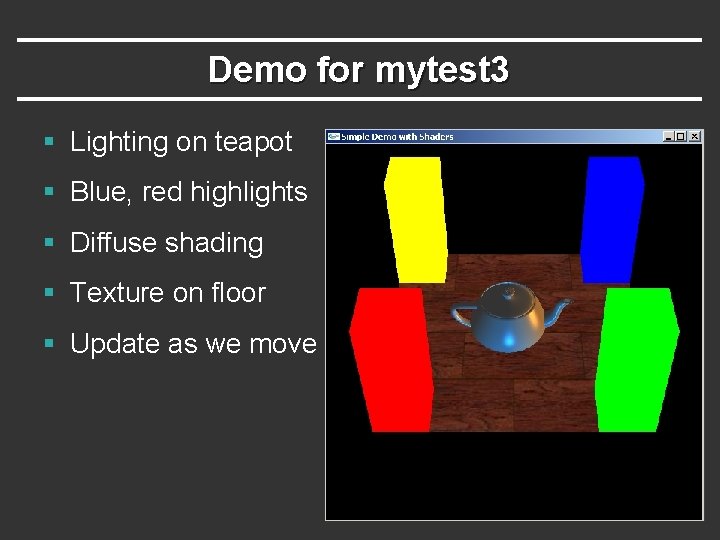
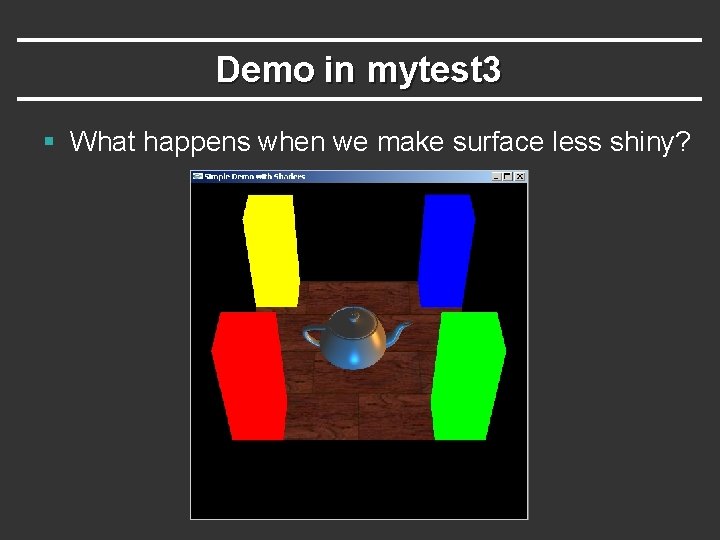
Demo for mytest 3 § Lighting on teapot § Blue, red highlights § Diffuse shading § Texture on floor § Update as we move
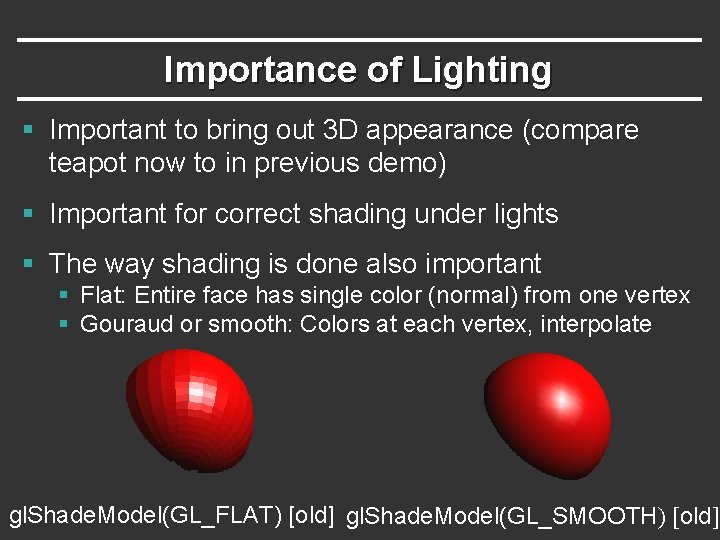
Importance of Lighting § Important to bring out 3 D appearance (compare teapot now to in previous demo) § Important for correct shading under lights § The way shading is done also important § Flat: Entire face has single color (normal) from one vertex § Gouraud or smooth: Colors at each vertex, interpolate gl. Shade. Model(GL_FLAT) [old] gl. Shade. Model(GL_SMOOTH) [old]
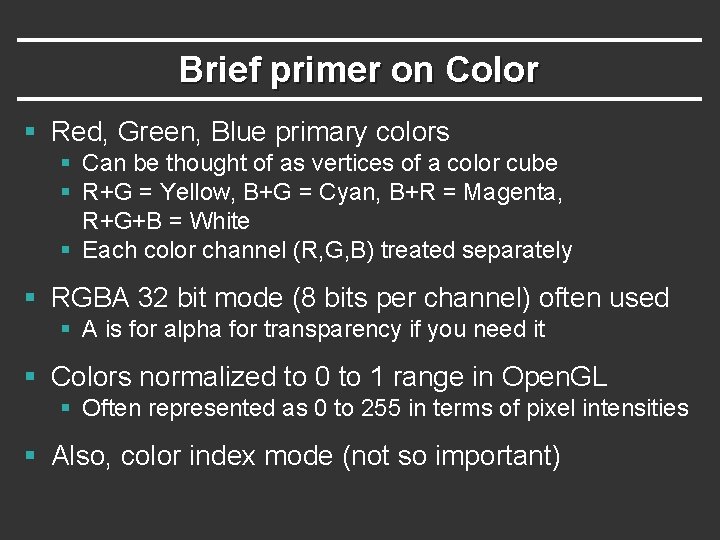
Brief primer on Color § Red, Green, Blue primary colors § Can be thought of as vertices of a color cube § R+G = Yellow, B+G = Cyan, B+R = Magenta, R+G+B = White § Each color channel (R, G, B) treated separately § RGBA 32 bit mode (8 bits per channel) often used § A is for alpha for transparency if you need it § Colors normalized to 0 to 1 range in Open. GL § Often represented as 0 to 255 in terms of pixel intensities § Also, color index mode (not so important)
Outline § Gouraud and Phong shading (vertex vs fragment) § Types of lighting, materials and shading § Lights: Point and Directional § Shading: Ambient, Diffuse, Emissive, Specular § Fragment shader for mytest 3 § HW 2 requires a more general version of this § Source code in display routine
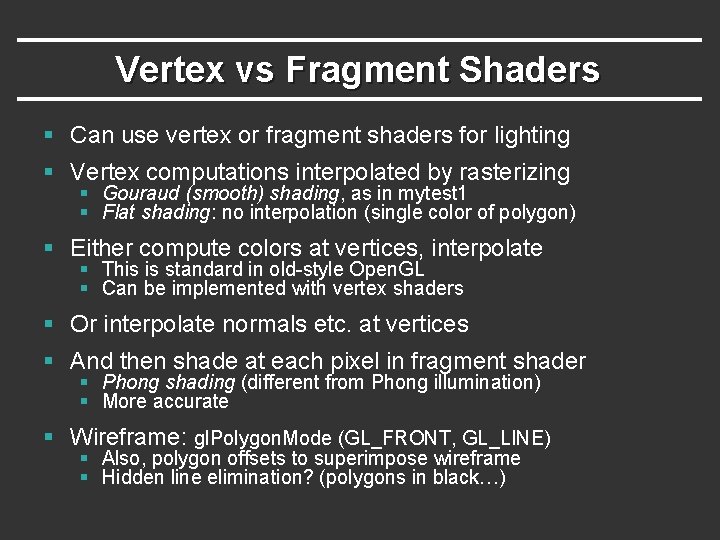
Vertex vs Fragment Shaders § Can use vertex or fragment shaders for lighting § Vertex computations interpolated by rasterizing § Gouraud (smooth) shading, as in mytest 1 § Flat shading: no interpolation (single color of polygon) § Either compute colors at vertices, interpolate § This is standard in old-style Open. GL § Can be implemented with vertex shaders § Or interpolate normals etc. at vertices § And then shade at each pixel in fragment shader § Phong shading (different from Phong illumination) § More accurate § Wireframe: gl. Polygon. Mode (GL_FRONT, GL_LINE) § Also, polygon offsets to superimpose wireframe § Hidden line elimination? (polygons in black…)
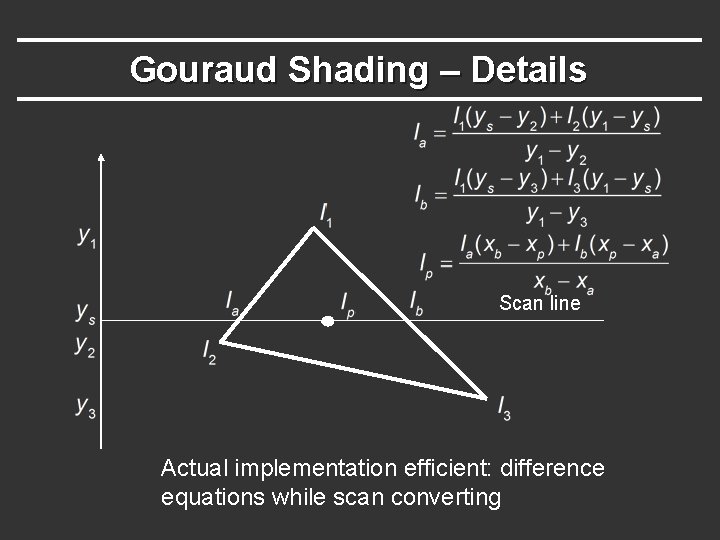
Gouraud Shading – Details Scan line Actual implementation efficient: difference equations while scan converting
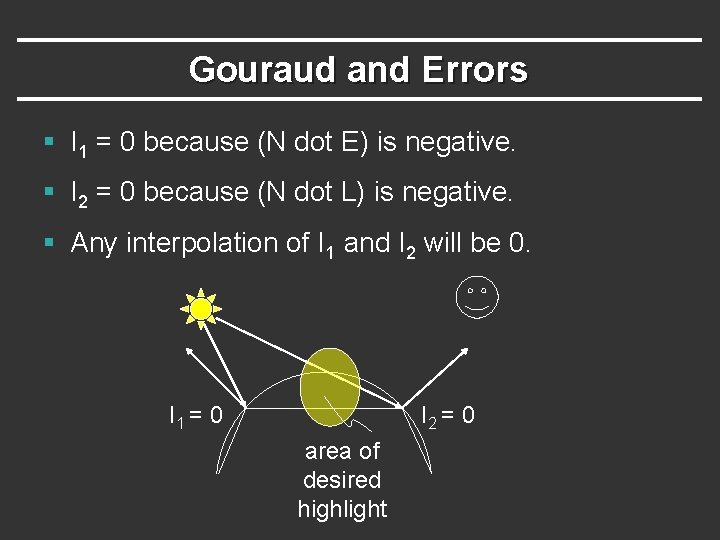
Gouraud and Errors § I 1 = 0 because (N dot E) is negative. § I 2 = 0 because (N dot L) is negative. § Any interpolation of I 1 and I 2 will be 0. I 1 = 0 I 2 = 0 area of desired highlight
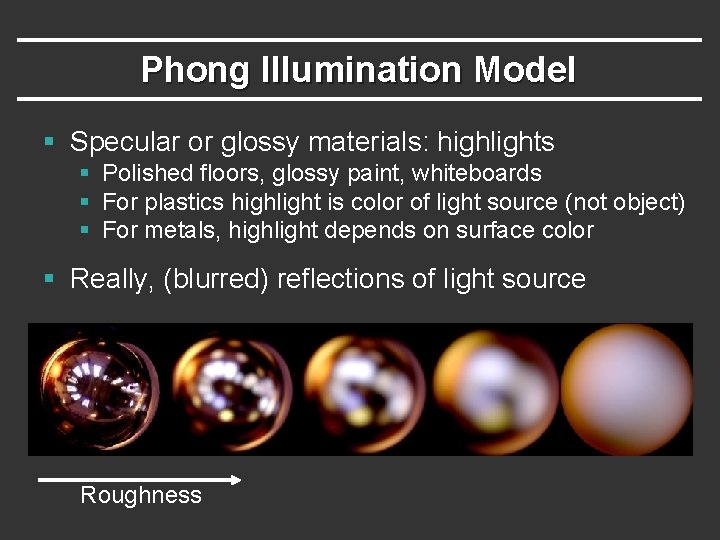
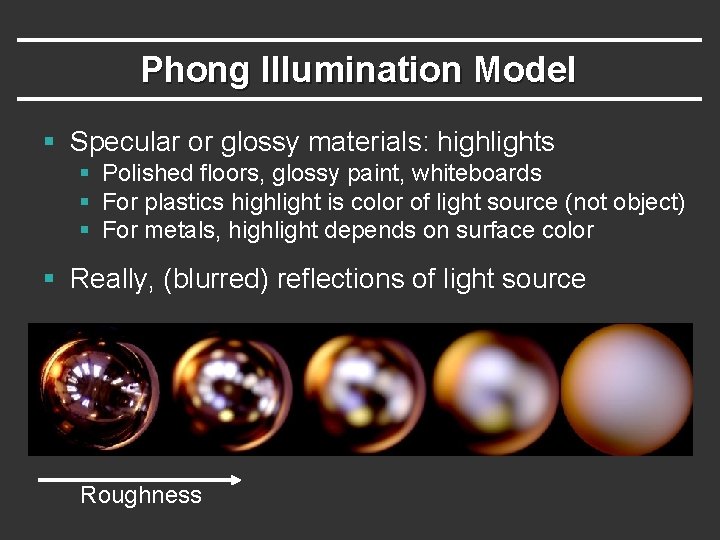
Phong Illumination Model § Specular or glossy materials: highlights § Polished floors, glossy paint, whiteboards § For plastics highlight is color of light source (not object) § For metals, highlight depends on surface color § Really, (blurred) reflections of light source Roughness
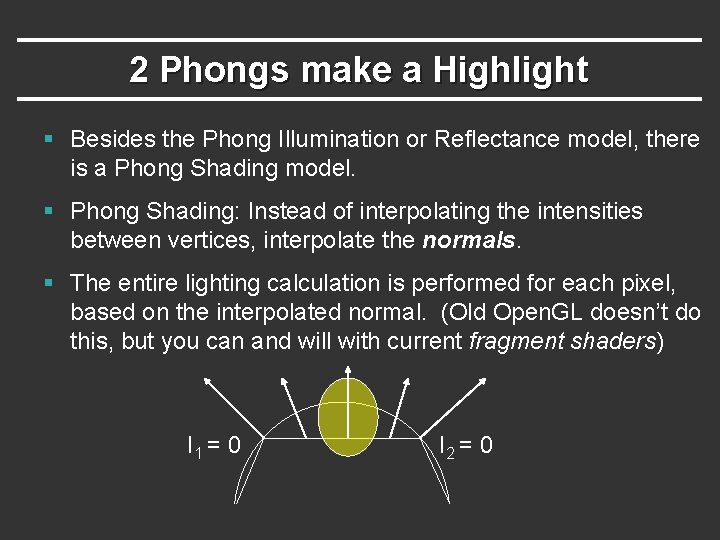
2 Phongs make a Highlight § Besides the Phong Illumination or Reflectance model, there is a Phong Shading model. § Phong Shading: Instead of interpolating the intensities between vertices, interpolate the normals. § The entire lighting calculation is performed for each pixel, based on the interpolated normal. (Old Open. GL doesn’t do this, but you can and will with current fragment shaders) I 1 = 0 I 2 = 0
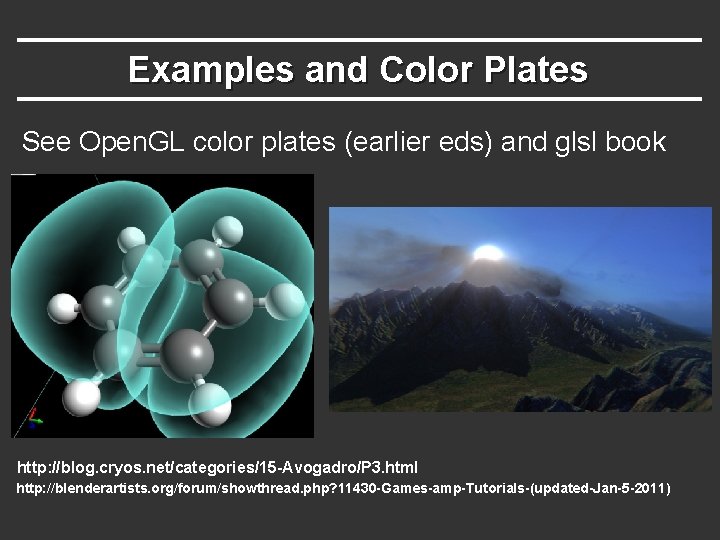
Examples and Color Plates See Open. GL color plates (earlier eds) and glsl book http: //blog. cryos. net/categories/15 -Avogadro/P 3. html http: //blenderartists. org/forum/showthread. php? 11430 -Games-amp-Tutorials-(updated-Jan-5 -2011)
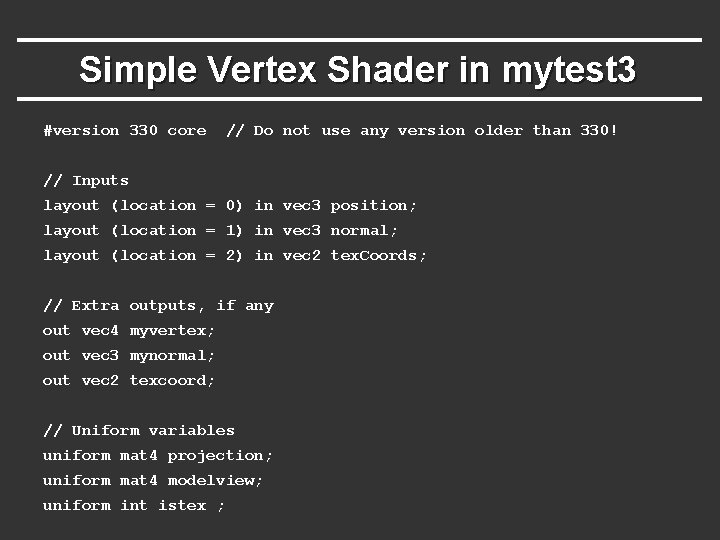
Simple Vertex Shader in mytest 3 #version 330 core // Do not use any version older than 330! // Inputs layout (location = 0) in vec 3 position; layout (location = 1) in vec 3 normal; layout (location = 2) in vec 2 tex. Coords; // Extra outputs, if any out vec 4 myvertex; out vec 3 mynormal; out vec 2 texcoord; // Uniform variables uniform mat 4 projection; uniform mat 4 modelview; uniform int istex ;
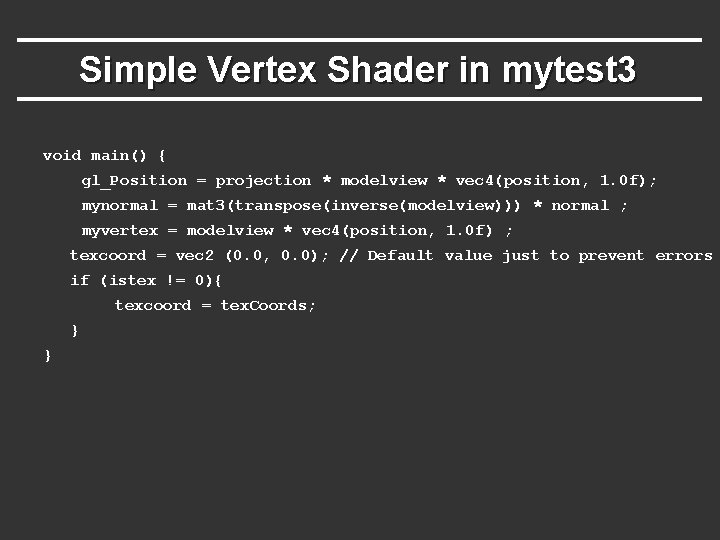
Simple Vertex Shader in mytest 3 void main() { gl_Position = projection * modelview * vec 4(position, 1. 0 f); mynormal = mat 3(transpose(inverse(modelview))) * normal ; myvertex = modelview * vec 4(position, 1. 0 f) ; texcoord = vec 2 (0. 0, 0. 0); // Default value just to prevent errors if (istex != 0){ texcoord = tex. Coords; } }
Outline § Gouraud and Phong shading (vertex vs fragment) § Types of lighting, materials and shading § Lights: Point and Directional § Shading: Ambient, Diffuse, Emissive, Specular § Fragment shader for mytest 3 § HW 2 requires a more general version of this § Source code in display routine
Lighting and Shading § Rest of this lecture considers lighting § In real world, complex lighting, materials interact § We study this more formally in CSE 163 § For now some basic approximations to capture key effects in lighting and shading § Inspired by old Open. GL fixed function pipeline § But remember that’s not physically based
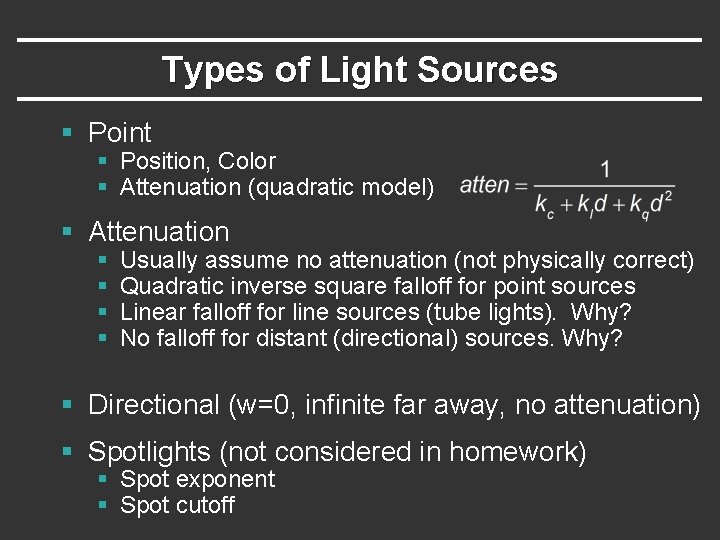
Types of Light Sources § Point § Position, Color § Attenuation (quadratic model) § Attenuation § § Usually assume no attenuation (not physically correct) Quadratic inverse square falloff for point sources Linear falloff for line sources (tube lights). Why? No falloff for distant (directional) sources. Why? § Directional (w=0, infinite far away, no attenuation) § Spotlights (not considered in homework) § Spot exponent § Spot cutoff
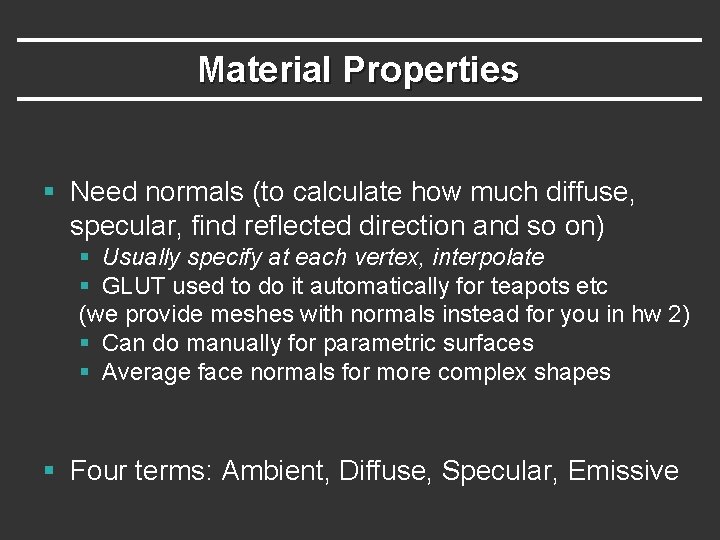
Material Properties § Need normals (to calculate how much diffuse, specular, find reflected direction and so on) § Usually specify at each vertex, interpolate § GLUT used to do it automatically for teapots etc (we provide meshes with normals instead for you in hw 2) § Can do manually for parametric surfaces § Average face normals for more complex shapes § Four terms: Ambient, Diffuse, Specular, Emissive
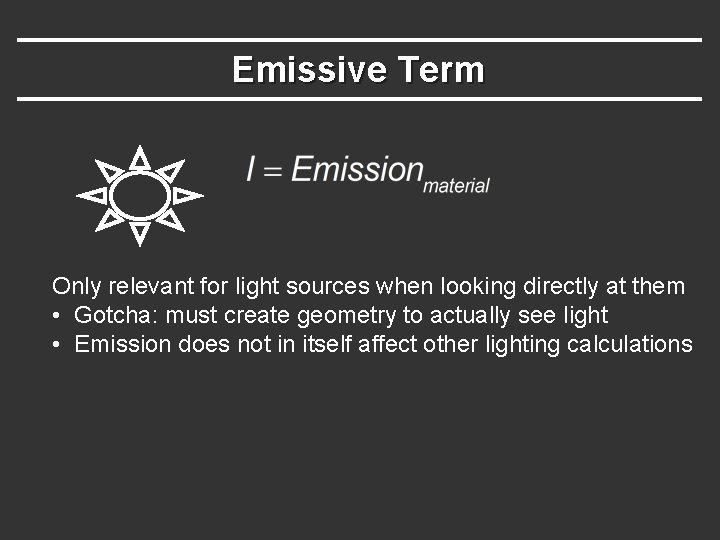
Emissive Term Only relevant for light sources when looking directly at them • Gotcha: must create geometry to actually see light • Emission does not in itself affect other lighting calculations
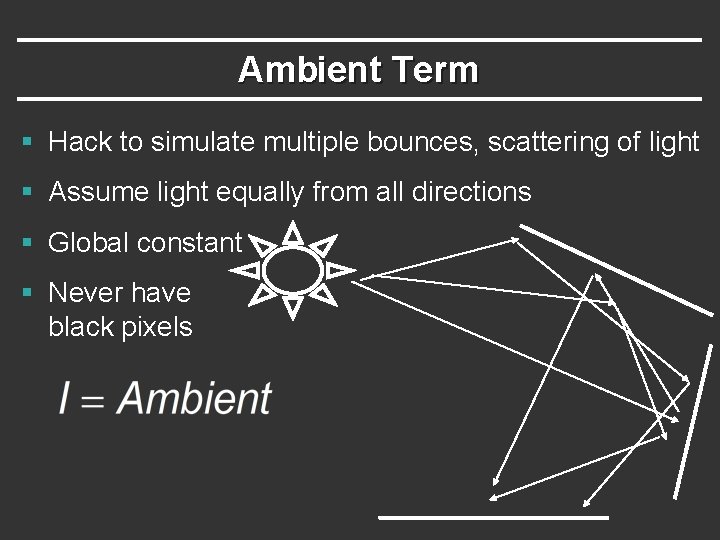
Ambient Term § Hack to simulate multiple bounces, scattering of light § Assume light equally from all directions § Global constant § Never have black pixels
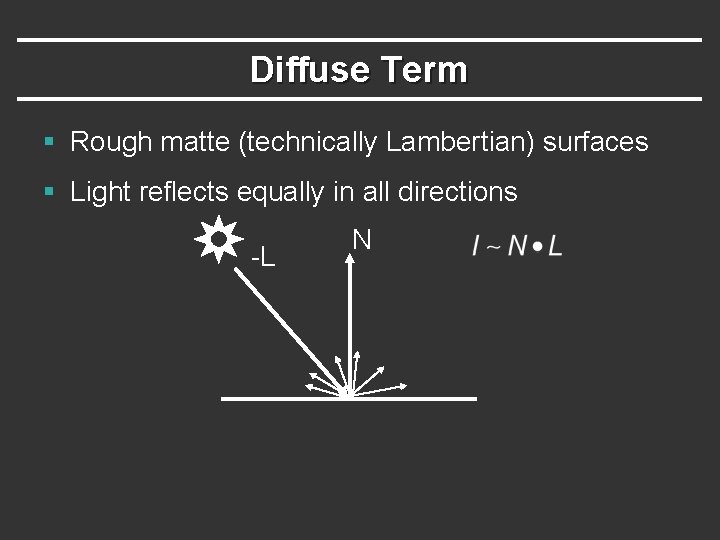
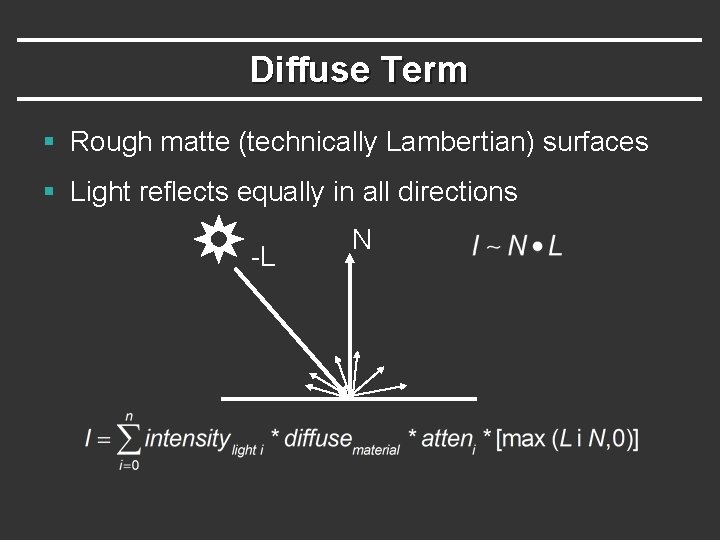
Diffuse Term § Rough matte (technically Lambertian) surfaces § Light reflects equally in all directions -L N
Diffuse Term § Rough matte (technically Lambertian) surfaces § Light reflects equally in all directions -L N
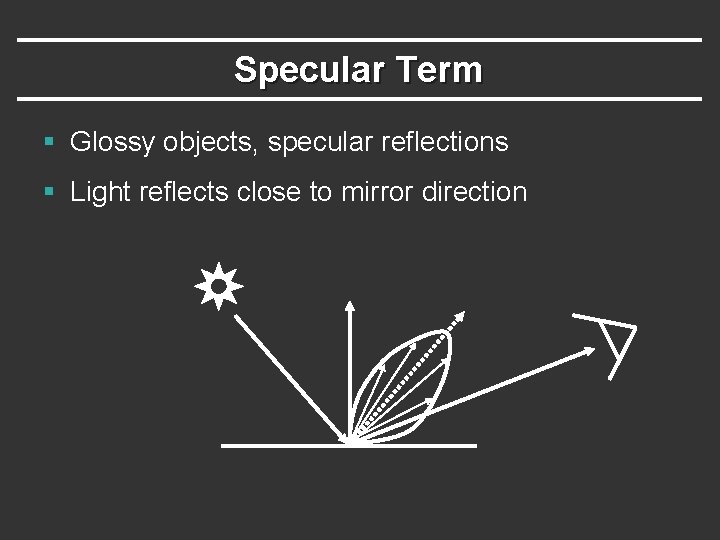
Specular Term § Glossy objects, specular reflections § Light reflects close to mirror direction
Phong Illumination Model § Specular or glossy materials: highlights § Polished floors, glossy paint, whiteboards § For plastics highlight is color of light source (not object) § For metals, highlight depends on surface color § Really, (blurred) reflections of light source Roughness
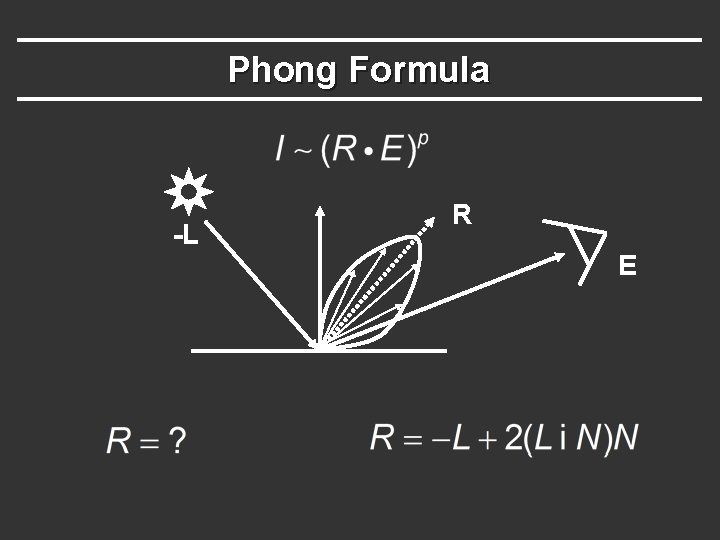
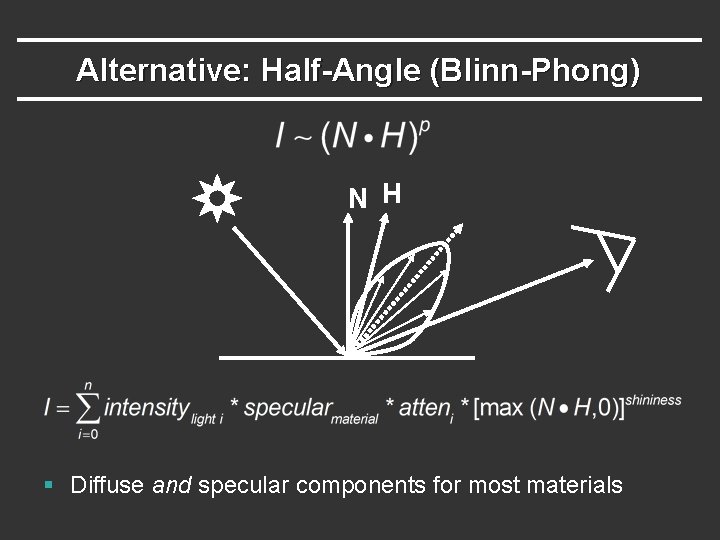
Idea of Phong Illumination § Find a simple way to create highlights that are viewdependent and happen at about the right place § Not physically based § Use dot product (cosine) of eye and reflection of light direction about surface normal § Alternatively, dot product of half angle and normal § Has greater physical backing. We use this form § Raise cosine lobe to some power to control sharpness or roughness
Phong Formula -L R E
Alternative: Half-Angle (Blinn-Phong) N H § Diffuse and specular components for most materials
Demo in mytest 3 § What happens when we make surface less shiny?
Outline § Gouraud and Phong shading (vertex vs fragment) § Types of lighting, materials and shading § Lights: Point and Directional § Shading: Ambient, Diffuse, Emissive, Specular § Fragment shader for mytest 3 § HW 2 requires a more general version of this § Source code in display routine
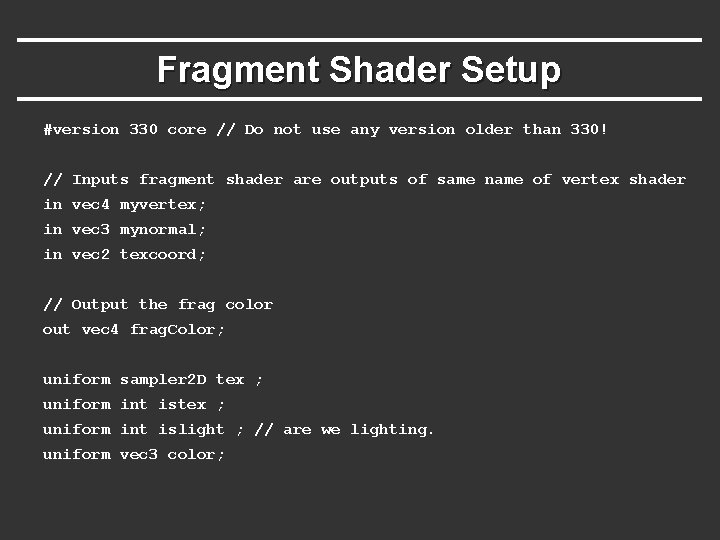
Fragment Shader Setup #version 330 core // Do not use any version older than 330! // Inputs fragment shader are outputs of same name of vertex shader in vec 4 myvertex; in vec 3 mynormal; in vec 2 texcoord; // Output the frag color out vec 4 frag. Color; uniform sampler 2 D tex ; uniform int islight ; // are we lighting. uniform vec 3 color;
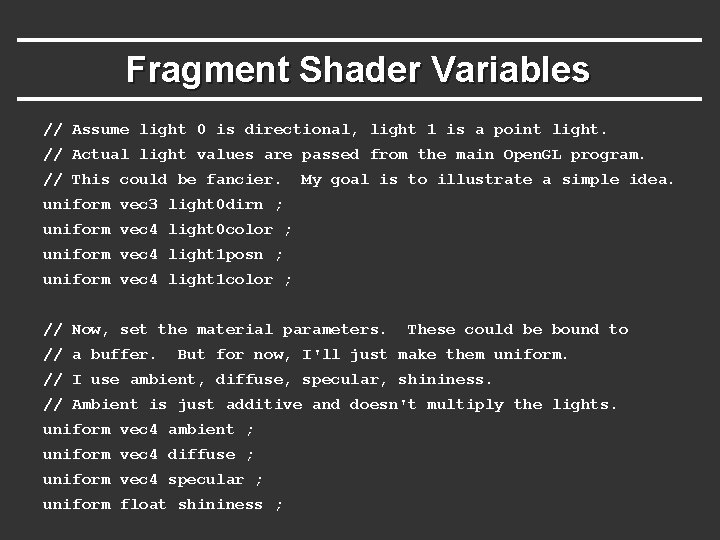
Fragment Shader Variables // Assume light 0 is directional, light 1 is a point light. // Actual light values are passed from the main Open. GL program. // This could be fancier. My goal is to illustrate a simple idea. uniform vec 3 light 0 dirn ; uniform vec 4 light 0 color ; uniform vec 4 light 1 posn ; uniform vec 4 light 1 color ; // Now, set the material parameters. // a buffer. These could be bound to But for now, I'll just make them uniform. // I use ambient, diffuse, specular, shininess. // Ambient is just additive and doesn't multiply the lights. uniform vec 4 ambient ; uniform vec 4 diffuse ; uniform vec 4 specular ; uniform float shininess ;
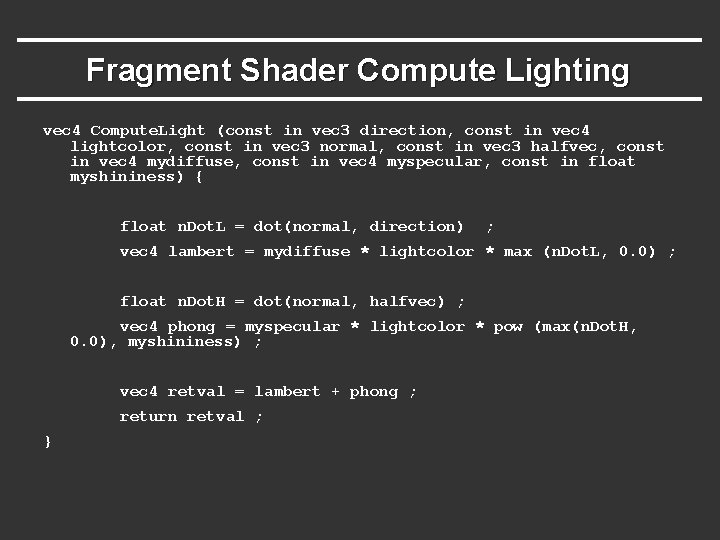
Fragment Shader Compute Lighting vec 4 Compute. Light (const in vec 3 direction, const in vec 4 lightcolor, const in vec 3 normal, const in vec 3 halfvec, const in vec 4 mydiffuse, const in vec 4 myspecular, const in float myshininess) { float n. Dot. L = dot(normal, direction) ; vec 4 lambert = mydiffuse * lightcolor * max (n. Dot. L, 0. 0) ; float n. Dot. H = dot(normal, halfvec) ; vec 4 phong = myspecular * lightcolor * pow (max(n. Dot. H, 0. 0), myshininess) ; vec 4 retval = lambert + phong ; return retval ; }
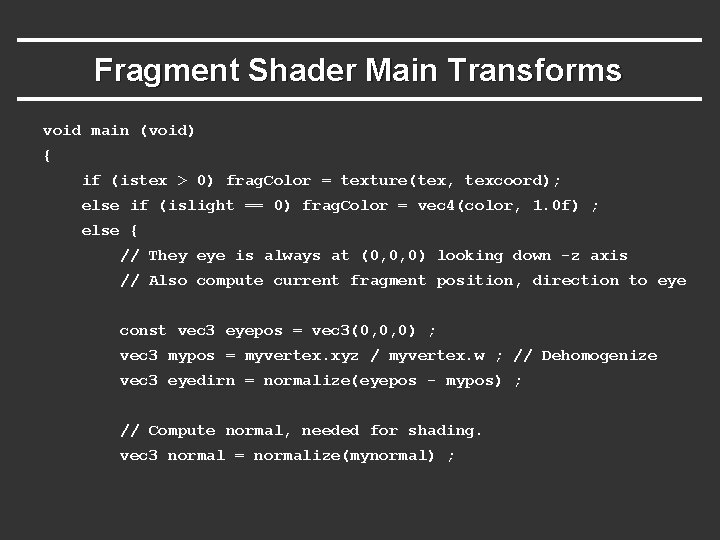
Fragment Shader Main Transforms void main (void) { if (istex > 0) frag. Color = texture(tex, texcoord); else if (islight == 0) frag. Color = vec 4(color, 1. 0 f) ; else { // They eye is always at (0, 0, 0) looking down -z axis // Also compute current fragment position, direction to eye const vec 3 eyepos = vec 3(0, 0, 0) ; vec 3 mypos = myvertex. xyz / myvertex. w ; // Dehomogenize vec 3 eyedirn = normalize(eyepos - mypos) ; // Compute normal, needed for shading. vec 3 normal = normalize(mynormal) ;
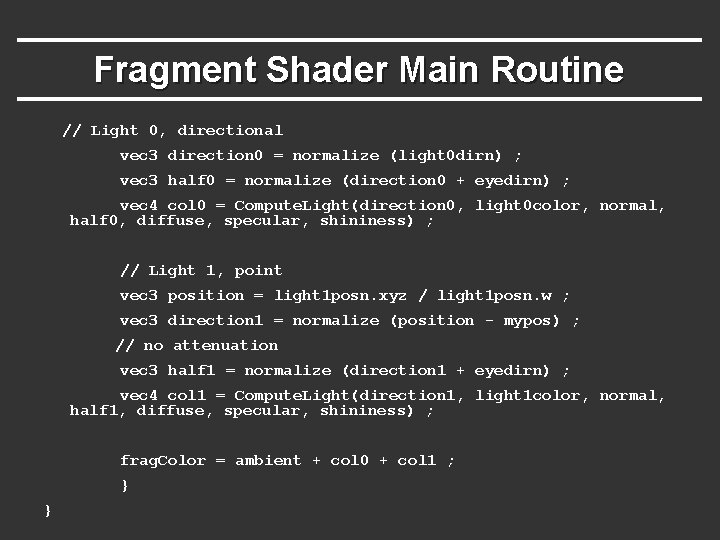
Fragment Shader Main Routine // Light 0, directional vec 3 direction 0 = normalize (light 0 dirn) ; vec 3 half 0 = normalize (direction 0 + eyedirn) ; vec 4 col 0 = Compute. Light(direction 0, light 0 color, normal, half 0, diffuse, specular, shininess) ; // Light 1, point vec 3 position = light 1 posn. xyz / light 1 posn. w ; vec 3 direction 1 = normalize (position - mypos) ; // no attenuation vec 3 half 1 = normalize (direction 1 + eyedirn) ; vec 4 col 1 = Compute. Light(direction 1, light 1 color, normal, half 1, diffuse, specular, shininess) ; frag. Color = ambient + col 0 + col 1 ; } }
Outline § Gouraud and Phong shading (vertex vs fragment) § Types of lighting, materials and shading § Lights: Point and Directional § Shading: Ambient, Diffuse, Emissive, Specular § Fragment shader for mytest 3 § HW 2 requires a more general version of this § Source code in display routine
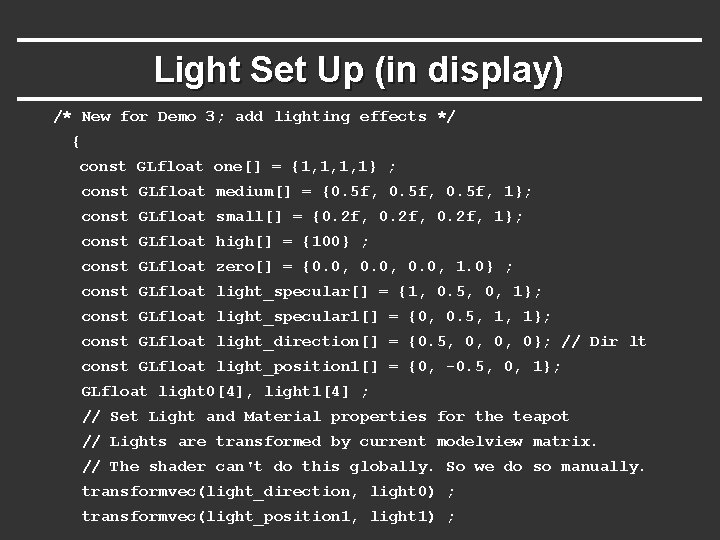
Light Set Up (in display) /* New for Demo 3; add lighting effects */ { const GLfloat one[] = {1, 1, 1, 1} ; const GLfloat medium[] = {0. 5 f, 1}; const GLfloat small[] = {0. 2 f, 1}; const GLfloat high[] = {100} ; const GLfloat zero[] = {0. 0, 1. 0} ; const GLfloat light_specular[] = {1, 0. 5, 0, 1}; const GLfloat light_specular 1[] = {0, 0. 5, 1, 1}; const GLfloat light_direction[] = {0. 5, 0, 0, 0}; // Dir lt const GLfloat light_position 1[] = {0, -0. 5, 0, 1}; GLfloat light 0[4], light 1[4] ; // Set Light and Material properties for the teapot // Lights are transformed by current modelview matrix. // The shader can't do this globally. So we do so manually. transformvec(light_direction, light 0) ; transformvec(light_position 1, light 1) ;
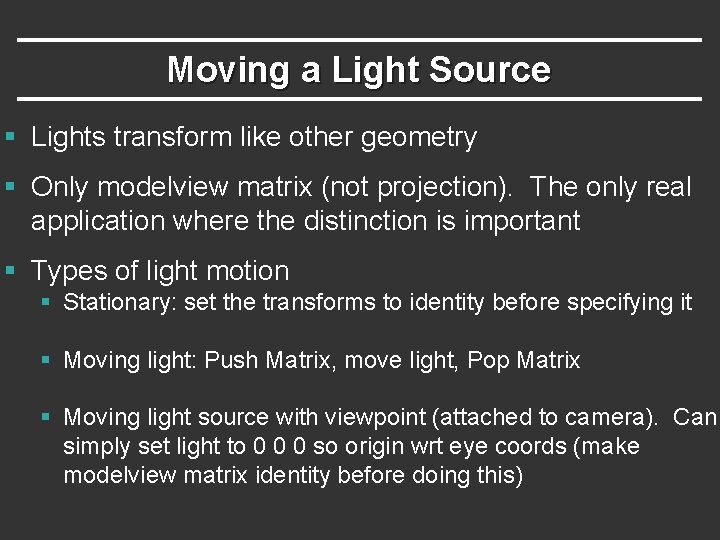
Moving a Light Source § Lights transform like other geometry § Only modelview matrix (not projection). The only real application where the distinction is important § Types of light motion § Stationary: set the transforms to identity before specifying it § Moving light: Push Matrix, move light, Pop Matrix § Moving light source with viewpoint (attached to camera). Can simply set light to 0 0 0 so origin wrt eye coords (make modelview matrix identity before doing this)
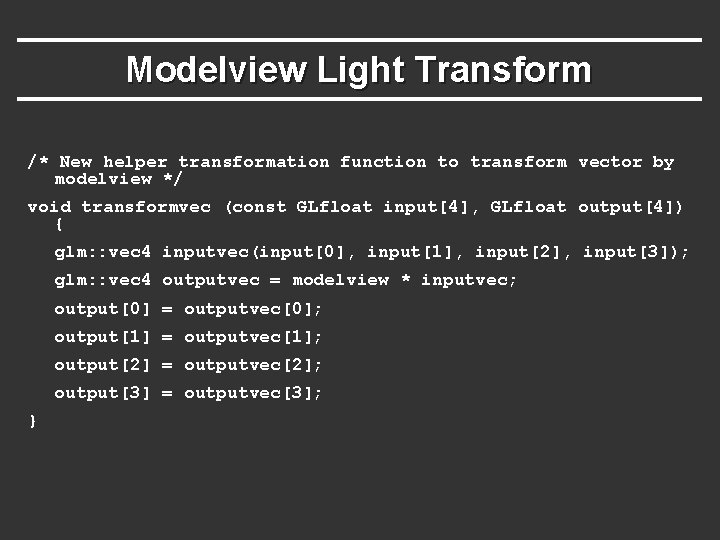
Modelview Light Transform /* New helper transformation function to transform vector by modelview */ void transformvec (const GLfloat input[4], GLfloat output[4]) { glm: : vec 4 inputvec(input[0], input[1], input[2], input[3]); glm: : vec 4 outputvec = modelview * inputvec; output[0] = outputvec[0]; output[1] = outputvec[1]; output[2] = outputvec[2]; output[3] = outputvec[3]; }
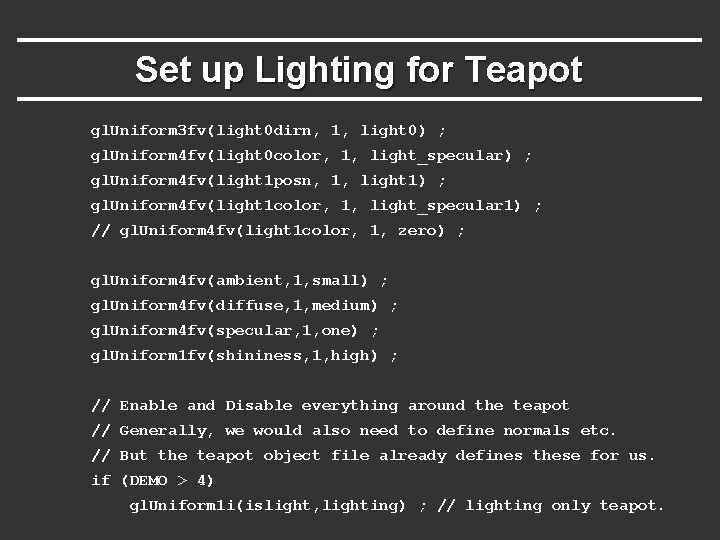
Set up Lighting for Teapot gl. Uniform 3 fv(light 0 dirn, 1, light 0) ; gl. Uniform 4 fv(light 0 color, 1, light_specular) ; gl. Uniform 4 fv(light 1 posn, 1, light 1) ; gl. Uniform 4 fv(light 1 color, 1, light_specular 1) ; // gl. Uniform 4 fv(light 1 color, 1, zero) ; gl. Uniform 4 fv(ambient, 1, small) ; gl. Uniform 4 fv(diffuse, 1, medium) ; gl. Uniform 4 fv(specular, 1, one) ; gl. Uniform 1 fv(shininess, 1, high) ; // Enable and Disable everything around the teapot // Generally, we would also need to define normals etc. // But the teapot object file already defines these for us. if (DEMO > 4) gl. Uniform 1 i(islight, lighting) ; // lighting only teapot.
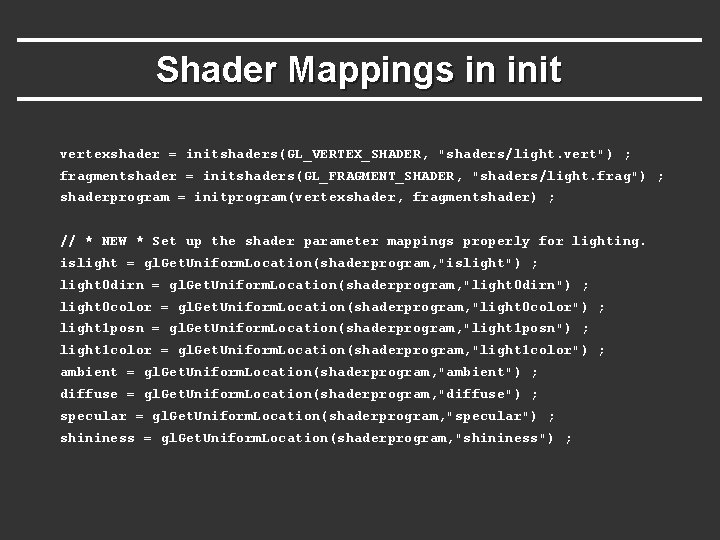
Shader Mappings in init vertexshader = initshaders(GL_VERTEX_SHADER, "shaders/light. vert") ; fragmentshader = initshaders(GL_FRAGMENT_SHADER, "shaders/light. frag") ; shaderprogram = initprogram(vertexshader, fragmentshader) ; // * NEW * Set up the shader parameter mappings properly for lighting. islight = gl. Get. Uniform. Location(shaderprogram, "islight") ; light 0 dirn = gl. Get. Uniform. Location(shaderprogram, "light 0 dirn") ; light 0 color = gl. Get. Uniform. Location(shaderprogram, "light 0 color") ; light 1 posn = gl. Get. Uniform. Location(shaderprogram, "light 1 posn") ; light 1 color = gl. Get. Uniform. Location(shaderprogram, "light 1 color") ; ambient = gl. Get. Uniform. Location(shaderprogram, "ambient") ; diffuse = gl. Get. Uniform. Location(shaderprogram, "diffuse") ; specular = gl. Get. Uniform. Location(shaderprogram, "specular") ; shininess = gl. Get. Uniform. Location(shaderprogram, "shininess") ;