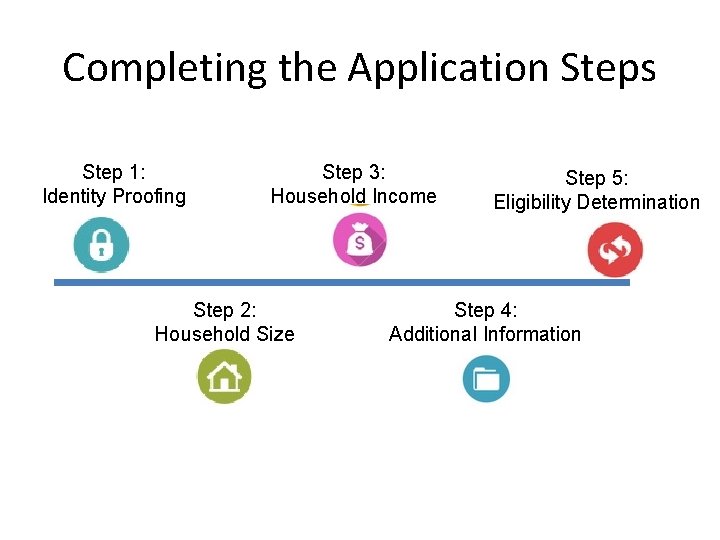
Completing the Application Steps Step 1 Identity Proofing
- Slides: 40
Completing the Application Steps Step 1: Identity Proofing Step 3: Household Income Step 2: Household Size Step 5: Eligibility Determination Step 4: Additional Information
Module 12 Identity Proofing
This module provides an overview of: • The information consumers need for their applications • How to create an account in the Marketplace • How to help consumers complete the identity proofing process After completing this module, you will be able to assist consumers with creating an account and completing the first steps of the application in the Marketplace.
Section 1 Information Required for the Marketplace Application
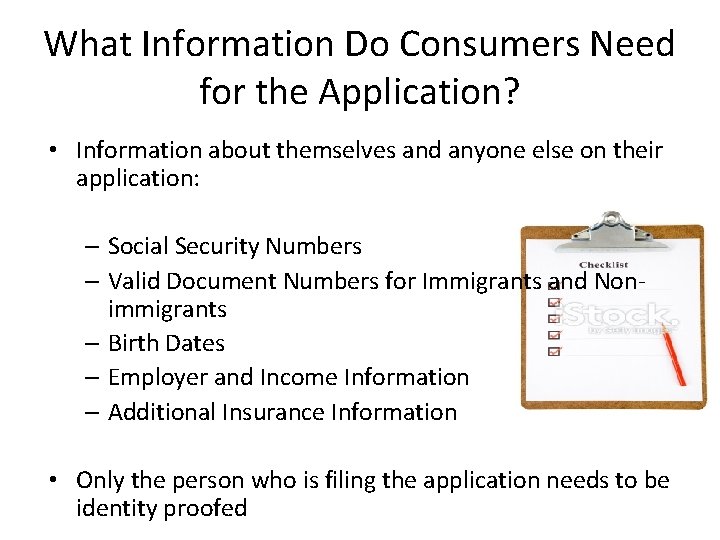
What Information Do Consumers Need for the Application? • Information about themselves and anyone else on their application: – Social Security Numbers – Valid Document Numbers for Immigrants and Nonimmigrants – Birth Dates – Employer and Income Information – Additional Insurance Information • Only the person who is filing the application needs to be identity proofed
Tell Consumers to Bring Required Information • If scheduling appointments in advance, tell consumers to bring this information • Do not need to have documents with them in order to apply
Section 2 Creating a Marketplace Account
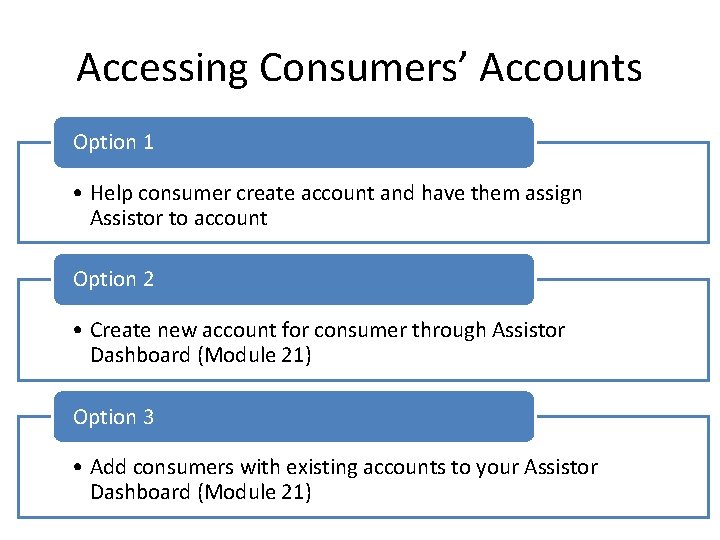
Accessing Consumers’ Accounts Option 1 • Help consumer create account and have them assign Assistor to account Option 2 • Create new account for consumer through Assistor Dashboard (Module 21) Option 3 • Add consumers with existing accounts to your Assistor Dashboard (Module 21)
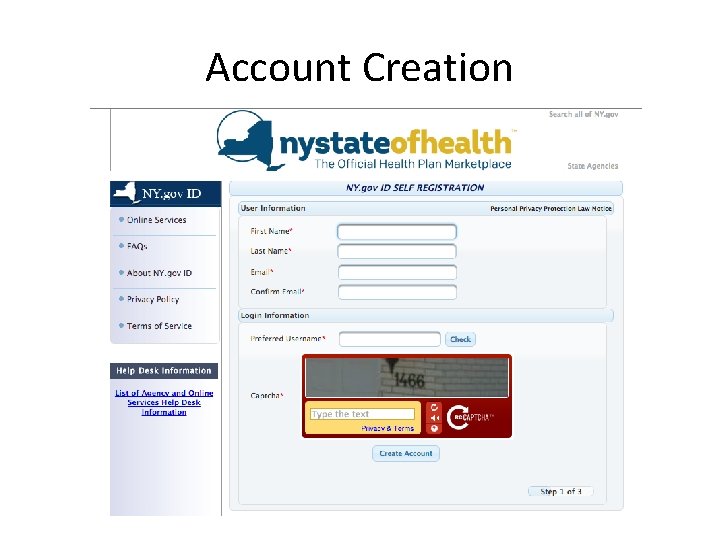
Account Creation
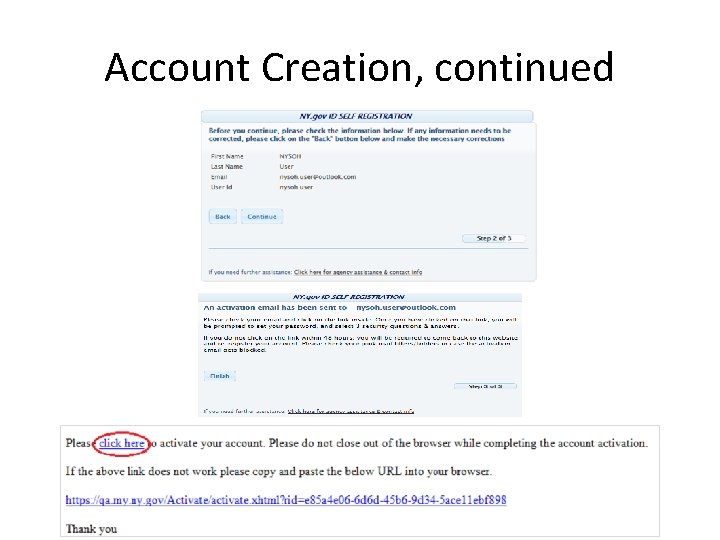
Account Creation, continued
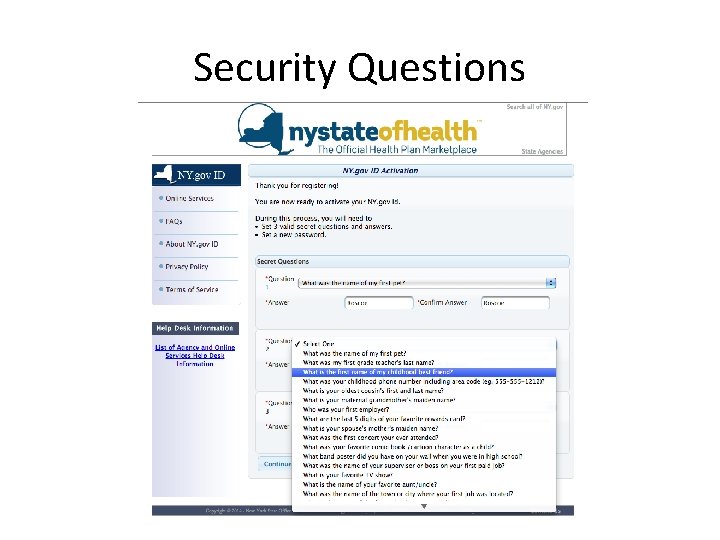
Security Questions
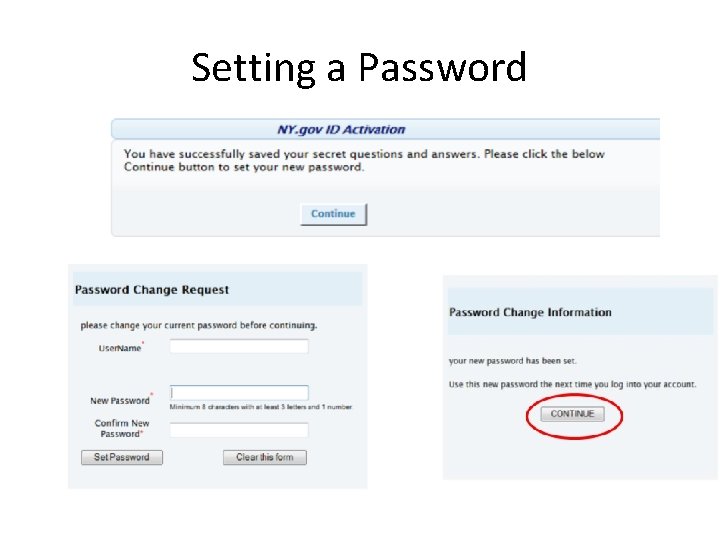
Setting a Password
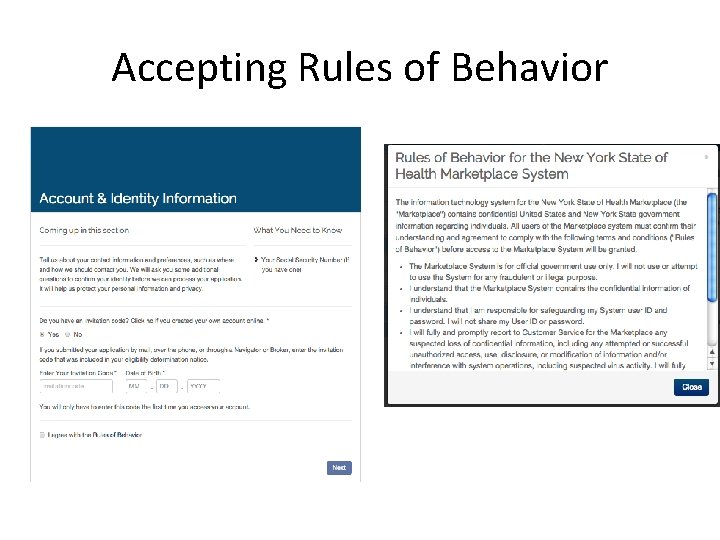
Accepting Rules of Behavior
Section 3 Entering Information for Identity Proofing
Framing the Session • Explain to the applicant that you must ask every question exactly as it’s written, even if the question is something that they feel you should already know, such as gender. • Do not skip over any questions, even if they are listed as not required. • NY State of Health is a secure system and that you are required to maintain confidentiality. • Do not answer questions based on assumptions or comments the applicant made earlier in the application.
Identity Proofing & Contact Information • First screen of application asks for basic contact information for the account holder for the application • All information entered for the consumer will be verified through a match with third party data sources • Be sure to have correct spelling • You must ask all questions, including gender
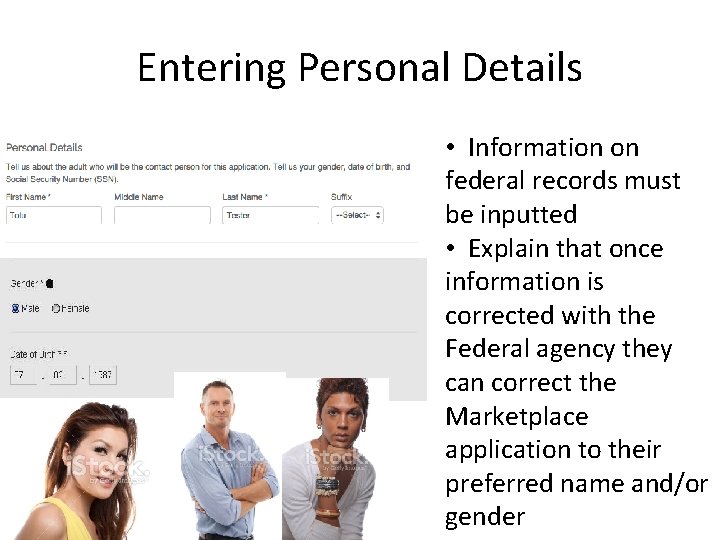
Entering Personal Details • Information on federal records must be inputted • Explain that once information is corrected with the Federal agency they can correct the Marketplace application to their preferred name and/or gender
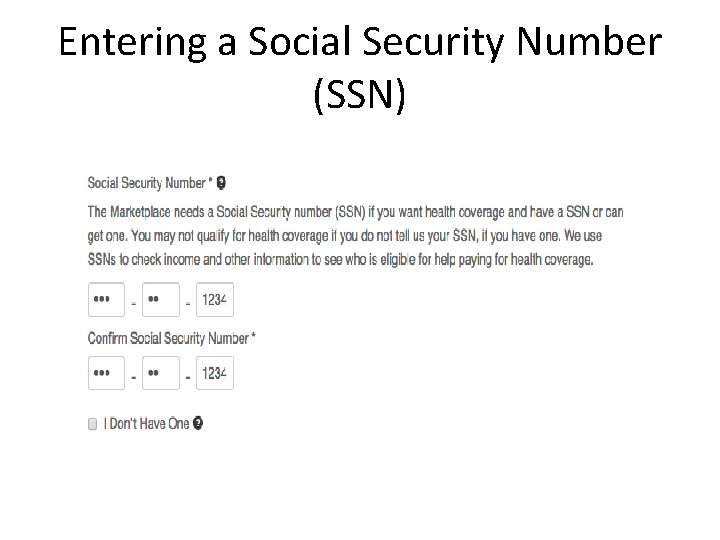
Entering a Social Security Number (SSN)
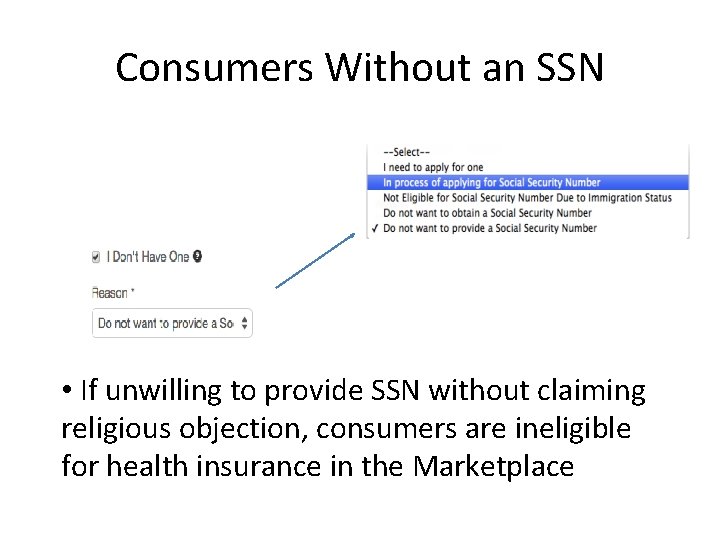
Consumers Without an SSN • If unwilling to provide SSN without claiming religious objection, consumers are ineligible for health insurance in the Marketplace
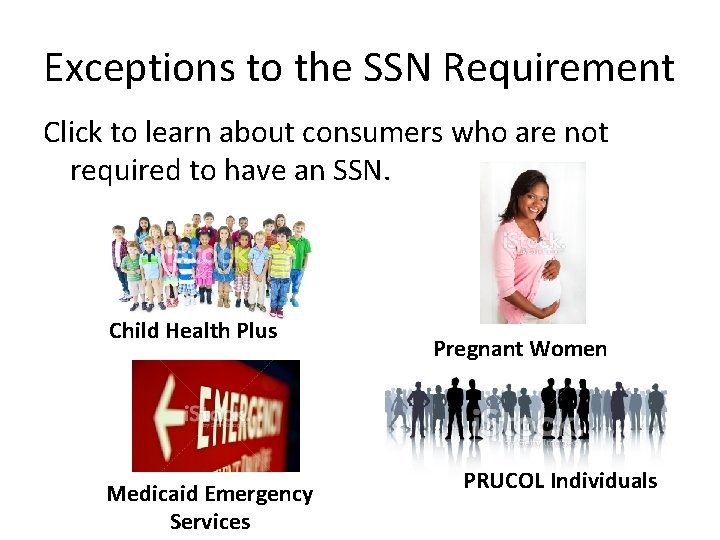
Exceptions to the SSN Requirement Click to learn about consumers who are not required to have an SSN. Child Health Plus Medicaid Emergency Services Pregnant Women PRUCOL Individuals
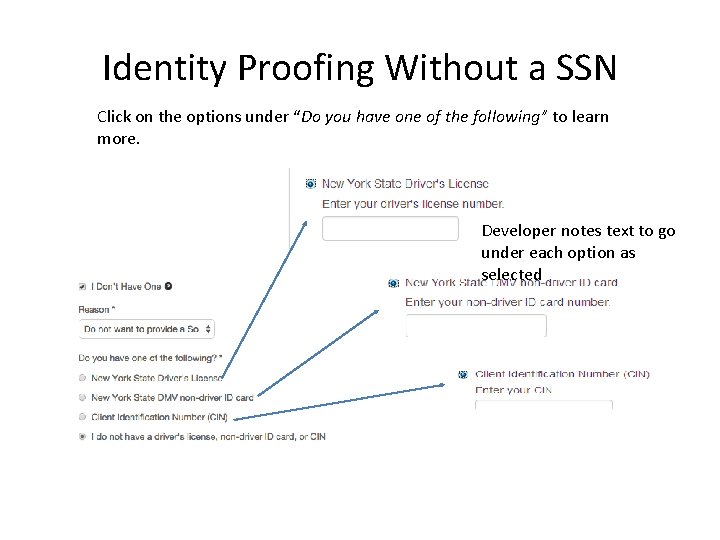
Identity Proofing Without a SSN Click on the options under “Do you have one of the following” to learn more. Developer notes text to go under each option as selected
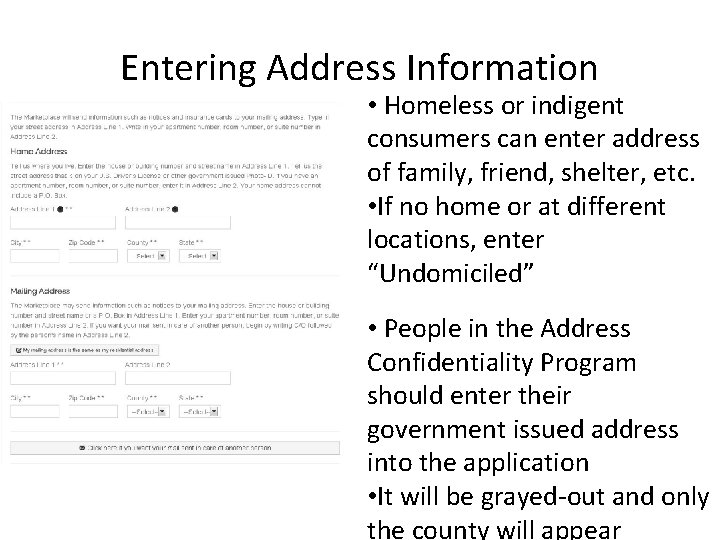
Entering Address Information • Homeless or indigent consumers can enter address of family, friend, shelter, etc. • If no home or at different locations, enter “Undomiciled” • People in the Address Confidentiality Program should enter their government issued address into the application • It will be grayed-out and only the county will appear
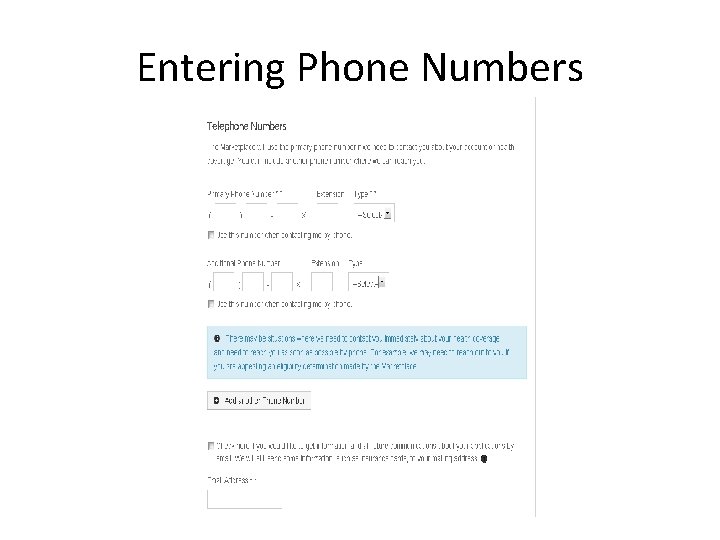
Entering Phone Numbers
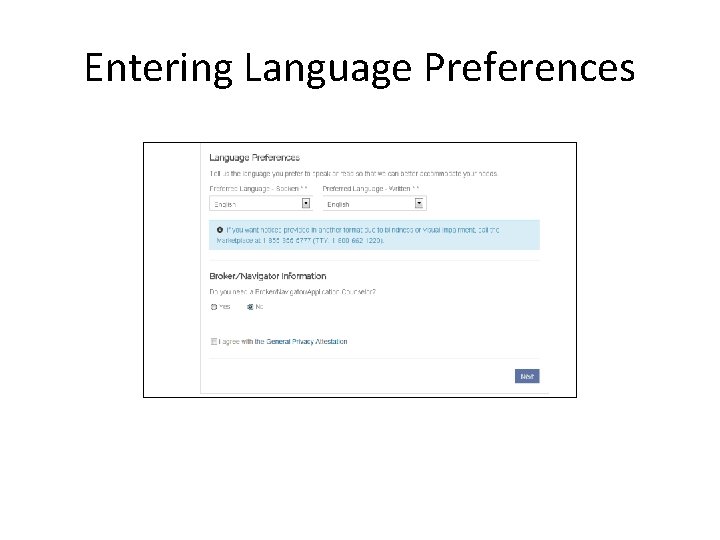
Entering Language Preferences
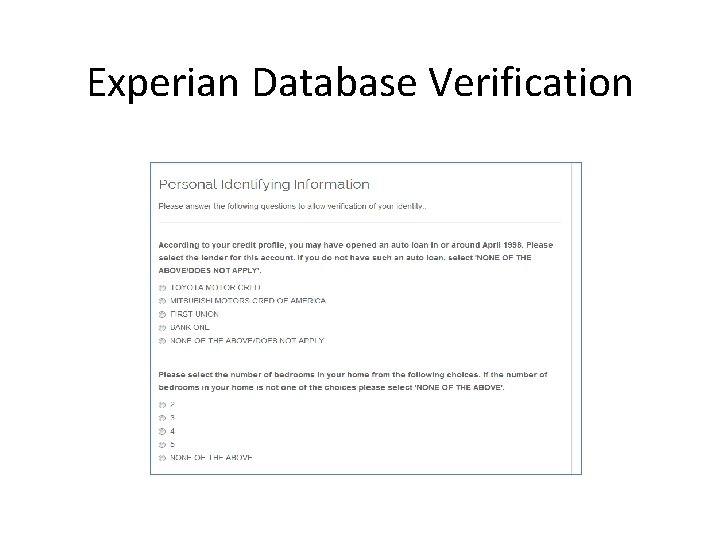
Experian Database Verification
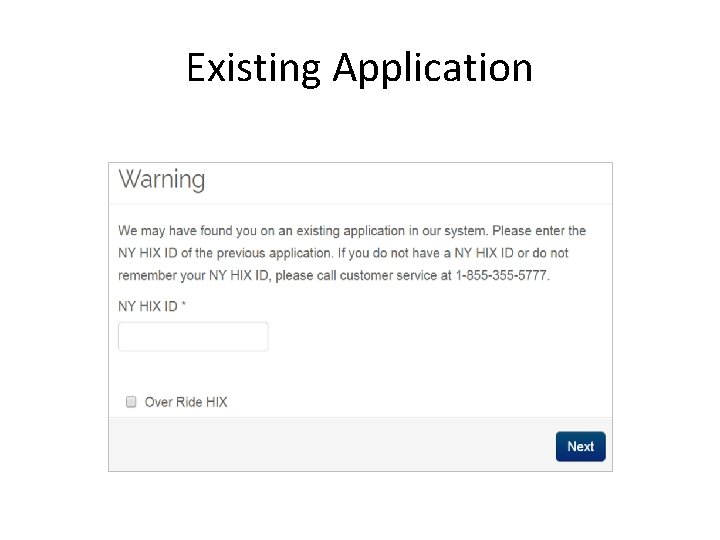
Existing Application
Section 4 When an Identity Cannot be Verified
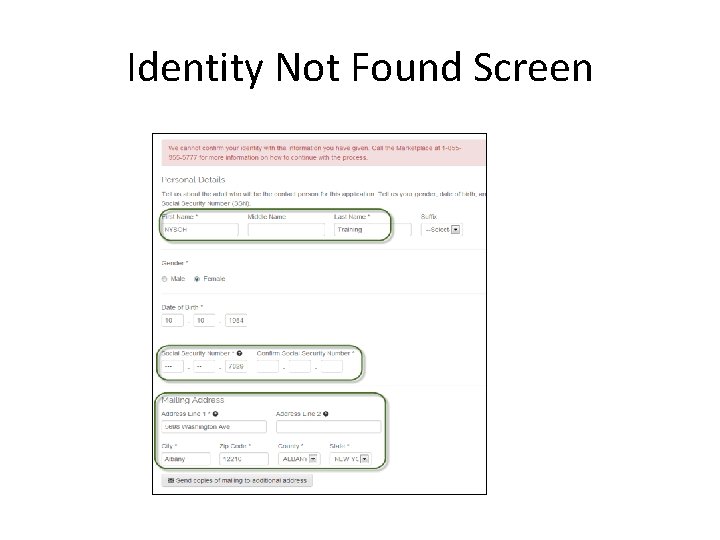
Identity Not Found Screen
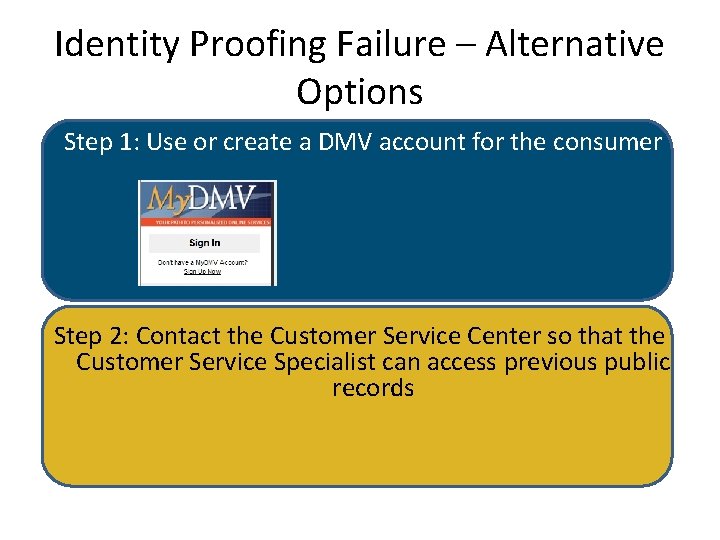
Identity Proofing Failure – Alternative Options Step 1: Use or create a DMV account for the consumer Step 2: Contact the Customer Service Center so that the Customer Service Specialist can access previous public records
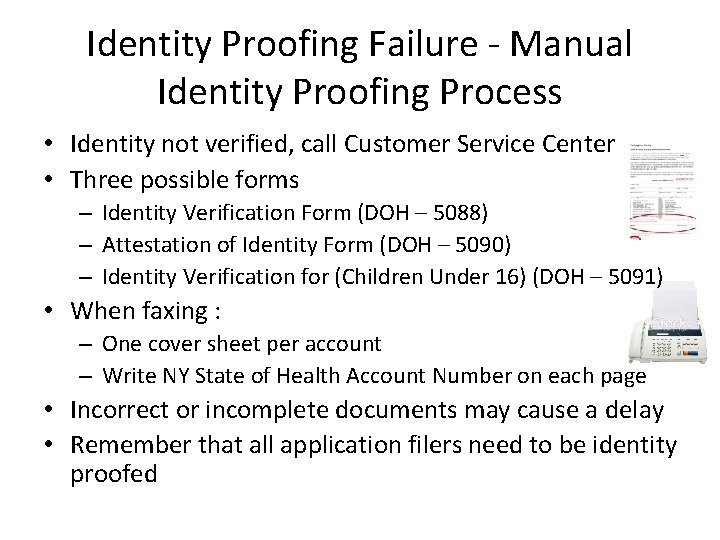
Identity Proofing Failure - Manual Identity Proofing Process • Identity not verified, call Customer Service Center • Three possible forms – Identity Verification Form (DOH – 5088) – Attestation of Identity Form (DOH – 5090) – Identity Verification for (Children Under 16) (DOH – 5091) • When faxing : – One cover sheet per account – Write NY State of Health Account Number on each page • Incorrect or incomplete documents may cause a delay • Remember that all application filers need to be identity proofed
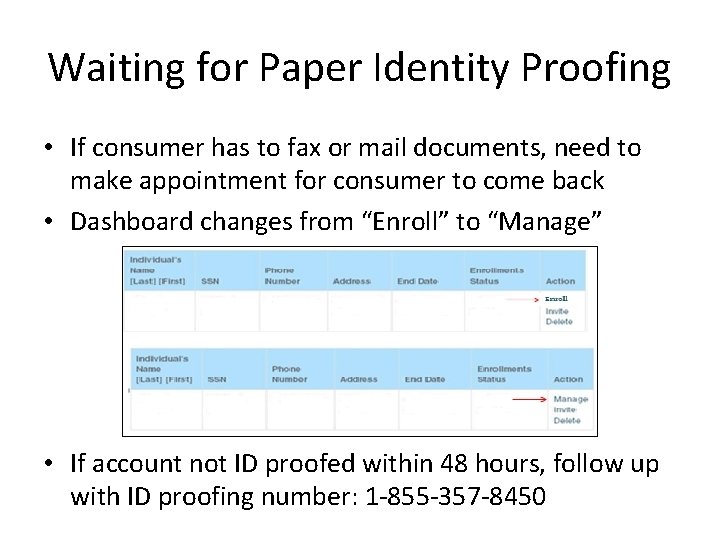
Waiting for Paper Identity Proofing • If consumer has to fax or mail documents, need to make appointment for consumer to come back • Dashboard changes from “Enroll” to “Manage” • If account not ID proofed within 48 hours, follow up with ID proofing number: 1 -855 -357 -8450
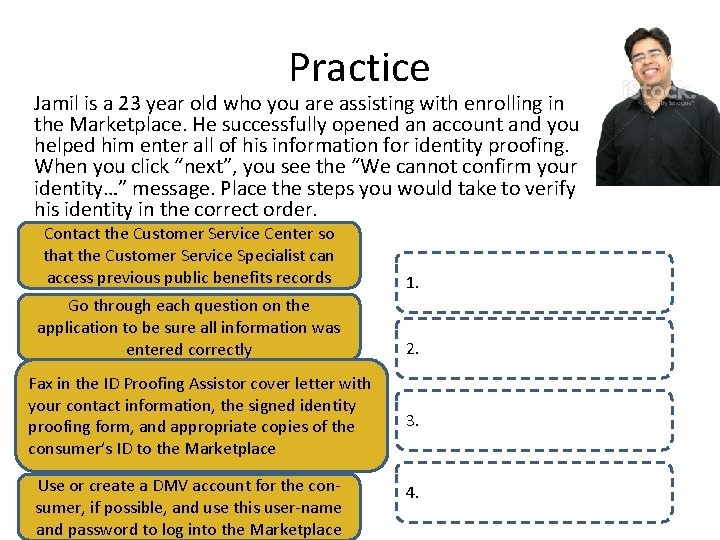
Practice Jamil is a 23 year old who you are assisting with enrolling in the Marketplace. He successfully opened an account and you helped him enter all of his information for identity proofing. When you click “next”, you see the “We cannot confirm your identity…” message. Place the steps you would take to verify his identity in the correct order. Contact the Customer Service Center so that the Customer Service Specialist can access previous public benefits records 1. Go through each question on the application to be sure all information was entered correctly 2. Fax in the ID Proofing Assistor cover letter with your contact information, the signed identity proofing form, and appropriate copies of the consumer’s ID to the Marketplace Use or create a DMV account for the consumer, if possible, and use this user-name and password to log into the Marketplace 3. 4.
Section 5 Identity Verification
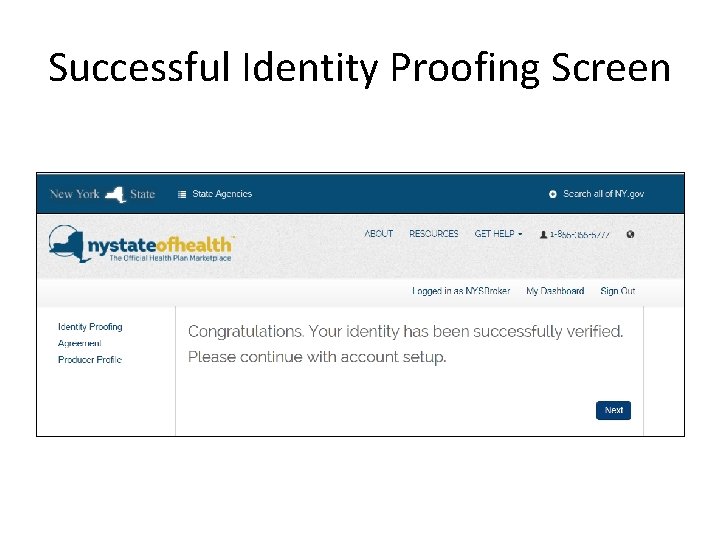
Successful Identity Proofing Screen
Check for Understanding
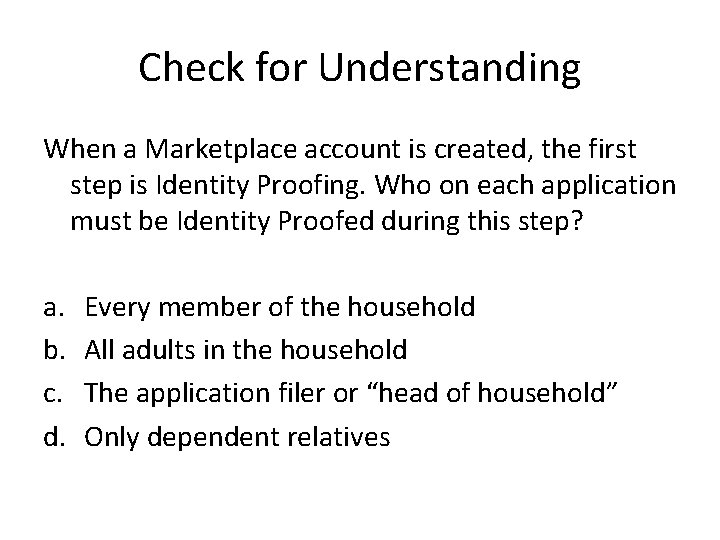
Check for Understanding When a Marketplace account is created, the first step is Identity Proofing. Who on each application must be Identity Proofed during this step? a. b. c. d. Every member of the household All adults in the household The application filer or “head of household” Only dependent relatives
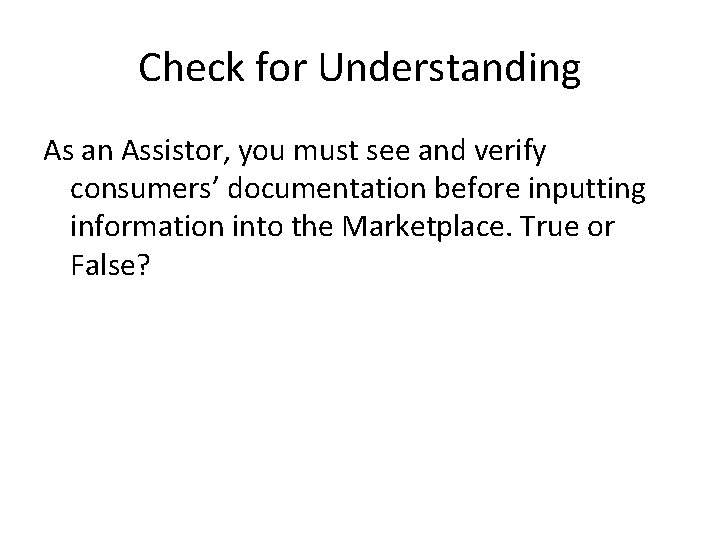
Check for Understanding As an Assistor, you must see and verify consumers’ documentation before inputting information into the Marketplace. True or False?
Check for Understanding Consumers can use their preferred name on the Marketplace if it is on their New York State license. True or False?
Module Recap In this module, you learned about: – The information consumers need for their applications – How to create an account in the Marketplace – How to help consumers complete the identity proofing process