COMP 14 Introduction to Programming Mr Joshua Stough

![Sample Java Program public class Hello { public static void main (String[] args) {](https://slidetodoc.com/presentation_image/1babb1fa147720d3694ca80a2e3510f0/image-16.jpg "Sample Java Program public class Hello { public static void main (String[] args) {")
- Slides: 45
COMP 14 Introduction to Programming Mr. Joshua Stough January 24, 2005 Monday/Wednesday 11: 00 -12: 15 Peabody Hall 218
Announcements • Pledge Form – turn in today (at end of class or to Sitterson front desk) if you haven’t already • Recitation – make sure you bring your textbook and lab manual (if you have one) • Email – put COMP 14 in the subject line
Questions about PROG 1 • It may well serve you better to type the code yourself, even if it’s just copying code from another program.
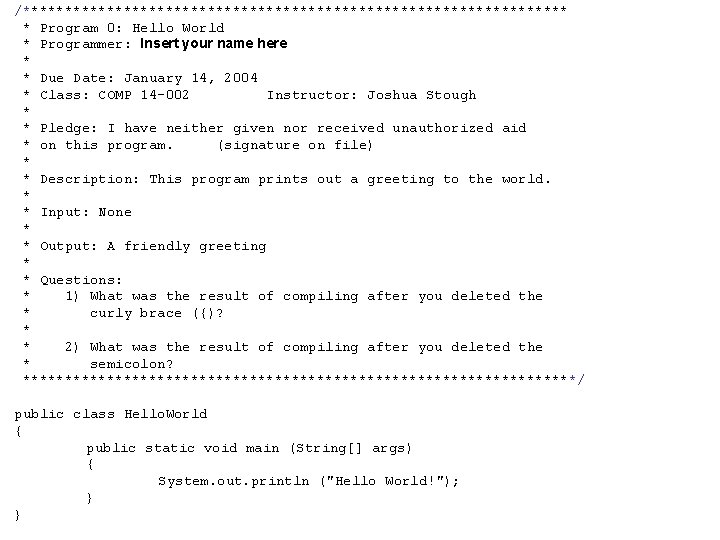
/********************************* * Program 0: Hello World * Programmer: Insert your name here * * Due Date: January 14, 2004 * Class: COMP 14 -002 Instructor: Joshua Stough * * Pledge: I have neither given nor received unauthorized aid * on this program. (signature on file) * * Description: This program prints out a greeting to the world. * * Input: None * * Output: A friendly greeting * * Questions: * 1) What was the result of compiling after you deleted the * curly brace ({)? * * 2) What was the result of compiling after you deleted the * semicolon? *********************************/ public class Hello. World { public static void main (String[] args) { System. out. println ("Hello World!"); } }
Last Time in COMP 14 • Parts of a Computer • Binary Numbers • Algorithms • PROG 1 and HOMEWORK 1 assigned – due Wednesday at 11: 59 pm
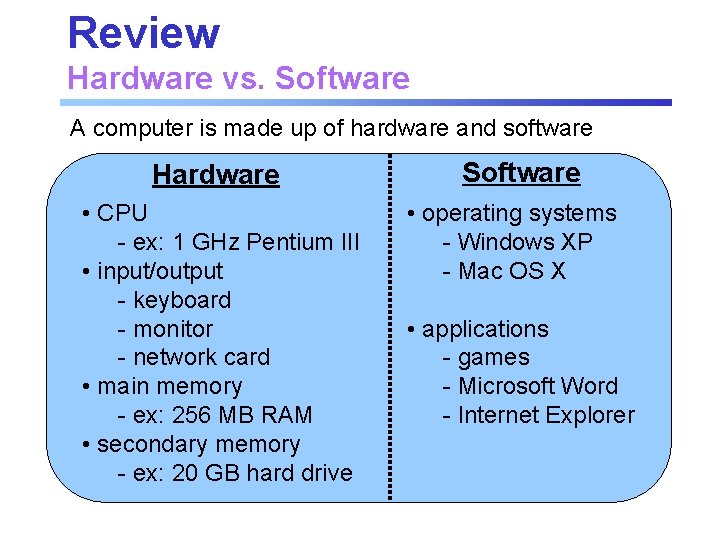
Review Hardware vs. Software A computer is made up of hardware and software Hardware • CPU - ex: 1 GHz Pentium III • input/output - keyboard - monitor - network card • main memory - ex: 256 MB RAM • secondary memory - ex: 20 GB hard drive Software • operating systems - Windows XP - Mac OS X • applications - games - Microsoft Word - Internet Explorer
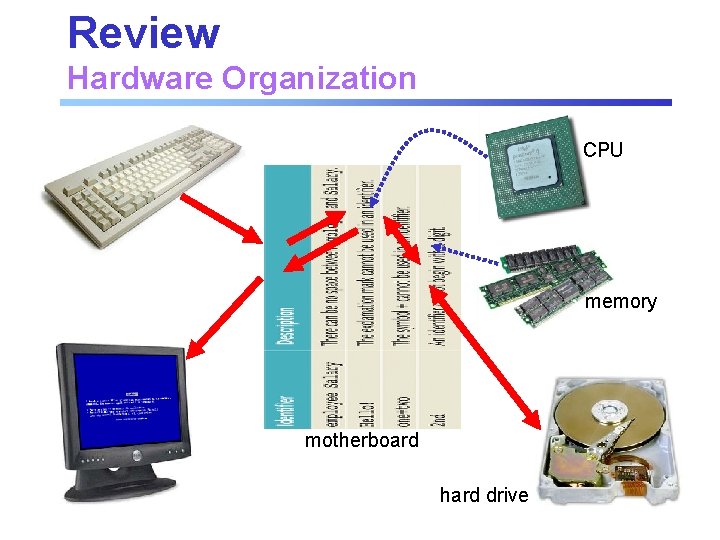
Review Hardware Organization CPU memory motherboard hard drive
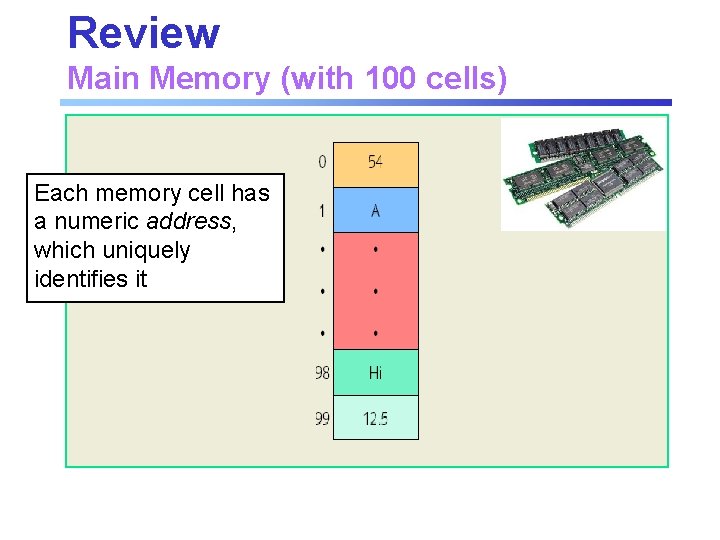
Review Main Memory (with 100 cells) Each memory cell has a numeric address, which uniquely identifies it
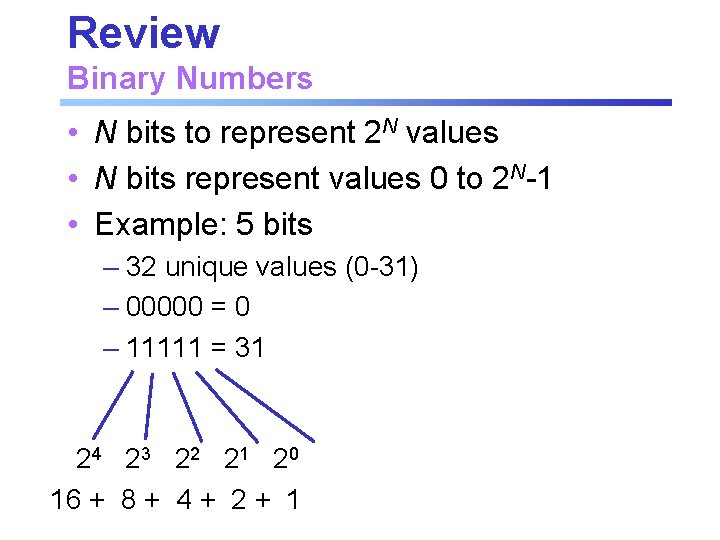
Review Binary Numbers • N bits to represent 2 N values • N bits represent values 0 to 2 N-1 • Example: 5 bits – 32 unique values (0 -31) – 00000 = 0 – 11111 = 31 24 2 3 2 2 2 1 2 0 16 + 8 + 4 + 2 + 1
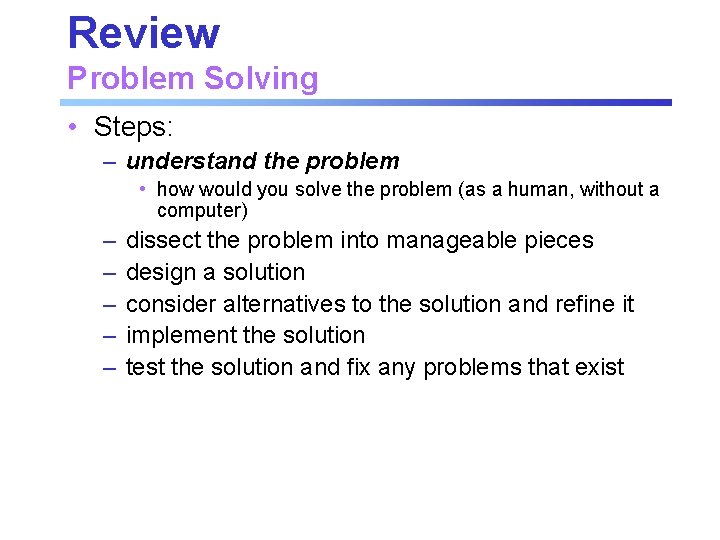
Review Problem Solving • Steps: – understand the problem • how would you solve the problem (as a human, without a computer) – – – dissect the problem into manageable pieces design a solution consider alternatives to the solution and refine it implement the solution test the solution and fix any problems that exist
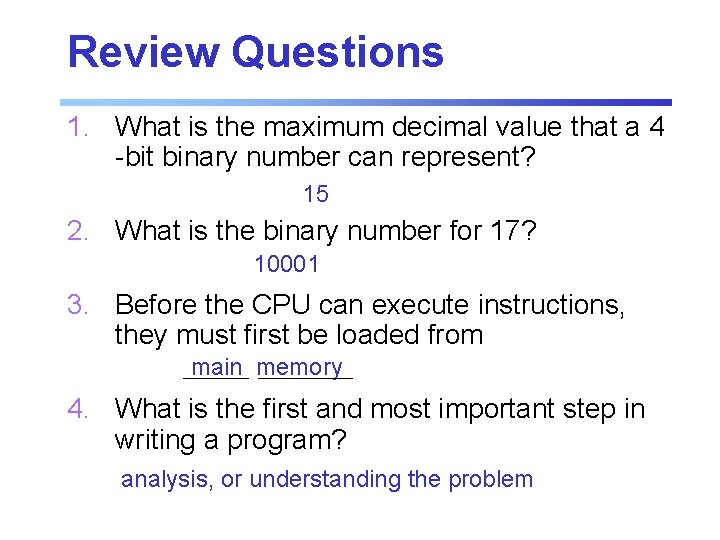
Review Questions 1. What is the maximum decimal value that a 4 -bit binary number can represent? 15 2. What is the binary number for 17? 10001 3. Before the CPU can execute instructions, they must first be loaded from main memory 4. What is the first and most important step in writing a program? analysis, or understanding the problem
Today in COMP 14 • Java – special symbols – identifiers – data types – operators – expressions – Strings • Textbook Ref: Ch 2 (pgs. 21 -40)
Reading Check-Up syntax 1. The rules of a language determine which instructions are valid. 2. True or False? Hello! is an example of a legal Java identifier. False 3. If an operator has an integer and a floatingpoint operand, the result of the operation is a floating-point number. 4. The expression (int) (9. 2) evaluates to 9
Introduction • Computer program: a sequence of statements whose objective is to accomplish a task • Programming: process of planning and creating a program • Programming language: a set of rules, symbols, and special words
Cooking / Programming 1. 2. 3. 4. 5. 6. It is usually easier to follow a recipe than to create one. There are good recipes and bad recipes. Some recipes are easy to follow and some are difficult to follow. Some recipes produce reliable results and some do not. You must have some knowledge of how to use cooking tools to follow a recipe to completion. To create good new recipes, you must have much knowledge and understanding of cooking.
Sample Java Program public class Hello { public static void main (String[] args) { System. out. println ("Hi There!"); } } Upon execution, this program displays Hi There!
Programming Languages • Programming languages have rules of grammar just as English does • syntax rules - which statements are legal and which are not • semantic rules - determine the meaning of the instructions • token - smallest individual unit of a program – special symbols – word symbols – identifiers
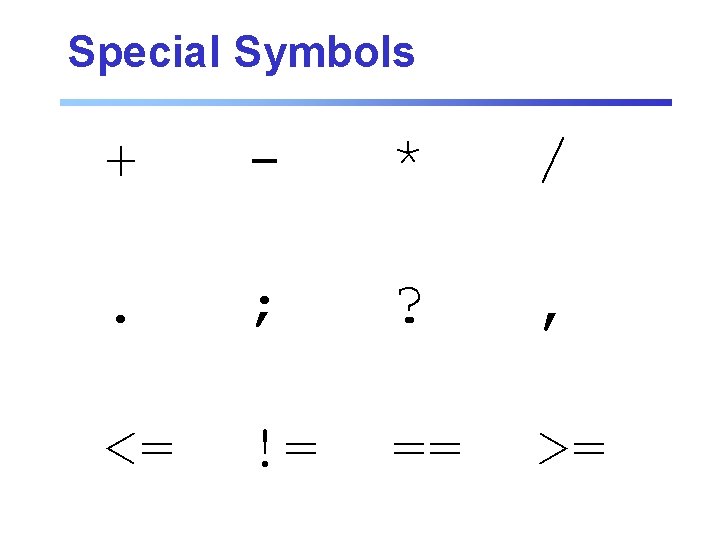
Special Symbols + - * / . ; ? , <= != == >=
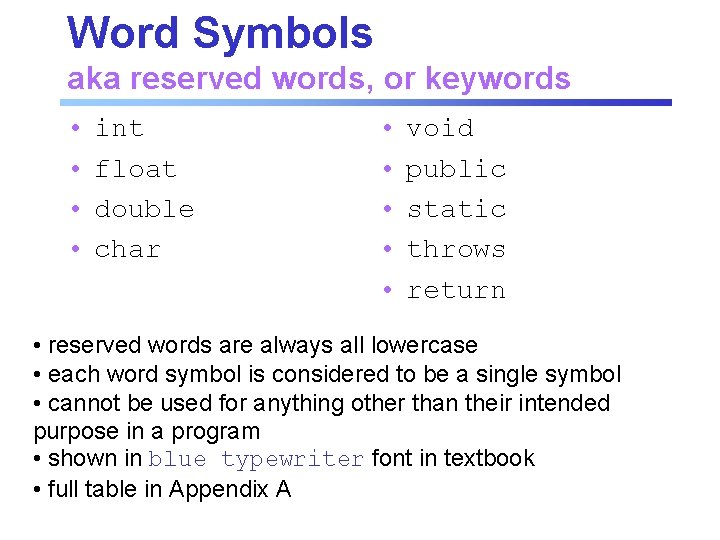
Word Symbols aka reserved words, or keywords • • int float double char • • • void public static throws return • reserved words are always all lowercase • each word symbol is considered to be a single symbol • cannot be used for anything other than their intended purpose in a program • shown in blue typewriter font in textbook • full table in Appendix A
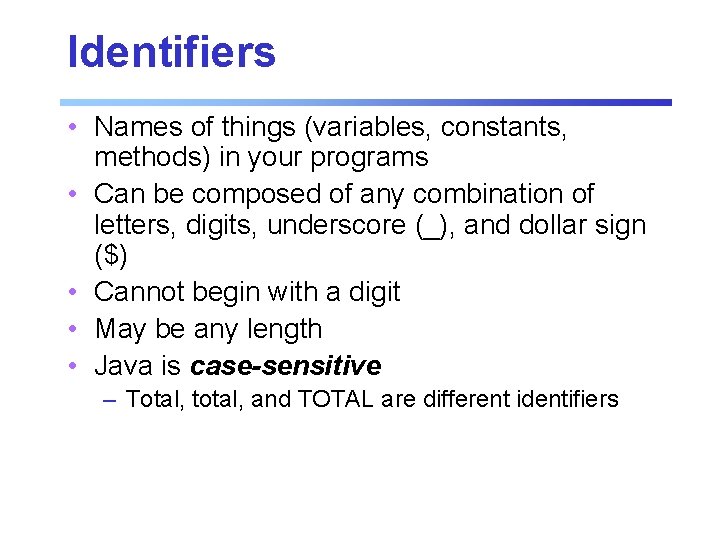
Identifiers • Names of things (variables, constants, methods) in your programs • Can be composed of any combination of letters, digits, underscore (_), and dollar sign ($) • Cannot begin with a digit • May be any length • Java is case-sensitive – Total, total, and TOTAL are different identifiers
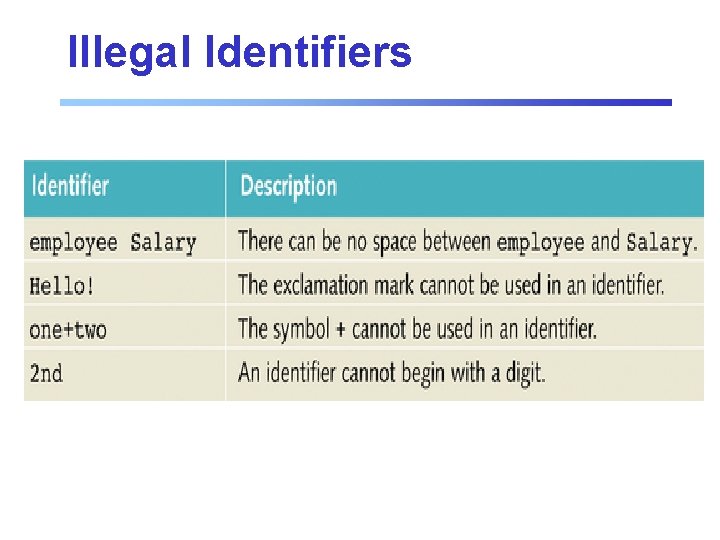
Illegal Identifiers
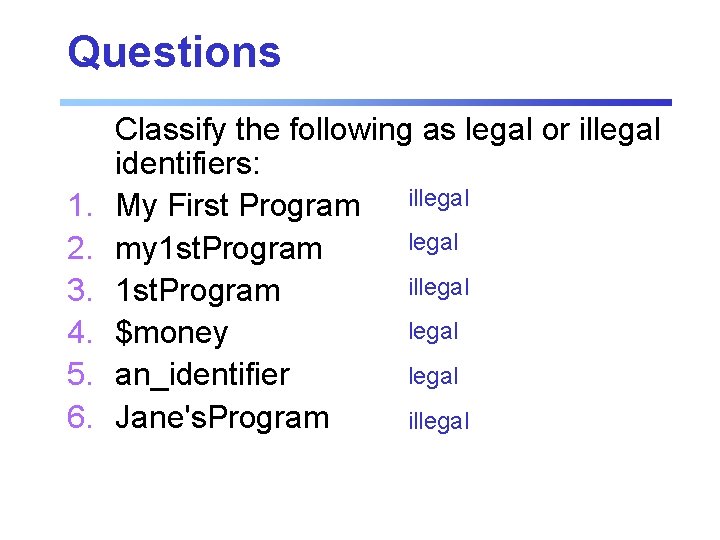
Questions 1. 2. 3. 4. 5. 6. Classify the following as legal or illegal identifiers: My First Program illegal my 1 st. Program illegal 1 st. Program legal $money legal an_identifier Jane's. Program illegal
Primitive Data Types What’s A Data Type? • A set of values and the operations that can be performed on those values • Primitive data are fundamental values such as numbers and characters • Operations are performed on primitive types using built-in operators
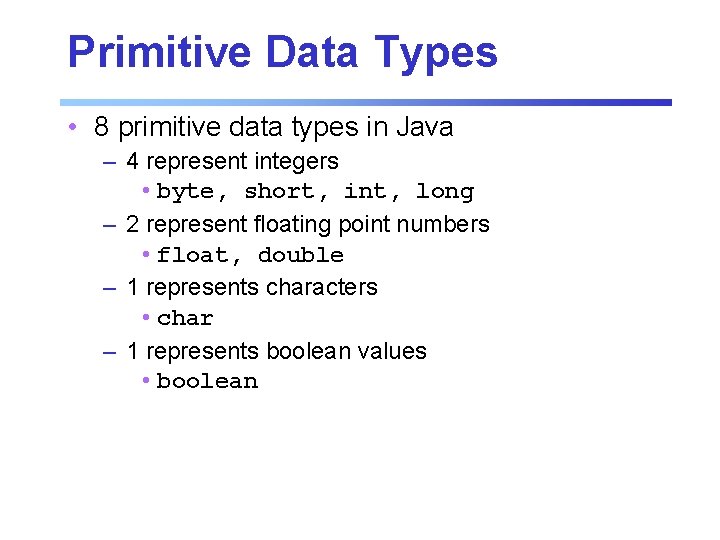
Primitive Data Types • 8 primitive data types in Java – 4 represent integers • byte, short, int, long – 2 represent floating point numbers • float, double – 1 represents characters • char – 1 represents boolean values • boolean
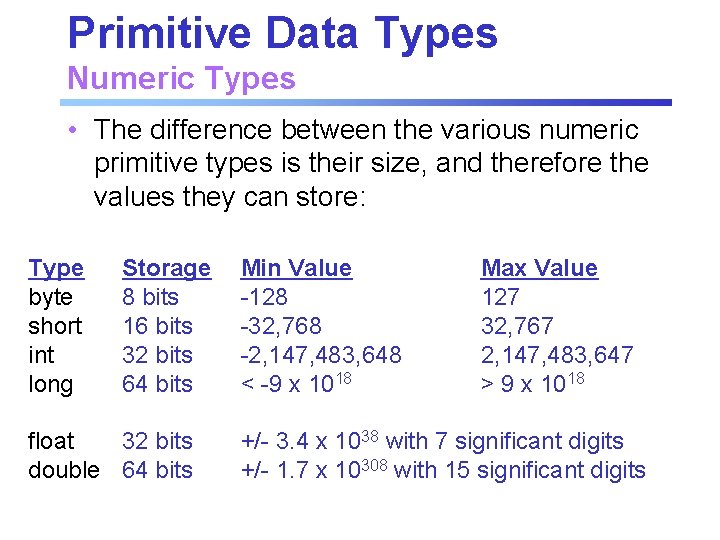
Primitive Data Types Numeric Types • The difference between the various numeric primitive types is their size, and therefore the values they can store: Type byte short int long Storage 8 bits 16 bits 32 bits 64 bits float 32 bits double 64 bits Min Value -128 -32, 768 -2, 147, 483, 648 < -9 x 10¹⁸ Max Value 127 32, 767 2, 147, 483, 647 > 9 x 10¹⁸ +/- 3. 4 x 1038 with 7 significant digits +/- 1. 7 x 10308 with 15 significant digits
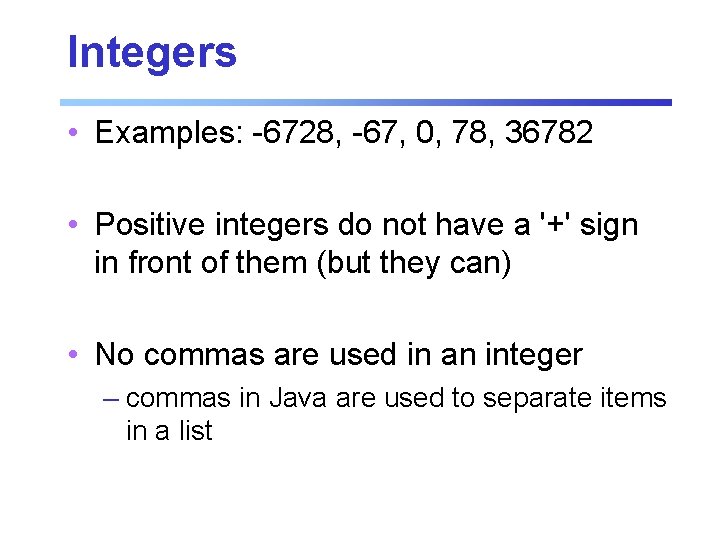
Integers • Examples: -6728, -67, 0, 78, 36782 • Positive integers do not have a '+' sign in front of them (but they can) • No commas are used in an integer – commas in Java are used to separate items in a list
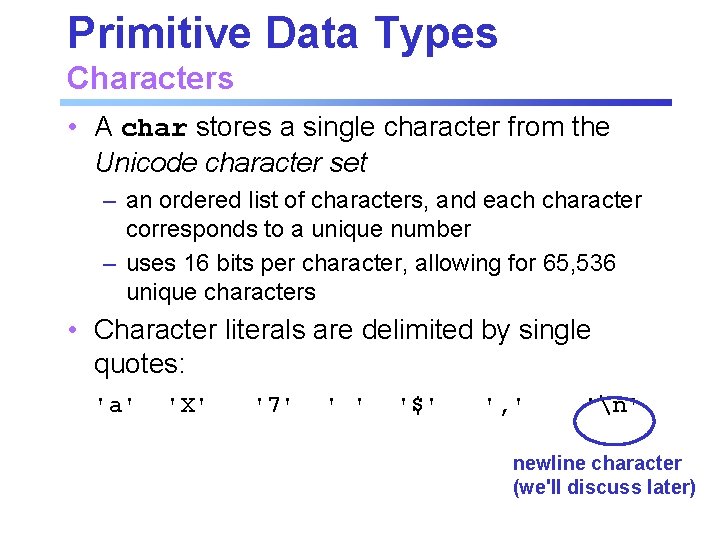
Primitive Data Types Characters • A char stores a single character from the Unicode character set – an ordered list of characters, and each character corresponds to a unique number – uses 16 bits per character, allowing for 65, 536 unique characters • Character literals are delimited by single quotes: 'a' 'X' '7' ' ' '$' ', ' 'n' newline character (we'll discuss later)
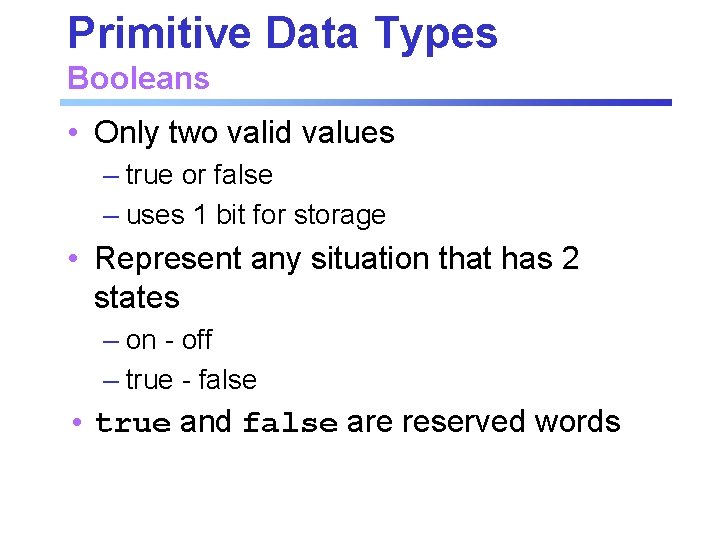
Primitive Data Types Booleans • Only two valid values – true or false – uses 1 bit for storage • Represent any situation that has 2 states – on - off – true - false • true and false are reserved words
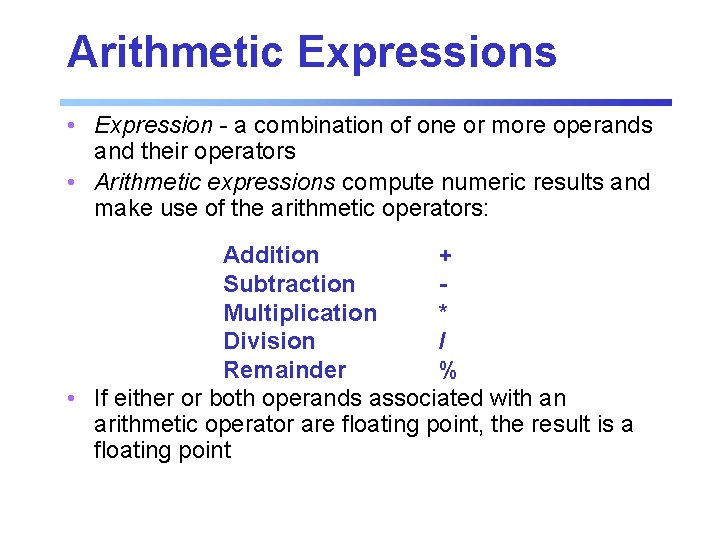
Arithmetic Expressions • Expression - a combination of one or more operands and their operators • Arithmetic expressions compute numeric results and make use of the arithmetic operators: Addition + Subtraction Multiplication * Division / Remainder % • If either or both operands associated with an arithmetic operator are floating point, the result is a floating point
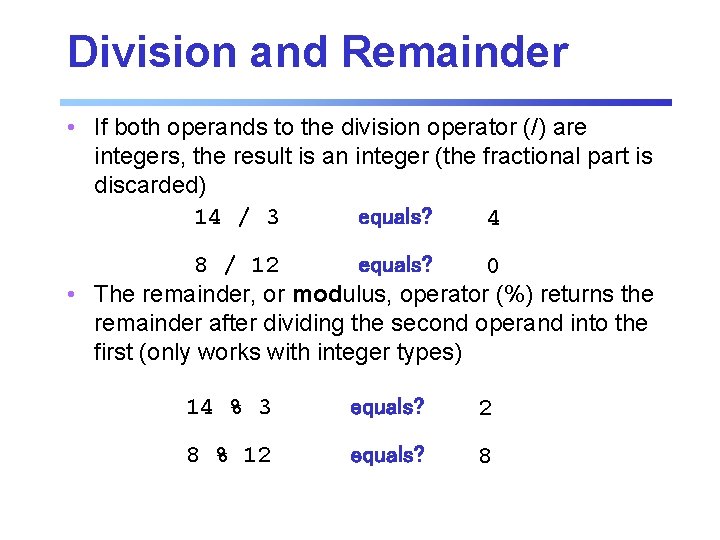
Division and Remainder • If both operands to the division operator (/) are integers, the result is an integer (the fractional part is discarded) 14 / 3 equals? 4 8 / 12 equals? 0 • The remainder, or modulus, operator (%) returns the remainder after dividing the second operand into the first (only works with integer types) 14 % 3 equals? 2 8 % 12 equals? 8
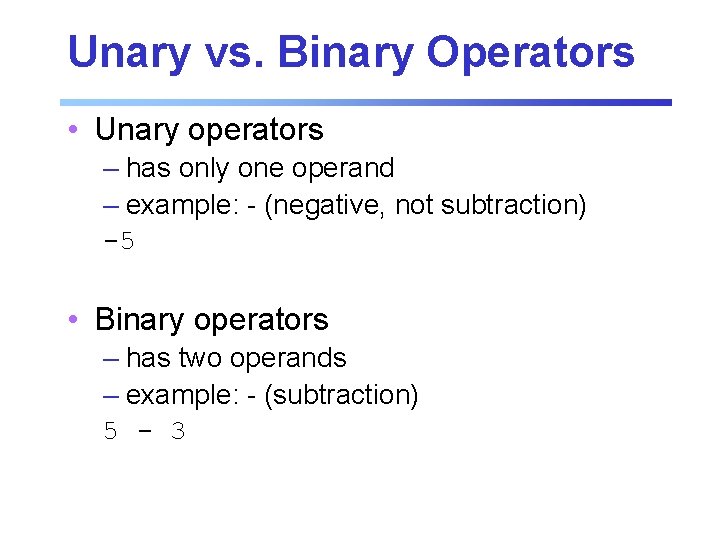
Unary vs. Binary Operators • Unary operators – has only one operand – example: - (negative, not subtraction) -5 • Binary operators – has two operands – example: - (subtraction) 5 - 3
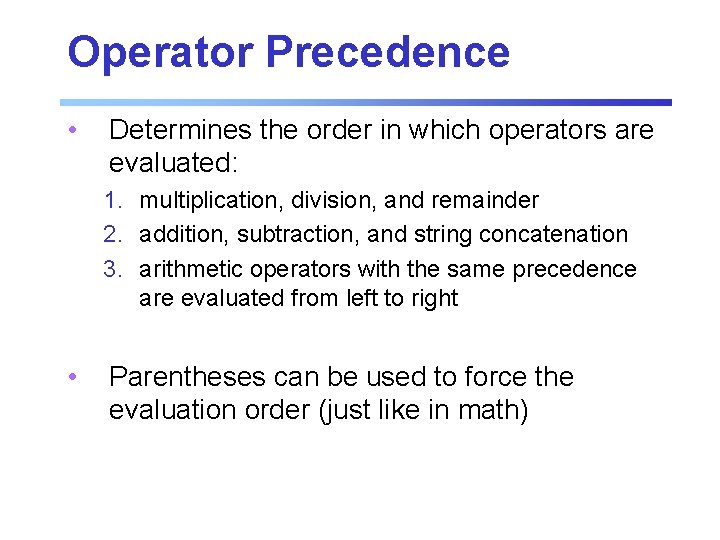
Operator Precedence • Determines the order in which operators are evaluated: 1. multiplication, division, and remainder 2. addition, subtraction, and string concatenation 3. arithmetic operators with the same precedence are evaluated from left to right • Parentheses can be used to force the evaluation order (just like in math)
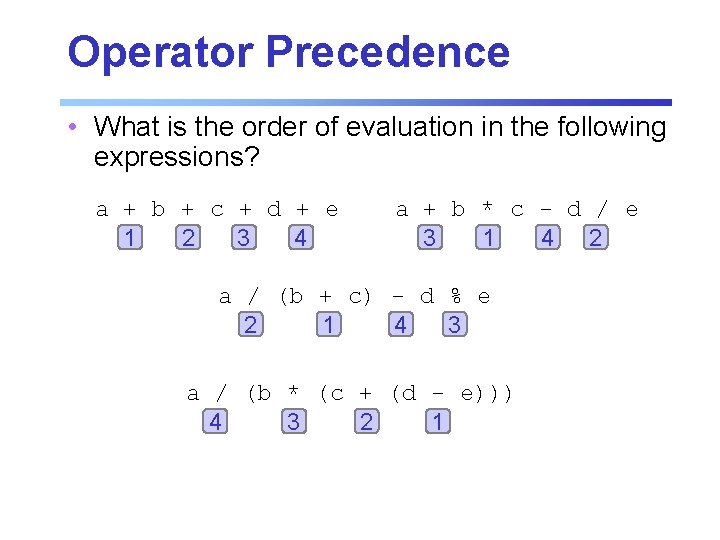
Operator Precedence • What is the order of evaluation in the following expressions? a + b + c + d + e 1 2 3 4 a + b * c - d / e 3 1 4 2 a / (b + c) - d % e 2 1 4 3 a / (b * (c + (d - e))) 4 3 2 1
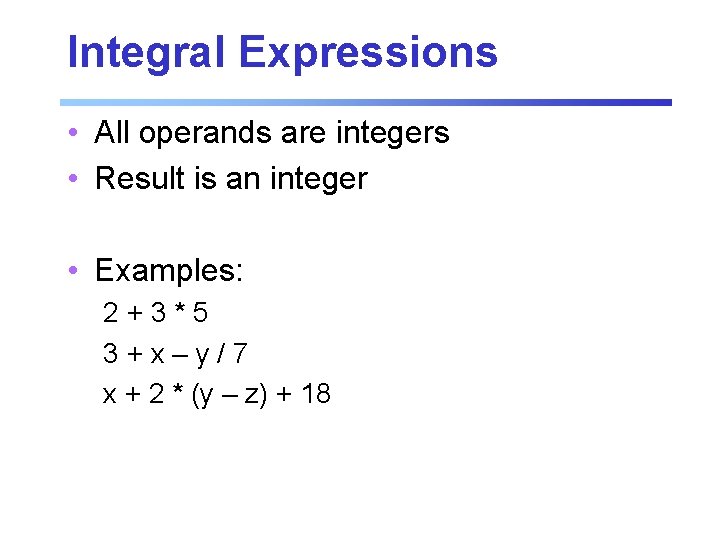
Integral Expressions • All operands are integers • Result is an integer • Examples: 2+3*5 3+x–y/7 x + 2 * (y – z) + 18
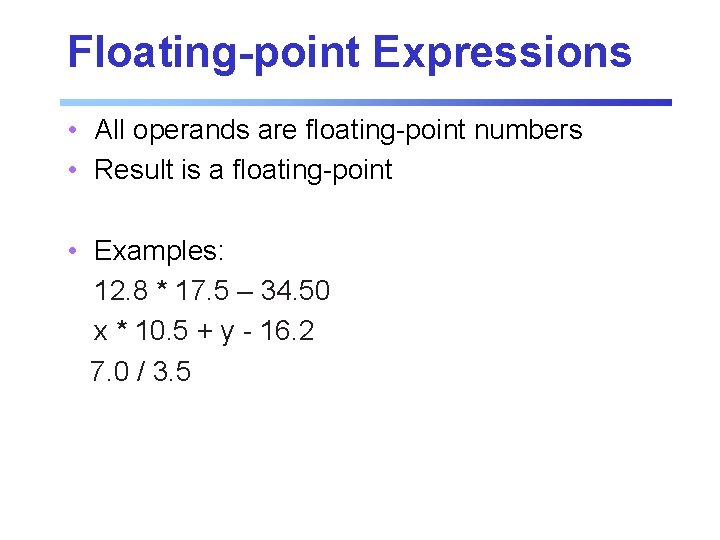
Floating-point Expressions • All operands are floating-point numbers • Result is a floating-point • Examples: 12. 8 * 17. 5 – 34. 50 x * 10. 5 + y - 16. 2 7. 0 / 3. 5
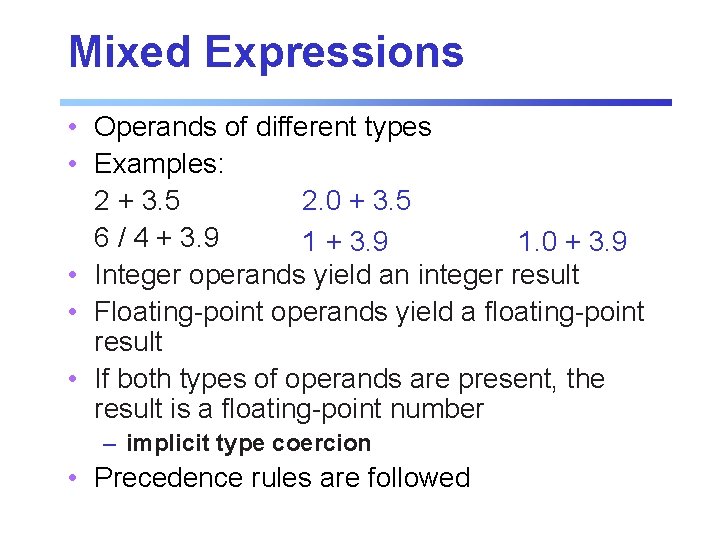
Mixed Expressions • Operands of different types • Examples: 2. 0 + 3. 5 2 + 3. 5 6 / 4 + 3. 9 1. 0 + 3. 9 • Integer operands yield an integer result • Floating-point operands yield a floating-point result • If both types of operands are present, the result is a floating-point number – implicit type coercion • Precedence rules are followed
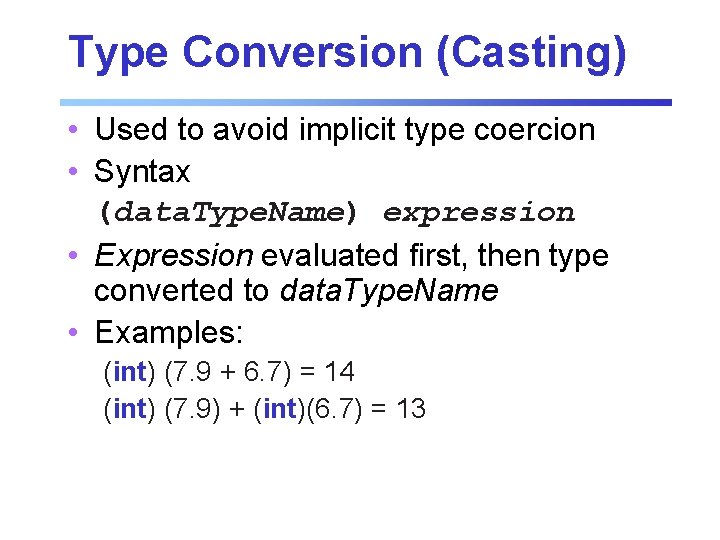
Type Conversion (Casting) • Used to avoid implicit type coercion • Syntax (data. Type. Name) expression • Expression evaluated first, then type converted to data. Type. Name • Examples: (int) (7. 9 + 6. 7) = 14 (int) (7. 9) + (int)(6. 7) = 13
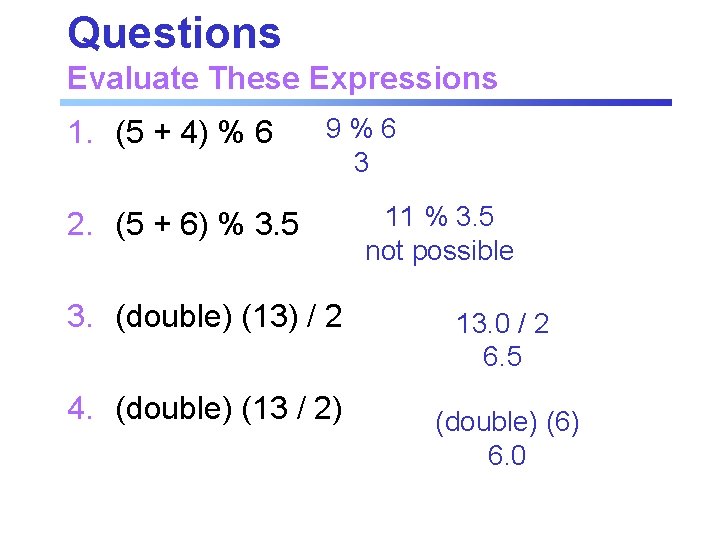
Questions Evaluate These Expressions 1. (5 + 4) % 6 9%6 3 2. (5 + 6) % 3. 5 3. (double) (13) / 2 4. (double) (13 / 2) 11 % 3. 5 not possible 13. 0 / 2 6. 5 (double) (6) 6. 0
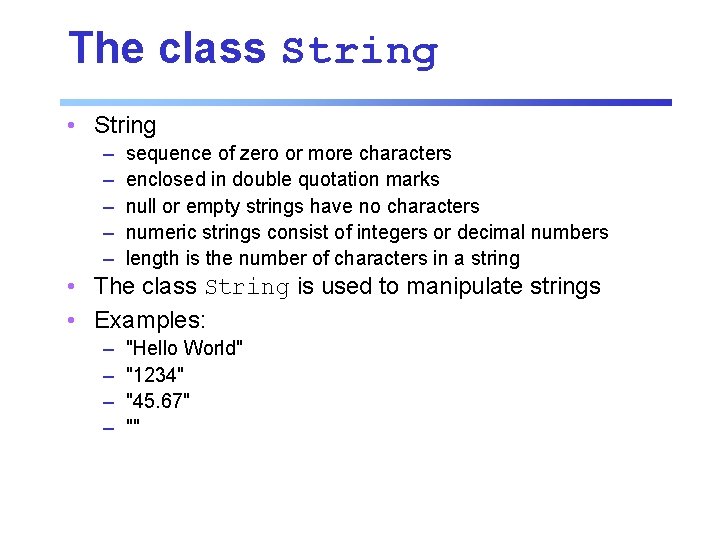
The class String • String – – – sequence of zero or more characters enclosed in double quotation marks null or empty strings have no characters numeric strings consist of integers or decimal numbers length is the number of characters in a string • The class String is used to manipulate strings • Examples: – – "Hello World" "1234" "45. 67" ""
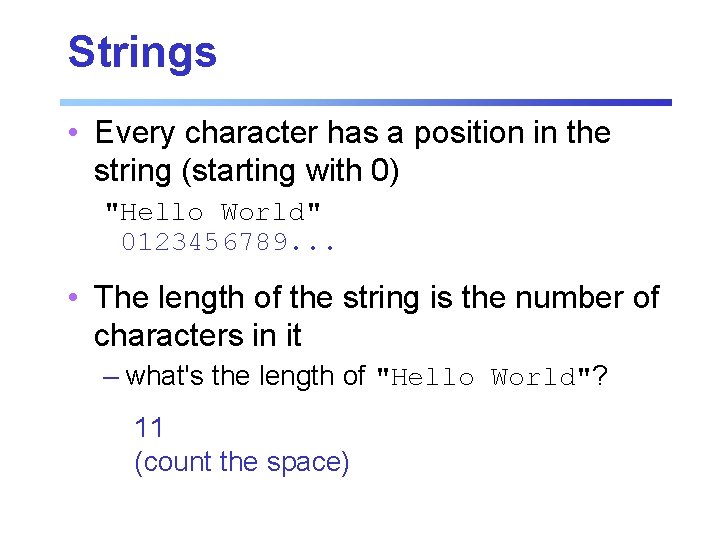
Strings • Every character has a position in the string (starting with 0) "Hello World" 0123456789. . . • The length of the string is the number of characters in it – what's the length of "Hello World"? 11 (count the space)
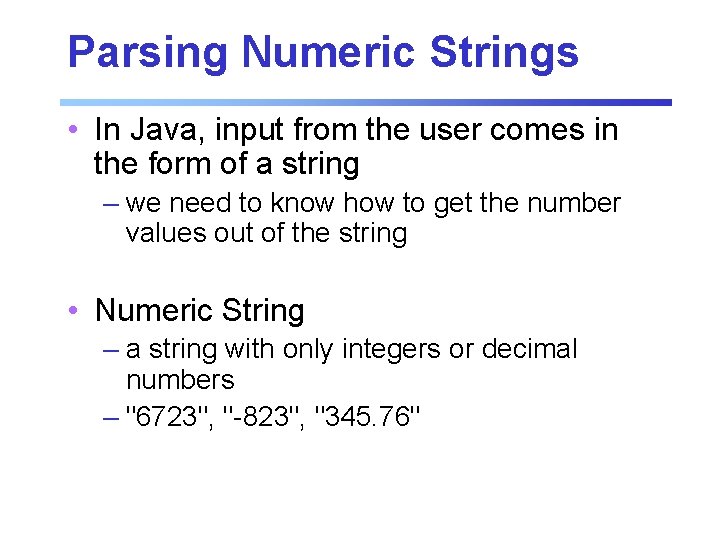
Parsing Numeric Strings • In Java, input from the user comes in the form of a string – we need to know how to get the number values out of the string • Numeric String – a string with only integers or decimal numbers – "6723", "-823", "345. 76"
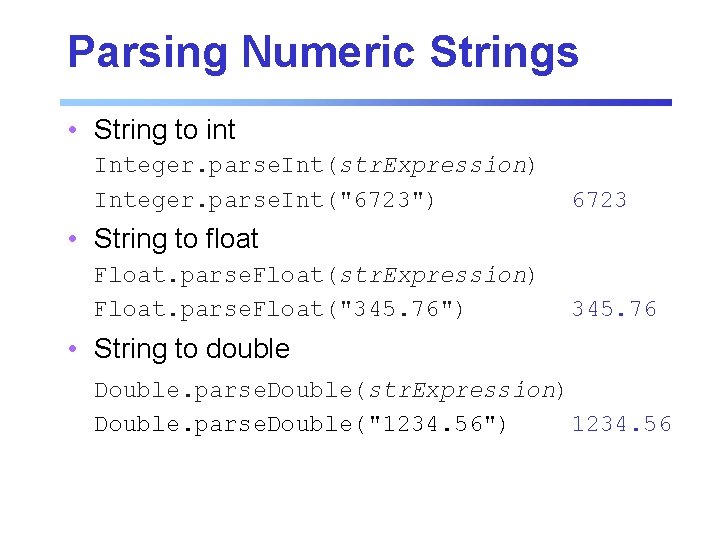
Parsing Numeric Strings • String to int Integer. parse. Int(str. Expression) Integer. parse. Int("6723") 6723 • String to float Float. parse. Float(str. Expression) Float. parse. Float("345. 76") 345. 76 • String to double Double. parse. Double(str. Expression) Double. parse. Double("1234. 56") 1234. 56
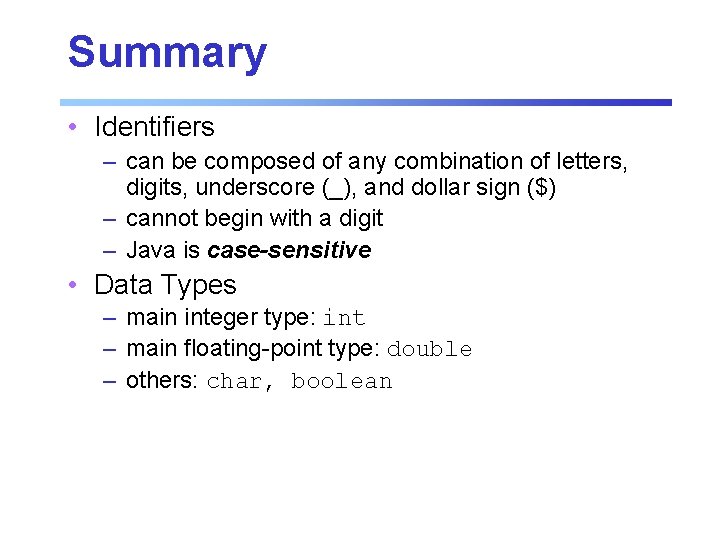
Summary • Identifiers – can be composed of any combination of letters, digits, underscore (_), and dollar sign ($) – cannot begin with a digit – Java is case-sensitive • Data Types – main integer type: int – main floating-point type: double – others: char, boolean
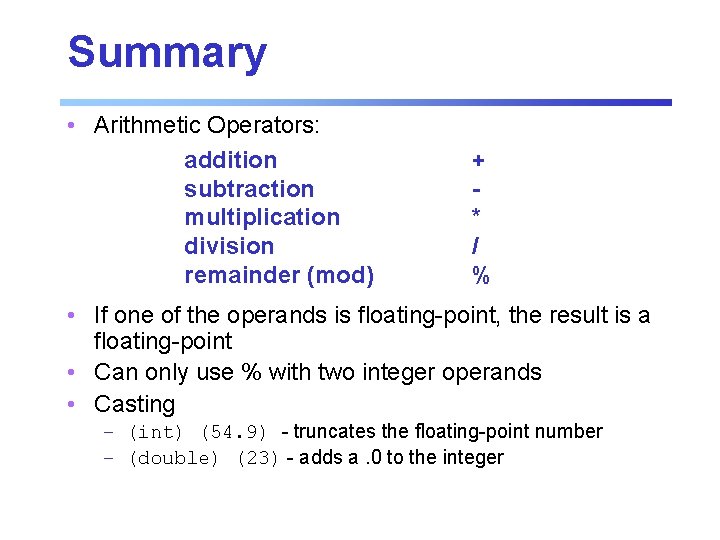
Summary • Arithmetic Operators: addition subtraction multiplication division remainder (mod) + * / % • If one of the operands is floating-point, the result is a floating-point • Can only use % with two integer operands • Casting – (int) (54. 9) - truncates the floating-point number – (double) (23) - adds a. 0 to the integer
Next Time in COMP 14 • Wednesday – input, variables, increment/decrement, Strings and '+' operator – HW 1 due at 11: 59 pm – Remember, you’re responsible for Ch. 2