Christopher Chapman MCT Content PM Microsoft Learning PDG
- Slides: 22
Christopher Chapman | MCT Content PM, Microsoft Learning, PDG Planning , Microsoft
Active Directory Federation Services (AD FS) Microsoft Virtual Academy
Module Overview • AD FS Deployment Scenarios • Configuring AD FS Components
Lesson 1: AD FS Overview • What Is Identity Federation? • What Are the Identity Federation Scenarios? • Benefits of Deploying AD FS
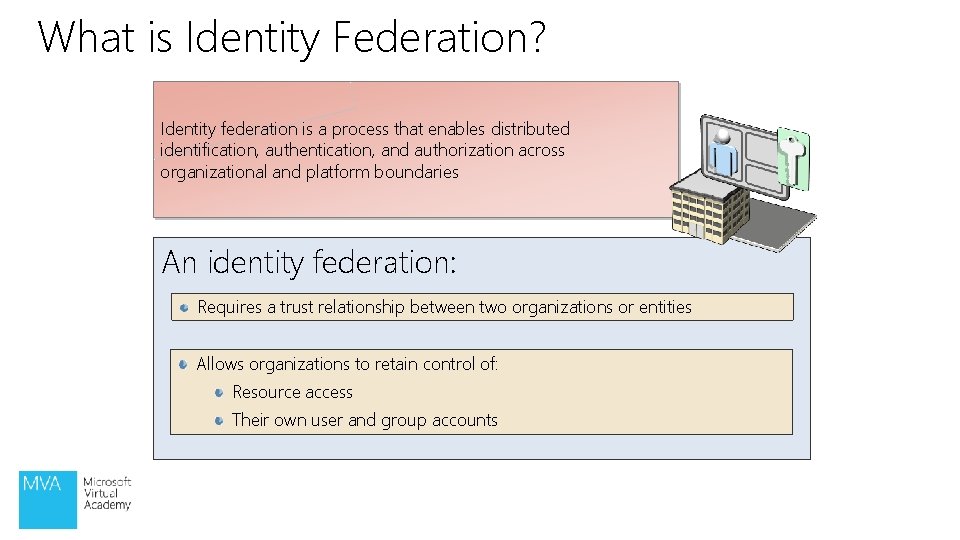
What is Identity Federation? Identity federation is a process that enables distributed identification, authentication, and authorization across organizational and platform boundaries An identity federation: Requires a trust relationship between two organizations or entities Allows organizations to retain control of: Resource access Their own user and group accounts
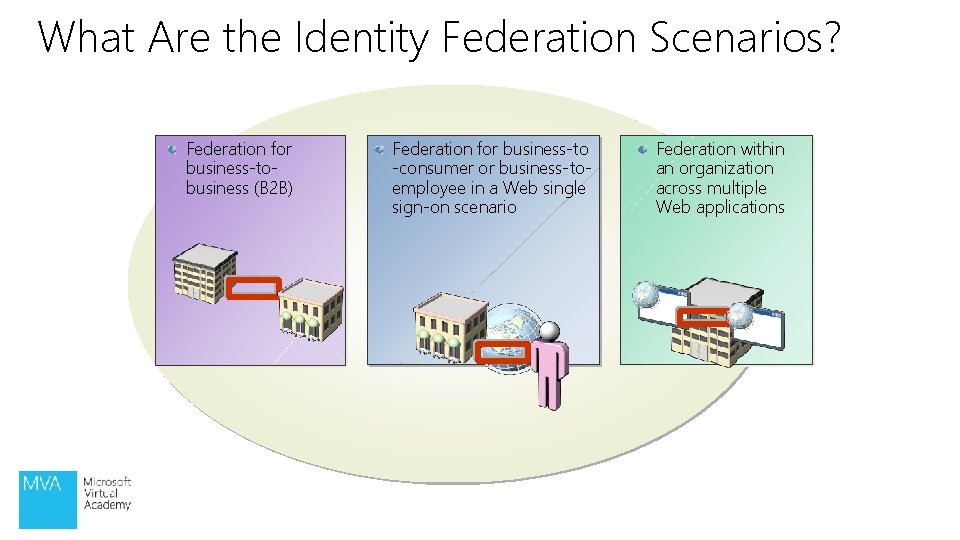
What Are the Identity Federation Scenarios? Federation for business-tobusiness (B 2 B) Federation for business-to -consumer or business-toemployee in a Web single sign-on scenario Federation within an organization across multiple Web applications
Benefits of Deploying AD FS provides the following benefits: Enables improved: Security and control over authentication Regulatory compliance Interoperability with heterogeneous systems Works with Active Directory Domain Services (AD DS) or Active Directory Lightweight Directory Services (AD LDS) Extends AD DS to the Internet
Demonstration: Installing AD FS • In this demonstration, you will see how to install the Active Directory Federation Services Server Role
Lesson 2: AD FS Deployment Scenarios • What Is a Federation Trust? • What Are the AD FS Components? • How AD FS Provides Identity Federation in a B 2 B Scenario • How AD FS Traffic Flows in a B 2 B Federation Scenario • How AD FS Provides Web Single Sign-On • Integrating AD FS and AD RMS
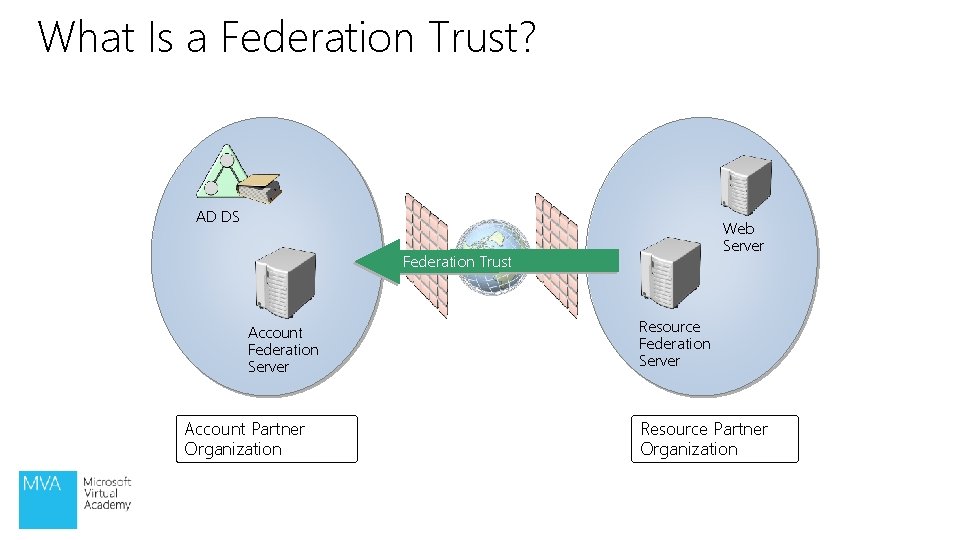
What Is a Federation Trust? AD DS Web Server Federation Trust Account Federation Server Account Partner Organization Resource Federation Server Resource Partner Organization
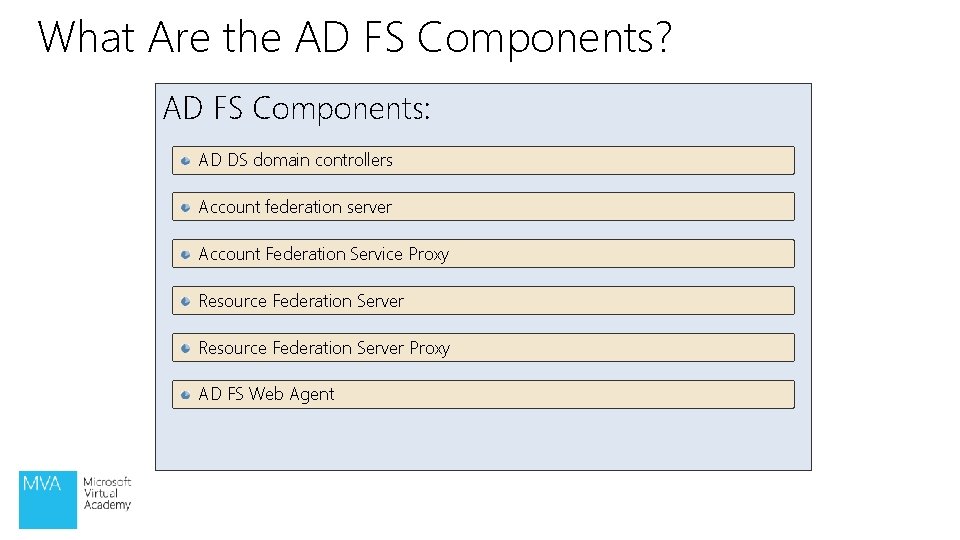
What Are the AD FS Components? AD FS Components: AD DS domain controllers Account federation server Account Federation Service Proxy Resource Federation Server Proxy AD FS Web Agent
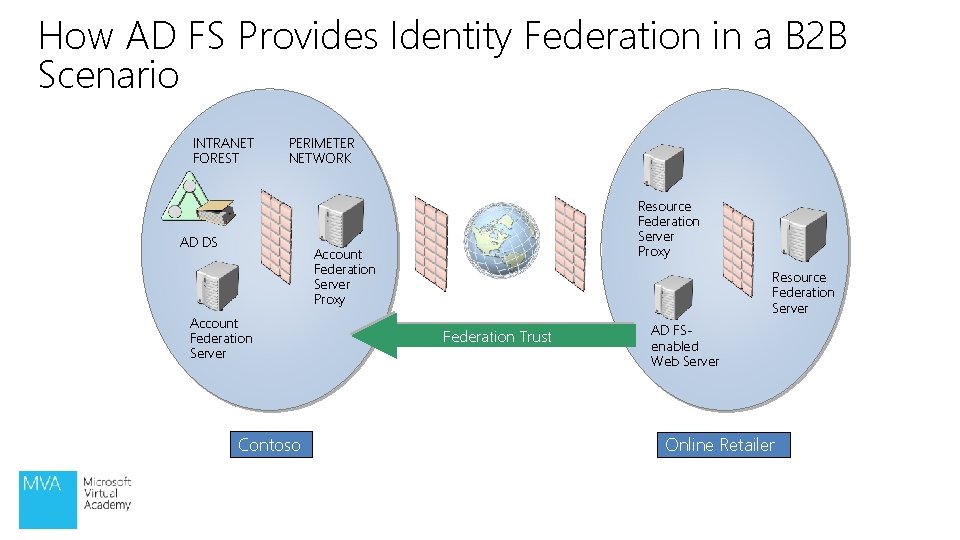
How AD FS Provides Identity Federation in a B 2 B Scenario INTRANET FOREST PERIMETER NETWORK AD DS Resource Federation Server Proxy Account Federation Server Contoso Resource Federation Server Federation Trust AD FSenabled Web Server Online Retailer
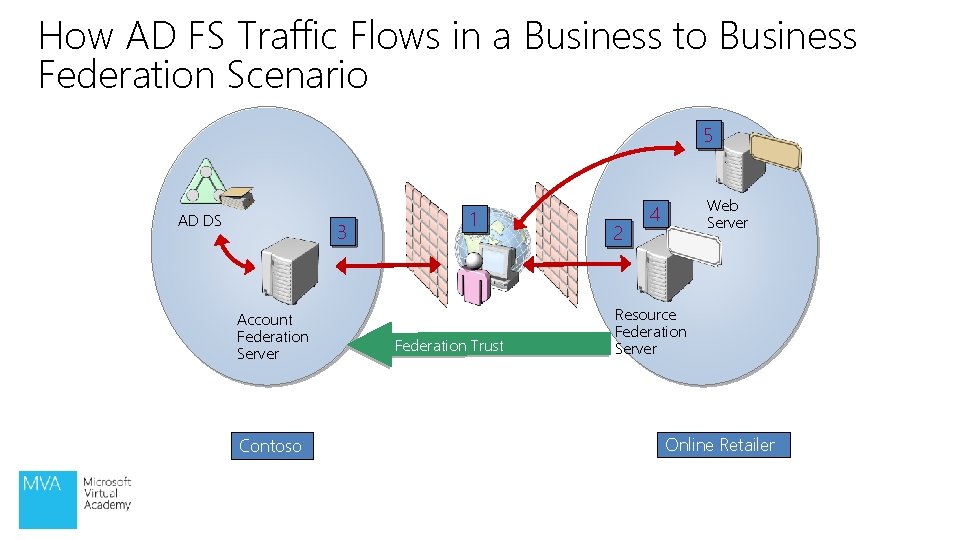
How AD FS Traffic Flows in a Business to Business Federation Scenario 5 AD DS 3 Account Federation Server Contoso 1 Federation Trust 2 Web Server 4 Resource Federation Server Online Retailer
Lesson 3: Configuring AD FS Components • Federation Service Configuration Options • What Are AD FS Trust Policies? • Demonstration: Configuring the Federation Services for an Account Partner • AD FS Web Proxy Agent Configuration Options • What Are AD FS Claims?
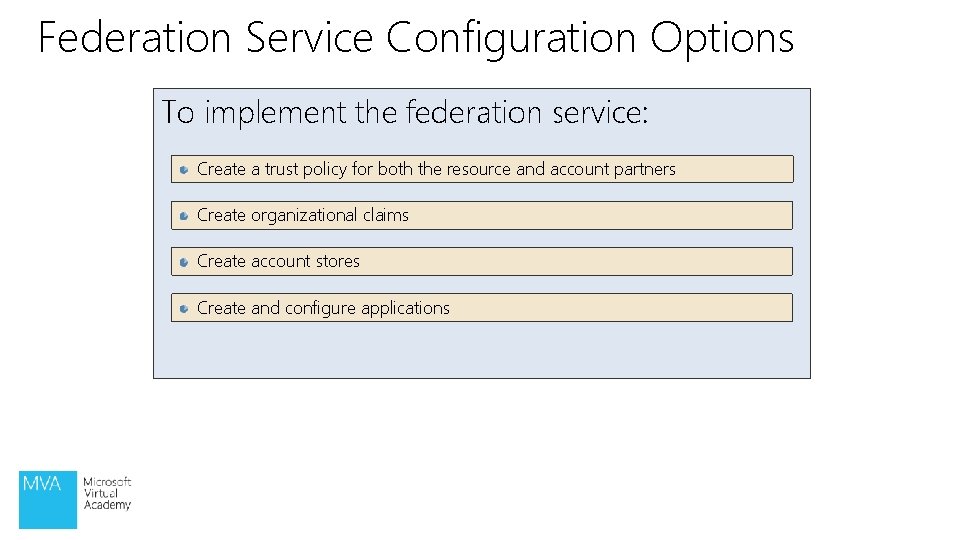
Federation Service Configuration Options To implement the federation service: Create a trust policy for both the resource and account partners Create organizational claims Create account stores Create and configure applications
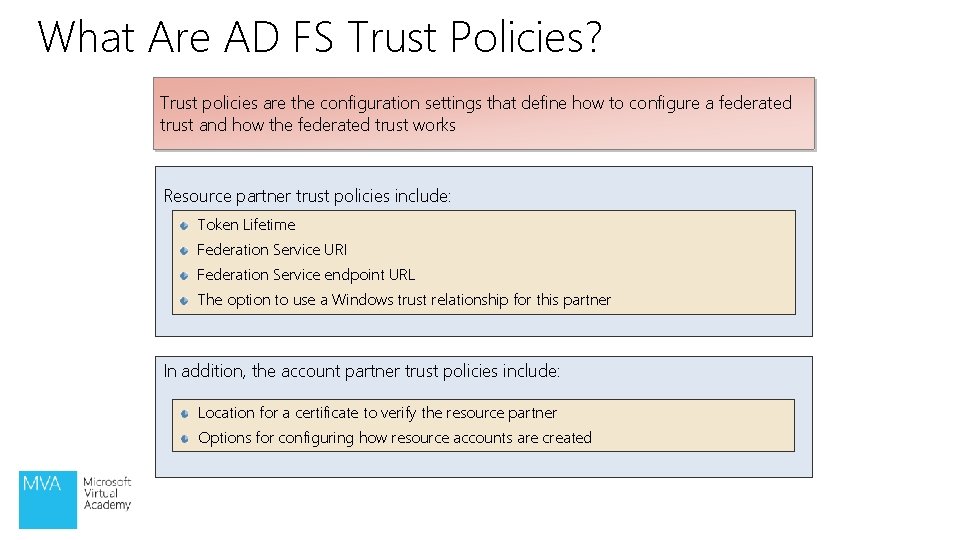
What Are AD FS Trust Policies? Trust policies are the configuration settings that define how to configure a federated trust and how the federated trust works Resource partner trust policies include: Token Lifetime Federation Service URI Federation Service endpoint URL The option to use a Windows trust relationship for this partner In addition, the account partner trust policies include: Location for a certificate to verify the resource partner Options for configuring how resource accounts are created
Demonstration: AD FS Initial Configuration • In this demonstration, you will see how run the AD FS Management Snap-In and run through the initial configuration steps.
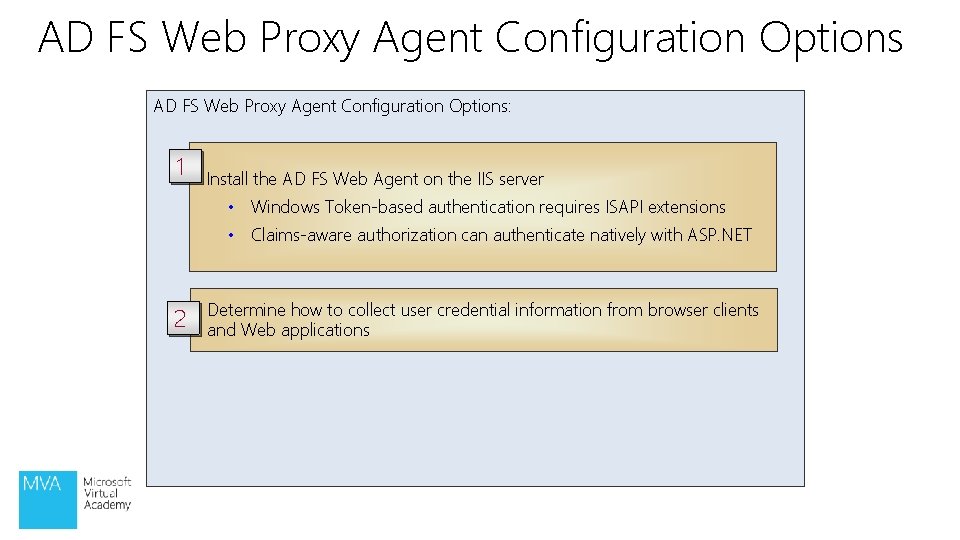
AD FS Web Proxy Agent Configuration Options: 1 Install the AD FS Web Agent on the IIS server • Windows Token-based authentication requires ISAPI extensions • Claims-aware authorization can authenticate natively with ASP. NET 2 Determine how to collect user credential information from browser clients and Web applications
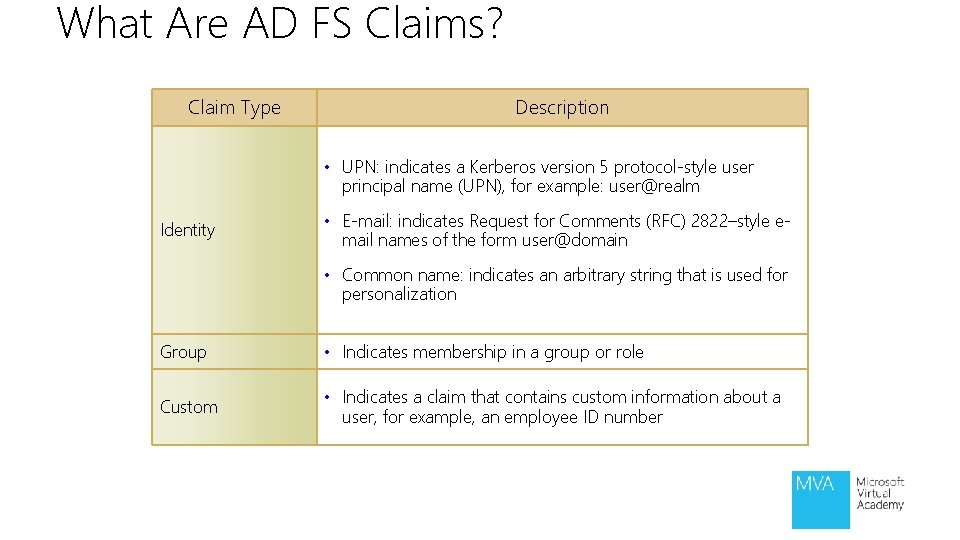
What Are AD FS Claims? Claim Type Description • UPN: indicates a Kerberos version 5 protocol-style user principal name (UPN), for example: user@realm Identity • E-mail: indicates Request for Comments (RFC) 2822–style email names of the form user@domain • Common name: indicates an arbitrary string that is used for personalization Group • Indicates membership in a group or role Custom • Indicates a claim that contains custom information about a user, for example, an employee ID number
Module Review and Takeaways • Review Questions • Summary of AD FS
Thanks for Watching!
© 2013 Microsoft Corporation. All rights reserved. Microsoft, Windows, Office, Azure, System Center, Dynamics and other product names are or may be registered trademarks and/or trademarks in the U. S. and/or other countries. The information herein is for informational purposes only and represents the current view of Microsoft Corporation as of the date of this presentation. Because Microsoft must respond to changing market conditions, it should not be interpreted to be a commitment on the part of Microsoft, and Microsoft cannot guarantee the accuracy of any information provided after the date of this presentation. MICROSOFT MAKES NO WARRANTIES, EXPRESS, IMPLIED OR STATUTORY, AS TO THE INFORMATION IN THIS PRESENTATION.