
Susan Ibach Microsoft Technical Evangelist Christopher Harrison Microsoft
Susan Ibach | Microsoft Technical Evangelist Christopher Harrison | Microsoft Certified Trainer
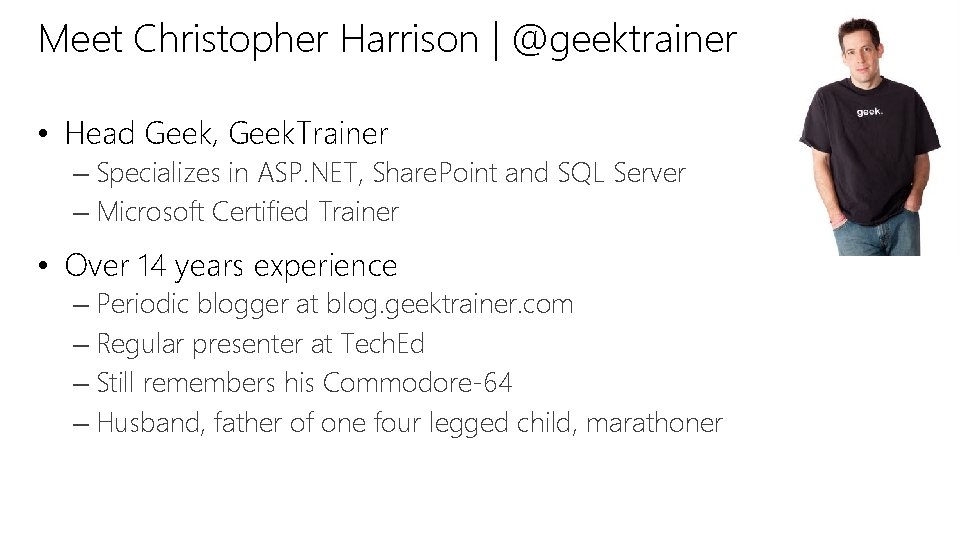
Meet Christopher Harrison | @geektrainer • Head Geek, Geek. Trainer – Specializes in ASP. NET, Share. Point and SQL Server – Microsoft Certified Trainer • Over 14 years experience – Periodic blogger at blog. geektrainer. com – Regular presenter at Tech. Ed – Still remembers his Commodore-64 – Husband, father of one four legged child, marathoner
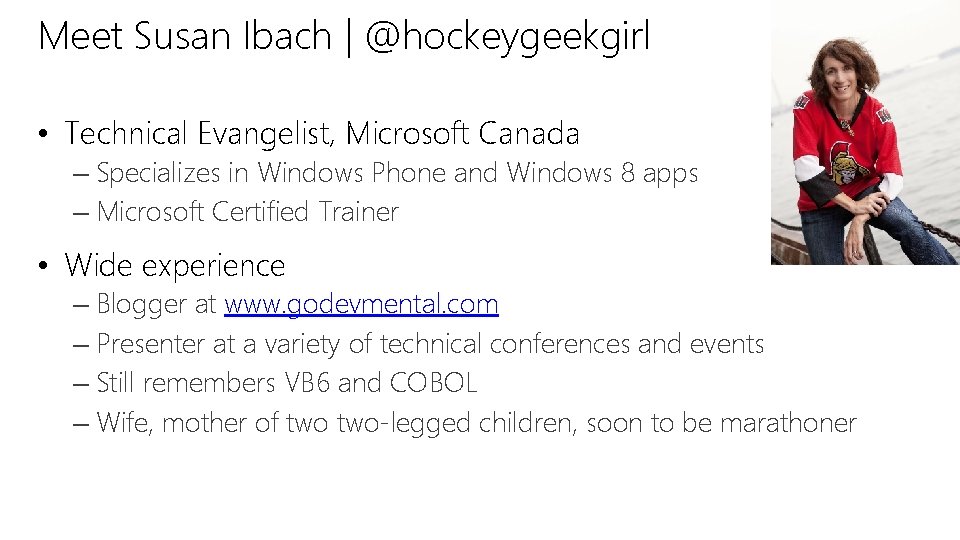
Meet Susan Ibach | @hockeygeekgirl • Technical Evangelist, Microsoft Canada – Specializes in Windows Phone and Windows 8 apps – Microsoft Certified Trainer • Wide experience – Blogger at www. godevmental. com – Presenter at a variety of technical conferences and events – Still remembers VB 6 and COBOL – Wife, mother of two-legged children, soon to be marathoner
Course Topics What’s New in Visual Studio 2013 01 | New features in the integrated developer environment (regardless of target platform and selected languages) 02 | New Features for web developers 03 | Application lifecycle management 04 | New features for app developers

Setting Expectations • Target Audience – Experience with Visual Studio – Want to learn what’s in Visual Studio 2013 for you! • Additional Material – Visual Studio 2013 Launch recordings on Channel 9 – MSDN Visual Studio 2013 Documentation – Visual Studio Team blogs
Join the MVA Community! • Microsoft Virtual Academy – Free online learning tailored for IT Pros and Developers – Over 1 M registered users – Up-to-date, relevant training on variety of Microsoft products • “Earn while you learn!” – Get 50 MVA Points for this event! – Visit http: //aka. ms/MVA-Voucher – Enter this code: New. VS 2013 (expires 1/11/2014)

01| What’s new in the IDE Susan Ibach| Technical Evangelist Christopher Harrison | Head Geek
Module Overview • Demo a cool new feature • Demo another cool new feature • Repeat until we run out of time

DEMO Roaming settings
DEMO Themes
Related Resources Visual Studio 2013 Color schemes and editor • http: //visualstudiogallery. msdn. microsoft. com/9 e 08 e 5 d 3 -6 eb 44 e 73 -a 045 -6 ea 2 a 5 cbdabe
DEMO Scrollbar Map Mode
Related Resources • Scrollbar map mode http: //blogs. msdn. com/b/visualstudiouk/archive/2013/08/13/visu al-studio-2013 -enhanced-scrollbar. aspx
DEMO Notification Center and Quick Launch
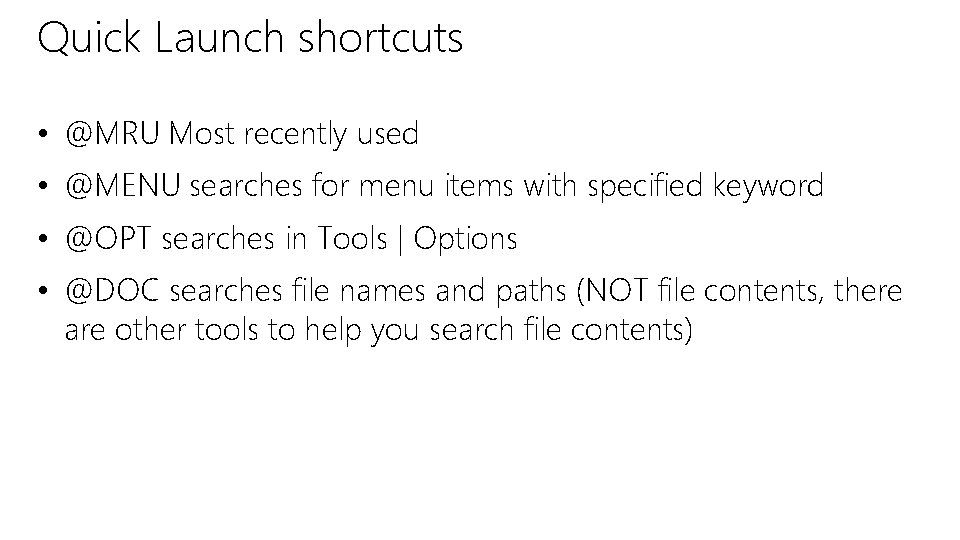
Quick Launch shortcuts • @MRU Most recently used • @MENU searches for menu items with specified keyword • @OPT searches in Tools | Options • @DOC searches file names and paths (NOT file contents, there are other tools to help you search file contents)
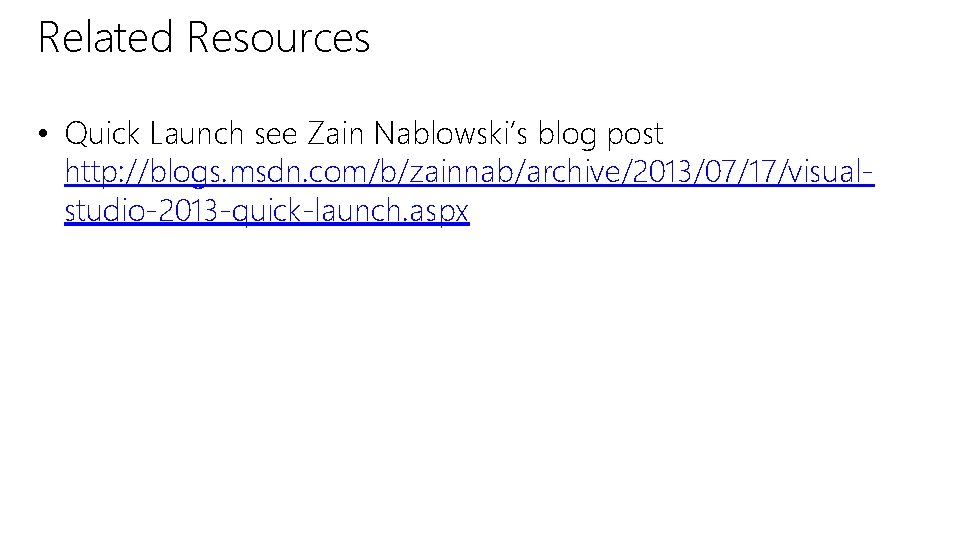
Related Resources • Quick Launch see Zain Nablowski’s blog post http: //blogs. msdn. com/b/zainnab/archive/2013/07/17/visualstudio-2013 -quick-launch. aspx
DEMO Asynchronous loading and builds
DEMO Code Peek and References
DEMO Code map debugging
DEMO Auto brace completion
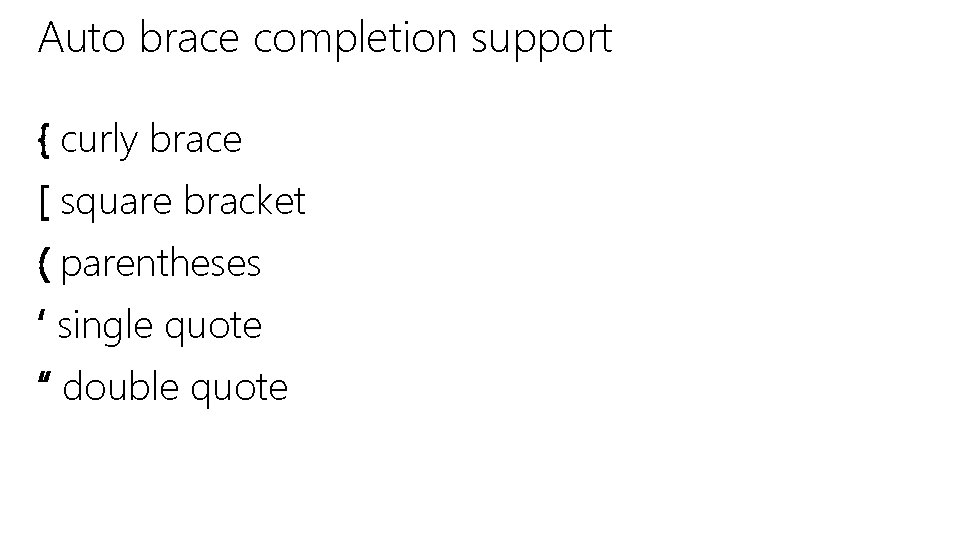
Auto brace completion support { curly brace [ square bracket ( parentheses ‘ single quote “ double quote
DEMO Performance and Diagnostics Hub
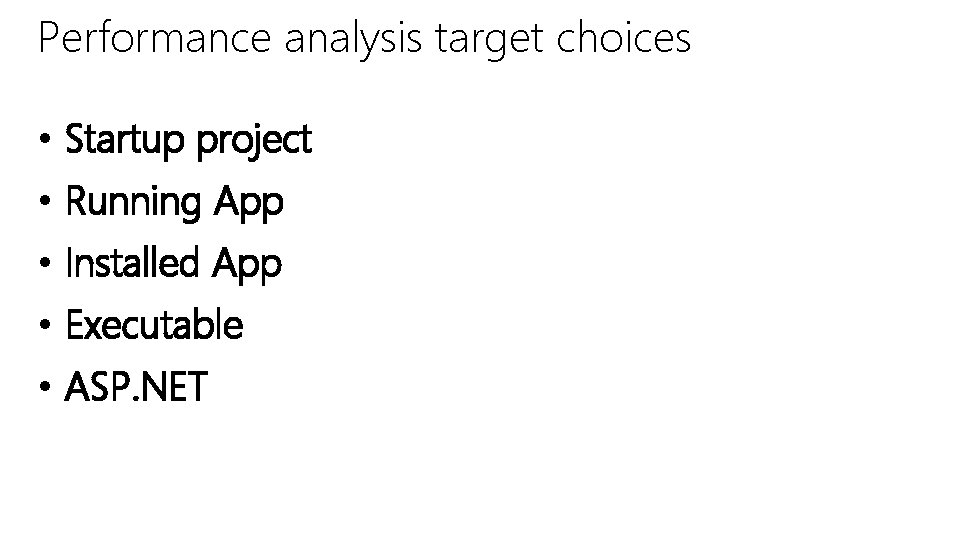
Performance analysis target choices • Startup project • Running App • Installed App • Executable • ASP. NET
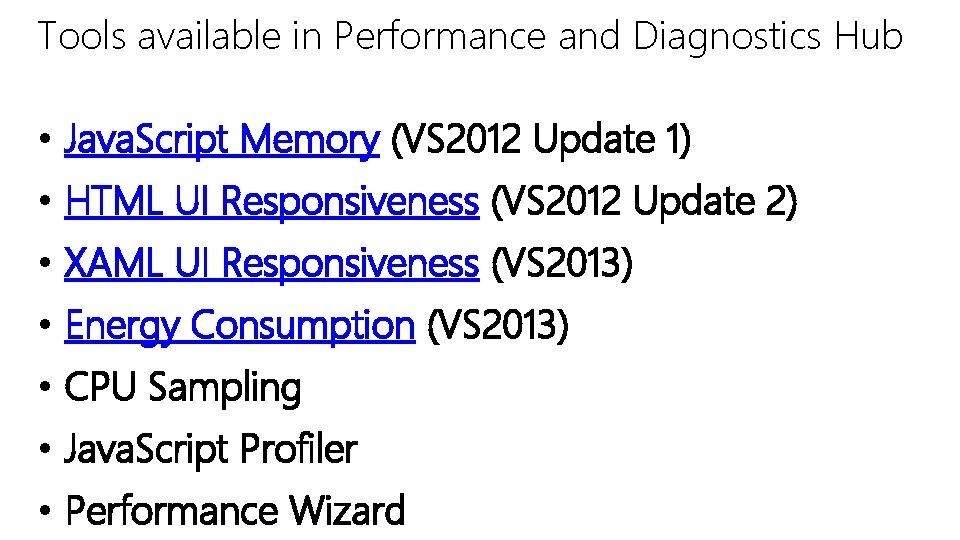
Tools available in Performance and Diagnostics Hub • Java. Script Memory (VS 2012 Update 1) • HTML UI Responsiveness (VS 2012 Update 2) • XAML UI Responsiveness (VS 2013) • Energy Consumption (VS 2013) • CPU Sampling • Java. Script Profiler • Performance Wizard
DEMO Code Lens
DEMO Edit and Continue
DEMO Method return value inspection
Where did we find all those keyboard shortcuts? • Visual Studio Shortcut Keys http: //msdn. microsoft. com/enus/library/vstudio/dn 320181(v=vs. 120). aspx
Where can I get Visual Studio 2013? • MSDN subscribers can download • Startup companies may qualify for MSDN through Biz. Spark www. Microsoft. com/bizspark • Students can access through Dreamspark www. dreamspark. com • Anyone can download Express or Trial versions at http: //www. visualstudio. com/downloads • Visual Studio Online – free for up to 5 users www. visualstudio. com/vsonline
© 2013 Microsoft Corporation. All rights reserved. Microsoft, Windows, Office, Azure, System Center, Dynamics and other product names are or may be registered trademarks and/or trademarks in the U. S. and/or other countries. The information herein is for informational purposes only and represents the current view of Microsoft Corporation as of the date of this presentation. Because Microsoft must respond to changing market conditions, it should not be interpreted to be a commitment on the part of Microsoft, and Microsoft cannot guarantee the accuracy of any information provided after the date of this presentation. MICROSOFT MAKES NO WARRANTIES, EXPRESS, IMPLIED OR STATUTORY, AS TO THE INFORMATION IN THIS PRESENTATION.
- Slides: 36