Chapter 2 Elementary Programming Shahriar Hossain 1 Quiz
- Slides: 25
Chapter 2: Elementary Programming Shahriar Hossain 1
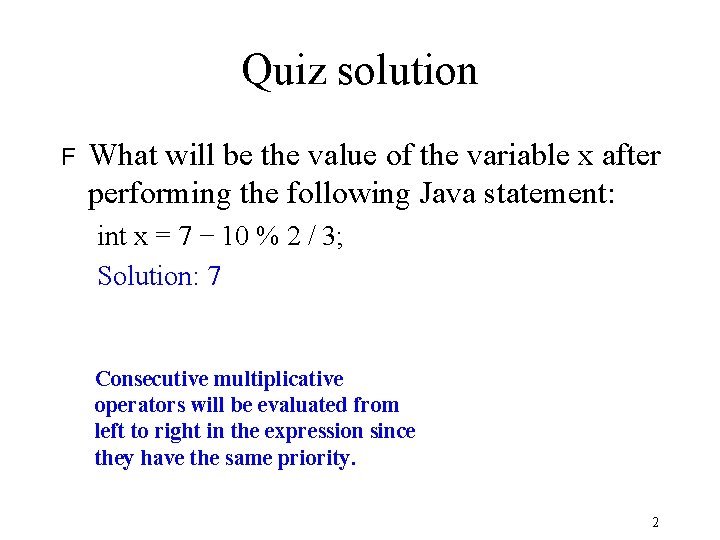
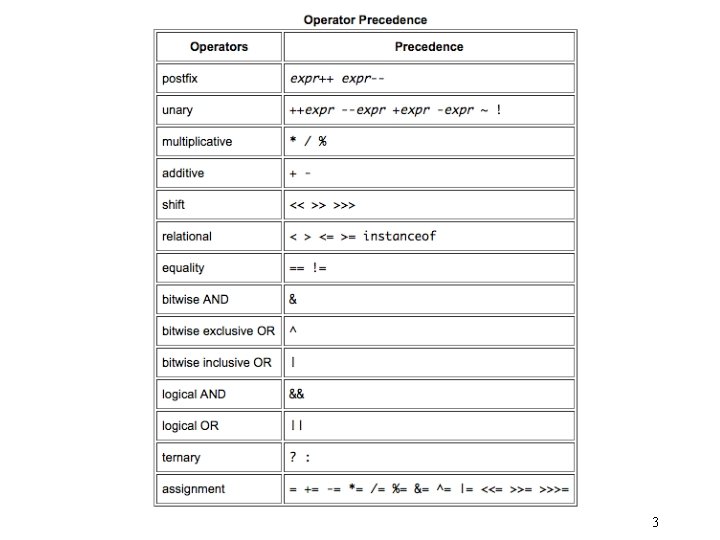
Quiz solution F What will be the value of the variable x after performing the following Java statement: int x = 7 − 10 % 2 / 3; Solution: 7 Consecutive multiplicative operators will be evaluated from left to right in the expression since they have the same priority. 2
3
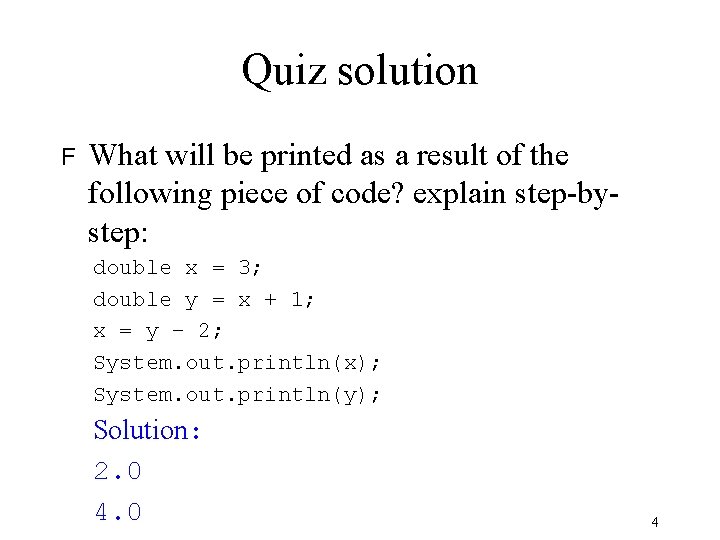
Quiz solution F What will be printed as a result of the following piece of code? explain step-bystep: double x = 3; double y = x + 1; x = y − 2; System. out. println(x); System. out. println(y); Solution: 2. 0 4
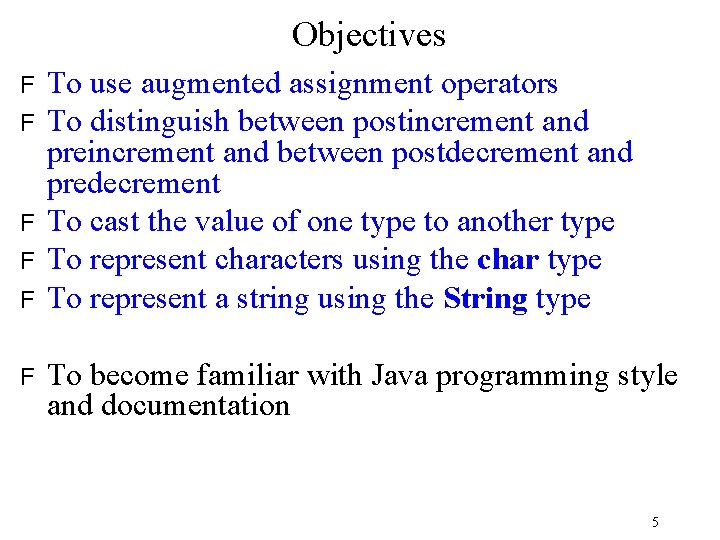
Objectives F F F To use augmented assignment operators To distinguish between postincrement and preincrement and between postdecrement and predecrement To cast the value of one type to another type To represent characters using the char type To represent a string using the String type To become familiar with Java programming style and documentation 5
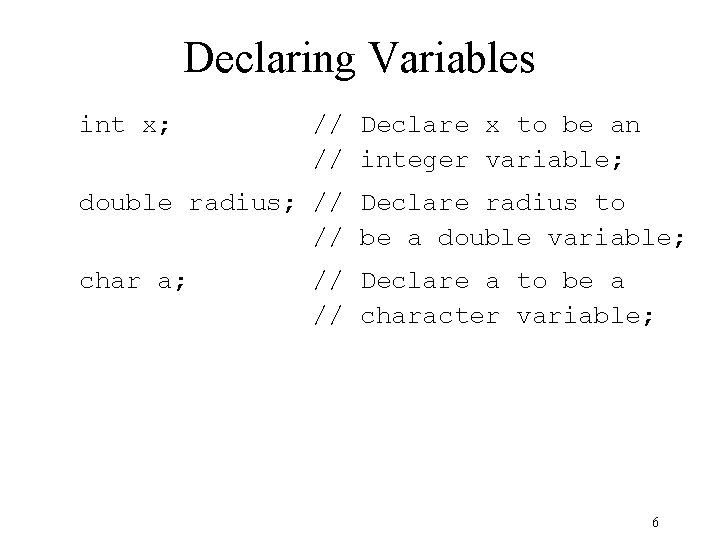
Declaring Variables int x; // Declare x to be an // integer variable; double radius; // Declare radius to // be a double variable; char a; // Declare a to be a // character variable; 6
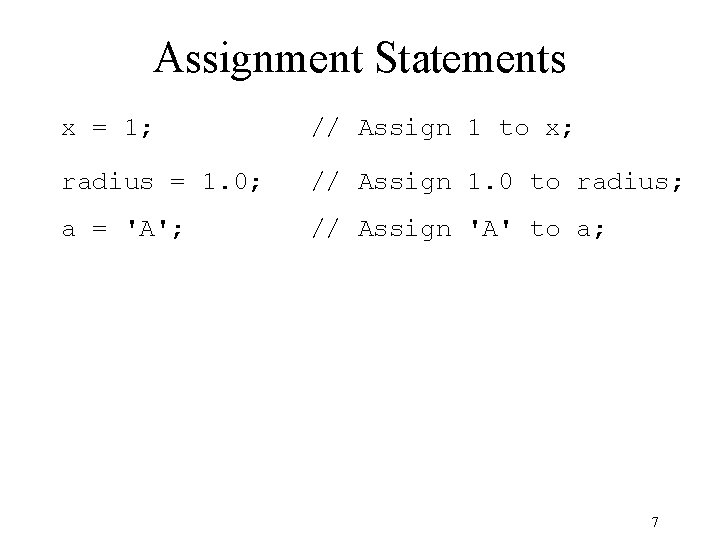
Assignment Statements x = 1; // Assign 1 to x; radius = 1. 0; // Assign 1. 0 to radius; a = 'A'; // Assign 'A' to a; 7
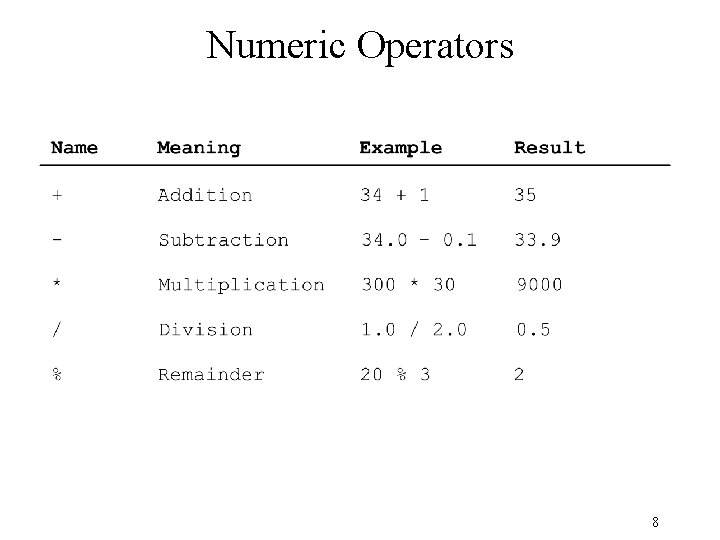
Numeric Operators 8
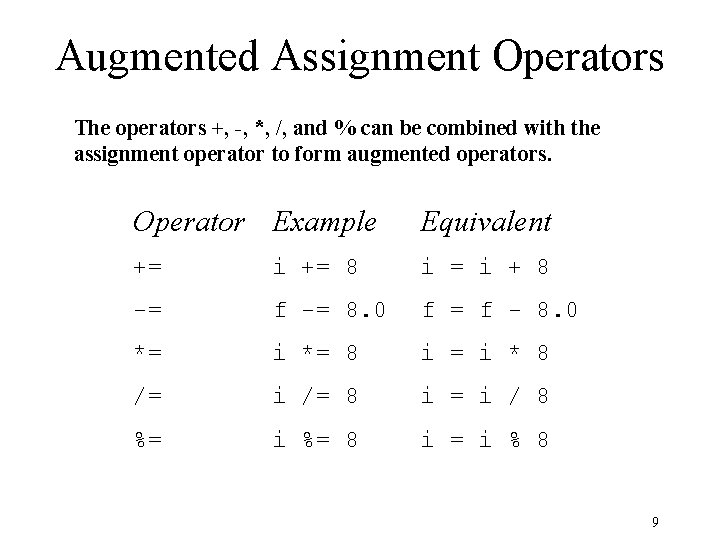
Augmented Assignment Operators The operators +, -, *, /, and % can be combined with the assignment operator to form augmented operators. Operator Example Equivalent += i += 8 i = i + 8 -= f -= 8. 0 f = f - 8. 0 *= i *= 8 i = i * 8 /= i /= 8 i = i / 8 %= i %= 8 i = i % 8 9
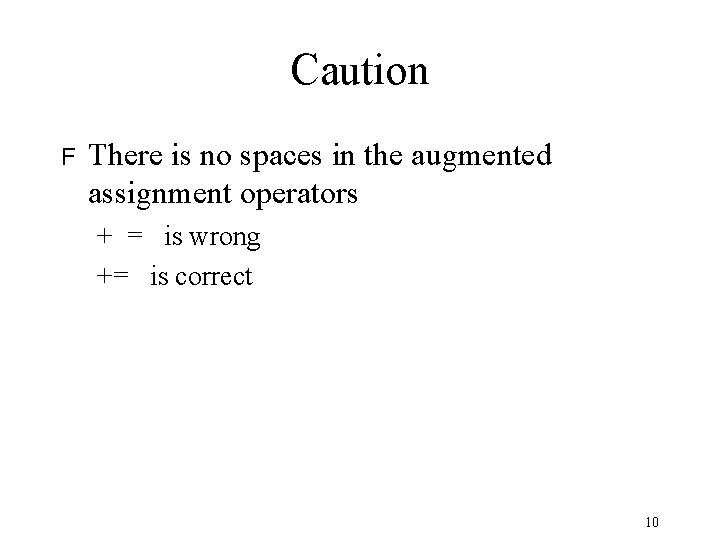
Caution F There is no spaces in the augmented assignment operators + = is wrong += is correct 10
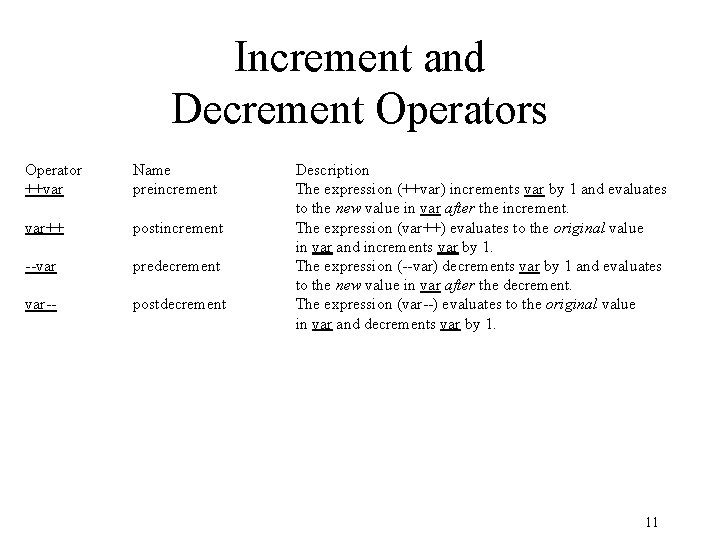
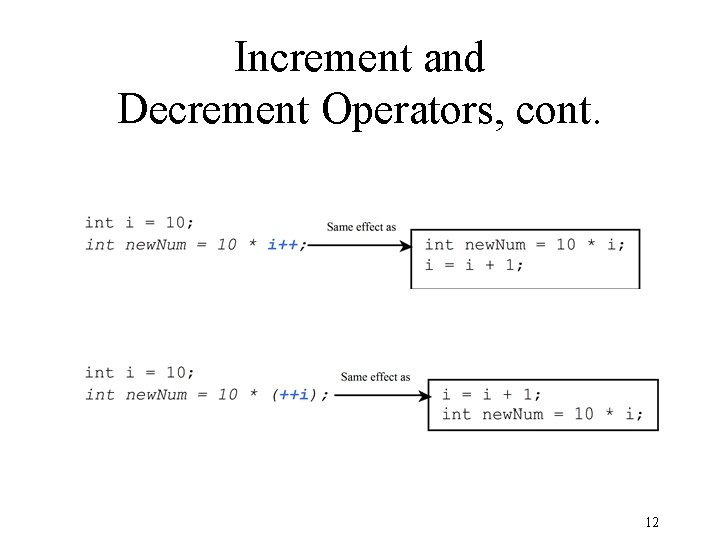
Increment and Decrement Operators Operator ++var Name preincrement var++ postincrement --var predecrement var-- postdecrement Description The expression (++var) increments var by 1 and evaluates to the new value in var after the increment. The expression (var++) evaluates to the original value in var and increments var by 1. The expression (--var) decrements var by 1 and evaluates to the new value in var after the decrement. The expression (var--) evaluates to the original value in var and decrements var by 1. 11
Increment and Decrement Operators, cont. 12
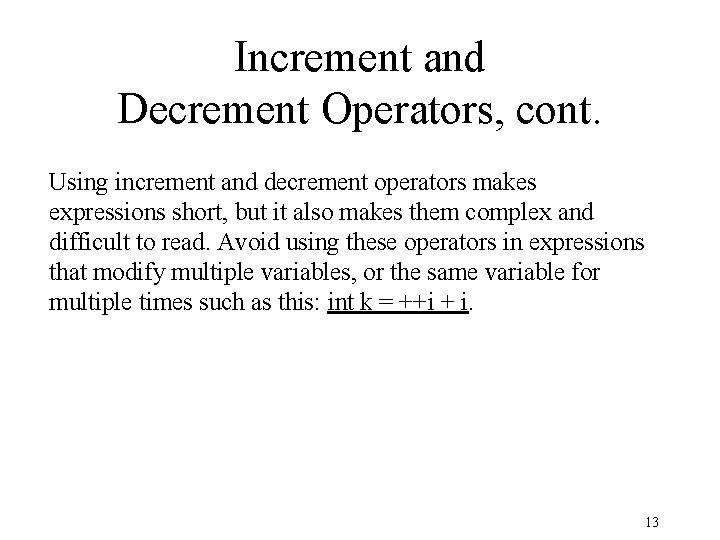
Increment and Decrement Operators, cont. Using increment and decrement operators makes expressions short, but it also makes them complex and difficult to read. Avoid using these operators in expressions that modify multiple variables, or the same variable for multiple times such as this: int k = ++i + i. 13
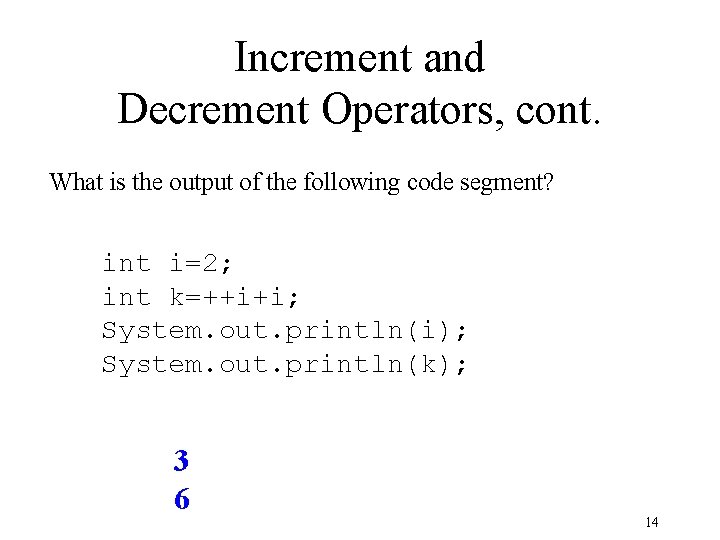
Increment and Decrement Operators, cont. What is the output of the following code segment? int i=2; int k=++i+i; System. out. println(i); System. out. println(k); 3 6 14
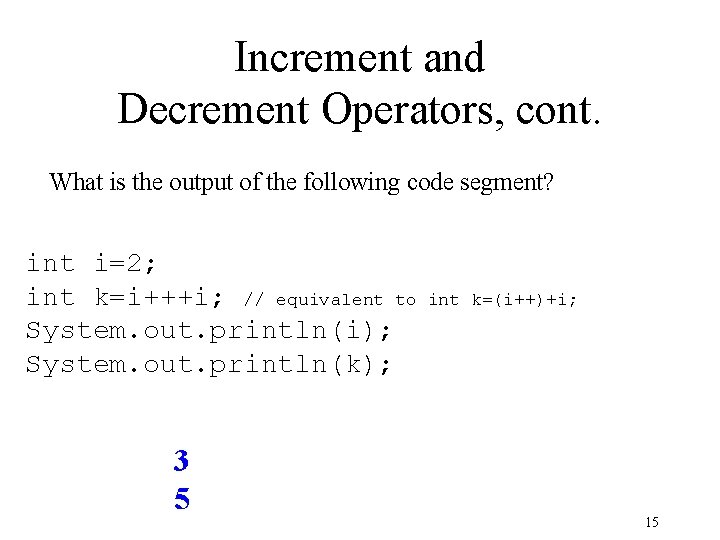
Increment and Decrement Operators, cont. What is the output of the following code segment? int i=2; int k=i+++i; // equivalent to System. out. println(i); System. out. println(k); 3 5 int k=(i++)+i; 15
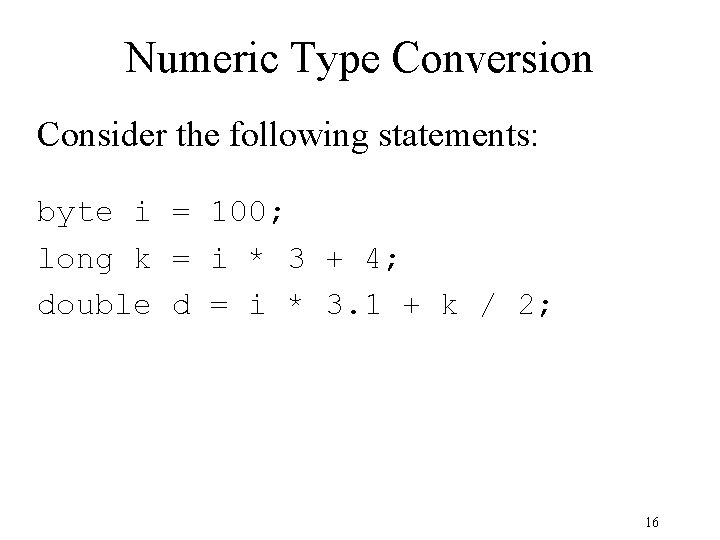
Numeric Type Conversion Consider the following statements: byte i = 100; long k = i * 3 + 4; double d = i * 3. 1 + k / 2; 16
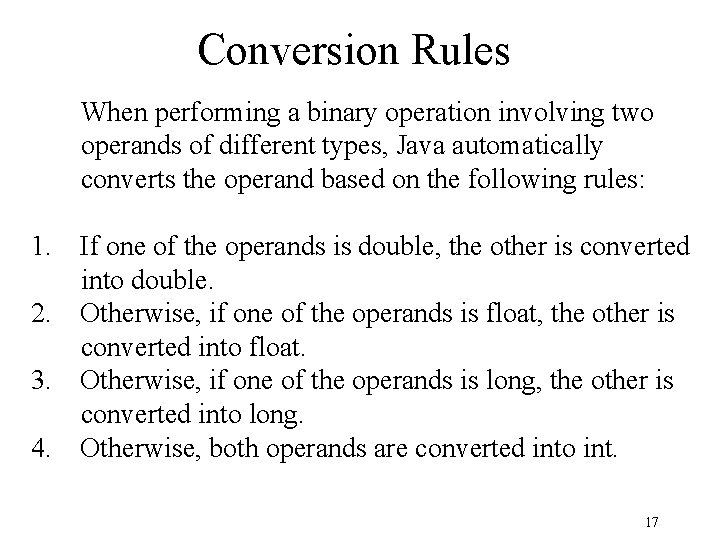
Conversion Rules When performing a binary operation involving two operands of different types, Java automatically converts the operand based on the following rules: 1. If one of the operands is double, the other is converted into double. 2. Otherwise, if one of the operands is float, the other is converted into float. 3. Otherwise, if one of the operands is long, the other is converted into long. 4. Otherwise, both operands are converted into int. 17
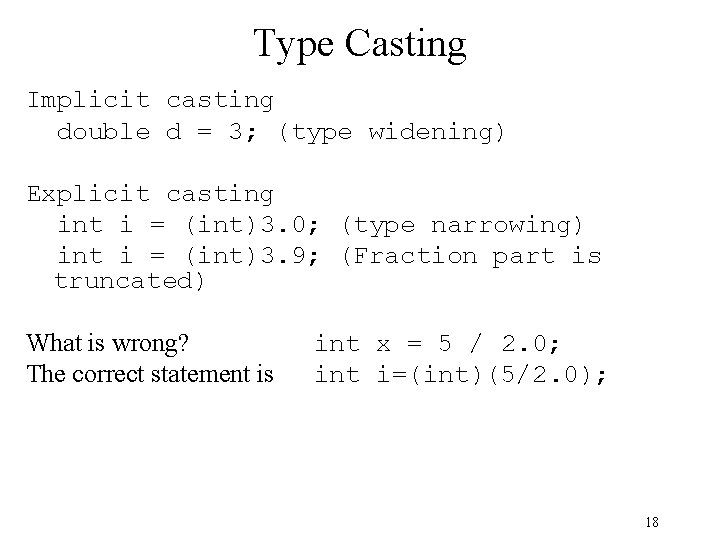
Type Casting Implicit casting double d = 3; (type widening) Explicit casting int i = (int)3. 0; (type narrowing) int i = (int)3. 9; (Fraction part is truncated) What is wrong? int x = 5 / 2. 0; The correct statement is int i=(int)(5/2. 0); 18
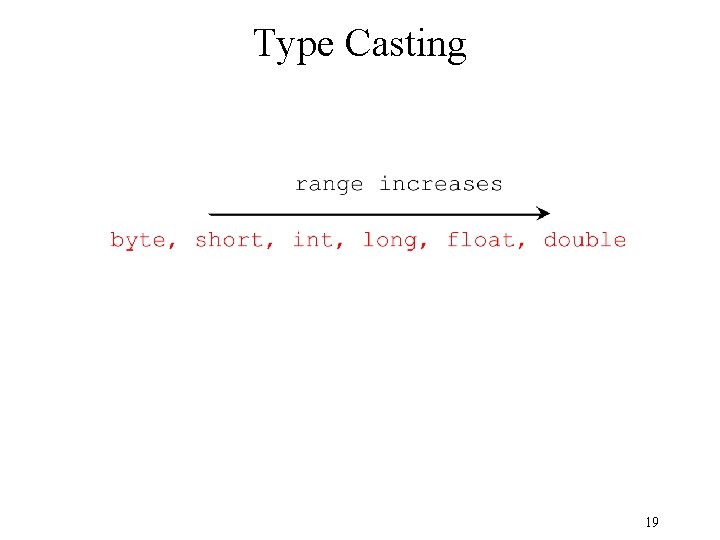
Type Casting 19
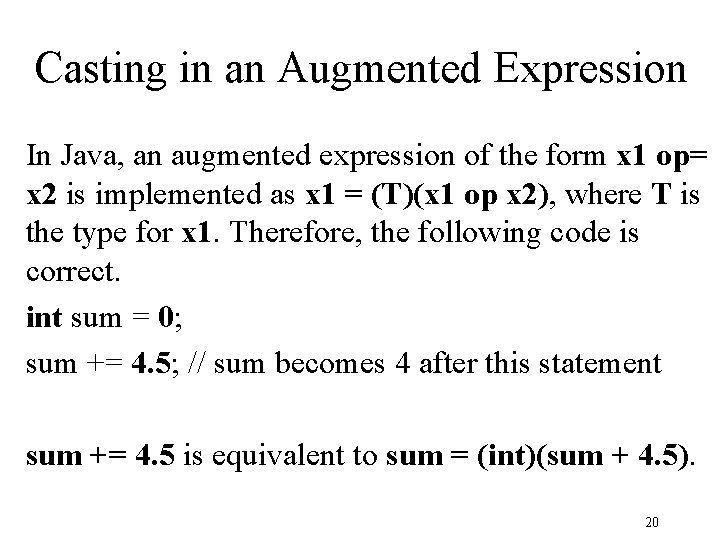
Casting in an Augmented Expression In Java, an augmented expression of the form x 1 op= x 2 is implemented as x 1 = (T)(x 1 op x 2), where T is the type for x 1. Therefore, the following code is correct. int sum = 0; sum += 4. 5; // sum becomes 4 after this statement sum += 4. 5 is equivalent to sum = (int)(sum + 4. 5). 20
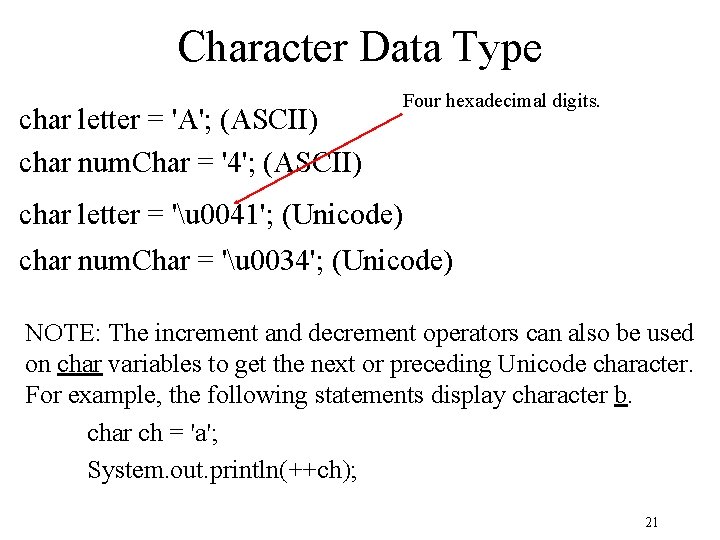
Character Data Type char letter = 'A'; (ASCII) char num. Char = '4'; (ASCII) Four hexadecimal digits. char letter = 'u 0041'; (Unicode) char num. Char = 'u 0034'; (Unicode) NOTE: The increment and decrement operators can also be used on char variables to get the next or preceding Unicode character. For example, the following statements display character b. char ch = 'a'; System. out. println(++ch); 21
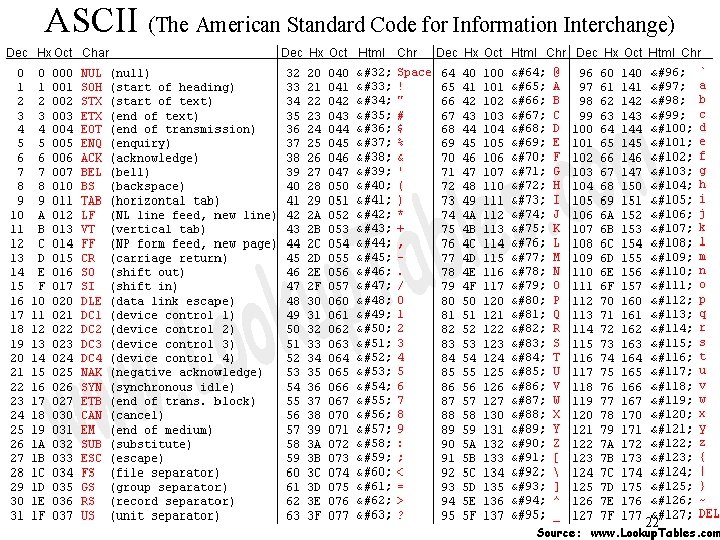
ASCII (The American Standard Code for Information Interchange) 22
Unicode F F An encoding scheme established by the Unicode Consortium Originally 16 -bit but there are supplementary characters beyond the 16 -bit limit 23
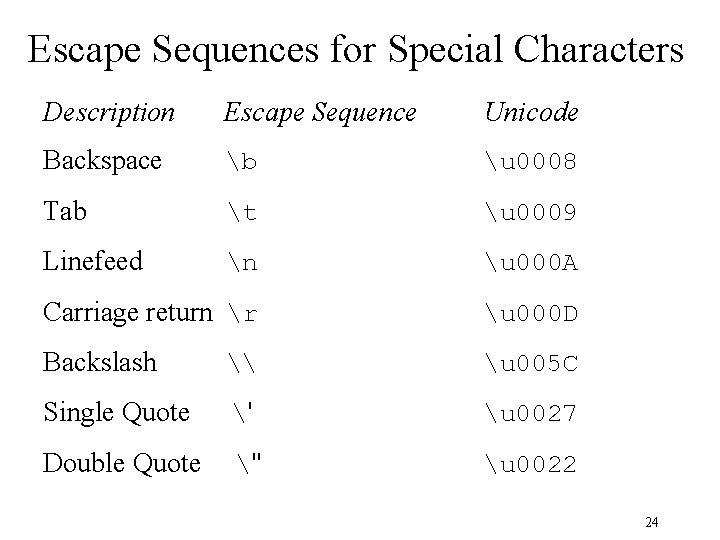
Escape Sequences for Special Characters Description Escape Sequence Unicode Backspace b u 0008 Tab t u 0009 Linefeed n u 000 A Carriage return r u 000 D Backslash \ u 005 C Single Quote ' u 0027 Double Quote " u 0022 24
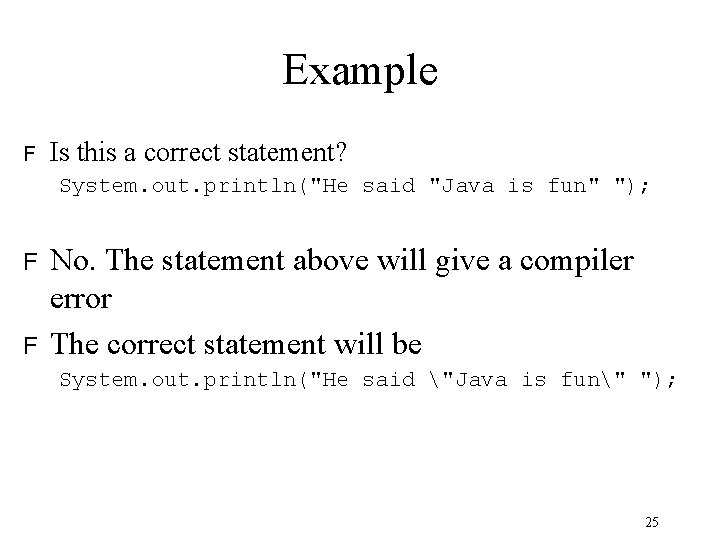
Example F Is this a correct statement? System. out. println("He said "Java is fun" "); F F No. The statement above will give a compiler error The correct statement will be System. out. println("He said "Java is fun" "); 25