Chapter 1 Information System Pushpa Thapa KEC 1
- Slides: 33
Chapter 1 Information System Pushpa Thapa, KEC 1
Definition Data • Raw facts such as an employee’s name and number of hours worked in a week, inventory part numbers or sales orders. Information • A collection of facts organized in such a way that they have additional value beyond the value of the facts themselves. Pushpa Thapa, KEC 2
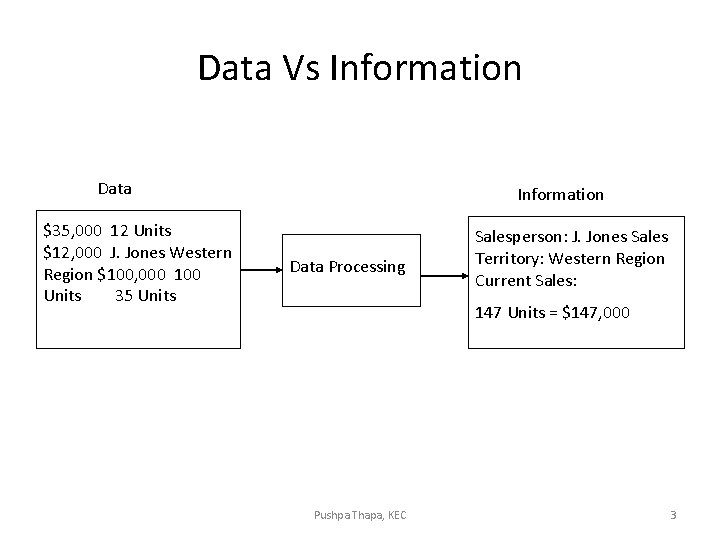
Data Vs Information Data $35, 000 12 Units $12, 000 J. Jones Western Region $100, 000 100 Units 35 Units Information Data Processing Salesperson: J. Jones Sales Territory: Western Region Current Sales: 147 Units = $147, 000 Pushpa Thapa, KEC 3
Information System • Information System is the study of complementary networks of hardware and software that people and organizations use to collect, filter, process, create, and distribute data. • The IS’s designer is concerned with how to use computer systems effectively in producing data for the right person at the right time. Pushpa Thapa, KEC 4
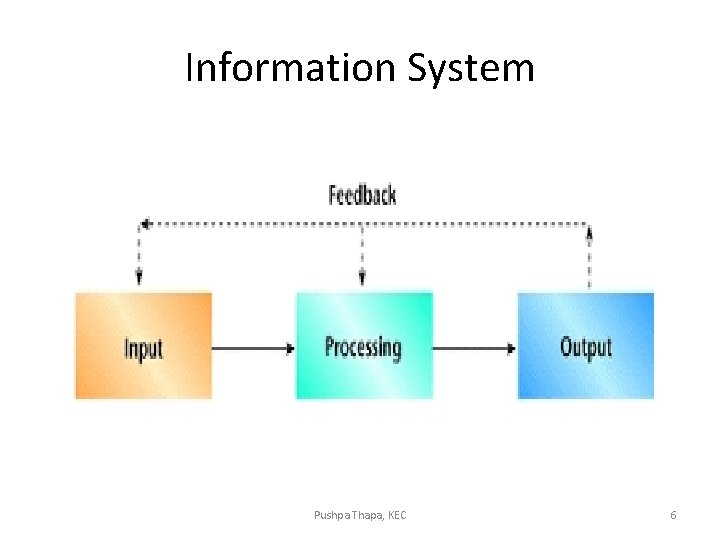
Definition Information Systems • An information system is typically considered to be a set of interrelated elements or components that collect(input), manipulate(processes), and disseminate (output) data and information and provide a feedback mechanism to meet an objective. – Open System – Close System Pushpa Thapa, KEC 5
Information System Pushpa Thapa, KEC 6
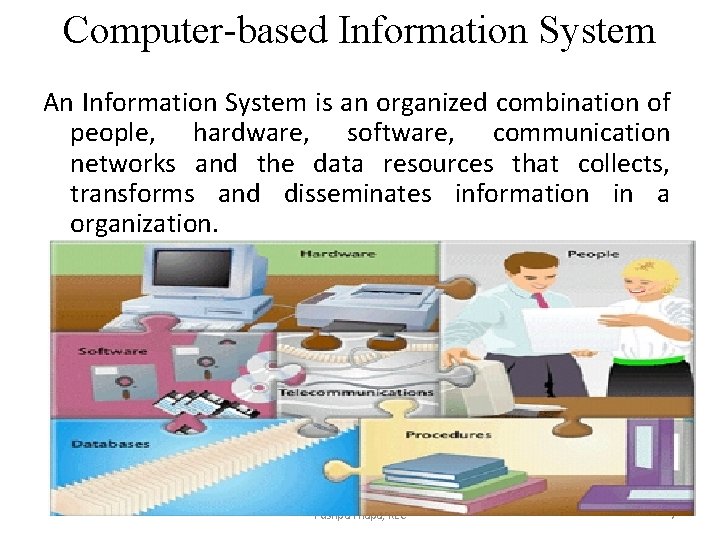
Computer-based Information System An Information System is an organized combination of people, hardware, software, communication networks and the data resources that collects, transforms and disseminates information in a organization. Pushpa Thapa, KEC 7
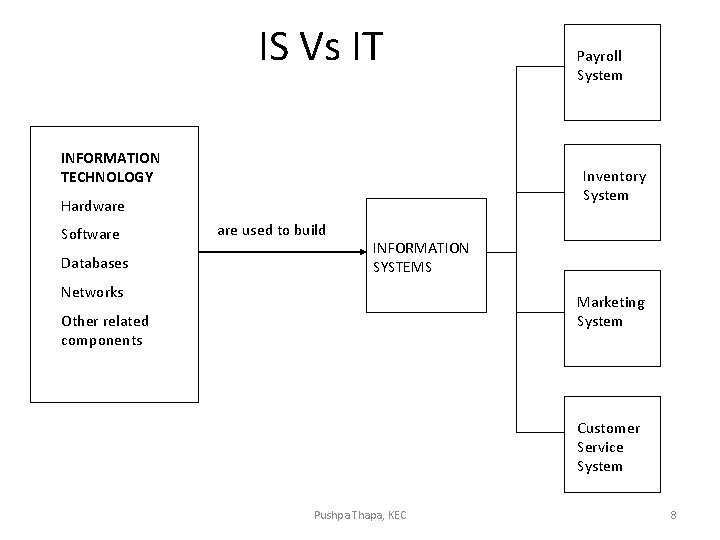
IS Vs IT INFORMATION TECHNOLOGY Inventory System Hardware Software Databases Payroll System are used to build INFORMATION SYSTEMS Networks Marketing System Other related components Customer Service System Pushpa Thapa, KEC 8
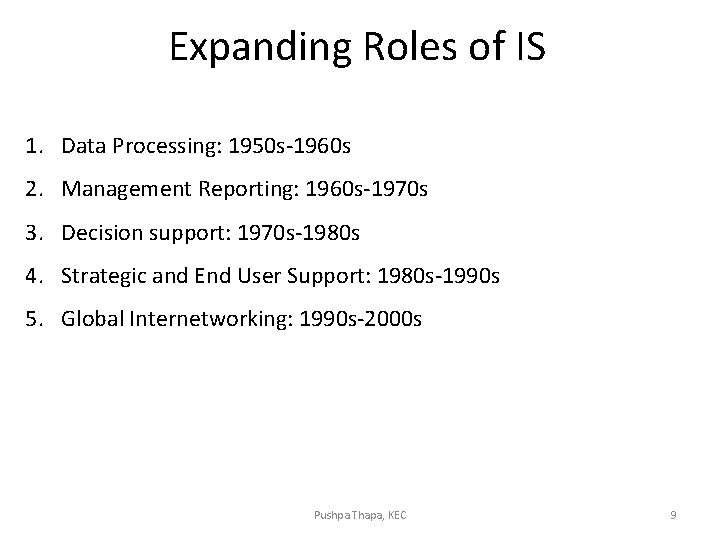
Expanding Roles of IS 1. Data Processing: 1950 s-1960 s 2. Management Reporting: 1960 s-1970 s 3. Decision support: 1970 s-1980 s 4. Strategic and End User Support: 1980 s-1990 s 5. Global Internetworking: 1990 s-2000 s Pushpa Thapa, KEC 9
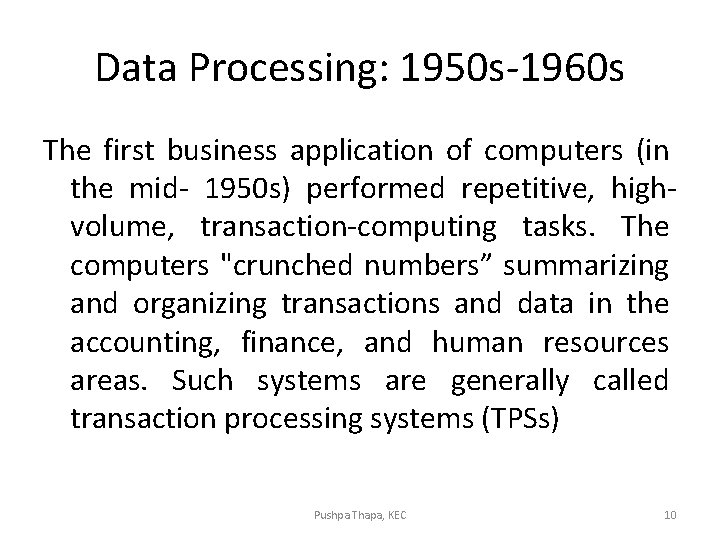
Data Processing: 1950 s-1960 s The first business application of computers (in the mid- 1950 s) performed repetitive, highvolume, transaction-computing tasks. The computers "crunched numbers” summarizing and organizing transactions and data in the accounting, finance, and human resources areas. Such systems are generally called transaction processing systems (TPSs) Pushpa Thapa, KEC 10
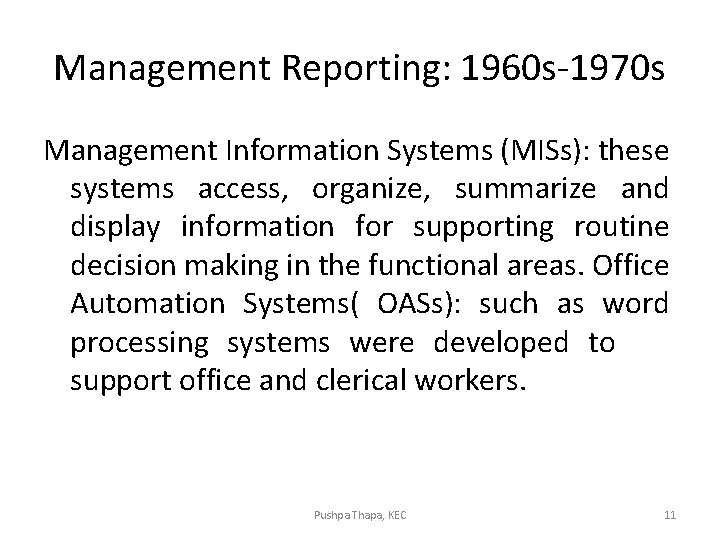
Management Reporting: 1960 s-1970 s Management Information Systems (MISs): these systems access, organize, summarize and display information for supporting routine decision making in the functional areas. Office Automation Systems( OASs): such as word processing systems were developed to support office and clerical workers. Pushpa Thapa, KEC 11
Decision support: 1970 s-1980 s Decision Support Systems: were developed to provide computer based support for complex, non-routine decision. Pushpa Thapa, KEC 12
Strategic and End User Support: 1980 s 1990 s • The use or development of information systems by the principal users of the systems’ outputs, such as analysts, managers, and other professionals. • Intelligent Support System (ISSs): Include expert systems which provide the stored knowledge of experts to non-experts, and a new type of intelligent system with machine- learning capabilities that can learn from historical cases. • � Knowledge Management Systems: Support the creating, gathering, organizing, integrating and disseminating of organizational knowledge. Pushpa Thapa, KEC 13
Global Internetworking: 1990 s-2000 s • � Mobile Computing: Information systems that support employees who are working with customers or business partners outside the physical boundaries of their company; can be done over wire or wireless networks. Pushpa Thapa, KEC 14
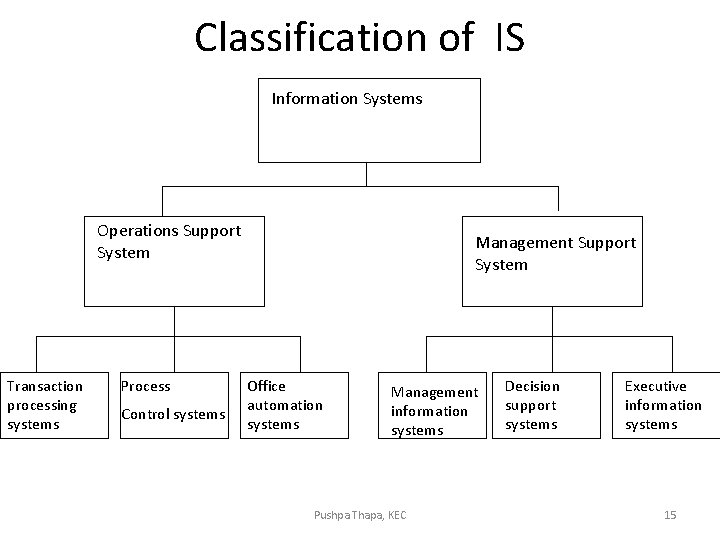
Classification of IS Information Systems Operations Support System Transaction processing systems Process Control systems Management Support System Office automation systems Management information systems Pushpa Thapa, KEC Decision support systems Executive information systems 15
1. Operations support systems process data generated by business operations Major categories are: i) Transaction processing systems ii) Process control systems iii) Office automation systems 2. Management Support Systems provide information and support needed for effective decision making by managers Major categories are: i) Management Information System ii) Decision Support Systems iii) Executive Information System Pushpa Thapa, KEC 16
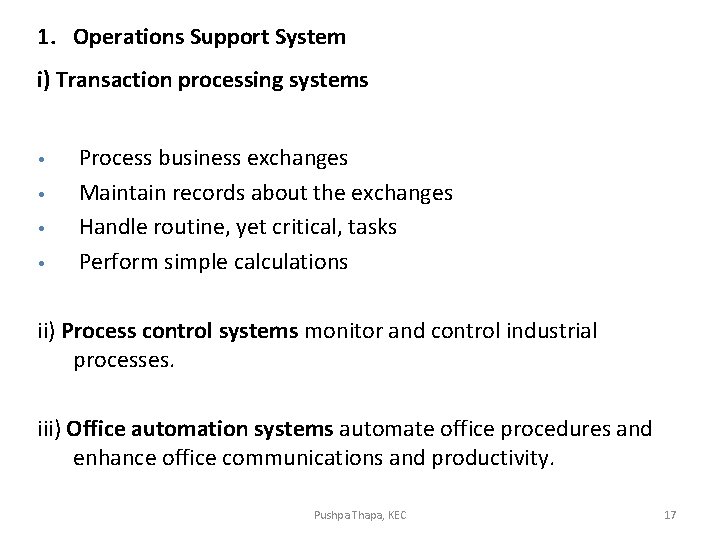
1. Operations Support System i) Transaction processing systems • • Process business exchanges Maintain records about the exchanges Handle routine, yet critical, tasks Perform simple calculations ii) Process control systems monitor and control industrial processes. iii) Office automation systems automate office procedures and enhance office communications and productivity. Pushpa Thapa, KEC 17
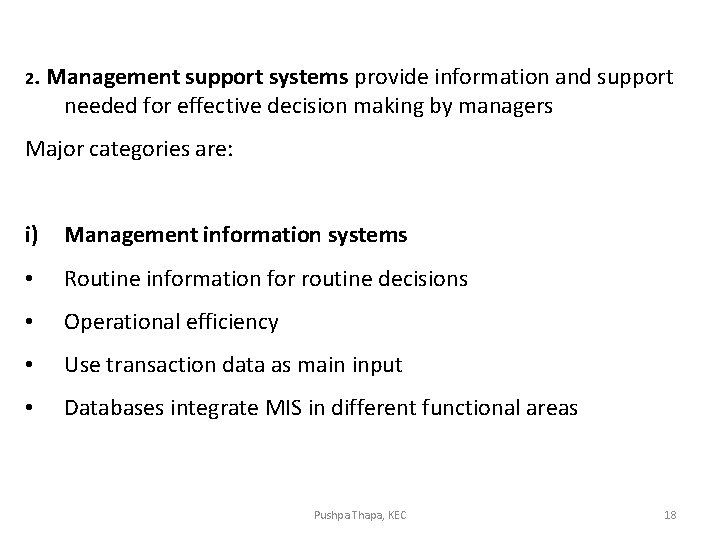
2. Management support systems provide information and support needed for effective decision making by managers Major categories are: i) Management information systems • Routine information for routine decisions • Operational efficiency • Use transaction data as main input • Databases integrate MIS in different functional areas Pushpa Thapa, KEC 18
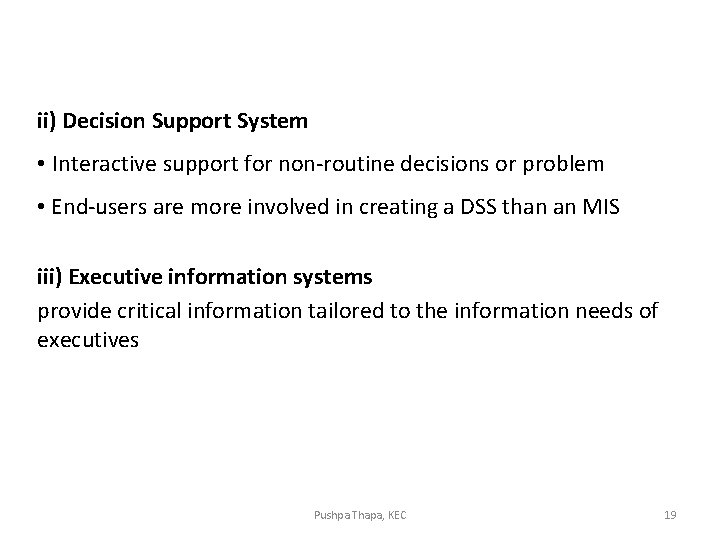
ii) Decision Support System • Interactive support for non-routine decisions or problem • End-users are more involved in creating a DSS than an MIS iii) Executive information systems provide critical information tailored to the information needs of executives Pushpa Thapa, KEC 19
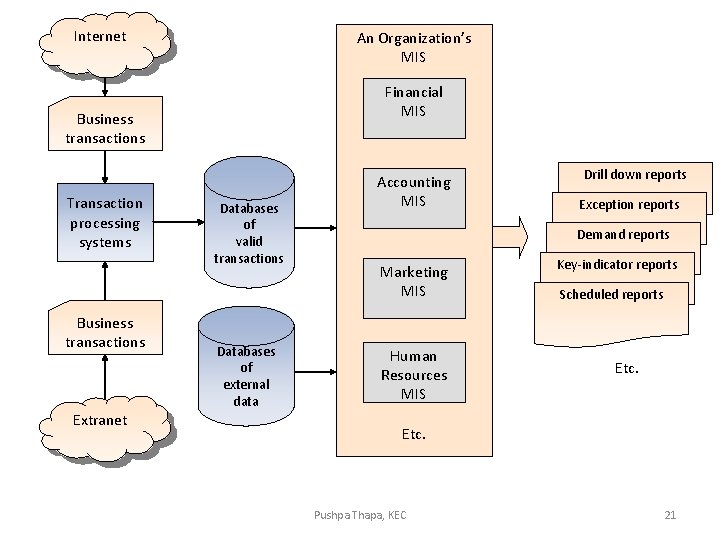
Functional Aspects MIS is an integrated collection of functional information systems, each supporting particular functional areas. Pushpa Thapa, KEC 20
Internet An Organization’s MIS Financial MIS Business transactions Transaction processing systems Business transactions Extranet Databases of valid transactions Databases of external data Accounting MIS Drill down reports Exception reports Demand reports Marketing MIS Human Resources MIS Key-indicator reports Scheduled reports Etc. Pushpa Thapa, KEC 21
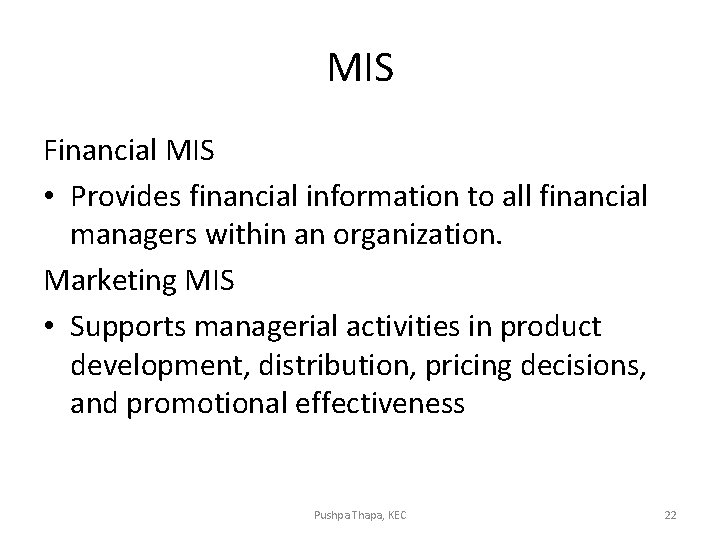
MIS Financial MIS • Provides financial information to all financial managers within an organization. Marketing MIS • Supports managerial activities in product development, distribution, pricing decisions, and promotional effectiveness Pushpa Thapa, KEC 22
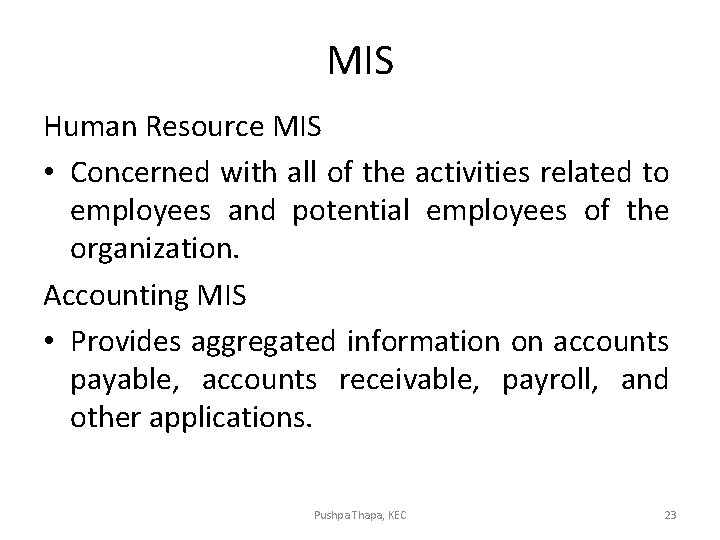
MIS Human Resource MIS • Concerned with all of the activities related to employees and potential employees of the organization. Accounting MIS • Provides aggregated information on accounts payable, accounts receivable, payroll, and other applications. Pushpa Thapa, KEC 23
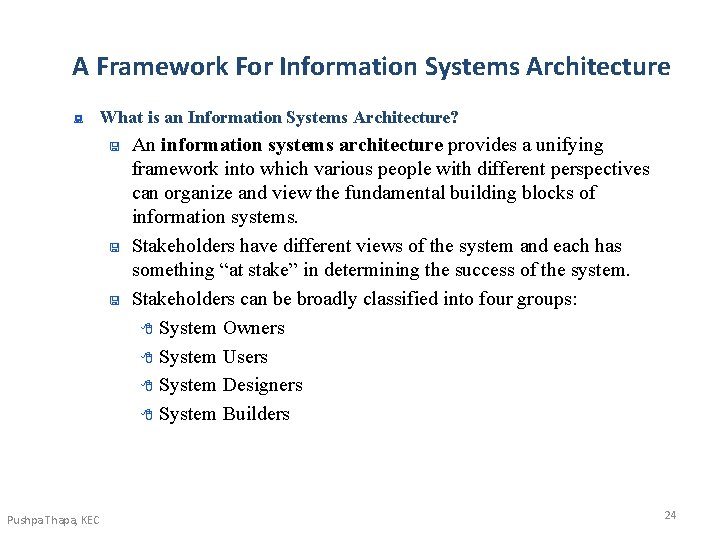
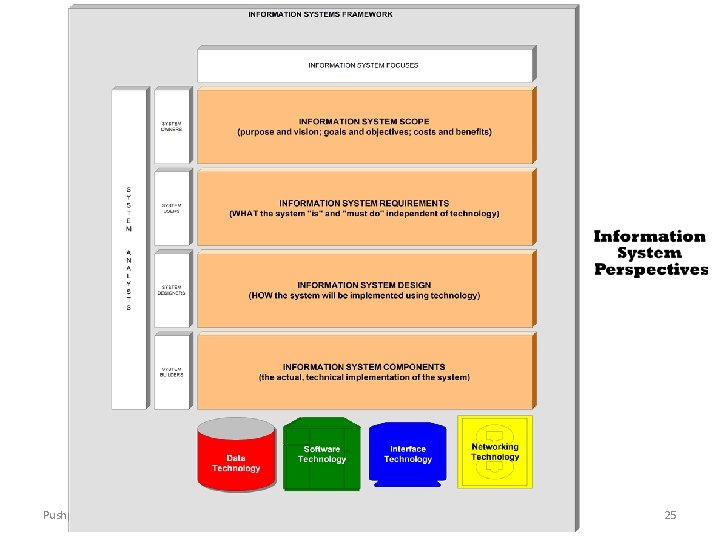
A Framework For Information Systems Architecture : What is an Information Systems Architecture? < < < Pushpa Thapa, KEC An information systems architecture provides a unifying framework into which various people with different perspectives can organize and view the fundamental building blocks of information systems. Stakeholders have different views of the system and each has something “at stake” in determining the success of the system. Stakeholders can be broadly classified into four groups: 8 System Owners 8 System Users 8 System Designers 8 System Builders 24
Pushpa Thapa, KEC 25
Perspectives - The People Side of Information Systems : What are Information Workers? < : The term information worker (also called knowledge worker) was coined to describe those people whose jobs involve the creation, collection, processing, distribution, and use of information. System Owners < System owners are an information system's sponsors and chief advocates. They are usually responsible for budgeting the money and time to develop, operate, and maintain the information system. They are also ultimately responsible for the system’s justification and acceptance. Pushpa Thapa, KEC 26
Perspectives - The People Side of Information Systems : System Users < < System users are the people who use (and directly benefit from) the information system on a regular basis – capturing, validating, entering, responding to, storing, and exchanging data and information. There are many classes of system users including: 8 Internal Users • Clerical and service workers • Technical and professional staff – Knowledge workers are a subset of information workers whose responsibilities are based on a specialized body of knowledge. • Supervisors, middle managers, and executive managers Pushpa Thapa, KEC 27
Perspectives - The People Side of Information Systems : System Users < : There are many classes of system users including: (continued) 8 Remote and Mobile Users 8 External Users System Designers < System designers translate users' business requirements and constraints into technical solutions. They design the computer files, databases, inputs, outputs, screens, networks, and programs that will meet the system users' requirements. They also integrate the technical solution back into the day-to-day business environment. Pushpa Thapa, KEC 28
Perspectives - The People Side of Information Systems : System Builders < < : System builders construct the information system components based upon the design specifications from the system designers. In many cases, the system designer and builder for a component are one and the same. The applications programmer is the classic example of a system builder. The Role of the System Analyst < < For the system owners and users, the analyst typically constructs and validates their views. For the system designers and builders, the analyst (at the very least) ensures that the technical views are consistent and compatible with the business views. Pushpa Thapa, KEC 29
Qualities of Information System Management information systems (MIS) is an organized approach to gathering information from company operations and making a strategic management decision. Developing quality characteristics for gathering information is essential to making solid management decisions. The main qualities of good management information system are: 1. Relevance 2. Accuracy 3. Timely 4. Exhaustive 5. Cost-Effective • Pushpa Thapa, KEC 30
Main Qualities of Good Management Information System 1. Relevance: Information should be relevant to the strategic decision that company management is currently reviewing. Because companies may review several business opportunities at one time, avoiding information not relating to the decision is essential. 2. Accuracy: MIS information should be accurate and avoid any probable costs. Making decisions based on estimates can lead to cost overruns or lower profits from future operations. 3. Timely: Many management decisions are based on information from a certain time period, such as quarterly or annual periods. Information outside of the requested time frame may skew information and lead to an improperly informed decision. 4. Exhaustive: MIS information gathering should resemble an upside-down triangle. The early stages of information gathering should be exhaustive, including all types of company information. As management narrows its decision-making process, the information is refined to include only the most relevant pieces. 5. Cost-Effective: The MIS needs to be a cost-effective and efficient system for gathering information. Most of these systems are developed internally, creating costs that cannot be passed to clients. Pushpa Thapa, KEC 31
IS Resources • The individual data being processed through the use of hardware and software and shared through network connection has allowed us to utilize more information in less time.
Information Systems Resources • Networks …connected in some manner that allows to sharing of resources • Hardware and Peripheral Devices …tangible and can be touched • Software …intangible and can’t be touched physically • Data …one piece of a record • People …work together to create usable information