4 My SQL n localhostuser 123456 root n
- Slides: 75
第 4章 My. SQL
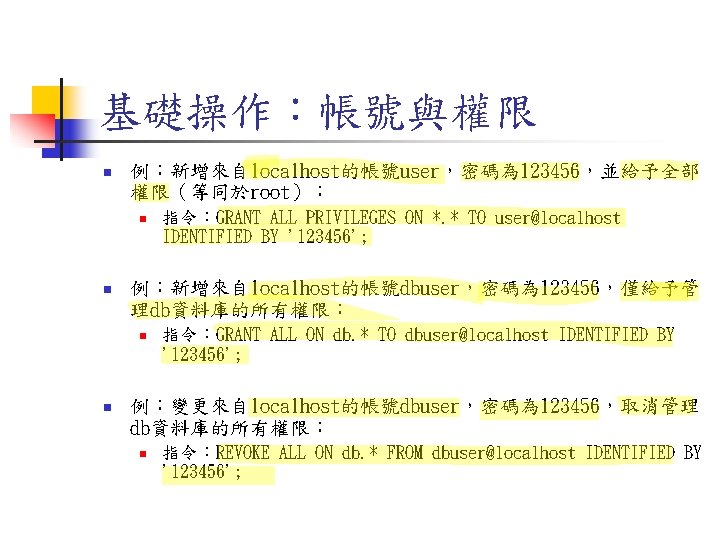
基礎操作:帳號與權限 n 例:新增來自localhost的帳號user,密碼為 123456,並給予全部 權限(等同於root): n n 例:新增來自localhost的帳號dbuser,密碼為 123456,僅給予管 理db資料庫的所有權限: n n 指令:GRANT ALL PRIVILEGES ON *. * TO user@localhost IDENTIFIED BY '123456'; 指令:GRANT ALL ON db. * TO dbuser@localhost IDENTIFIED BY '123456'; 例:變更來自localhost的帳號dbuser,密碼為 123456,取消管理 db資料庫的所有權限: n 指令:REVOKE ALL ON db. * FROM dbuser@localhost IDENTIFIED BY '123456';
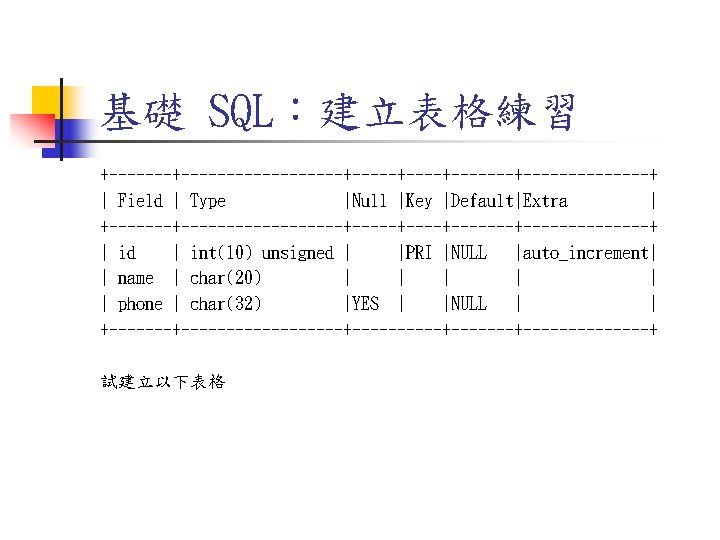
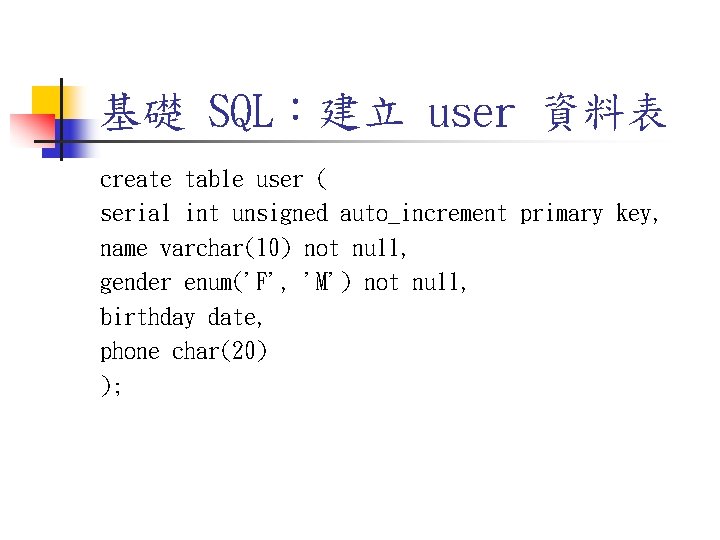
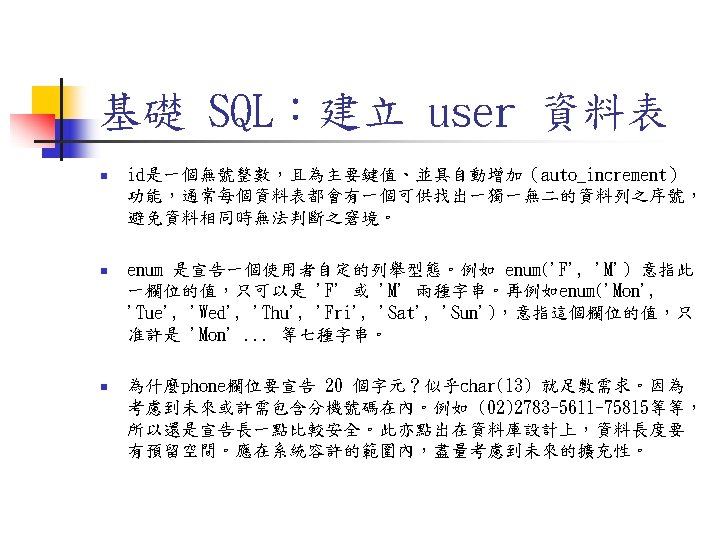
基礎 SQL:建立 user 資料表 create table user ( serial int unsigned auto_increment primary key, name varchar(10) not null, gender enum('F', 'M') not null, birthday date, phone char(20) );
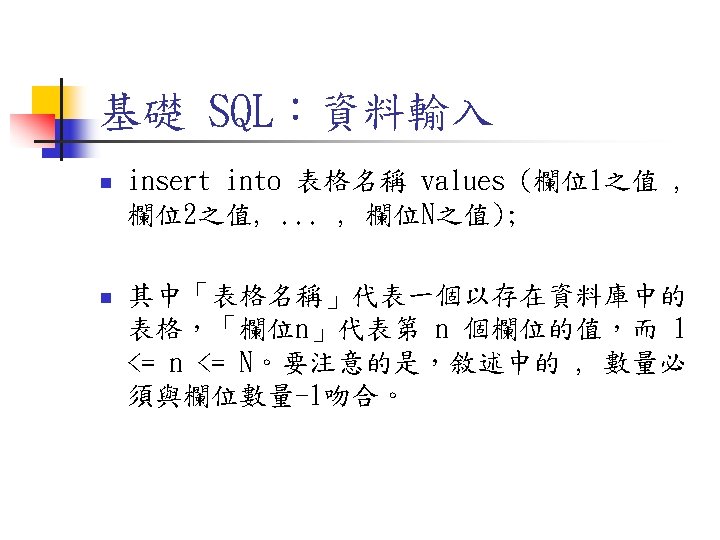
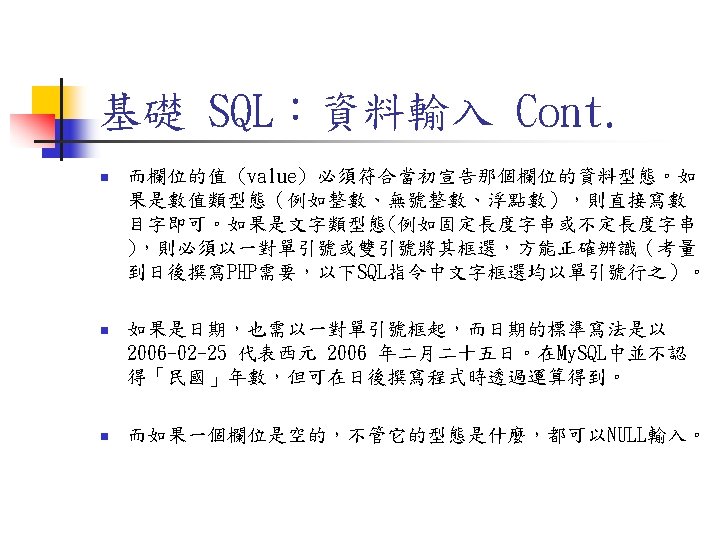
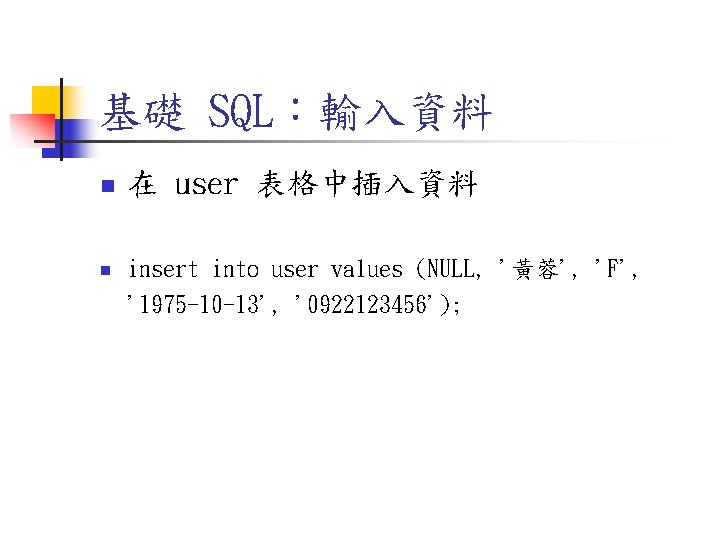
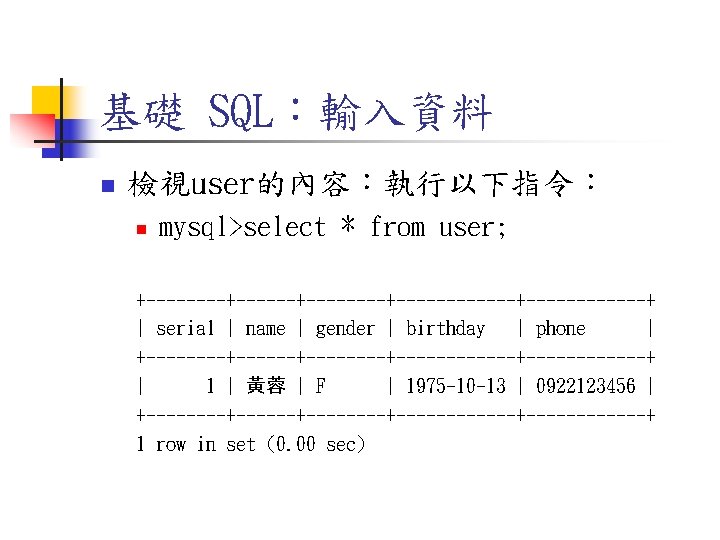
基礎 SQL:輸入資料 n 在 user 表格中插入資料 n insert into user values (NULL, '黃蓉', 'F', '1975 -10 -13', '0922123456');
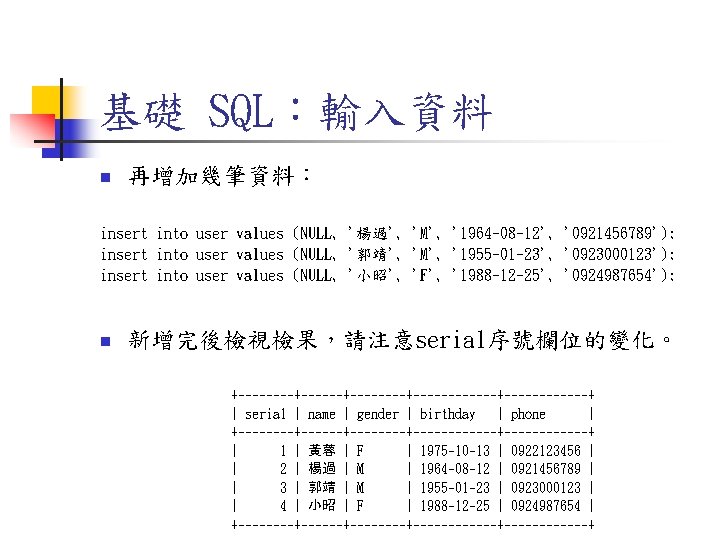
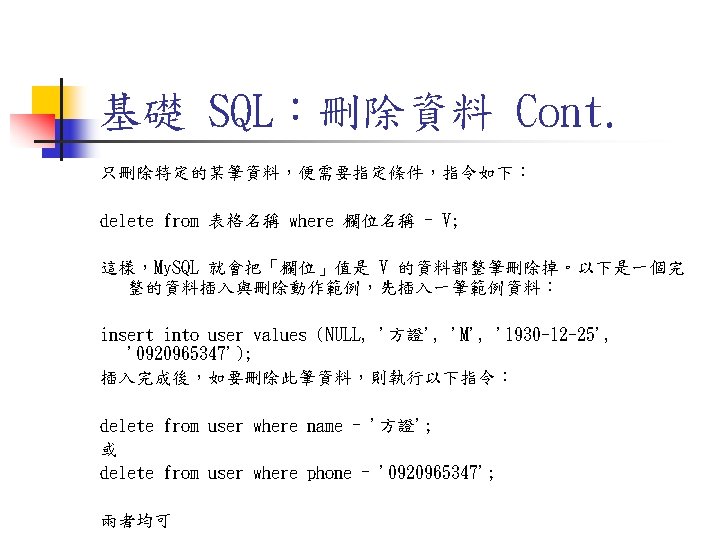
基礎 SQL:輸入資料 n 再增加幾筆資料: insert into user values (NULL, '楊過', 'M', '1964 -08 -12', '0921456789'); insert into user values (NULL, '郭靖', 'M', '1955 -01 -23', '0923000123'); insert into user values (NULL, '小昭', 'F', '1988 -12 -25', '0924987654'); n 新增完後檢視檢果,請注意serial序號欄位的變化。 +--------+------------+------+ | serial | name | gender | birthday | phone | +--------+------------+------+ | 1 | 黃蓉 | F | 1975 -10 -13 | 0922123456 | | 2 | 楊過 | M | 1964 -08 -12 | 0921456789 | | 3 | 郭靖 | M | 1955 -01 -23 | 0923000123 | | 4 | 小昭 | F | 1988 -12 -25 | 0924987654 | +--------+------------+------+
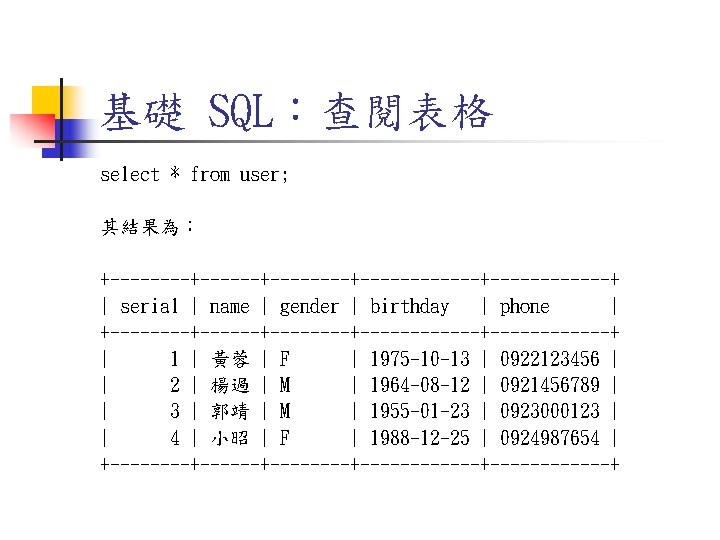
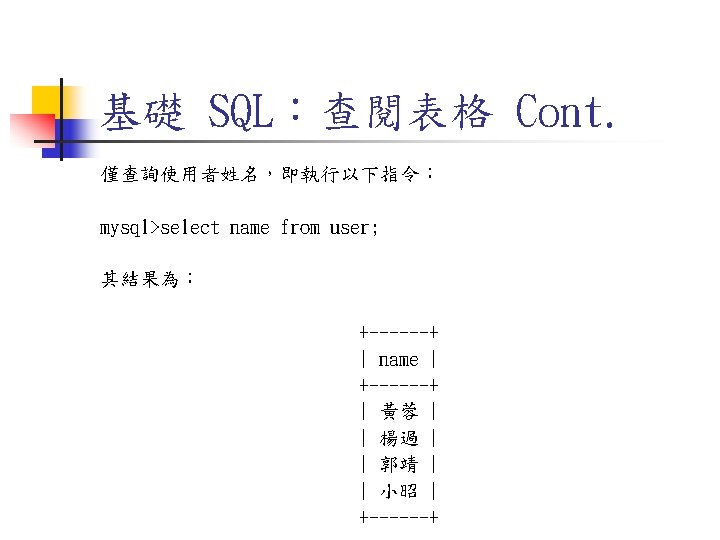
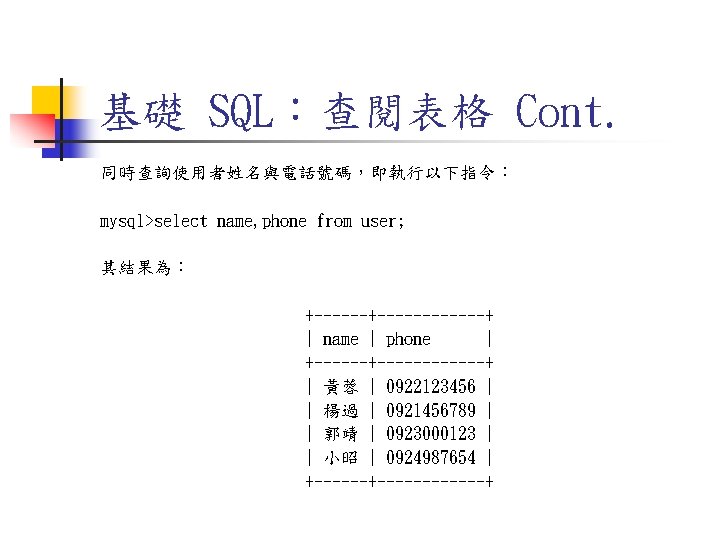
基礎 SQL:查閱表格 select * from user; 其結果為: +--------+------------+------+ | serial | name | gender | birthday | phone | +--------+------------+------+ | 1 | 黃蓉 | F | 1975 -10 -13 | 0922123456 | | 2 | 楊過 | M | 1964 -08 -12 | 0921456789 | | 3 | 郭靖 | M | 1955 -01 -23 | 0923000123 | | 4 | 小昭 | F | 1988 -12 -25 | 0924987654 | +--------+------------+------+
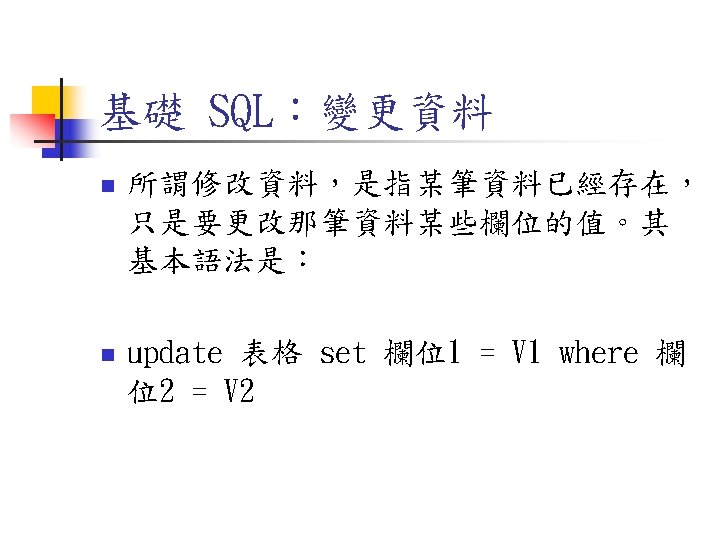
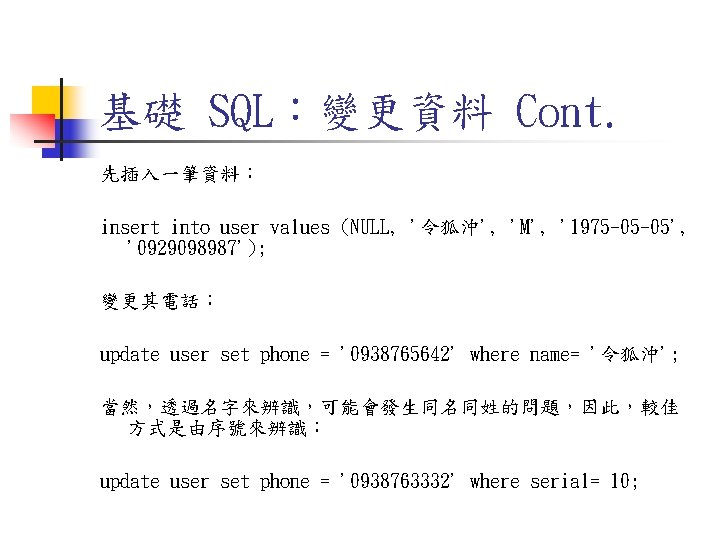
基礎 SQL:變更資料 Cont. 先插入一筆資料: insert into user values (NULL, '令狐沖', 'M', '1975 -05 -05', '0929098987'); 變更其電話: update user set phone = '0938765642' where name= '令狐沖'; 當然,透過名字來辨識,可能會發生同名同姓的問題,因此,較佳 方式是由序號來辨識: update user set phone = '0938763332' where serial= 10;
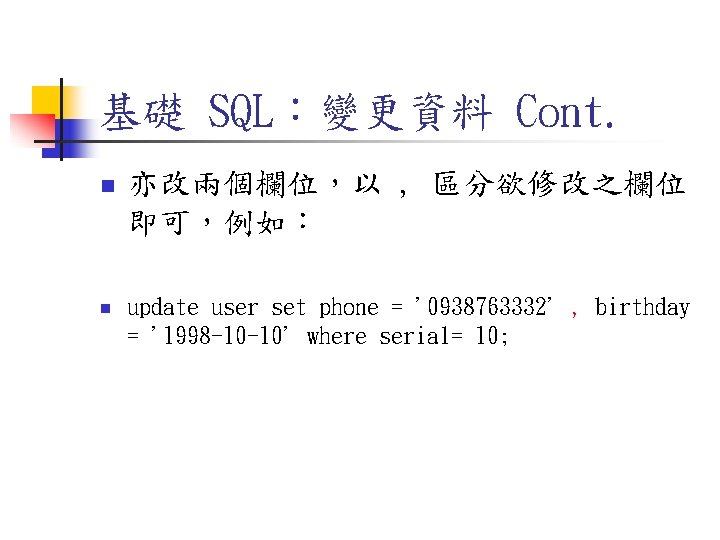
基礎 SQL:變更資料 Cont. n n 亦改兩個欄位,以 , 區分欲修改之欄位 即可,例如: update user set phone = '0938763332' , birthday = '1998 -10 -10' where serial= 10;
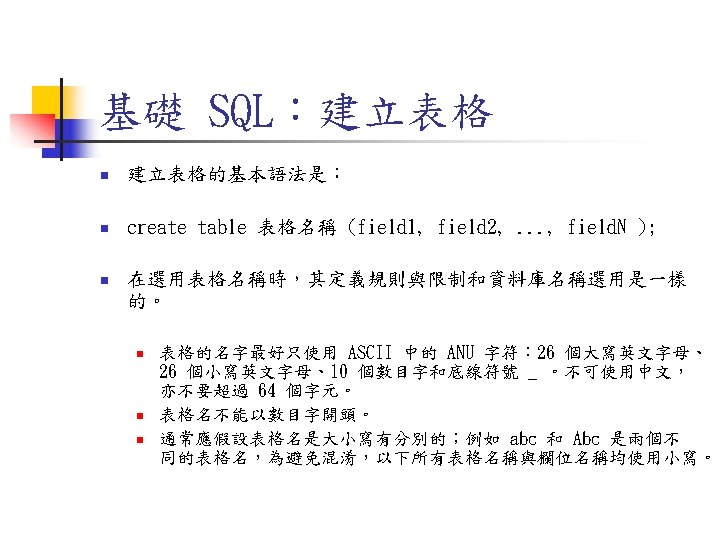
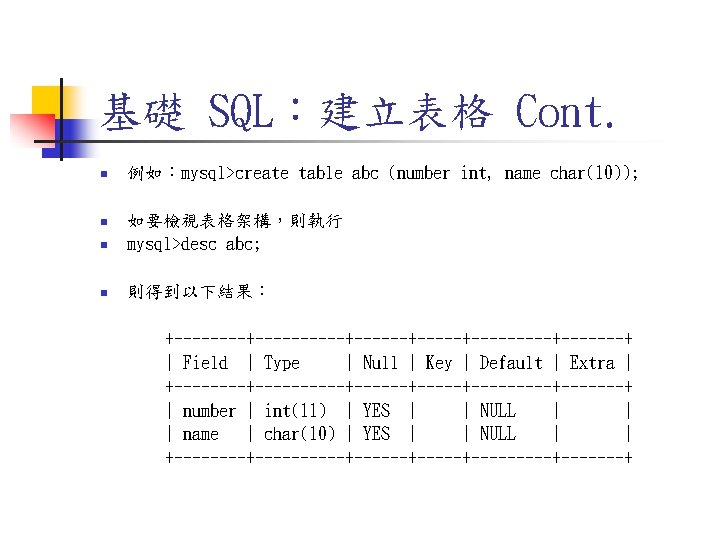
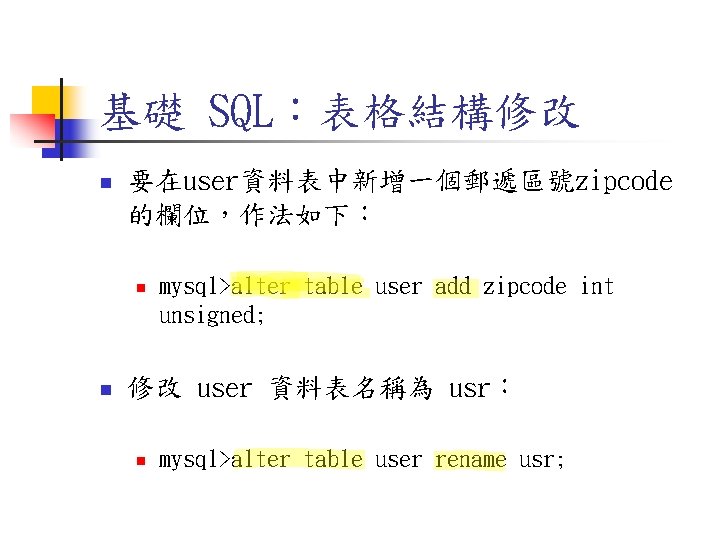
基礎 SQL:表格結構修改 n 要在user資料表中新增一個郵遞區號zipcode 的欄位,作法如下: n n mysql>alter table user add zipcode int unsigned; 修改 user 資料表名稱為 usr: n mysql>alter table user rename usr;
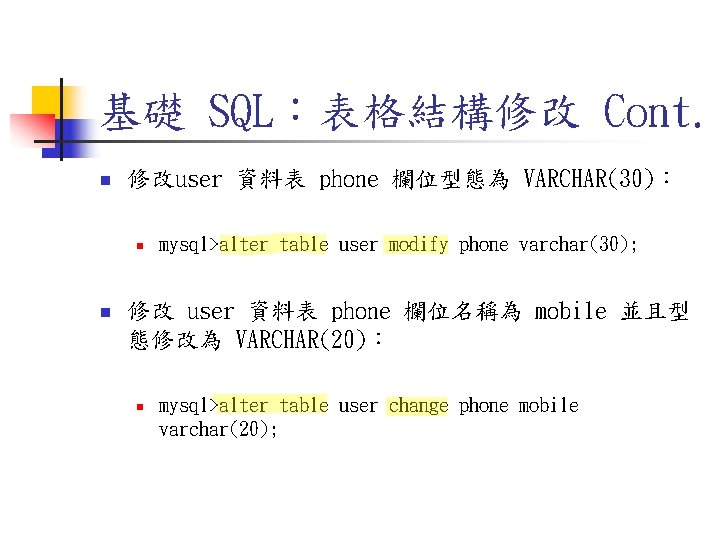
基礎 SQL:表格結構修改 Cont. n 修改user 資料表 phone 欄位型態為 VARCHAR(30): n n mysql>alter table user modify phone varchar(30); 修改 user 資料表 phone 欄位名稱為 mobile 並且型 態修改為 VARCHAR(20): n mysql>alter table user change phone mobile varchar(20);
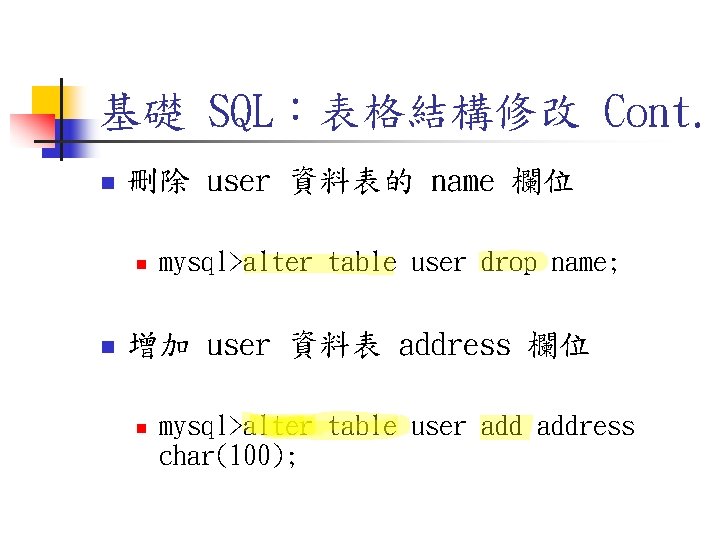
基礎 SQL:表格結構修改 Cont. n 刪除 user 資料表的 name 欄位 n n mysql>alter table user drop name; 增加 user 資料表 address 欄位 n mysql>alter table user address char(100);
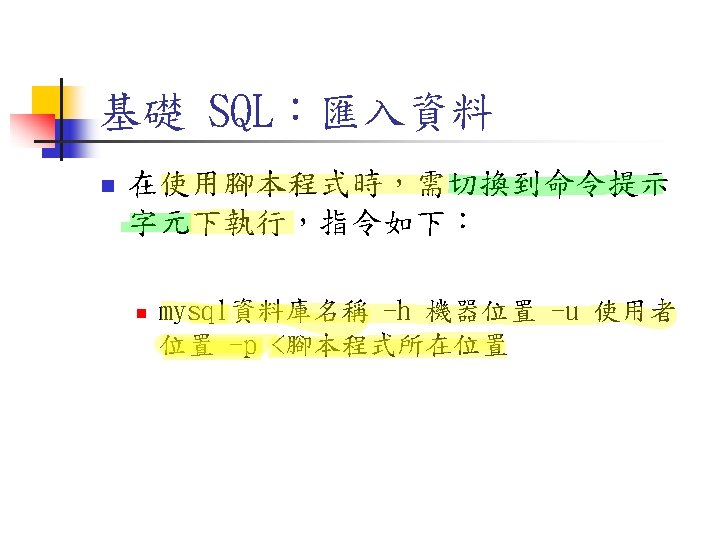
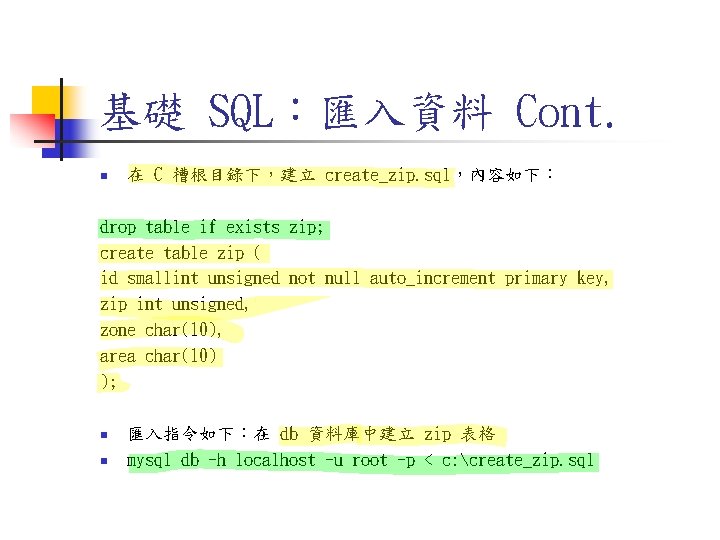
基礎 SQL:匯入資料 Cont. n 在 C 槽根目錄下,建立 create_zip. sql,內容如下: drop table if exists zip; create table zip ( id smallint unsigned not null auto_increment primary key, zip int unsigned, zone char(10), area char(10) ); n n 匯入指令如下:在 db 資料庫中建立 zip 表格 mysql db -h localhost -u root -p < c: create_zip. sql
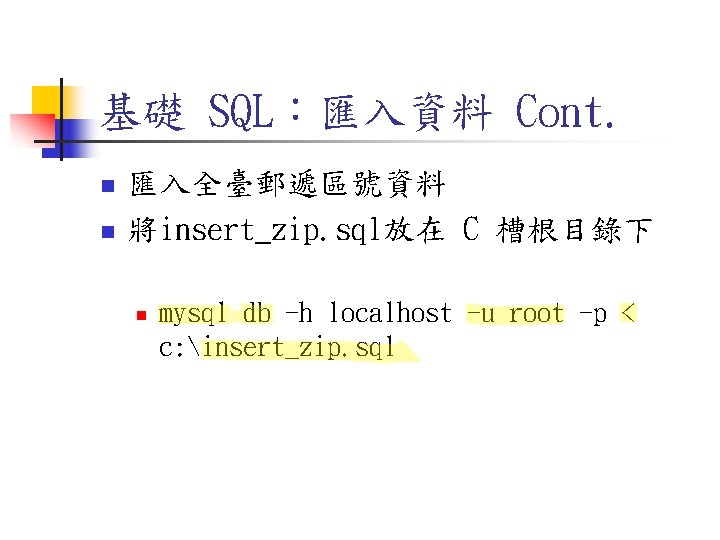
基礎 SQL:匯入資料 Cont. n n 匯入全臺郵遞區號資料 將insert_zip. sql放在 C 槽根目錄下 n mysql db -h localhost -u root -p < c: insert_zip. sql
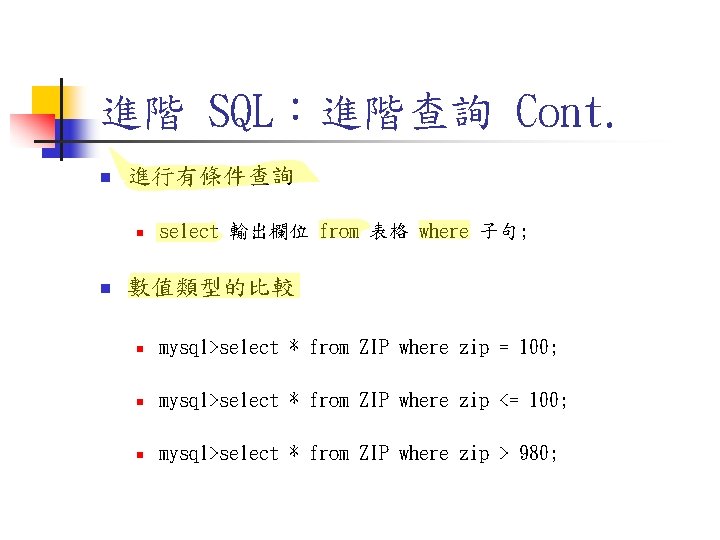
進階 SQL:進階查詢 Cont. n 進行有條件查詢 n n select 輸出欄位 from 表格 where 子句; 數值類型的比較 n mysql>select * from ZIP where zip = 100; n mysql>select * from ZIP where zip <= 100; n mysql>select * from ZIP where zip > 980;
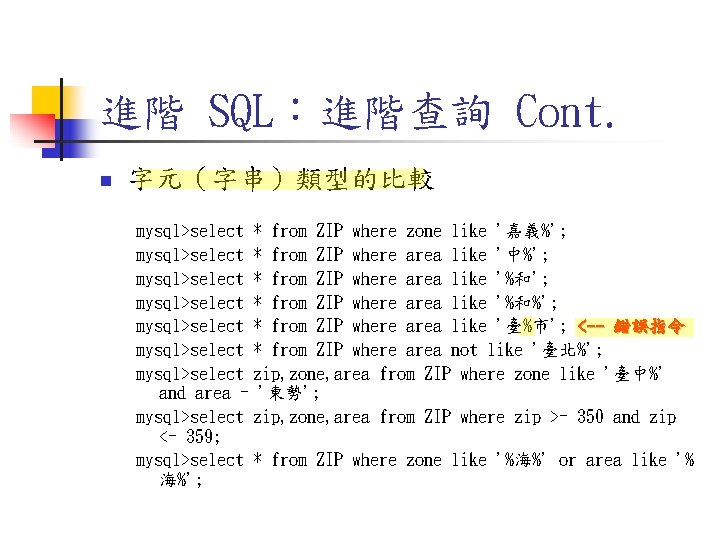
進階 SQL:進階查詢 Cont. n 字元(字串)類型的比較 mysql>select * from ZIP where zone like '嘉義%'; mysql>select * from ZIP where area like '中%'; mysql>select * from ZIP where area like '%和%'; mysql>select * from ZIP where area like '臺%市'; <-- 錯誤指令 mysql>select * from ZIP where area not like '臺北%'; mysql>select zip, zone, area from ZIP where zone like '臺中%' and area = '東勢'; mysql>select zip, zone, area from ZIP where zip >= 350 and zip <= 359; mysql>select * from ZIP where zone like '%海%' or area like '% 海%';
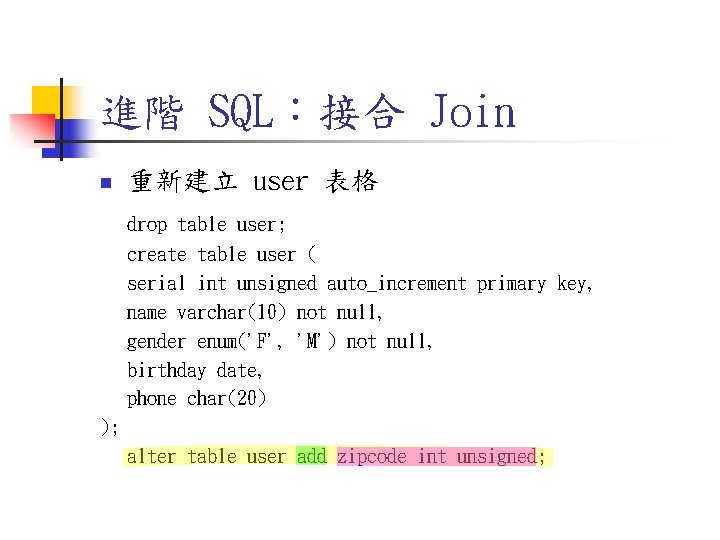
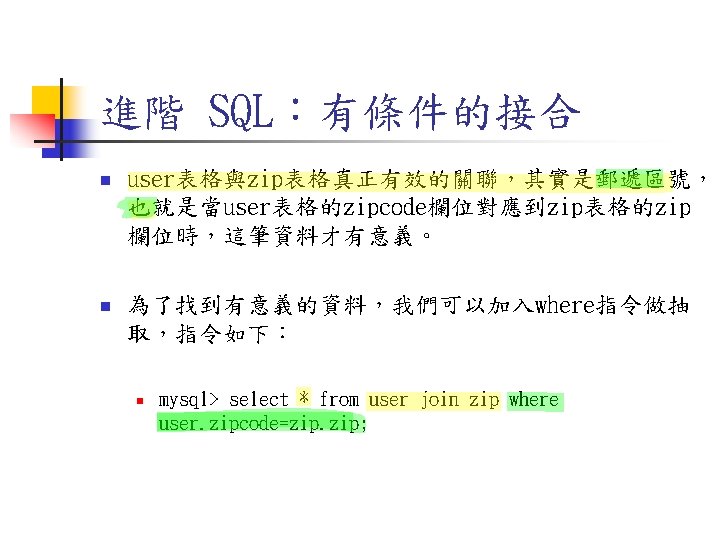
進階 SQL:接合 Join n 重新建立 user 表格 drop table user; create table user ( serial int unsigned auto_increment primary key, name varchar(10) not null, gender enum('F', 'M') not null, birthday date, phone char(20) ); alter table user add zipcode int unsigned;
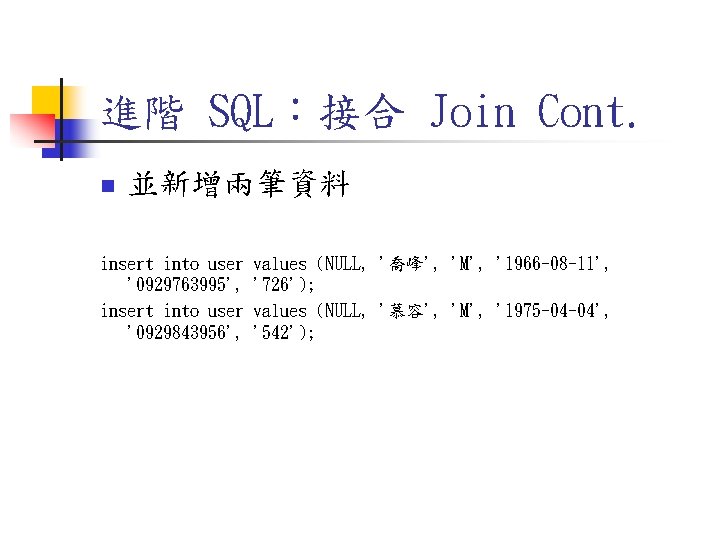
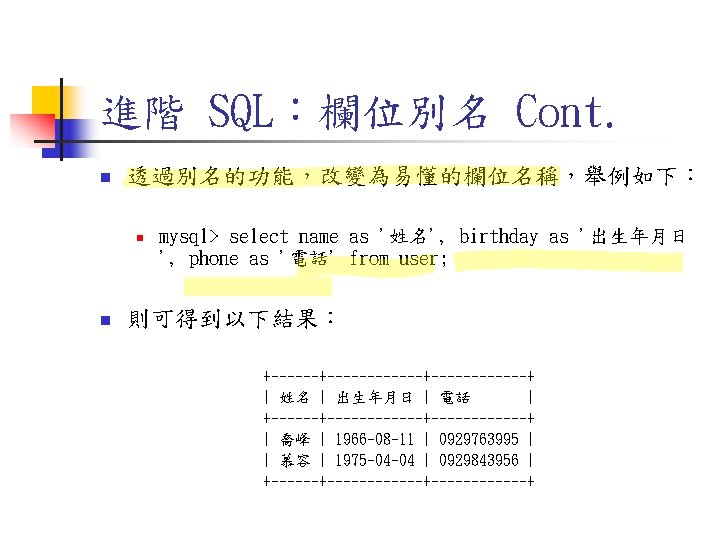
進階 SQL:接合 Join Cont. n 並新增兩筆資料 insert into user '0929763995', insert into user '0929843956', values (NULL, '喬峰', 'M', '1966 -08 -11', '726'); values (NULL, '慕容', 'M', '1975 -04 -04', '542');
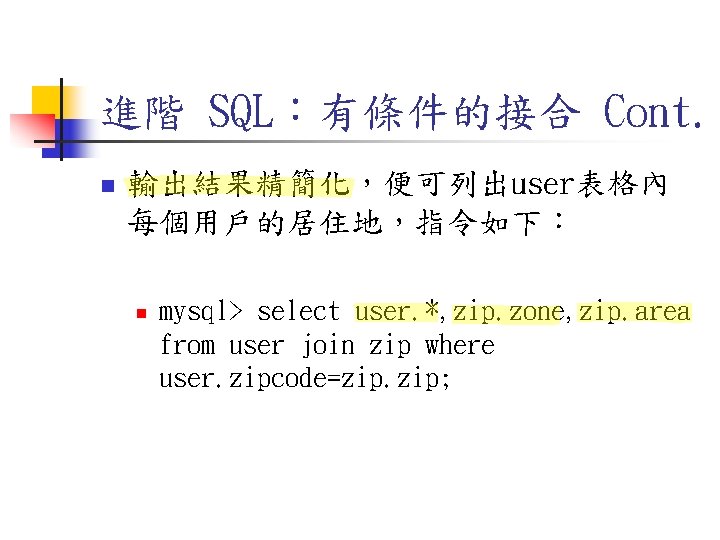
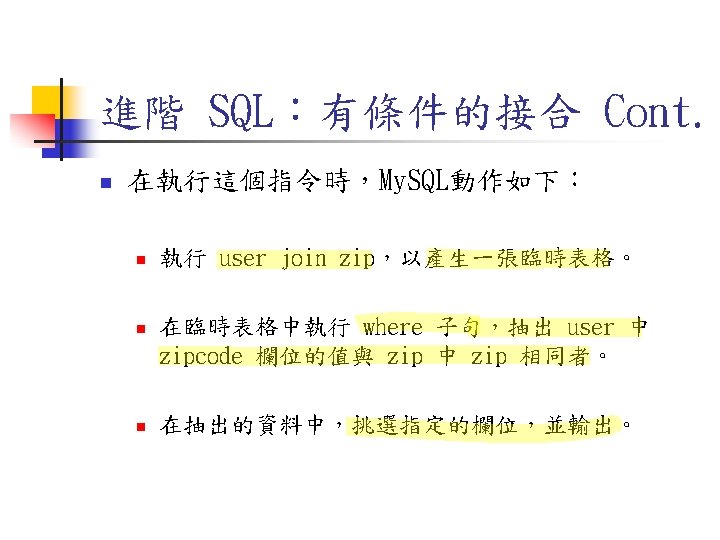
進階 SQL:有條件的接合 Cont. n 輸出結果精簡化,便可列出user表格內 每個用戶的居住地,指令如下: n mysql> select user. *, zip. zone, zip. area from user join zip where user. zipcode=zip. zip;
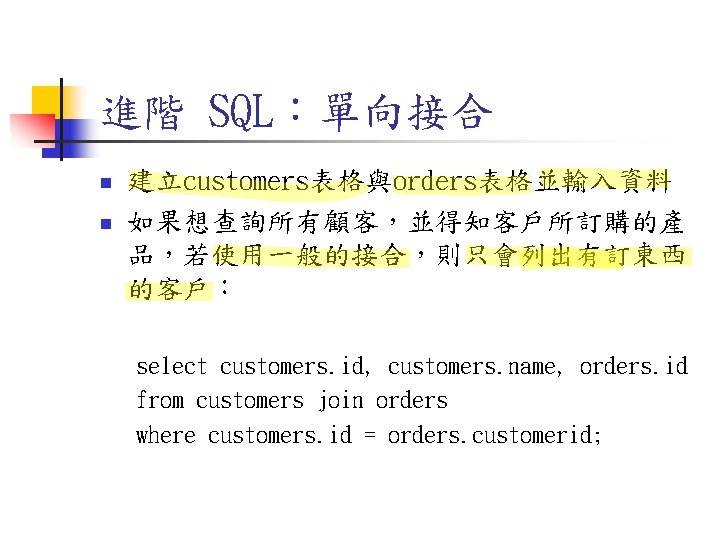
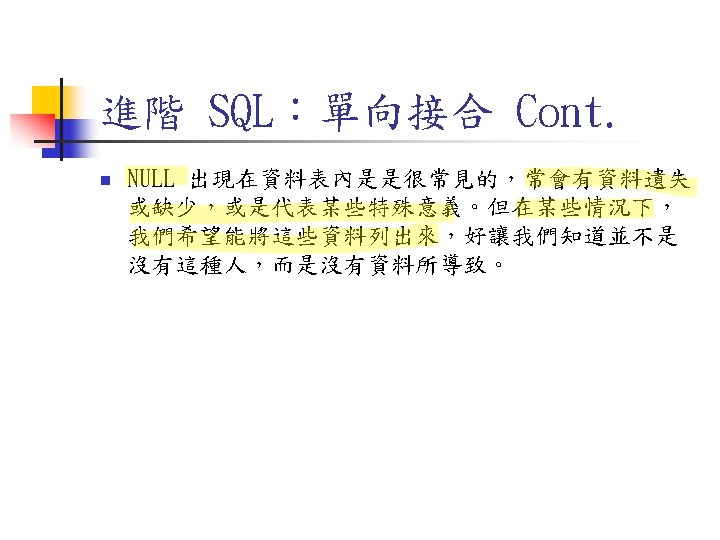
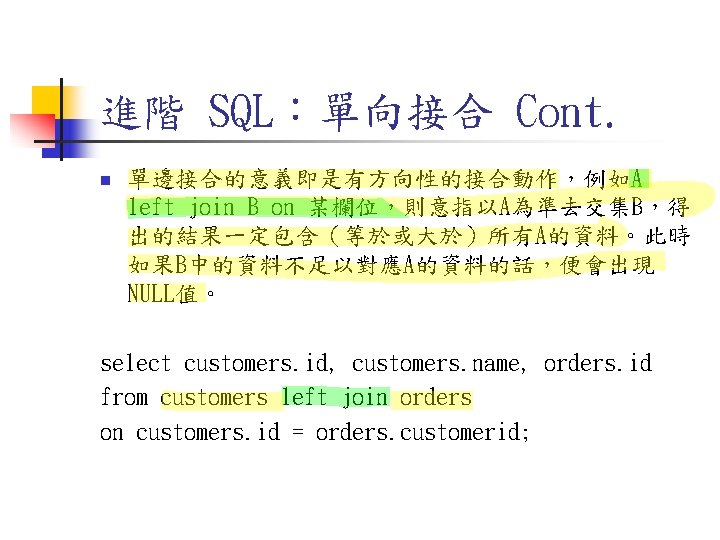
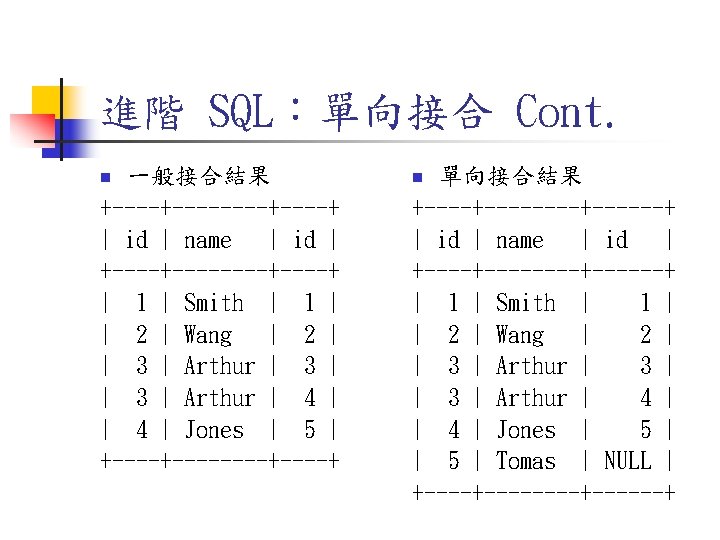
進階 SQL:單向接合 n n 建立customers表格與orders表格並輸入資料 如果想查詢所有顧客,並得知客戶所訂購的產 品,若使用一般的接合,則只會列出有訂東西 的客戶: select customers. id, customers. name, orders. id from customers join orders where customers. id = orders. customerid;
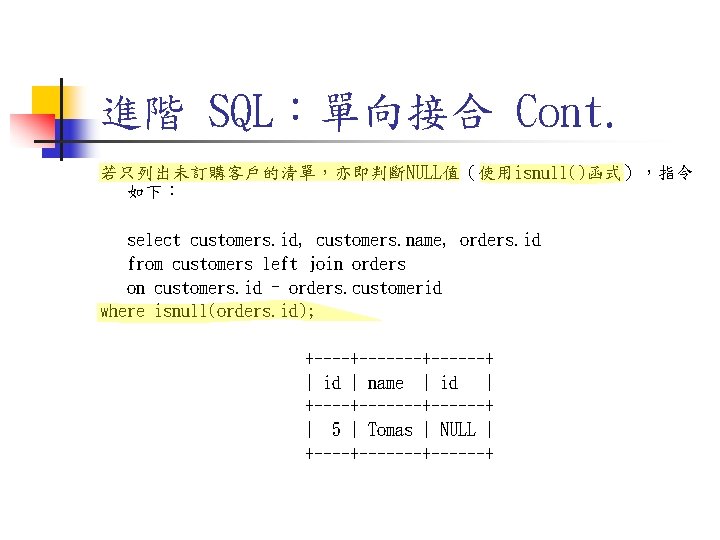
進階 SQL:單向接合 Cont. 若只列出未訂購客戶的清單,亦即判斷NULL值(使用isnull()函式),指令 如下: select customers. id, customers. name, orders. id from customers left join orders on customers. id = orders. customerid where isnull(orders. id); +-------+------+ | id | name | id | +-------+------+ | 5 | Tomas | NULL | +-------+------+
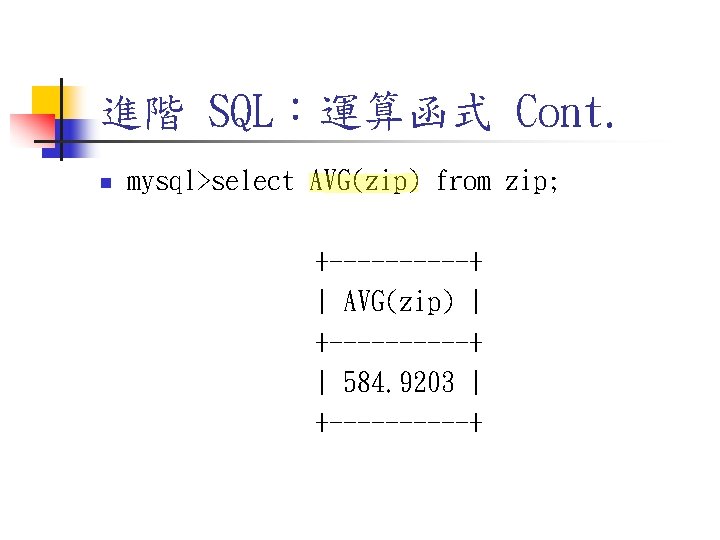
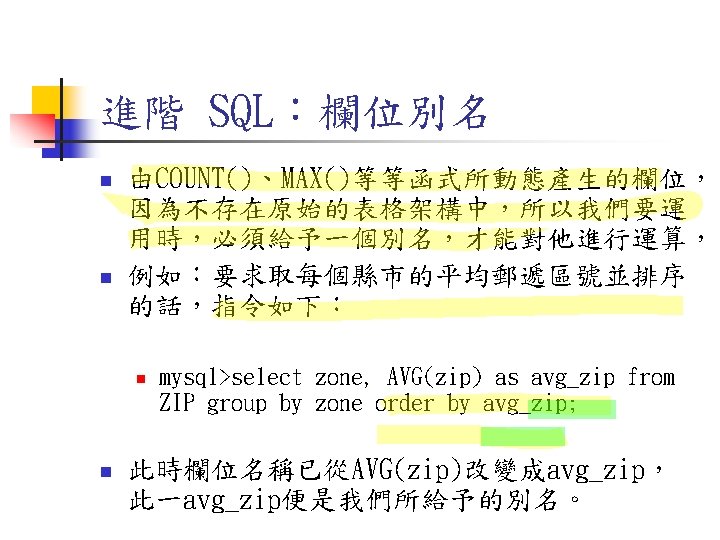
進階 SQL:運算函式 Cont. n mysql>select AVG(zip) from zip; +-----+ | AVG(zip) | +-----+ | 584. 9203 | +-----+
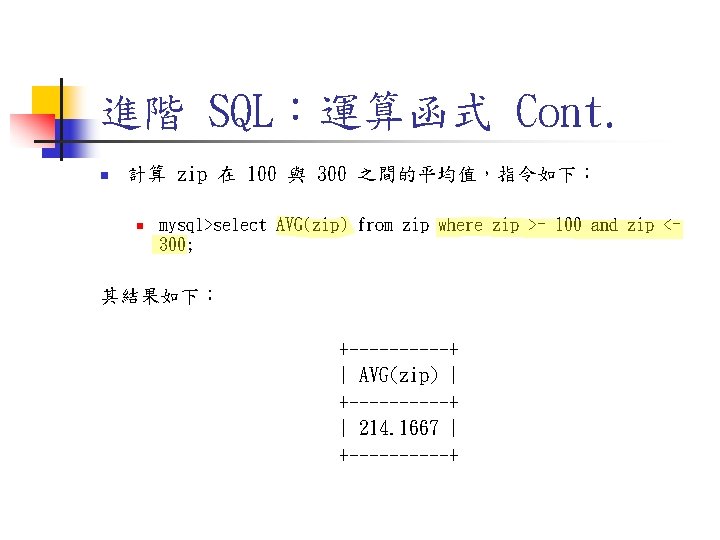
進階 SQL:運算函式 Cont. n 計算 zip 在 100 與 300 之間的平均值,指令如下: n mysql>select AVG(zip) from zip where zip >= 100 and zip <= 300; 其結果如下: +-----+ | AVG(zip) | +-----+ | 214. 1667 | +-----+
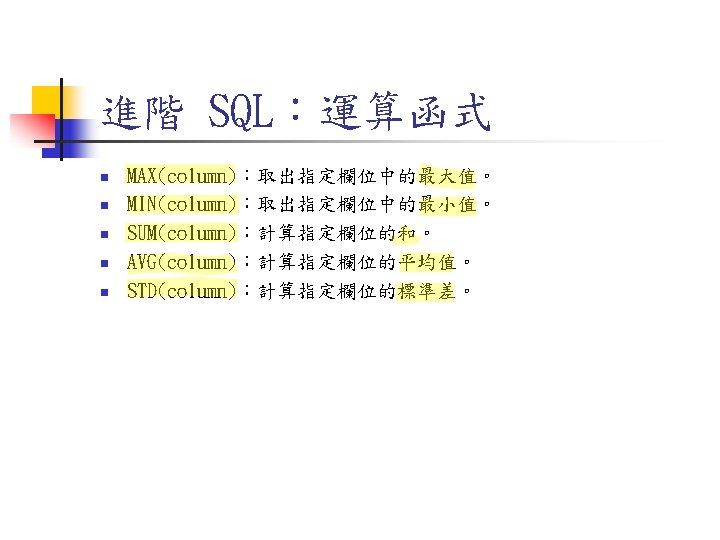
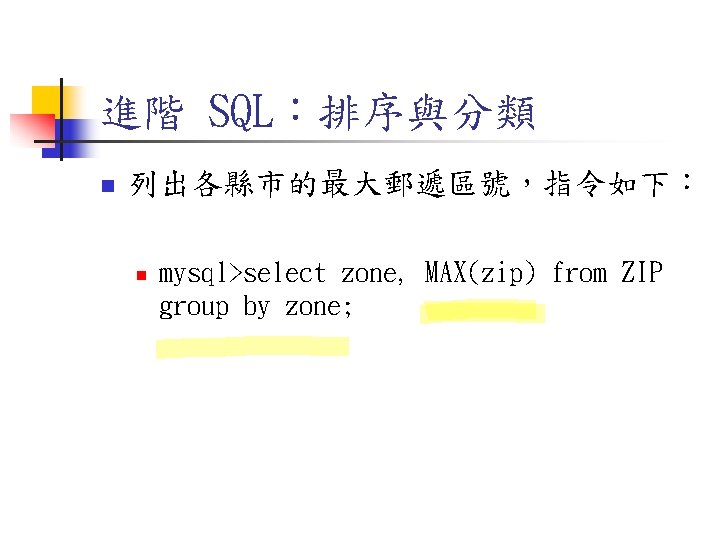
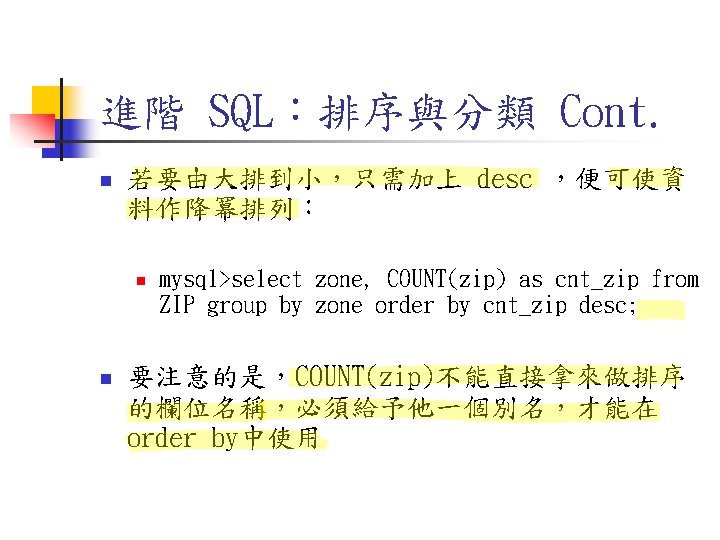
進階 SQL:排序與分類 n 列出各縣市的最大郵遞區號,指令如下: n mysql>select zone, MAX(zip) from ZIP group by zone;
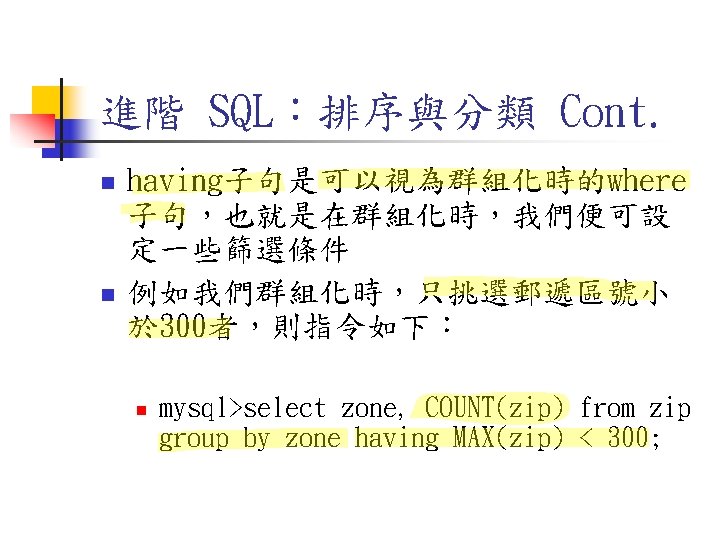
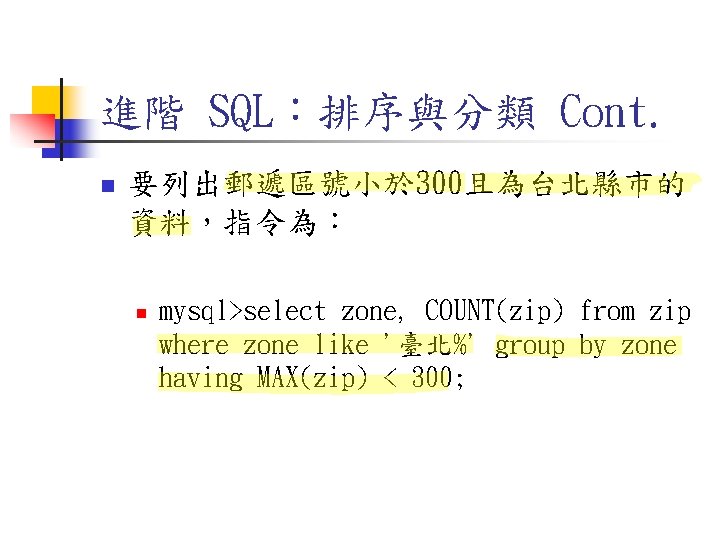
進階 SQL:排序與分類 Cont. n 要列出郵遞區號小於 300且為台北縣市的 資料,指令為: n mysql>select zone, COUNT(zip) from zip where zone like '臺北%' group by zone having MAX(zip) < 300;
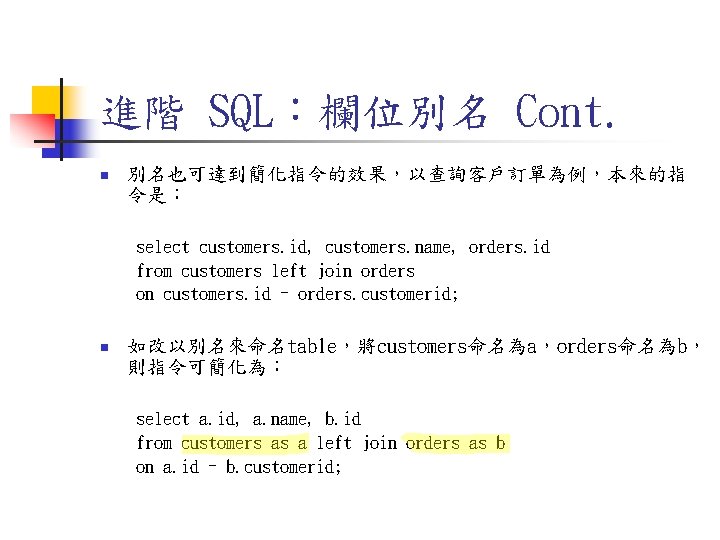
進階 SQL:欄位別名 Cont. n 別名也可達到簡化指令的效果,以查詢客戶訂單為例,本來的指 令是: select customers. id, customers. name, orders. id from customers left join orders on customers. id = orders. customerid; n 如改以別名來命名table,將customers命名為a,orders命名為b, 則指令可簡化為: select a. id, a. name, b. id from customers as a left join orders as b on a. id = b. customerid;
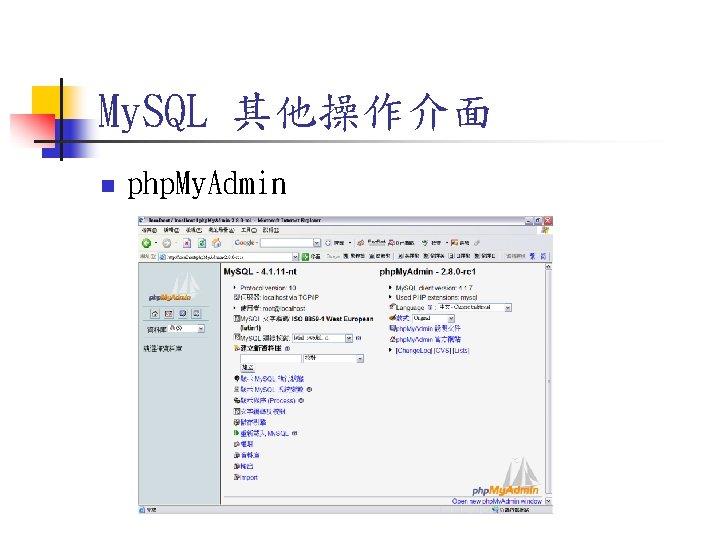
My. SQL 其他操作介面 n php. My. Admin
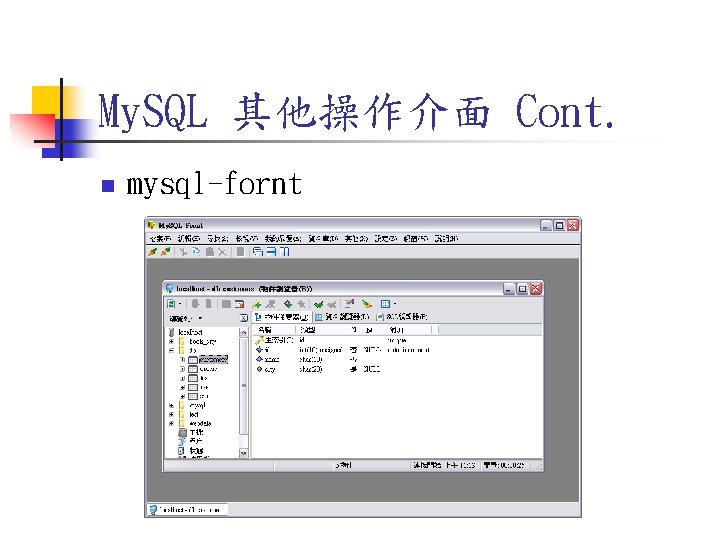
My. SQL 其他操作介面 Cont. n mysql-fornt