West Virginia General Summative Assessment District Coordinator Training

- Slides: 50
West Virginia General Summative Assessment District Coordinator Training General Information Spring 2015
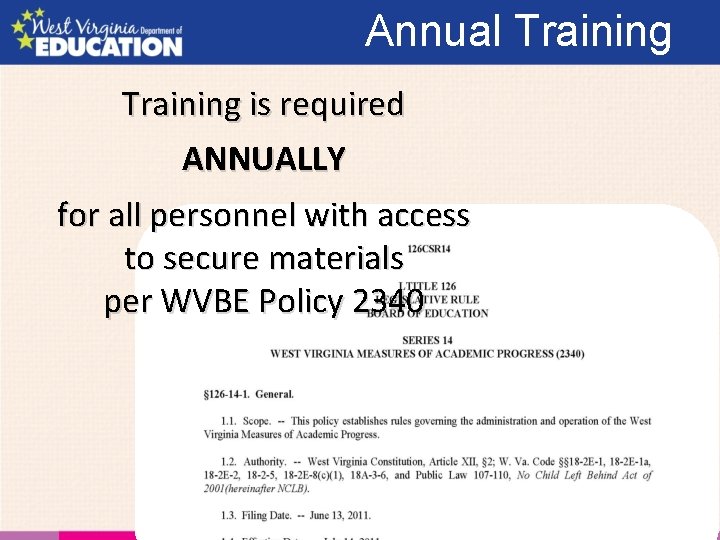
Annual Training is required ANNUALLY for all personnel with access to secure materials per WVBE Policy 2340
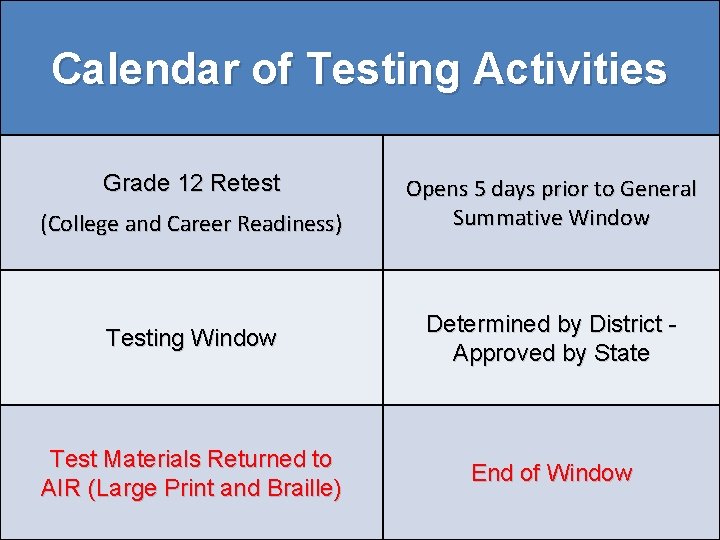
Calendar of Testing Activities Grade 12 Retest (College and Career Readiness) Opens 5 days prior to General Summative Window Testing Window Determined by District Approved by State Test Materials Returned to AIR (Large Print and Braille) End of Window
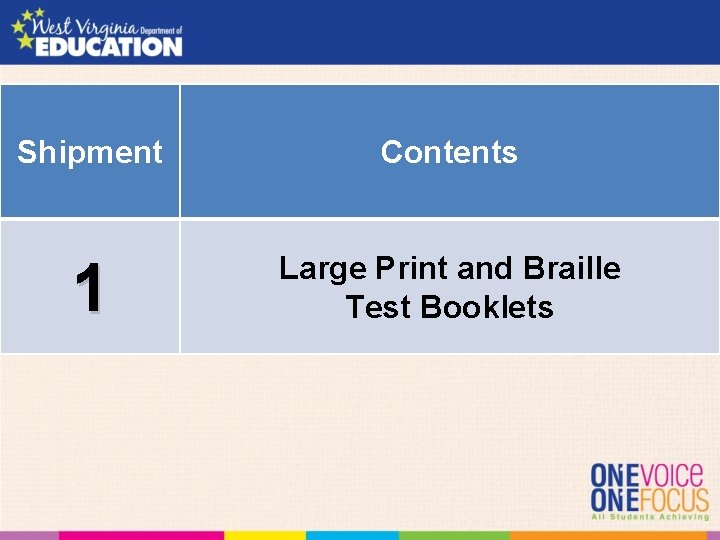
Shipment 1 Shipments Contents Large Print and Braille Test Booklets
State Test Window Each district/school has a unique window • No state testing window
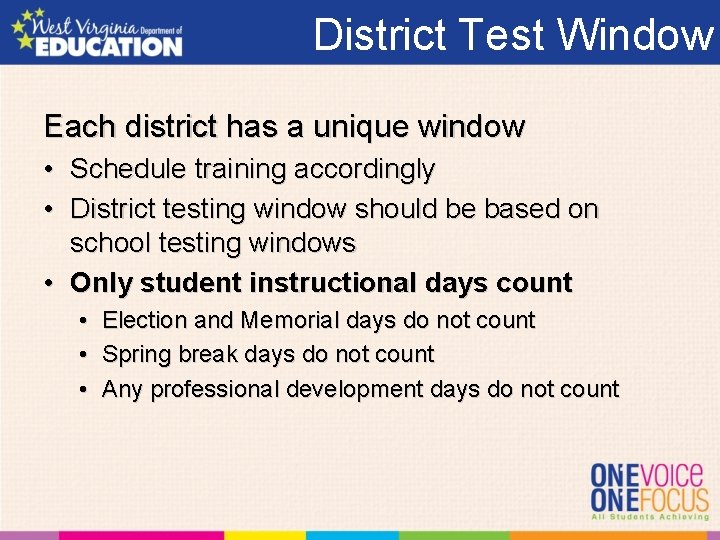
District Test Window Each district has a unique window • Schedule training accordingly • District testing window should be based on school testing windows • Only student instructional days count • • • Election and Memorial days do not count Spring break days do not count Any professional development days do not count
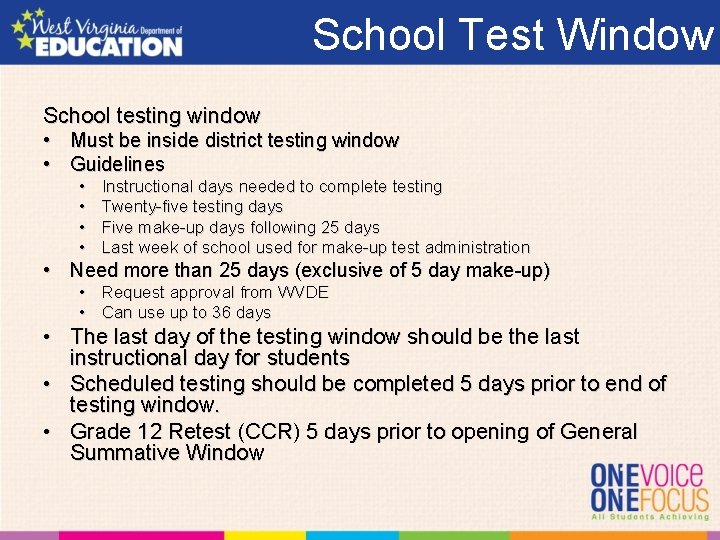
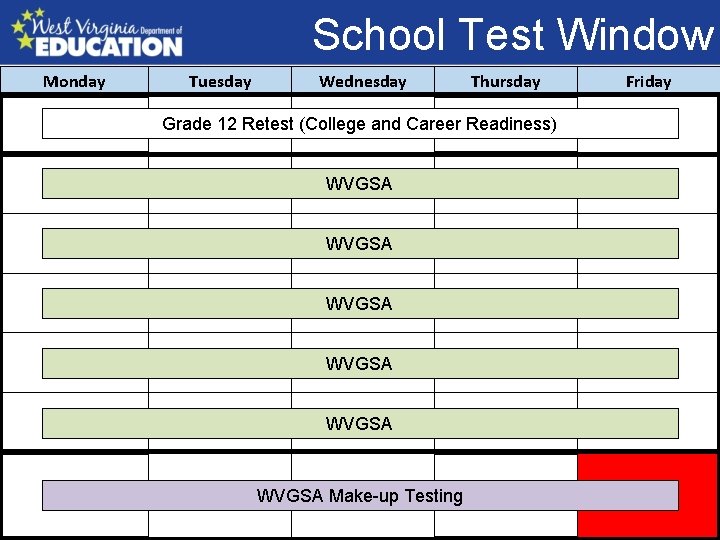
School Test Window School testing window • Must be inside district testing window • Guidelines • • Instructional days needed to complete testing Twenty-five testing days Five make-up days following 25 days Last week of school used for make-up test administration • Need more than 25 days (exclusive of 5 day make-up) • Request approval from WVDE • Can use up to 36 days • The last day of the testing window should be the last instructional day for students • Scheduled testing should be completed 5 days prior to end of testing window. • Grade 12 Retest (CCR) 5 days prior to opening of General Summative Window
School Test Window Monday Tuesday Wednesday Thursday Friday Grade 12 Retest (College and Career Readiness) WVGSA WVGSA Make-up Testing
School Test Window Eliminates opening of summative tests prior to school testing avoiding summative vs interim mistakes
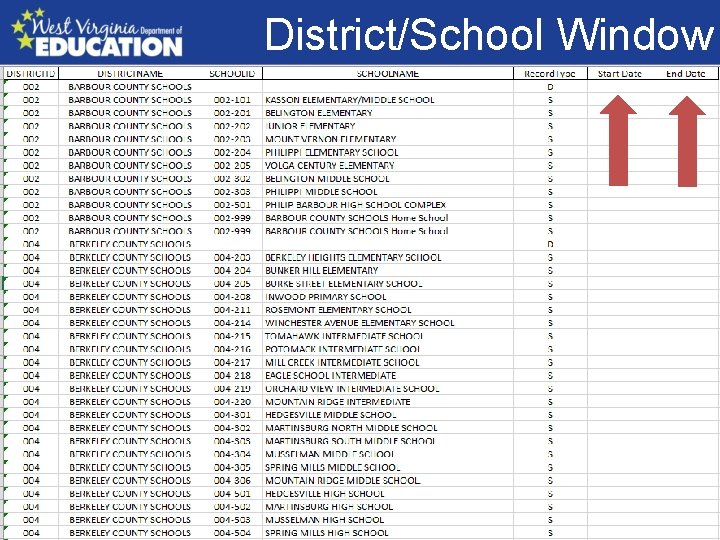
Operational Test Window Each school has a unique window • Must supply us with a testing window for each school • We will provide a spreadsheet with each school in your district listed and a place for start and stop dates • General summative and a start date for Grade 12 Retest • District will be able to update this window once the adjusted calendar, if necessary, is approved • Due date for initial school testing windows is January 15 • Adjusted calendar date forthcoming
District/School Window
FAY vs PR Full Academic Year vs. Participation Rate A student enrolled 135 nonconsecutive instructional days is counted in that school’s accountability numbers Students enrolled on the last day of instruction count toward the participation rate
New for 2016 No classroom activity ELA Performance Tasks may be completed in ONE (1) session
Things to Remember Ten Calendar days for PT Limit disruptions Schedule make-ups ASAP
Technology The secure browser was updated in July If the secure browser works with the practice, training and interim tests -The browser was updated
Technology i. OS 9. x for i. Pads and El Capitan for Apple products will be supported for summative testing. New Chromebook browser will be posted this weekend. At this time you should not need to update if you updated in July.
AIR Help Desk AIR is working with WVDE to • Correct the issues last year • Facilitate quicker response times
Operational Test • Content areas: – Math and ELA • Grades 3 -11 – Science* • Grades 4, 6 and 10 – Social Studies* • Not Tested in 2016 *In Policy 2340
Operational Test First Name = Student WVEIS first name SSID = WVEIS number or WVDE assigned assessment ID SSID must be a 9 -digit number (leading zeros must be used)
Operational Test The WV General Summative Assessment requires standardized testing conditions
Operational Test Consistency of test administration is crucial to the accuracy of test results
Operational Test To facilitate student performance during the testing process, defined required conditions for testing must exist
Data Accurate data is important
Data • Changes to student information • Made in WVEIS • Daily Information Push • Accommodation • Demographics • Home-Instructed • Cut off times • 3: 00 PM daily • Changes may take UP TO 48 hours to appear in TIDE
Alternate School Students • Tested at the school site where they receive instruction
Homebound • Should be tested at school or other designated area • If you need to test at the student’s home, must have WVDE permission
Homebound Examiner • Examiner must meet examiner qualifications/training • No family member may be present during test administration • No family member may read any of the test materials • All test security procedures and schedules must be followed
Home-Instructed • Testing - Local decision – One location or spread out among schools • Need to be in the TIDE before testing can start • Home-instructed students cannot show up on the day of testing
Nonpublic/Home School Participation • WVDE Assigned Assessment ID Number – 9 -digit number
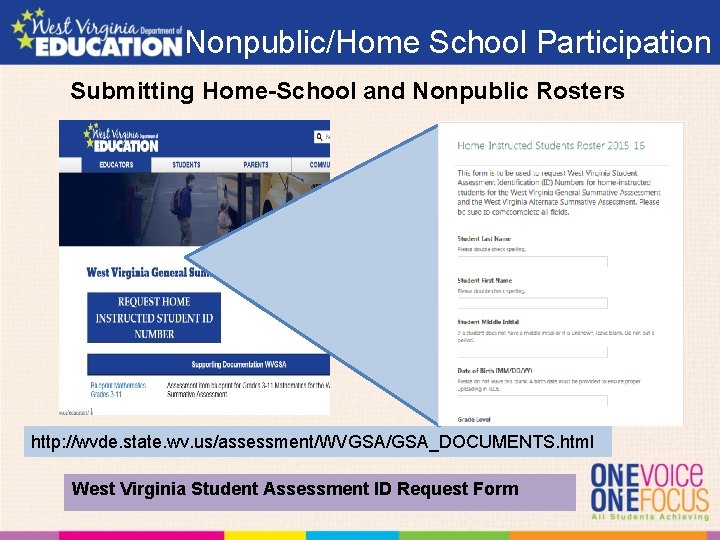
Nonpublic/Home School Participation Submitting Home-School and Nonpublic Rosters http: //wvde. state. wv. us/assessment/WVGSA/GSA_DOCUMENTS. html West Virginia Student Assessment ID Request Form
Transfer Student– Started Testing • Transfer student having completed/started one or more tests prior to transferring – Students can test anywhere in the state, however student settings are only visible to the school of enrollment – Student settings are visible at new school once the data is changed in WVEIS is uploaded into TIDE – Tests already completed will be grayed in student select test screen
Students Not Tested • Use the Online Reporting System to – Generate list of students tested – Generate list of students not tested – Monitor student progress during testing
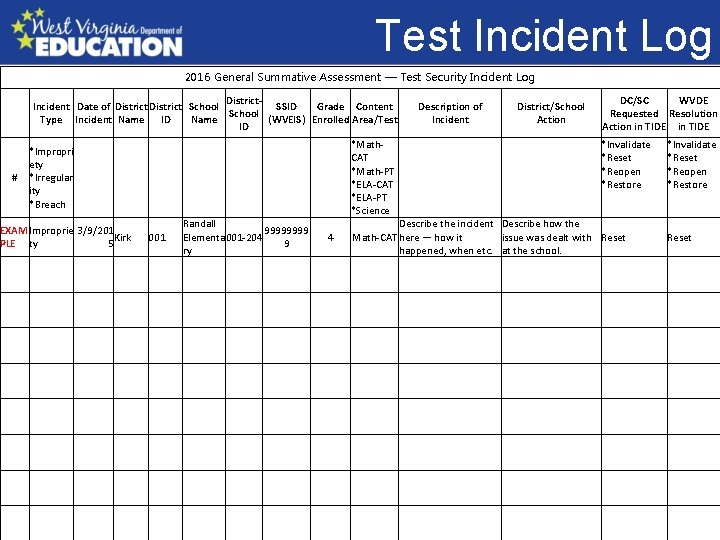
Test Incident Log 2016 General Summative Assessment — Test Security Incident Log District. Incident Date of District School SSID Grade Content School Type Incident Name ID Name (WVEIS) Enrolled Area/Test ID Test Not /Tested # *Impropri ety *Irregular ity *Breach EXAM Improprie 3/9/201 Kirk PLE ty 5 001 Randall 9999 Elementa 001 -204 9 ry Description of Incident *Math. CAT *Math-PT *ELA-CAT *ELA-PT *Science DC/SC WVDE Requested Resolution Action in TIDE District/School Action *Invalidate *Reset *Reopen *Restore • Chart of shipment 1 2 and 3 with dates. 4 Describe the incident Describe how the Math-CAT here — how it issue was dealt with Reset happened, when etc. at the school. *Invalidate *Reset *Reopen *Restore Reset
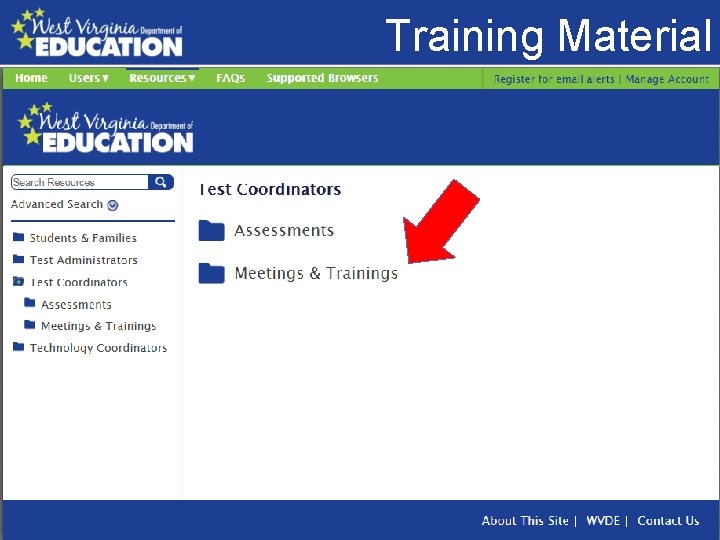
Training Material Video Page • Screen Shot of portal
Out of State Placement Out-of-State Placements. Out-of-state placements by the West Virginia Department of Health and Human Resources include students who have been placed by a non-IEP decision in out-of-state schools/facilities due to special education needs and related services. These students are not instructed using the CSOs; therefore, they are not assessed using the West Virginia accountability assessments or included in measures of school and subgroup annual progress calculations.
Out of State Placement Out-of-State Placements. Out-of-state placements by districts include students who have been placed by an IEP decision in out-of-state schools/facilities due to special education needs and related services. These students are instructed as defined by the CSOs, and therefore, are assessed using the West Virginia accountability assessments and are included in WVAI measures.
Court Based Placement Court based placement. When the West Virginia Department of Health and Human Services places a student in an out-of-state school or facility, the decision is considered to be a non-IEP decision. The placement decision is based on factors other than disability status. However, some of these students in out-of-state placements do have IEPs. These students should not be assessed with the West Virginia statewide general or alternate summative assessments. The schools will provide documentation to the district test coordinators explaining why these students were not tested and are to be excluded from accountability calculations (e. g. , participation, proficiency, growth). A copy of the court based placement is sufficient documentation and should be kept on file at the district level.
District Placement. Students placed in outof-state schools/facilities by the IEP teams. These students should be assessed using the West Virginia statewide general summative assessment and the West Virginia statewide alternate summative assessment and included in school calculations (e. g. , participation, proficiency, growth) if they are enrolled as a student in WVEIS
Scribe Verification • Make sure that the Scribe Verification Form is completed. • No Answer Sheets in 2016 – All answers entered into Data Entry Interface • Webinar on use • Scheduled for Mid February
Aides • Must complete the Request to Utilize Other Personnel • Must be instructionally assigned to student • Aide Request Form – Provided on website – Emailed on Listserve
Invalidations and Resets § Invalidation § No Score § Resets § Retesting with score § Requested using TIDE
Fixed Form vs CAT • Fixed Form – Items are static – Students with receive same items • Computer Adaptive Test – Items are fluid – Students receive items based on prior responses
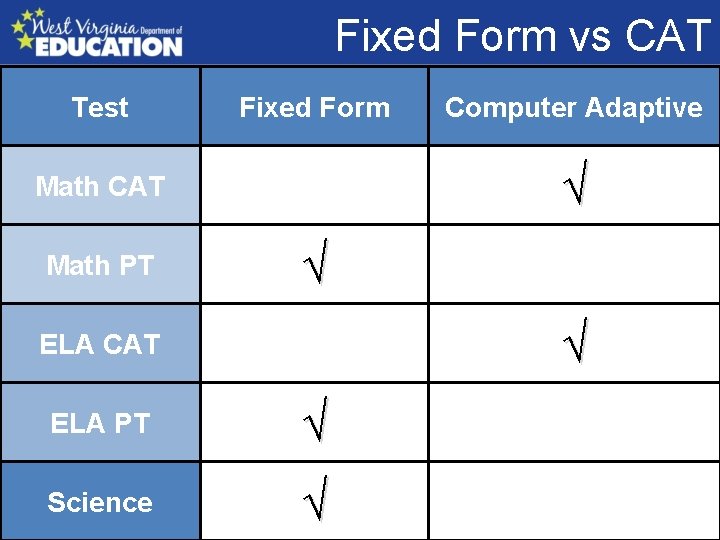
Fixed Form vs CAT Test Fixed Form √ Math CAT Math PT Computer Adaptive √ √ ELA CAT ELA PT √ Science √
Medically Emergency Refers to a situation in which a student is suffering from a terminal illness or physical or psychological emergency. These students may qualify for a participation rate exemption. Information about the appeals process is available from the Office of Research, Accountability and Data Governance. • Same process as last year
Reports Online Reporting System • Same system for Summative and Interims – Summative – Interims • Results viewable once hand scoring is complete
TIDE User Accounts Adding additional District Coordinator (DC) users Request sent to/added by WVDE Adding additional School Coordinator (SC) users Request sent to/added by District Test Coordinator Adding additional Teachers (TE) or Test Administrators (TA) Request sent to/added by School Coordinator
TIDE User Accounts Once an account is created the new user receives an email from MAACDo. Not. Reply@airast. org
i. OS 9. X and El Capitan WVDE and AIR are supporting the use of i. OS 9. x (i. Pads) and El Capitan for testing.
Chromebooks AIR released a new browser for Chromebooks AIR will push the latest Chrome Secure Browser (v 2. 8) to Google’s store. The ONLY change in this app is to permit audio recording on Chromebooks. This is change needed for ELPA 21 support for other AIR clients. This is an OPTIONAL update for WV. It will make no difference if this is updated or not for WV.