VRAY FOR 3 DS MAX VRay IES Light
- Slides: 15
V-RAY FOR 3 DS MAX V-Ray IES Light
LESSON INTRODUCTION Orientation • This presentation covers the commonly used settings of the V-Ray IES Light inside 3 ds Max • This lesson topic is approximately 20 minutes in length • This presentation covers all three learning cycles: Lecture, Demonstration and Activity
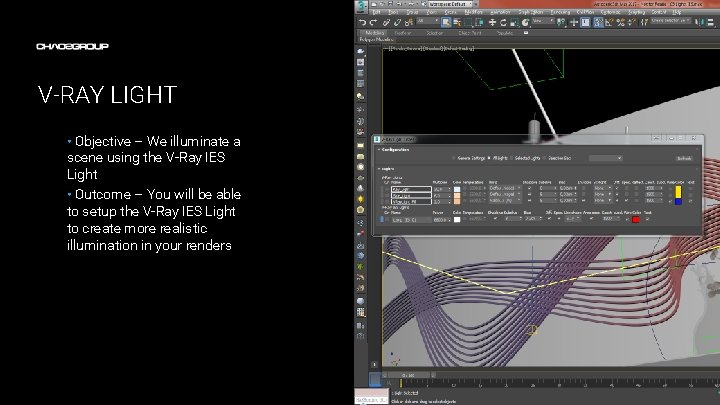
V-RAY LIGHT • Objective – We illuminate a scene using the V-Ray IES Light • Outcome – You will be able to setup the V-Ray IES Light to create more realistic illumination in your renders Artwork by Name
TERMINOLOGY • These are some of the terms to be aware of when thinking about Light – – IES Light Profile – a special file, usually supplied by light source manufacturers, which describes the shape and intensity of a light source Intensity – how strong the light is Color temperature – a real world measure of the hue of a light Soft shadows – in the real world the size of a light affects the shadows it creates. Larger lights create blurrier (softer) shadows while small lights create sharp shadows
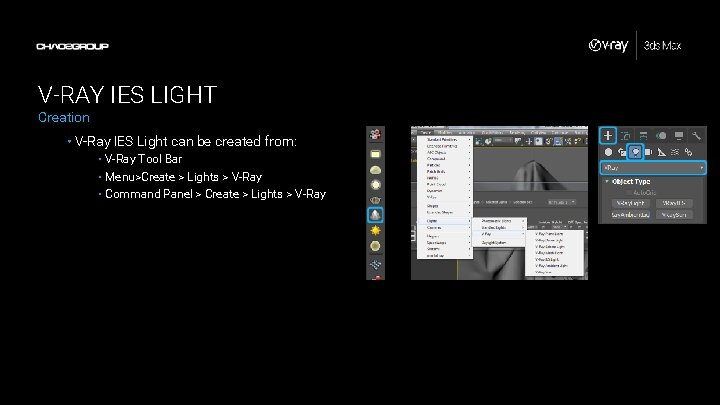
V-RAY IES LIGHT Creation • V-Ray IES Light can be created from: • V-Ray Tool Bar • Menu>Create > Lights > V-Ray • Command Panel > Create > Lights > V-Ray
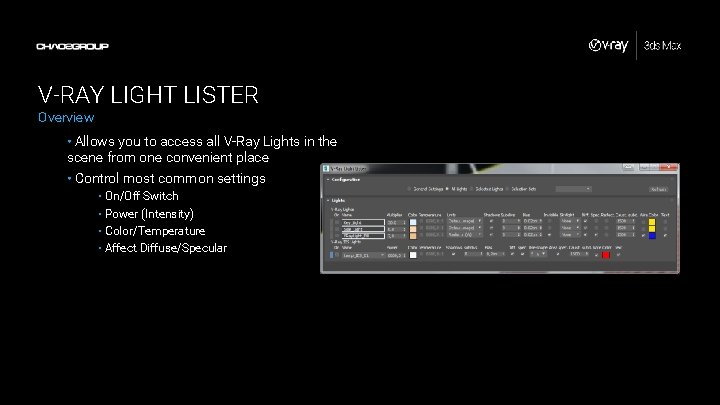
V-RAY LIGHT LISTER Overview • Allows you to access all V-Ray Lights in the scene from one convenient place • Control most common settings • On/Off Switch • Power (Intensity) • Color/Temperature • Affect Diffuse/Specular
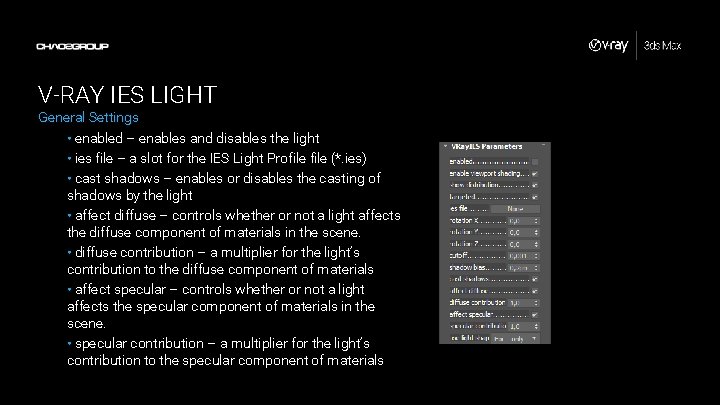
V-RAY IES LIGHT General Settings • enabled – enables and disables the light • ies file – a slot for the IES Light Profile (*. ies) • cast shadows – enables or disables the casting of shadows by the light • affect diffuse – controls whether or not a light affects the diffuse component of materials in the scene. • diffuse contribution – a multiplier for the light’s contribution to the diffuse component of materials • affect specular – controls whether or not a light affects the specular component of materials in the scene. • specular contribution – a multiplier for the light’s contribution to the specular component of materials
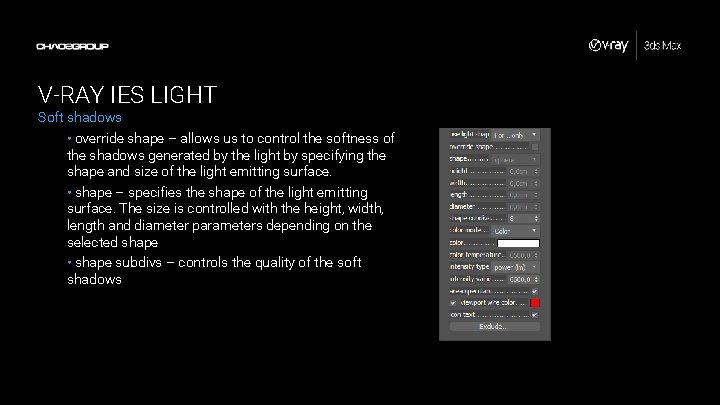
V-RAY IES LIGHT Soft shadows • override shape – allows us to control the softness of the shadows generated by the light by specifying the shape and size of the light emitting surface. • shape – specifies the shape of the light emitting surface. The size is controlled with the height, width, length and diameter parameters depending on the selected shape • shape subdivs – controls the quality of the soft shadows
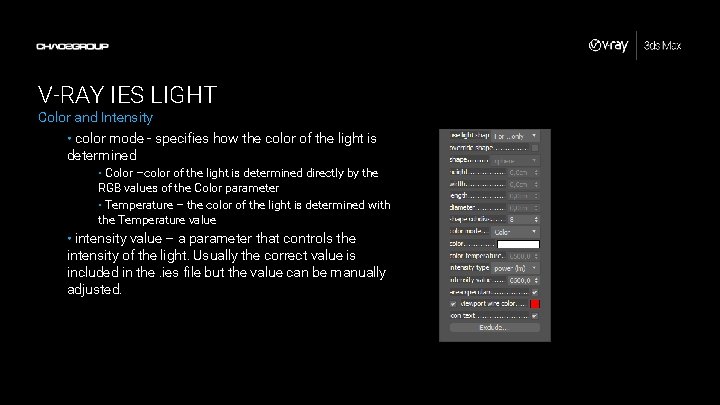
V-RAY IES LIGHT Color and Intensity • color mode - specifies how the color of the light is determined • Color –color of the light is determined directly by the RGB values of the Color parameter • Temperature – the color of the light is determined with the Temperature value • intensity value – a parameter that controls the intensity of the light. Usually the correct value is included in the. ies file but the value can be manually adjusted.
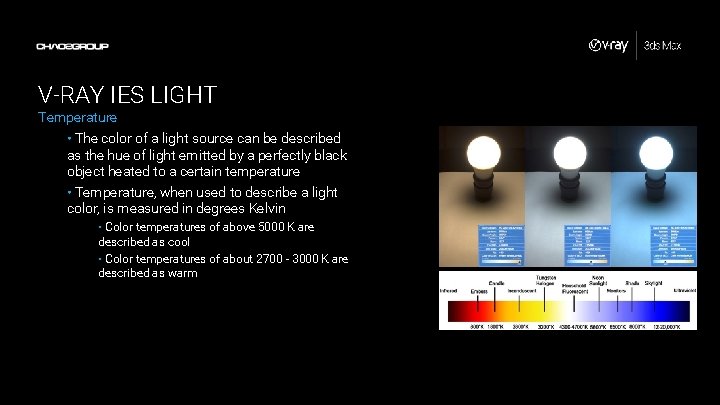
V-RAY IES LIGHT Temperature • The color of a light source can be described as the hue of light emitted by a perfectly black object heated to a certain temperature • Temperature, when used to describe a light color, is measured in degrees Kelvin • Color temperatures of above 5000 K are described as cool • Color temperatures of about 2700 - 3000 K are described as warm
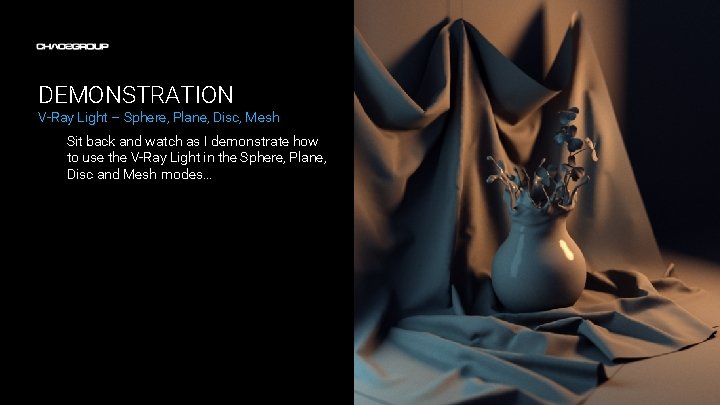
DEMONSTRATION V-Ray Light – Sphere, Plane, Disc, Mesh Sit back and watch as I demonstrate how to use the V-Ray Light in the Sphere, Plane, Disc and Mesh modes…
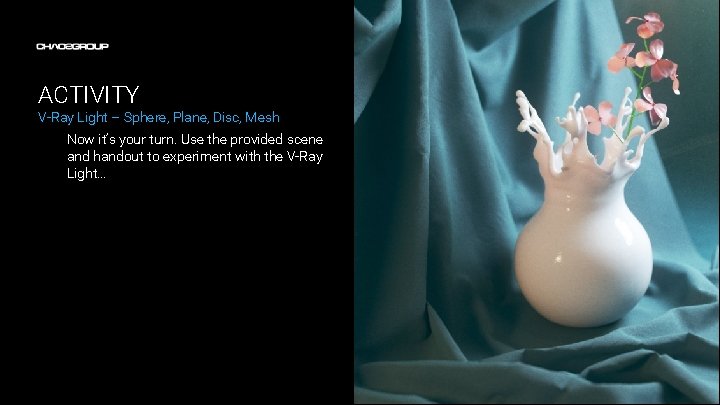
ACTIVITY V-Ray Light – Sphere, Plane, Disc, Mesh Now it’s your turn. Use the provided scene and handout to experiment with the V-Ray Light…