U S General Services Administration GSA Smart Pay
- Slides: 33
U. S. General Services Administration GSA Smart Pay Training Forum – Using Your GSA Fleet Card August 6 -9, 2018 presented by Brian Moseley and Jessica Summerall, GSA
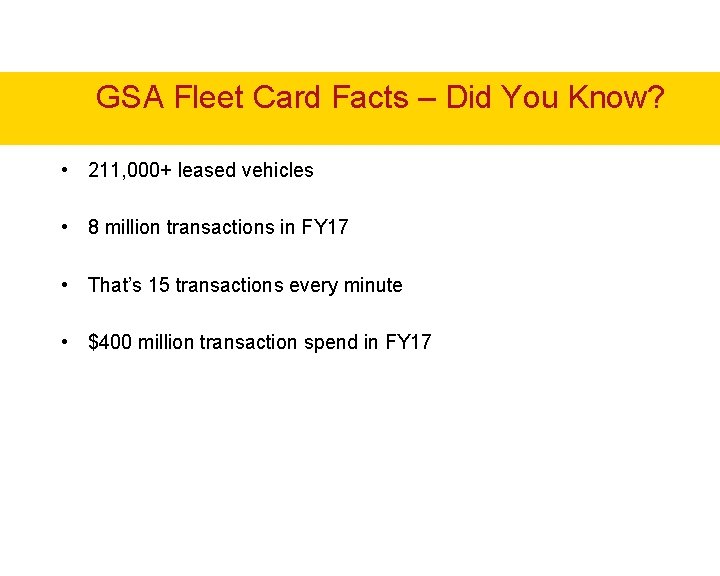
GSA Fleet Card Facts – Did You Know? • 211, 000+ leased vehicles • 8 million transactions in FY 17 • That’s 15 transactions every minute • $400 million transaction spend in FY 17
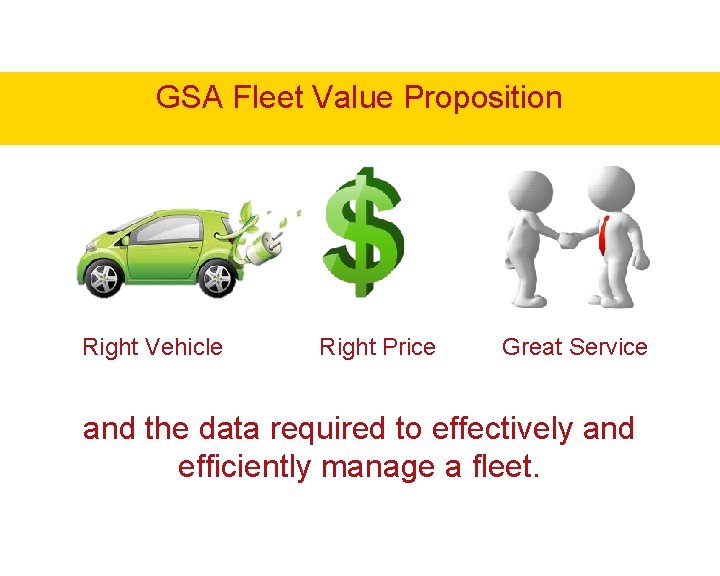
GSA Fleet Value Proposition Right Vehicle Right Price Great Service and the data required to effectively and efficiently manage a fleet.
Agenda • GSA Fleet Lease Services Supplied • Fleet Card Management and Usage • Card Ordering • Transaction Review • Fraud Case Management & Prevention • Resources
Services Included in GSA Leases • Inventory Management System – FMS • National Rates • Helping Customers to Meet Mandates – FAST, AFVs • Accident & Maintenance Management • Access to Short Term Rental Vehicles • Federal Motor Vehicle Registration System (FMVRS) • Loss Prevention Team Services
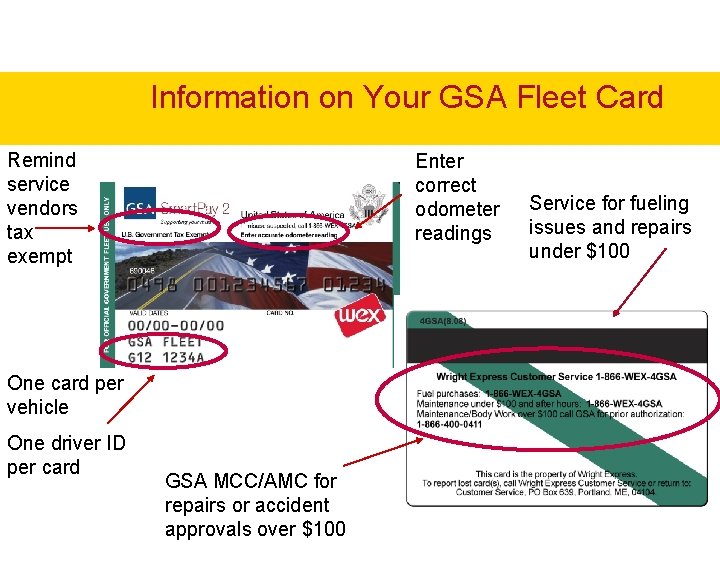
Information on Your GSA Fleet Card Remind service vendors tax exempt Enter correct odometer readings One card per vehicle One driver ID per card GSA MCC/AMC for repairs or accident approvals over $100 Service for fueling issues and repairs under $100
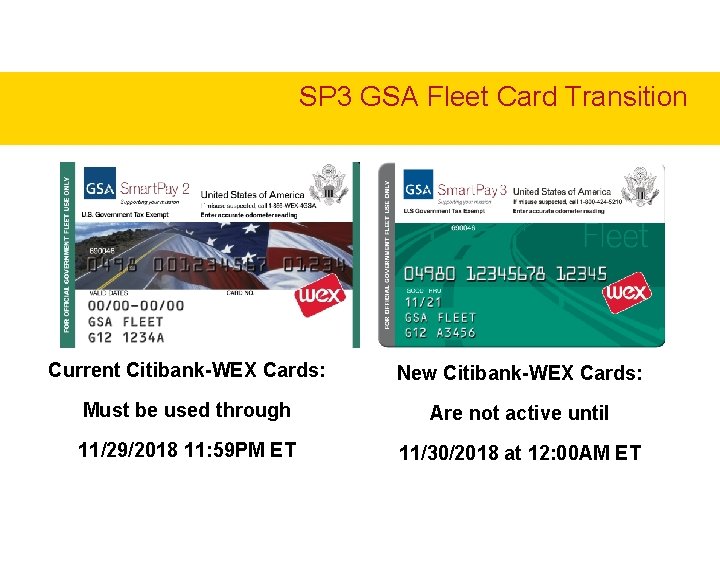
SP 3 GSA Fleet Card Transition Current Citibank-WEX Cards: New Citibank-WEX Cards: Must be used through Are not active until 11/29/2018 11: 59 PM ET 11/30/2018 at 12: 00 AM ET
GSA Fleet Card Implementation ● Agencies will begin to receive their new GSA Fleet cards on 10/1/2018 from their local Fleet Service Representatives (FSRs) for distribution to their drivers. Please do not delay in getting new cards to the end users ● Unlike an expiration cycle, at no point will both cards be active. Please ensure in the days leading up to the transition that all vehicles are fueled ● Please contact your FSR or LPT@gsa. gov with any questions or concerns
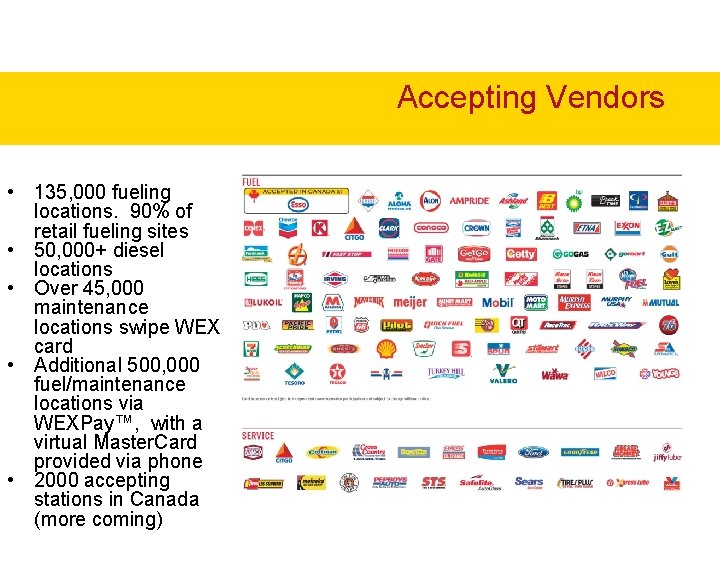
Accepting Vendors • 135, 000 fueling locations. 90% of retail fueling sites • 50, 000+ diesel locations • Over 45, 000 maintenance locations swipe WEX card • Additional 500, 000 fuel/maintenance locations via WEXPay™, with a virtual Master. Card provided via phone • 2000 accepting stations in Canada (more coming)
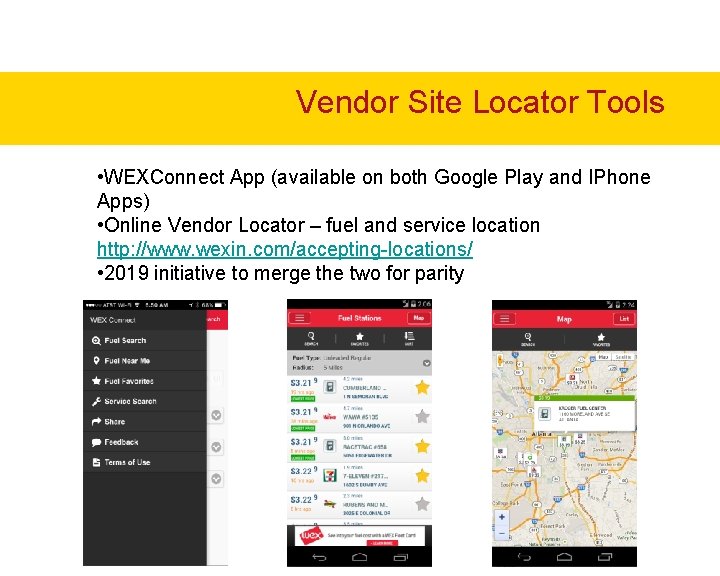
Vendor Site Locator Tools • WEXConnect App (available on both Google Play and IPhone Apps) • Online Vendor Locator – fuel and service location http: //www. wexin. com/accepting-locations/ • 2019 initiative to merge the two for parity
Vendor Acceptance • Car Washes & Service Locations Ø Remember washes at fuel sites where WEX cards are commonly accepted and washes are often discounted with a fill up Ø If you are aware of locally owned sites interested in Fleet Cards where there are hubs of Federal vehicles please email LPT@gsa. gov • Future Enhancements Ø Requirement to move to chip & pin in 2020 may enhance acceptance at all merchants
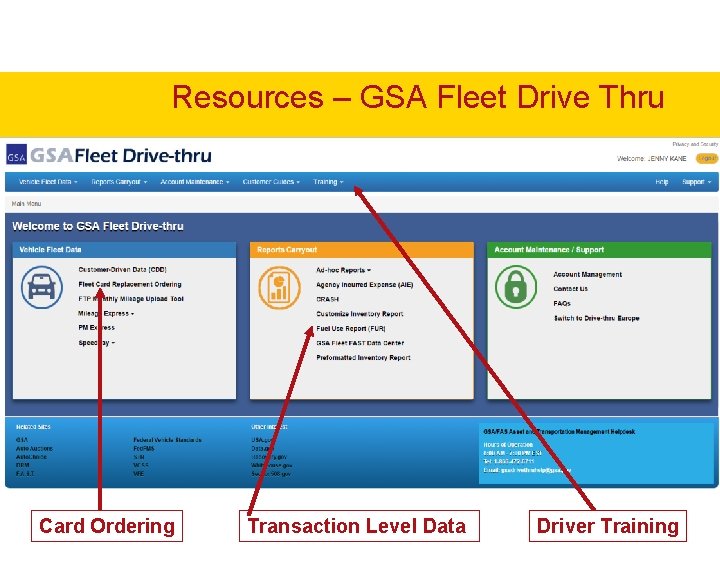
Ordering a Replacement Card • Go to: https: //drivethru. gsa. gov/ • Once registered login using your email and password • Select “WEX Replacement Card Ordering” • Follow the instructions • You are able to direct ship to either your default address or to a field location you enter • Cards ordered prior to 2: 00 ET should be received the next day via UPS
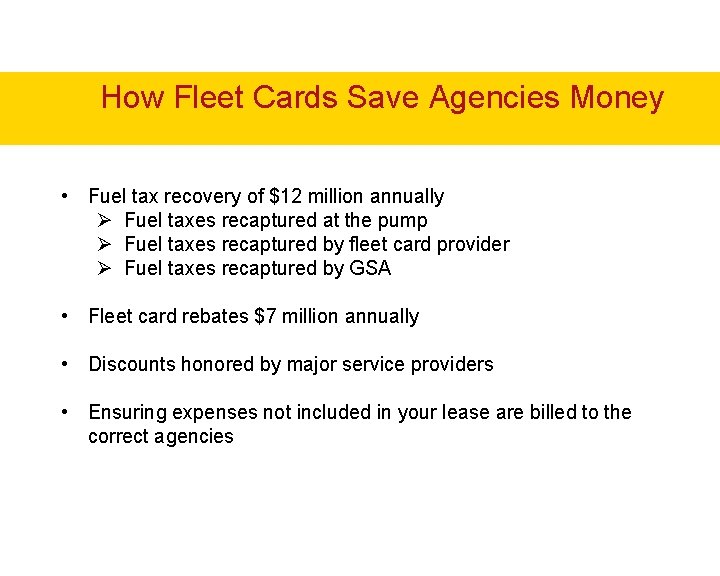
How Fleet Cards Save Agencies Money • Fuel tax recovery of $12 million annually Ø Fuel taxes recaptured at the pump Ø Fuel taxes recaptured by fleet card provider Ø Fuel taxes recaptured by GSA • Fleet card rebates $7 million annually • Discounts honored by major service providers • Ensuring expenses not included in your lease are billed to the correct agencies
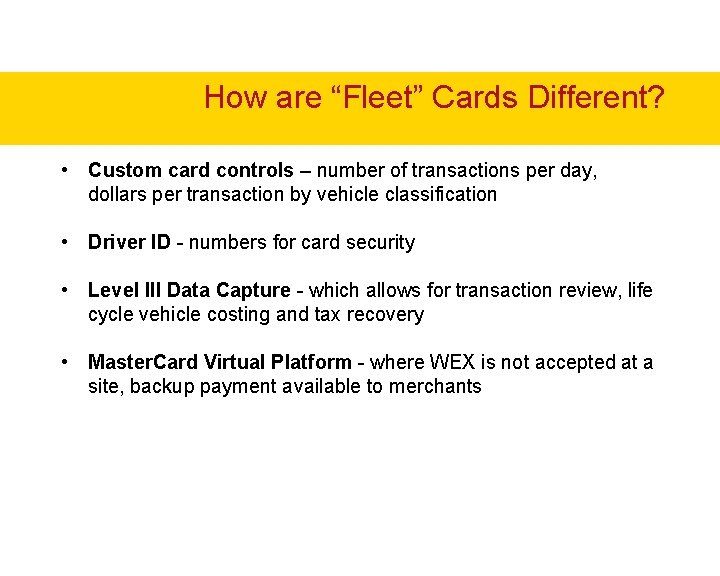
How are “Fleet” Cards Different? • Custom card controls – number of transactions per day, dollars per transaction by vehicle classification • Driver ID - numbers for card security • Level III Data Capture - which allows for transaction review, life cycle vehicle costing and tax recovery • Master. Card Virtual Platform - where WEX is not accepted at a site, backup payment available to merchants
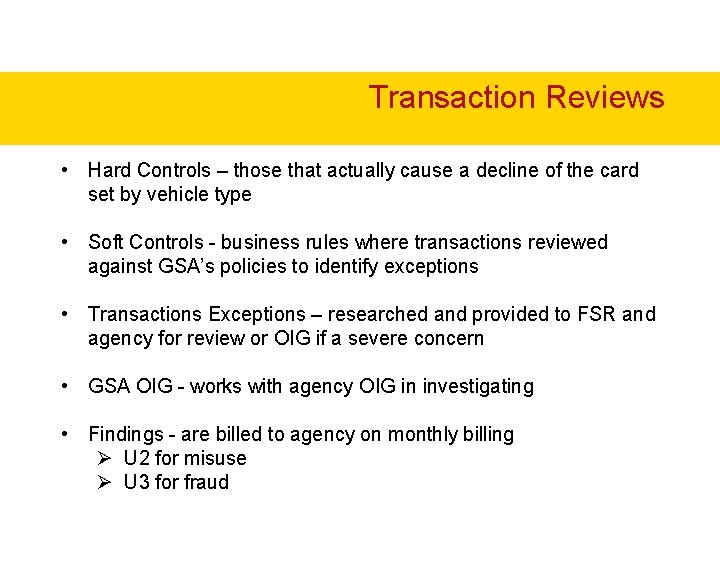
Transaction Reviews • Hard Controls – those that actually cause a decline of the card set by vehicle type • Soft Controls - business rules where transactions reviewed against GSA’s policies to identify exceptions • Transactions Exceptions – researched and provided to FSR and agency for review or OIG if a severe concern • GSA OIG - works with agency OIG in investigating • Findings - are billed to agency on monthly billing Ø U 2 for misuse Ø U 3 for fraud
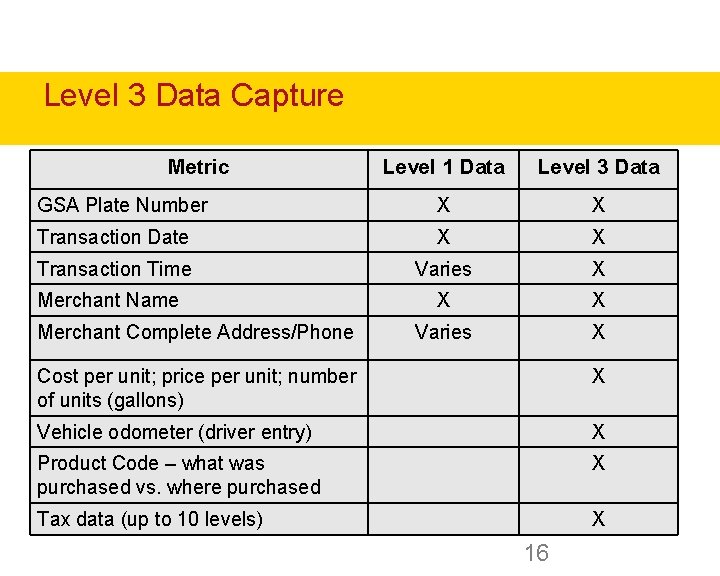
Level 3 Data Capture Metric Level 1 Data Level 3 Data GSA Plate Number X X Transaction Date X X Transaction Time Varies X X X Varies X Merchant Name Merchant Complete Address/Phone Cost per unit; price per unit; number of units (gallons) X Vehicle odometer (driver entry) X Product Code – what was purchased vs. where purchased X Tax data (up to 10 levels) X 16
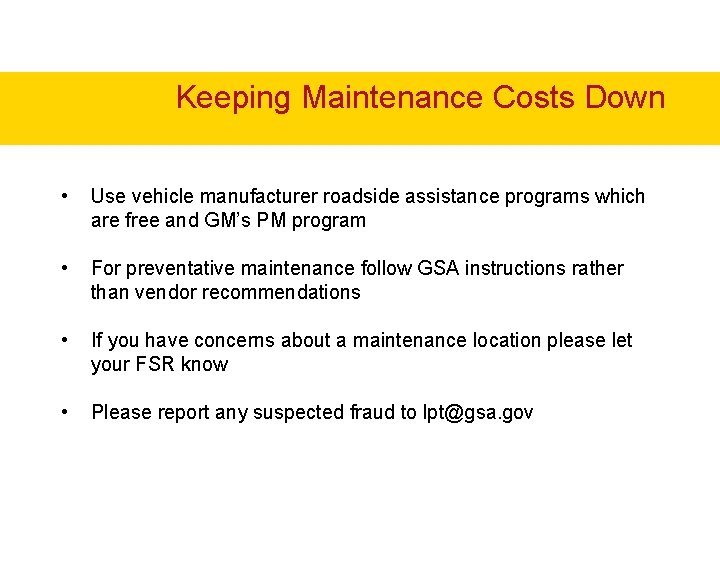
Keeping Maintenance Costs Down • Use vehicle manufacturer roadside assistance programs which are free and GM’s PM program • For preventative maintenance follow GSA instructions rather than vendor recommendations • If you have concerns about a maintenance location please let your FSR know • Please report any suspected fraud to lpt@gsa. gov
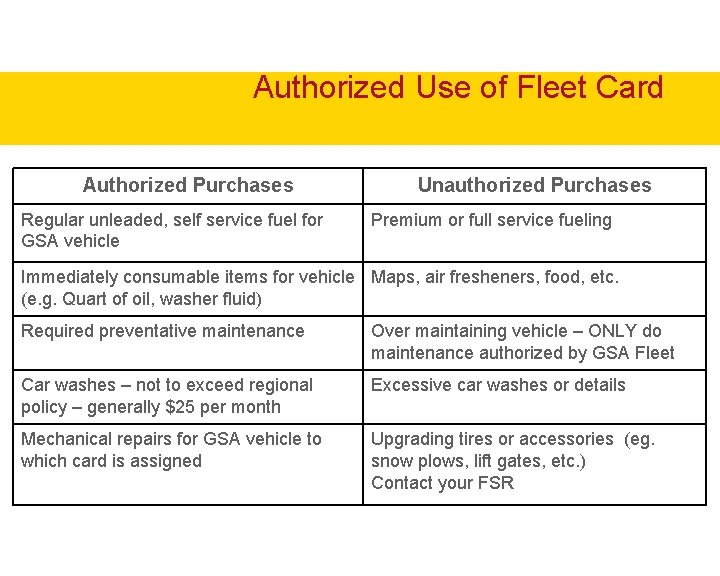
Authorized Use of Fleet Card Authorized Purchases Regular unleaded, self service fuel for GSA vehicle Unauthorized Purchases Premium or full service fueling Immediately consumable items for vehicle Maps, air fresheners, food, etc. (e. g. Quart of oil, washer fluid) Required preventative maintenance Over maintaining vehicle – ONLY do maintenance authorized by GSA Fleet Car washes – not to exceed regional policy – generally $25 per month Excessive car washes or details Mechanical repairs for GSA vehicle to which card is assigned Upgrading tires or accessories (eg. snow plows, lift gates, etc. ) Contact your FSR
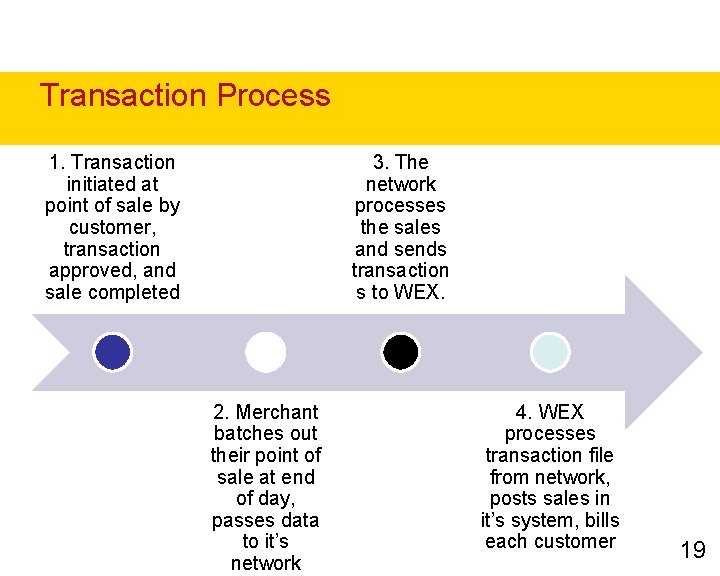
Transaction Process 1. Transaction initiated at point of sale by customer, transaction approved, and sale completed 3. The network processes the sales and sends transaction s to WEX. 2. Merchant batches out their point of sale at end of day, passes data to it’s network 4. WEX processes transaction file from network, posts sales in it’s system, bills each customer 19
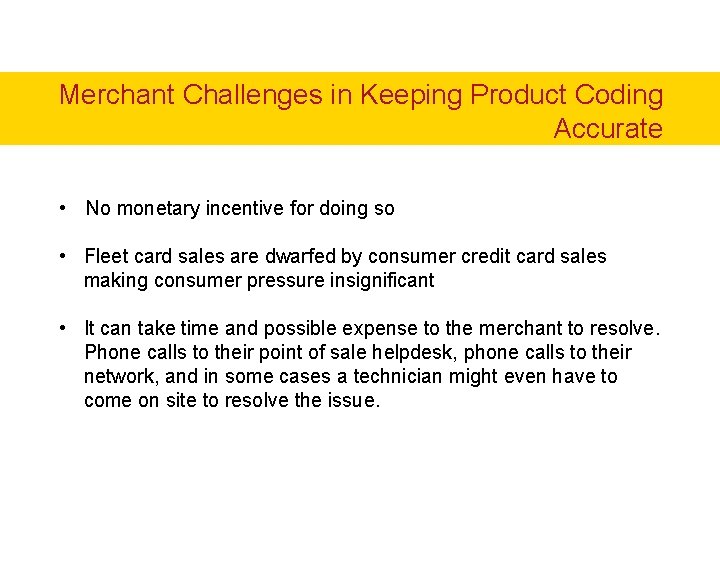
Merchant Challenges in Keeping Product Coding Accurate • No monetary incentive for doing so • Fleet card sales are dwarfed by consumer credit card sales making consumer pressure insignificant • It can take time and possible expense to the merchant to resolve. Phone calls to their point of sale helpdesk, phone calls to their network, and in some cases a technician might even have to come on site to resolve the issue.
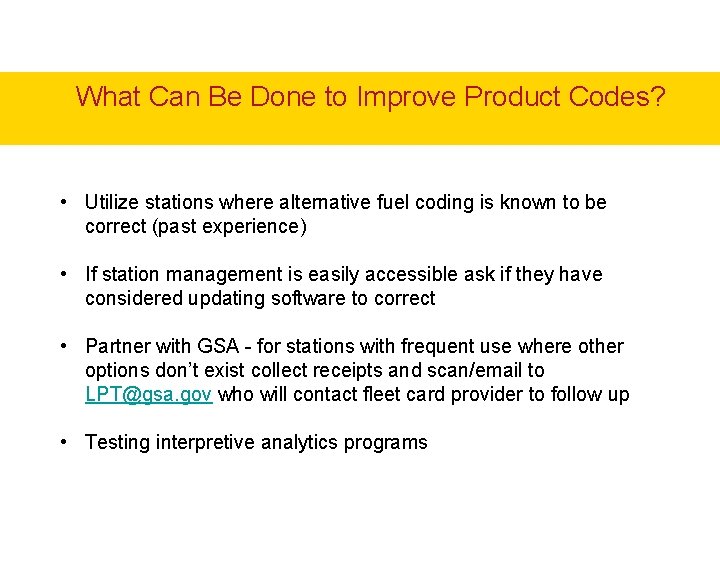
What Can Be Done to Improve Product Codes? • Utilize stations where alternative fuel coding is known to be correct (past experience) • If station management is easily accessible ask if they have considered updating software to correct • Partner with GSA - for stations with frequent use where other options don’t exist collect receipts and scan/email to LPT@gsa. gov who will contact fleet card provider to follow up • Testing interpretive analytics programs
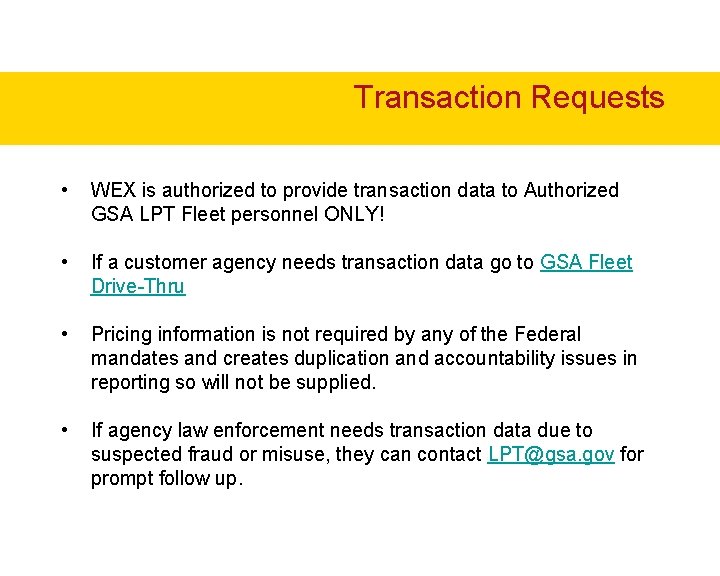
Transaction Requests • WEX is authorized to provide transaction data to Authorized GSA LPT Fleet personnel ONLY! • If a customer agency needs transaction data go to GSA Fleet Drive-Thru • Pricing information is not required by any of the Federal mandates and creates duplication and accountability issues in reporting so will not be supplied. • If agency law enforcement needs transaction data due to suspected fraud or misuse, they can contact LPT@gsa. gov for prompt follow up.
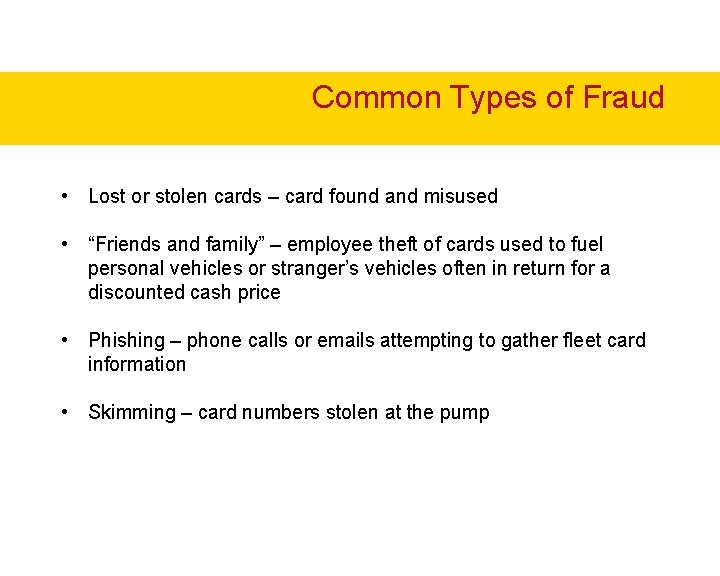
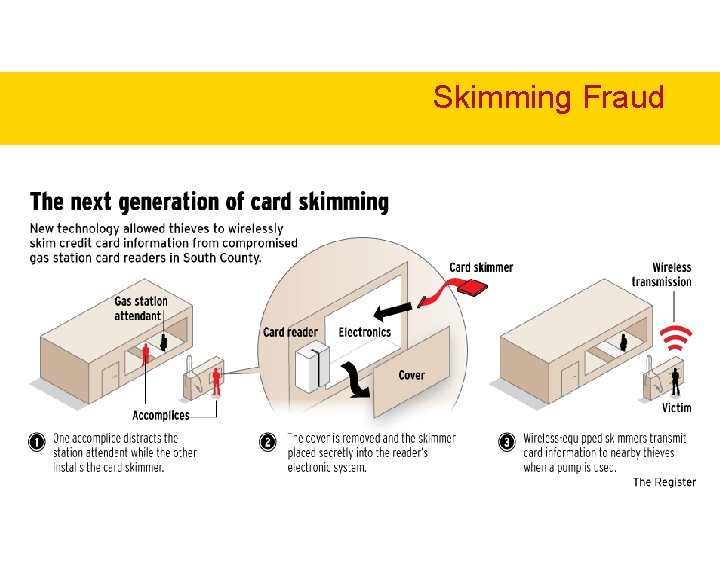
Common Types of Fraud • Lost or stolen cards – card found and misused • “Friends and family” – employee theft of cards used to fuel personal vehicles or stranger’s vehicles often in return for a discounted cash price • Phishing – phone calls or emails attempting to gather fleet card information • Skimming – card numbers stolen at the pump
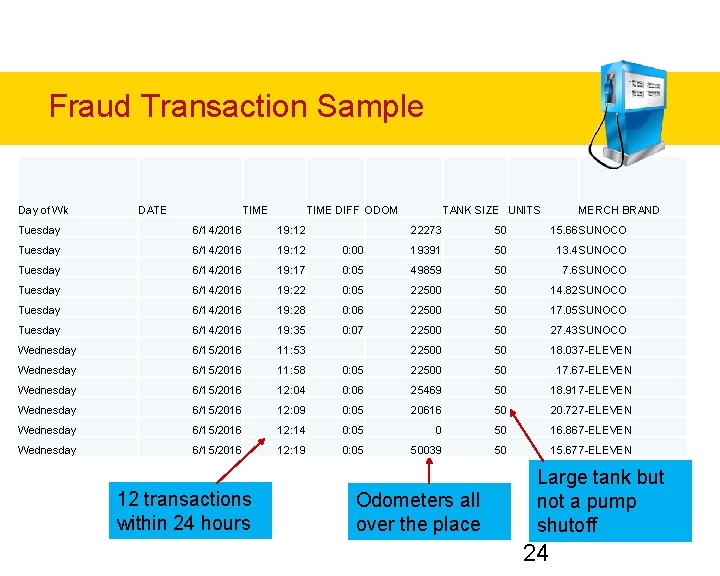
Fraud Transaction Sample Day of Wk DATE TIME DIFF ODOM Tuesday 6/14/2016 19: 12 Tuesday 6/14/2016 Tuesday TANK SIZE UNITS MERCH BRAND 22273 50 15. 66 SUNOCO 0: 00 19391 50 13. 4 SUNOCO 19: 17 0: 05 49859 50 7. 6 SUNOCO 6/14/2016 19: 22 0: 05 22500 50 14. 82 SUNOCO Tuesday 6/14/2016 19: 28 0: 06 22500 50 17. 05 SUNOCO Tuesday 6/14/2016 19: 35 0: 07 22500 50 27. 43 SUNOCO Wednesday 6/15/2016 11: 53 22500 50 18. 037 -ELEVEN Wednesday 6/15/2016 11: 58 0: 05 22500 50 17. 67 -ELEVEN Wednesday 6/15/2016 12: 04 0: 06 25469 50 18. 917 -ELEVEN Wednesday 6/15/2016 12: 09 0: 05 20616 50 20. 727 -ELEVEN Wednesday 6/15/2016 12: 14 0: 05 0 50 16. 867 -ELEVEN Wednesday 6/15/2016 12: 19 0: 05 50039 50 15. 677 -ELEVEN 12 transactions within 24 hours Odometers all over the place Large tank but not a pump shutoff 24
Skimming Fraud
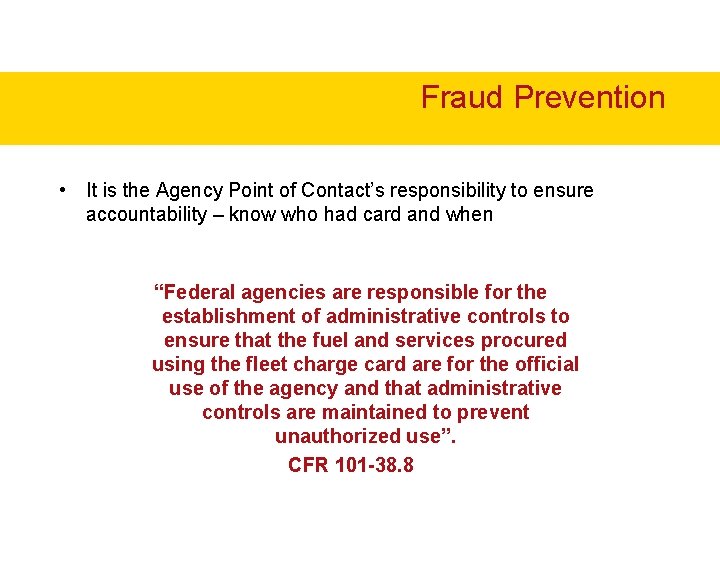
Fraud Prevention • It is the Agency Point of Contact’s responsibility to ensure accountability – know who had card and when “Federal agencies are responsible for the establishment of administrative controls to ensure that the fuel and services procured using the fleet charge card are for the official use of the agency and that administrative controls are maintained to prevent unauthorized use”. CFR 101 -38. 8
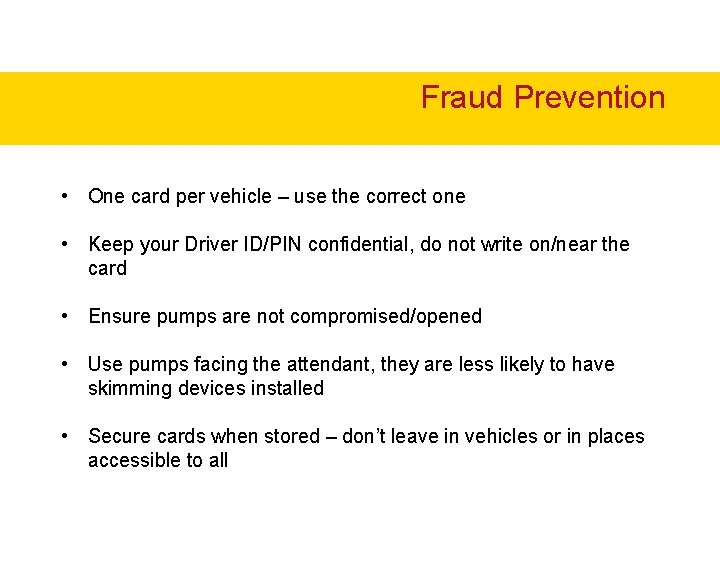
Fraud Prevention • One card per vehicle – use the correct one • Keep your Driver ID/PIN confidential, do not write on/near the card • Ensure pumps are not compromised/opened • Use pumps facing the attendant, they are less likely to have skimming devices installed • Secure cards when stored – don’t leave in vehicles or in places accessible to all
Resources – GSA Fleet Drive Thru Card Ordering Transaction Level Data Driver Training
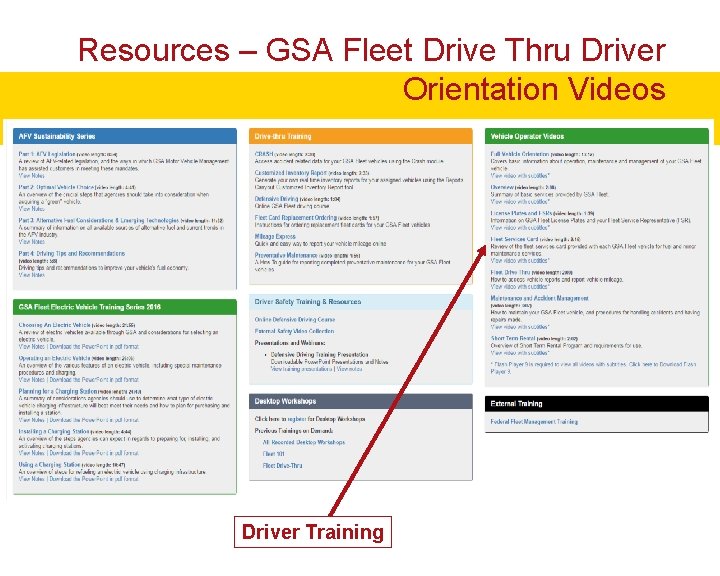
Resources – GSA Fleet Drive Thru Driver Orientation Videos Driver Training
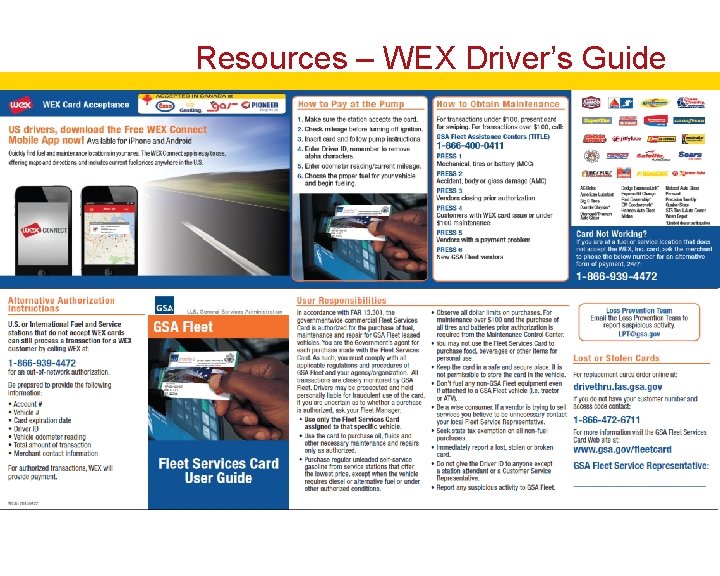
Resources – WEX Driver’s Guide
Additional Resources lpt@gsa. gov replacementcards@gsa. gov www. gsa. gov/fleetcard
Questions? Thank you for your time! Brian Moseley Brian. Moseley@gsa. gov