Securing Open Stack with Intel Trusted Computing Open
![Practical application: Controller(s) cont’d • Configure Trusted. Filter • /etc/nova. conf … [trusted_computing] server=<server](https://slidetodoc.com/presentation_image/5bb497af8073a47b8152a002edfb978e/image-22.jpg "Practical application: Controller(s) cont’d • Configure Trusted. Filter • /etc/nova. conf … [trusted_computing] server=<server")

- Slides: 26
Securing Open. Stack with Intel Trusted Computing Open. Stack Summit Atlanta 2014 12 May 2014 Christian Huebner Cloud Architect chuebner@mirantis. com
Overview Using established server protection to protect cloud infrastructure with existing tools
Section 1 The 10000 Foot View
The Challenge • Cloud infrastructure is vulnerable • Compromised cloud infrastructure not detectable from Guest OS • Protect the infrastructure
Established Server Protection • Intel Trusted Computing (TXT) • measures system components during boot • BIOS/UEFI • Boot loader • OS startup • stores metrics in hardware device (TPM) • provides verification with a remote server
How Does This Apply To The Cloud? • Cloud infrastructure consists of traditional bare-metal servers • Servers can be secured with Intel TXT • We need a mechanism to make the cloud TXT aware • This mechanism exists today
Section 2 Technology
Intel Trusted Execution Technology (TXT) • Prerequisites • Intel TXT capable CPU/chipset (most Xeon, i 5/i 7) • TPM hardware module • TPM capable BIOS/UEFI • Trusted boot module (tboot) • Optional: Trusted Grub
How does Intel TXT work? • Prerequisites • Boot sequence (example: tboot / Linux) • BIOS, attested by hardware, loads (trusted) bootloader • Bootloader loads tboot, which wraps around kernel • Tboot loads kernel, initrd • On legacy platforms SINIT module may be required • SINIT functionality is part of BIOS on modern platforms
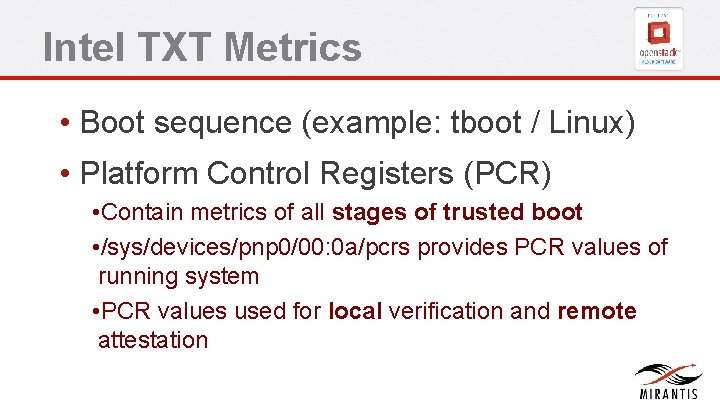
Intel TXT Metrics • Boot sequence (example: tboot / Linux) • Platform Control Registers (PCR) • Contain metrics of all stages of trusted boot • /sys/devices/pnp 0/00: 0 a/pcrs provides PCR values of running system • PCR values used for local verification and remote attestation
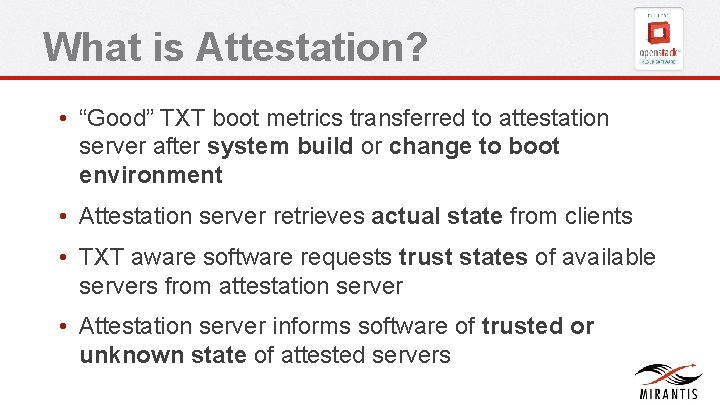
What is Attestation? • “Good” TXT boot metrics transferred to attestation server after system build or change to boot environment • Attestation server retrieves actual state from clients • TXT aware software requests trust states of available servers from attestation server • Attestation server informs software of trusted or unknown state of attested servers
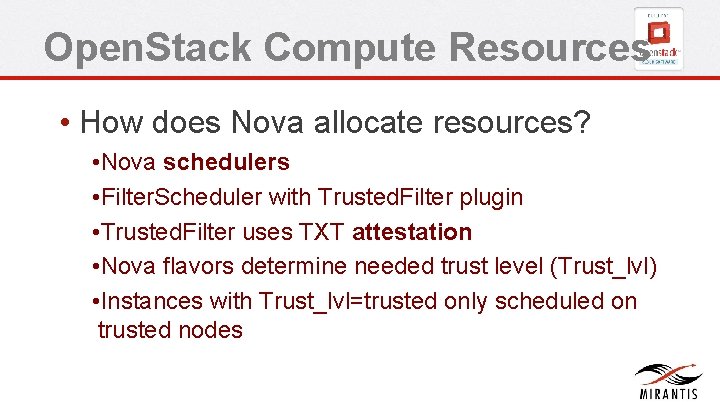
Open. Stack Compute Resources • How does Nova allocate resources? • Nova schedulers • Filter. Scheduler with Trusted. Filter plugin • Trusted. Filter uses TXT attestation • Nova flavors determine needed trust level (Trust_lvl) • Instances with Trust_lvl=trusted only scheduled on trusted nodes
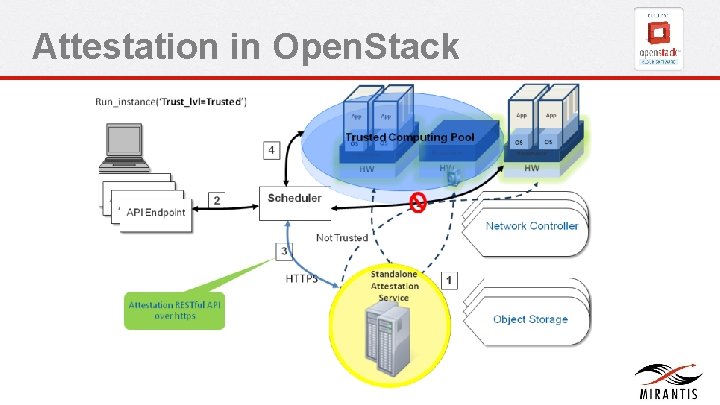
Attestation in Open. Stack
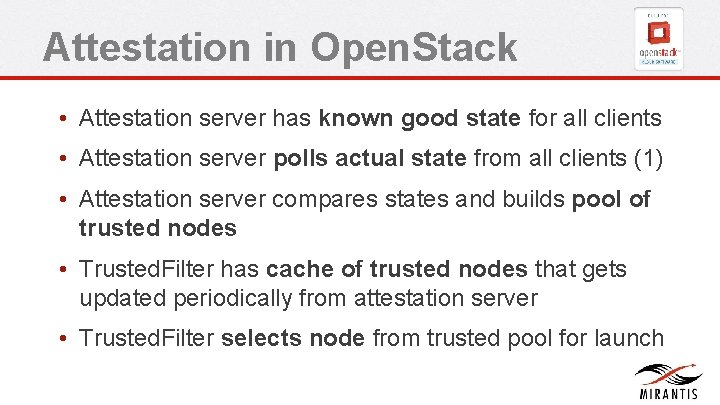
Attestation in Open. Stack • Attestation server has known good state for all clients • Attestation server polls actual state from all clients (1) • Attestation server compares states and builds pool of trusted nodes • Trusted. Filter has cache of trusted nodes that gets updated periodically from attestation server • Trusted. Filter selects node from trusted pool for launch
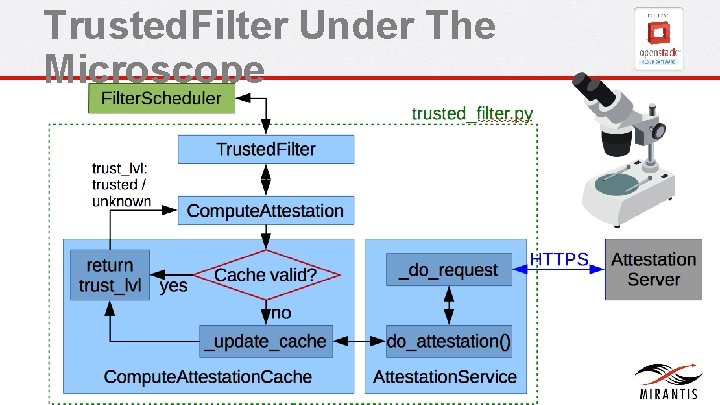
Trusted. Filter Under The Microscope
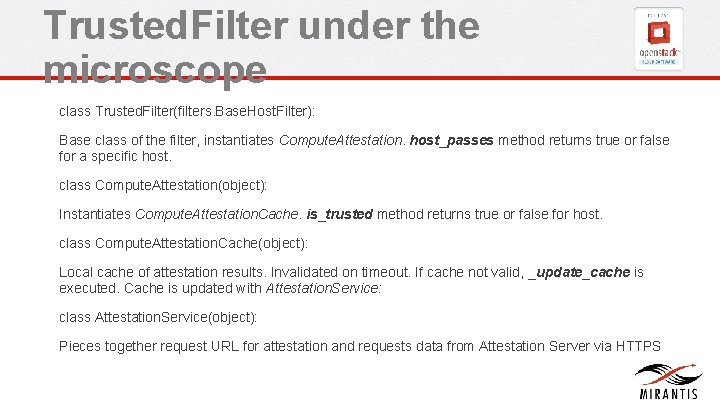
Trusted. Filter under the microscope class Trusted. Filter(filters. Base. Host. Filter): Base class of the filter, instantiates Compute. Attestation. host_passes method returns true or false for a specific host. class Compute. Attestation(object): Instantiates Compute. Attestation. Cache. is_trusted method returns true or false for host. class Compute. Attestation. Cache(object): Local cache of attestation results. Invalidated on timeout. If cache not valid, _update_cache is executed. Cache is updated with Attestation. Service: class Attestation. Service(object): Pieces together request URL for attestation and requests data from Attestation Server via HTTPS
Section 3 Practical Application
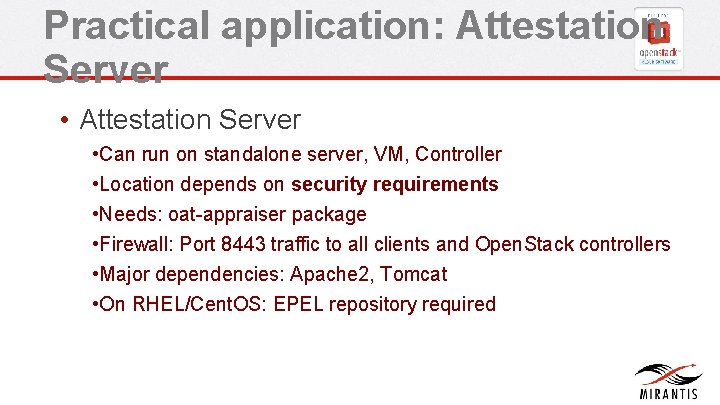
Practical application: Attestation Server • Can run on standalone server, VM, Controller • Location depends on security requirements • Needs: oat-appraiser package • Firewall: Port 8443 traffic to all clients and Open. Stack controllers • Major dependencies: Apache 2, Tomcat • On RHEL/Cent. OS: EPEL repository required
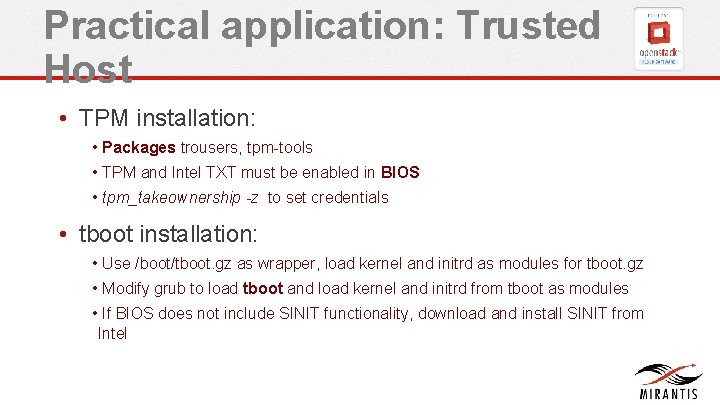
Practical application: Trusted Host • TPM installation: • Packages trousers, tpm-tools • TPM and Intel TXT must be enabled in BIOS • tpm_takeownership -z to set credentials • tboot installation: • Use /boot/tboot. gz as wrapper, load kernel and initrd as modules for tboot. gz • Modify grub to load tboot and load kernel and initrd from tboot as modules • If BIOS does not include SINIT functionality, download and install SINIT from Intel
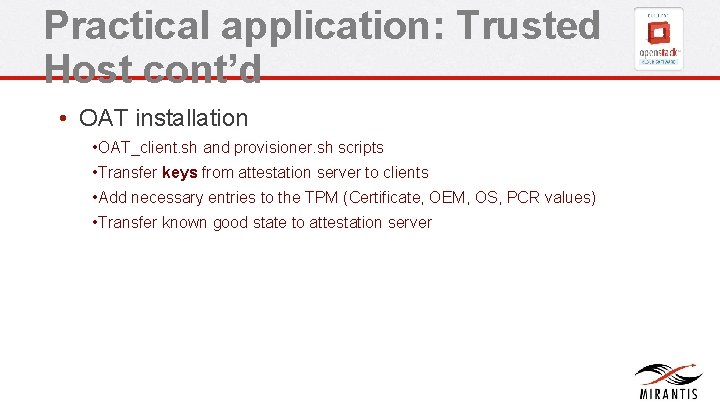
Practical application: Trusted Host cont’d • OAT installation • OAT_client. sh and provisioner. sh scripts • Transfer keys from attestation server to clients • Add necessary entries to the TPM (Certificate, OEM, OS, PCR values) • Transfer known good state to attestation server
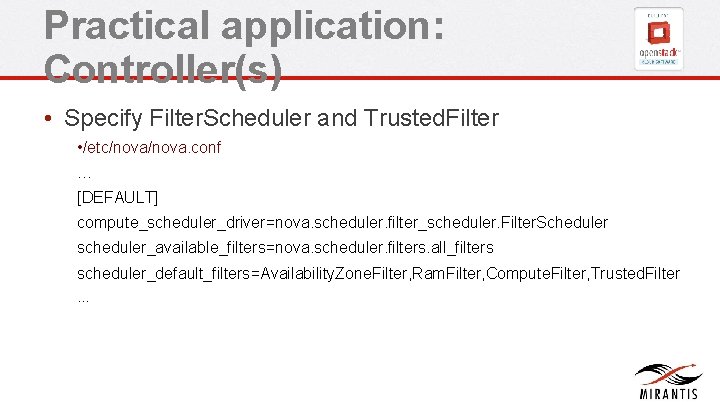
Practical application: Controller(s) • Specify Filter. Scheduler and Trusted. Filter • /etc/nova. conf … [DEFAULT] compute_scheduler_driver=nova. scheduler. filter_scheduler. Filter. Scheduler scheduler_available_filters=nova. scheduler. filters. all_filters scheduler_default_filters=Availability. Zone. Filter, Ram. Filter, Compute. Filter, Trusted. Filter …
Practical application: Controller(s) cont’d • Configure Trusted. Filter • /etc/nova. conf … [trusted_computing] server=<server IP> port=8443 server_ca_file=/etc/nova/<certificate from attestation server. crt> api_url=/Attestation. Service/resources auth_blob=<server authentication> …
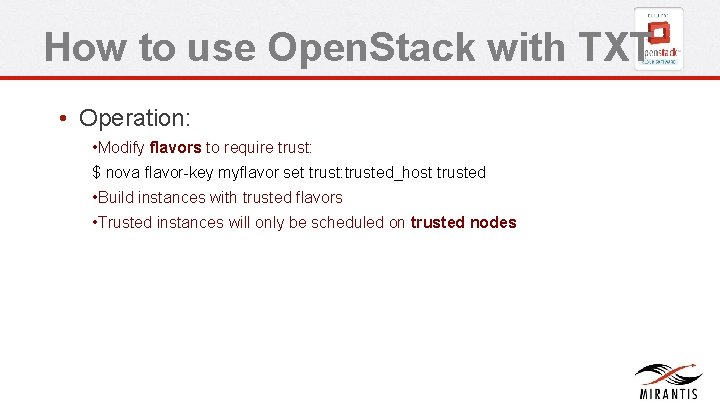
How to use Open. Stack with TXT • Operation: • Modify flavors to require trust: $ nova flavor-key myflavor set trust: trusted_host trusted • Build instances with trusted flavors • Trusted instances will only be scheduled on trusted nodes
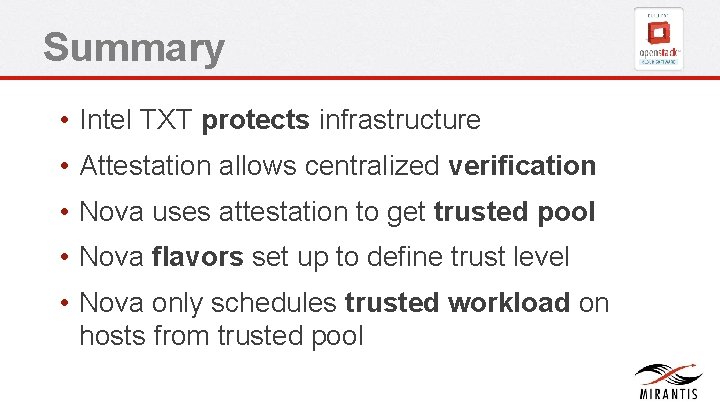
Summary • Intel TXT protects infrastructure • Attestation allows centralized verification • Nova uses attestation to get trusted pool • Nova flavors set up to define trust level • Nova only schedules trusted workload on hosts from trusted pool
Questions? Recommended Reading: TXT: https: //github. com/Open. Attestation/wiki/F edora-oat-packages-installation tboot: https: //fedoraproject. org/wiki/Tboot openstack: http: //docs. openstack. org/grizzly/openstackcompute/admin/content/trusted-compute-pools. html
Thank you. • Christian Huebner | Cloud Architect chuebner@mirantis. com