Personalised programmes in Year 12 13 Statistics Liz
- Slides: 30
Personalised programmes in Year 12 & 13 Statistics Liz Sneddon email: esneddon@ormiston. school. nz Link to presentation: http: //bit. ly/2 h. TRj. GU
Why personalise?
What does personalising mean?
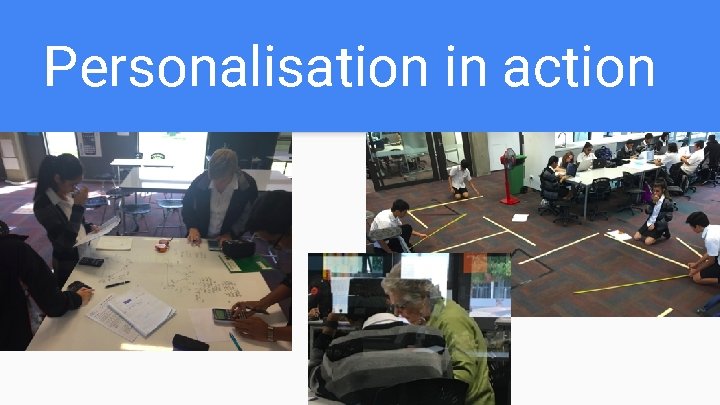
Personalisation in action
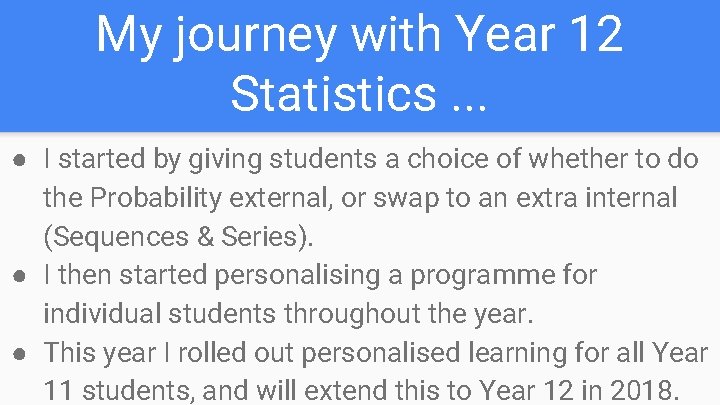
My journey with Year 12 Statistics. . . ● I started by giving students a choice of whether to do the Probability external, or swap to an extra internal (Sequences & Series). ● I then started personalising a programme for individual students throughout the year. ● This year I rolled out personalised learning for all Year 11 students, and will extend this to Year 12 in 2018.
What development was needed? ● Personally: ○ Confidence in curriculum knowledge ○ Understanding the Achievement Standards ○ Confidence to give it a go
What development was needed? ● For other teachers: ○ Support, guidance and confidence from someone who has done it before ○ Confidence to give it a go ○ Team work
What resources did I need? ● ● ● Workbooks Videos Learning guides (schemes) Tracking progress Google Classroom & Sites
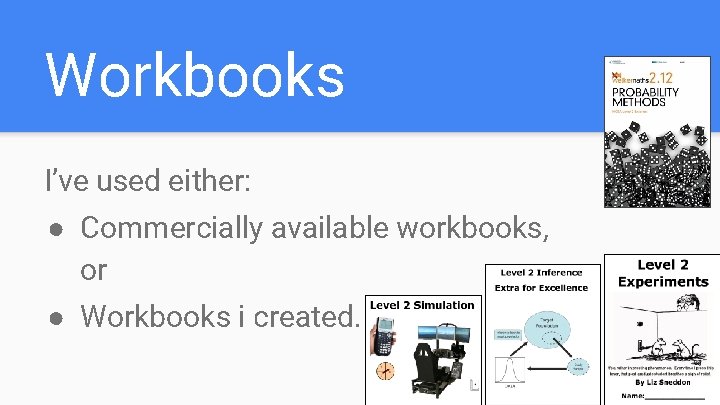
Workbooks I’ve used either: ● Commercially available workbooks, or ● Workbooks i created.
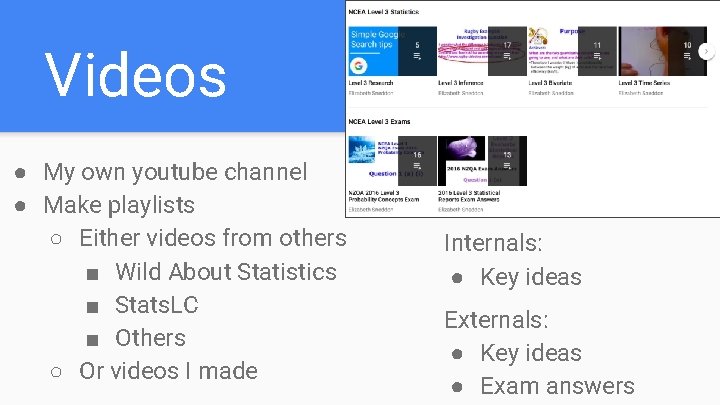
Videos ● My own youtube channel ● Make playlists ○ Either videos from others ■ Wild About Statistics ■ Stats. LC ■ Others ○ Or videos I made Internals: ● Key ideas Externals: ● Key ideas ● Exam answers
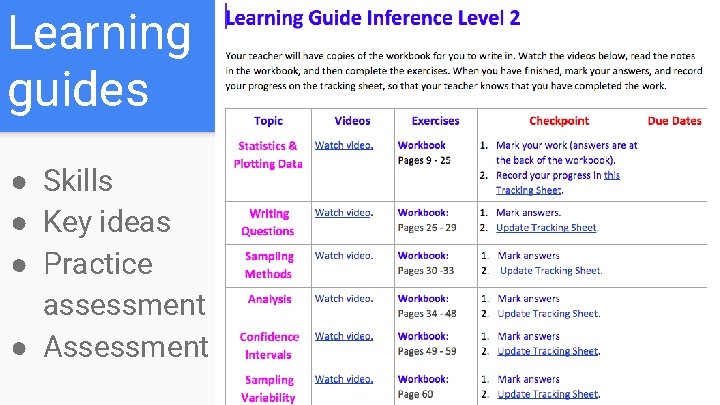
Learning guides ● Skills ● Key ideas ● Practice assessment ● Assessment
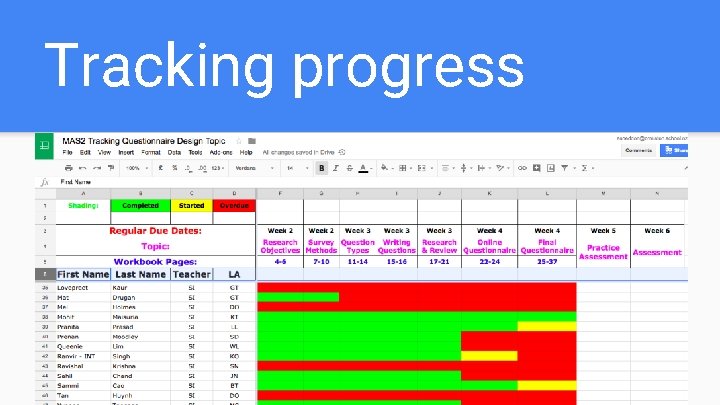
Tracking progress
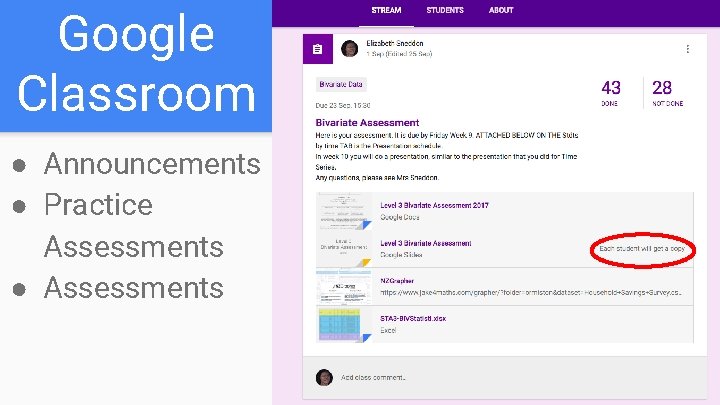
Google Classroom ● Announcements ● Practice Assessments ● Assessments
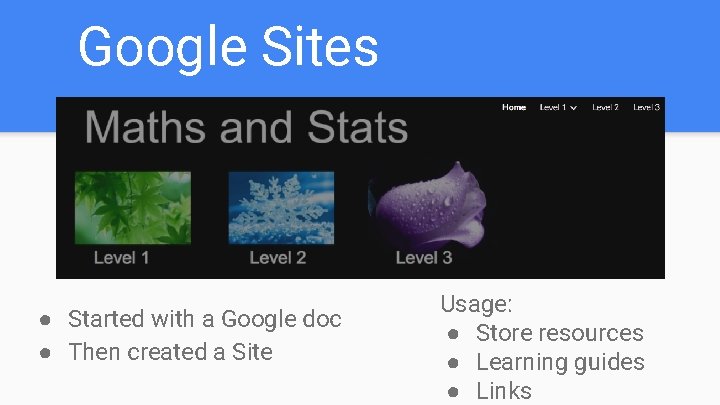
Google Sites ● Started with a Google doc ● Then created a Site Usage: ● Store resources ● Learning guides ● Links
Anywhere, Anytime Assessments ● A range of contexts to engage students ● Get students to collect their own data ● Random samples ● Authenticity
Authenticity of assessments ● This year we assessed two Level 3 standards using a presentation - Time series and Bivariate. ● This was extremely effective, as you do marking, moderation and resubs all at once. ● It also means that you can ask the student to clarify their understanding, which is a great way to check authenticity.
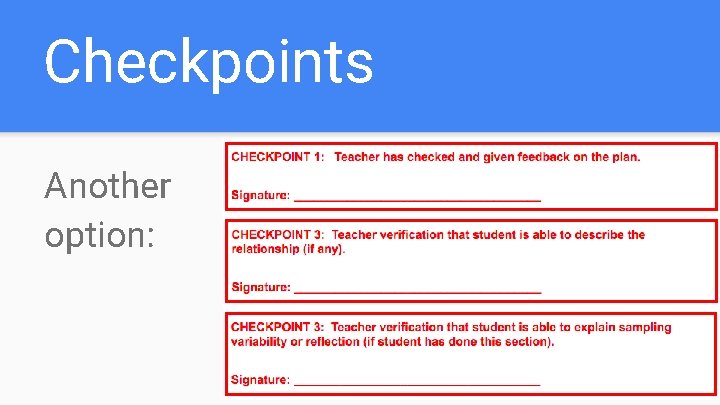
Checkpoints Another option:
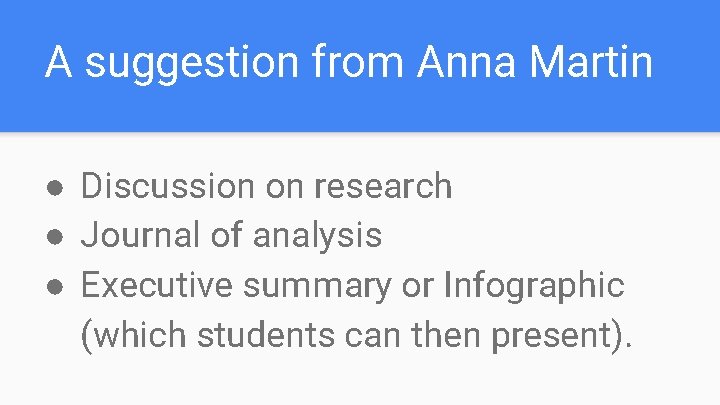
A suggestion from Anna Martin ● Discussion on research ● Journal of analysis ● Executive summary or Infographic (which students can then present).
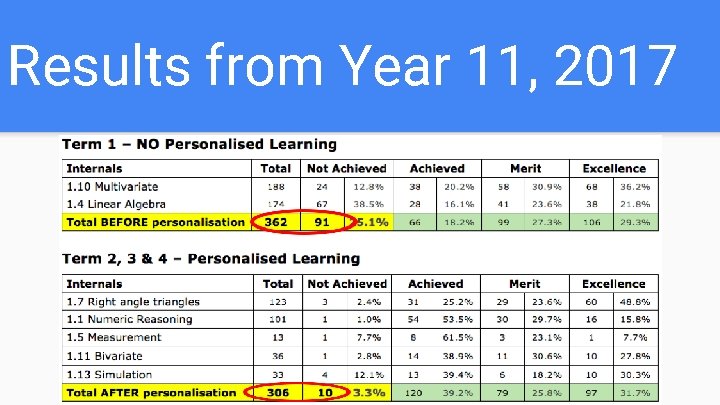
Results from Year 11, 2017
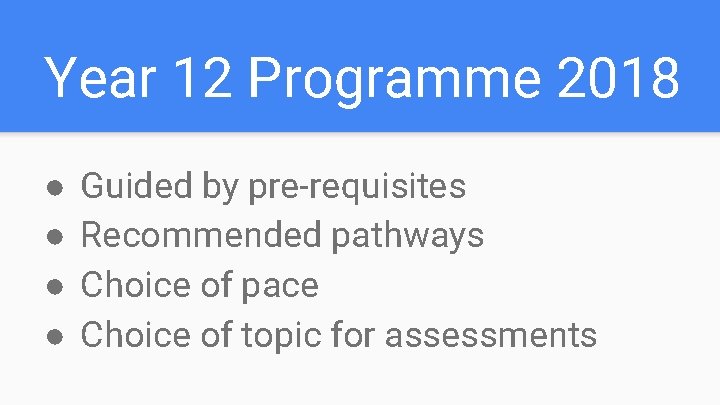
Year 12 Programme 2018 ● ● Guided by pre-requisites Recommended pathways Choice of pace Choice of topic for assessments
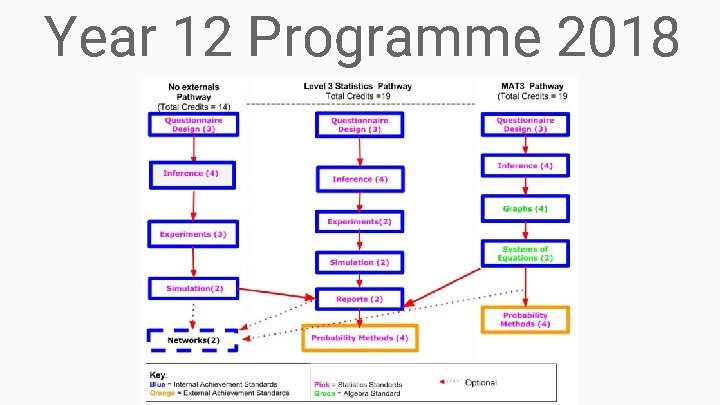
Year 12 Programme 2018
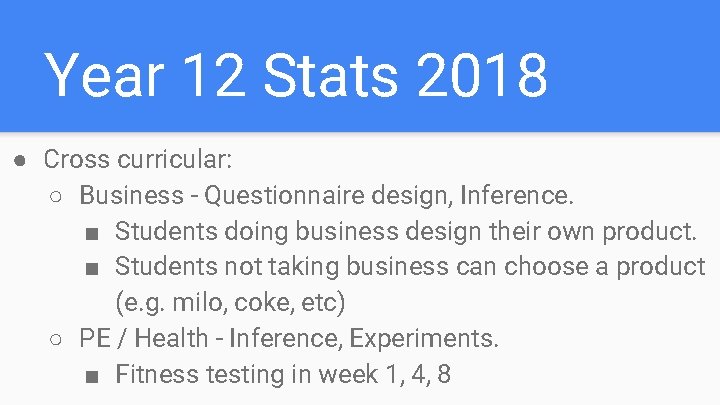
Year 12 Stats 2018 ● Cross curricular: ○ Business - Questionnaire design, Inference. ■ Students doing business design their own product. ■ Students not taking business can choose a product (e. g. milo, coke, etc) ○ PE / Health - Inference, Experiments. ■ Fitness testing in week 1, 4, 8
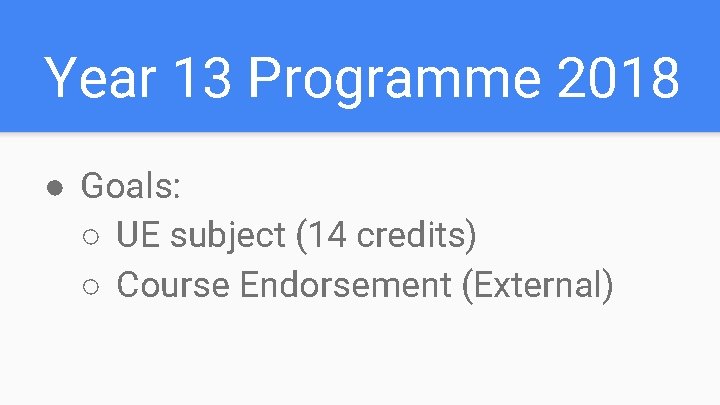
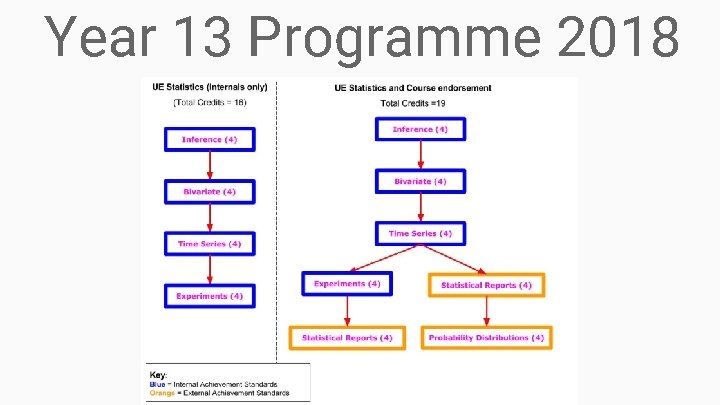
Year 13 Programme 2018 ● Goals: ○ UE subject (14 credits) ○ Course Endorsement (External)
Year 13 Programme 2018
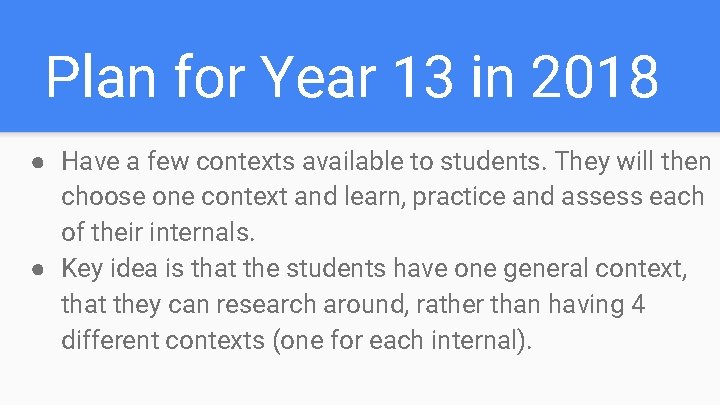
Plan for Year 13 in 2018 ● Have a few contexts available to students. They will then choose one context and learn, practice and assess each of their internals. ● Key idea is that the students have one general context, that they can research around, rather than having 4 different contexts (one for each internal).
Contexts for Bivariate and Inference: ● PE / Health - fitness testing at the start of term 1, and by week 9 to compare change in fitness level. ● Books - word length, pages, category. . . ● Food from the supermarket - choose a category (e. g snack bars): calories, vitamins, brand, … ● Pictures: pixels, colours, . . . (Anna Ferguson) ● Pets: age, weight, category, height … (Anna Ferguson)
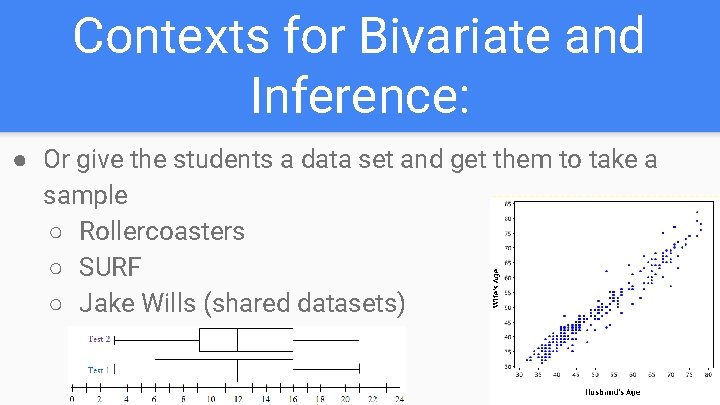
Contexts for Bivariate and Inference: ● Or give the students a data set and get them to take a sample ○ Rollercoasters ○ SURF ○ Jake Wills (shared datasets)
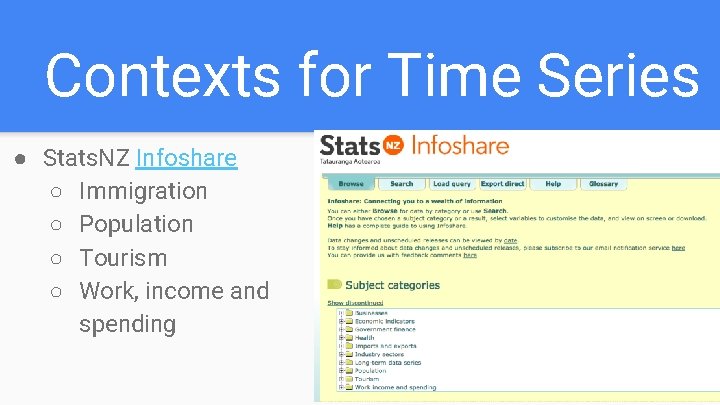
Contexts for Time Series ● Stats. NZ Infoshare ○ Immigration ○ Population ○ Tourism ○ Work, income and spending
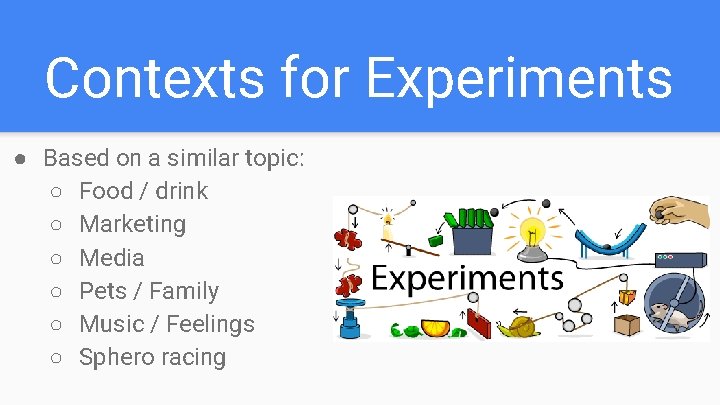
Contexts for Experiments ● Based on a similar topic: ○ Food / drink ○ Marketing ○ Media ○ Pets / Family ○ Music / Feelings ○ Sphero racing
Sharing of ideas and contact details We would love to hear about any ideas you have. Link to our shared folder: http: //bit. ly/2 z. SLEvx Contact details: ● esneddon@ormiston. school. nz