Monowall and Captive Portal Timothy Meade Eric Stolten
- Slides: 20
Monowall and Captive Portal Timothy Meade Eric Stolten
What Is Monowall? n n n Embedded firewall software package m 0 n 0 wall is based on a bare-bones version of Free. BSD, along with a web server, PHP and a few other utilities. The entire system configuration is stored in one single XML text file.
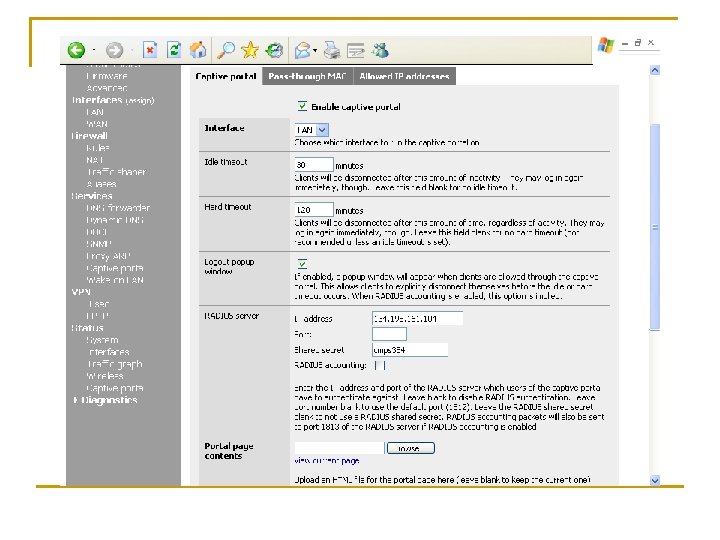
What Is a Captive Portal? n n n The captive portal is a web page that users/clients are forced to visit before they are granted access to the internet. At this page they are asked to enter there user name and password. This username and password are passed along to the RADIUS server
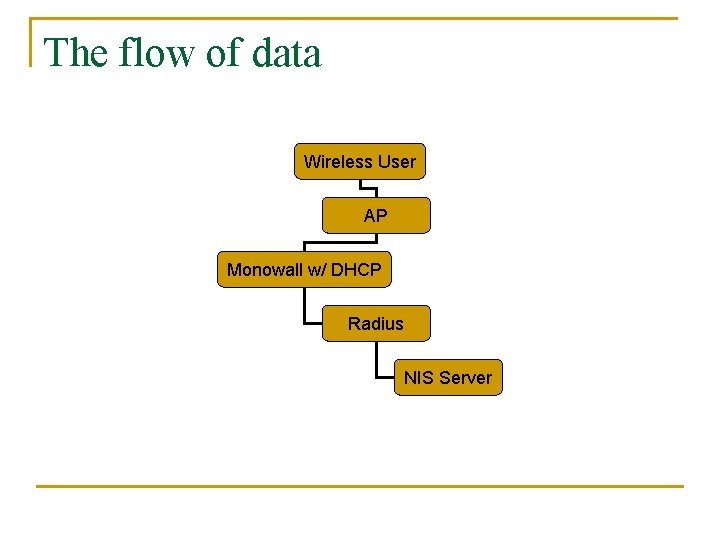
The flow of data Wireless User AP Monowall w/ DHCP Radius NIS Server
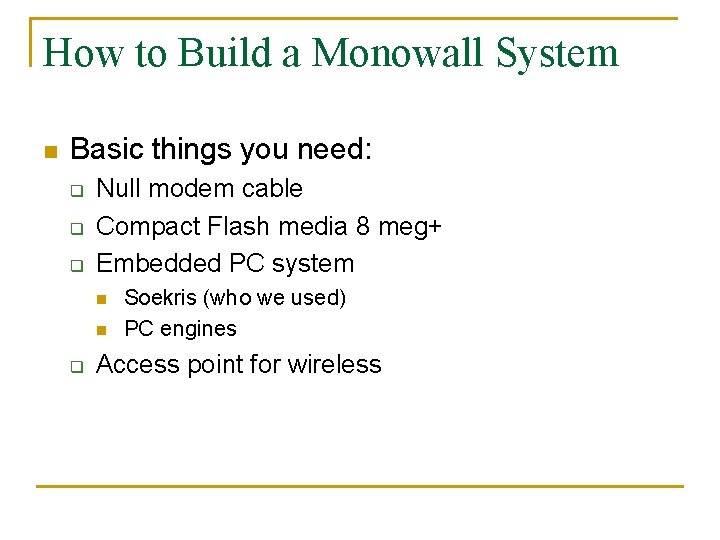
How to Build a Monowall System n Basic things you need: q q q Null modem cable Compact Flash media 8 meg+ Embedded PC system n n q Soekris (who we used) PC engines Access point for wireless
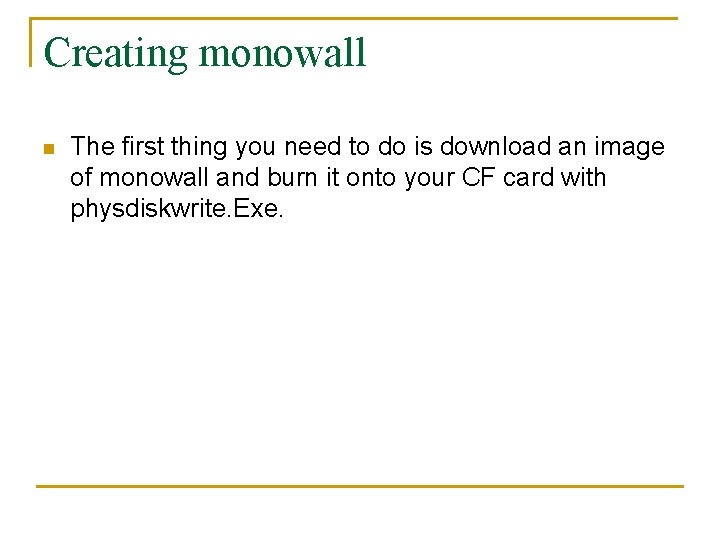
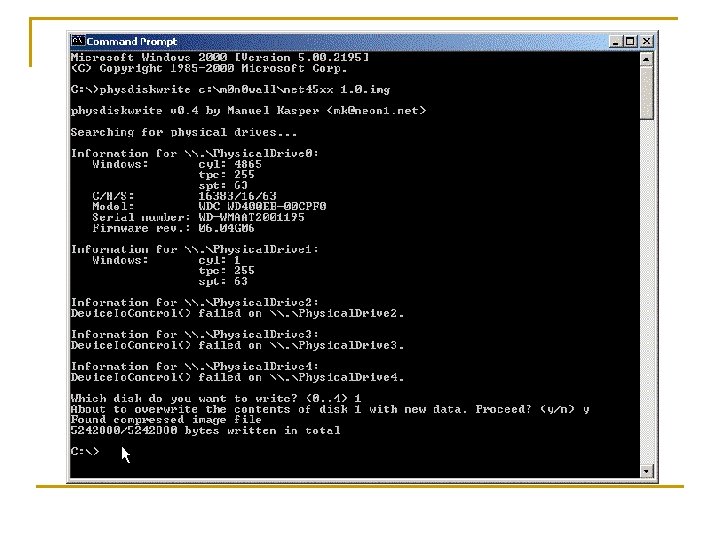
Creating monowall n The first thing you need to do is download an image of monowall and burn it onto your CF card with physdiskwrite. Exe.
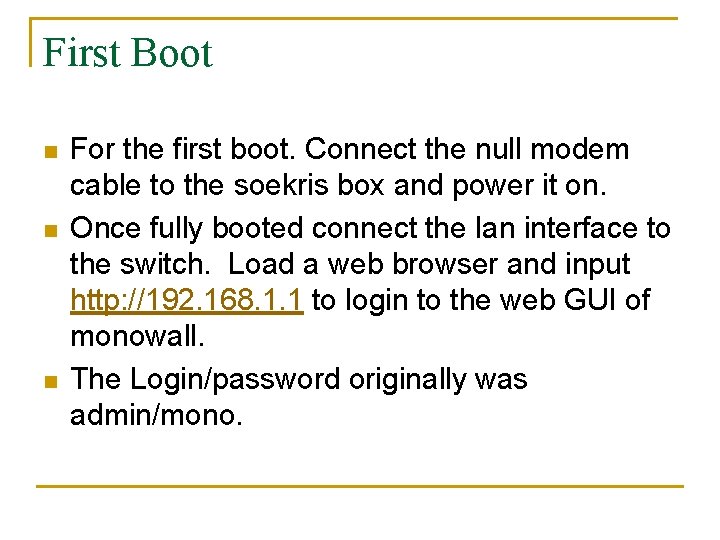
First Boot n n n For the first boot. Connect the null modem cable to the soekris box and power it on. Once fully booted connect the lan interface to the switch. Load a web browser and input http: //192. 168. 1. 1 to login to the web GUI of monowall. The Login/password originally was admin/mono.
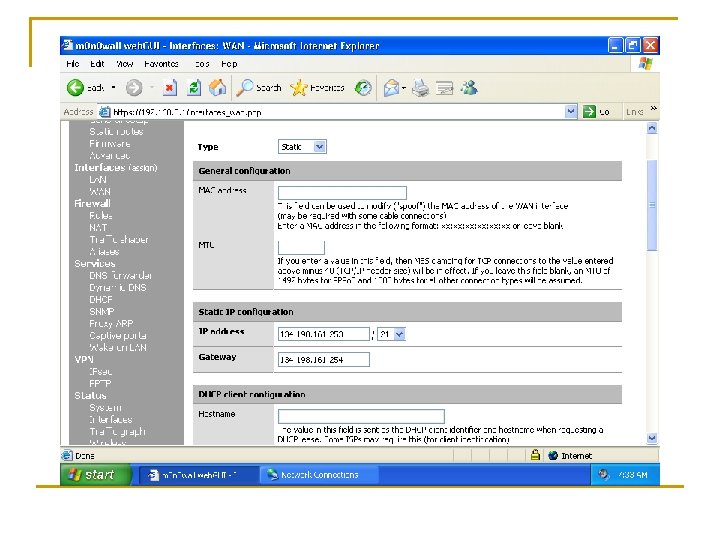
Wan Configuration
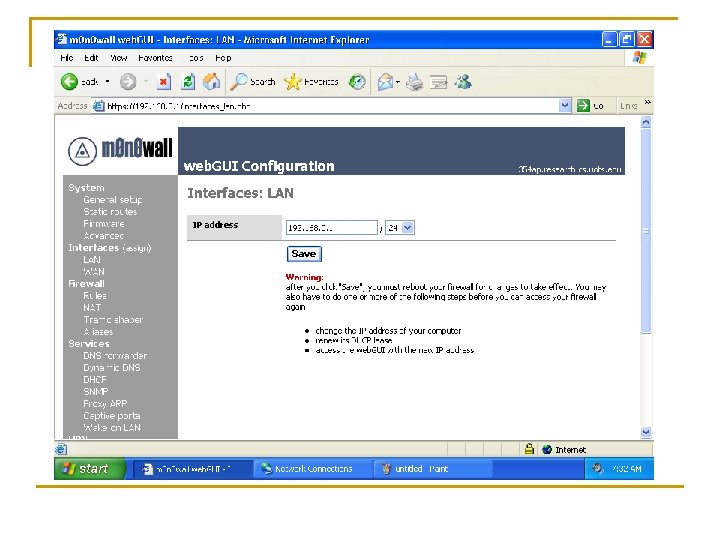
Lan Configuration
Captive Portal configuration
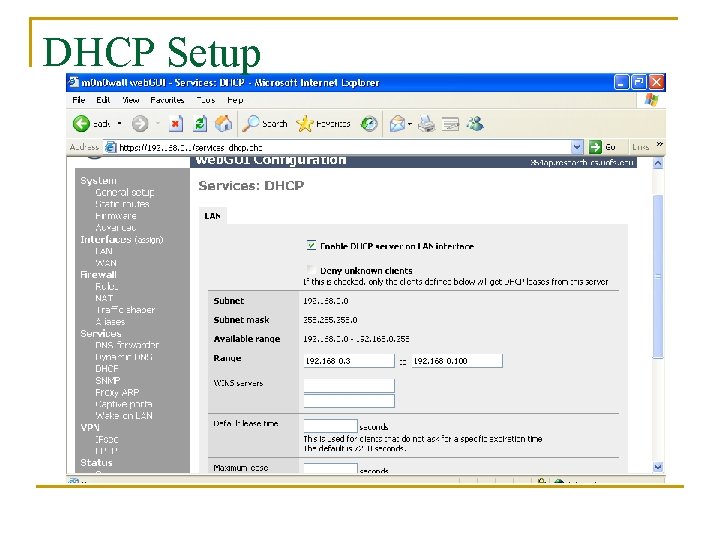
DHCP Setup
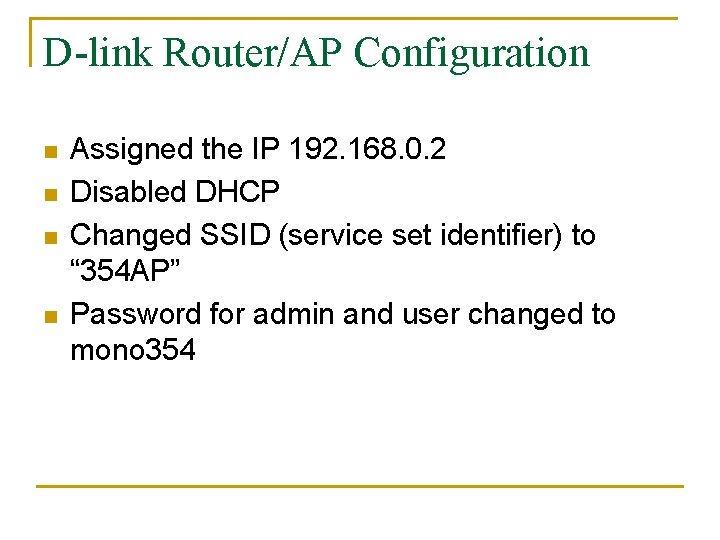
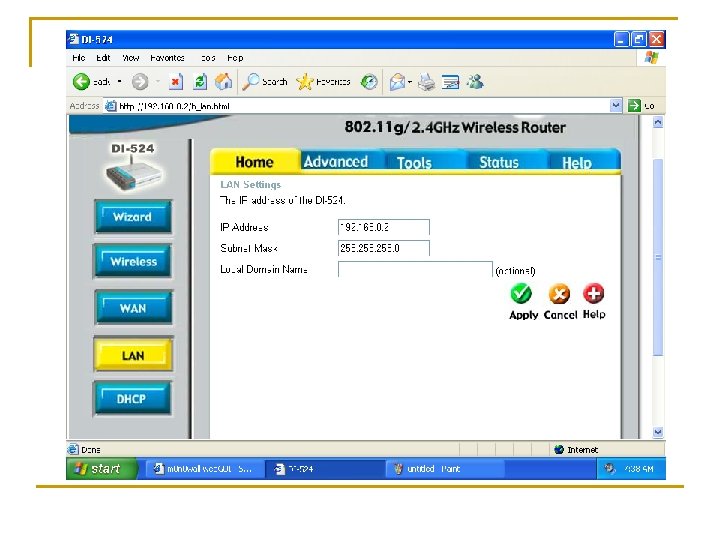
D-link Router/AP Configuration n n Assigned the IP 192. 168. 0. 2 Disabled DHCP Changed SSID (service set identifier) to “ 354 AP” Password for admin and user changed to mono 354
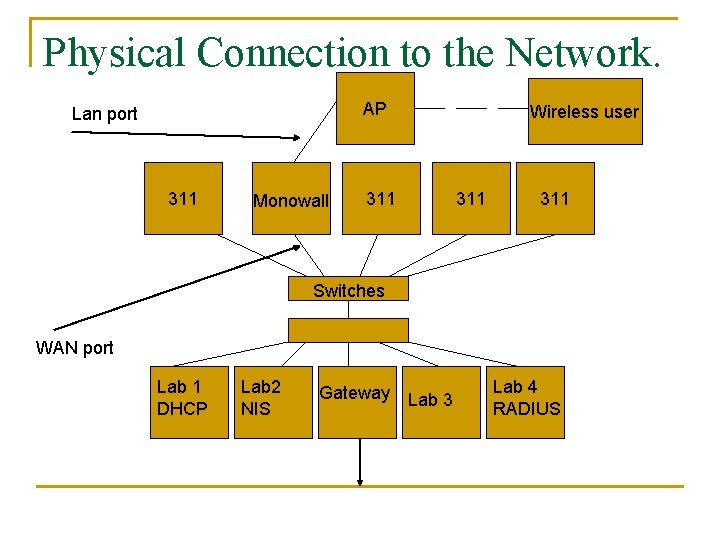
Physical Connection to the Network. AP Lan port 311 Monowall 311 Wireless user 311 Switches WAN port Lab 1 DHCP Lab 2 NIS Gateway Lab 3 Lab 4 RADIUS
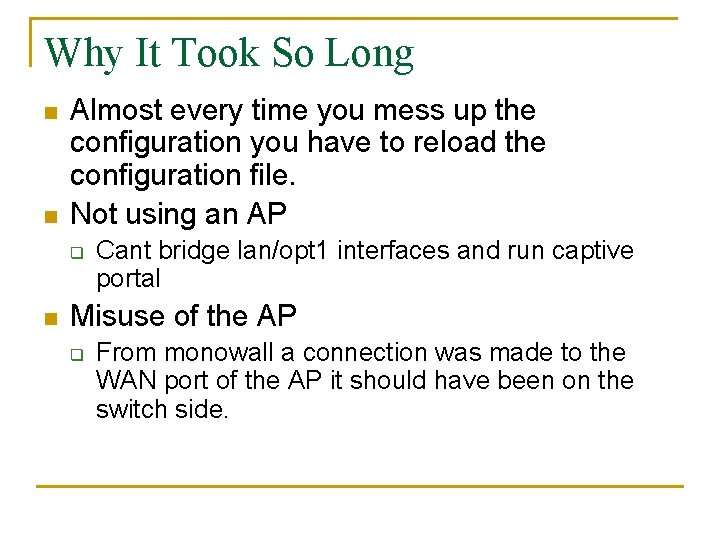
Why It Took So Long n n Almost every time you mess up the configuration you have to reload the configuration file. Not using an AP q n Cant bridge lan/opt 1 interfaces and run captive portal Misuse of the AP q From monowall a connection was made to the WAN port of the AP it should have been on the switch side.
Other Plans? n Changing the DHCP pool from 192. 168. X. X to a range within our subnet.