Making Power Point Presentation ENGG 1305 Oral Communication

- Slides: 32
Making Power. Point Presentation ENGG 1305
Oral Communication is different from Written Communication Listeners have one chance to hear your talk and can't "re-read" when they get confused 2
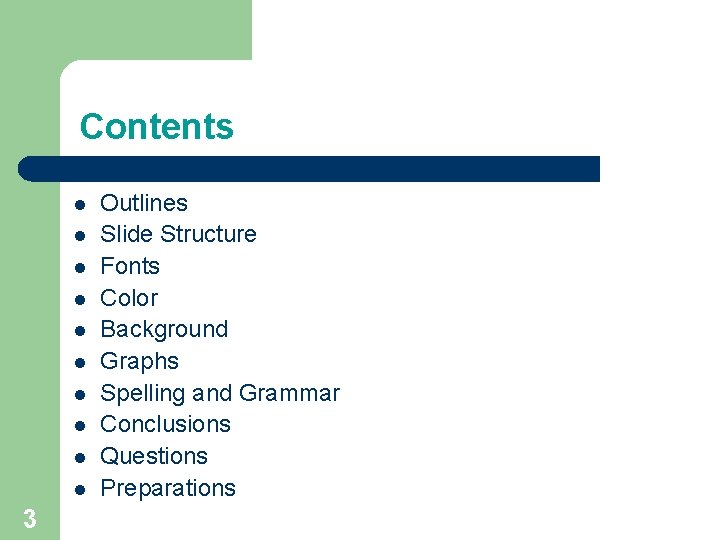
Contents l l l l l 3 Outlines Slide Structure Fonts Color Background Graphs Spelling and Grammar Conclusions Questions Preparations
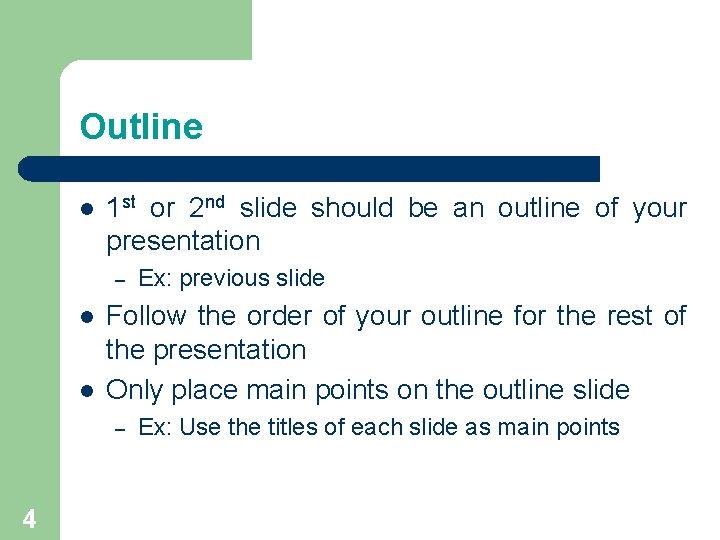
Outline l 1 st or 2 nd slide should be an outline of your presentation – l l Follow the order of your outline for the rest of the presentation Only place main points on the outline slide – 4 Ex: previous slide Ex: Use the titles of each slide as main points
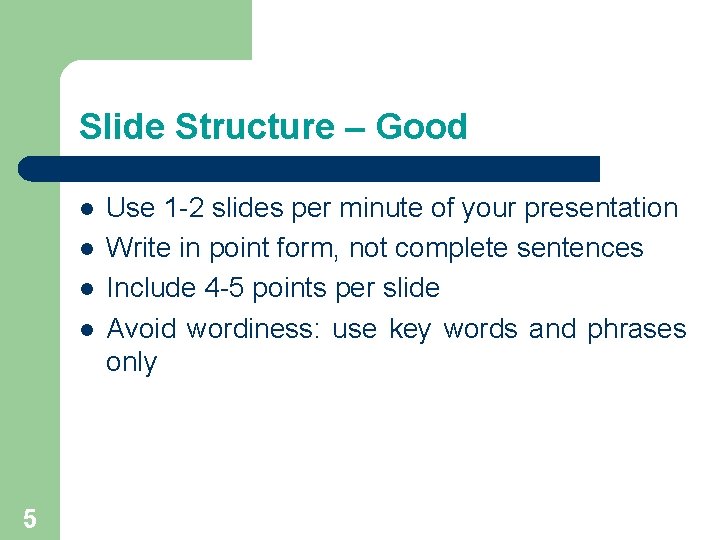
Slide Structure – Good l l 5 Use 1 -2 slides per minute of your presentation Write in point form, not complete sentences Include 4 -5 points per slide Avoid wordiness: use key words and phrases only
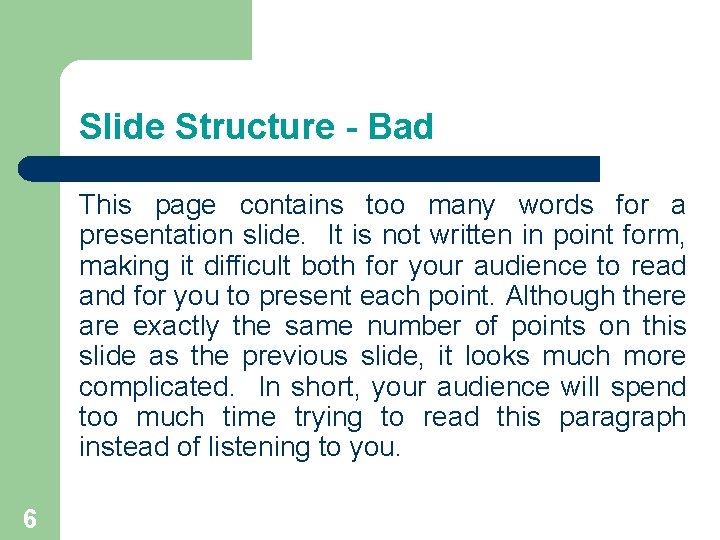
Slide Structure - Bad This page contains too many words for a presentation slide. It is not written in point form, making it difficult both for your audience to read and for you to present each point. Although there are exactly the same number of points on this slide as the previous slide, it looks much more complicated. In short, your audience will spend too much time trying to read this paragraph instead of listening to you. 6
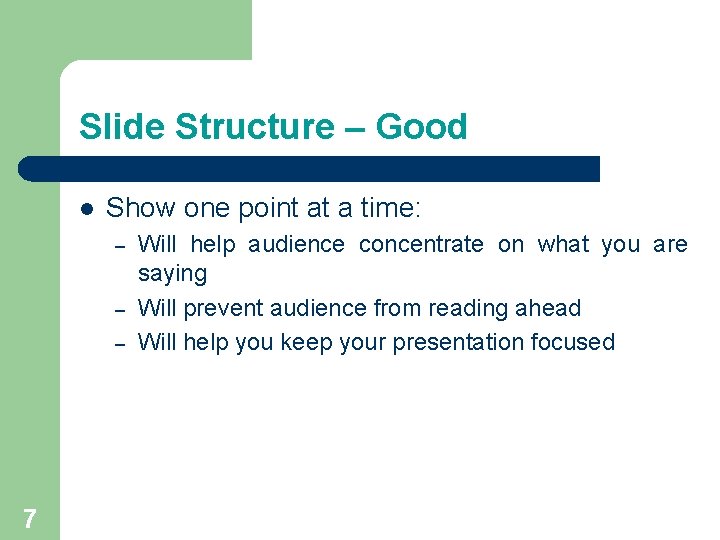
Slide Structure – Good l Show one point at a time: – – – 7 Will help audience concentrate on what you are saying Will prevent audience from reading ahead Will help you keep your presentation focused
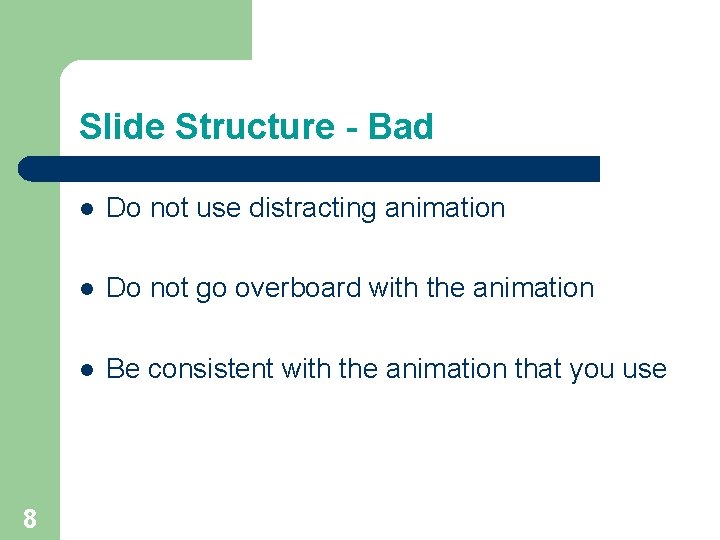
Slide Structure - Bad 8 l Do not use distracting animation l Do not go overboard with the animation l Be consistent with the animation that you use
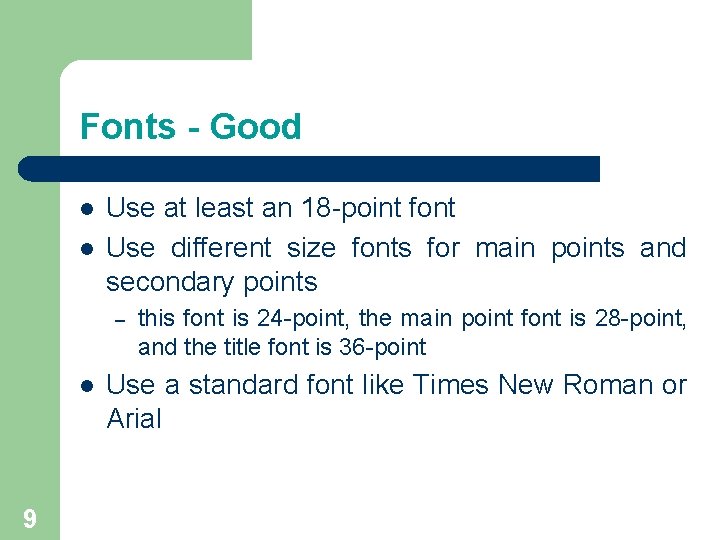
Fonts - Good l l Use at least an 18 -point font Use different size fonts for main points and secondary points – l 9 this font is 24 -point, the main point font is 28 -point, and the title font is 36 -point Use a standard font like Times New Roman or Arial
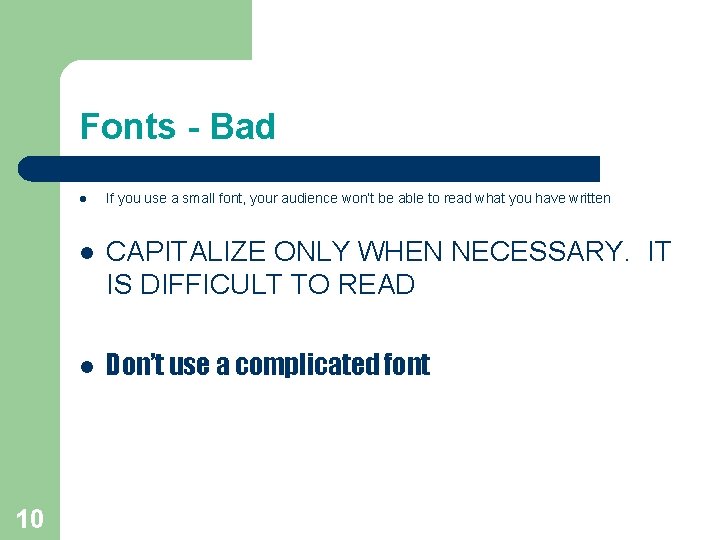
Fonts - Bad l 10 If you use a small font, your audience won’t be able to read what you have written l CAPITALIZE ONLY WHEN NECESSARY. IT IS DIFFICULT TO READ l Don’t use a complicated font
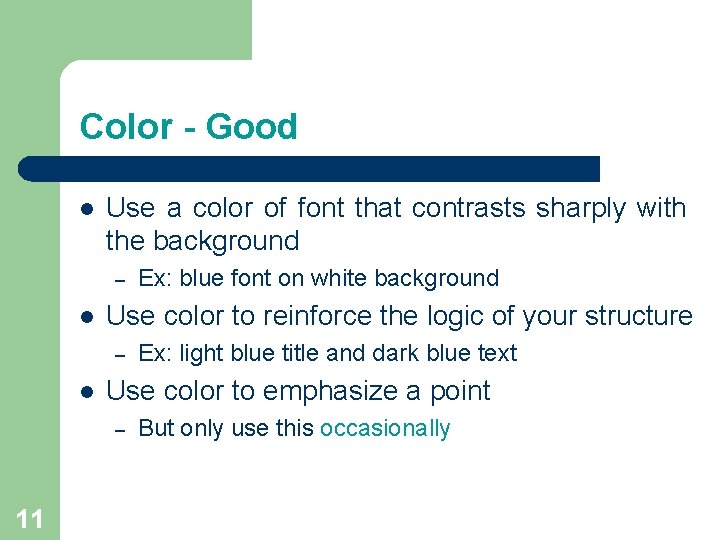
Color - Good l Use a color of font that contrasts sharply with the background – l Use color to reinforce the logic of your structure – l Ex: light blue title and dark blue text Use color to emphasize a point – 11 Ex: blue font on white background But only use this occasionally
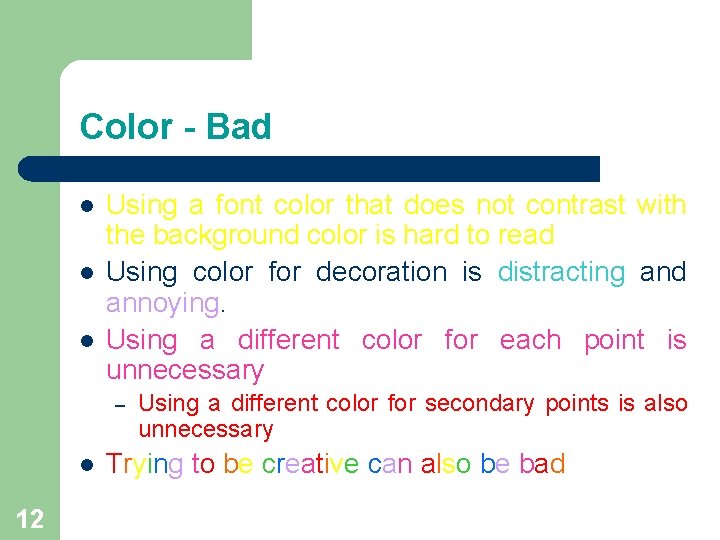
Color - Bad l l l Using a font color that does not contrast with the background color is hard to read Using color for decoration is distracting and annoying. Using a different color for each point is unnecessary – l 12 Using a different color for secondary points is also unnecessary Trying to be creative can also be bad
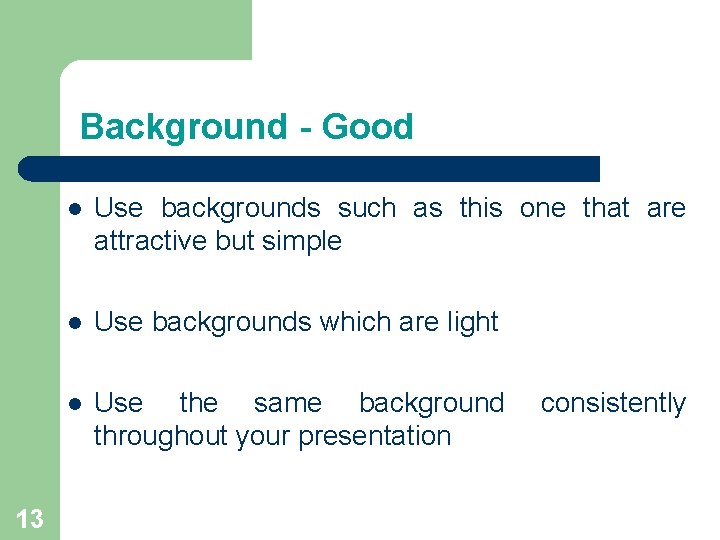
Background - Good 13 l Use backgrounds such as this one that are attractive but simple l Use backgrounds which are light l Use the same background throughout your presentation consistently
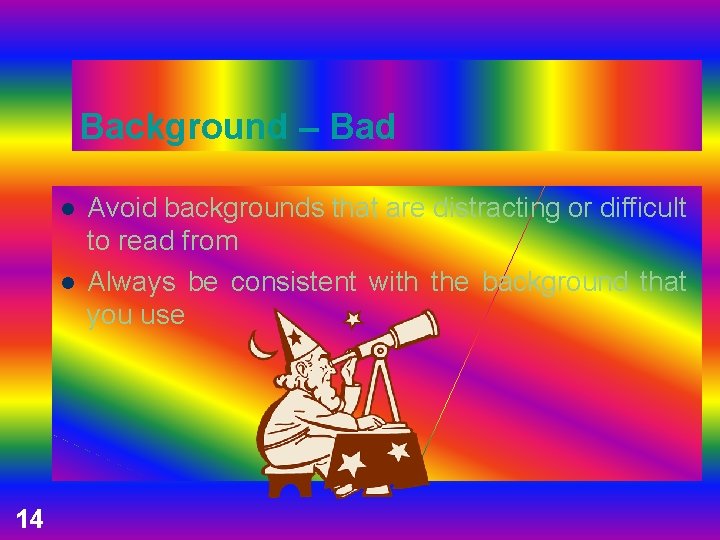
Background – Bad l l 14 Avoid backgrounds that are distracting or difficult to read from Always be consistent with the background that you use
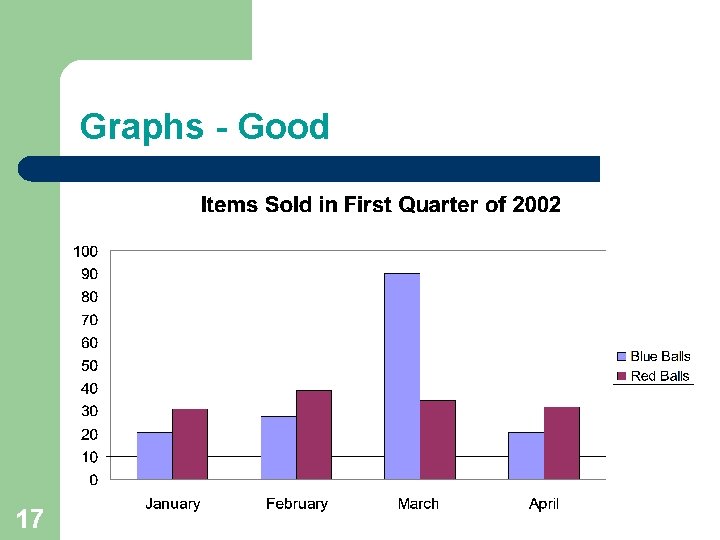
Graphs - Good l Use graphs rather than just charts and words – – l 15 Data in graphs is easier to comprehend & retain than is raw data Trends are easier to visualize in graph form Always title your graphs
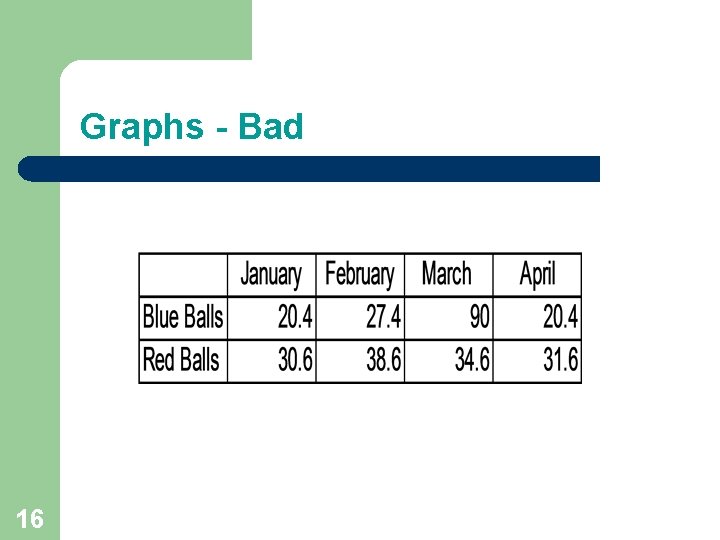
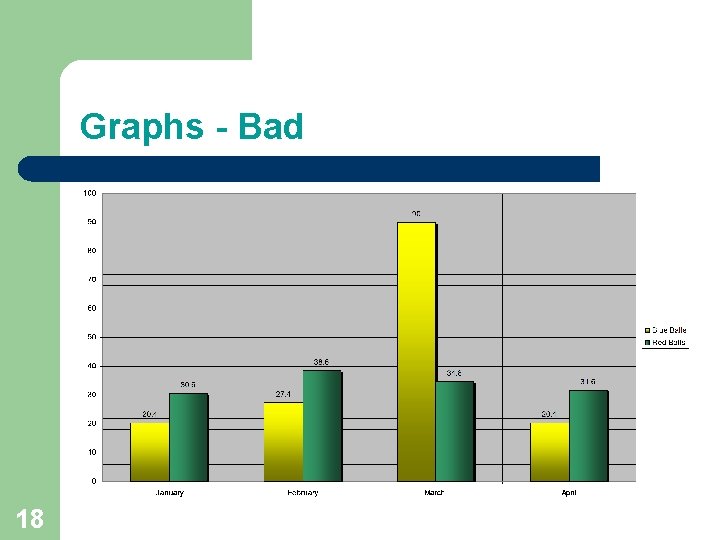
Graphs - Bad 16
Graphs - Good 17
Graphs - Bad 18
Graphs - Bad l l l 19 Minor gridlines are unnecessary Font is too small Colors are illogical Title is missing Shading is distracting
Spelling and Grammar l Proof your slides for: – – – l 20 speling mistakes the use of of repeated words grammatical errors you might have make If English is not your first language, please have someone else check your presentation!
Conclusion l Use an effective and strong closing – l Use a conclusion slide to: – – 21 Your audience is likely to remember your last words Summarize the main points of your presentation Suggest future avenues of research
Questions? ? End your presentation with a simple question slide to: – – – Invite your audience to ask questions Provide a visual aid during question period Avoid ending a presentation abruptly § Let questioner finish the question § Be prepare to rephrase the question § Keep the answer short § Deflect hostile questions and Never argue with questioner 22
Preparing for your Presentation Know your Audience v The Opening v Practice your Presentation v Do’s and Don’ts v 23
Know your Audience l l l l 24 Who are they? What do they have in common? Why will they be here? How much do they already know about my subject? How much do they want to know? What is their level of understanding? What is their attitude: friendly, hostile, or indifferent?
The Opening Your opening is the most important part of your speech. It should catch the interest of your audience, stimulate their curiosity, and impress them. 25
Ways to start your opening v v v 26 A rhetorical question Example: “Will colonizing outer space ever be practical? ” A dramatic story Example: Terry Fox’s attempt to run across Canada to raise money for cancer research A quotation from a famous person Example: “Good order is the foundation of all good things. ” Edmund Burke
Ways to start your opening Continue 27 § A historical events Example: “Do you remember where you were when Neil Armstrong first set foot on the moon? ” § A reference from literature or the holly book
Practice your presentation § § § 28 Maintain eye contact with the audience. Eye contact gives § self-confidence § feedback (speed up, slow down, repeat your self) Keep body movement quiet and natural. Maintain appropriate voice volume. Avoid wearing distracting clothing or accessories. Maintain a constant rate of speech
Practice your presentation § Won’t be able to duplicate the real audience stress. § Avoid being nervous by: § Practice in front of classmates, colleagues, family or friends. § taking deep breaths § distributing weight equally on both feet § Use Body Language Effectively: relaxed gestures, eye contact; don't play with a pen or pointer. § don't block visual aids 29
Do’s & Don’ts for a Successful Presentation l l l 30 Do test your computer and practice the slide show before the audience arrives. Do check ahead of time for proper room lighting and for any glare from windows. Do make sure everyone in the audience can see and hear you clearly. Do memorize your speech. Don’t read slide content. Do use visuals (charts, graphs, tables, photos).
Do’s & Don’ts for a Successful Presentation l l 31 Do speak to your audience. Don’t speak to the screen. Do know the order of your slides and which one will come up next… If you need to refer to a previous slide, do make another copy and position where needed. Don’t try to reverse the slide show.
Have a nice Day and see you Next Class 32