Chapter 12 Making Oral Presentations Ch 12 1

- Slides: 25
Chapter 12 Making Oral Presentations Ch. 12 -1
Preparing an Oral Presentation Identify your purpose. ◦ Decide what you want your audience to believe, remember, or do when you finish. ◦ Aim all parts of your talk toward your purpose. Ch. 12 -2
Preparing an Oral Presentation Organize the introduction. ◦ Get the audience involved. ◦ Capture attention by opening with a promise, story, startling fact, question, quotation, relevant problem, or self-effacing story. ◦ Establish your credibility by identifying your position, expertise, knowledge, or qualifications. ◦ Introduce your topic. ◦ Preview the main points. Ch. 12 -3
Preparing an Oral Presentation Organize the body of your presentation. ◦ Develop two to four main points. Streamline your topic and summarize its principal parts. ◦ Arrange the points logically: chronologically, from most important to least, by comparison and contrast, or by some other strategy. ◦ Prepare transitions. Use "bridge" statements between major points. (I've just discussed three reasons for X; now I want to move to Y. ) Use verbal signposts: however, for example, etc. Ch. 12 -4
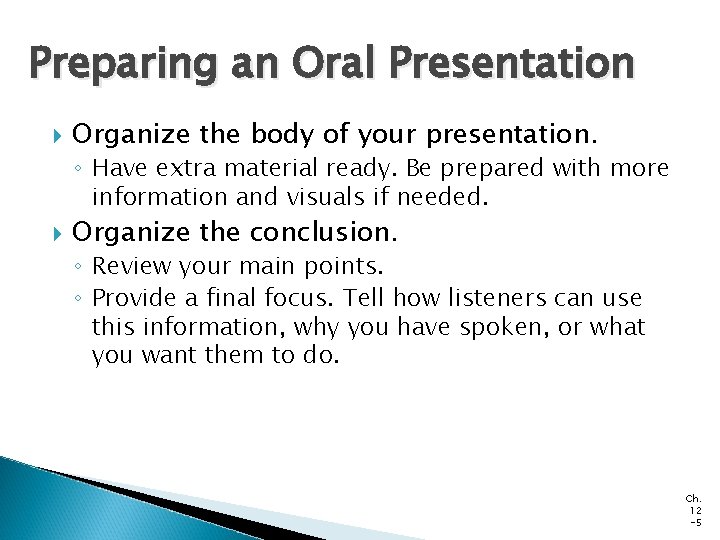
Preparing an Oral Presentation Organize the body of your presentation. ◦ Have extra material ready. Be prepared with more information and visuals if needed. Organize the conclusion. ◦ Review your main points. ◦ Provide a final focus. Tell how listeners can use this information, why you have spoken, or what you want them to do. Ch. 12 -5
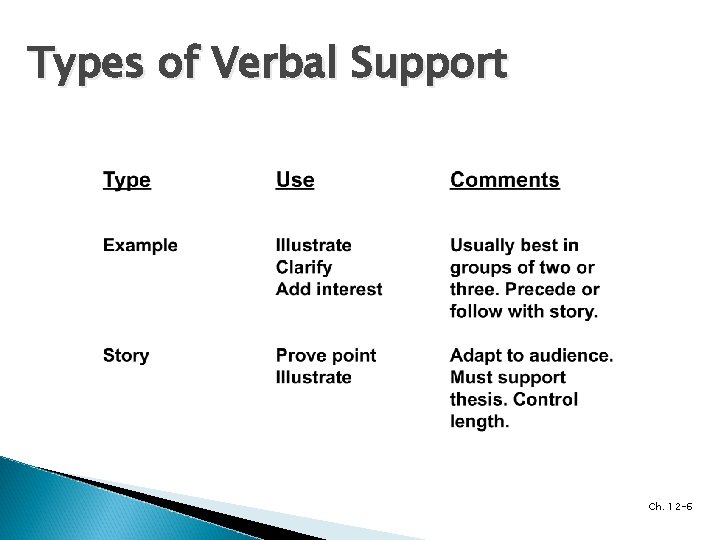
Types of Verbal Support Ch. 12 -6
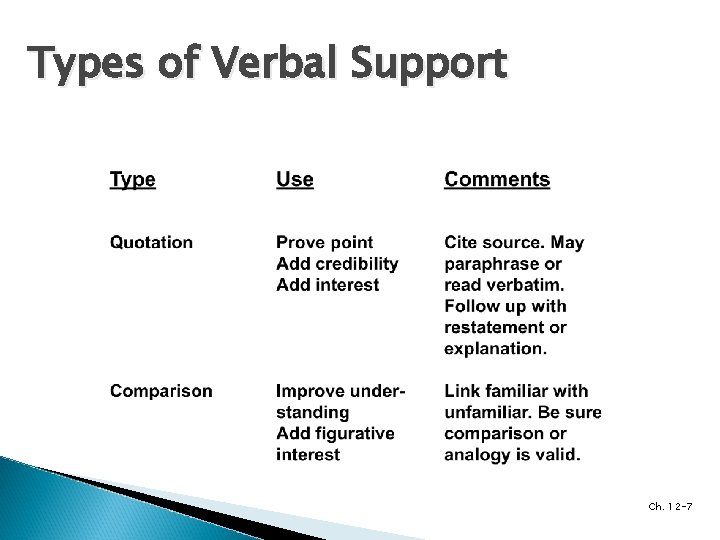
Types of Verbal Support Ch. 12 -7
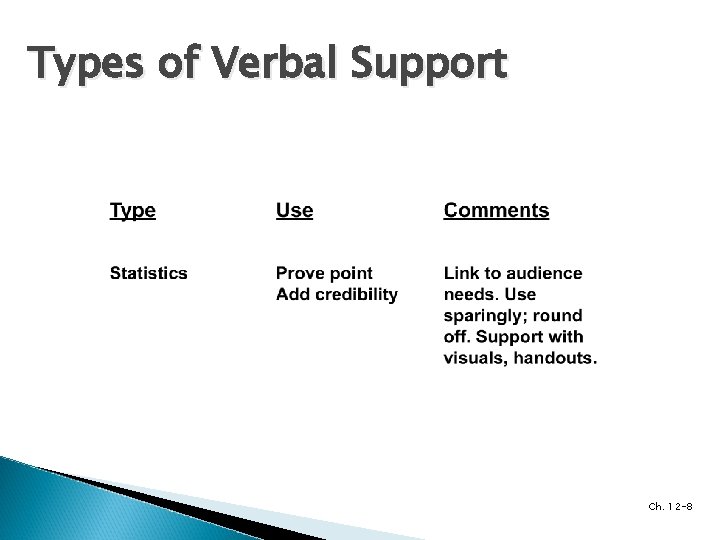
Types of Verbal Support Ch. 12 -8
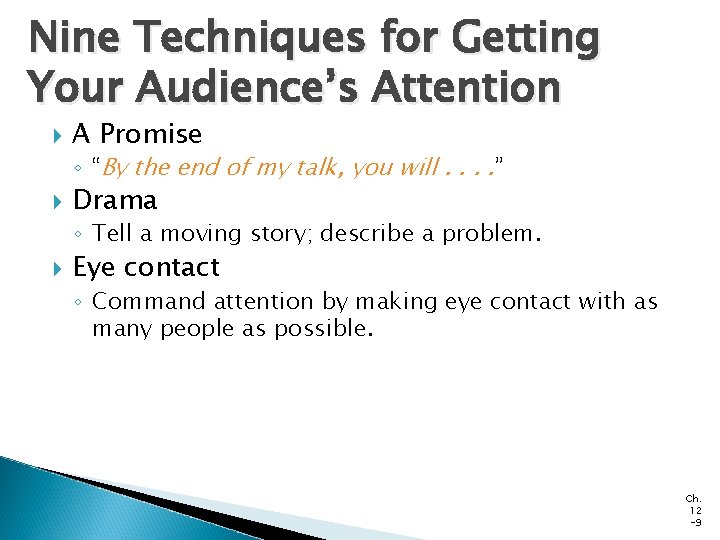
Nine Techniques for Getting Your Audience’s Attention A Promise ◦ “By the end of my talk, you will. . ” Drama ◦ Tell a moving story; describe a problem. Eye contact ◦ Command attention by making eye contact with as many people as possible. Ch. 12 -9
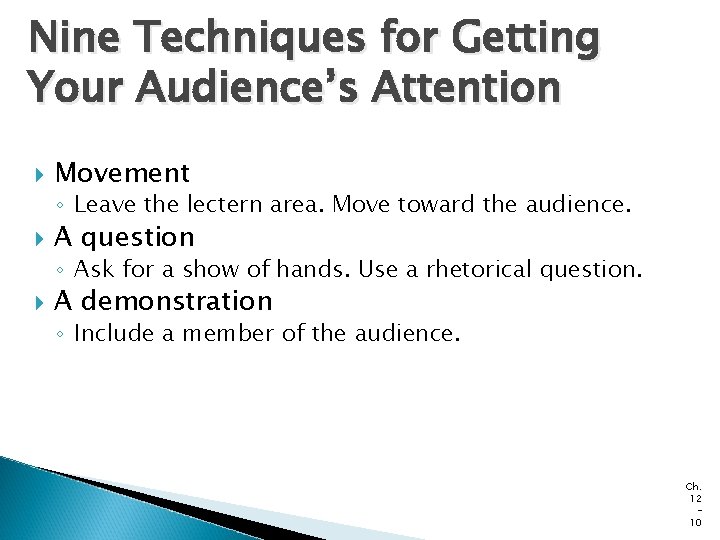
Nine Techniques for Getting Your Audience’s Attention Movement ◦ Leave the lectern area. Move toward the audience. A question ◦ Ask for a show of hands. Use a rhetorical question. A demonstration ◦ Include a member of the audience. Ch. 12 10
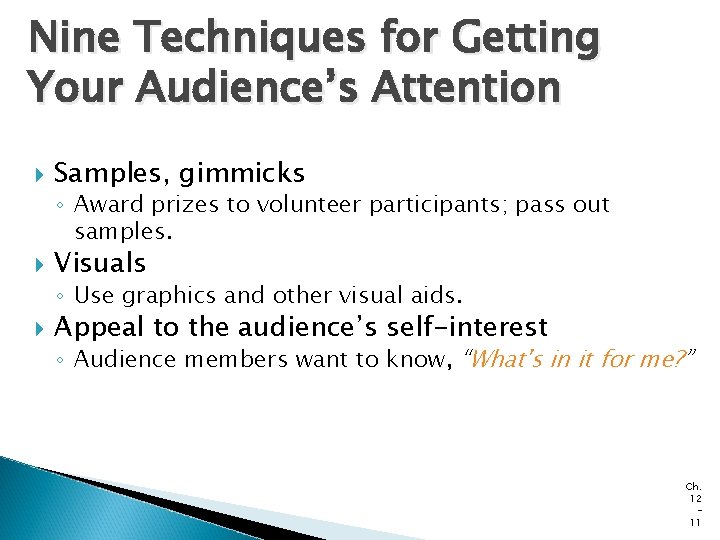
Nine Techniques for Getting Your Audience’s Attention Samples, gimmicks ◦ Award prizes to volunteer participants; pass out samples. Visuals ◦ Use graphics and other visual aids. Appeal to the audience’s self-interest ◦ Audience members want to know, “What's in it for me? ” Ch. 12 11
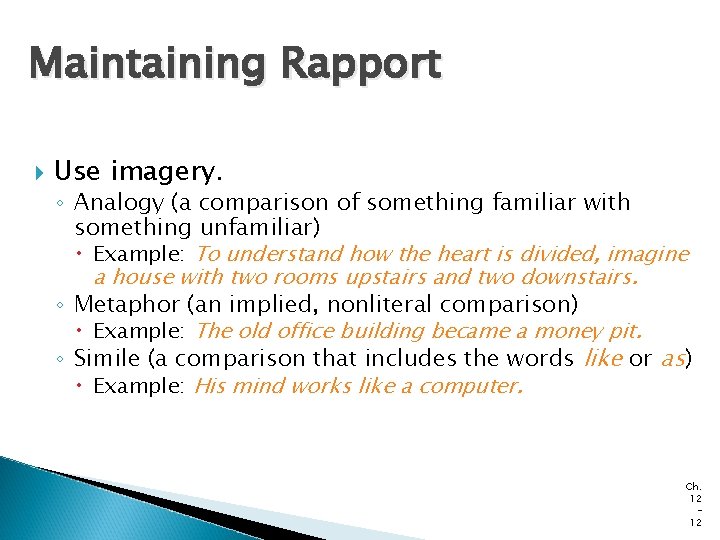
Maintaining Rapport Use imagery. ◦ Analogy (a comparison of something familiar with something unfamiliar) Example: To understand how the heart is divided, imagine a house with two rooms upstairs and two downstairs. ◦ Metaphor (an implied, nonliteral comparison) Example: The old office building became a money pit. ◦ Simile (a comparison that includes the words like or as) Example: His mind works like a computer. Ch. 12 12
Maintaining Rapport Use other interest-building devices. Send positive, nonverbal messages. ◦ Personal anecdotes ◦ Personalized statistics ◦ Worst- and best-case scenarios ◦ ◦ Get out from behind the podium. Animate your body. Vary your facial expression. “Punctuate” your words. Ch. 12 13
Stage Fright Symptoms Stomach butterflies Pounding heart Shortage of breath Sweaty palms Dry throat Unsteady voice Trembling hands Wobbly knees Tied tongue Ch. 12 14
How to Overcome Stage Fright Select a familiar, relevant topic. Prepare 150 percent. Use positive self-talk. Convert your fear into anticipation and enthusiasm. Shift the focus from yourself to your visual aids. Ch. 12 15
How to Overcome Stage Fright Give yourself permission to make an occasional mistake. Ignore stumbles; keep going. Don't apologize. Make your listeners your partners. Get them involved. Just before you begin to talk, take some deep breaths. Ch. 12 16
Presentation Enhancers Ch. 12 -17
Presentation Enhancers Ch. 12 -18
Designing and Using Graphics Select the medium carefully. ◦ Consider the size of the audience and the degree of formality desired. ◦ Consider cost, ease of preparation, and potential effectiveness. Ch. 12 19
Designing and Using Graphics Highlight main ideas. ◦ Focus on major concepts only. ◦ Avoid overkill. Showing too many graphics reduces their effectiveness. ◦ Keep all visuals simple. Ch. 12 20
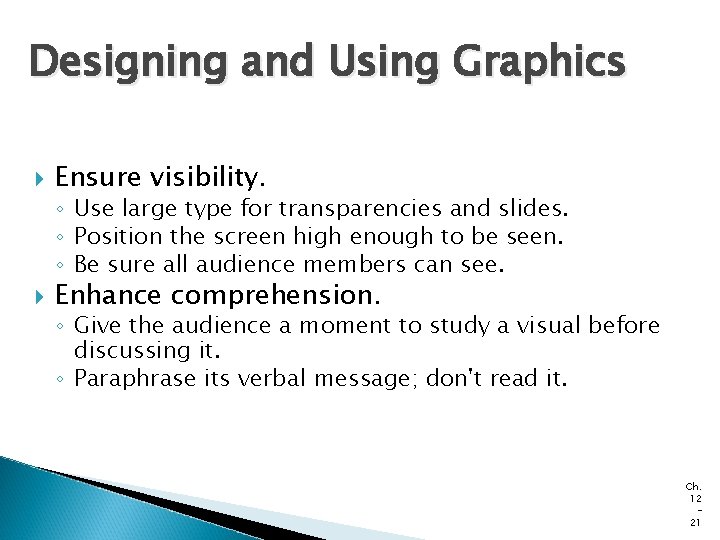
Designing and Using Graphics Ensure visibility. ◦ Use large type for transparencies and slides. ◦ Position the screen high enough to be seen. ◦ Be sure all audience members can see. Enhance comprehension. ◦ Give the audience a moment to study a visual before discussing it. ◦ Paraphrase its verbal message; don't read it. Ch. 12 21
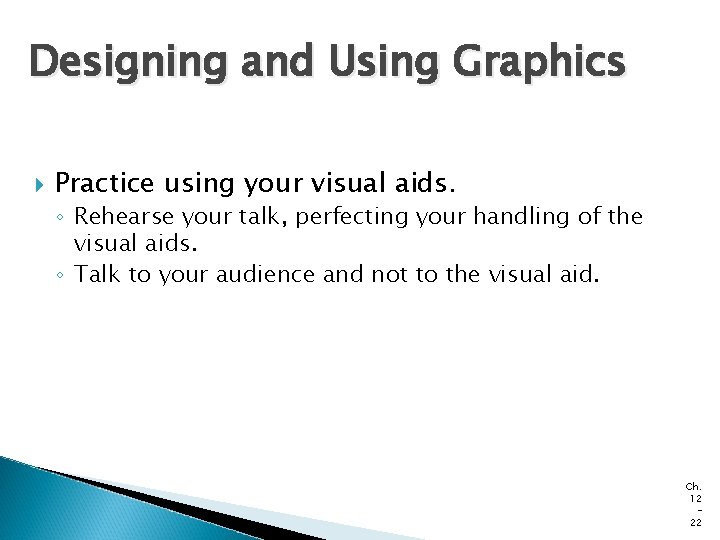
Designing and Using Graphics Practice using your visual aids. ◦ Rehearse your talk, perfecting your handling of the visual aids. ◦ Talk to your audience and not to the visual aid. Ch. 12 22
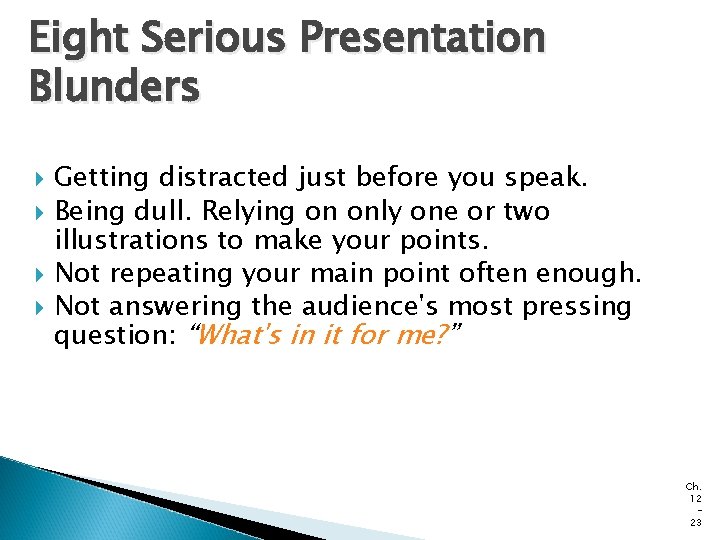
Eight Serious Presentation Blunders Getting distracted just before you speak. Being dull. Relying on only one or two illustrations to make your points. Not repeating your main point often enough. Not answering the audience's most pressing question: “What's in it for me? ” Ch. 12 23
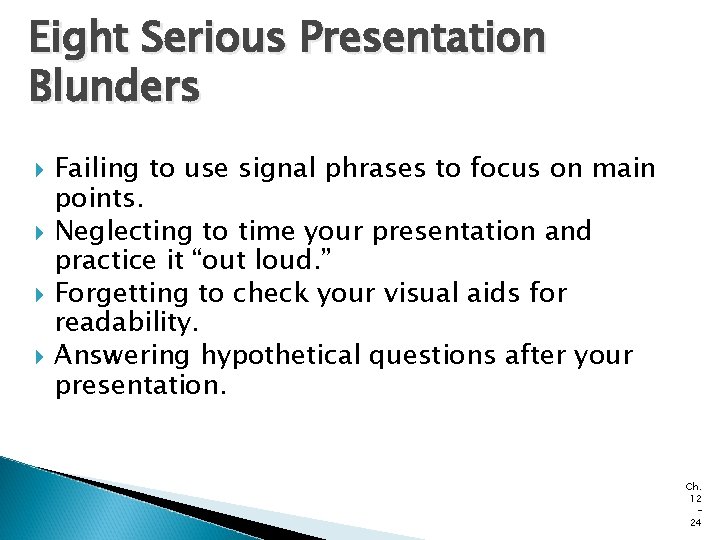
Eight Serious Presentation Blunders Failing to use signal phrases to focus on main points. Neglecting to time your presentation and practice it “out loud. ” Forgetting to check your visual aids for readability. Answering hypothetical questions after your presentation. Ch. 12 24
End Ch. 12 25