Introduction to zOS Security Lesson 6 zOS UNIX
- Slides: 24
Introduction to z/OS Security Lesson 6: z/OS UNIX Security © 2006 IBM Corporation
It’s NOT USS § USS is a service mark of –Ultrastrip Systems, Inc. CORPORATION § USS is a Trademark of –LA VISION GMBH CORPORATION § USS Is a trademark of –United States Steel Corporation © 2006 IBM Corporation
Objectives § At the completion of this topic the student should understand: –The interaction between the USS Kernel and RACF –How RACF provides security services for USS –Different types of Security Packets • File Security Packet • User Security Packet –Security related services used by the operating system © 2006 IBM Corporation
Key terms § Init. ACEE § File Security Packet § User Security Packet § OMVS Segment § UID § GID § pthread_security_np() © 2006 IBM Corporation
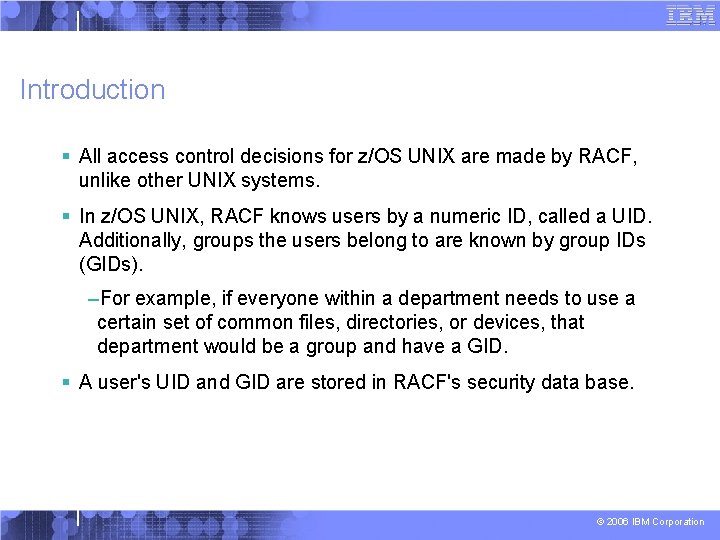
Introduction § All access control decisions for z/OS UNIX are made by RACF, unlike other UNIX systems. § In z/OS UNIX, RACF knows users by a numeric ID, called a UID. Additionally, groups the users belong to are known by group IDs (GIDs). –For example, if everyone within a department needs to use a certain set of common files, directories, or devices, that department would be a group and have a GID. § A user's UID and GID are stored in RACF's security data base. © 2006 IBM Corporation
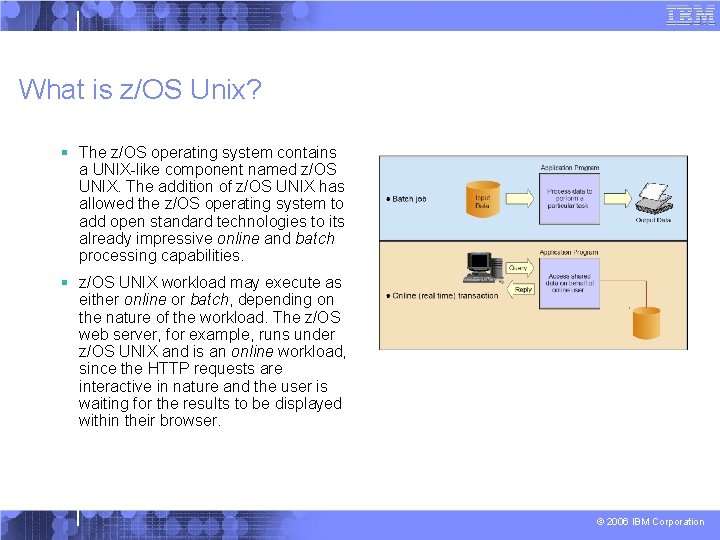
What is z/OS Unix? § The z/OS operating system contains a UNIX-like component named z/OS UNIX. The addition of z/OS UNIX has allowed the z/OS operating system to add open standard technologies to its already impressive online and batch processing capabilities. § z/OS UNIX workload may execute as either online or batch, depending on the nature of the workload. The z/OS web server, for example, runs under z/OS UNIX and is an online workload, since the HTTP requests are interactive in nature and the user is waiting for the results to be displayed within their browser. © 2006 IBM Corporation
What is z/OS Unix? § A partial list of technologies that have been implemented on z/OS using z/OS UNIX system services includes: – TCP/IP and related services (telnet, ftp, smtp, etc. ) – z/OS web server – z/OS LDAP server – z/OS Java Development Kit (JDK) – z/OS Java Run-time Environment (JRE) § This list of services are growing with each z/OS release © 2006 IBM Corporation
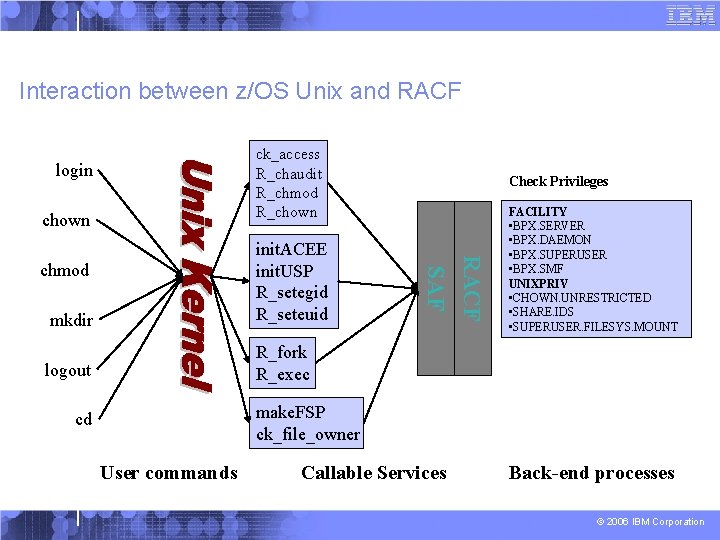
Interaction between z/OS Unix and RACF ck_access R_chaudit R_chmod R_chown login chown RACF logout R_fork R_exec chmod SAF mkdir init. ACEE init. USP R_setegid R_seteuid Check Privileges FACILITY • BPX. SERVER • BPX. DAEMON • BPX. SUPERUSER • BPX. SMF UNIXPRIV • CHOWN. UNRESTRICTED • SHARE. IDS • SUPERUSER. FILESYS. MOUNT make. FSP ck_file_owner cd User commands Callable Services Back-end processes © 2006 IBM Corporation
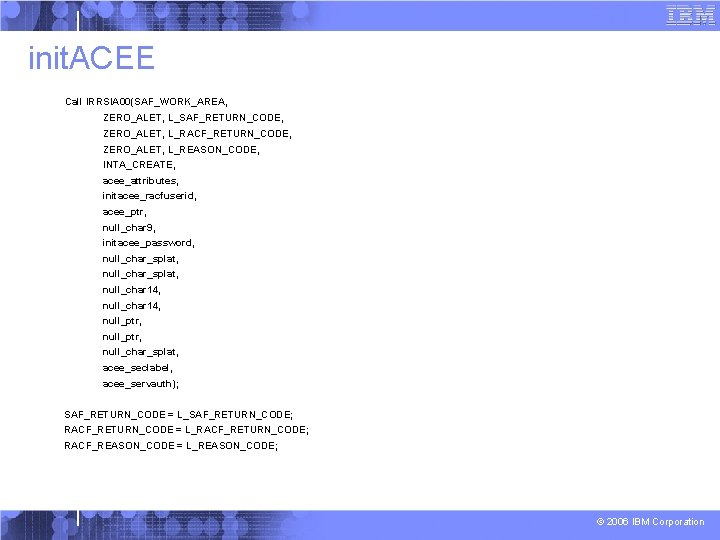
Init. ACEE § The init. ACEE service provides an interface for creating and managing RACF security contexts through the z/OS UNIX System Services pthread_security_np service, __login service, or by other MVS server address spaces that do not use z/OS UNIX services. § This service also provides an interface for registering and deregistering certificates through the z/OS UNIX System Services __security service. § It also provides an interface for querying a certificate to determine if it is associated with a user ID. © 2006 IBM Corporation
init. ACEE Call IRRSIA 00(SAF_WORK_AREA, ZERO_ALET, L_SAF_RETURN_CODE, ZERO_ALET, L_RACF_RETURN_CODE, ZERO_ALET, L_REASON_CODE, INTA_CREATE, acee_attributes, initacee_racfuserid, acee_ptr, null_char 9, initacee_password, null_char_splat, null_char 14, null_ptr, null_char_splat, acee_seclabel, acee_servauth); SAF_RETURN_CODE = L_SAF_RETURN_CODE; RACF_RETURN_CODE = L_RACF_RETURN_CODE; RACF_REASON_CODE = L_REASON_CODE; © 2006 IBM Corporation
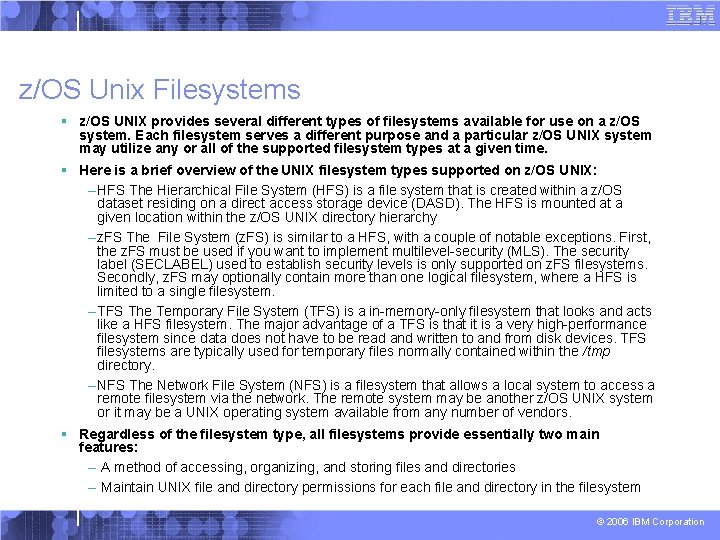
z/OS Unix Filesystems § z/OS UNIX provides several different types of filesystems available for use on a z/OS system. Each filesystem serves a different purpose and a particular z/OS UNIX system may utilize any or all of the supported filesystem types at a given time. § Here is a brief overview of the UNIX filesystem types supported on z/OS UNIX: – HFS The Hierarchical File System (HFS) is a file system that is created within a z/OS dataset residing on a direct access storage device (DASD). The HFS is mounted at a given location within the z/OS UNIX directory hierarchy – z. FS The File System (z. FS) is similar to a HFS, with a couple of notable exceptions. First, the z. FS must be used if you want to implement multilevel-security (MLS). The security label (SECLABEL) used to establish security levels is only supported on z. FS filesystems. Secondly, z. FS may optionally contain more than one logical filesystem, where a HFS is limited to a single filesystem. – TFS The Temporary File System (TFS) is a in-memory-only filesystem that looks and acts like a HFS filesystem. The major advantage of a TFS is that it is a very high-performance filesystem since data does not have to be read and written to and from disk devices. TFS filesystems are typically used for temporary files normally contained within the /tmp directory. – NFS The Network File System (NFS) is a filesystem that allows a local system to access a remote filesystem via the network. The remote system may be another z/OS UNIX system or it may be a UNIX operating system available from any number of vendors. § Regardless of the filesystem type, all filesystems provide essentially two main features: – A method of accessing, organizing, and storing files and directories – Maintain UNIX file and directory permissions for each file and directory in the filesystem © 2006 IBM Corporation
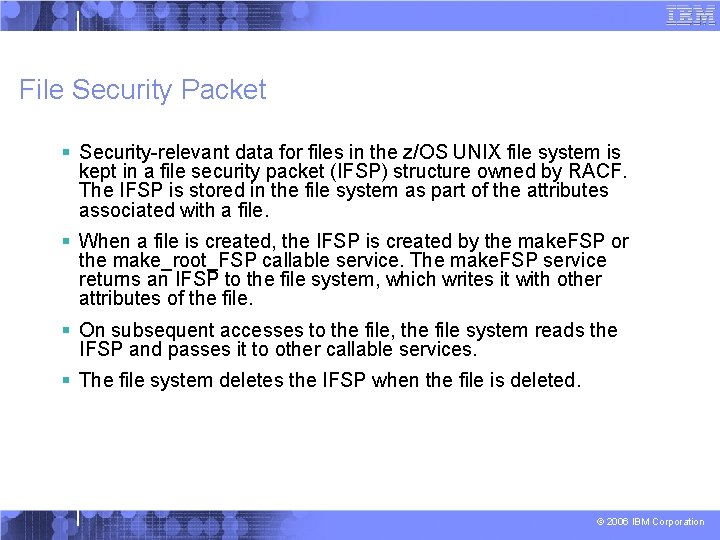
File Security Packet § Security-relevant data for files in the z/OS UNIX file system is kept in a file security packet (IFSP) structure owned by RACF. The IFSP is stored in the file system as part of the attributes associated with a file. § When a file is created, the IFSP is created by the make. FSP or the make_root_FSP callable service. The make. FSP service returns an IFSP to the file system, which writes it with other attributes of the file. § On subsequent accesses to the file, the file system reads the IFSP and passes it to other callable services. § The file system deletes the IFSP when the file is deleted. © 2006 IBM Corporation
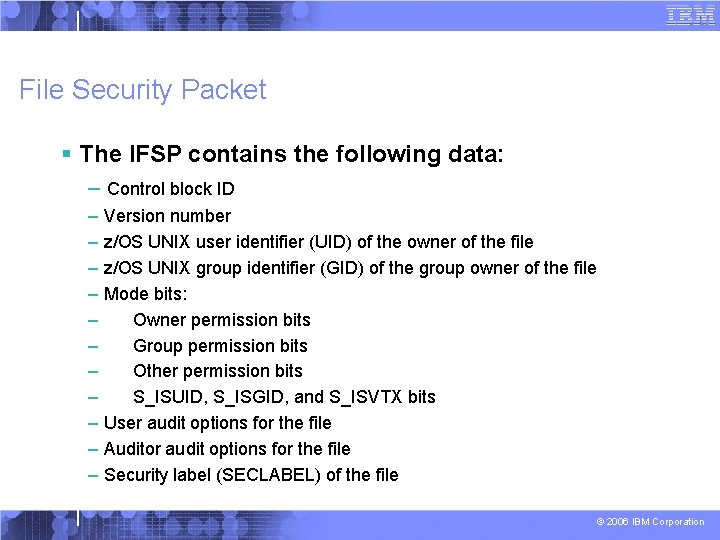
File Security Packet § The IFSP contains the following data: – Control block ID – Version number – z/OS UNIX user identifier (UID) of the owner of the file – z/OS UNIX group identifier (GID) of the group owner of the file – Mode bits: – Owner permission bits – Group permission bits – Other permission bits – S_ISUID, S_ISGID, and S_ISVTX bits – User audit options for the file – Auditor audit options for the file – Security label (SECLABEL) of the file © 2006 IBM Corporation
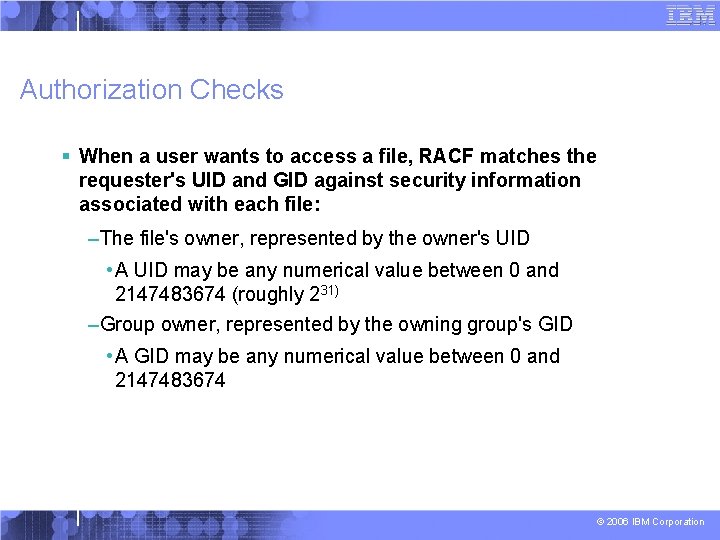
Authorization Checks § When a user wants to access a file, RACF matches the requester's UID and GID against security information associated with each file: –The file's owner, represented by the owner's UID • A UID may be any numerical value between 0 and 2147483674 (roughly 231) –Group owner, represented by the owning group's GID • A GID may be any numerical value between 0 and 2147483674 © 2006 IBM Corporation
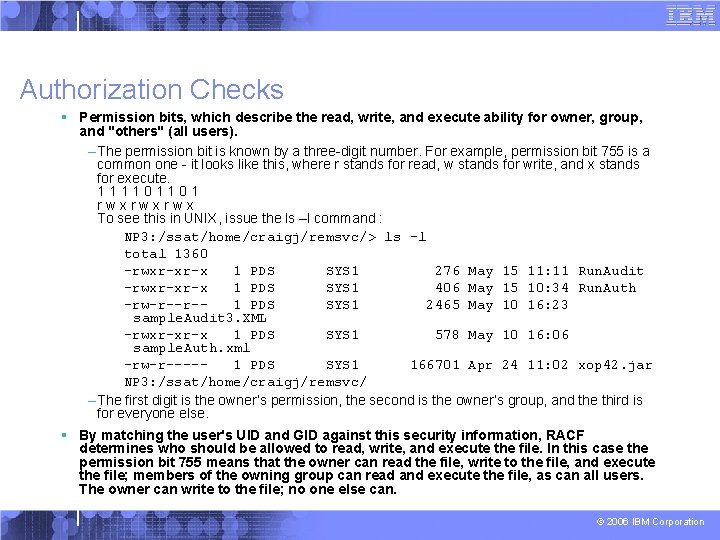
Authorization Checks § Permission bits, which describe the read, write, and execute ability for owner, group, and "others" (all users). – The permission bit is known by a three-digit number. For example, permission bit 755 is a common one - it looks like this, where r stands for read, w stands for write, and x stands for execute. 111101101 rwxrwxrwx To see this in UNIX, issue the ls –l command : NP 3: /ssat/home/craigj/remsvc/> ls -l total 1360 -rwxr-xr-x 1 PDS SYS 1 276 May 15 11: 11 Run. Audit -rwxr-xr-x 1 PDS SYS 1 406 May 15 10: 34 Run. Auth -rw-r--r-1 PDS SYS 1 2465 May 10 16: 23 sample. Audit 3. XML -rwxr-xr-x 1 PDS SYS 1 578 May 10 16: 06 sample. Auth. xml -rw-r----1 PDS SYS 1 166701 Apr 24 11: 02 xop 42. jar NP 3: /ssat/home/craigj/remsvc/ – The first digit is the owner’s permission, the second is the owner’s group, and the third is for everyone else. § By matching the user's UID and GID against this security information, RACF determines who should be allowed to read, write, and execute the file. In this case the permission bit 755 means that the owner can read the file, write to the file, and execute the file; members of the owning group can read and execute the file, as can all users. The owner can write to the file; no one else can. © 2006 IBM Corporation
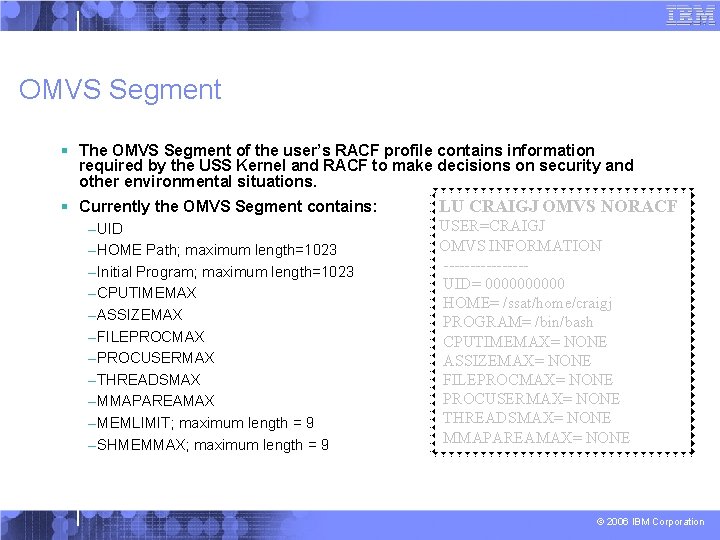
OMVS Segment § The OMVS Segment of the user’s RACF profile contains information required by the USS Kernel and RACF to make decisions on security and other environmental situations. § Currently the OMVS Segment contains: –UID –HOME Path; maximum length=1023 –Initial Program; maximum length=1023 –CPUTIMEMAX –ASSIZEMAX –FILEPROCMAX –PROCUSERMAX –THREADSMAX –MMAPAREAMAX –MEMLIMIT; maximum length = 9 –SHMEMMAX; maximum length = 9 LU CRAIGJ OMVS NORACF USER=CRAIGJ OMVS INFORMATION --------UID= 00000 HOME= /ssat/home/craigj PROGRAM= /bin/bash CPUTIMEMAX= NONE ASSIZEMAX= NONE FILEPROCMAX= NONE PROCUSERMAX= NONE THREADSMAX= NONE MMAPAREAMAX= NONE © 2006 IBM Corporation
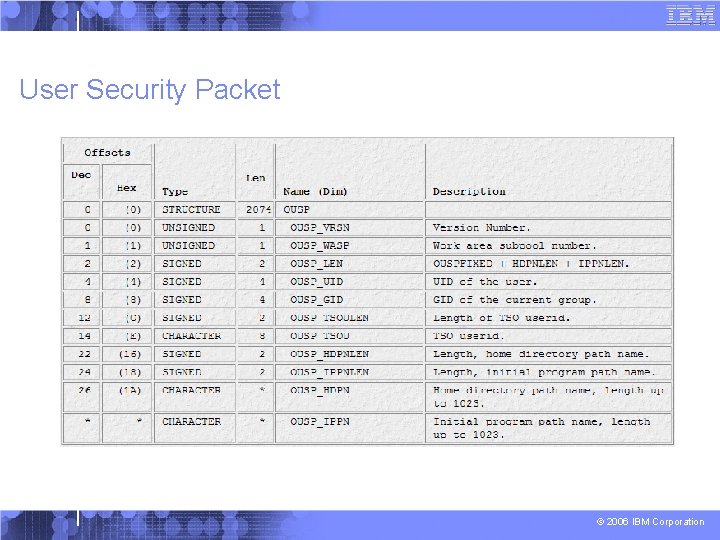
User Security Context and z/OS Unix § Each user in the system is represented by a security context – a structure in the address space which contains information related to the identity of the user who owns that process. § Attached to that security context, when warranted, is a USP – User Security Packet § Information from the user’s OMVS segment is placed in the User Security Packet © 2006 IBM Corporation
User Security Packet © 2006 IBM Corporation
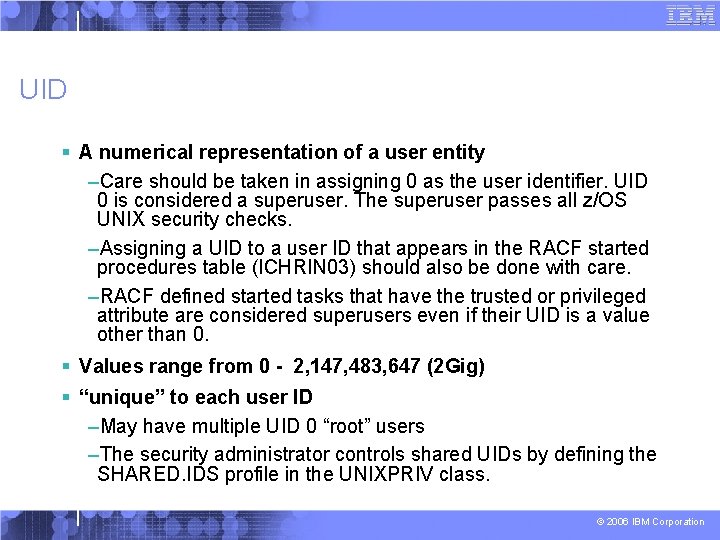
UID § A numerical representation of a user entity –Care should be taken in assigning 0 as the user identifier. UID 0 is considered a superuser. The superuser passes all z/OS UNIX security checks. –Assigning a UID to a user ID that appears in the RACF started procedures table (ICHRIN 03) should also be done with care. –RACF defined started tasks that have the trusted or privileged attribute are considered superusers even if their UID is a value other than 0. § Values range from 0 - 2, 147, 483, 647 (2 Gig) § “unique” to each user ID –May have multiple UID 0 “root” users –The security administrator controls shared UIDs by defining the SHARED. IDS profile in the UNIXPRIV class. © 2006 IBM Corporation
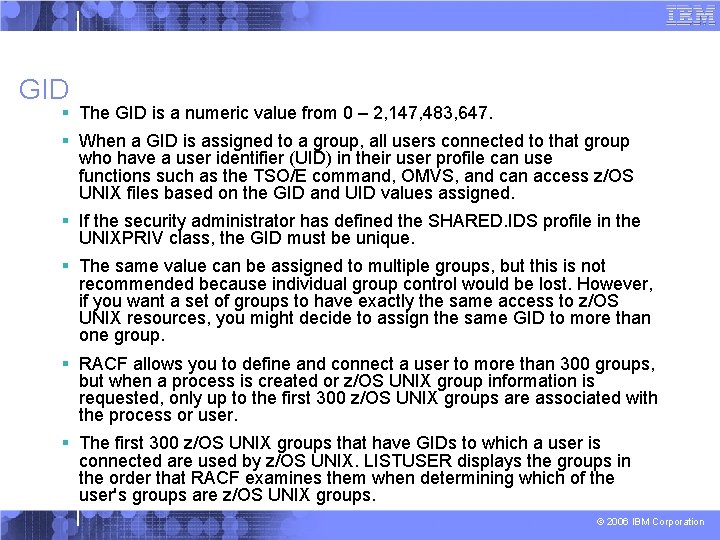
GID § The GID is a numeric value from 0 – 2, 147, 483, 647. § When a GID is assigned to a group, all users connected to that group who have a user identifier (UID) in their user profile can use functions such as the TSO/E command, OMVS, and can access z/OS UNIX files based on the GID and UID values assigned. § If the security administrator has defined the SHARED. IDS profile in the UNIXPRIV class, the GID must be unique. § The same value can be assigned to multiple groups, but this is not recommended because individual group control would be lost. However, if you want a set of groups to have exactly the same access to z/OS UNIX resources, you might decide to assign the same GID to more than one group. § RACF allows you to define and connect a user to more than 300 groups, but when a process is created or z/OS UNIX group information is requested, only up to the first 300 z/OS UNIX groups are associated with the process or user. § The first 300 z/OS UNIX groups that have GIDs to which a user is connected are used by z/OS UNIX. LISTUSER displays the groups in the order that RACF examines them when determining which of the user's groups are z/OS UNIX groups. © 2006 IBM Corporation
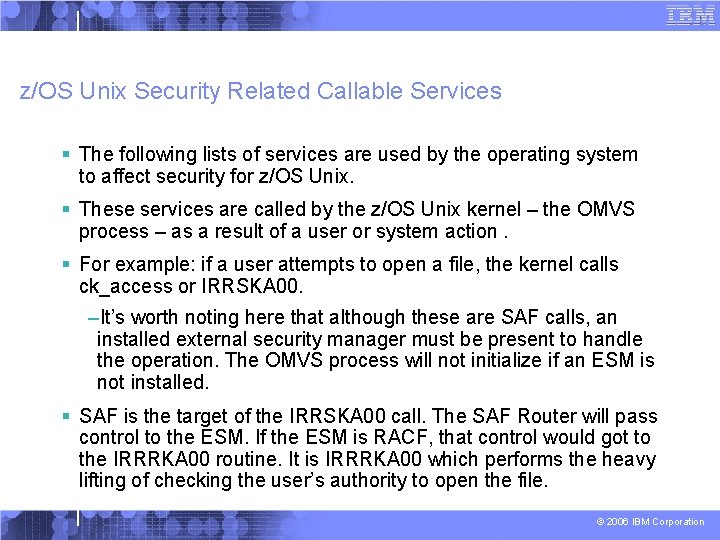
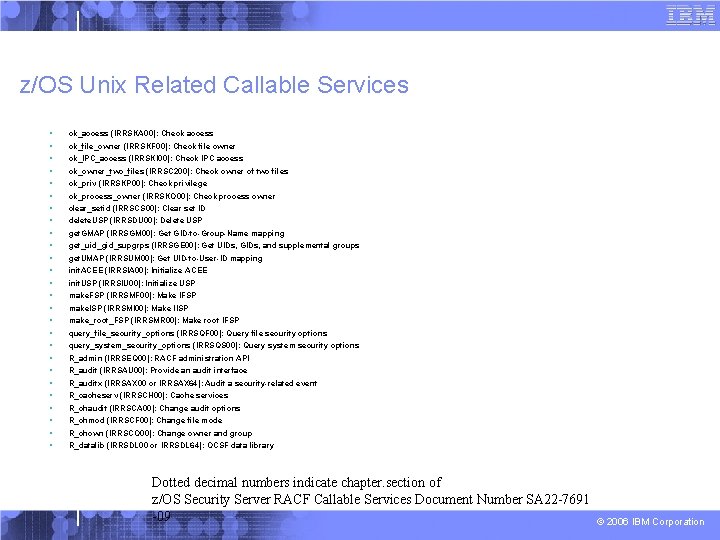
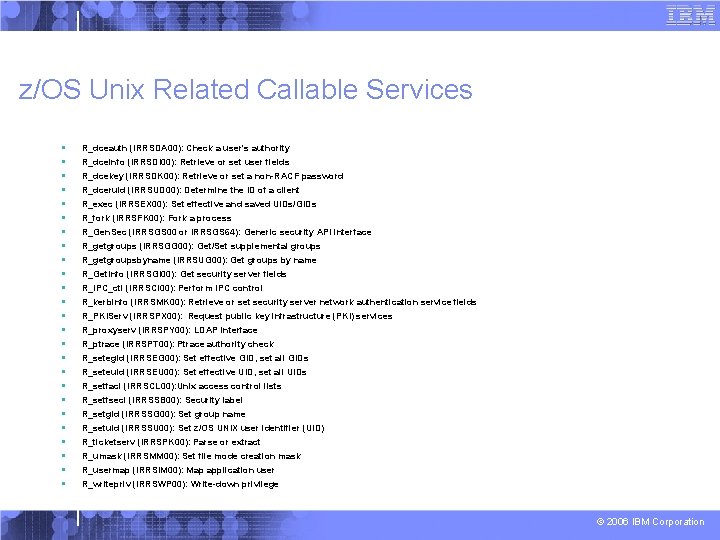
z/OS Unix Security Related Callable Services § The following lists of services are used by the operating system to affect security for z/OS Unix. § These services are called by the z/OS Unix kernel – the OMVS process – as a result of a user or system action. § For example: if a user attempts to open a file, the kernel calls ck_access or IRRSKA 00. –It’s worth noting here that although these are SAF calls, an installed external security manager must be present to handle the operation. The OMVS process will not initialize if an ESM is not installed. § SAF is the target of the IRRSKA 00 call. The SAF Router will pass control to the ESM. If the ESM is RACF, that control would got to the IRRRKA 00 routine. It is IRRRKA 00 which performs the heavy lifting of checking the user’s authority to open the file. © 2006 IBM Corporation
z/OS Unix Related Callable Services § § § § § § § ck_access (IRRSKA 00): Check access ck_file_owner (IRRSKF 00): Check file owner ck_IPC_access (IRRSKI 00): Check IPC access ck_owner_two_files (IRRSC 200): Check owner of two files ck_priv (IRRSKP 00): Check privilege ck_process_owner (IRRSKO 00): Check process owner clear_setid (IRRSCS 00): Clear set ID delete. USP (IRRSDU 00): Delete USP get. GMAP (IRRSGM 00): Get GID-to-Group-Name mapping get_uid_gid_supgrps (IRRSGE 00): Get UIDs, GIDs, and supplemental groups get. UMAP (IRRSUM 00): Get UID-to-User-ID mapping init. ACEE (IRRSIA 00): Initialize ACEE init. USP (IRRSIU 00): Initialize USP make. FSP (IRRSMF 00): Make IFSP make. ISP (IRRSMI 00): Make IISP make_root_FSP (IRRSMR 00): Make root IFSP query_file_security_options (IRRSQF 00): Query file security options query_system_security_options (IRRSQS 00): Query system security options R_admin (IRRSEQ 00): RACF administration API R_audit (IRRSAU 00): Provide an audit interface R_auditx (IRRSAX 00 or IRRSAX 64): Audit a security-related event R_cacheserv (IRRSCH 00): Cache services R_chaudit (IRRSCA 00): Change audit options R_chmod (IRRSCF 00): Change file mode R_chown (IRRSCO 00): Change owner and group R_datalib (IRRSDL 00 or IRRSDL 64): OCSF data library Dotted decimal numbers indicate chapter. section of z/OS Security Server RACF Callable Services Document Number SA 22 -7691 -09 © 2006 IBM Corporation
z/OS Unix Related Callable Services § § § § § § § R_dceauth (IRRSDA 00): Check a user's authority R_dceinfo (IRRSDI 00): Retrieve or set user fields R_dcekey (IRRSDK 00): Retrieve or set a non-RACF password R_dceruid (IRRSUD 00): Determine the ID of a client R_exec (IRRSEX 00): Set effective and saved UIDs/GIDs R_fork (IRRSFK 00): Fork a process R_Gen. Sec (IRRSGS 00 or IRRSGS 64): Generic security API interface R_getgroups (IRRSGG 00): Get/Set supplemental groups R_getgroupsbyname (IRRSUG 00): Get groups by name R_Get. Info (IRRSGI 00): Get security server fields R_IPC_ctl (IRRSCI 00): Perform IPC control R_kerbinfo (IRRSMK 00): Retrieve or set security server network authentication service fields R_PKIServ (IRRSPX 00): Request public key infrastructure (PKI) services R_proxyserv (IRRSPY 00): LDAP interface R_ptrace (IRRSPT 00): Ptrace authority check R_setegid (IRRSEG 00): Set effective GID, set all GIDs R_seteuid (IRRSEU 00): Set effective UID, set all UIDs R_setfacl (IRRSCL 00): Unix access control lists R_setfsecl (IRRSSB 00): Security label R_setgid (IRRSSG 00): Set group name R_setuid (IRRSSU 00): Set z/OS UNIX user identifier (UID) R_ticketserv (IRRSPK 00): Parse or extract R_umask (IRRSMM 00): Set file mode creation mask R_usermap (IRRSIM 00): Map application user R_writepriv (IRRSWP 00): Write-down privilege © 2006 IBM Corporation
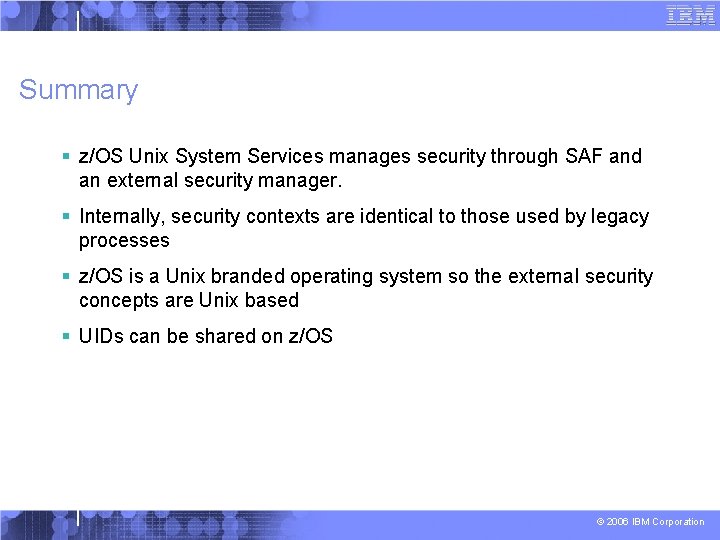
Summary § z/OS Unix System Services manages security through SAF and an external security manager. § Internally, security contexts are identical to those used by legacy processes § z/OS is a Unix branded operating system so the external security concepts are Unix based § UIDs can be shared on z/OS © 2006 IBM Corporation