Introduction CSE 1310 Introduction to Computers and Programming
- Slides: 22
Introduction CSE 1310 – Introduction to Computers and Programming Vassilis Athitsos University of Texas at Arlington Credits: a significant part of this material has been created by Dr. Darin Brezeale and Dr. Gian Luca Mariottini 1
Goals of This Course • The goal of this course is NOT to “learn Python”. • Python is the programming language we will use in this class. • However, the goal and focus will be on general concepts about computers and programming. • Python is a good language (but not the only good language) for this task: – Easier to learn than some (e. g. , C or Java) – Fairly popular. 2
Goals of This Course • Understand programming: – What “programming” means – Basic programming techniques – Writing code that achieves some simple tasks – Writing code that is easy to read, understand, test – Testing and debugging 3
Goals of This Course • Understand the need for computer science: why do you need to take more classes if you already “know Python”? – The answer is NOT “to learn more programming languages. ” 4
Goals of This Course • Understand the need for computer science: • Computer science courses will teach you to: – Write code more likely to be correct, more efficient, easier to write, read, understand, test, share, modify. – Learn how to estimate if a certain programming task is feasible/doable or not. – Perform more sophisticated tasks (solve math and engineering problems, play games, process images, design a programming language). 5
What Does a Computer Do • High level: plays video and audio, displays e-mail and web pages. • Middle level: executes specific software (movie player, audio player, web browser), accesses specific hardware (printer, network card, speakers, monitor): • Lower level: executes specific code, namely specific instructions that humans can write and modify. • Even lower level: executes assembly code, which is a sequence of simple arithmetic operations and memory transfers. • Even lower level: sends back and forth electric signals within and among different components, such as the CPU, the network card, monitor, printer, camera, etc. 6
What Does a Computer Do • High level: plays video and audio, displays e-mail and web pages. • Middle level: executes specific software (movie player, audio player, web browser), accesses specific hardware (printer, network card, speakers, monitor): • Lower level: executes specific code, namely specific instructions that humans can write and modify. • Even lower level: executes assembly code, which is a sequence of simple arithmetic operations and memory transfers. • Even lower level: sends back and forth electric signals within and among different components, such as the CPU, the network card, monitor, printer, camera, etc. 7
Computers and Numbers • At some level, a computer can be seen as just processing numbers. • At a higher level, these numbers acquire a more complex meaning: – Pictures and video – Music and audio – Text • The focus in this course is basic processing of numbers and text. – Build background needed for more complex data. 8
Programming • Programming is the process of providing specific instructions to the computer. • In some ways, similar to providing instructions to a human. • Key difference: – humans are smart, can understand very ambiguous instructions, and even correct obvious mistakes. – Programming must provide unambiguous and correct instructions (computers can do some simple error checking, but that is limited). 9
Example • “I showed my teacher a picture of Michael Jordan. Then he gave me back my homework”. • Humans have no trouble understanding such a sentence. 10
Example • “I showed my teacher a picture of Michael Jordan. Then he gave me back my homework”. • However, from a computer’s point of view, this is an ambiguous sentence. 11
Example • “I showed my teacher a picture of Michael Jordan. Then he gave me back my homework”. • However, from a computer’s point of view, this is an ambiguous sentence: – Who is “he”? The teacher or Michael Jordan? 12
Programming Languages • Computer programs must leave no room for ambiguity. • A programming language defines a way to provide specific, unambiguous instructions to the computer. • A programming language does not allow unambiguous instructions. – Everything has a well defined meaning. – No equivalents for the “kind of”, “sort of”, “like” of human languages. 13
Specific Meaning • In a program, every single line has a very specific meaning. • Extremely common source of problems for students: Thinking you can understand or write code without being able to UNDERSTAND THE EXACT MEANING OF EVERY SINGLE LINE. – This often works in reading in a foreign language, even for speaking and writing. – It will not work for reading or writing code. 14
Programming Languages • Many programming languages are around: – Python, C, C++, Java. Script, Perl, C#, Matlab. • Why that many? Each language can be preferable in specific contexts, depending on: – ease of use – price – availability to customers – quantity of already existing code – support of specific features – portability to different platforms. –… 15
Programming Languages • Anecdotal saying: “It should take a year to learn your first programming language, a day for the second one. ” – Programmers may disagree about the exact quantities, but agree on the general idea. – ANOTHER VERY IMPORTANT DIFFERENCE FROM HUMAN LANGUAGES. • So, the goal in this class is not “to learn Python”, but “to learn how to program”. 16
Algorithms • An algorithm is a specific process that computes the answer to a question. • An algorithm is often described in English or “pseudocode”, which is half-way between English and real code. • Any algorithm can be implemented in any programming language. 17
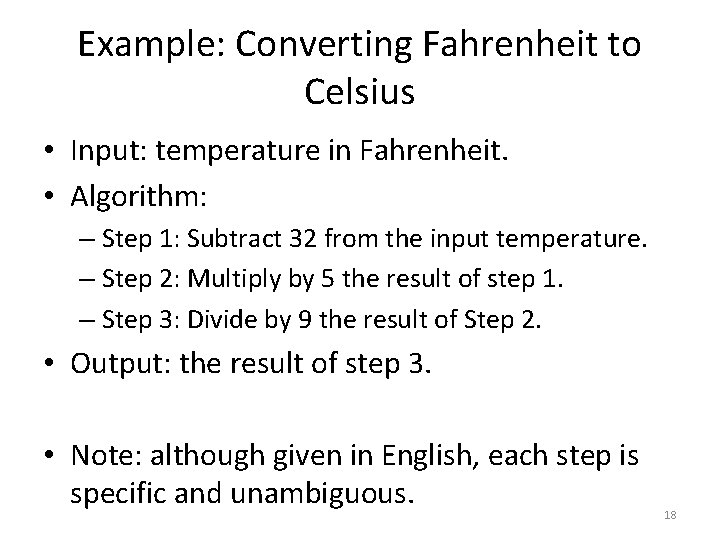
Example: Converting Fahrenheit to Celsius • Input: temperature in Fahrenheit. • Algorithm: – Step 1: Subtract 32 from the input temperature. – Step 2: Multiply by 5 the result of step 1. – Step 3: Divide by 9 the result of Step 2. • Output: the result of step 3. • Note: although given in English, each step is specific and unambiguous. 18
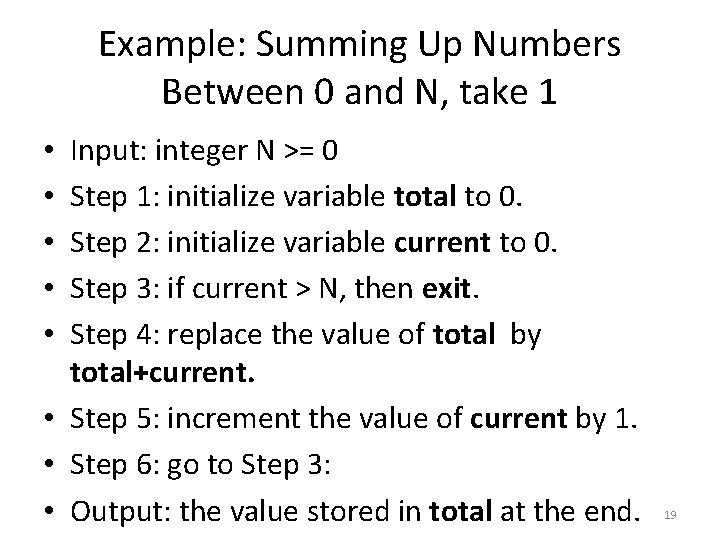
Example: Summing Up Numbers Between 0 and N, take 1 Input: integer N >= 0 Step 1: initialize variable total to 0. Step 2: initialize variable current to 0. Step 3: if current > N, then exit. Step 4: replace the value of total by total+current. • Step 5: increment the value of current by 1. • Step 6: go to Step 3: • Output: the value stored in total at the end. • • • 19
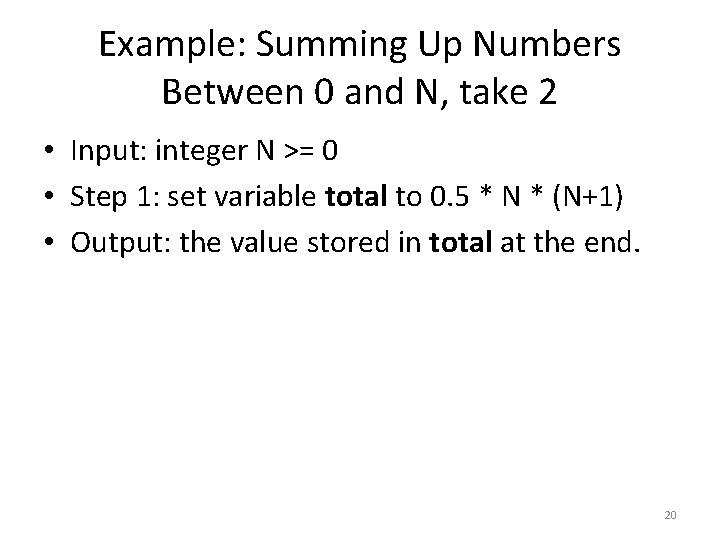
Example: Summing Up Numbers Between 0 and N, take 2 • Input: integer N >= 0 • Step 1: set variable total to 0. 5 * N * (N+1) • Output: the value stored in total at the end. 20
Algorithm vs. Program • An algorithm is a description of how to solve a problem. • A program is an implementation of the algorithm in a specific programming language, that can run on a specific computer. • Algorithms can be written and analyzed independent of a programming language. – That is the science of Computer Science. 21
Simple Examples of Algorithm Analysis • The first algorithm for summing numbers from 0 to N is slower than the second algorithm. • The number of steps it takes the first algorithm to complete is proportional to N. • The number of steps it takes the second algorithm to complete is independent of N. 22