EEO1 Reporting U S Equal Employment Opportunity Commission




- Slides: 29
EEO-1 Reporting U. S. Equal Employment Opportunity Commission Christine Tutani Christine. Tutani@nov. com Priya Ginni Laxmipriya. Ginni@nov. com
Agenda • • • Introduction to NOV Purpose Who Files Completing the EEO-1 Setup Pre-requisites Running the Report Output Files Validation Acquisition Challenges Q and A
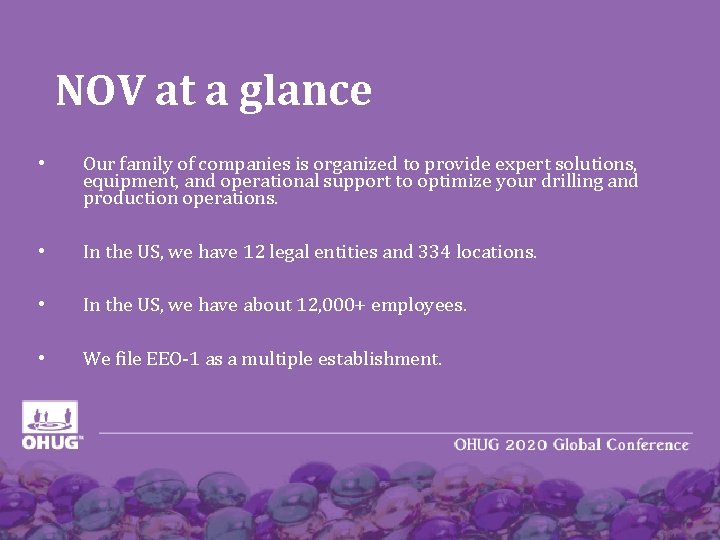
NOV at a glance • Our family of companies is organized to provide expert solutions, equipment, and operational support to optimize your drilling and production operations. • In the US, we have 12 legal entities and 334 locations. • In the US, we have about 12, 000+ employees. • We file EEO-1 as a multiple establishment.
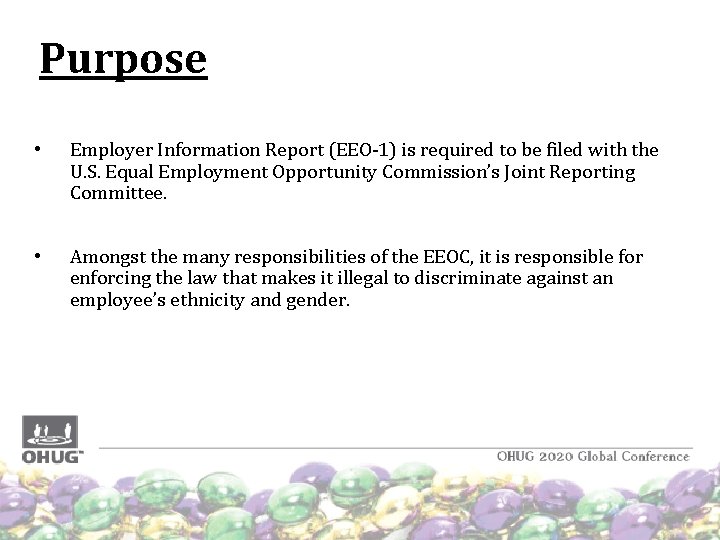
Purpose • Employer Information Report (EEO-1) is required to be filed with the U. S. Equal Employment Opportunity Commission’s Joint Reporting Committee. • Amongst the many responsibilities of the EEOC, it is responsible for enforcing the law that makes it illegal to discriminate against an employee’s ethnicity and gender.
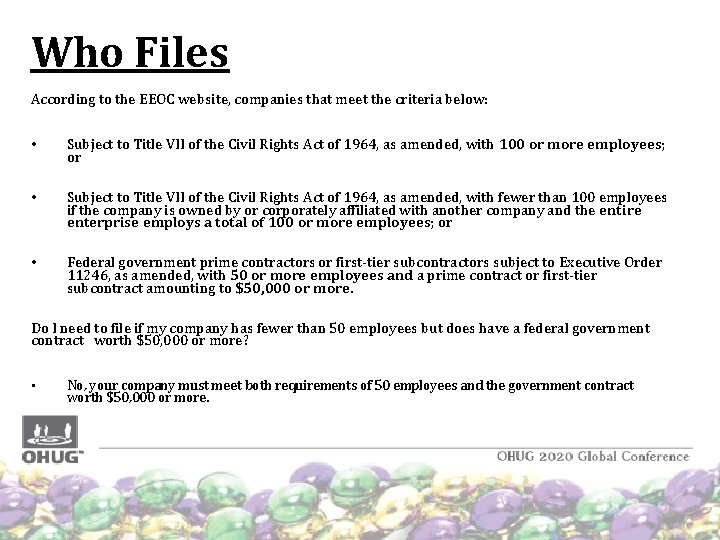
Who Files According to the EEOC website, companies that meet the criteria below: • Subject to Title VII of the Civil Rights Act of 1964, as amended, with 100 or more employees; or • Subject to Title VII of the Civil Rights Act of 1964, as amended, with fewer than 100 employees if the company is owned by or corporately affiliated with another company and the entire enterprise employs a total of 100 or more employees; or • Federal government prime contractors or first-tier subcontractors subject to Executive Order 11246, as amended, with 50 or more employees and a prime contract or first-tier subcontract amounting to $50, 000 or more. Do I need to file if my company has fewer than 50 employees but does have a federal government contract worth $50, 000 or more? • No, your company must meet both requirements of 50 employees and the government contract worth $50, 000 or more.
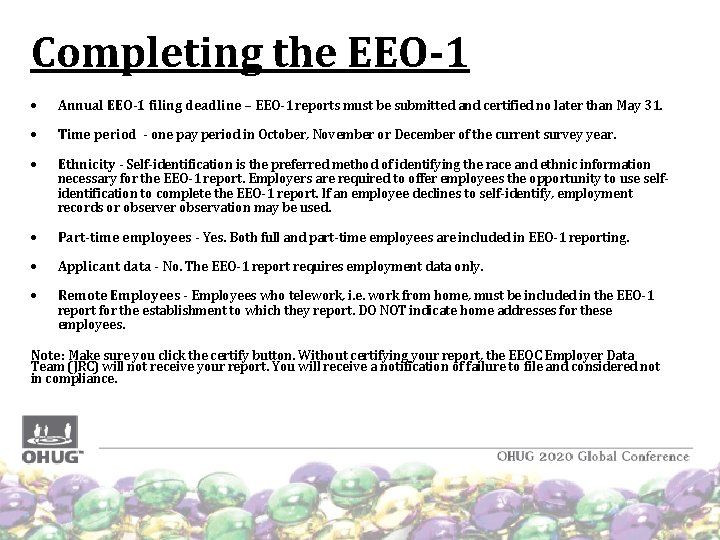
Completing the EEO-1 Annual EEO-1 filing deadline – EEO-1 reports must be submitted and certified no later than May 31. Time period - one pay period in October, November or December of the current survey year. Ethnicity - Self-identification is the preferred method of identifying the race and ethnic information necessary for the EEO-1 report. Employers are required to offer employees the opportunity to use selfidentification to complete the EEO-1 report. If an employee declines to self-identify, employment records or observer observation may be used. Part-time employees - Yes. Both full and part-time employees are included in EEO-1 reporting. Applicant data - No. The EEO-1 report requires employment data only. Remote Employees - Employees who telework, i. e. work from home, must be included in the EEO-1 report for the establishment to which they report. DO NOT indicate home addresses for these employees. Note: Make sure you click the certify button. Without certifying your report, the EEOC Employer Data Team (JRC) will not receive your report. You will receive a notification of failure to file and considered not in compliance.
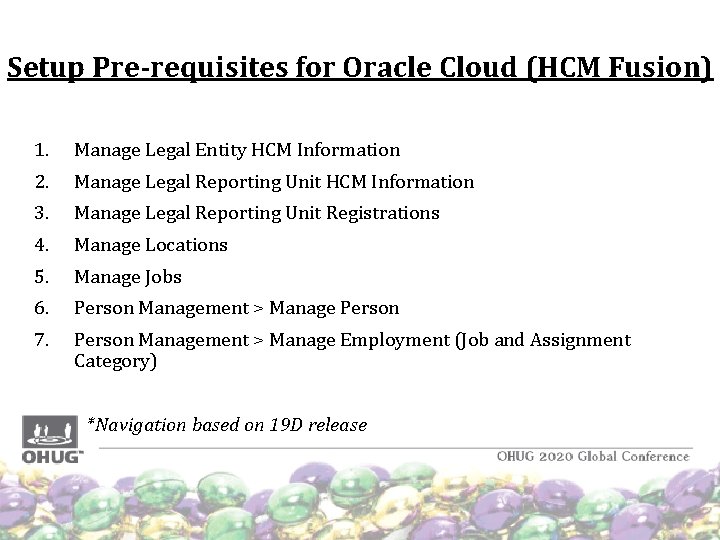
Setup Pre-requisites for Oracle Cloud (HCM Fusion) 1. Manage Legal Entity HCM Information 2. Manage Legal Reporting Unit HCM Information 3. Manage Legal Reporting Unit Registrations 4. Manage Locations 5. Manage Jobs 6. Person Management > Manage Person 7. Person Management > Manage Employment (Job and Assignment Category) *Navigation based on 19 D release
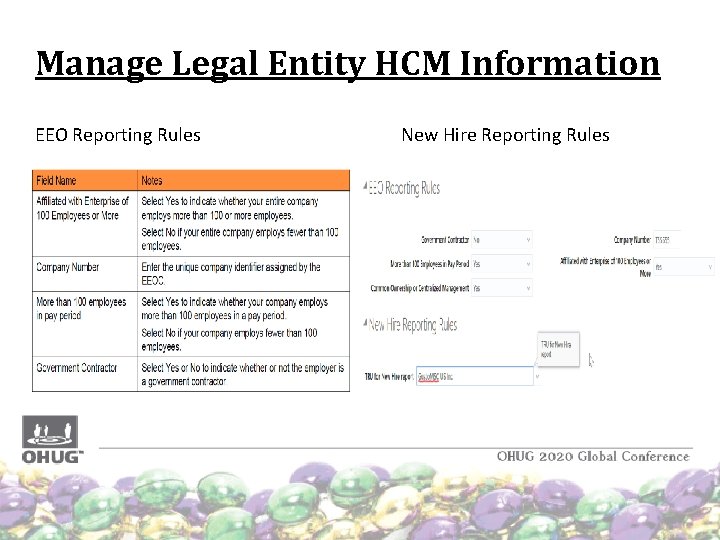
Manage Legal Entity HCM Information EEO Reporting Rules New Hire Reporting Rules
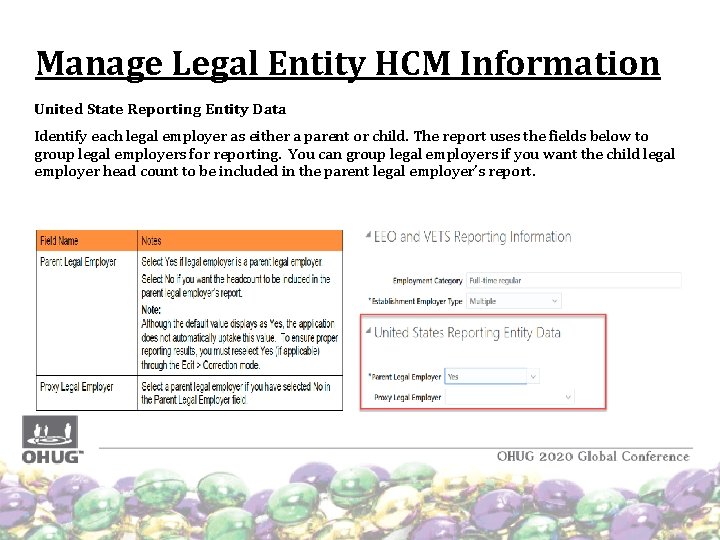
Manage Legal Entity HCM Information United State Reporting Entity Data Identify each legal employer as either a parent or child. The report uses the fields below to group legal employers for reporting. You can group legal employers if you want the child legal employer head count to be included in the parent legal employer’s report.
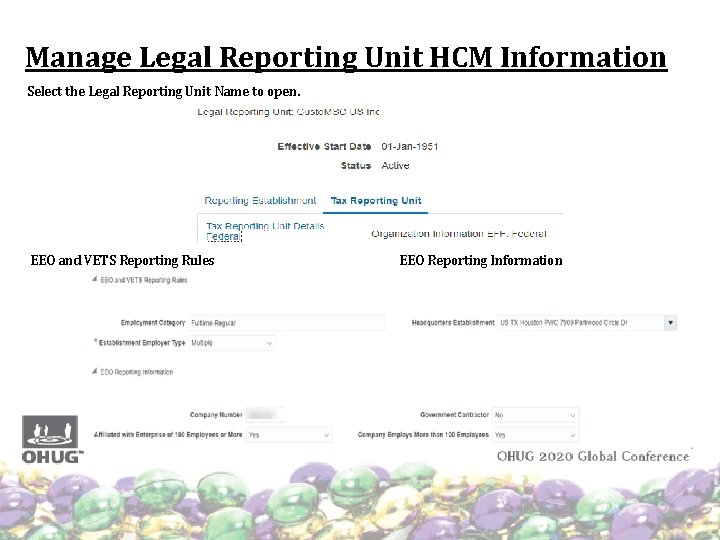
Manage Legal Reporting Unit HCM Information Select the Legal Reporting Unit Name to open. EEO and VETS Reporting Rules EEO Reporting Information
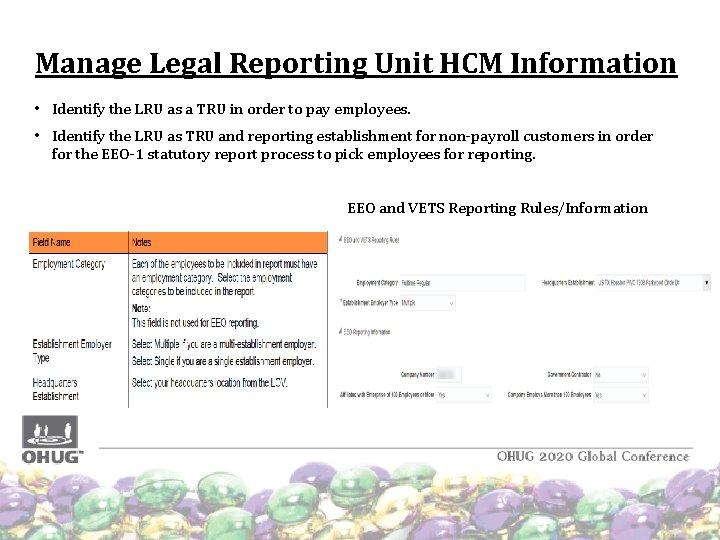
Manage Legal Reporting Unit HCM Information • Identify the LRU as a TRU in order to pay employees. • Identify the LRU as TRU and reporting establishment for non-payroll customers in order for the EEO-1 statutory report process to pick employees for reporting. EEO and VETS Reporting Rules/Information
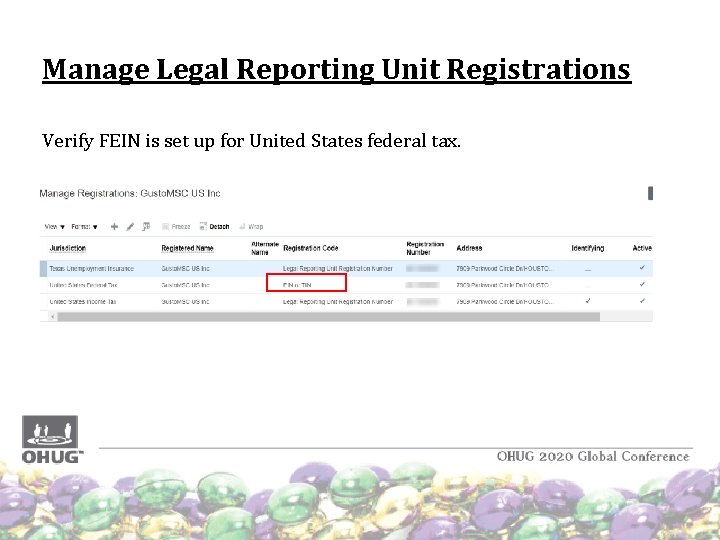
Manage Legal Reporting Unit Registrations Verify FEIN is set up for United States federal tax.
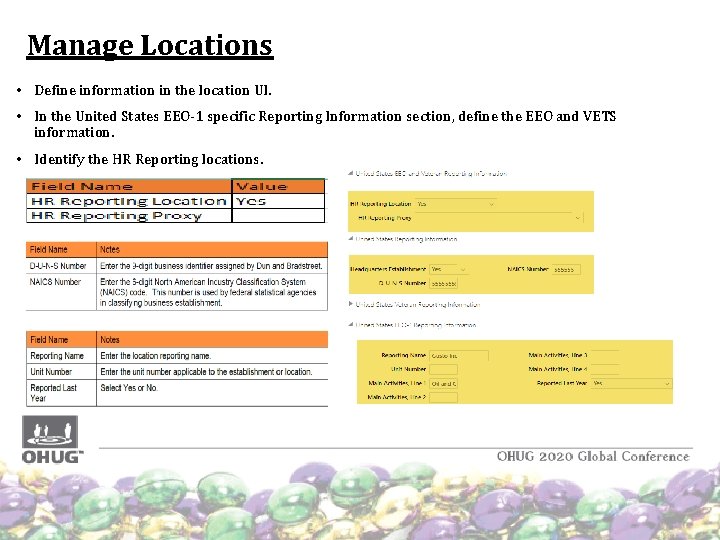
Manage Locations • Define information in the location UI. • In the United States EEO-1 specific Reporting Information section, define the EEO and VETS information. • Identify the HR Reporting locations.
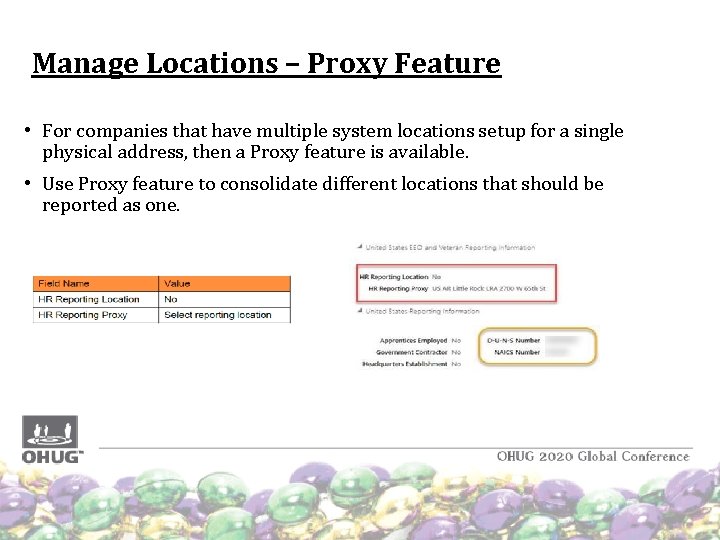
Manage Locations – Proxy Feature • For companies that have multiple system locations setup for a single physical address, then a Proxy feature is available. • Use Proxy feature to consolidate different locations that should be reported as one.
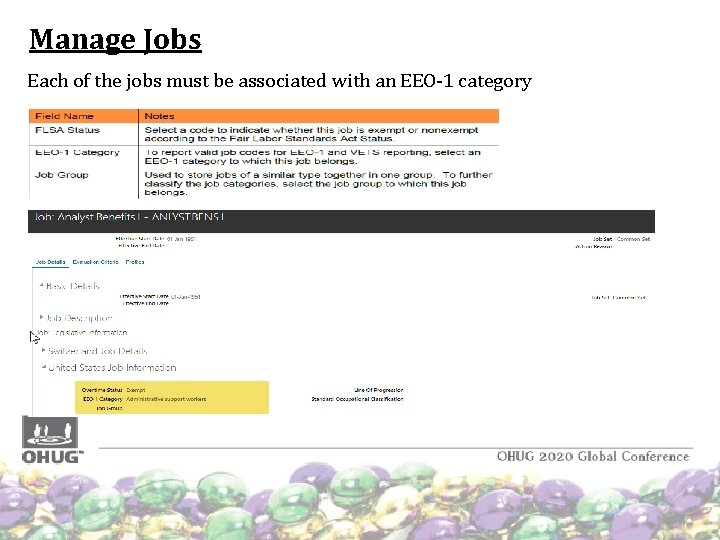
Manage Jobs Each of the jobs must be associated with an EEO-1 category
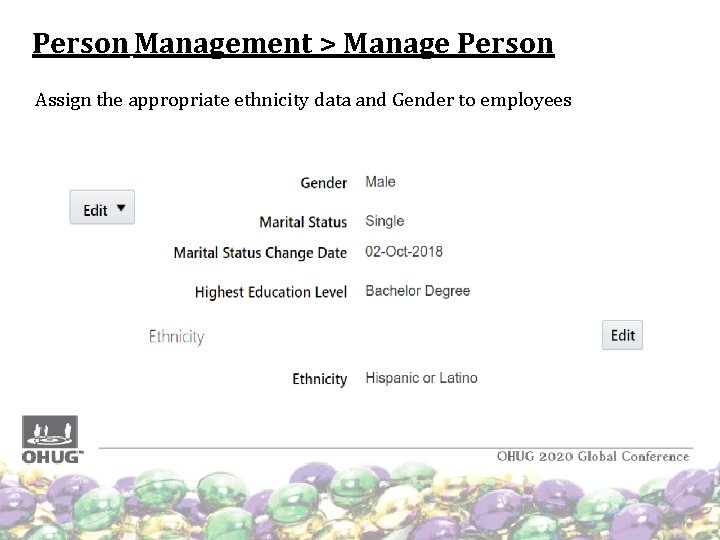
Person Management > Manage Person Assign the appropriate ethnicity data and Gender to employees
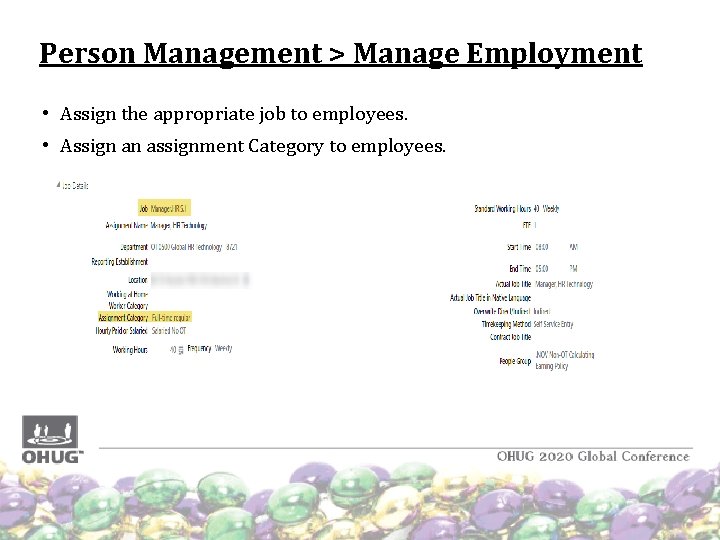
Person Management > Manage Employment • Assign the appropriate job to employees. • Assign an assignment Category to employees.
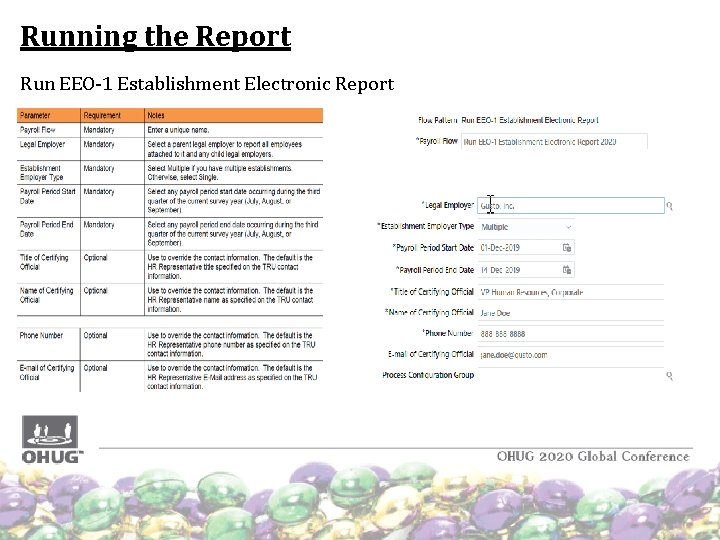
Running the Report Run EEO-1 Establishment Electronic Report
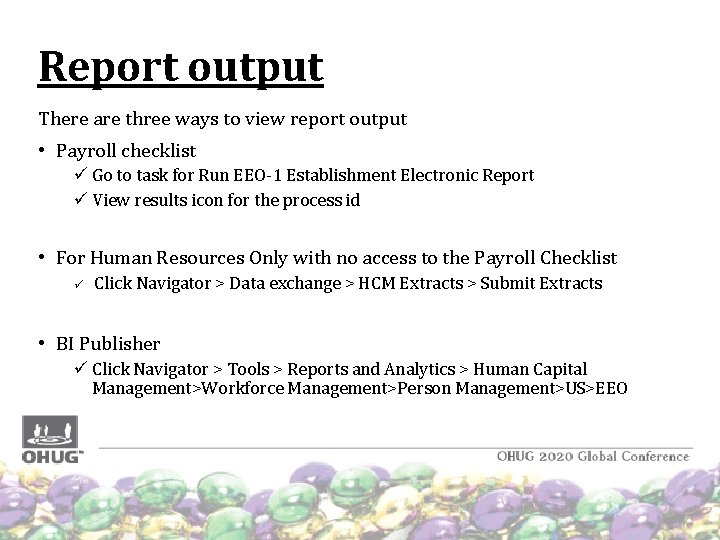
Report output There are three ways to view report output • Payroll checklist ü Go to task for Run EEO-1 Establishment Electronic Report ü View results icon for the process id • For Human Resources Only with no access to the Payroll Checklist ü Click Navigator > Data exchange > HCM Extracts > Submit Extracts • BI Publisher ü Click Navigator > Tools > Reports and Analytics > Human Capital Management>Workforce Management>Person Management>US>EEO
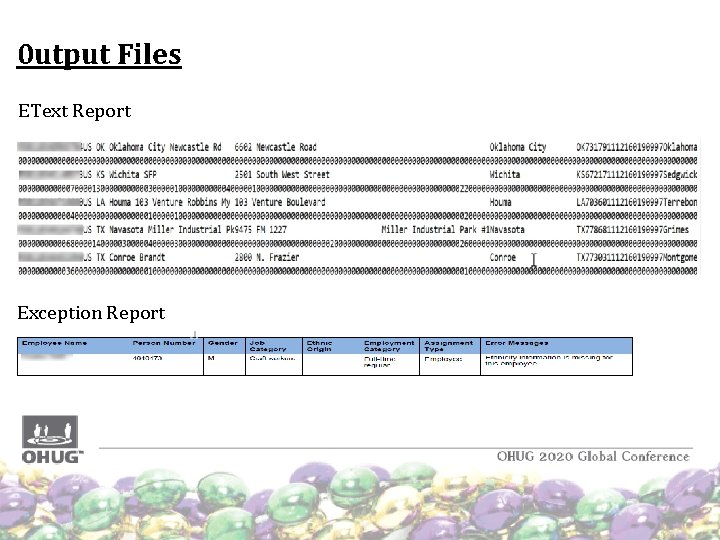
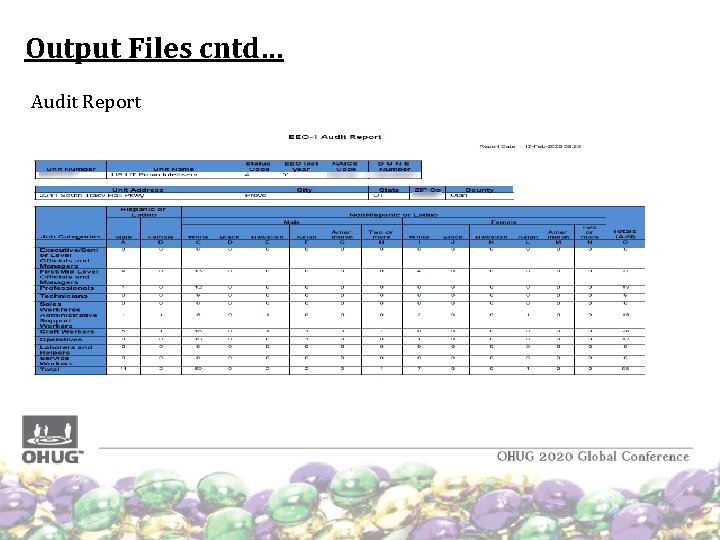
Report Output cntd… • The EEO-1 Establishment Electronic Report process generates three output files with different Report Job Names (Number). • EEO 1 EText. Report • EEO 1 Audit. Report • EEO 1 Exception. Report The output file (e. Text) generated is based on the EEO-1 data file specifications. Modify the file name as per the EEOC guidelines and then upload it to the EEO website. - Navigation to report (seeded report) next slide ( all the reports)
0 utput Files EText Report Exception Report
Output Files cntd… Audit Report
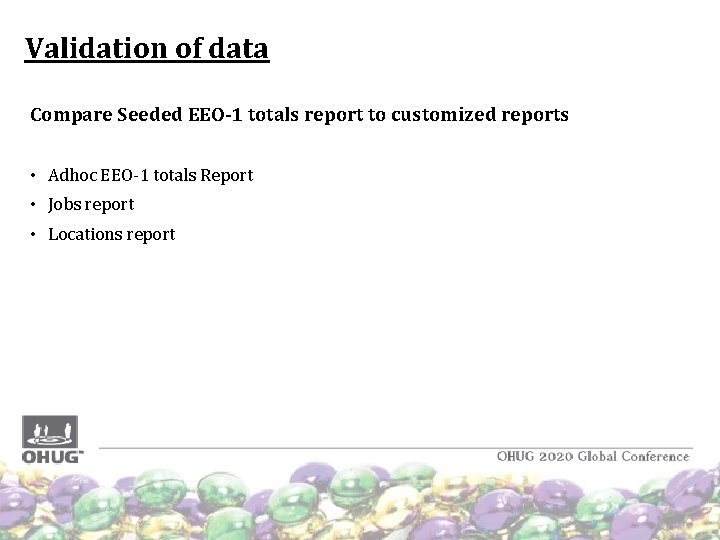
Validation of data Compare Seeded EEO-1 totals report to customized reports • Adhoc EEO-1 totals Report • Jobs report • Locations report
Acquisition • If the company that you have acquired had previously filed for EEO-1 Reporting then • Get the user name and password for the acquired company • Log into EEOC website and download past files records or You can also ask the HR Director from the company to provide you that information • Notify the EEOC of the acquisition via email E 1. ACQUISITIONSMERGERS@EEOC. GOV. • On the email include Company name, address, company numbers of both the acquiring and acquired companies. • If the acquisition happened between 01 -Jan-2019 and 31 -Dec-2019, the acquired company will be included in the 2019 survey.
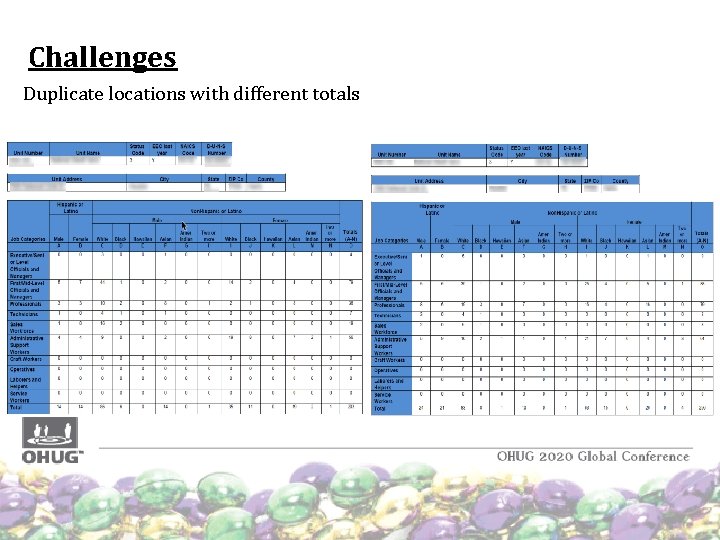
Challenges Duplicate locations with different totals
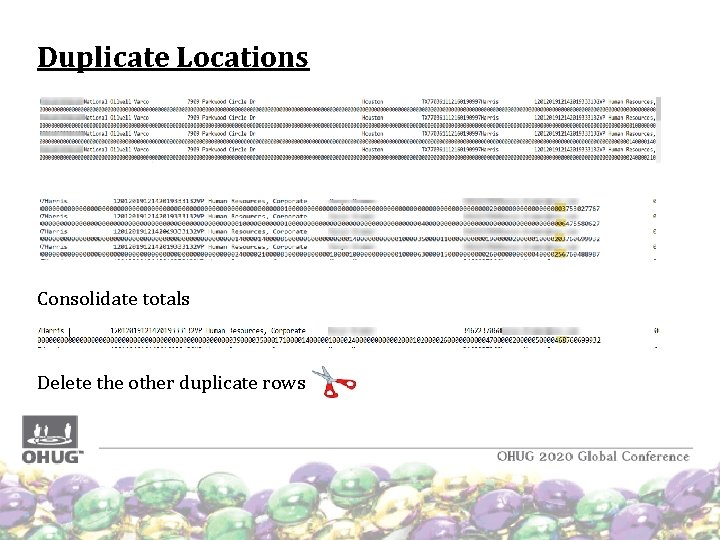
Duplicate Locations Consolidate totals Delete the other duplicate rows
Reference documents EEOC website – www. https: //www. eeoc. gov/ Oracle – EEO setup reference guide Idea Number: BAAF 6589 CF: Seeded EEO-1 Electronic Report Needs Revision to Eliminate Duplicate Location Records (https: //cloudcustomerconnect. oracle. com/posts/BAAF 6589 CF) Idea Number: 03 AB 799 B 98: Multiple rows should not be fetched for a single location in EEO Report (https: //cloudcustomerconnect. oracle. com/posts/03 AB 799 B 98)
Thank you Christine Tutani Christine. Tutani@nov. com Priya Ginni Laxmipriya. Ginni@nov. com