CS 2043 Internet Visual Prog Appl An introduction
- Slides: 30
CS 2043 Internet Visual Prog. / Appl. An introduction to Internet visual programming and applications. Major topics include object-oriented concepts, graphical user interfaces, visual design, event driven programming and actions, exception handling, threads, and animations. Students implement interactive applications that run on the Internet.
CS 2043 Web Visual Prog / Applic. Text: Sebesta, Programming the World Wide Web, 2 e 0 -321 -14945 -9
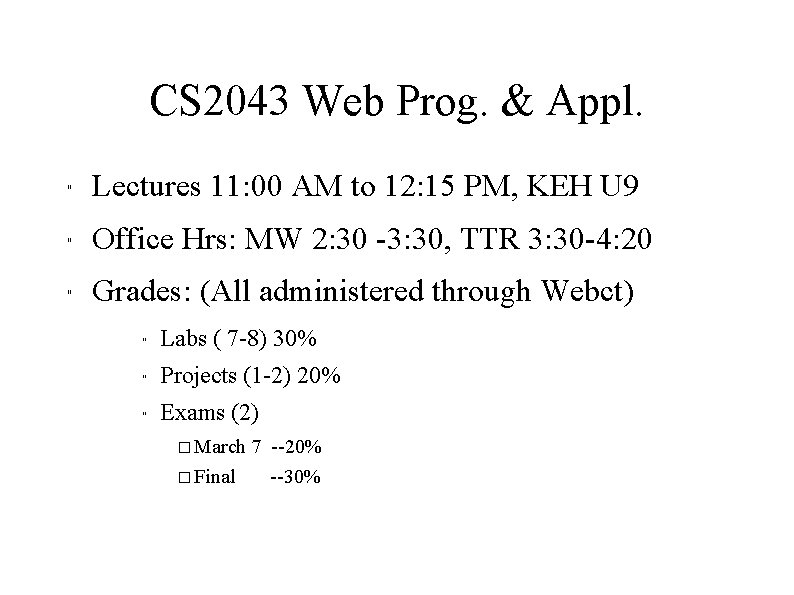
CS 2043 Web Prog. & Appl. " Lectures 11: 00 AM to 12: 15 PM, KEH U 9 " Office Hrs: MW 2: 30 -3: 30, TTR 3: 30 -4: 20 " Grades: (All administered through Webct) " Labs ( 7 -8) 30% " Projects (1 -2) 20% " Exams (2) � March 7 --20% � Final --30%
CS 2043 Web Progr & Appl. " HTML " CGI's " Javascript " Servers/Servlets " Java Applets " PHP " XML " Perl
HTML To describe the general form and layout of documents An HTML document is a mix of content and controls There are tools for creating HTML documents Plug ins Filters
Javascript A client-side HTML-embedded scripting language Only related to Java through syntax Dynamically typed and not object-oriented Provides a way to access elements of HTML documents and dynamically change them
Java Applets Java - General purpose object-oriented programming language - Based on C++, but simpler and safer - Our focus is on applets and servlets
XML - A meta-markup language - Used to create a new markup language for a particular purpose or area - The tags are designed for a specific area, they can be meaningful - No presentation details - A simple and universal way of representing data of any textual kind
Perl - highly platform independent, and has been ported to all common platforms - Direct access to operating systems functions - Powerful character string pattern-matching operations - Access to database systems Provides server-side computation for HTML documents, through CGI Perl is not just for CGI
PHP " Server-side scripting language " Similar to javascript " Alternative to CGI " Great form processing and database access
Intro to the Internet - Origins - ARPAnet (ARPA-funded organizations)- late 1960 s to early 1970 s - Network reliability TCP/IP protocols - BITnet, CSnet (email / file transfer for others)- late 1970 s to early 1980 - NSFnet - 1986 - Originally for NSF funded organizations - Initially connected five supercomputer centers - By 1990, it replaced ARPAnet for non-military uses - Became the network for all (by 1990) - NSFnet eventually became known as the Internet
Intro to the Internet Protocol (IP) Addresses Domain names
Internet Protocol (IP) Addresses Every node has a unique numeric address Form: 32 -bit binary number - New standard, IPv 6, has 128 bits (1998) Organizations are assigned groups of IPs for their computers
Domain names Form: host-name. domain-names First domain is the smallest; last is the largest Last domain specifies the type of organization Fully qualified domain name - the host name and all of the domain names DNS servers - convert fully qualified domain names to IPs
World-Wide Web Tim Berners-Lee at CERN proposed the Web in 1989 - Purpose: to allow scientists to have access to many databases of scientific work through their own computers
The Internet in the mid 80's Problem: several different protocols had been invented and were being used on the Internet, all with different user interfaces. (Telnet, FTP, Usenet, mailto)
World-Wide Web Document form: hypertext Pages? Documents? Resources? - The text calls them documents Hypermedia �more than just text �images, sound, etc. Web or Internet? - The Web uses http protocols that runs on the Internet --there are several others: (telnet, mailto, etc. )
Web Browsers - Mosaic - NCSA (Univ. of Illinois), in early 1993 - First to use a GUI, led to explosion of Web use - Initially for X-Windows, under UNIX, but was ported to other platforms by late 1993 - Browsers are clients - always initiate, servers react (although sometimes servers require responses) - Most requests are for existing documents, using Hyper. Text Transfer Protocol (HTTP) - But some requests are for program execution, with the output being returned as a document
Web Servers -Provide responses to browser requests, either existing documents or dynamically built documents - Browser-server connection is now maintained through more than one request-response cycle -
URLs General form: scheme: object-address - The scheme is often a communications protocol, i. e. telnet or ftp - For the http protocol, object-address: fully qualified domain name/doc path - For the file protocol, only the doc path is needed - Host name may include a port number, as in zeppo: 80 default) (80 is the - URLs cannot include spaces or any of a collection of other special characters (semicolons, . . . ) - The doc path may be abbreviated as a partial path - The rest is furnished by the server configuration - If the doc path ends with a slash, it means it is a directory
MIME Multipurpose Internet Mail Extensions Used to specify to the browser the form of a file returned by the server (attached by the server to the beginning of the document) Type specifications - Form: type/subtype - Examples: text/plain, text/html, image/gif, image/jpeg Server gets type from the requested file name� s suffix (. html implies text/html) Browser gets the type explicitly from the server
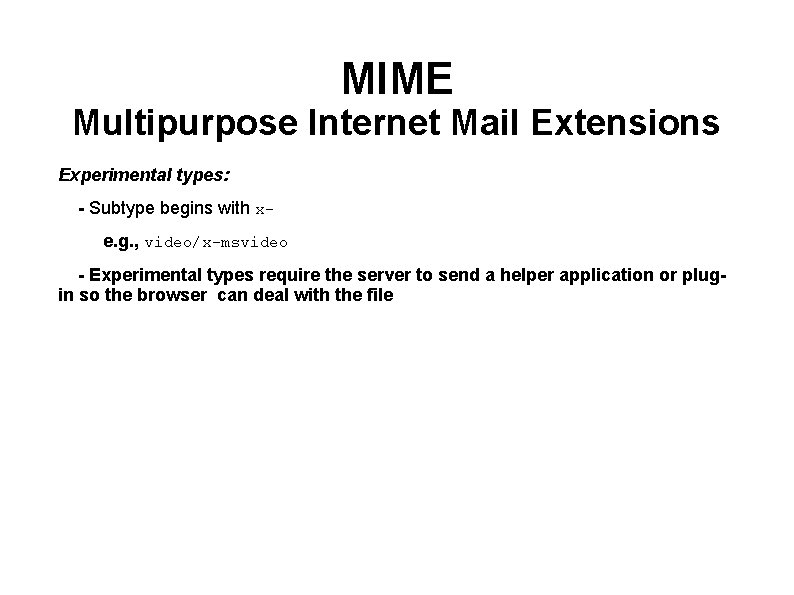
MIME Multipurpose Internet Mail Extensions Experimental types: - Subtype begins with xe. g. , video/x-msvideo - Experimental types require the server to send a helper application or plugin so the browser can deal with the file
The Hyper. Text Transfer Protocol " Used by ALL web communications " Request Phase " Response Phase
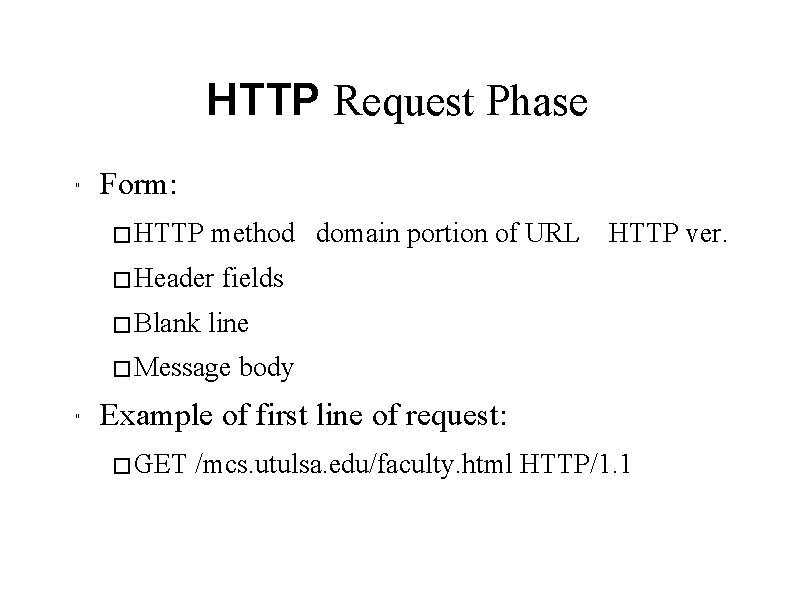
HTTP Request Phase " Form: � HTTP method domain portion of URL � Header � Blank fields line � Message " HTTP ver. body Example of first line of request: � GET /mcs. utulsa. edu/faculty. html HTTP/1. 1
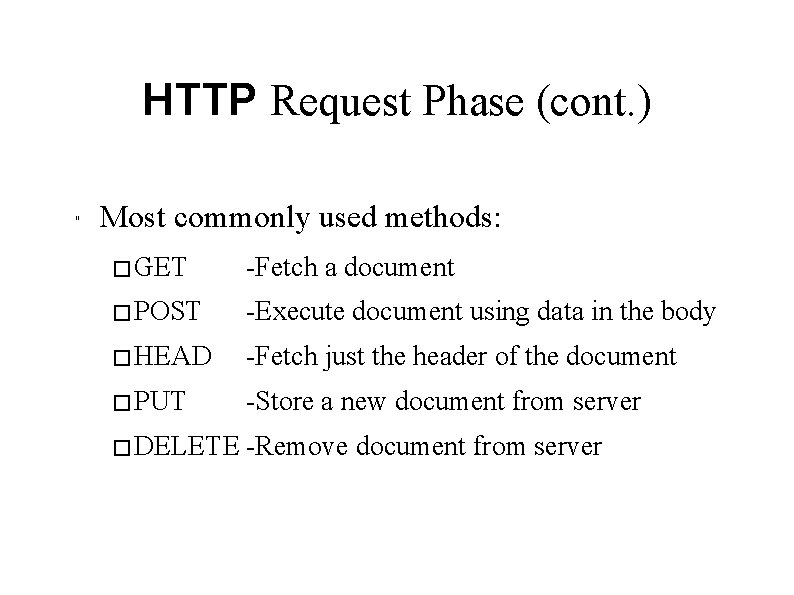
HTTP Request Phase (cont. ) " Most commonly used methods: � GET -Fetch a document � POST -Execute document using data in the body � HEAD -Fetch just the header of the document � PUT -Store a new document from server � DELETE -Remove document from server
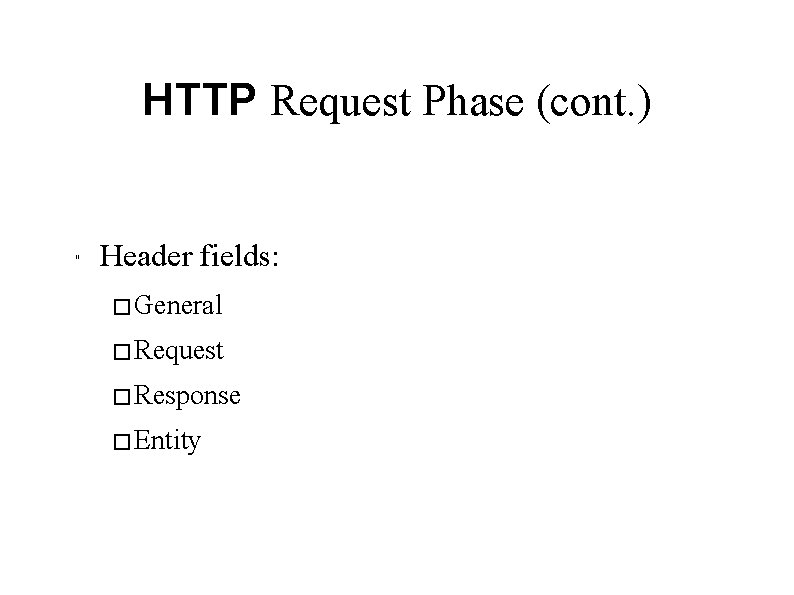
HTTP Request Phase (cont. ) " Header fields: � General � Request � Response � Entity
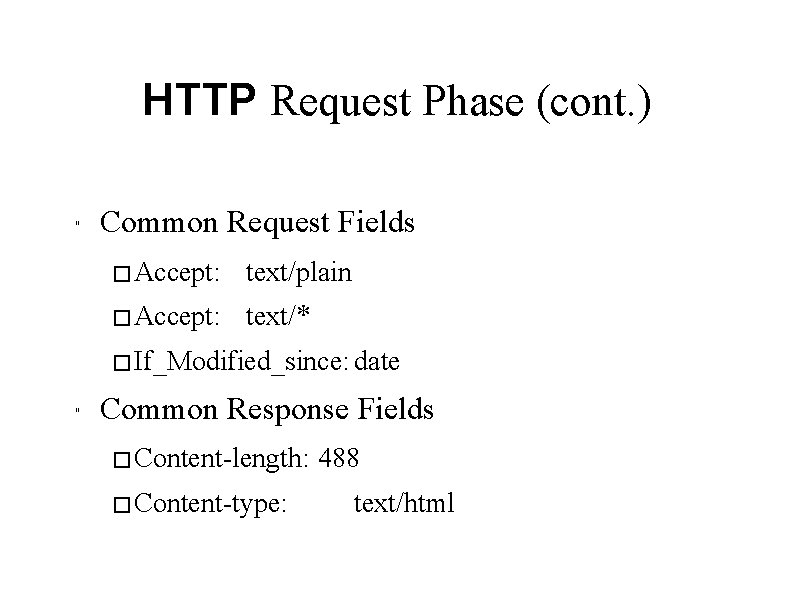
HTTP Request Phase (cont. ) " Common Request Fields � Accept: text/plain � Accept: text/* � If_Modified_since: date " Common Response Fields � Content-length: � Content-type: 488 text/html
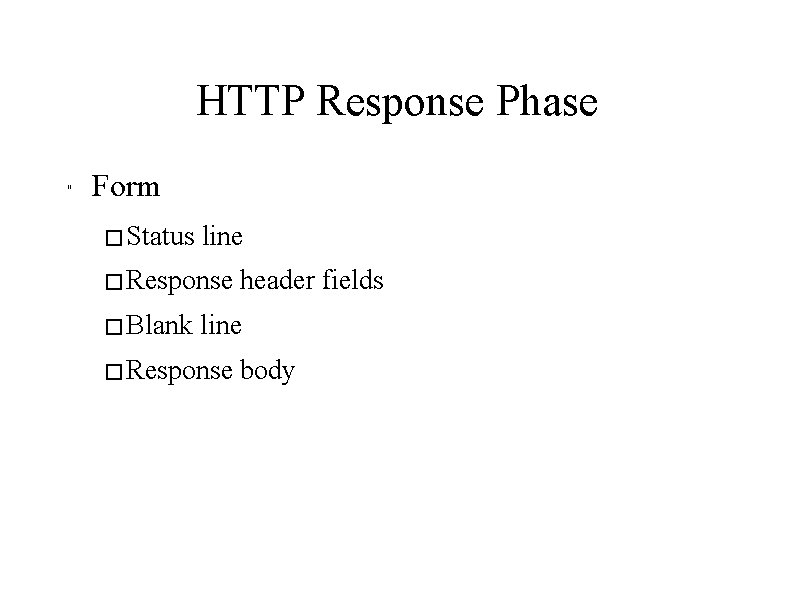
HTTP Response Phase " Form � Status line � Response � Blank header fields line � Response body
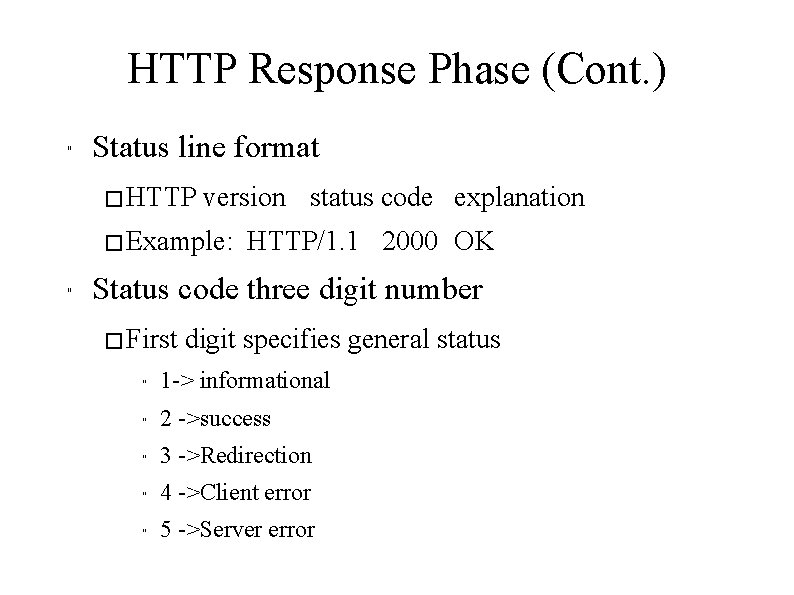
HTTP Response Phase (Cont. ) " Status line format � HTTP version status code explanation � Example: " HTTP/1. 1 2000 OK Status code three digit number � First digit specifies general status " 1 -> informational " 2 ->success " 3 ->Redirection " 4 ->Client error " 5 ->Server error
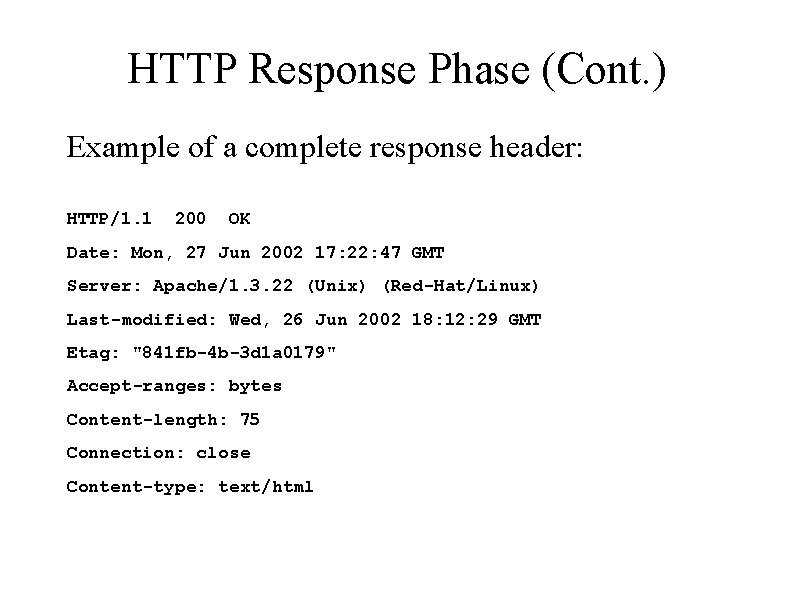
HTTP Response Phase (Cont. ) Example of a complete response header: HTTP/1. 1 200 OK Date: Mon, 27 Jun 2002 17: 22: 47 GMT Server: Apache/1. 3. 22 (Unix) (Red-Hat/Linux) Last-modified: Wed, 26 Jun 2002 18: 12: 29 GMT Etag: "841 fb-4 b-3 d 1 a 0179" Accept-ranges: bytes Content-length: 75 Connection: close Content-type: text/html