ASEE Grad SWE Python Workshop While were waiting
![List Operations VY 0 = [2. , 3. , 4. ] print VY 0[0],](https://slidetodoc.com/presentation_image_h/219ef42c103d92f3329ad2ca68d9b477/image-15.jpg "List Operations VY 0 = [2. , 3. , 4. ] print VY 0[0],")
![Built-in Sequences list [item 1, item 2. . . ] mutable tuple (item 1,](https://slidetodoc.com/presentation_image_h/219ef42c103d92f3329ad2ca68d9b477/image-17.jpg "Built-in Sequences list [item 1, item 2. . . ] mutable tuple (item 1,")
![Slicing arrays # get first entry f_entry = A[0, 0] # get the first](https://slidetodoc.com/presentation_image_h/219ef42c103d92f3329ad2ca68d9b477/image-23.jpg "Slicing arrays # get first entry f_entry = A[0, 0] # get the first")
![list sort, reverse, and slicing data = [3, 1, 4, 1, 5] print data[1],](https://slidetodoc.com/presentation_image_h/219ef42c103d92f3329ad2ca68d9b477/image-39.jpg "list sort, reverse, and slicing data = [3, 1, 4, 1, 5] print data[1],")
![zip, split, format z_list = [4, 8, 11] label_list = 'Be O Na'. split()](https://slidetodoc.com/presentation_image_h/219ef42c103d92f3329ad2ca68d9b477/image-42.jpg "zip, split, format z_list = [4, 8, 11] label_list = 'Be O Na'. split()")
![string format # HINT # [[fill]align][sign][#][0][width][, ][. precision][type] # http: //docs. python. org/2/library/string. html#formatstrings](https://slidetodoc.com/presentation_image_h/219ef42c103d92f3329ad2ca68d9b477/image-43.jpg "string format # HINT # [[fill]align][sign][#][0][width][, ][. precision][type] # http: //docs. python. org/2/library/string. html#formatstrings")
- Slides: 53
ASEE / Grad. SWE Python Workshop While we’re waiting… Follow the “Getting Started” directions at http: //goo. gl/lg. N 37 R
ASEE Python Workshop Aaron Bevill 2015 -04 -08
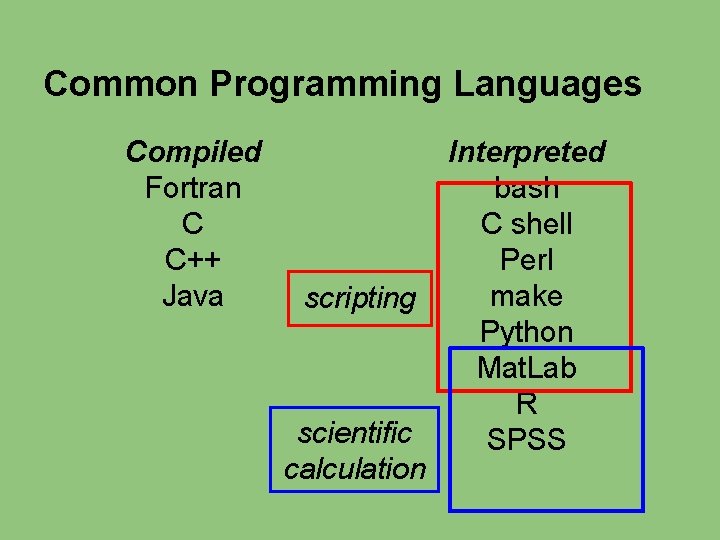
Common Programming Languages Compiled Fortran C C++ Java scripting scientific calculation Interpreted bash C shell Perl make Python Mat. Lab R SPSS
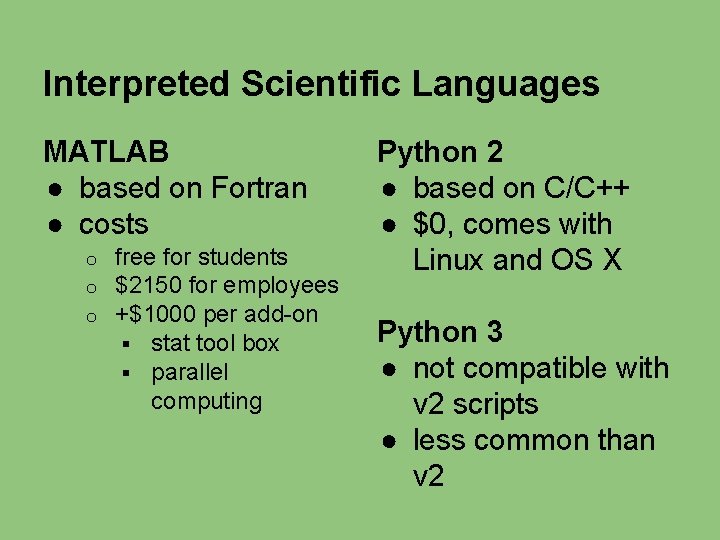
Interpreted Scientific Languages MATLAB ● based on Fortran ● costs o o o free for students $2150 for employees +$1000 per add-on § stat tool box § parallel computing Python 2 ● based on C/C++ ● $0, comes with Linux and OS X Python 3 ● not compatible with v 2 scripts ● less common than v 2
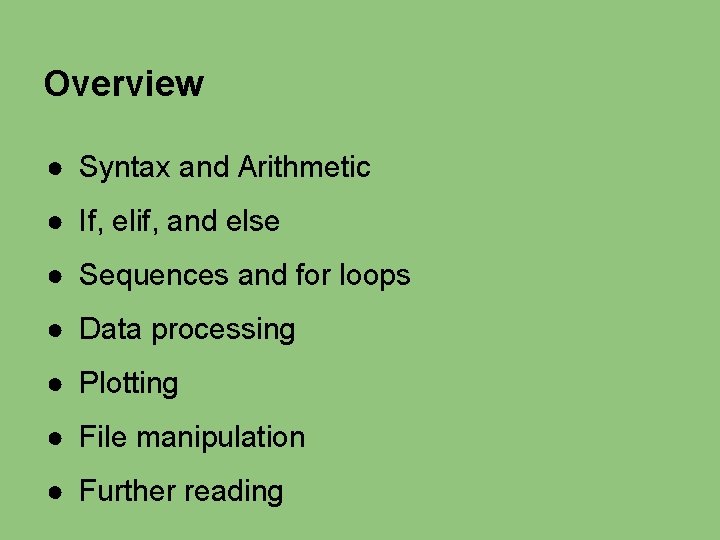
Overview ● Syntax and Arithmetic ● If, elif, and else ● Sequences and for loops ● Data processing ● Plotting ● File manipulation ● Further reading
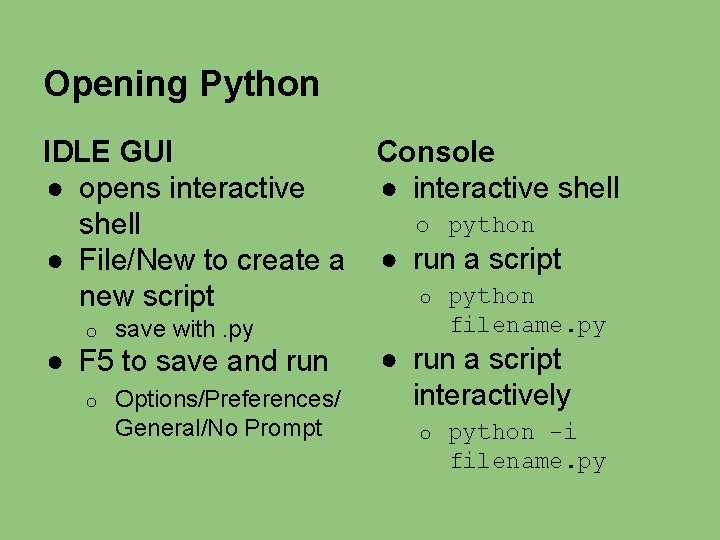
Opening Python IDLE GUI ● opens interactive shell ● File/New to create a new script o save with. py ● F 5 to save and run o Options/Preferences/ General/No Prompt Console ● interactive shell o python ● run a script o python filename. py ● run a script interactively o python -i filename. py
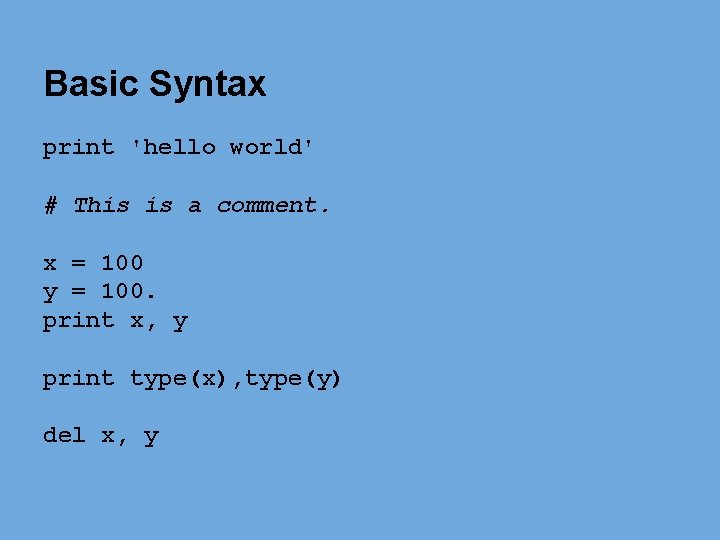
Basic Syntax print 'hello world' # This is a comment. x = 100 y = 100. print x, y print type(x), type(y) del x, y
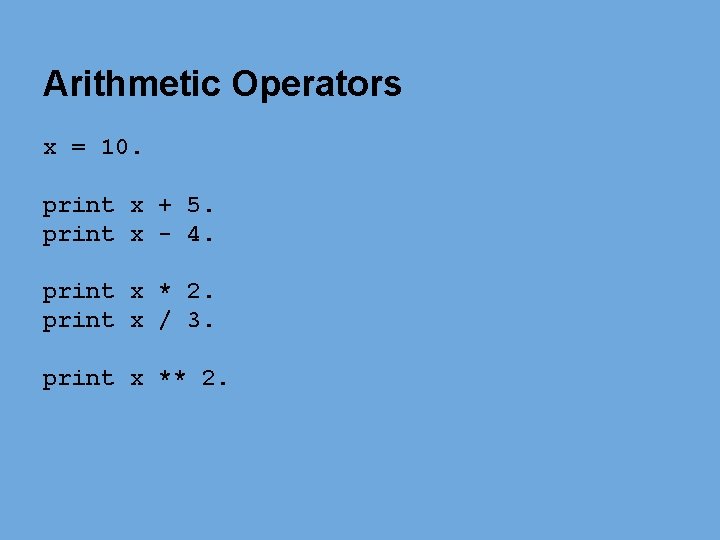
Arithmetic Operators x = 10. print x + 5. print x - 4. print x * 2. print x / 3. print x ** 2.
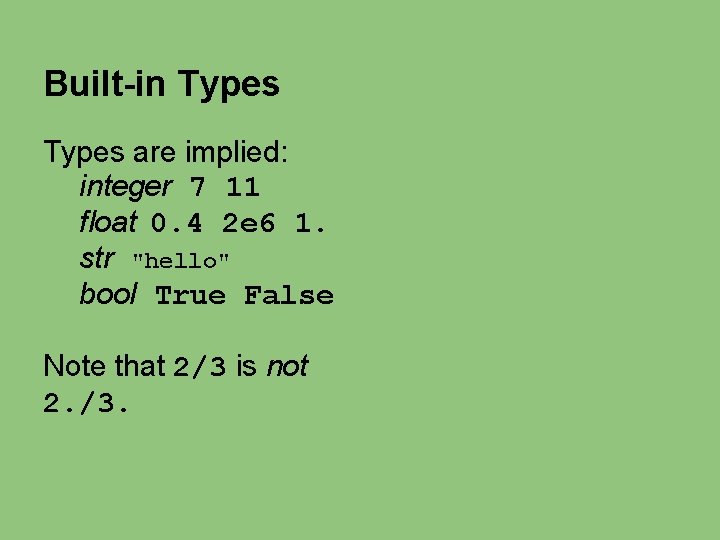
Built-in Types are implied: integer 7 11 float 0. 4 2 e 6 1. str "hello" bool True False Note that 2/3 is not 2. /3.
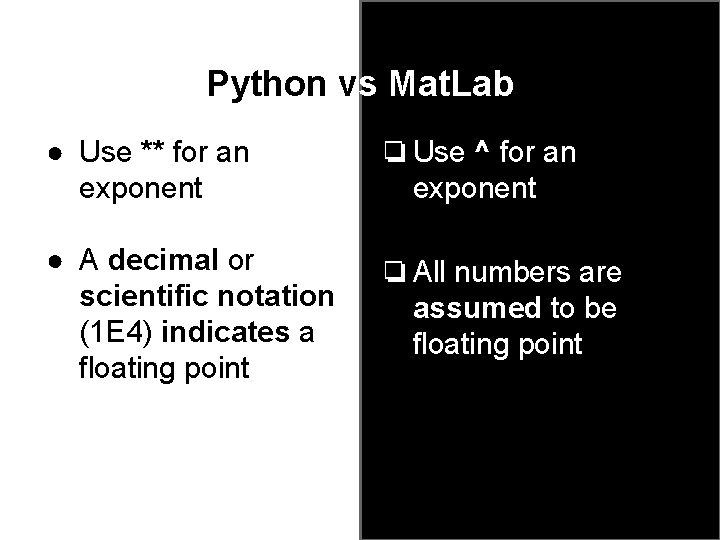
Python vs Mat. Lab ● Use ** for an exponent ❏ Use ^ for an exponent ● A decimal or scientific notation (1 E 4) indicates a floating point ❏ All numbers are assumed to be floating point
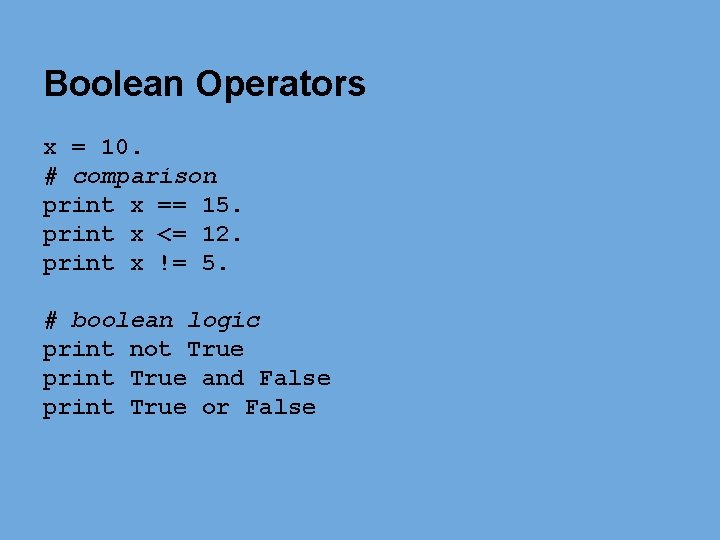
Boolean Operators x = 10. # comparison print x == 15. print x <= 12. print x != 5. # boolean logic print not True print True and False print True or False
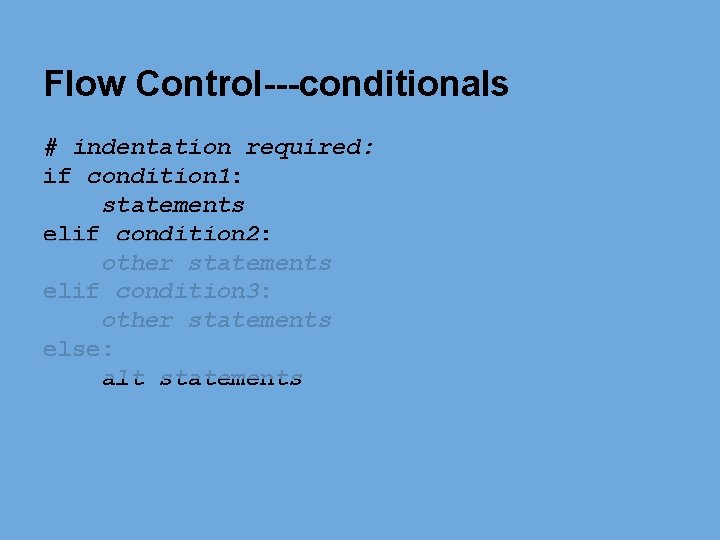
Flow Control---conditionals # indentation required: if condition 1: statements elif condition 2: other statements elif condition 3: other statements else: alt statements
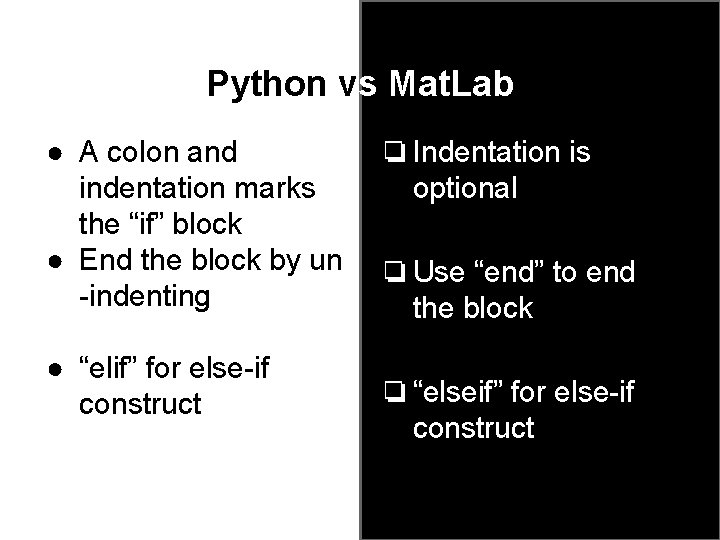
Python vs Mat. Lab ● A colon and indentation marks the “if” block ● End the block by un -indenting ● “elif” for else-if construct ❏ Indentation is optional ❏ Use “end” to end the block ❏ “elseif” for else-if construct
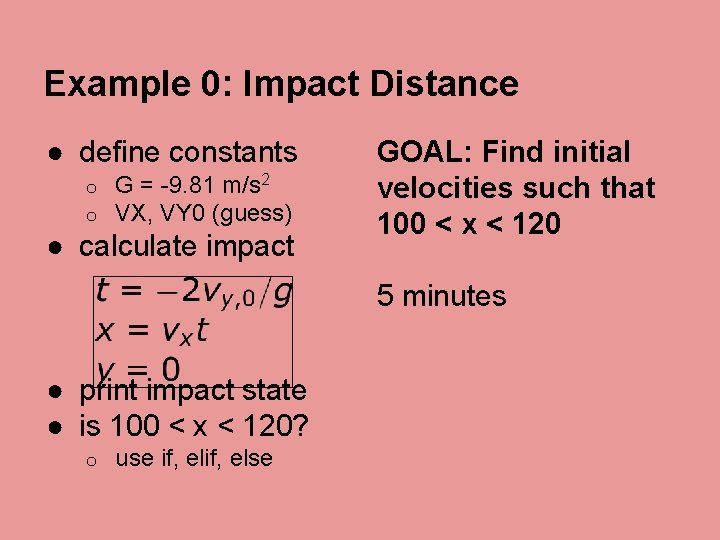
Example 0: Impact Distance ● define constants o o G = -9. 81 m/s 2 VX, VY 0 (guess) ● calculate impact GOAL: Find initial velocities such that 100 < x < 120 5 minutes ● print impact state ● is 100 < x < 120? o use if, else
List Operations VY 0 = [2. , 3. , 4. ] print VY 0[0], VY 0[-1] VY 0. append(5. ) VY 0[2] = "cat" print VY 0. pop(0) print VY 0
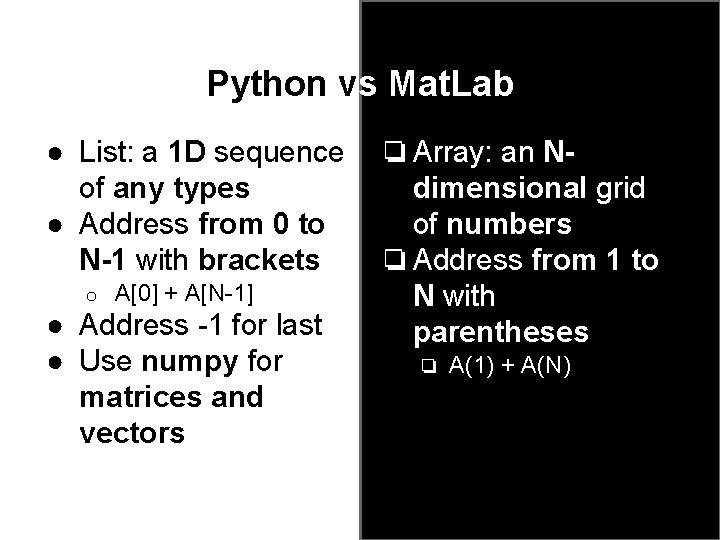
Python vs Mat. Lab ● List: a 1 D sequence of any types ● Address from 0 to N-1 with brackets o A[0] + A[N-1] ● Address -1 for last ● Use numpy for matrices and vectors ❏ Array: an Ndimensional grid of numbers ❏ Address from 1 to N with parentheses ❏ A(1) + A(N)
Built-in Sequences list [item 1, item 2. . . ] mutable tuple (item 1, item 2. . . ) immutable str 'abc 123' "abc 123" immutable dict {key 1: value 1, . . . } mutable array, generator, set, unicode, bytearray, buffer, . . .
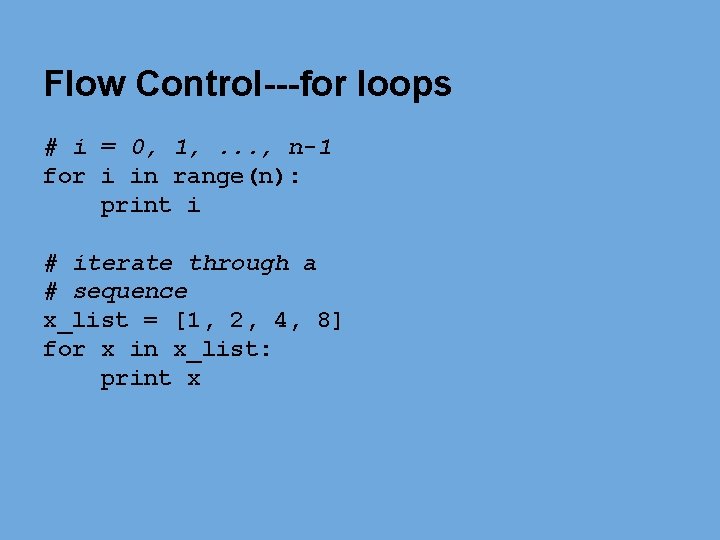
Flow Control---for loops # i = 0, 1, . . . , n-1 for i in range(n): print i # iterate through a # sequence x_list = [1, 2, 4, 8] for x in x_list: print x
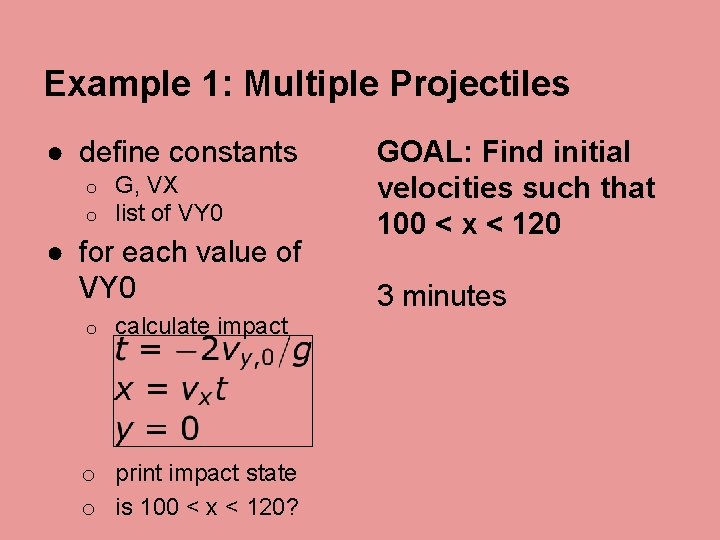
Example 1: Multiple Projectiles ● define constants o o G, VX list of VY 0 ● for each value of VY 0 o calculate impact o print impact state o is 100 < x < 120? GOAL: Find initial velocities such that 100 < x < 120 3 minutes
Data processing modules Python is designed for general computing, but it has modules to facilitate scientific computing. The numpy and scipy modules are designed for ● large N-dimensional numeric arrays ● efficient loop operations using compiled code (BLAS and LAPACK) ● transcendental functions, optimization, signal processing, . . .
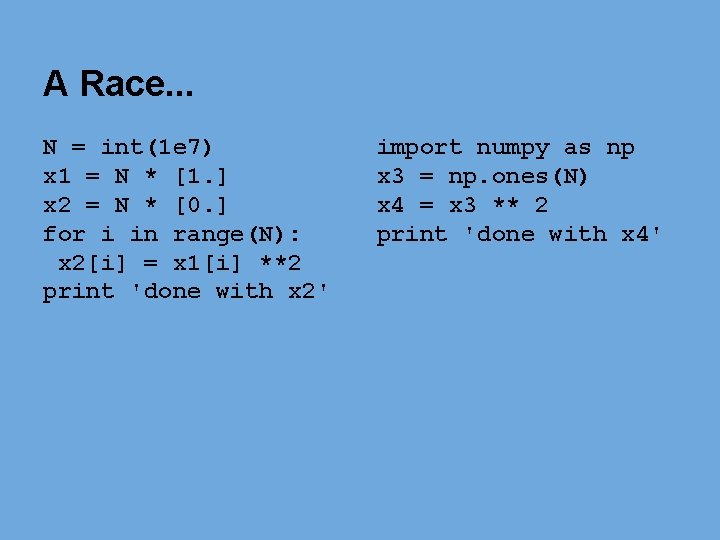
A Race. . . N = int(1 e 7) x 1 = N * [1. ] x 2 = N * [0. ] for i in range(N): x 2[i] = x 1[i] **2 print 'done with x 2' import numpy as np x 3 = np. ones(N) x 4 = x 3 ** 2 print 'done with x 4'
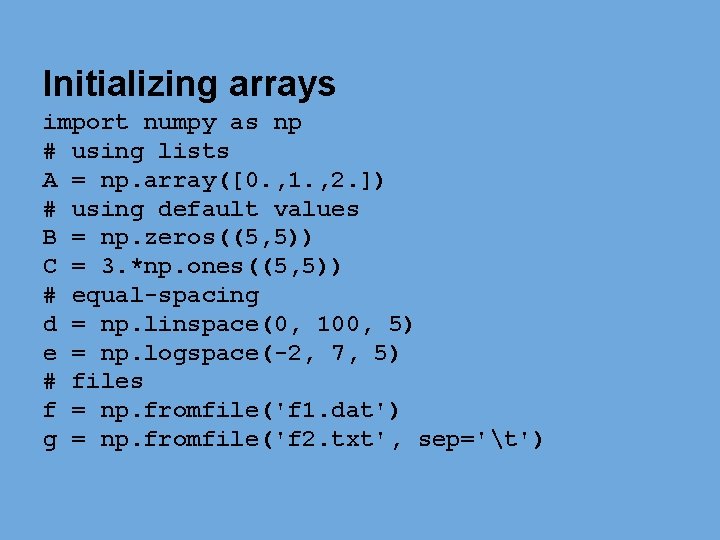
Initializing arrays import numpy as np # using lists A = np. array([0. , 1. , 2. ]) # using default values B = np. zeros((5, 5)) C = 3. *np. ones((5, 5)) # equal-spacing d = np. linspace(0, 100, 5) e = np. logspace(-2, 7, 5) # files f = np. fromfile('f 1. dat') g = np. fromfile('f 2. txt', sep='t')
Slicing arrays # get first entry f_entry = A[0, 0] # get the first row f_row = A[0, : ] # get even & odd cols even_cols = A[: , : : 2] odd_cols = A[: , 1: : 2] # get positive values d_gt_zero = d[d>0]
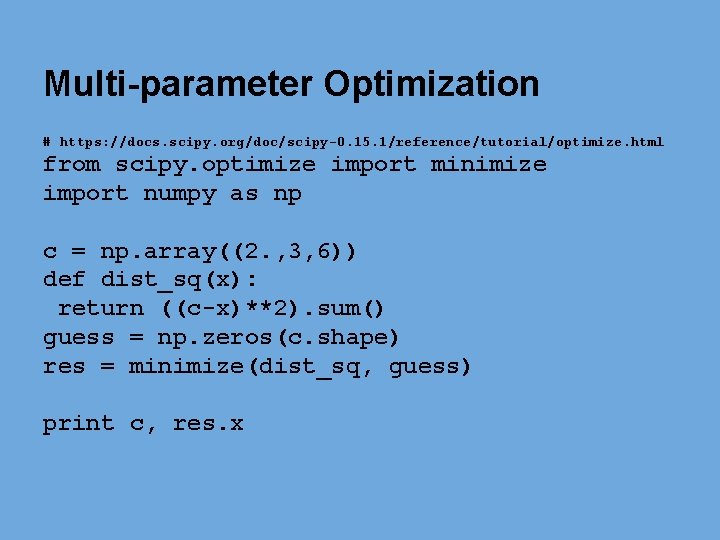
Multi-parameter Optimization # https: //docs. scipy. org/doc/scipy-0. 15. 1/reference/tutorial/optimize. html from scipy. optimize import minimize import numpy as np c = np. array((2. , 3, 6)) def dist_sq(x): return ((c-x)**2). sum() guess = np. zeros(c. shape) res = minimize(dist_sq, guess) print c, res. x
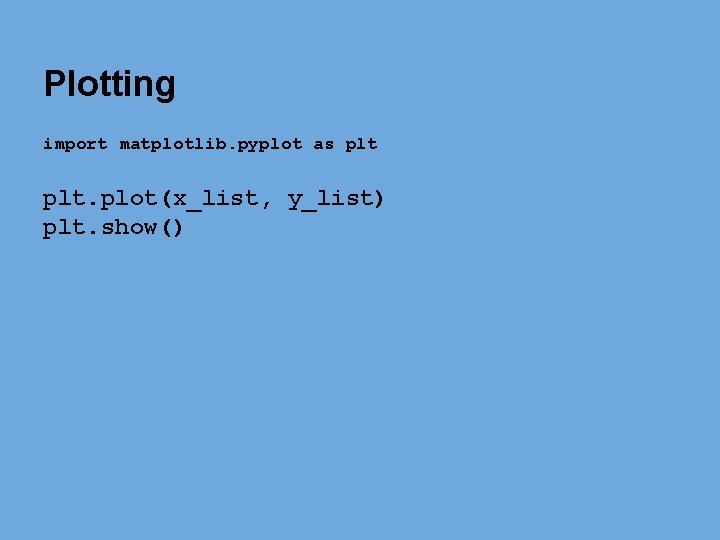
Plotting import matplotlib. pyplot as plt. plot(x_list, y_list) plt. show()
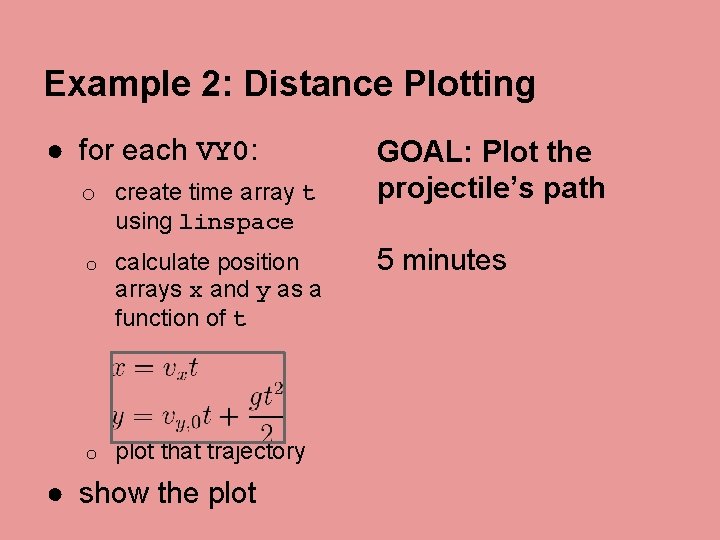
Example 2: Distance Plotting ● for each VY 0: o create time array t using linspace o calculate position arrays x and y as a function of t o plot that trajectory ● show the plot GOAL: Plot the projectile’s path 5 minutes
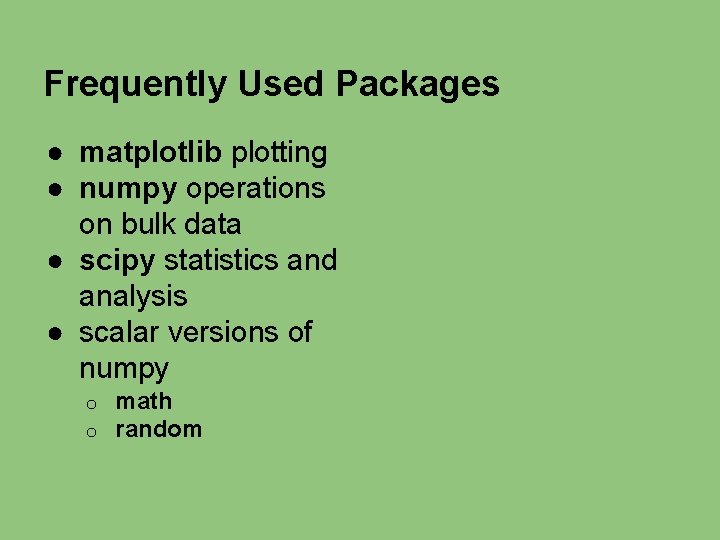
Frequently Used Packages ● matplotlib plotting ● numpy operations on bulk data ● scipy statistics and analysis ● scalar versions of numpy o o math random
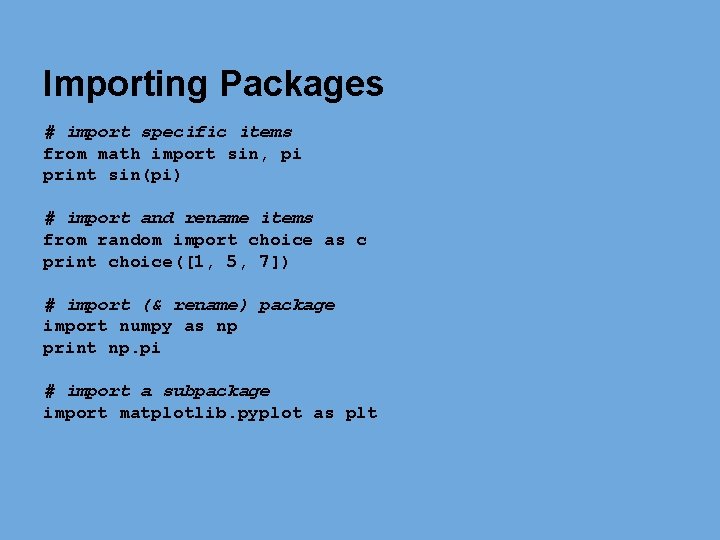
Importing Packages # import specific items from math import sin, pi print sin(pi) # import and rename items from random import choice as c print choice([1, 5, 7]) # import (& rename) package import numpy as np print np. pi # import a subpackage import matplotlib. pyplot as plt
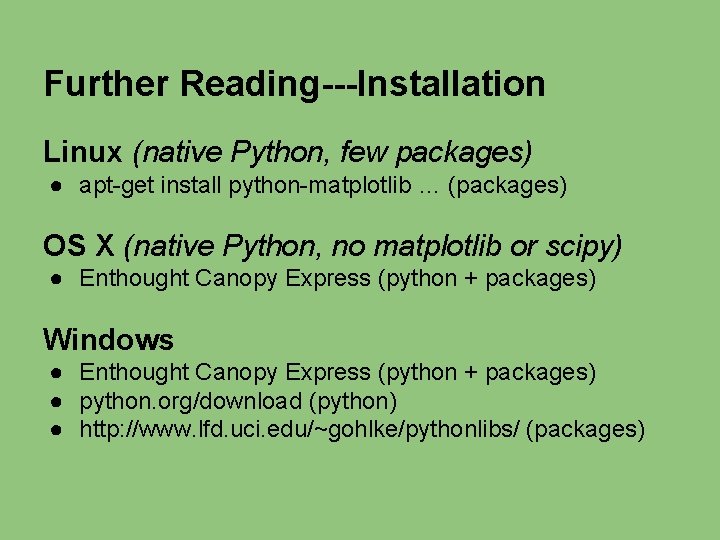
Further Reading---Installation Linux (native Python, few packages) ● apt-get install python-matplotlib … (packages) OS X (native Python, no matplotlib or scipy) ● Enthought Canopy Express (python + packages) Windows ● Enthought Canopy Express (python + packages) ● python. org/download (python) ● http: //www. lfd. uci. edu/~gohlke/pythonlibs/ (packages)
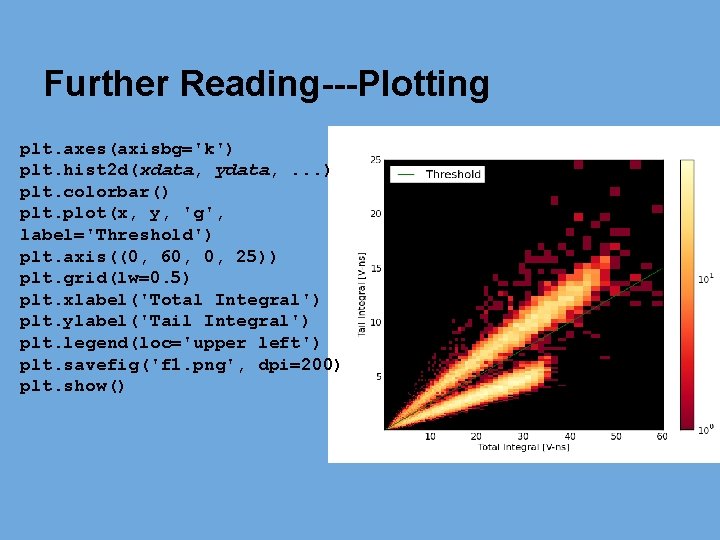
Further Reading---Plotting plt. axes(axisbg='k') plt. hist 2 d(xdata, ydata, . . . ) plt. colorbar() plt. plot(x, y, 'g', label='Threshold') plt. axis((0, 60, 0, 25)) plt. grid(lw=0. 5) plt. xlabel('Total Integral') plt. ylabel('Tail Integral') plt. legend(loc='upper left') plt. savefig('f 1. png', dpi=200) plt. show()
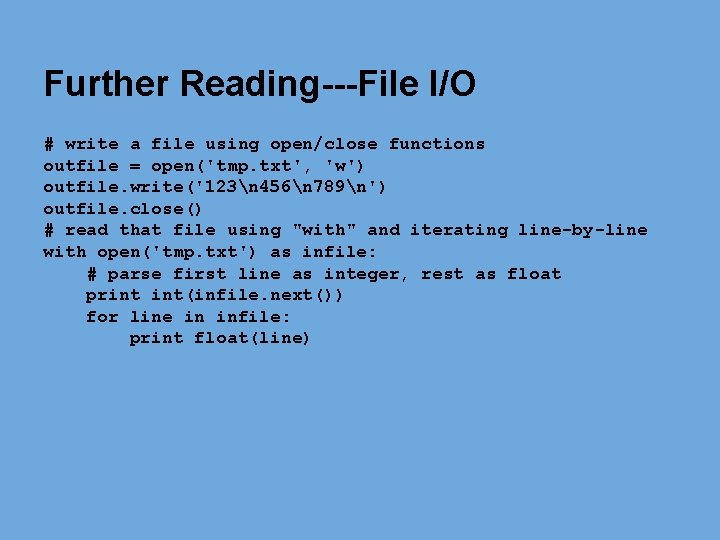
Further Reading---File I/O # write a file using open/close functions outfile = open('tmp. txt', 'w') outfile. write('123n 456n 789n') outfile. close() # read that file using "with" and iterating line-by-line with open('tmp. txt') as infile: # parse first line as integer, rest as float print int(infile. next()) for line in infile: print float(line)
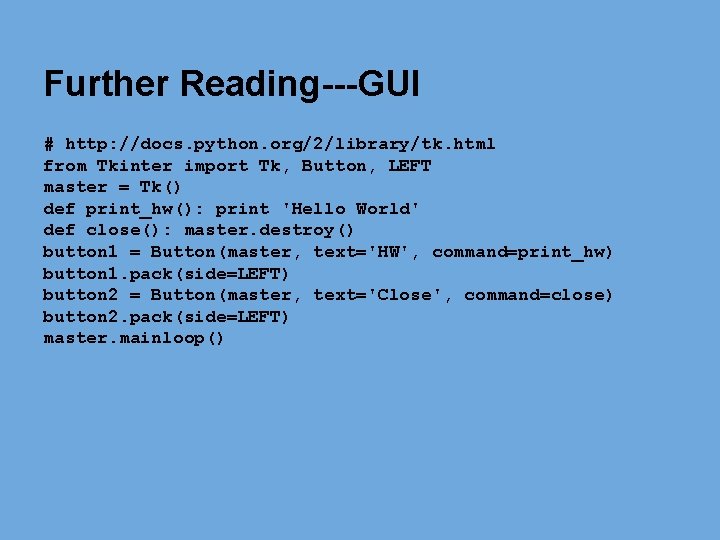
Further Reading---GUI # http: //docs. python. org/2/library/tk. html from Tkinter import Tk, Button, LEFT master = Tk() def print_hw(): print 'Hello World' def close(): master. destroy() button 1 = Button(master, text='HW', command=print_hw) button 1. pack(side=LEFT) button 2 = Button(master, text='Close', command=close) button 2. pack(side=LEFT) master. mainloop()
Further Reading---File Manipulation ● Most command-line utility functions are in the os module https: //docs. python. org/2/library/os. html o os. chdir, os. getcwd, os. listdir o ● some are in the os. path sub-module https: //docs. python. org/2/library/os. path. html o os. path. split(), os. path. join(), os. path. walk() o
Further Reading---External Calls ● Call other command-line programs via the “subprocess” module ● Create a Python module o http: //docs. python. org/2/tutorial/modules. html ● Create a compiled module o o http: //docs. python. org/2/extending. html http: //www. swig. org/Doc 1. 3/Python. html
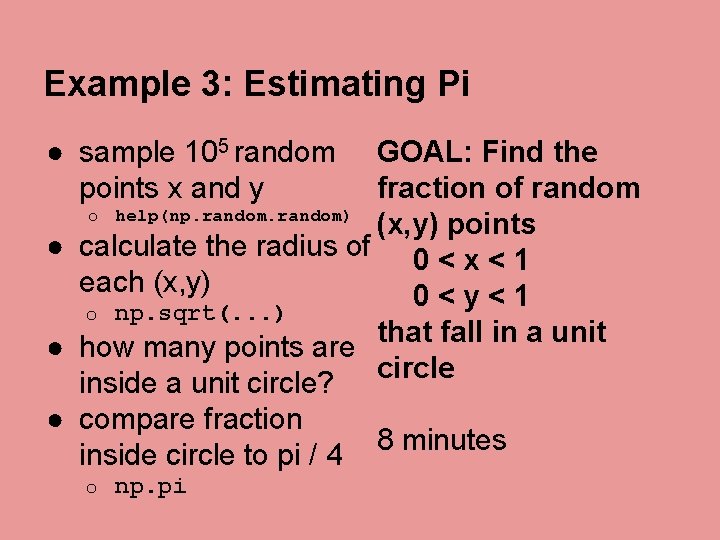
Example 3: Estimating Pi ● sample 105 random points x and y GOAL: Find the fraction of random o help(np. random) (x, y) points ● calculate the radius of 0 < x < 1 each (x, y) 0<y<1 o np. sqrt(. . . ) that fall in a unit ● how many points are circle inside a unit circle? ● compare fraction inside circle to pi / 4 o np. pi 8 minutes
Advanced Syntax Exercises Guess the output! Questions? ambevill@umich. edu
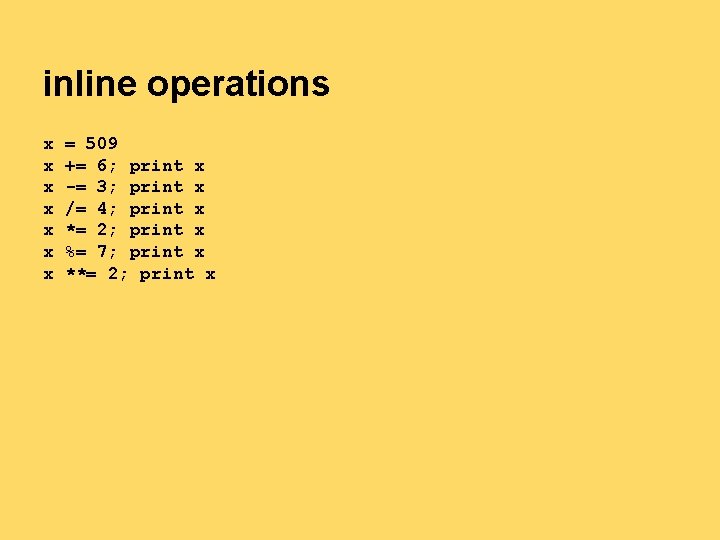
inline operations x x x x = 509 += 6; print x -= 3; print x /= 4; print x *= 2; print x %= 7; print x **= 2; print x
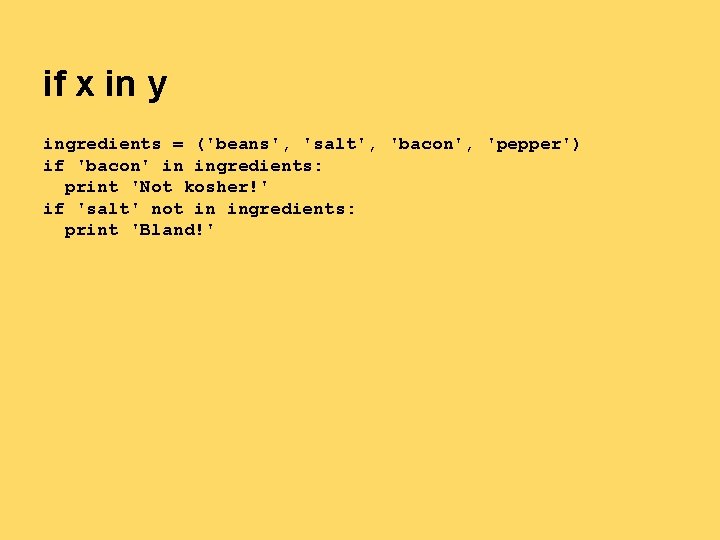
if x in y ingredients = ('beans', 'salt', 'bacon', 'pepper') if 'bacon' in ingredients: print 'Not kosher!' if 'salt' not in ingredients: print 'Bland!'
list sort, reverse, and slicing data = [3, 1, 4, 1, 5] print data[1], data[-1] print data[2: 4] print data[1: -1] # data. sort() print data. reverse() print data
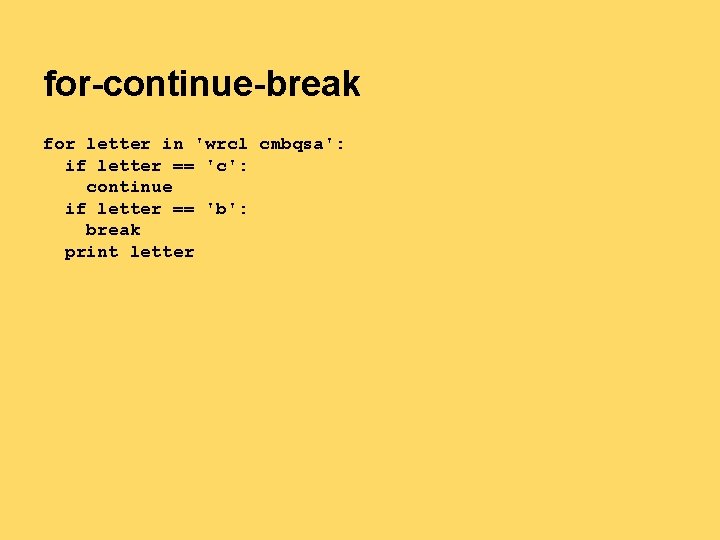
for-continue-break for letter in 'wrcl cmbqsa': if letter == 'c': continue if letter == 'b': break print letter
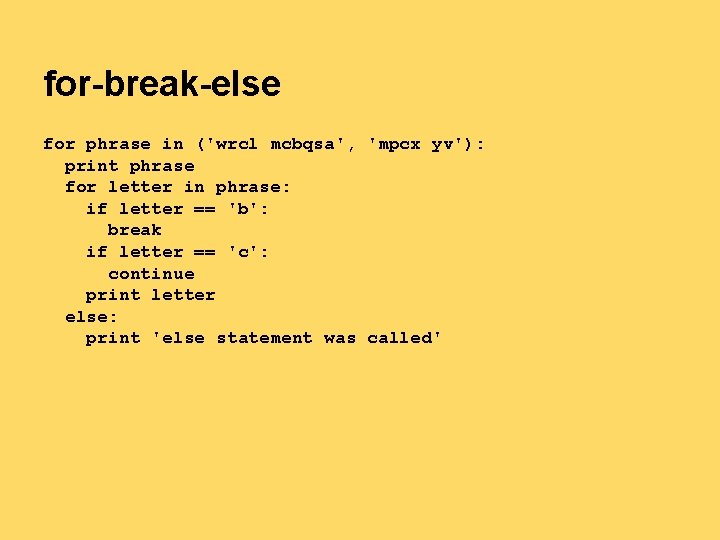
for-break-else for phrase in ('wrcl mcbqsa', 'mpcx yv'): print phrase for letter in phrase: if letter == 'b': break if letter == 'c': continue print letter else: print 'else statement was called'
zip, split, format z_list = [4, 8, 11] label_list = 'Be O Na'. split() for (z, label) in zip(z_list, label_list): print '{1} is element number {0}'. format(z, label)
string format # HINT # [[fill]align][sign][#][0][width][, ][. precision][type] # http: //docs. python. org/2/library/string. html#formatstrings print '{1} {0}'. format(123, 456) print '{0: . 6 f} {0: . 6 e} {0: . 6 E}'. format(5. 065411540) print '{: 0=+10 d}'. format(789) # title_fmt = '{title: x^40} ({author})'. format print title_fmt(title='Section 1', author='Mike') print title_fmt(title='Section 2', author='Kim')
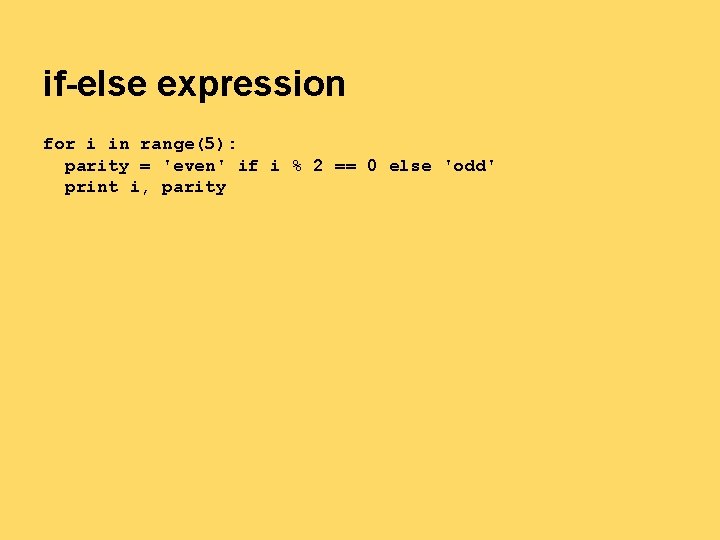
if-else expression for i in range(5): parity = 'even' if i % 2 == 0 else 'odd' print i, parity
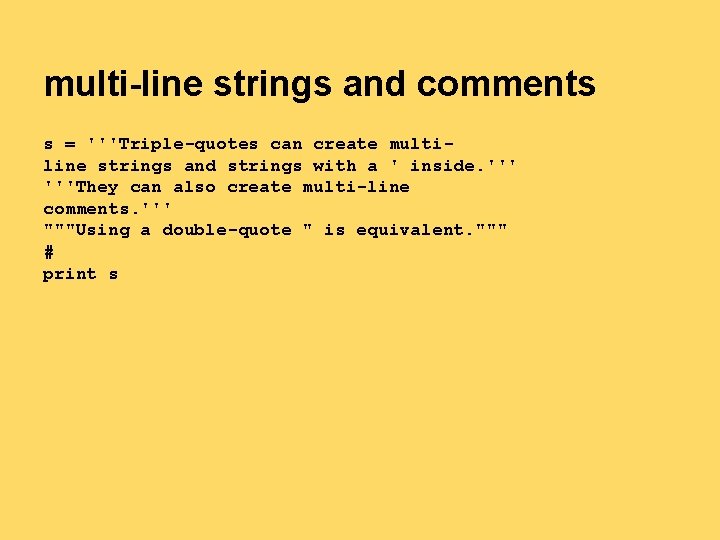
multi-line strings and comments s = '''Triple-quotes can create multiline strings and strings with a ' inside. '''They can also create multi-line comments. ''' """Using a double-quote " is equivalent. """ # print s
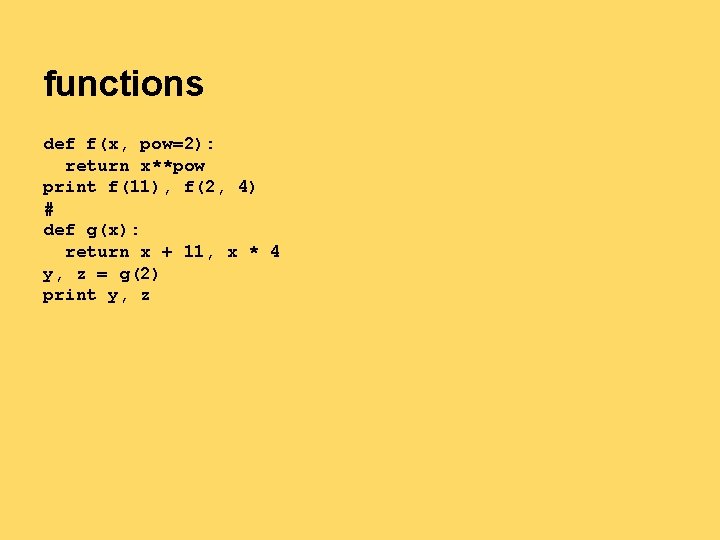
functions def f(x, pow=2): return x**pow print f(11), f(2, 4) # def g(x): return x + 11, x * 4 y, z = g(2) print y, z
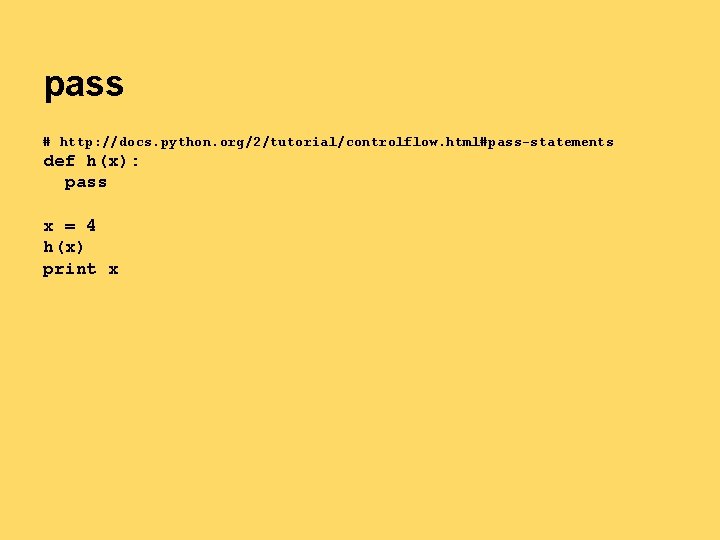
pass # http: //docs. python. org/2/tutorial/controlflow. html#pass-statements def h(x): pass x = 4 h(x) print x
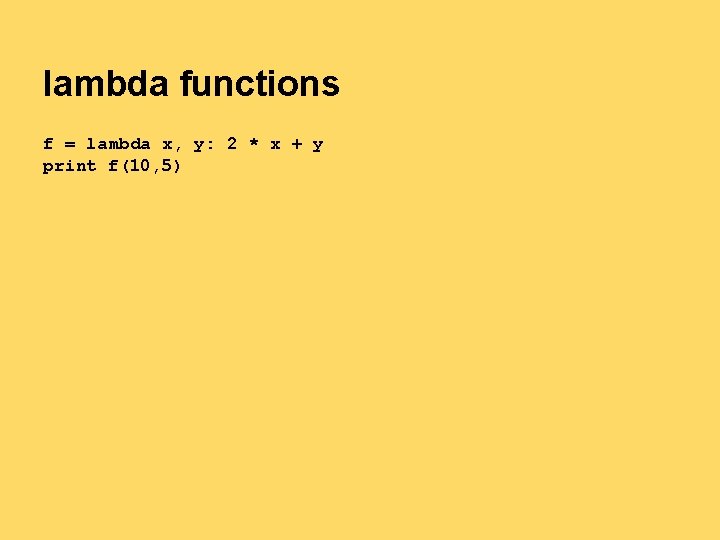
lambda functions f = lambda x, y: 2 * x + y print f(10, 5)
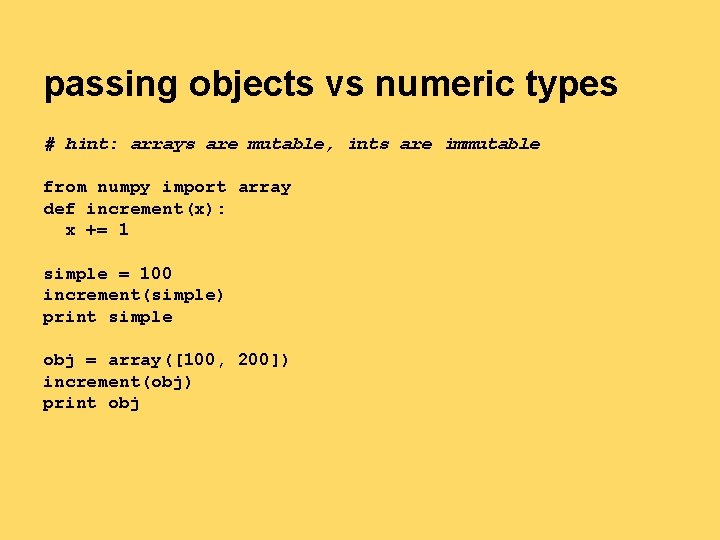
passing objects vs numeric types # hint: arrays are mutable, ints are immutable from numpy import array def increment(x): x += 1 simple = 100 increment(simple) print simple obj = array([100, 200]) increment(obj) print obj
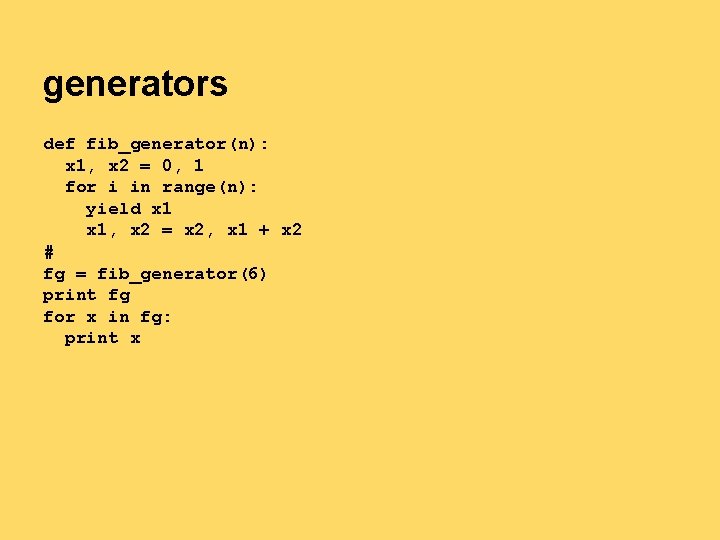
generators def fib_generator(n): x 1, x 2 = 0, 1 for i in range(n): yield x 1, x 2 = x 2, x 1 + x 2 # fg = fib_generator(6) print fg for x in fg: print x
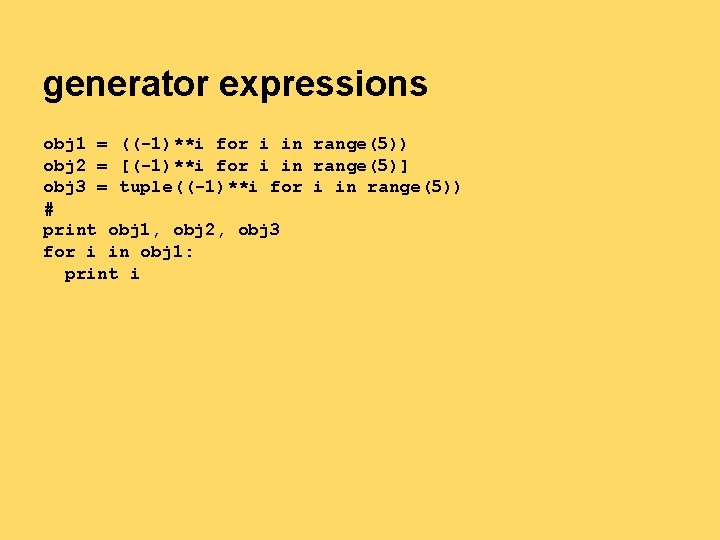
generator expressions obj 1 = ((-1)**i for i in range(5)) obj 2 = [(-1)**i for i in range(5)] obj 3 = tuple((-1)**i for i in range(5)) # print obj 1, obj 2, obj 3 for i in obj 1: print i
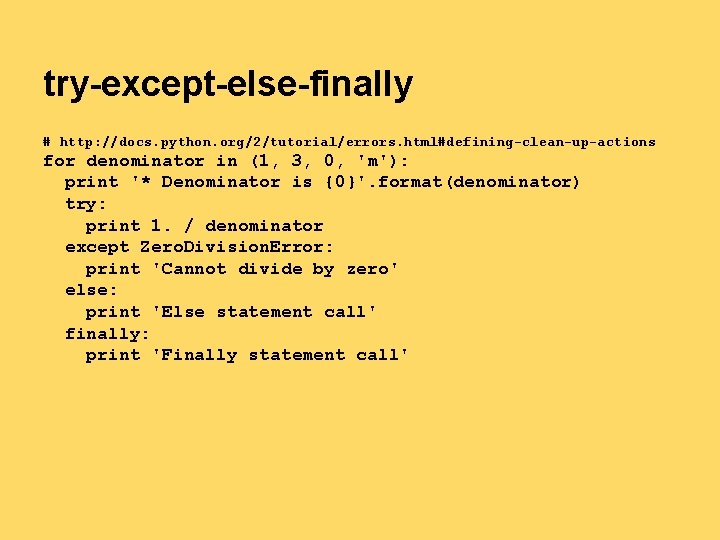
try-except-else-finally # http: //docs. python. org/2/tutorial/errors. html#defining-clean-up-actions for denominator in (1, 3, 0, 'm'): print '* Denominator is {0}'. format(denominator) try: print 1. / denominator except Zero. Division. Error: print 'Cannot divide by zero' else: print 'Else statement call' finally: print 'Finally statement call'
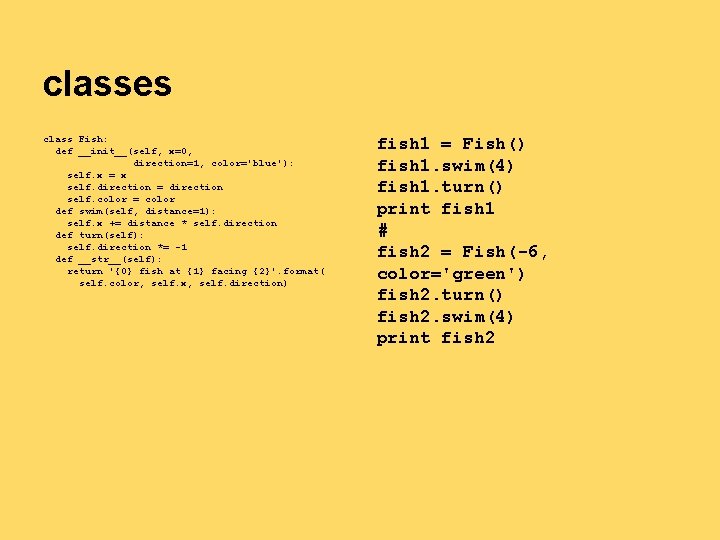
classes class Fish: def __init__(self, x=0, direction=1, color='blue'): self. x = x self. direction = direction self. color = color def swim(self, distance=1): self. x += distance * self. direction def turn(self): self. direction *= -1 def __str__(self): return '{0} fish at {1} facing {2}'. format( self. color, self. x, self. direction) fish 1 = Fish() fish 1. swim(4) fish 1. turn() print fish 1 # fish 2 = Fish(-6, color='green') fish 2. turn() fish 2. swim(4) print fish 2