Arrays part 3 Multidimensional arrays odds ends Partially
![Using the length Instance Variable char[][] page = new char[30][100]; • The instance variable](https://slidetodoc.com/presentation_image/799d521c4e55039cfd00d79272f4a425/image-9.jpg "Using the length Instance Variable char[][] page = new char[30][100]; • The instance variable")
![Ragged Arrays double[][] a = new double[3][5]; • The above line is equivalent to](https://slidetodoc.com/presentation_image/799d521c4e55039cfd00d79272f4a425/image-12.jpg "Ragged Arrays double[][] a = new double[3][5]; • The above line is equivalent to")
![Ragged Arrays double [][] a; a = new double[3][]; • Since the above line](https://slidetodoc.com/presentation_image/799d521c4e55039cfd00d79272f4a425/image-13.jpg "Ragged Arrays double [][] a; a = new double[3][]; • Since the above line")
![How many rows in the following array? String [] [] words = new String](https://slidetodoc.com/presentation_image/799d521c4e55039cfd00d79272f4a425/image-16.jpg "How many rows in the following array? String [] [] words = new String")
![What is the value printed? words[0][0] = “market”; words[0][1] = “basket”; words[0][2] = “grocery”;](https://slidetodoc.com/presentation_image/799d521c4e55039cfd00d79272f4a425/image-17.jpg "What is the value printed? words[0][0] = “market”; words[0][1] = “basket”; words[0][2] = “grocery”;")
![What is the value printed? words[0][0] = “market”; words[0][1] = “basket”; words[0][2] = “grocery”;](https://slidetodoc.com/presentation_image/799d521c4e55039cfd00d79272f4a425/image-18.jpg "What is the value printed? words[0][0] = “market”; words[0][1] = “basket”; words[0][2] = “grocery”;")
- Slides: 22
Arrays part 3 Multidimensional arrays, odds & ends
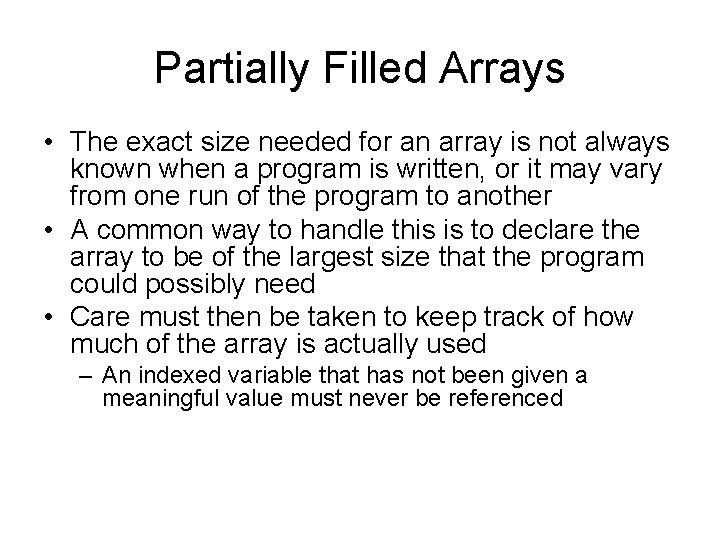
Partially Filled Arrays • The exact size needed for an array is not always known when a program is written, or it may vary from one run of the program to another • A common way to handle this is to declare the array to be of the largest size that the program could possibly need • Care must then be taken to keep track of how much of the array is actually used – An indexed variable that has not been given a meaningful value must never be referenced
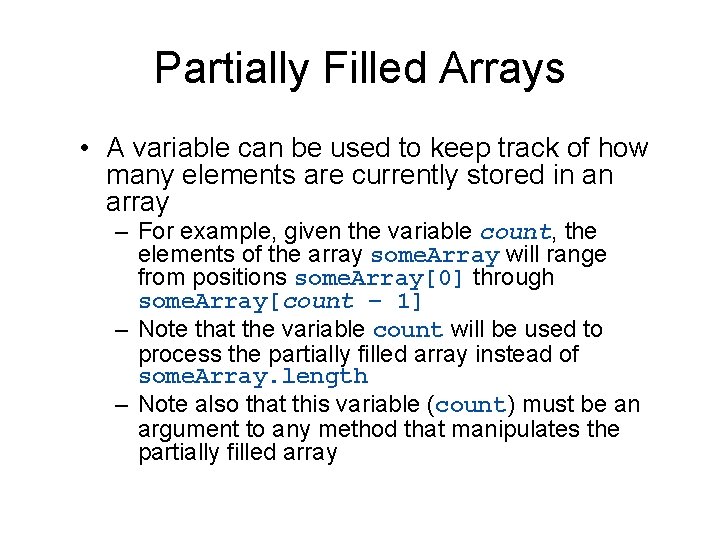
Partially Filled Arrays • A variable can be used to keep track of how many elements are currently stored in an array – For example, given the variable count, the elements of the array some. Array will range from positions some. Array[0] through some. Array[count – 1] – Note that the variable count will be used to process the partially filled array instead of some. Array. length – Note also that this variable (count) must be an argument to any method that manipulates the partially filled array
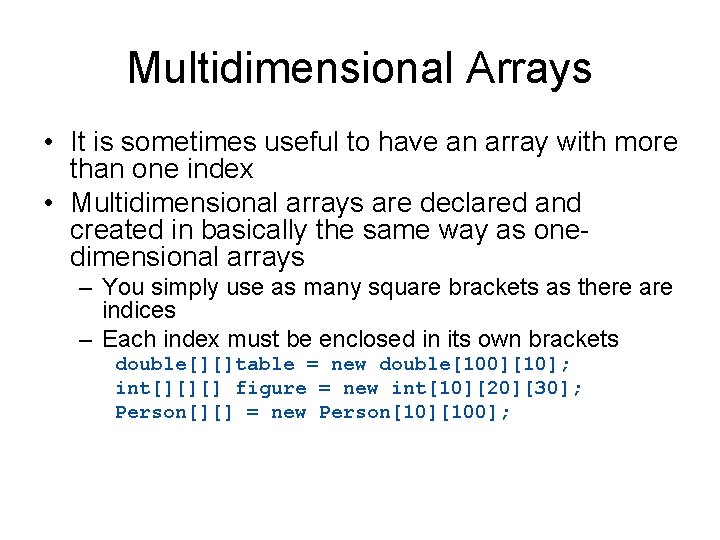
Multidimensional Arrays • It is sometimes useful to have an array with more than one index • Multidimensional arrays are declared and created in basically the same way as onedimensional arrays – You simply use as many square brackets as there are indices – Each index must be enclosed in its own brackets double[][]table = new double[100][10]; int[][][] figure = new int[10][20][30]; Person[][] = new Person[10][100];
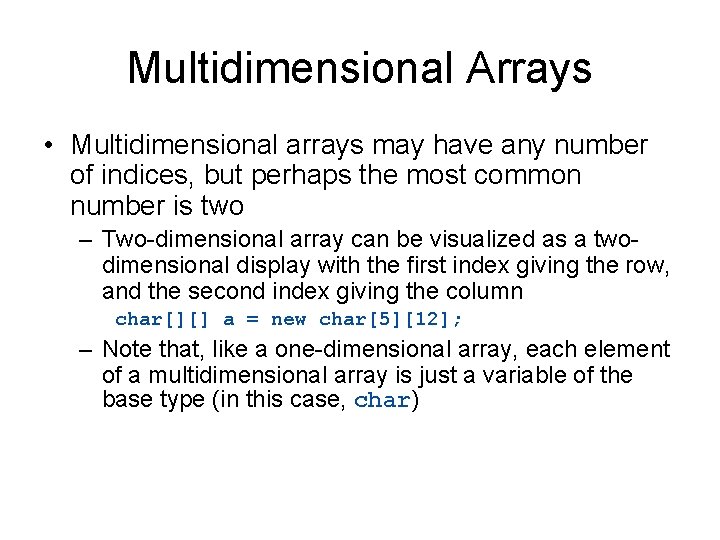
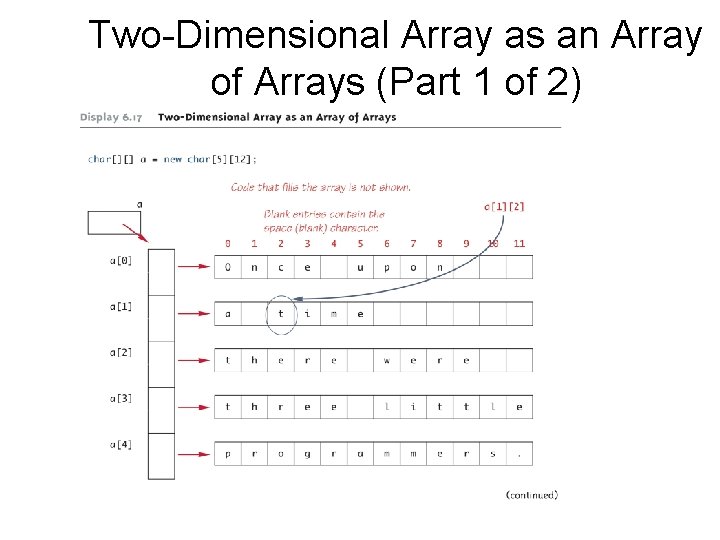
Multidimensional Arrays • Multidimensional arrays may have any number of indices, but perhaps the most common number is two – Two-dimensional array can be visualized as a twodimensional display with the first index giving the row, and the second index giving the column char[][] a = new char[5][12]; – Note that, like a one-dimensional array, each element of a multidimensional array is just a variable of the base type (in this case, char)
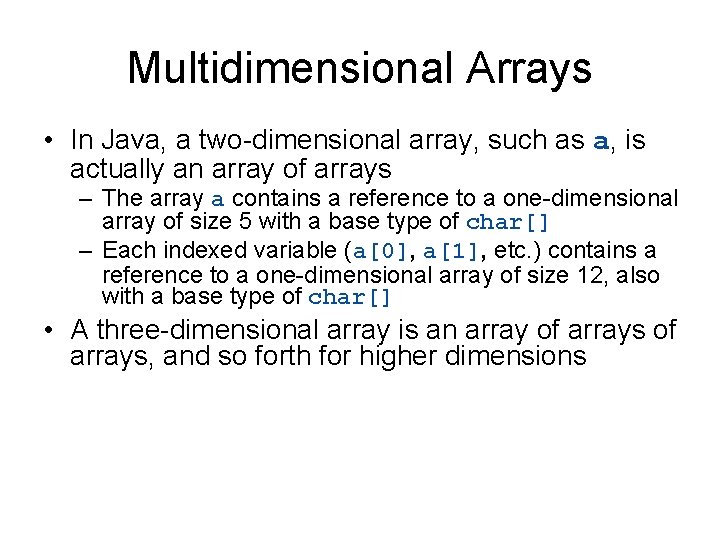
Multidimensional Arrays • In Java, a two-dimensional array, such as a, is actually an array of arrays – The array a contains a reference to a one-dimensional array of size 5 with a base type of char[] – Each indexed variable (a[0], a[1], etc. ) contains a reference to a one-dimensional array of size 12, also with a base type of char[] • A three-dimensional array is an array of arrays, and so forth for higher dimensions
Two-Dimensional Array as an Array of Arrays (Part 1 of 2)
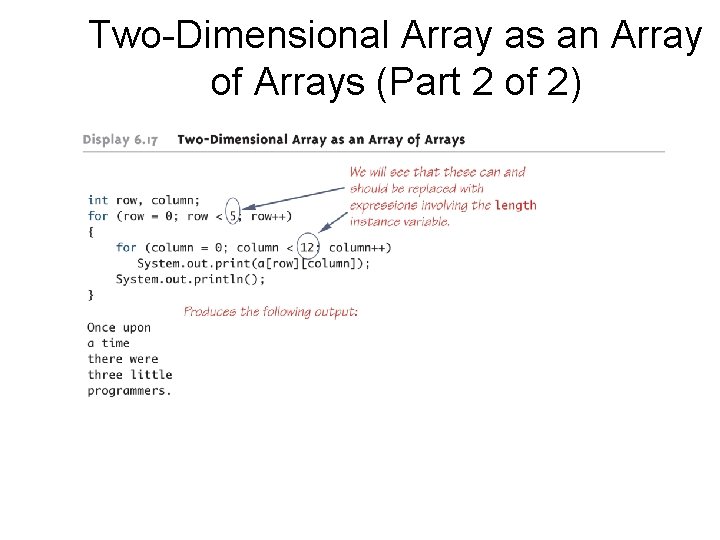
Two-Dimensional Array as an Array of Arrays (Part 2 of 2)
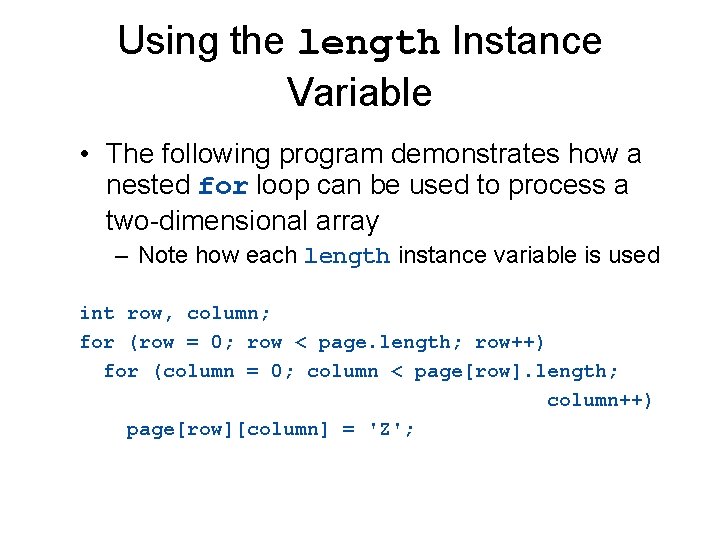
Using the length Instance Variable char[][] page = new char[30][100]; • The instance variable length does not give the total number of indexed variables in a two-dimensional array – Because a two-dimensional array is actually an array of arrays, the instance variable length gives the number of first indices (or "rows") in the array • page. length is equal to 30 – For the same reason, the number of second indices (or "columns") for a given "row" is given by referencing length for that "row" variable • page[0]. length is equal to 100
Using the length Instance Variable • The following program demonstrates how a nested for loop can be used to process a two-dimensional array – Note how each length instance variable is used int row, column; for (row = 0; row < page. length; row++) for (column = 0; column < page[row]. length; column++) page[row][column] = 'Z';
Ragged Arrays • Each row in a two-dimensional array need not have the same number of elements – Different rows can have different numbers of columns • An array that has a different number of elements per row it is called a ragged array
Ragged Arrays double[][] a = new double[3][5]; • The above line is equivalent to the following: double [][] a; a = new double[3][]; //Note below a[0] = new double[5]; a[1] = new double[5]; a[2] = new double[5]; – Note that the second line makes a the name of an array with room for 3 entries, each of which can be an array of doubles that can be of any length – The next 3 lines each create an array of doubles of size 5
Ragged Arrays double [][] a; a = new double[3][]; • Since the above line does not specify the size of a[0], a[1], or a[2], each could be made a different size instead: a[0] = new double[5]; a[1] = new double[10]; a[2] = new double[4];
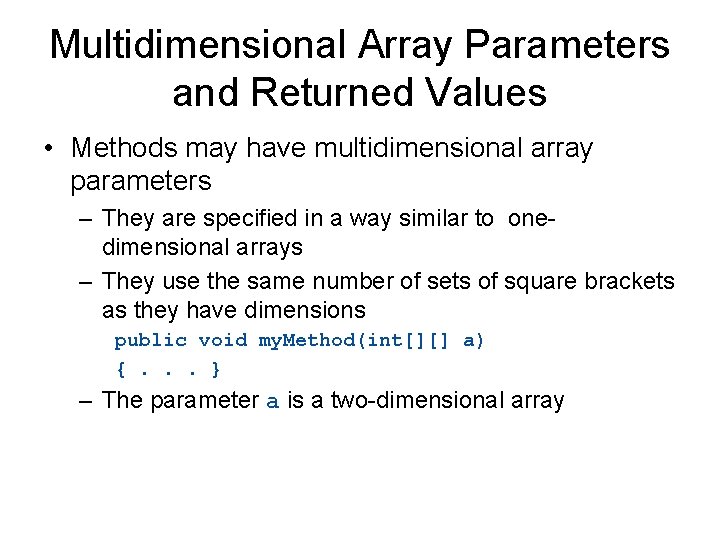
Multidimensional Array Parameters and Returned Values • Methods may have multidimensional array parameters – They are specified in a way similar to onedimensional arrays – They use the same number of sets of square brackets as they have dimensions public void my. Method(int[][] a) {. . . } – The parameter a is a two-dimensional array
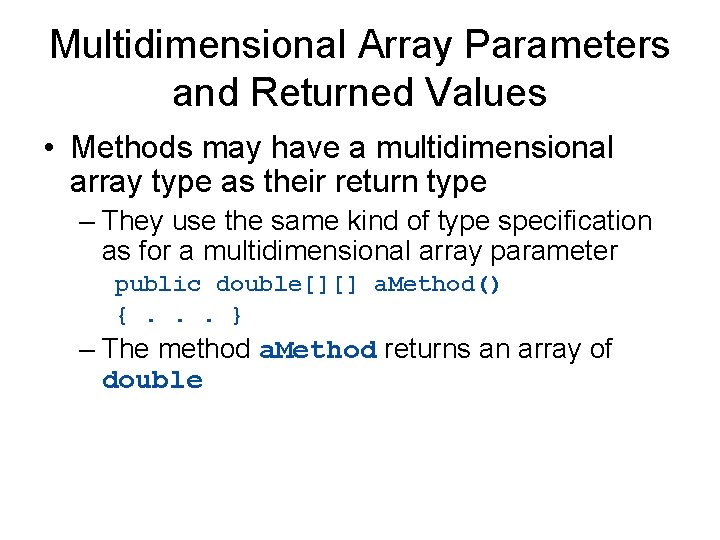
Multidimensional Array Parameters and Returned Values • Methods may have a multidimensional array type as their return type – They use the same kind of type specification as for a multidimensional array parameter public double[][] a. Method() {. . . } – The method a. Method returns an array of double
How many rows in the following array? String [] [] words = new String [10][7];
What is the value printed? words[0][0] = “market”; words[0][1] = “basket”; words[0][2] = “grocery”; words[0][3] = “stock”; words[0][4] = “futures”; words[0][5] = “flea”; words[0][6] = “weaving”; System. out. println(words[0]. length);
What is the value printed? words[0][0] = “market”; words[0][1] = “basket”; words[0][2] = “grocery”; words[0][3] = “stock”; words[0][4] = “futures”; words[0][5] = “flea”; words[0][6] = “weaving”; System. out. println(words[0][5]. length());
Methods with multiple parameters • Beginning with Java version 5, can define methods that take an indeterminate number of arguments • The multiple arguments must all be of the same data type • Essentially, you’re creating an array on the fly
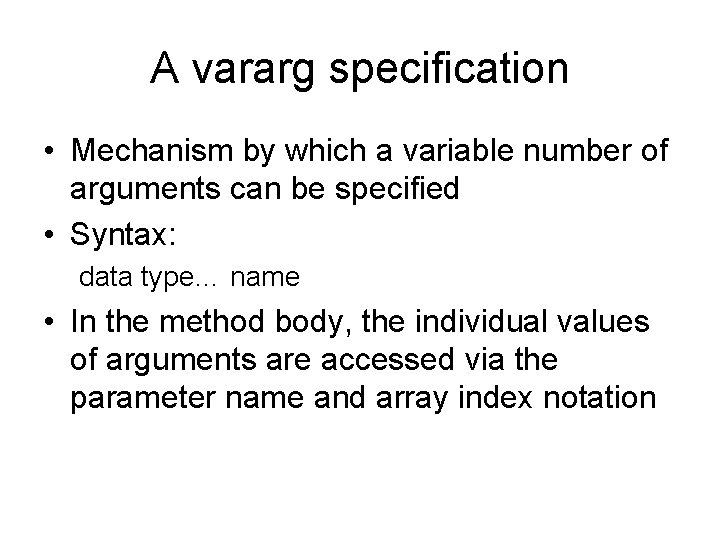
A vararg specification • Mechanism by which a variable number of arguments can be specified • Syntax: data type… name • In the method body, the individual values of arguments are accessed via the parameter name and array index notation
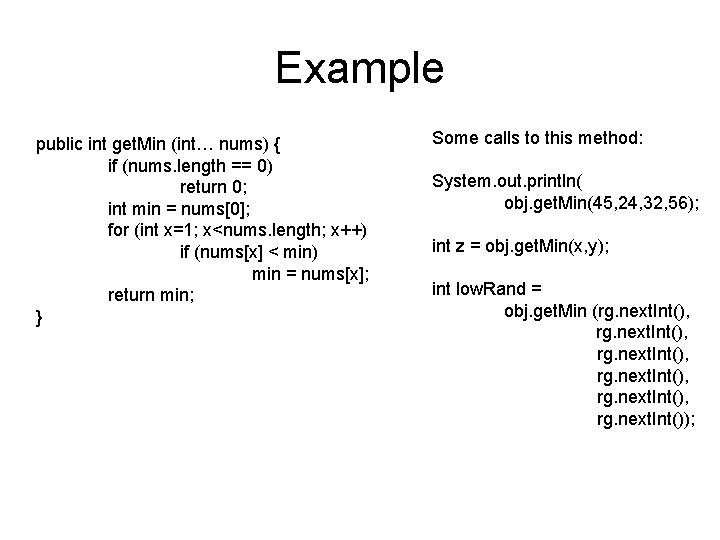
Example public int get. Min (int… nums) { if (nums. length == 0) return 0; int min = nums[0]; for (int x=1; x<nums. length; x++) if (nums[x] < min) min = nums[x]; return min; } Some calls to this method: System. out. println( obj. get. Min(45, 24, 32, 56); int z = obj. get. Min(x, y); int low. Rand = obj. get. Min (rg. next. Int(), rg. next. Int());
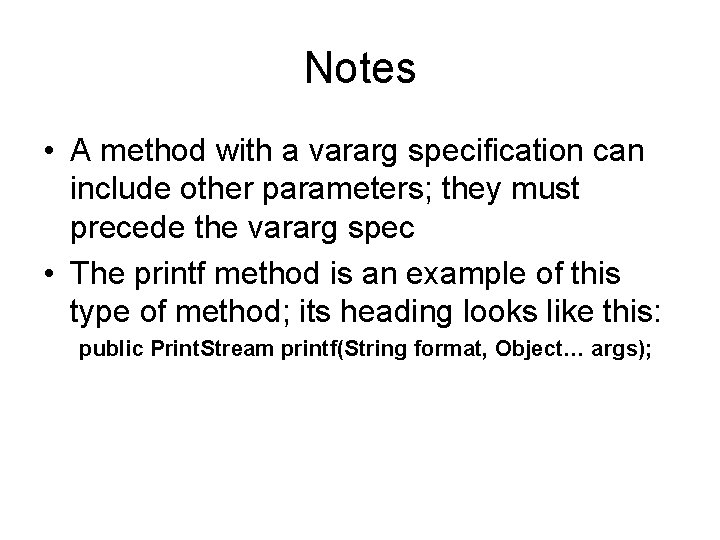
Notes • A method with a vararg specification can include other parameters; they must precede the vararg spec • The printf method is an example of this type of method; its heading looks like this: public Print. Stream printf(String format, Object… args);