Apache Tomcat Representation and Management of Data on



- Slides: 26
Apache Tomcat Representation and Management of Data on the Web
What is Tomcat? • A Web server is a program that receives HTTP requests and returns HTTP responses • Tomcat is a Web Server created by Apache • Tomcat supports Servlets!
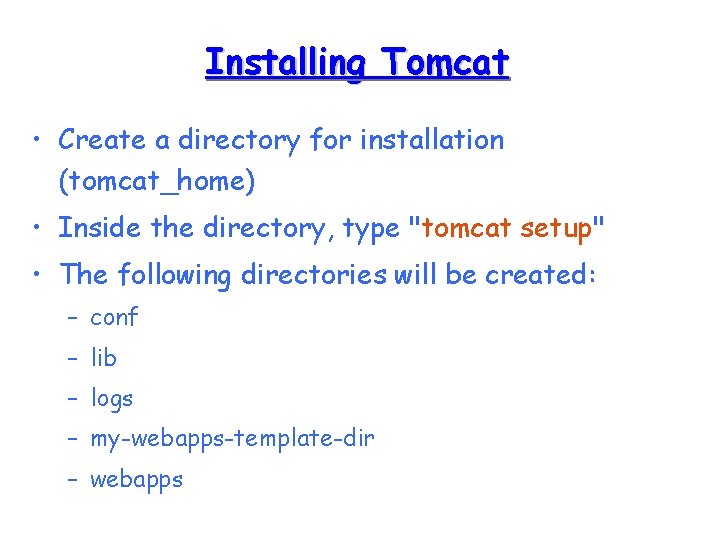
Installing Tomcat • Create a directory for installation (tomcat_home) • Inside the directory, type "tomcat setup" • The following directories will be created: – conf – lib – logs – my-webapps-template-dir – webapps
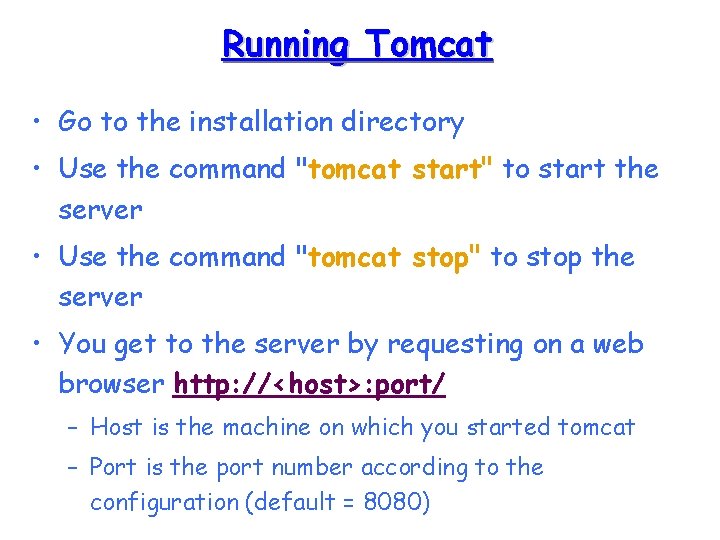
Running Tomcat • Go to the installation directory • Use the command "tomcat start" to start the server • Use the command "tomcat stop" to stop the server • You get to the server by requesting on a web browser http: //<host>: port/ – Host is the machine on which you started tomcat – Port is the port number according to the configuration (default = 8080)
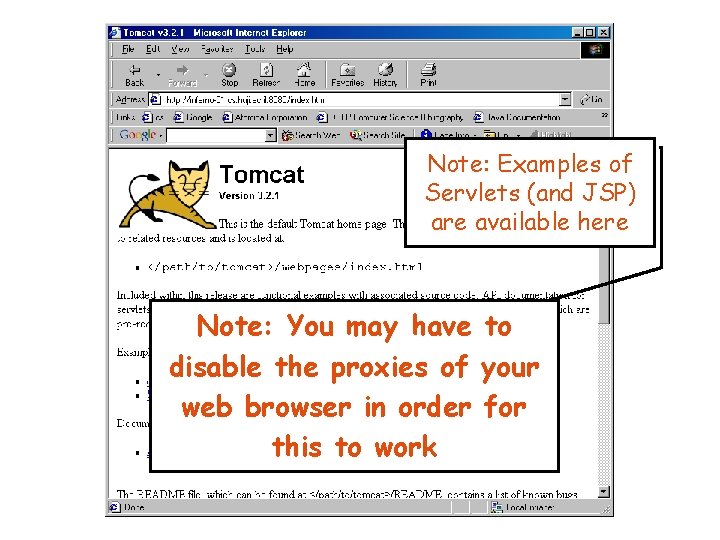
Note: Examples of Servlets (and JSP) are available here Note: You may have to disable the proxies of your web browser in order for this to work
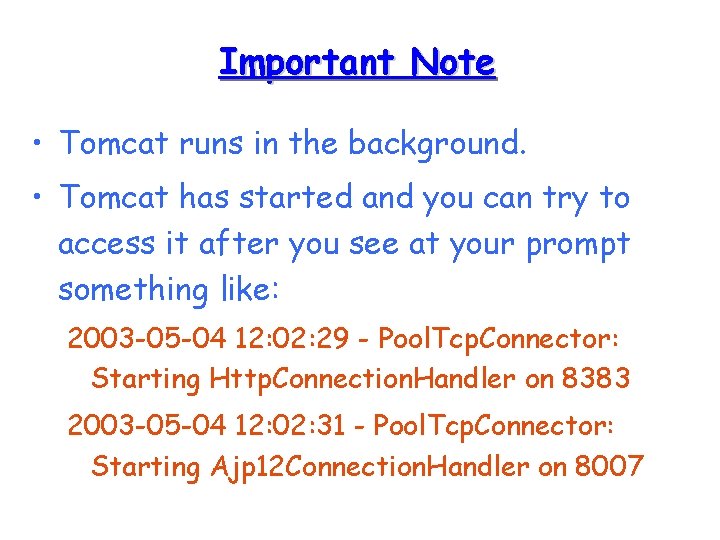
Important Note • Tomcat runs in the background. • Tomcat has started and you can try to access it after you see at your prompt something like: 2003 -05 -04 12: 02: 29 - Pool. Tcp. Connector: Starting Http. Connection. Handler on 8383 2003 -05 -04 12: 02: 31 - Pool. Tcp. Connector: Starting Ajp 12 Connection. Handler on 8007
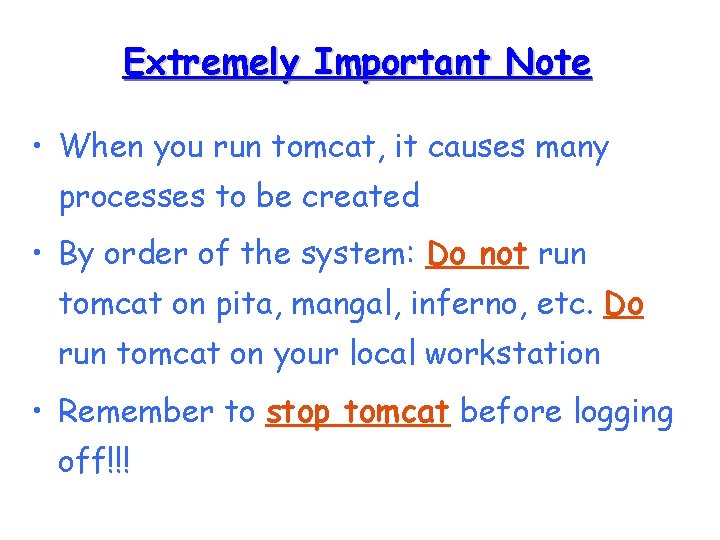
Extremely Important Note • When you run tomcat, it causes many processes to be created • By order of the system: Do not run tomcat on pita, mangal, inferno, etc. Do run tomcat on your local workstation • Remember to stop tomcat before logging off!!!
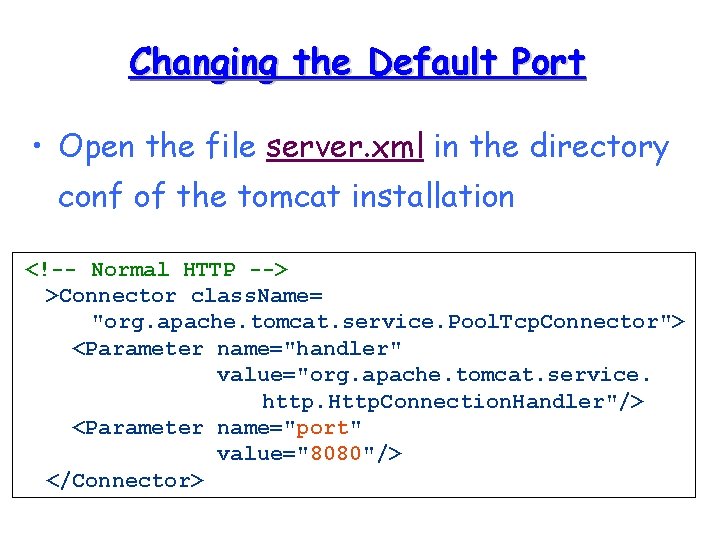
Changing the Default Port • Open the file server. xml in the directory conf of the tomcat installation <!-- Normal HTTP --> >Connector class. Name= "org. apache. tomcat. service. Pool. Tcp. Connector"> <Parameter name="handler" value="org. apache. tomcat. service. http. Http. Connection. Handler"/> <Parameter name="port" value="8080"/> </Connector>
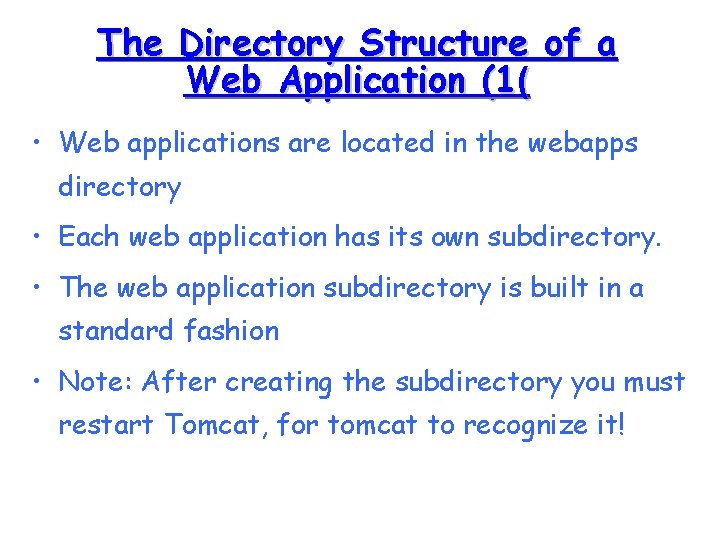
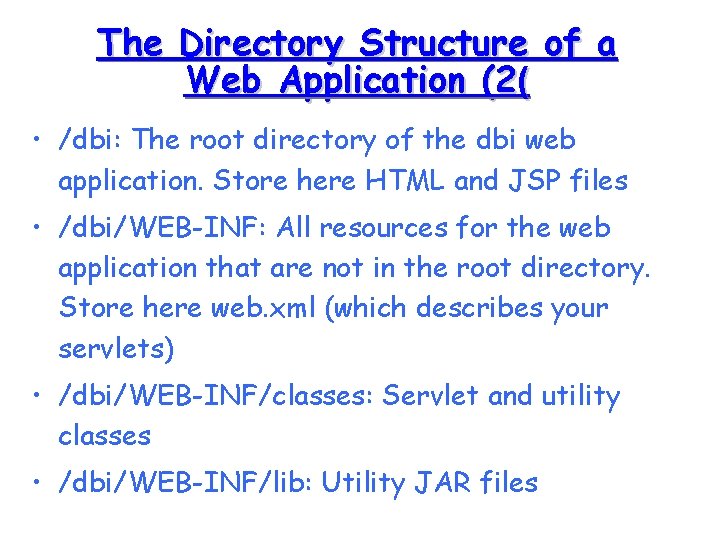
The Directory Structure of a Web Application (1( • Web applications are located in the webapps directory • Each web application has its own subdirectory. • The web application subdirectory is built in a standard fashion • Note: After creating the subdirectory you must restart Tomcat, for tomcat to recognize it!
The Directory Structure of a Web Application (2( • /dbi: The root directory of the dbi web application. Store here HTML and JSP files • /dbi/WEB-INF: All resources for the web application that are not in the root directory. Store here web. xml (which describes your servlets) • /dbi/WEB-INF/classes: Servlet and utility classes • /dbi/WEB-INF/lib: Utility JAR files
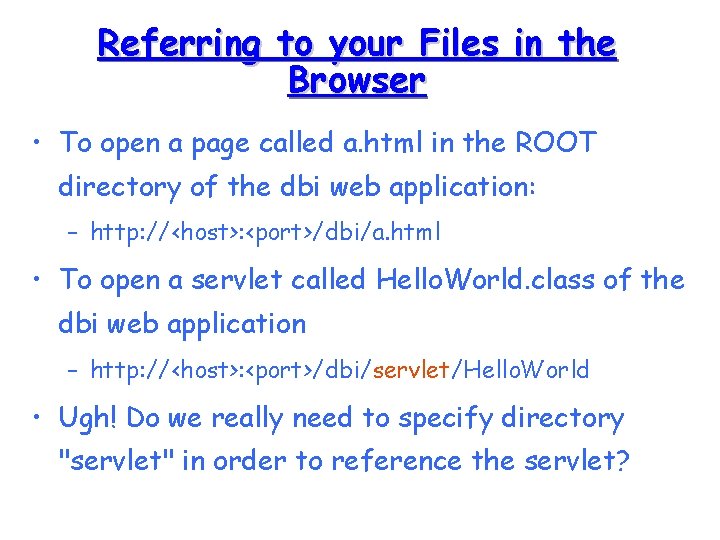
Referring to your Files in the Browser • To open a page called a. html in the ROOT directory of the dbi web application: – http: //<host>: <port>/dbi/a. html • To open a servlet called Hello. World. class of the dbi web application – http: //<host>: <port>/dbi/servlet/Hello. World • Ugh! Do we really need to specify directory "servlet" in order to reference the servlet?
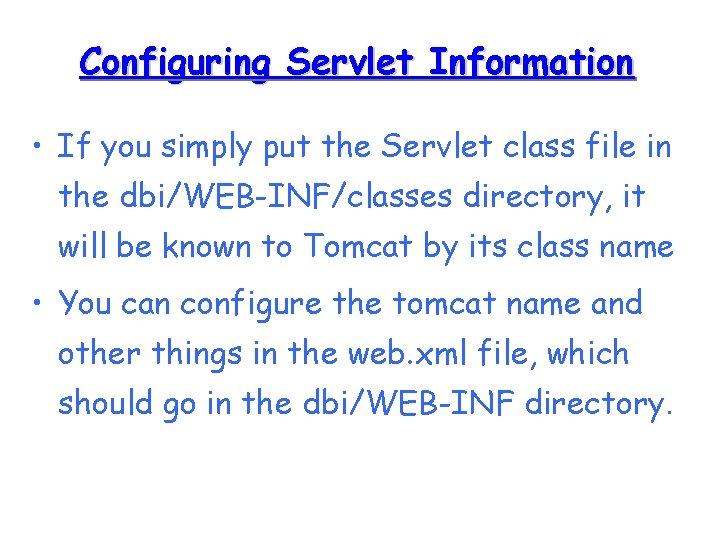
Configuring Servlet Information • If you simply put the Servlet class file in the dbi/WEB-INF/classes directory, it will be known to Tomcat by its class name • You can configure the tomcat name and other things in the web. xml file, which should go in the dbi/WEB-INF directory.
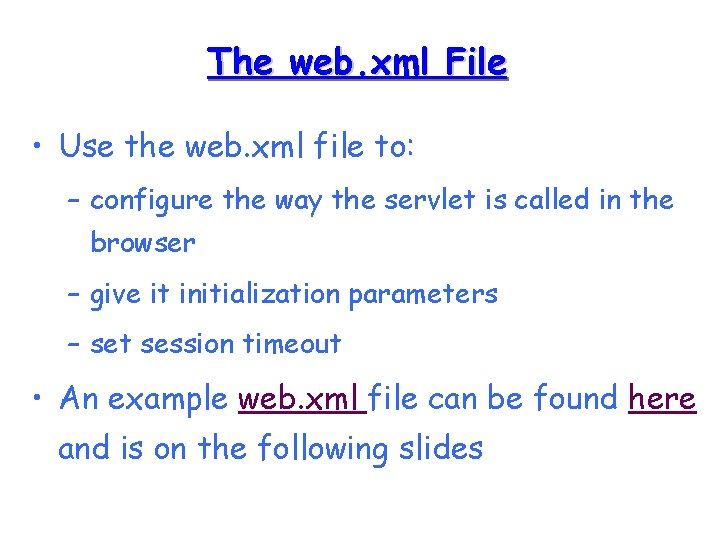
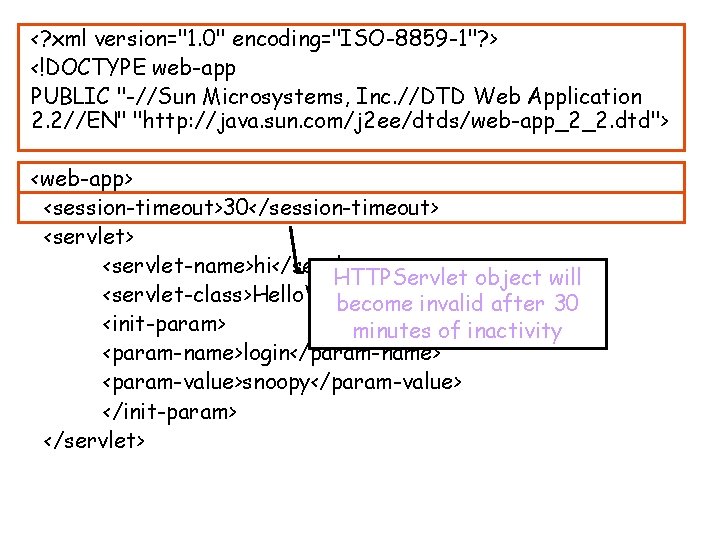
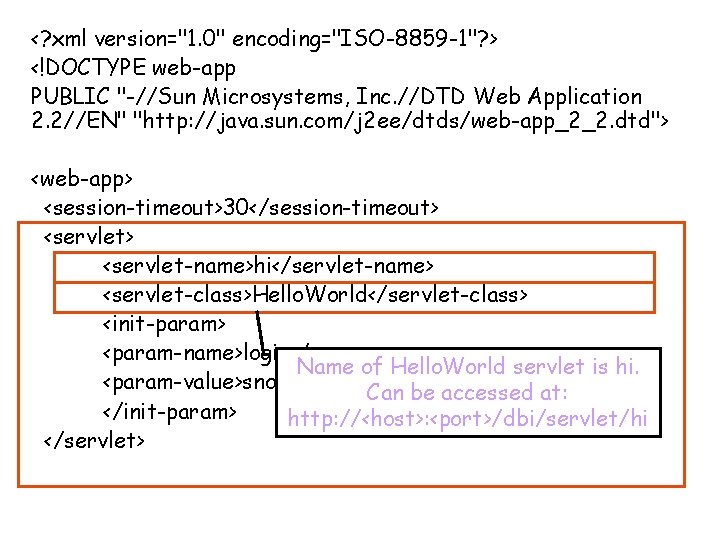
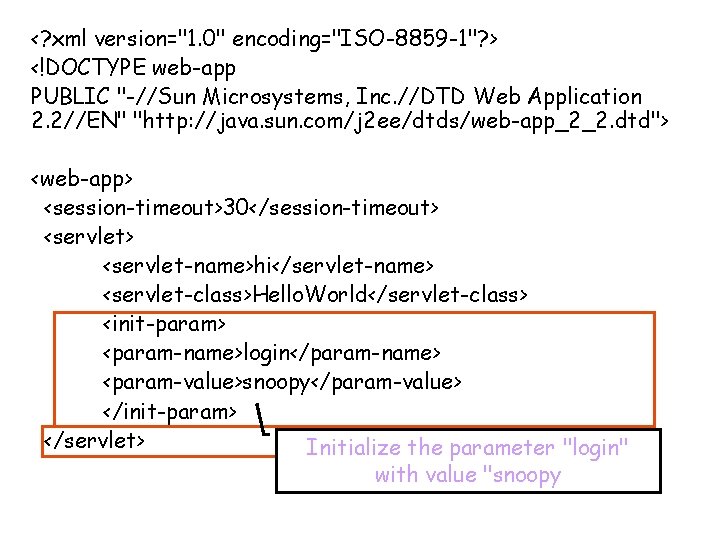
The web. xml File • Use the web. xml file to: – configure the way the servlet is called in the browser – give it initialization parameters – set session timeout • An example web. xml file can be found here and is on the following slides
<? xml version="1. 0" encoding="ISO-8859 -1"? > <!DOCTYPE web-app PUBLIC "-//Sun Microsystems, Inc. //DTD Web Application 2. 2//EN" "http: //java. sun. com/j 2 ee/dtds/web-app_2_2. dtd"> <web-app> <session-timeout>30</session-timeout> <servlet-name>hi</servlet-name> HTTPServlet object will <servlet-class>Hello. World</servlet-class> become invalid after 30 <init-param> minutes of inactivity <param-name>login</param-name> <param-value>snoopy</param-value> </init-param> </servlet>
<? xml version="1. 0" encoding="ISO-8859 -1"? > <!DOCTYPE web-app PUBLIC "-//Sun Microsystems, Inc. //DTD Web Application 2. 2//EN" "http: //java. sun. com/j 2 ee/dtds/web-app_2_2. dtd"> <web-app> <session-timeout>30</session-timeout> <servlet-name>hi</servlet-name> <servlet-class>Hello. World</servlet-class> <init-param> <param-name>login</param-name> Name of Hello. World servlet is hi. <param-value>snoopy</param-value> Can be accessed at: </init-param> http: //<host>: <port>/dbi/servlet/hi </servlet>
<? xml version="1. 0" encoding="ISO-8859 -1"? > <!DOCTYPE web-app PUBLIC "-//Sun Microsystems, Inc. //DTD Web Application 2. 2//EN" "http: //java. sun. com/j 2 ee/dtds/web-app_2_2. dtd"> <web-app> <session-timeout>30</session-timeout> <servlet-name>hi</servlet-name> <servlet-class>Hello. World</servlet-class> <init-param> <param-name>login</param-name> <param-value>snoopy</param-value> </init-param> </servlet> Initialize the parameter "login" with value "snoopy
<servlet-mapping> <servlet-name>hi</servlet-name> <url-pattern>/hi</url-pattern> </servlet-mapping> Associate Servlet hi with given url pattern. Can be accessed at: http: //<host>: <port>/dbi/hi <servlet-mapping> <servlet-name>hi</servlet-name> <url-pattern>*. hi</url-pattern> </servlet-mapping> Associate Servlet hi with extension. hi <error-page> <error-code>404</error-code> Can be accessed at: http: //<host>: <port>/dbi/a. hi <location>/servlet/Not. Found</location> http: //<host>: <port>/dbi/b. hi </error-page> etc. </web-app>
<servlet-mapping> <servlet-name>hi</servlet-name> <url-pattern>/hi</url-pattern> </servlet-mapping> <servlet-name>hi</servlet-name> Associate the error code of 404 with the <url-pattern>*. hi</url-pattern> servlet Not. Found </servlet-mapping> <error-page> <error-code>404</error-code> <location>/servlet/Not. Found</location> </error-page> </web-app>
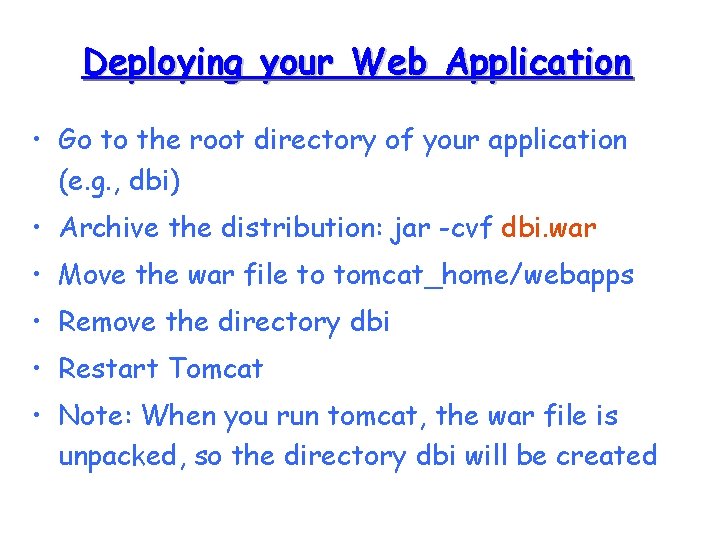
Deploying your Web Application • Go to the root directory of your application (e. g. , dbi) • Archive the distribution: jar -cvf dbi. war • Move the war file to tomcat_home/webapps • Remove the directory dbi • Restart Tomcat • Note: When you run tomcat, the war file is unpacked, so the directory dbi will be created
Think About it? • When you change the web. xml file you have to restart Tomcat. Why? • Where do you put your. java files ? • How do you get your class files where they belong?
Working with Apache: A Recommendation
Recommendation • Develop you java code outside of the tomcat directories • Compile to the correct directories • Use ant to organize the process
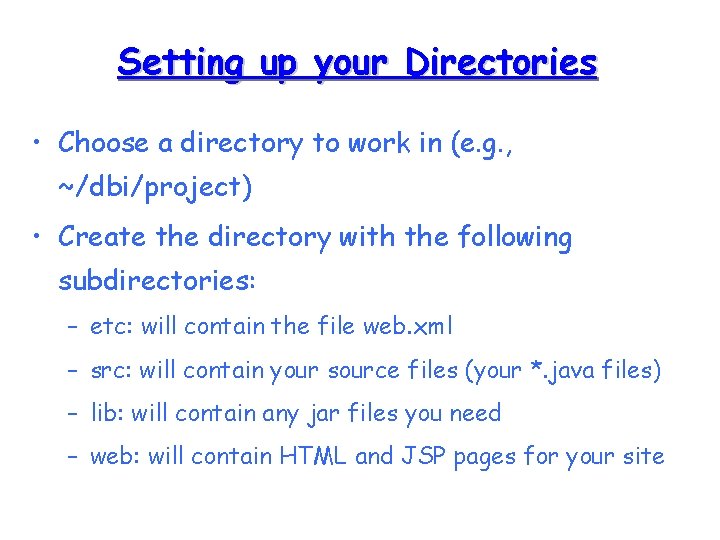
Setting up your Directories • Choose a directory to work in (e. g. , ~/dbi/project) • Create the directory with the following subdirectories: – etc: will contain the file web. xml – src: will contain your source files (your *. java files) – lib: will contain any jar files you need – web: will contain HTML and JSP pages for your site
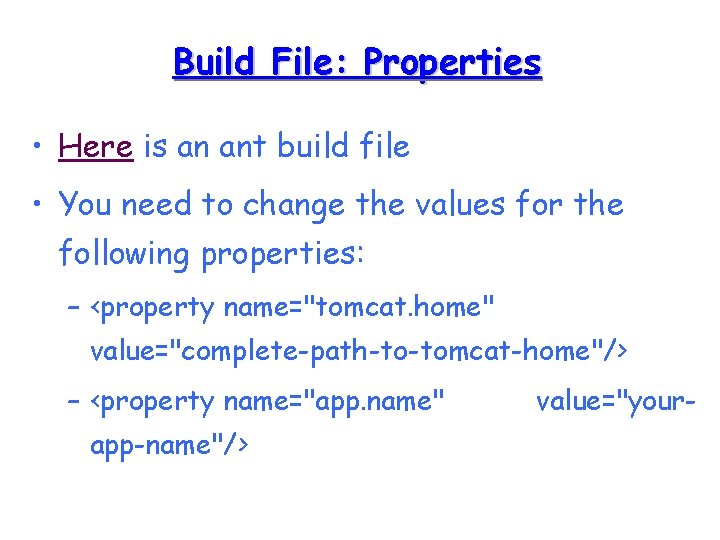
Build File: Properties • Here is an ant build file • You need to change the values for the following properties: – <property name="tomcat. home" value="complete-path-to-tomcat-home"/> – <property name="app. name" app-name"/> value="your-
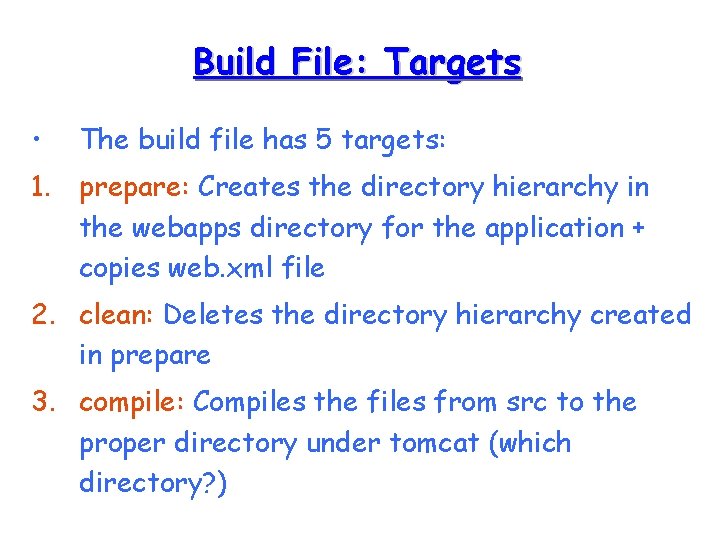
Build File: Targets • The build file has 5 targets: 1. prepare: Creates the directory hierarchy in the webapps directory for the application + copies web. xml file 2. clean: Deletes the directory hierarchy created in prepare 3. compile: Compiles the files from src to the proper directory under tomcat (which directory? )
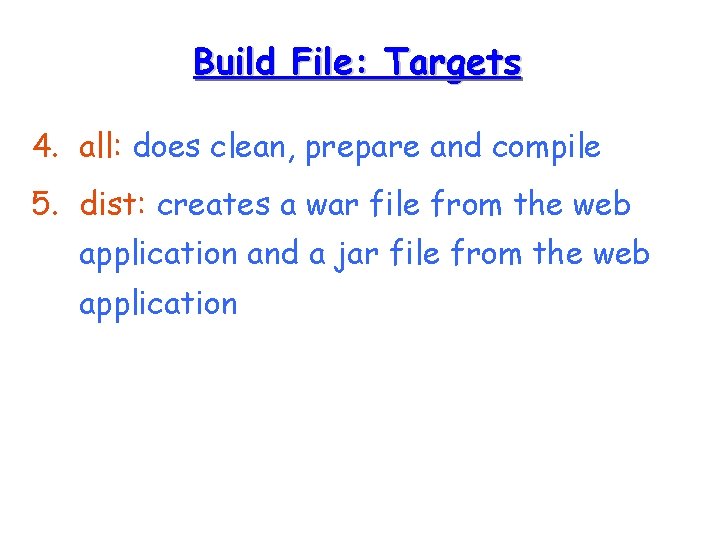
Build File: Targets 4. all: does clean, prepare and compile 5. dist: creates a war file from the web application and a jar file from the web application