AN INTRODUCTION TO COMPUTER SCIENCE ALGORITHMS IN EVERYDAY

- Slides: 26
AN INTRODUCTION TO COMPUTER SCIENCE ALGORITHMS IN EVERYDAY LIFE DEVELOPED BASED ON WORK BY J. PATTERSON & S. HAMILTON https: //www. stem. org. uk/resources/elibrary/resource/373076/introduction-computer-science-algorithms-everyday-life
SESSION 5: FLOWCHARTING ALGORITHMS
LESSON OBJECTIVES Be able to: Identify flowchart symbols Use a flowchart to illustrate the process of an algorithm
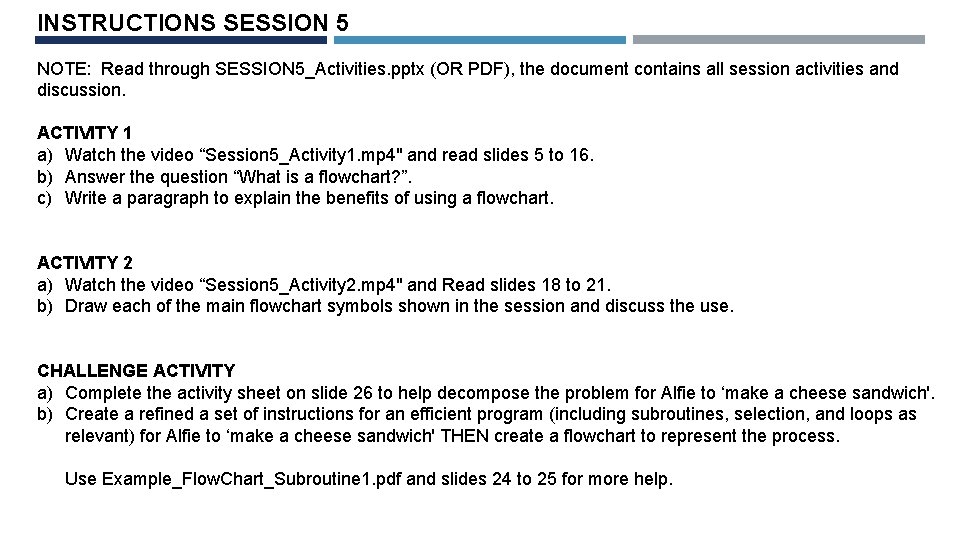
INSTRUCTIONS SESSION 5 NOTE: Read through SESSION 5_Activities. pptx (OR PDF), the document contains all session activities and discussion. ACTIVITY 1 a) Watch the video “Session 5_Activity 1. mp 4" and read slides 5 to 16. b) Answer the question “What is a flowchart? ”. c) Write a paragraph to explain the benefits of using a flowchart. ACTIVITY 2 a) Watch the video “Session 5_Activity 2. mp 4" and Read slides 18 to 21. b) Draw each of the main flowchart symbols shown in the session and discuss the use. CHALLENGE ACTIVITY a) Complete the activity sheet on slide 26 to help decompose the problem for Alfie to ‘make a cheese sandwich'. b) Create a refined a set of instructions for an efficient program (including subroutines, selection, and loops as relevant) for Alfie to ‘make a cheese sandwich' THEN create a flowchart to represent the process. Use Example_Flow. Chart_Subroutine 1. pdf and slides 24 to 25 for more help.
You have represented instructions for Alfie with text. Now we are going to use symbols to demonstrate the process of your algorithm. Over the last few lessons, you have explored what an algorithm is and how to refine a set of instructions to make the program more efficient.
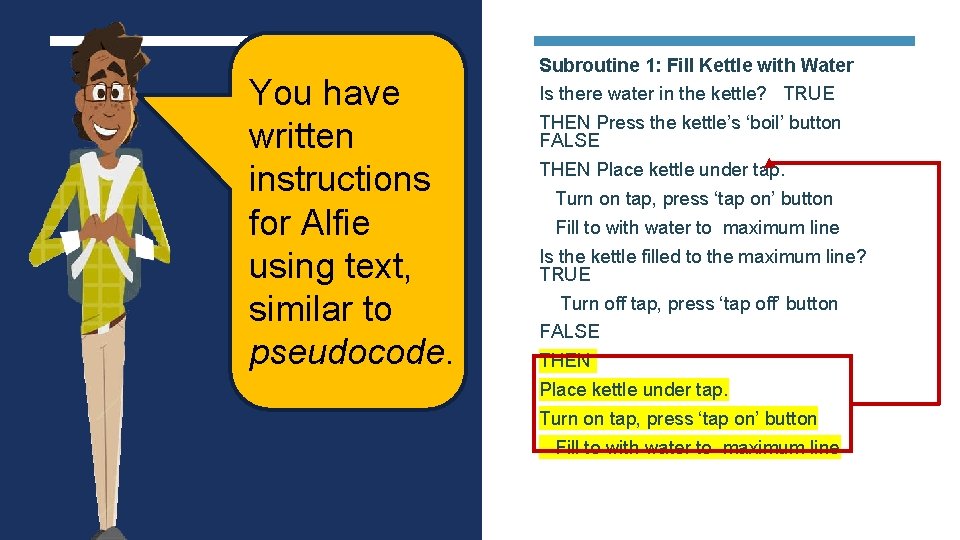
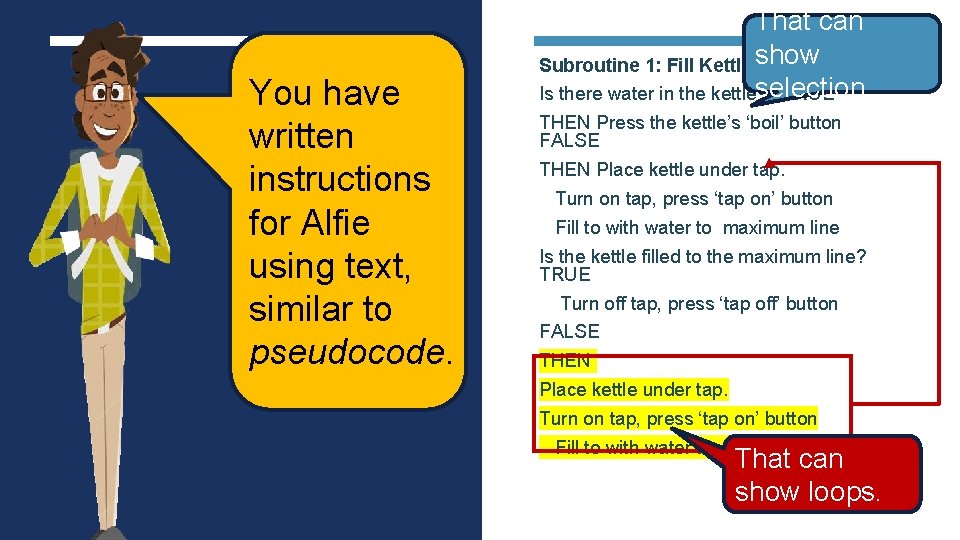
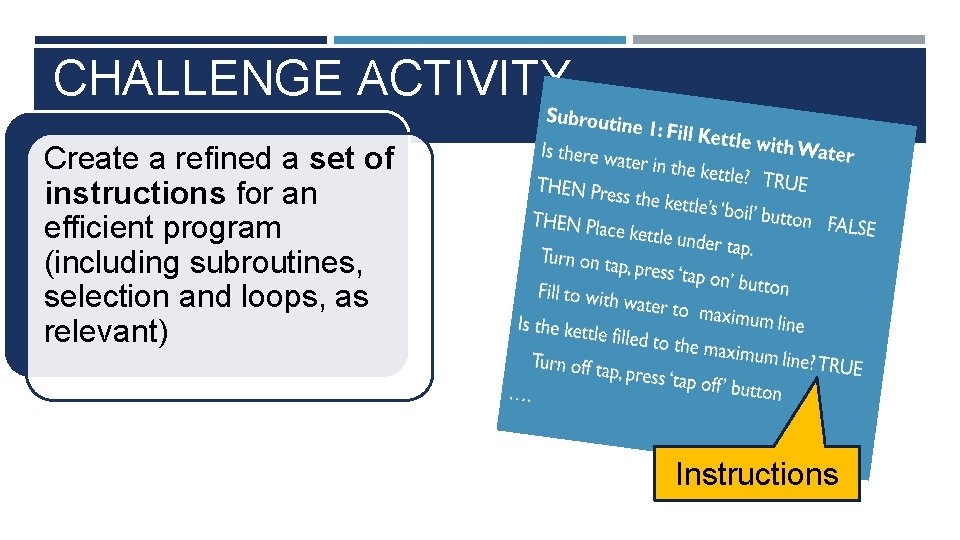
You have written instructions for Alfie using text, similar to pseudocode. Subroutine 1: Fill Kettle with Water Is there water in the kettle? TRUE THEN Press the kettle’s ‘boil’ button FALSE THEN Place kettle under tap. Turn on tap, press ‘tap on’ button Fill to with water to maximum line Is the kettle filled to the maximum line? TRUE Turn off tap, press ‘tap off’ button FALSE THEN Place kettle under tap. Turn on tap, press ‘tap on’ button Fill to with water to maximum line
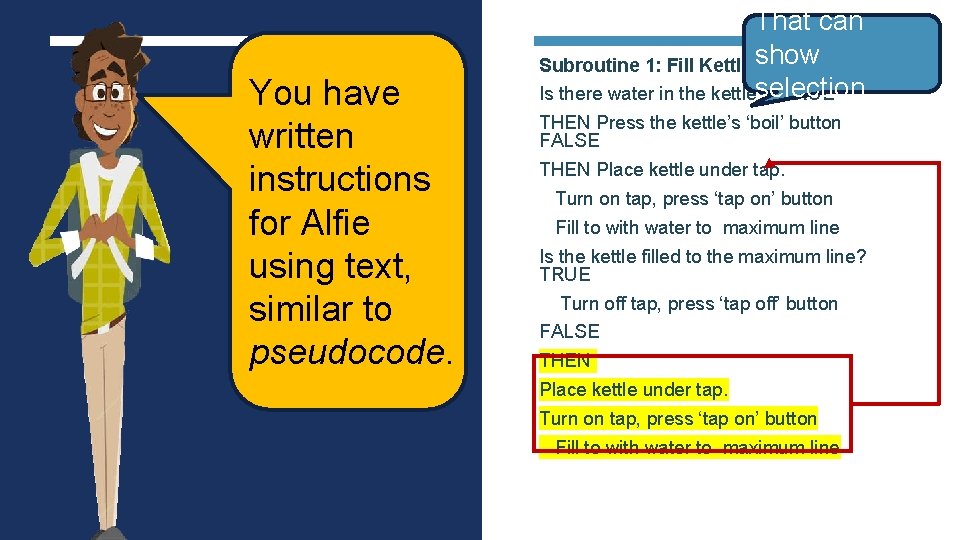
You have written instructions for Alfie using text, similar to pseudocode. That can Subroutine 1: Fill Kettle show with Water selection. Is there water in the kettle? TRUE THEN Press the kettle’s ‘boil’ button FALSE THEN Place kettle under tap. Turn on tap, press ‘tap on’ button Fill to with water to maximum line Is the kettle filled to the maximum line? TRUE Turn off tap, press ‘tap off’ button FALSE THEN Place kettle under tap. Turn on tap, press ‘tap on’ button Fill to with water to maximum line
You have written instructions for Alfie using text, similar to pseudocode. That can Subroutine 1: Fill Kettle show with Water selection. Is there water in the kettle? TRUE THEN Press the kettle’s ‘boil’ button FALSE THEN Place kettle under tap. Turn on tap, press ‘tap on’ button Fill to with water to maximum line Is the kettle filled to the maximum line? TRUE Turn off tap, press ‘tap off’ button FALSE THEN Place kettle under tap. Turn on tap, press ‘tap on’ button Fill to with water to maximum line That can show loops.
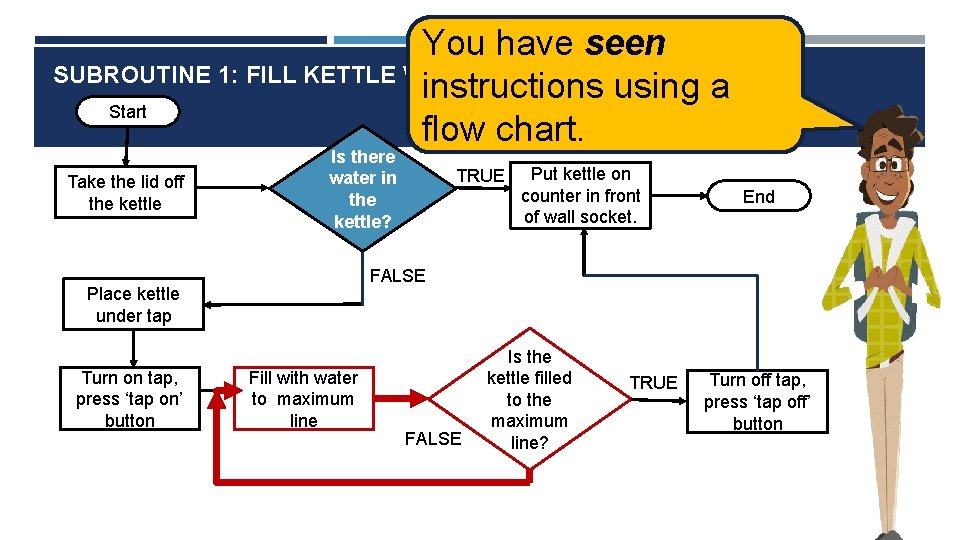
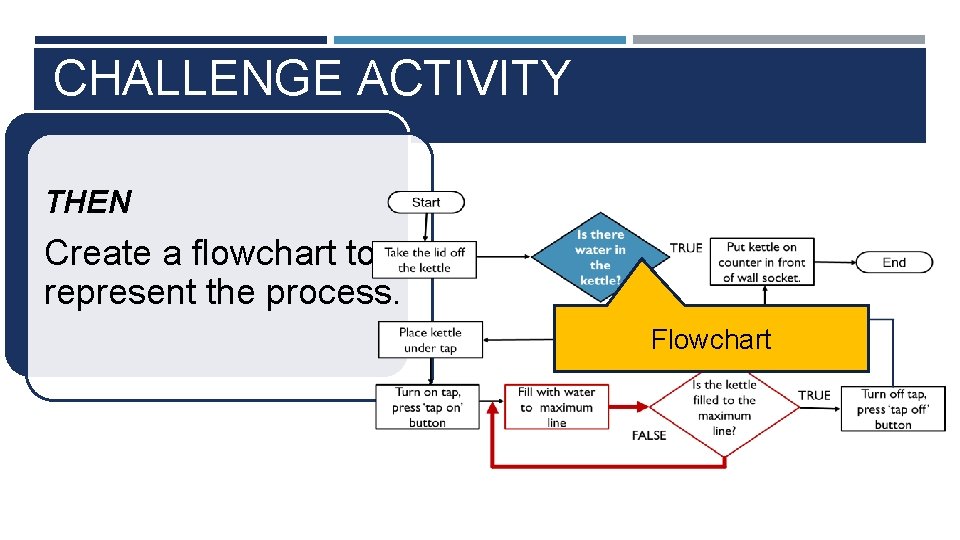
You have seen SUBROUTINE 1: FILL KETTLE WITH WATER instructions using a Start flow chart. Take the lid off the kettle Is there water in the kettle? Put kettle on counter in front of wall socket. End FALSE Place kettle under tap Turn on tap, press ‘tap on’ button TRUE Fill with water to maximum line FALSE Is the kettle filled to the maximum line? TRUE Turn off tap, press ‘tap off’ button
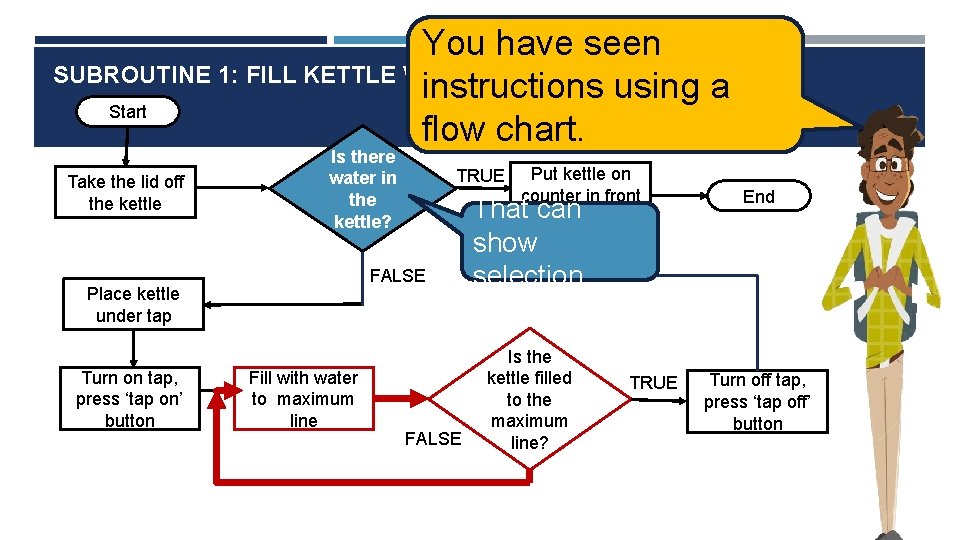
You have seen SUBROUTINE 1: FILL KETTLE WITH WATER instructions using a Start flow chart. Take the lid off the kettle Is there water in the kettle? FALSE Place kettle under tap Turn on tap, press ‘tap on’ button Put kettle on counter in front That can of wall socket. TRUE Fill with water to maximum line FALSE End show selection. Is the kettle filled to the maximum line? TRUE Turn off tap, press ‘tap off’ button
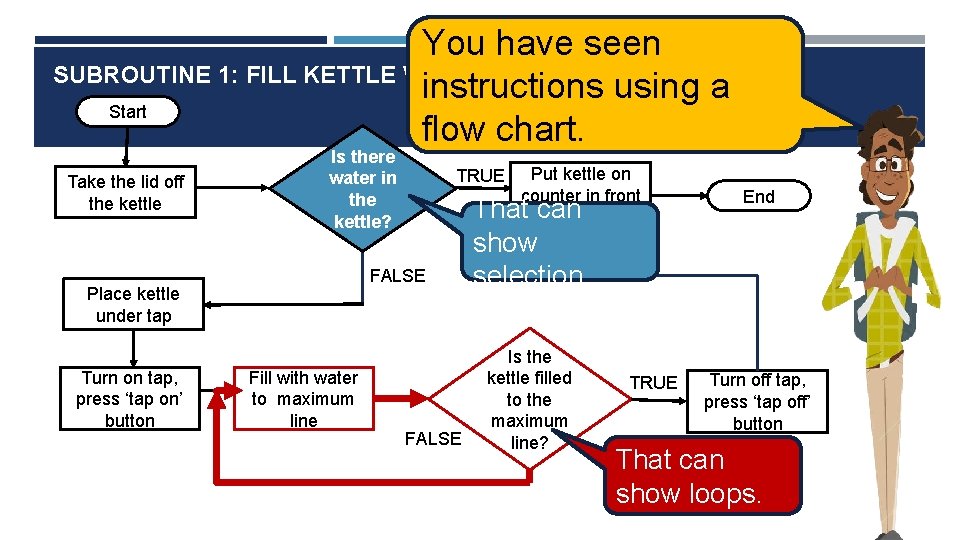
You have seen SUBROUTINE 1: FILL KETTLE WITH WATER instructions using a Start flow chart. Take the lid off the kettle Is there water in the kettle? FALSE Place kettle under tap Turn on tap, press ‘tap on’ button Put kettle on counter in front That can of wall socket. TRUE Fill with water to maximum line FALSE End show selection. Is the kettle filled to the maximum line? TRUE Turn off tap, press ‘tap off’ button That can show loops.
WHAT IS A FLOWCHART? FLOWCHART An Algorithm is a procedure for solving problems, shown in step-by-step instruction. A flowchart is a graphical representation of the process.
WHAT IS A FLOWCHART? FLOWCHART A flowchart is a type of diagram that represents an algorithm’s process. The flowchart shows the steps as boxes of various kinds, and their order by connecting the boxes with arrows. Flowcharts are used in analysing, designing, and documenting algorithms in computer science.
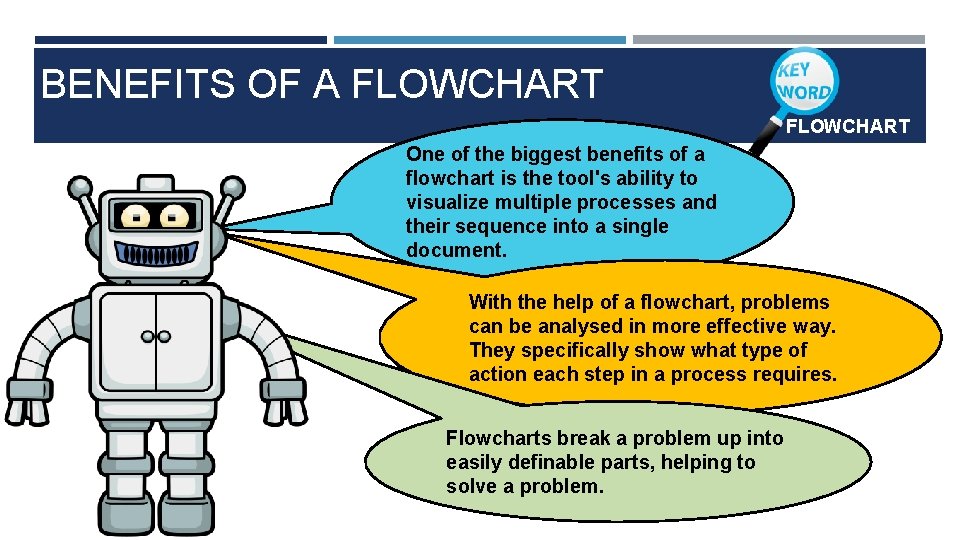
BENEFITS OF A FLOWCHART One of the biggest benefits of a flowchart is the tool's ability to visualize multiple processes and their sequence into a single document.
BENEFITS OF A FLOWCHART One of the biggest benefits of a flowchart is the tool's ability to visualize multiple processes and their sequence into a single document. With the help of a flowchart, problems can be analysed in more effective way. They specifically show what type of action each step in a process requires.
BENEFITS OF A FLOWCHART One of the biggest benefits of a flowchart is the tool's ability to visualize multiple processes and their sequence into a single document. With the help of a flowchart, problems can be analysed in more effective way. They specifically show what type of action each step in a process requires. Flowcharts break a problem up into easily definable parts, helping to solve a problem.
ACTIVITY 1 Watch the video “Session 5_Activity 1. mp 4" and read slides 5 to 16. Answer the question “What is a flowchart? ” Write a paragraph to explain the benefits of using a flowchart.
FLOWCHART SYMBOLS A flowchart is a diagram that represents a set of instructions. Flowcharts normally use standard symbols to represent the different types of instructions. These symbols are used to construct the flowchart and show the step-by-step solution to the problem.
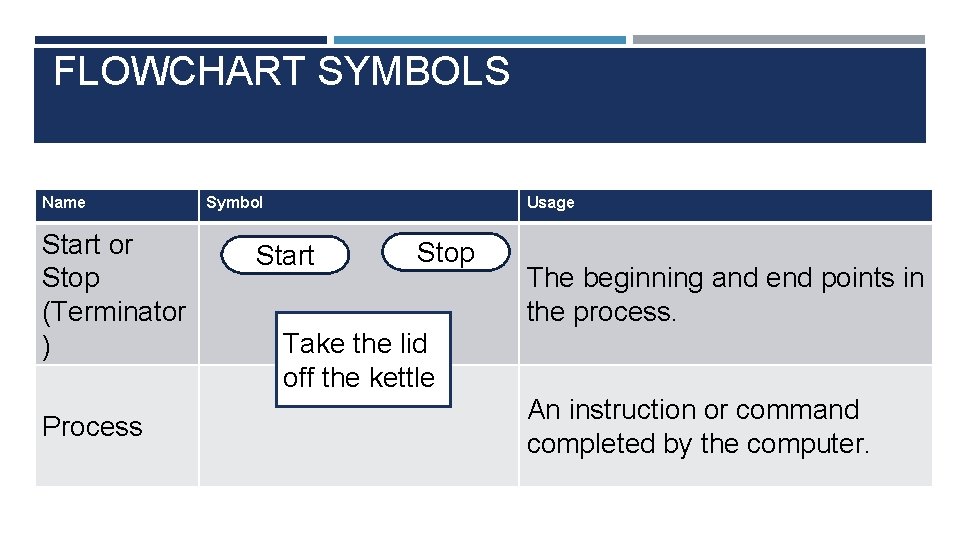
FLOWCHART SYMBOLS Name Start or Stop (Terminator ) Process Symbol Usage Start Stop The beginning and end points in the process. Take the lid off the kettle An instruction or command completed by the computer.
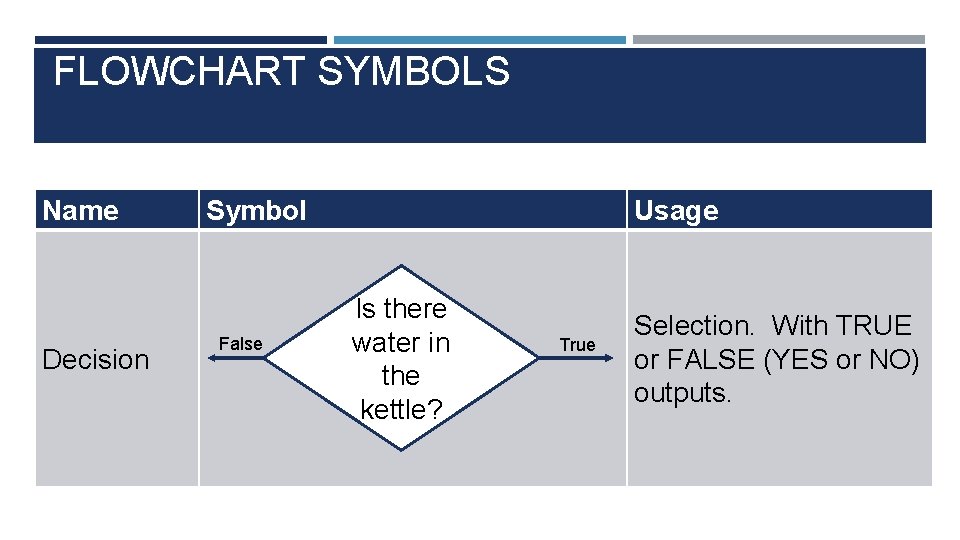
FLOWCHART SYMBOLS Name Decision Symbol False Usage Is there water in the kettle? True Selection. With TRUE or FALSE (YES or NO) outputs.
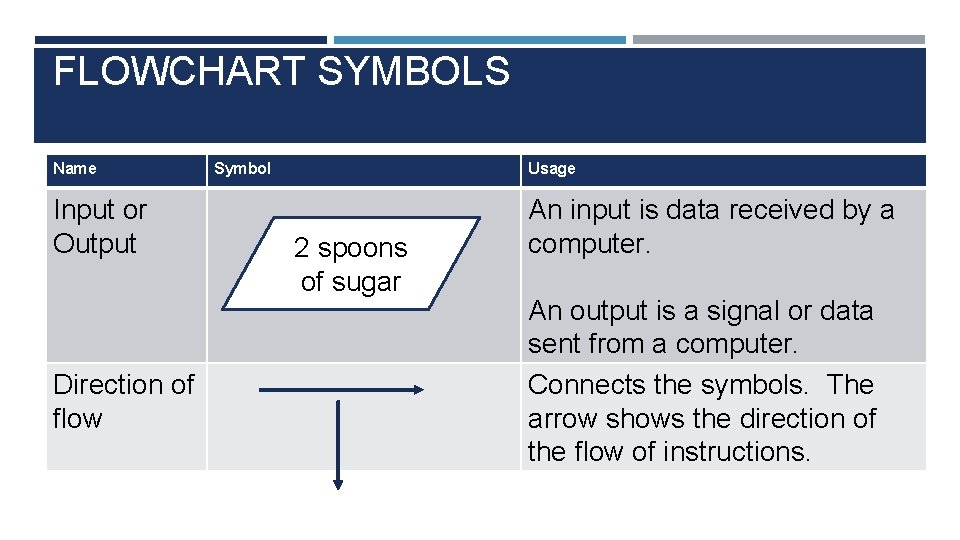
FLOWCHART SYMBOLS Name Input or Output Direction of flow Symbol Usage 2 spoons of sugar An input is data received by a computer. An output is a signal or data sent from a computer. Connects the symbols. The arrow shows the direction of the flow of instructions.
ACTIVITY 2 Read slides 18 to 21. Draw each of the main flowchart symbols discussed and explain their use.
CHALLENGE ACTIVITY Complete the activity sheet on slide 26 to help decompose the problem for Alfie to ‘make a cheese sandwich'. Create a refined a set of instructions for an efficient program (including subroutines, selection and loops, as relevant) THEN Create a flowchart to represent the process. Use Example_Flow. Chart_Subroutine 1. pdf and slides 24 to 25 for more help.
CHALLENGE ACTIVITY Create a refined a set of instructions for an efficient program (including subroutines, selection and loops, as relevant) Instructions
CHALLENGE ACTIVITY THEN Create a flowchart to represent the process. Flowchart
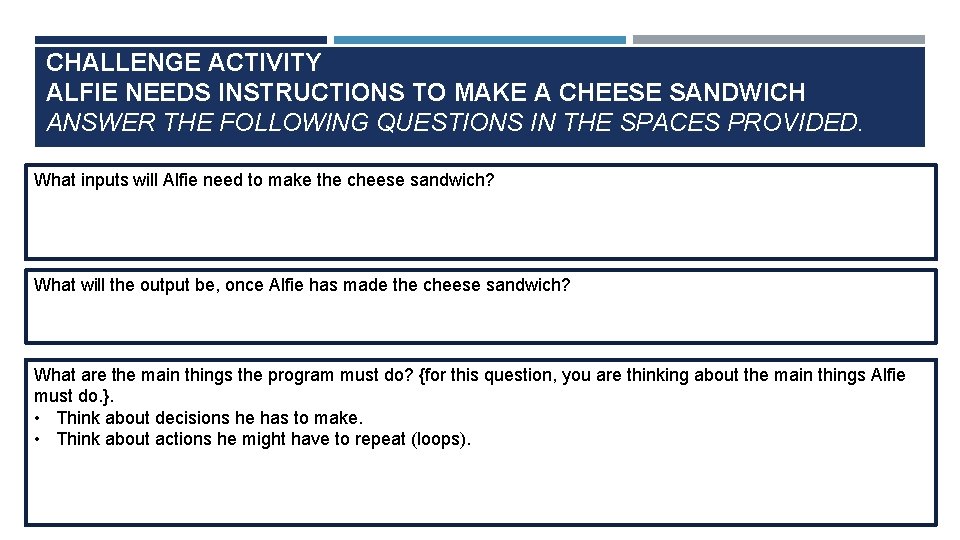
CHALLENGE ACTIVITY ALFIE NEEDS INSTRUCTIONS TO MAKE A CHEESE SANDWICH ANSWER THE FOLLOWING QUESTIONS IN THE SPACES PROVIDED. What inputs will Alfie need to make the cheese sandwich? What will the output be, once Alfie has made the cheese sandwich? What are the main things the program must do? {for this question, you are thinking about the main things Alfie must do. }. • Think about decisions he has to make. • Think about actions he might have to repeat (loops).