15 Media sound effects music video Outline 1

- Slides: 25
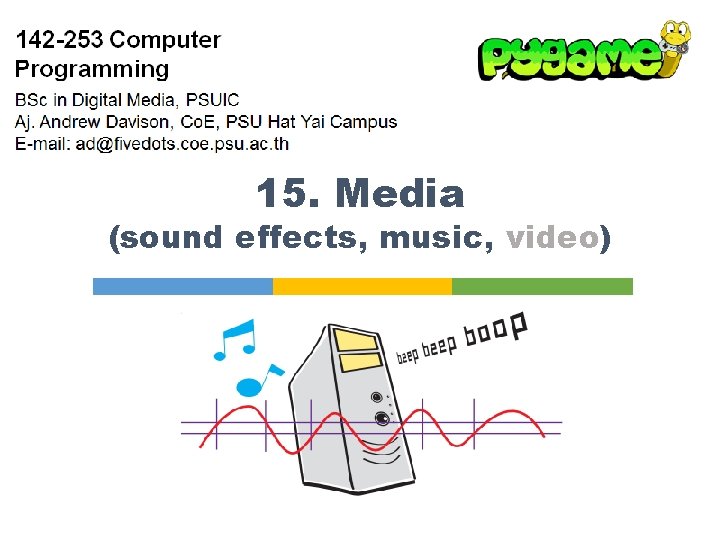
15. Media (sound effects, music, video)
Outline 1. 2. 3. 4. Sound Basics Pygame Sound Adding Sounds/Music to Pong Playing Video 2
1. Sound Basics §Some common sound file types: § Wave files: e. g. hello. wav. § MP 3 files: e. g. song. mp 3. § WMA (Windows Media Audio) files: e. g. song. wma. § Ogg Vorbis files: e. g. song. ogg §Use Wave files for short sound effects § e. g. an explosion, thunder, "game over" §Use MP 3 or Ogg for long music § e. g. the music played in the background during the game 3
Finding Sounds/Music Online §A great list: "55 Great Websites To Download Free Sound Effects" § http: //www. hongkiat. com/blog/55 -great-websites-todownload-free-sound-effects/ §I often use find. Sounds: § http: //www. findsounds. com/ 4
Sound Editing §Sometimes you need to edit sound files: § cut out bits of the sound at the start/end § convert a sound into another format §Great, free tool: audacity § http: //www. audacityteam. org/ § can also record from a microphone 5
2. Pygame Sound §The Pygame mixer module deals with playing sounds/music § see http: //www. pygame. org/docs/ref/mixer. html §It is loaded automatically when you call pygame. init() §Or you can type pygame. mixer. init() § add arguments to the call to change the default initialization settings 6
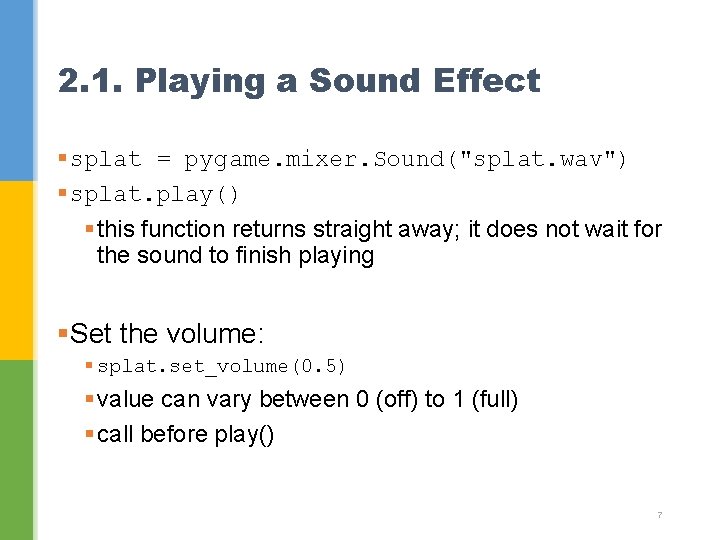
2. 1. Playing a Sound Effect § splat = pygame. mixer. Sound("splat. wav") § splat. play() § this function returns straight away; it does not wait for the sound to finish playing §Set the volume: § splat. set_volume(0. 5) § value can vary between 0 (off) to 1 (full) § call before play() 7
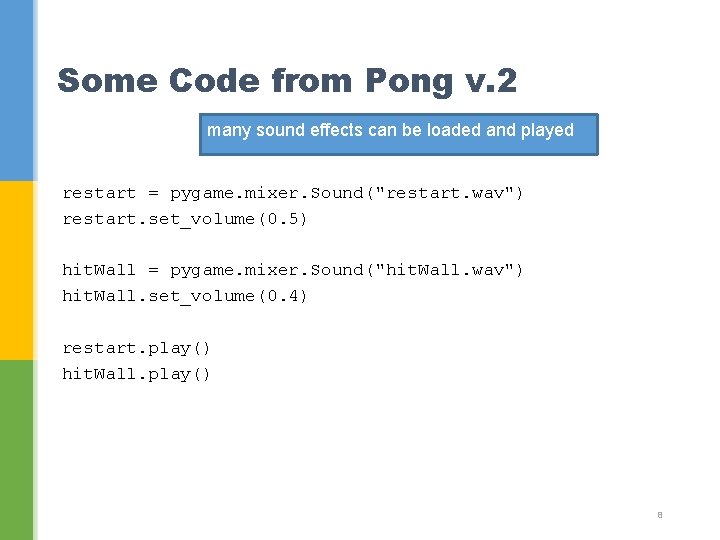
Some Code from Pong v. 2 many sound effects can be loaded and played restart = pygame. mixer. Sound("restart. wav") restart. set_volume(0. 5) hit. Wall = pygame. mixer. Sound("hit. Wall. wav") hit. Wall. set_volume(0. 4) restart. play() hit. Wall. play() 8
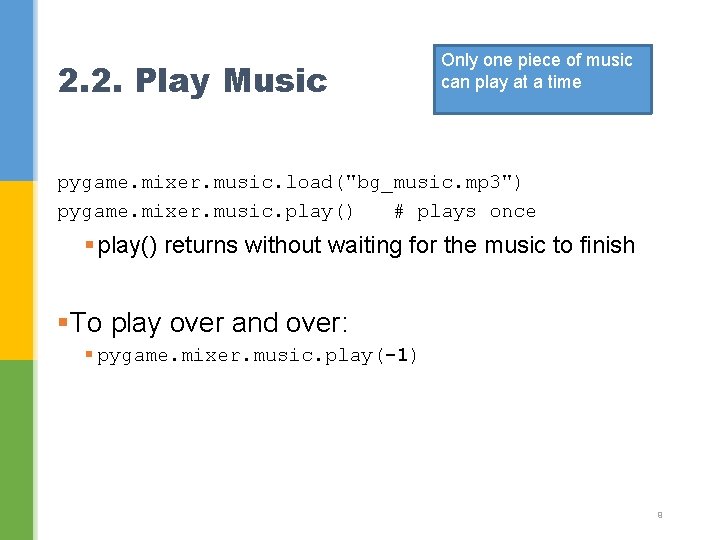
2. 2. Play Music Only one piece of music can play at a time pygame. mixer. music. load("bg_music. mp 3") pygame. mixer. music. play() # plays once § play() returns without waiting for the music to finish §To play over and over: § pygame. mixer. music. play(-1) 9
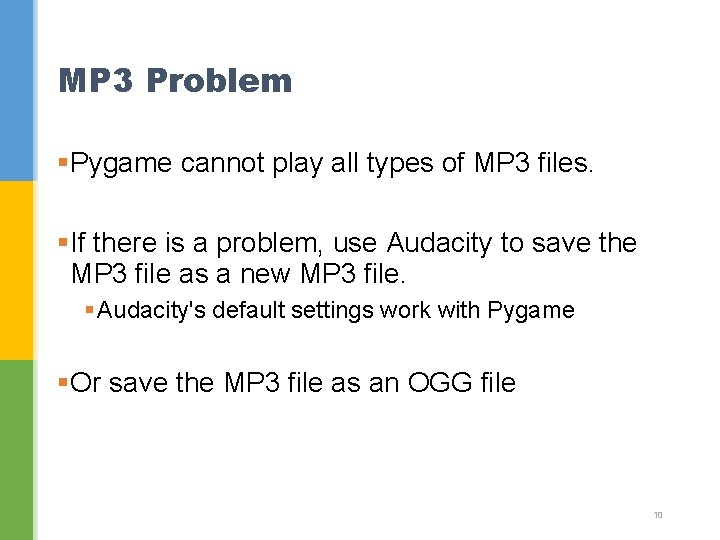
MP 3 Problem §Pygame cannot play all types of MP 3 files. §If there is a problem, use Audacity to save the MP 3 file as a new MP 3 file. § Audacity's default settings work with Pygame §Or save the MP 3 file as an OGG file 10
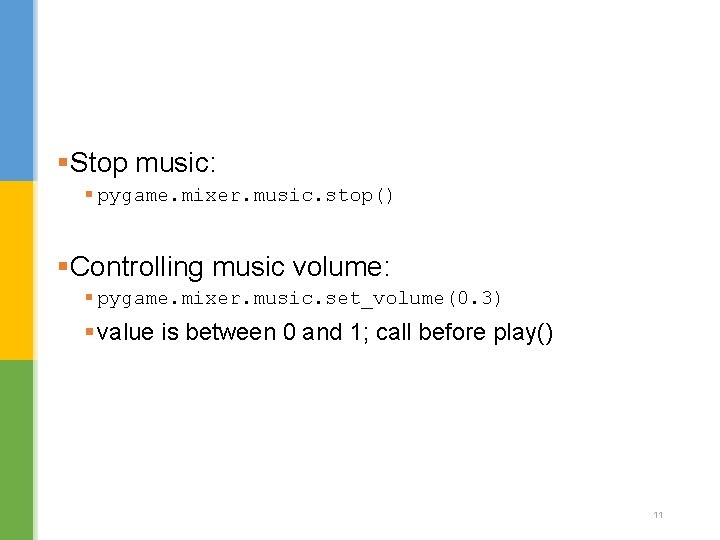
§Stop music: § pygame. mixer. music. stop() §Controlling music volume: § pygame. mixer. music. set_volume(0. 3) § value is between 0 and 1; call before play() 11
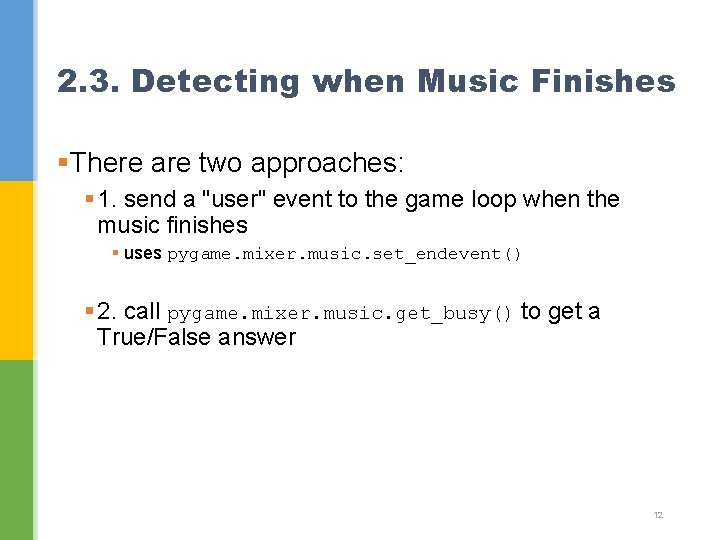
2. 3. Detecting when Music Finishes §There are two approaches: § 1. send a "user" event to the game loop when the music finishes § uses pygame. mixer. music. set_endevent() § 2. call pygame. mixer. music. get_busy() to get a True/False answer 12
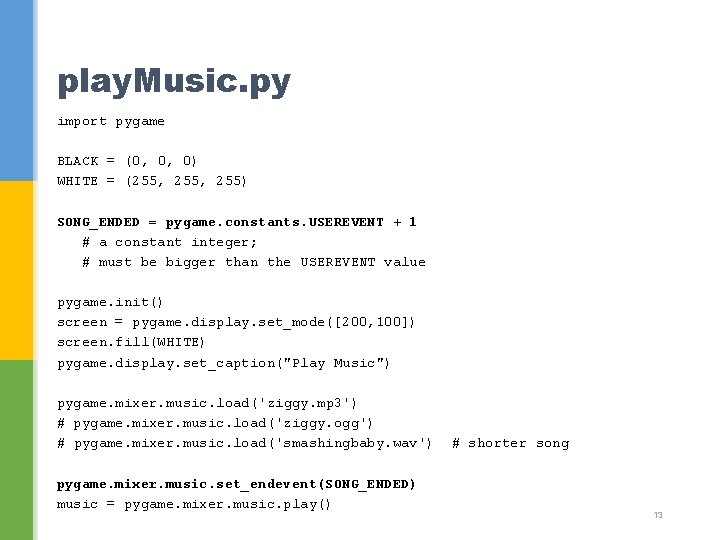
play. Music. py import pygame BLACK = (0, 0, 0) WHITE = (255, 255) SONG_ENDED = pygame. constants. USEREVENT + 1 # a constant integer; # must be bigger than the USEREVENT value pygame. init() screen = pygame. display. set_mode([200, 100]) screen. fill(WHITE) pygame. display. set_caption("Play Music") pygame. mixer. music. load('ziggy. mp 3') # pygame. mixer. music. load('ziggy. ogg') # pygame. mixer. music. load('smashingbaby. wav') pygame. mixer. music. set_endevent(SONG_ENDED) music = pygame. mixer. music. play() # shorter song 13
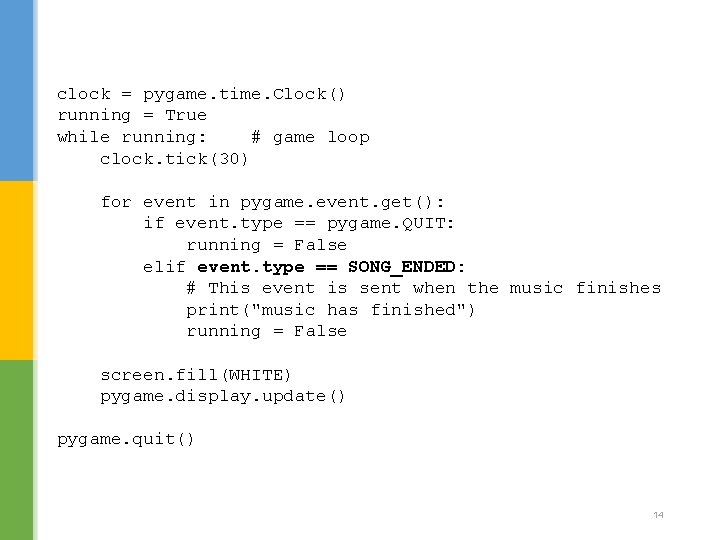
clock = pygame. time. Clock() running = True while running: # game loop clock. tick(30) for event in pygame. event. get(): if event. type == pygame. QUIT: running = False elif event. type == SONG_ENDED: # This event is sent when the music finishes print("music has finished") running = False screen. fill(WHITE) pygame. display. update() pygame. quit() 14
2. 4. Other Pygame. mixer Features §Queue music to play §Fade a sound in or out §Fade a sound left-to-right §Pause a sound §Access the separate channels (usually 2) that make up the sound output 15
3. Adding Sounds/Music to Pong §See pong 2. py § same as pong. py, but with an init. Music() function for loading 4 sound effects and 1 song as background music §sound effects for: § ball hits a paddle § ball hits a wall § score a point § game over 16
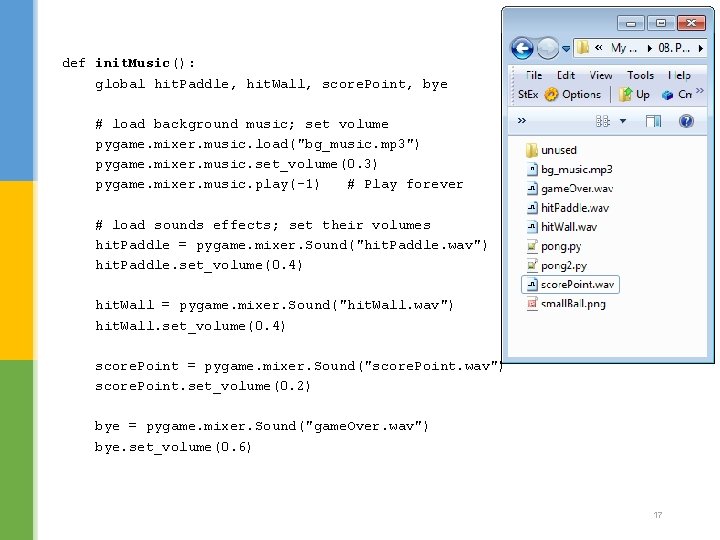
def init. Music(): global hit. Paddle, hit. Wall, score. Point, bye # load background music; set volume pygame. mixer. music. load("bg_music. mp 3") pygame. mixer. music. set_volume(0. 3) pygame. mixer. music. play(-1) # Play forever # load sounds effects; set their volumes hit. Paddle = pygame. mixer. Sound("hit. Paddle. wav") hit. Paddle. set_volume(0. 4) hit. Wall = pygame. mixer. Sound("hit. Wall. wav") hit. Wall. set_volume(0. 4) score. Point = pygame. mixer. Sound("score. Point. wav") score. Point. set_volume(0. 2) bye = pygame. mixer. Sound("game. Over. wav") bye. set_volume(0. 6) 17
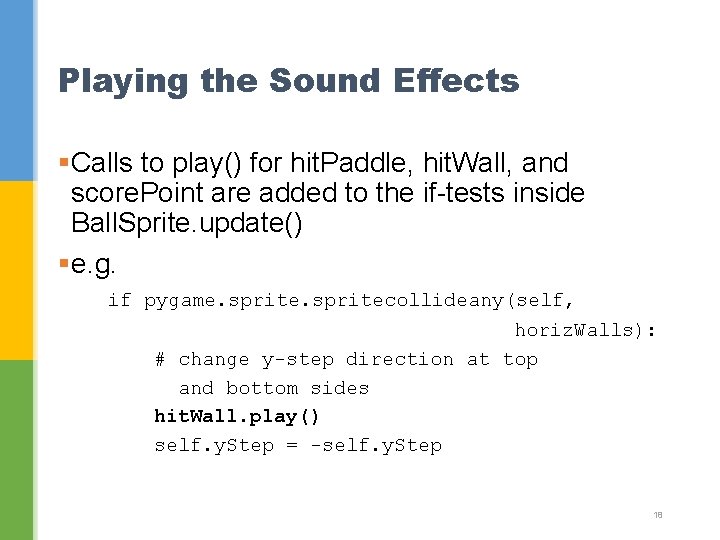
Playing the Sound Effects §Calls to play() for hit. Paddle, hit. Wall, and score. Point are added to the if-tests inside Ball. Sprite. update() §e. g. if pygame. spritecollideany(self, horiz. Walls): # change y-step direction at top and bottom sides hit. Wall. play() self. y. Step = -self. y. Step 18
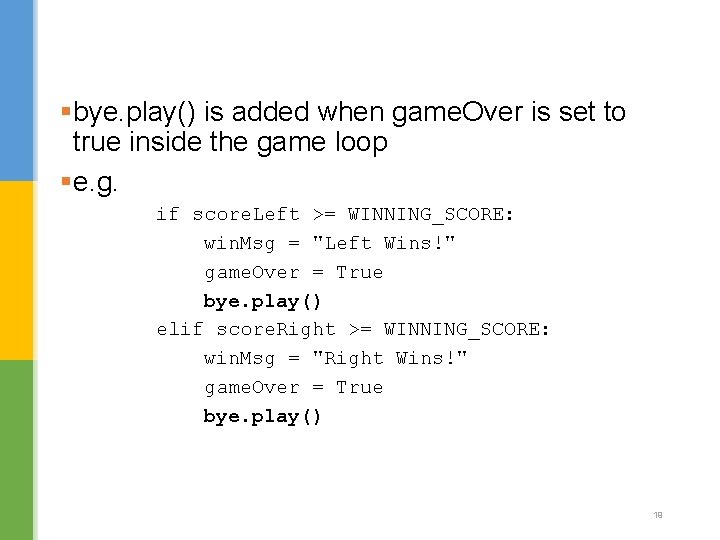
§bye. play() is added when game. Over is set to true inside the game loop §e. g. if score. Left >= WINNING_SCORE: win. Msg = "Left Wins!" game. Over = True bye. play() elif score. Right >= WINNING_SCORE: win. Msg = "Right Wins!" game. Over = True bye. play() 19
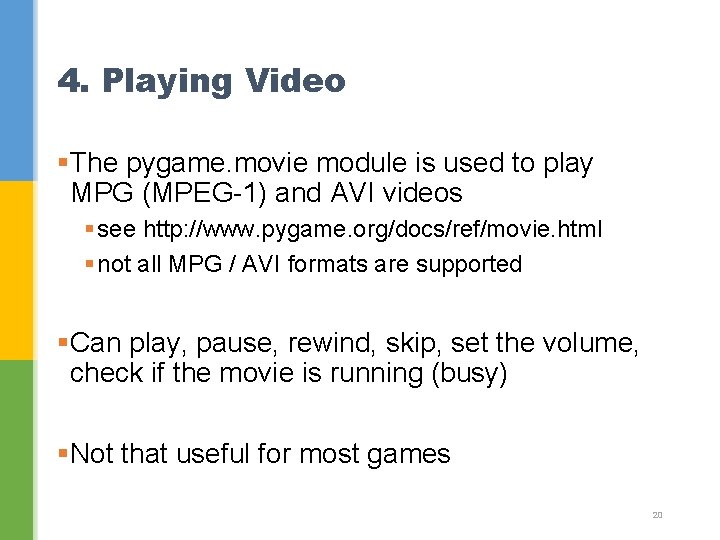
4. Playing Video §The pygame. movie module is used to play MPG (MPEG-1) and AVI videos § see http: //www. pygame. org/docs/ref/movie. html § not all MPG / AVI formats are supported §Can play, pause, rewind, skip, set the volume, check if the movie is running (busy) §Not that useful for most games 20
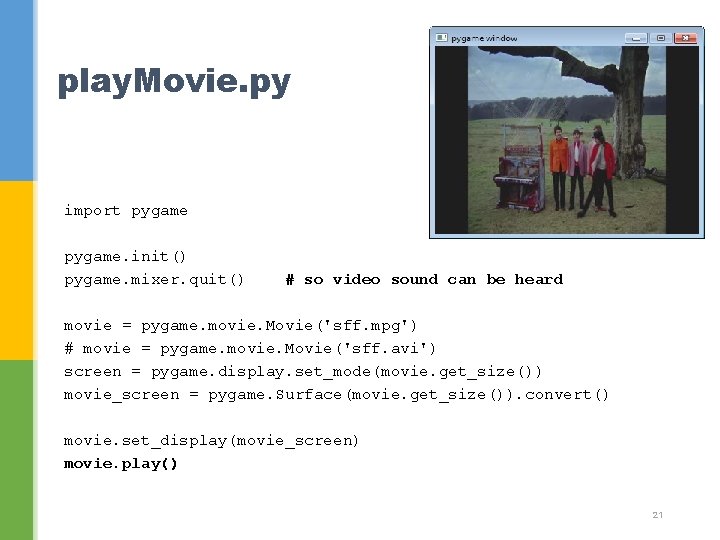
play. Movie. py import pygame. init() pygame. mixer. quit() # so video sound can be heard movie = pygame. movie. Movie('sff. mpg') # movie = pygame. movie. Movie('sff. avi') screen = pygame. display. set_mode(movie. get_size()) movie_screen = pygame. Surface(movie. get_size()). convert() movie. set_display(movie_screen) movie. play() 21
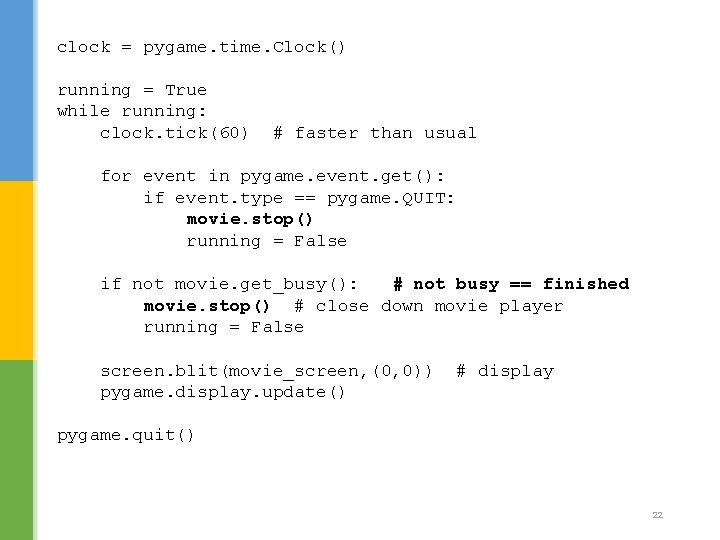
clock = pygame. time. Clock() running = True while running: clock. tick(60) # faster than usual for event in pygame. event. get(): if event. type == pygame. QUIT: movie. stop() running = False if not movie. get_busy(): # not busy == finished movie. stop() # close down movie player running = False screen. blit(movie_screen, (0, 0)) pygame. display. update() # display pygame. quit() 22
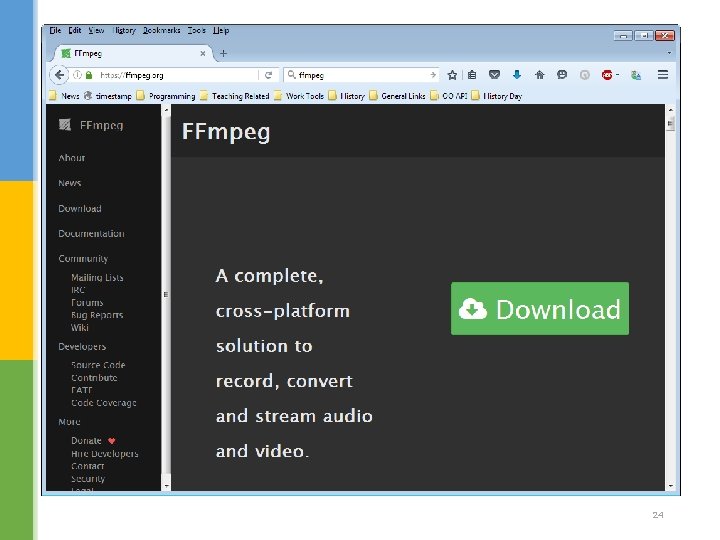
Finding Movie Clips §You. Tube videos + downloader § e. g. Clip. Converter (http: //www. clipconverter. cc/) §Pygame recommends that you use ffmpeg (http: //ffmpeg. org/) to convert a video file to the correct type of MPG file format § MPEG-1 video, MPEG-1 Audio Layer III (MP 3) sound 23
24
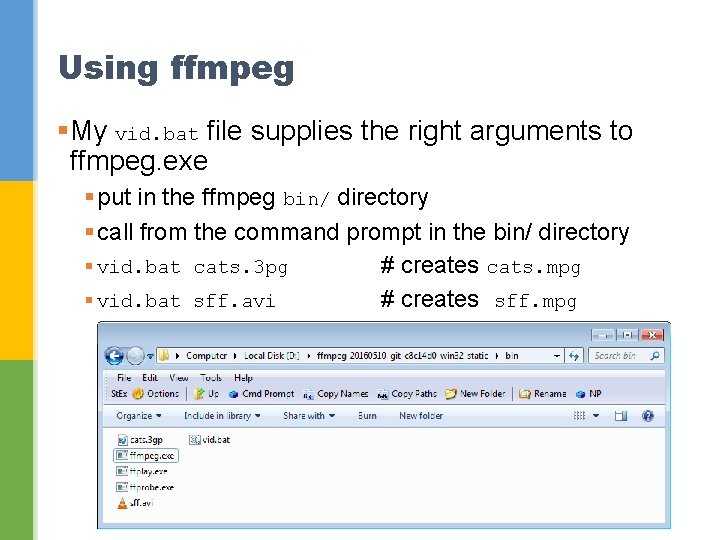
Using ffmpeg §My vid. bat file supplies the right arguments to ffmpeg. exe § put in the ffmpeg bin/ directory § call from the command prompt in the bin/ directory § vid. bat cats. 3 pg # creates cats. mpg § vid. bat sff. avi # creates sff. mpg 25