User Stylesheets A Tool for Design and Destruction
![Find Those Hash Links! n The stylesheet: ¡ n a[href="#"] {border: 5 px solid](https://slidetodoc.com/presentation_image/468ae8e54ad7ded9dce5f277d2700a7d/image-12.jpg "Find Those Hash Links! n The stylesheet: ¡ n a[href=\"#\"] {border: 5 px solid")
![Bannerless Pages! n The stylesheet: ¡ n *[height="60"][width="468"], *[height="60 px"][width="468 px"] {visibility: hidden !important;](https://slidetodoc.com/presentation_image/468ae8e54ad7ded9dce5f277d2700a7d/image-19.jpg "Bannerless Pages! n The stylesheet: ¡ n *[height=\"60\"][width=\"468\"], *[height=\"60 px\"][width=\"468 px\"] {visibility: hidden !important;")
![Sans Javascript n The stylesheet: ¡ n *[on. Mouse. Click], *[on. Mouse. Down], *[on.](https://slidetodoc.com/presentation_image/468ae8e54ad7ded9dce5f277d2700a7d/image-23.jpg "Sans Javascript n The stylesheet: ¡ n *[on. Mouse. Click], *[on. Mouse. Down], *[on.")
- Slides: 26
User Stylesheets A Tool for Design (and Destruction!)
So There I Was… n …taking over someone else's Web site after they left the company ¡ ¡ ¡ How was the HTML structured? Did it use tables or DIVs? Where did the elements begin and end? How did the pieces relate to each other? How many days would it take me to piece together the answers?
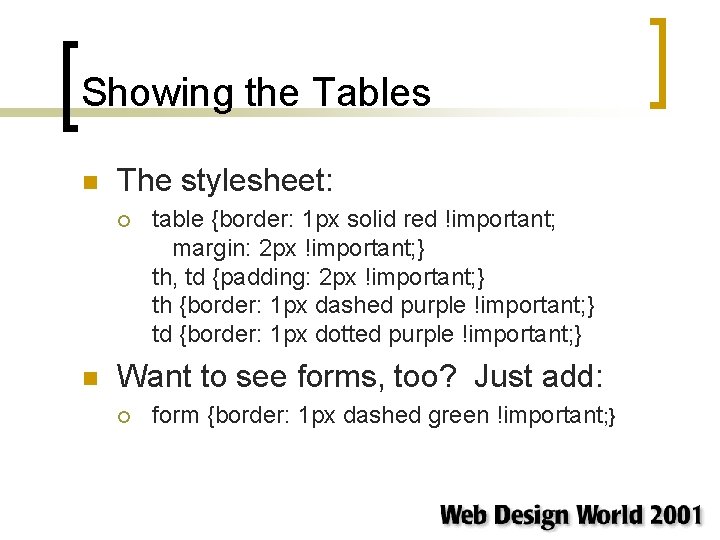
Showing the Tables n The stylesheet: ¡ n table {border: 1 px solid red !important; margin: 2 px !important; } th, td {padding: 2 px !important; } th {border: 1 px dashed purple !important; } td {border: 1 px dotted purple !important; } Want to see forms, too? Just add: ¡ form {border: 1 px dashed green !important; }
The Tools You Need n A modern Web browser ¡ NS 6. 1, IE 5/Mac, IE 6/Win, and Opera 5. x are all good choices n n n Each has its own quirks and limitations, so you'll probably want more than one of them around NS 6. 1 is a lot less convenient to use unless you set up some profiles in advance A way to create your own stylesheets ¡ A text editor is fine, or you can use a CSS editor
Designating a User Stylesheet n It depends on the browser. . . ¡ …but in every case, you need an external stylesheet sitting on your hard drive n ¡ Either through a preferences dialog or editing a certain file, you tell the browser to make use of those styles when rendering any page Make sure your rules are marked !important, or else they could get overridden
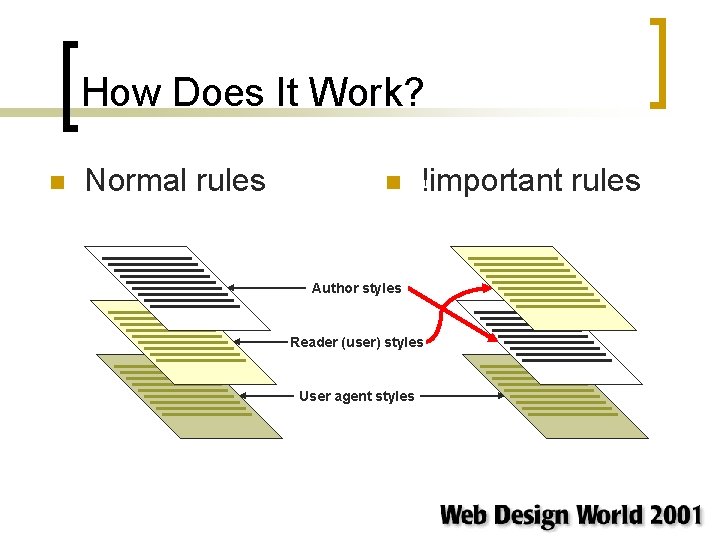
How Does It Work? n Normal rules n !important rules Author styles Reader (user) styles User agent styles
Rule Types By Weight n Weightiest first: ¡ ¡ ¡ !important reader (use) rules !important author rules !important user agent rules author rules reader rules user agent rules
Overcoming Legacy Markup n Trying to achieve xhtml compliance? ¡ n Wondering how your tags balance? ¡ n Look for FONT, or any other deprecated element, just by surfing around your site! Put a border on everything! Trying to clean up after an overhaul? ¡ Call out "spacer" GIFs!
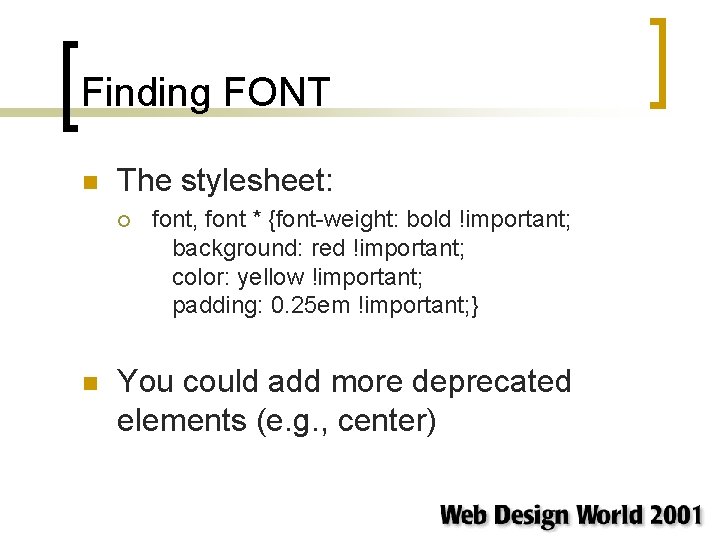
Finding FONT n The stylesheet: ¡ n font, font * {font-weight: bold !important; background: red !important; color: yellow !important; padding: 0. 25 em !important; } You could add more deprecated elements (e. g. , center)
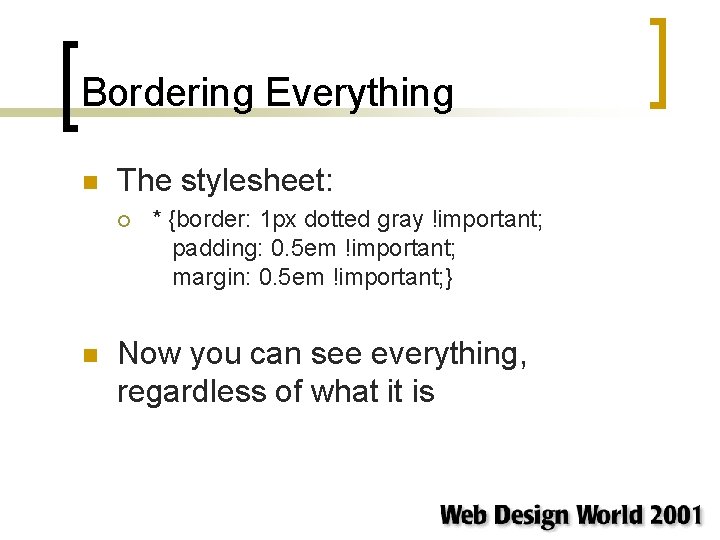
Bordering Everything n The stylesheet: ¡ n * {border: 1 px dotted gray !important; padding: 0. 5 em !important; margin: 0. 5 em !important; } Now you can see everything, regardless of what it is
Spacers Made Visible n The stylesheet: ¡ n img {background-color: red !important; } Possible changes: ¡ Add 'height' and 'width' to make all images the same size, or 'min-height' and 'min-width' to bump up the small ones
Find Those Hash Links! n The stylesheet: ¡ n a[href="#"] {border: 5 px solid red !important; } Points to places where Javascriptdriven links appear ¡ You can also select based on Javascript attributes, but we'll get to that later
Accessibility Aids n Simulate some of the problems handicapped users face with user stylesheets ¡ ¡ ¡ Remove images (or only those images with no ALT text) Change your font sizes dramatically Strip out all color
Expanded Text n The stylesheet: ¡ * {font-size: 18 px !important; } h 1 {font-size: 200% !important; } h 2 {font-size: 166% !important; } h 3 {font-size: 133% !important; } h 4 {font-size: 100% !important; } h 5 {font-size: 90% !important; } h 6 {font-size: 75% !important; } big {font-size: 110% !important; } small {font-size: 90% !important; }
No ALT, No Image n The stylesheet: ¡ n img {visibility: hidden !important; } img[alt] {visibility: visible !important; } img[alt=""] {visibility: hidden !important; } The goal: to only display those images with ALT text provided ¡ You could also set an ugly border around no. ALT images
Go Retro n The stylesheet: ¡ n * {background: white !important; color: black !important; } This will strip out all background images and set all text to "default" ¡ ¡ Is your site still navigable? Do directions still make sense?
Usability Testing n A really cheap way to look at your site in a new light ¡ ¡ ¡ Can it survive on images alone? Can it survive on text alone? What if the hyperlinks "disappear? " Does your site work if Javascript is disabled? How do things balance? How will things look at various resolutions?
Imageless Pages n The stylesheet: ¡ n img, input, object, embed, applet {visibility: hidden !important; } Possible changes: ¡ ¡ Use 'display: none' instead Drop one or more of the elements to see what changes
Bannerless Pages! n The stylesheet: ¡ n *[height="60"][width="468"], *[height="60 px"][width="468 px"] {visibility: hidden !important; } Simulates the typical reader's habit of ignoring advertisements ¡ There is also the possibility of killing off all ad banners of any standard size. . .
Textless Pages n The stylesheet: ¡ n * {background-color: white !important; } Now all text will be white-on-white… so it's still there, but you can't see it ¡ Note that any cell background colors will get wiped out as well, but it's only while you check out the design balance
Anchors Away! n The stylesheet: ¡ n a: link, a: visited {color: inherit !important; background: inherit !important; cursor: inherit !important; text-decoration: inherit !important; } Possible changes: ¡ ¡ Leave out the 'text-decoration' declaration Add inheritance of 'font' just to cover your bases
Is That A Link…? n The stylesheet: ¡ n a: link, a: visited {cursor: default !important; } Now the cursor won't change when the mouse moves over hyperlinks ¡ Useful to test interaction with image-based links
Sans Javascript n The stylesheet: ¡ n *[on. Mouse. Click], *[on. Mouse. Down], *[on. Mouse. Up], *[on. Key. Press], *[on. Key. Down], *[on. Key. Up], *[on. Select], *[on. Click], *[on. Dbl. Click] {visibility: hidden !important; } Possible changes: ¡ ¡ Consider using 'display: none' instead Add other events if relevant; 'on. Focus' and 'on. Blur' are good candidates
Washing Out Images n The stylesheet: ¡ n img {-moz-opacity: 0. 5 !important; filter: alpha(opacity=. 5) !important; } This employs a combination of Netscape and Microsoft markup to get the same effect
Other Resolutions n The stylesheet: ¡ n body {background: #FCC !important; width: 640 px !important; height: 480 px !important; } Possible changes: ¡ Change the 'height' and 'width' to match any other device, like a Palm. OS device or Web. TV
The Power Is Yours n Thanks to user stylesheets you can: ¡ ¡ ¡ Find legacy markup Simulate some accessibility situations Do rapid usability testing Even work on style changes from home without touching the Web server Plus, of course, there's always messing up everyone else's designs. . .