Unified Modeling Language UML INFSY 535 Spring 2003


- Slides: 36
Unified Modeling Language (UML) INFSY 535 Spring 2003 Lecture 5
UML ® Why? ® Team members need to fully grasp the client’s needs ® Client needs to understand what a development team is going to do ® “A picture is worth a thousand words. ”
UML ® The diagrams represent multiple views of a system. ® The set of multiple views is called a model.
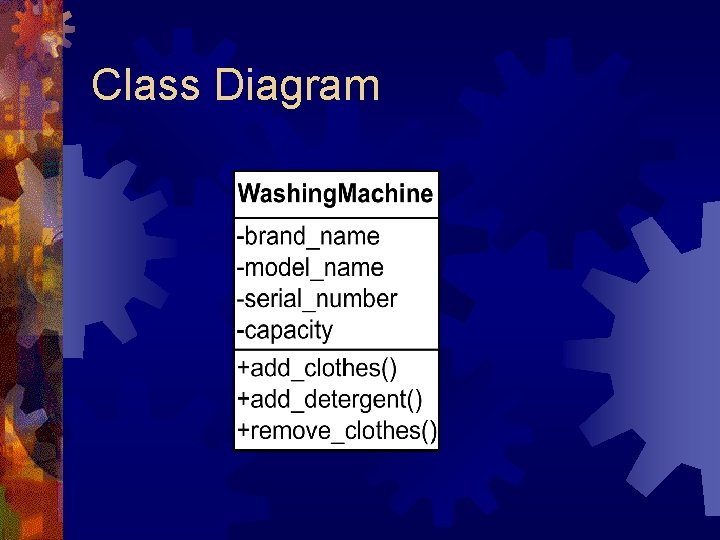
Class Diagram
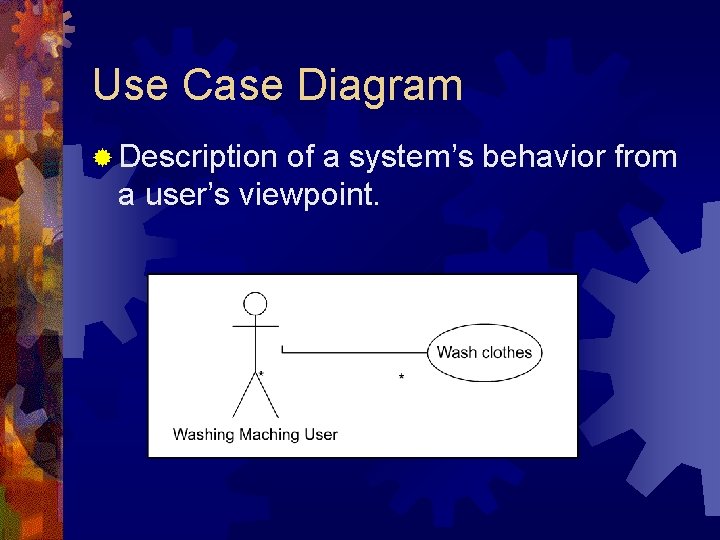
Use Case Diagram ® Description of a system’s behavior from a user’s viewpoint.
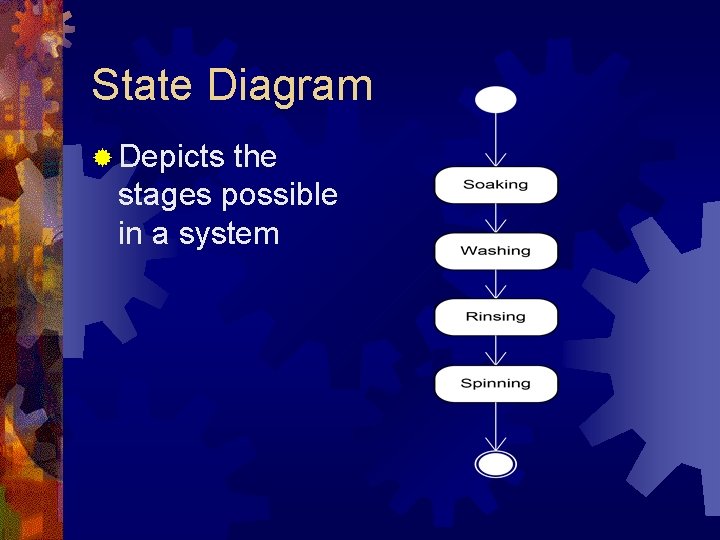
State Diagram ® Depicts the stages possible in a system
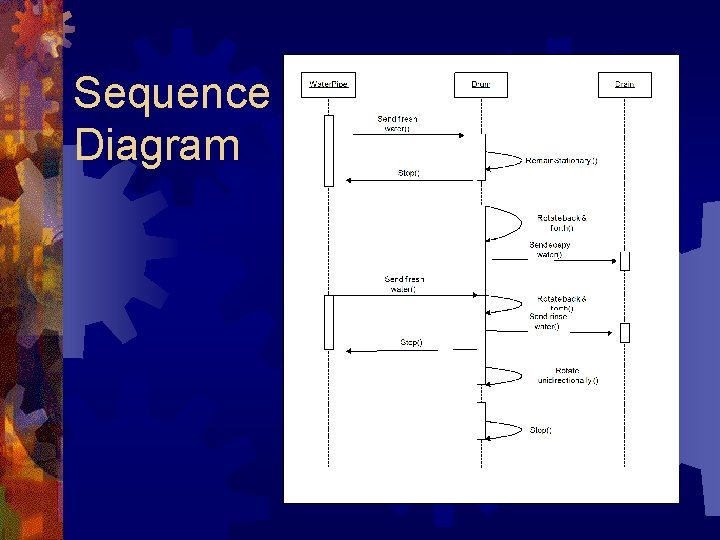
Sequence Diagram
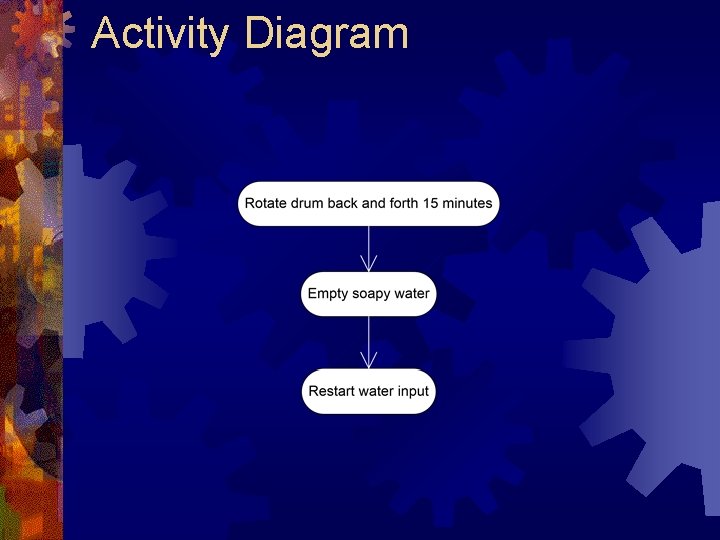
Activity Diagram
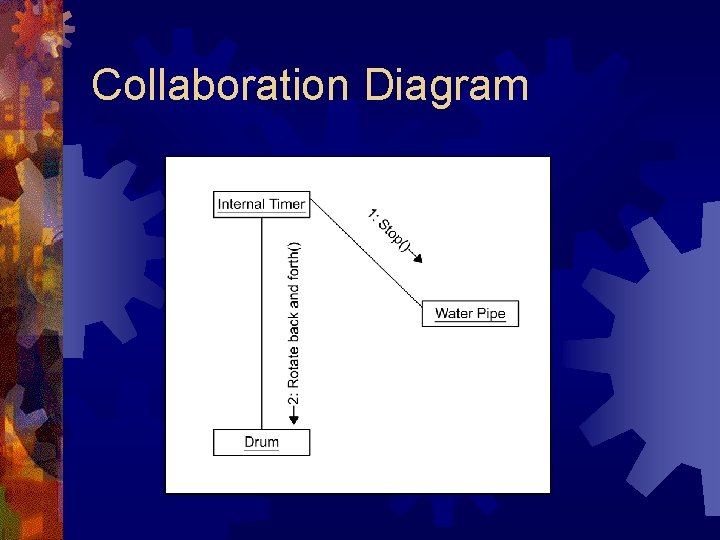
Collaboration Diagram
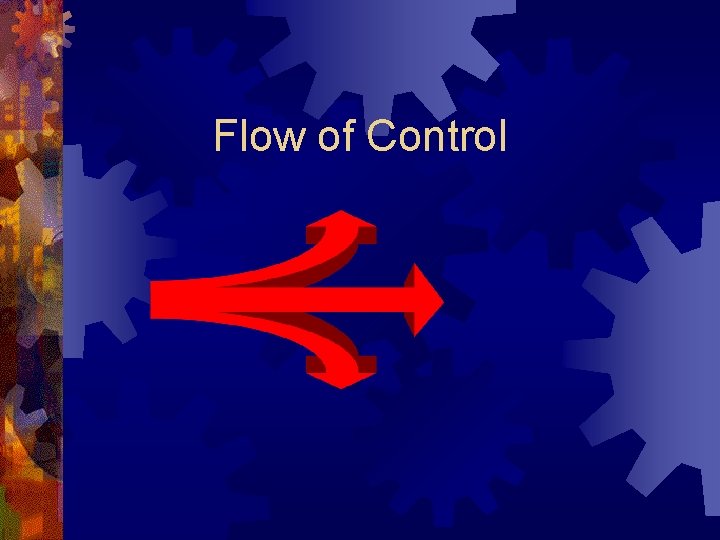
Flow of Control
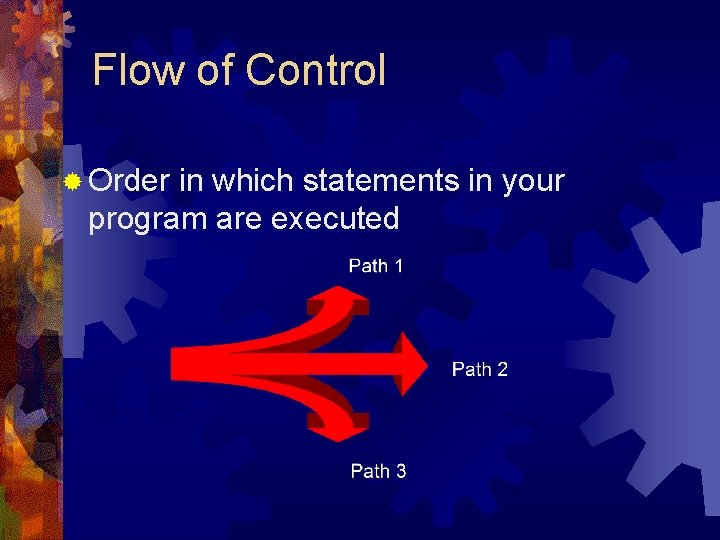
Flow of Control ® Order in which statements in your program are executed
Control Structures ® Sequence: executes one statement after another ® Selection: selects a path based upon action ® Iteration: repetition
Sequence ® One immediately following the other ® Ordered flow of program logic ® All programs follow this order unless directed to proceed in another manner
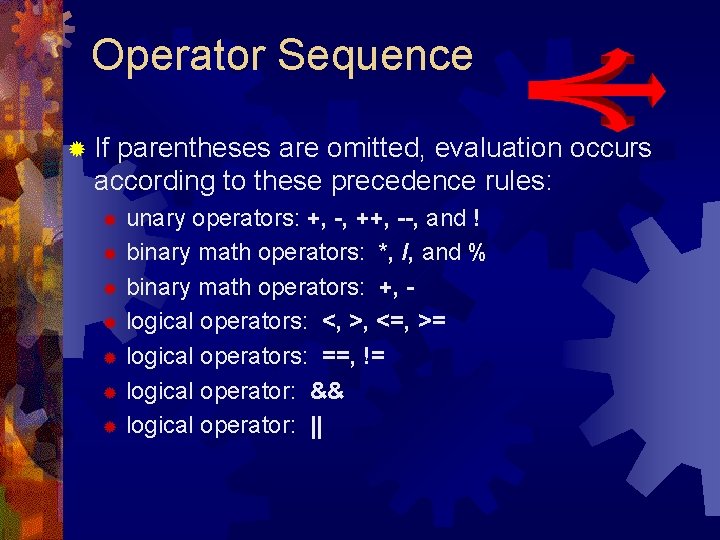
Operator Sequence ® If parentheses are omitted, evaluation occurs according to these precedence rules: unary operators: +, -, ++, --, and ! ® binary math operators: *, /, and % ® binary math operators: +, ® logical operators: <, >, <=, >= ® logical operators: ==, != ® logical operator: && ® logical operator: || ®
Operators in Expressions ® Parenthesized expressions are evaluated first ® Parentheses make statements easier to comprehend
Control Structures ® Sequence: executes one statement after another ® Selection: selects a path based upon action
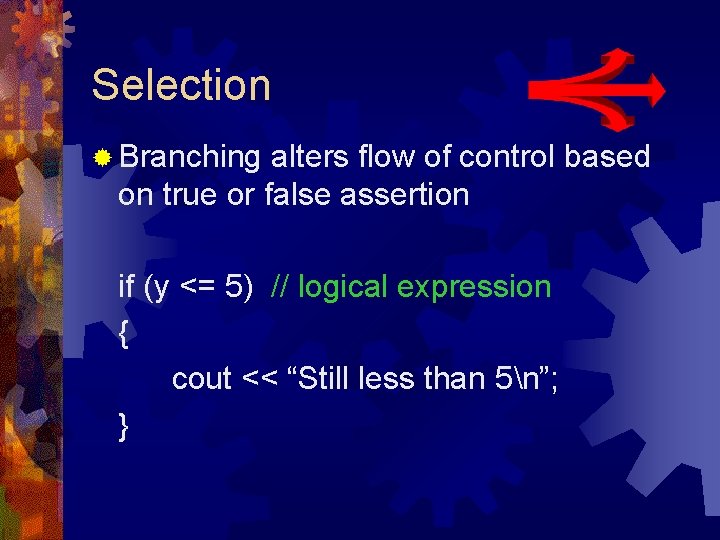
Selection ® Branching alters flow of control based on true or false assertion if (y <= 5) // logical expression { cout << “Still less than 5n”; }
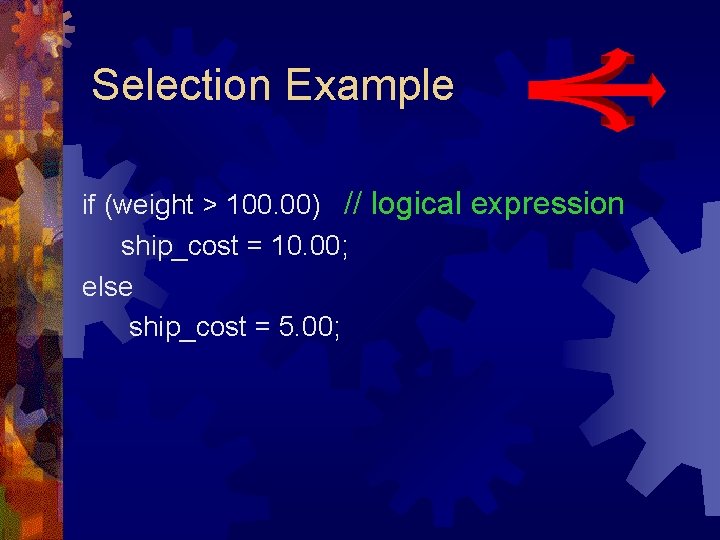
Selection Example if (weight > 100. 00) // logical expression ship_cost = 10. 00; else ship_cost = 5. 00;
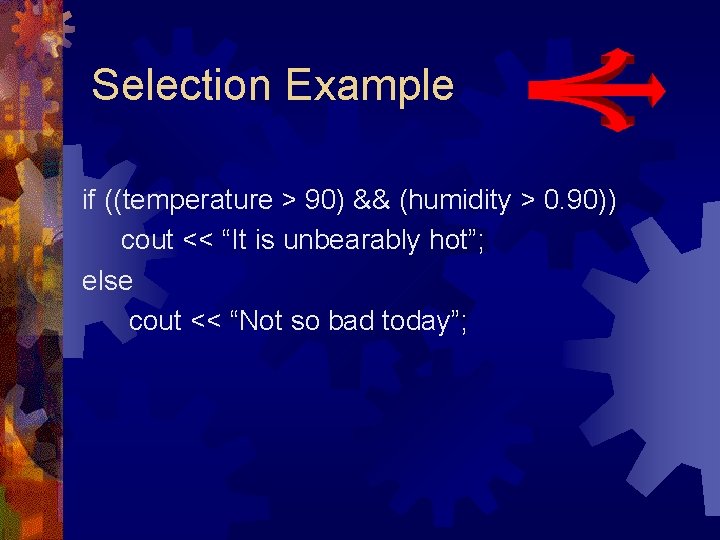
Selection Example if ((temperature > 90) && (humidity > 0. 90)) cout << “It is unbearably hot”; else cout << “Not so bad today”;
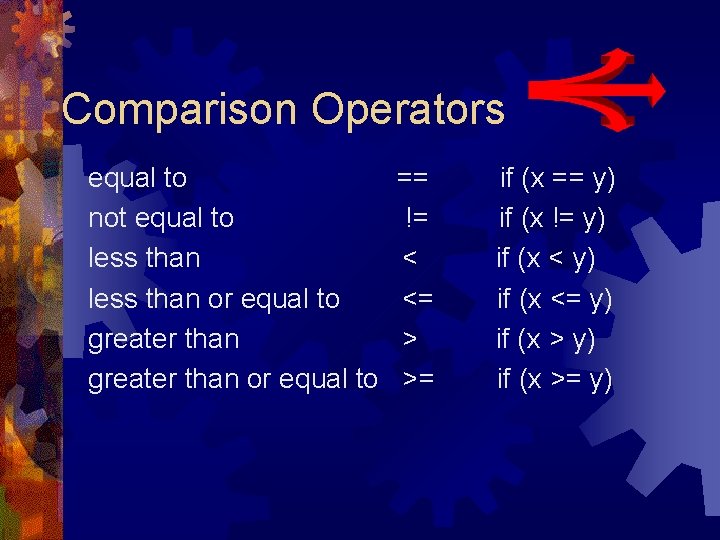
Comparison Operators equal to not equal to less than or equal to greater than or equal to == != < <= > >= if (x == y) if (x != y) if (x <= y) if (x >= y)
Boolean Expression ® Boolean expression evaluates to true when it is satisfied and false when it is not satisfied ® Boolean expression returns an integer value; 0 represents false and any nonzero value represents true
Boolean Expression ® Truth Tables pg. 384 ® Self-Test pg. 389, 1 ® Self-Test pg. 82, 21 programming example
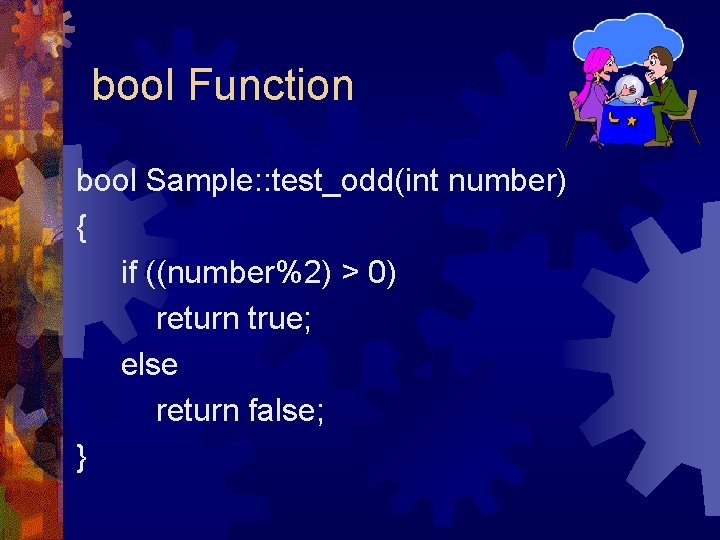
bool Function bool Sample: : test_odd(int number) { if ((number%2) > 0) return true; else return false; }
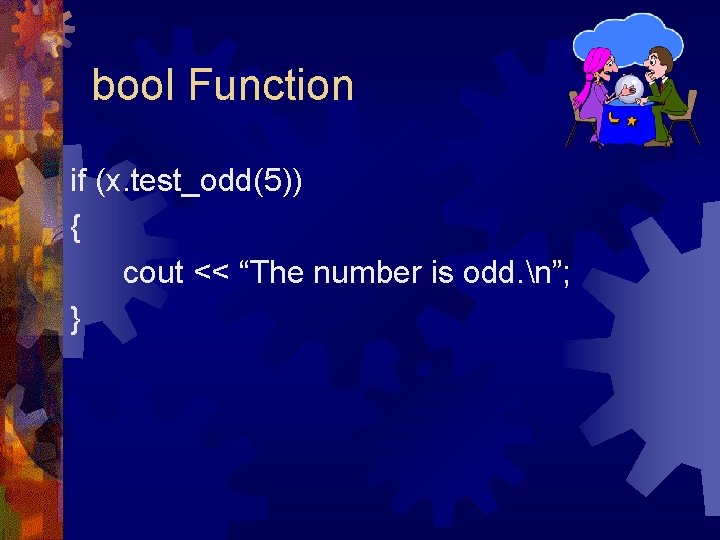
bool Function if (x. test_odd(5)) { cout << “The number is odd. n”; }
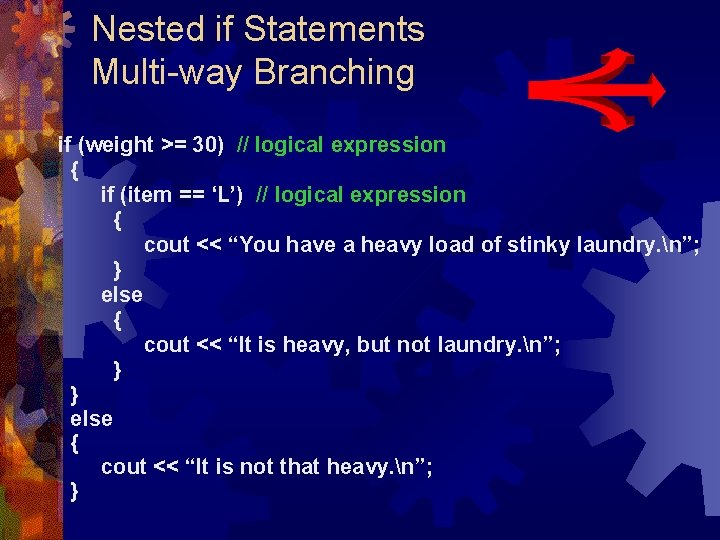
Nested if Statements Multi-way Branching if (weight >= 30) // logical expression { if (item == ‘L’) // logical expression { cout << “You have a heavy load of stinky laundry. n”; } else { cout << “It is heavy, but not laundry. n”; } } else { cout << “It is not that heavy. n”; }
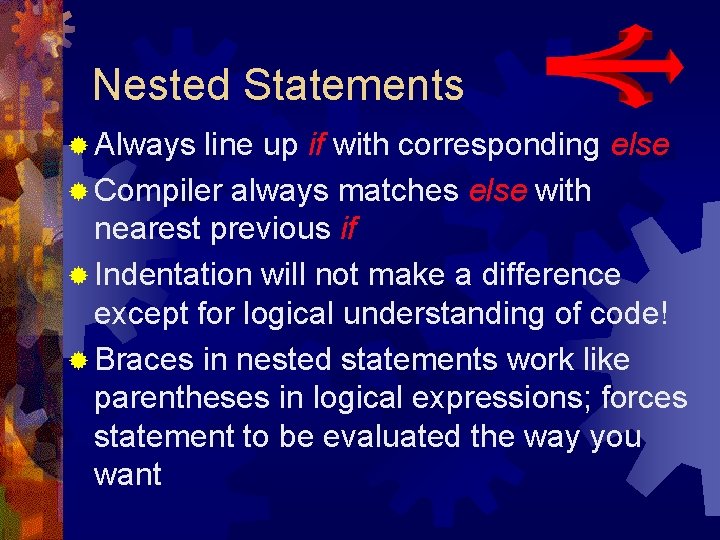
Nested Statements ® Always line up if with corresponding else ® Compiler always matches else with nearest previous if ® Indentation will not make a difference except for logical understanding of code! ® Braces in nested statements work like parentheses in logical expressions; forces statement to be evaluated the way you want
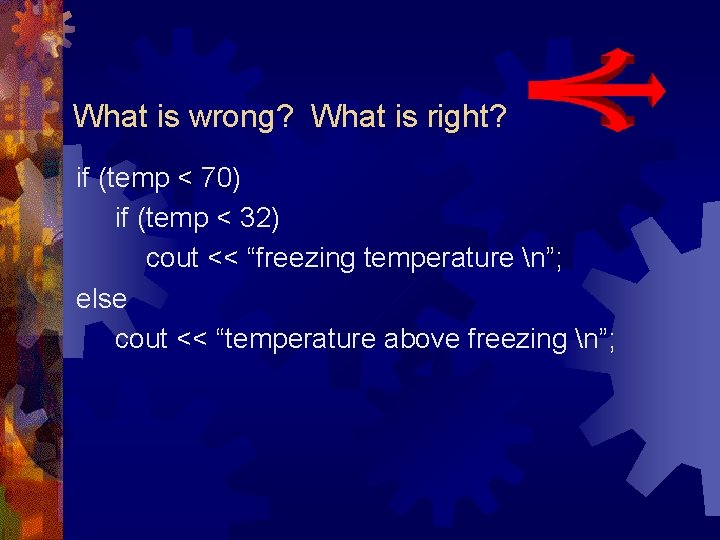
What is wrong? What is right? if (temp < 70) if (temp < 32) cout << “freezing temperature n”; else cout << “temperature above freezing n”;
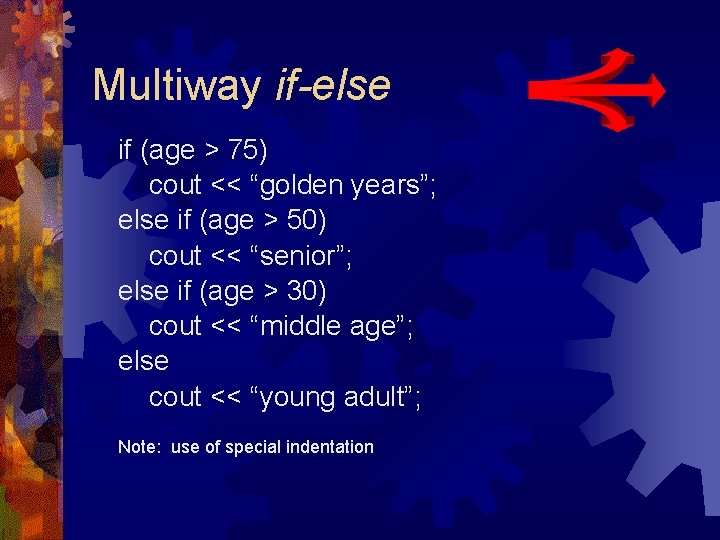
Multiway if-else if (age > 75) cout << “golden years”; else if (age > 50) cout << “senior”; else if (age > 30) cout << “middle age”; else cout << “young adult”; Note: use of special indentation
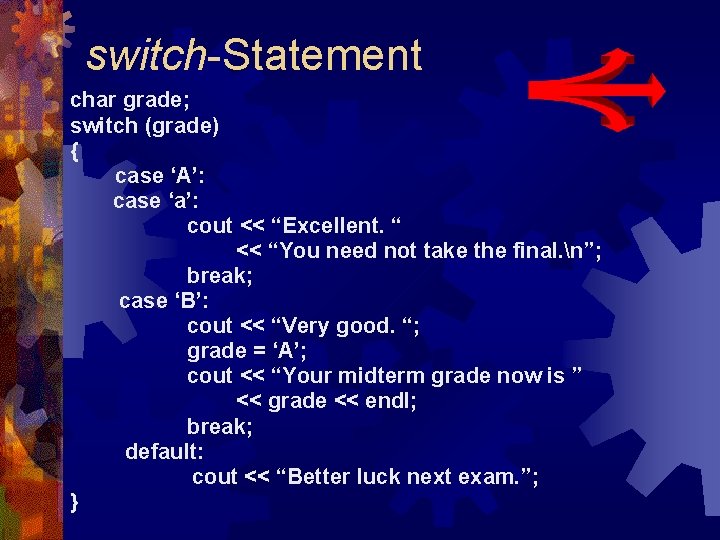
switch-Statement char grade; switch (grade) { case ‘A’: case ‘a’: cout << “Excellent. “ << “You need not take the final. n”; break; case ‘B’: cout << “Very good. “; grade = ‘A’; cout << “Your midterm grade now is ” << grade << endl; break; default: cout << “Better luck next exam. ”; }
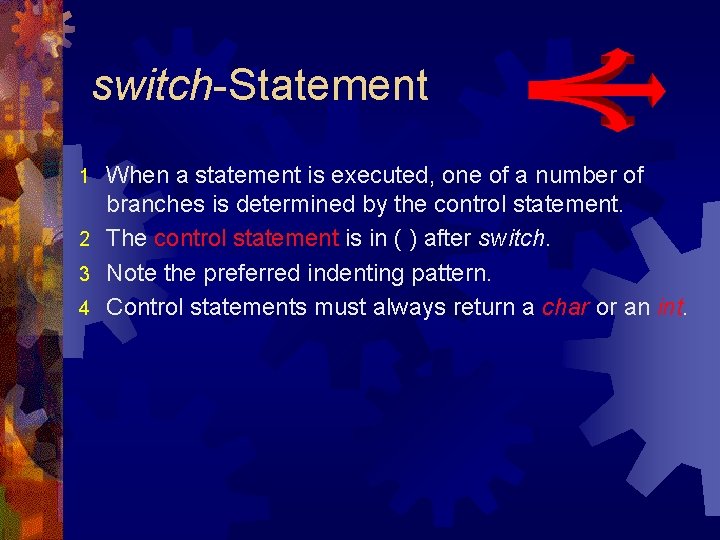
switch-Statement When a statement is executed, one of a number of branches is determined by the control statement. 2 The control statement is in ( ) after switch. 3 Note the preferred indenting pattern. 4 Control statements must always return a char or an int. 1
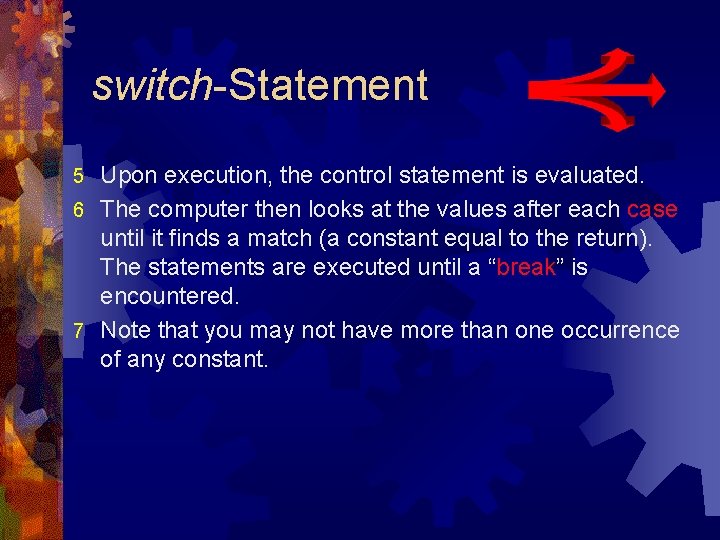
switch-Statement Upon execution, the control statement is evaluated. 6 The computer then looks at the values after each case until it finds a match (a constant equal to the return). The statements are executed until a “break” is encountered. 7 Note that you may not have more than one occurrence of any constant. 5
Structure Type
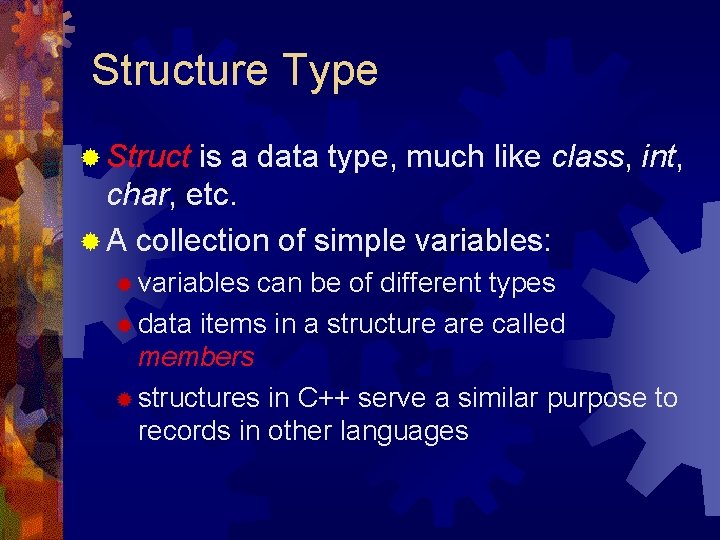
Structure Type ® Struct is a data type, much like class, int, char, etc. ® A collection of simple variables: ® variables can be of different types ® data items in a structure are called members ® structures in C++ serve a similar purpose to records in other languages
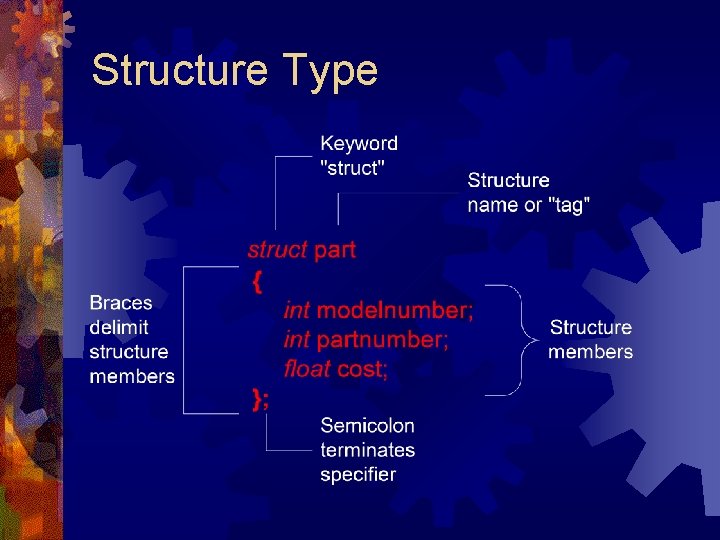
Structure Type
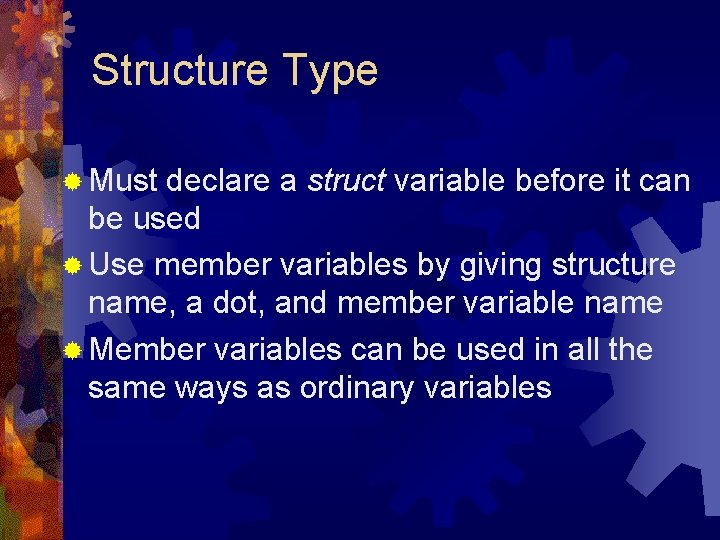
Structure Type ® Must declare a struct variable before it can be used ® Use member variables by giving structure name, a dot, and member variable name ® Member variables can be used in all the same ways as ordinary variables
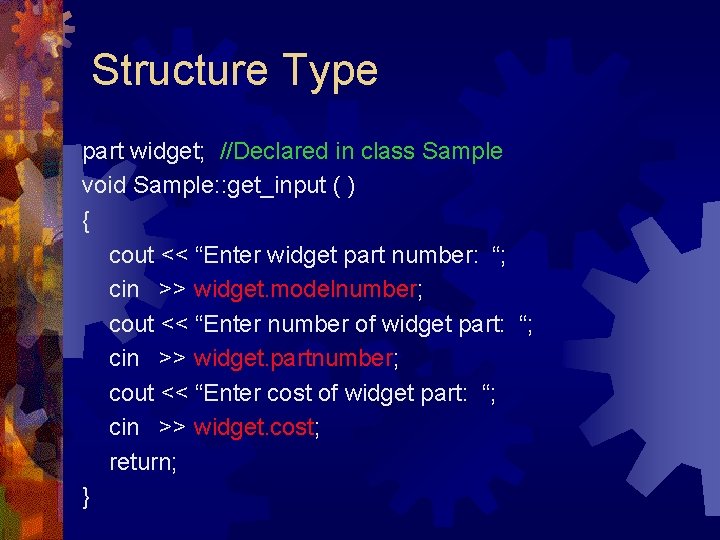
Structure Type part widget; //Declared in class Sample void Sample: : get_input ( ) { cout << “Enter widget part number: “; cin >> widget. modelnumber; cout << “Enter number of widget part: “; cin >> widget. partnumber; cout << “Enter cost of widget part: “; cin >> widget. cost; return; }