This work is licensed under a Creative Commons
- Slides: 22
This work is licensed under a Creative Commons Attribution-Share. Alike 4. 0 International License. This presentation is released under Creative Commons. A 6 ribute, on 4. 0 License. You are free to use, distribute and modify it , including for commercial purposes, provided you acknowledge the source.
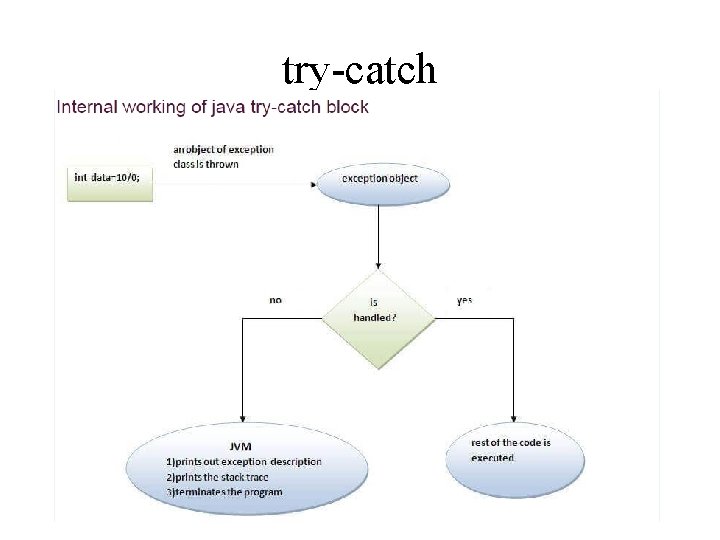
Exception Handling in Java Source: https: //www. javatpoint. com/exception-handling-in-java It provides the mechanism to handle the runtime errors so that normal flow of the application can be maintained. Exception 1. Dictionary Meaning : Exception is an abnormal condition. 2. In java, exception is an event that disrupts the normal flow of the program.
Advantage of Exception Handling The core advantage of exception handling is to maintain the normal flow of the application. An exception normally disrupts the normal flow of the application that is why we use exception handling. Let's take a scenario: • statement 1; • statement 2; • statement 3; • statement 4; • statement 5; //exception occurs • statement 6; • statement 7; • statement 8; • statement 9; • statement 10;
Advantage (continued. . ) • Suppose there are 10 statements in your program and there occurs an exception at statement 5, the rest of the code will not be executed i. e. statement 6 to 10 will not be executed. • If we perform exception handling, the rest of the statement will be executed. That is why we use exception handling in Java.
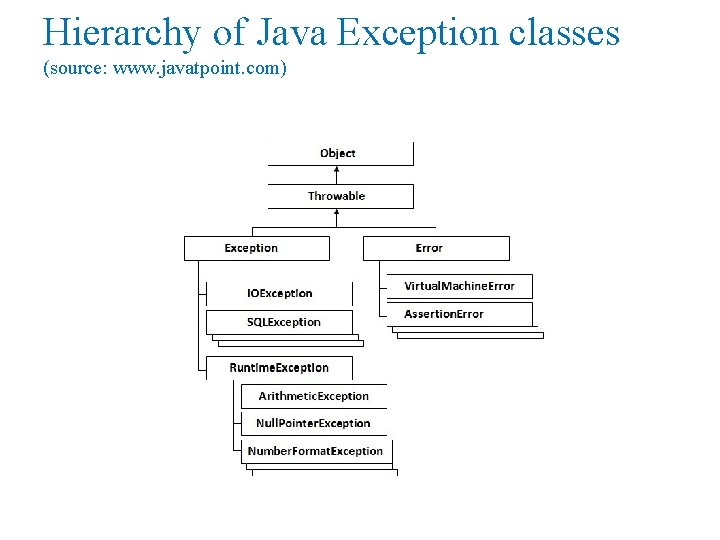
Hierarchy of Java Exception classes (source: www. javatpoint. com)
Types of Java Exceptions • There are mainly two types of exceptions: checked and unchecked. Here, an error is considered as the unchecked exception. According to Oracle, there are three types of exceptions: • Checked Exception • Unchecked Exception • Error
Types of Java Exceptions (Continued. . ) 1) Checked Exception The classes which directly inherit Throwable class except Runtime. Exception and Error are known as checked exceptions e. g. IOException, SQLException etc. Checked exceptions are checked at compile-time. 2) Unchecked Exception The classes which inherit Runtime. Exception are known as unchecked exceptions e. g. Arithmetic. Exception, Null. Pointer. Exception, Array. Index. Out. Of. Bounds. Exception etc. Unchecked exceptions are not checked at compile-time, but they are checked at runtime. 3) Error is irrecoverable e. g. Out. Of. Memory. Error, Virtual. Machine. Error, Assertion. Error etc. (source: www. javatpoint. com)
Java Exception Keywords There are 5 keywords which are used in handling exceptions in Java. (source: www. javatpoint. com) • try • catch • finally • throws
try-catch
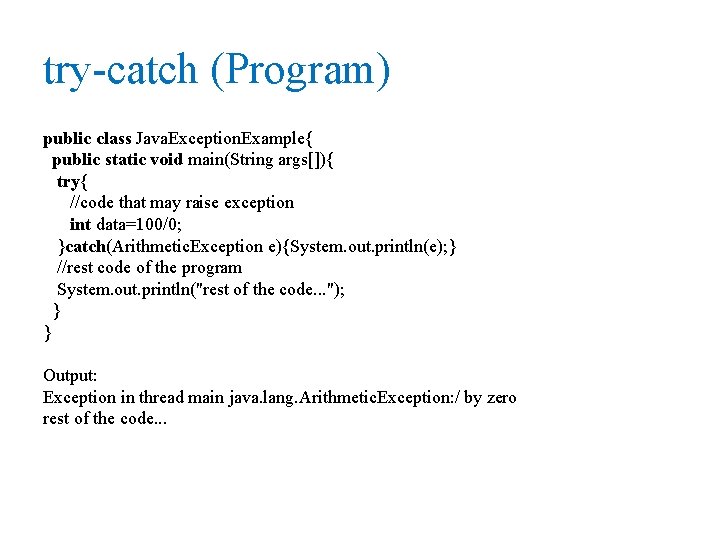
try-catch (Program) public class Java. Exception. Example{ public static void main(String args[]){ try{ //code that may raise exception int data=100/0; }catch(Arithmetic. Exception e){System. out. println(e); } //rest code of the program System. out. println("rest of the code. . . "); } } Output: Exception in thread main java. lang. Arithmetic. Exception: / by zero rest of the code. . .
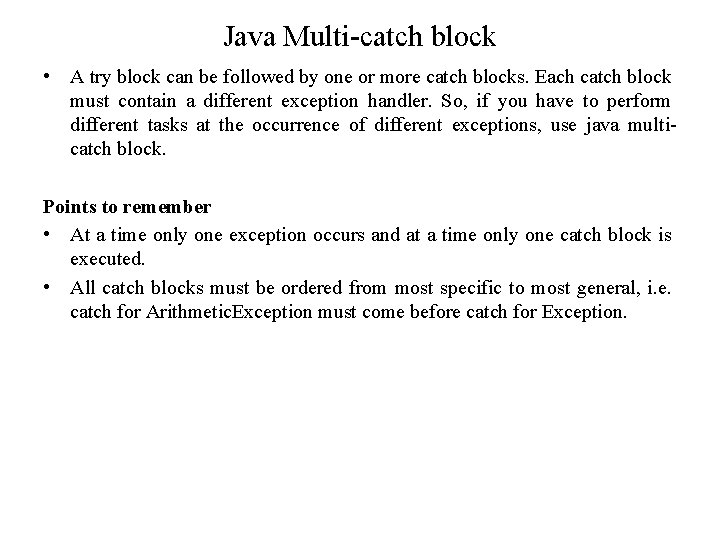
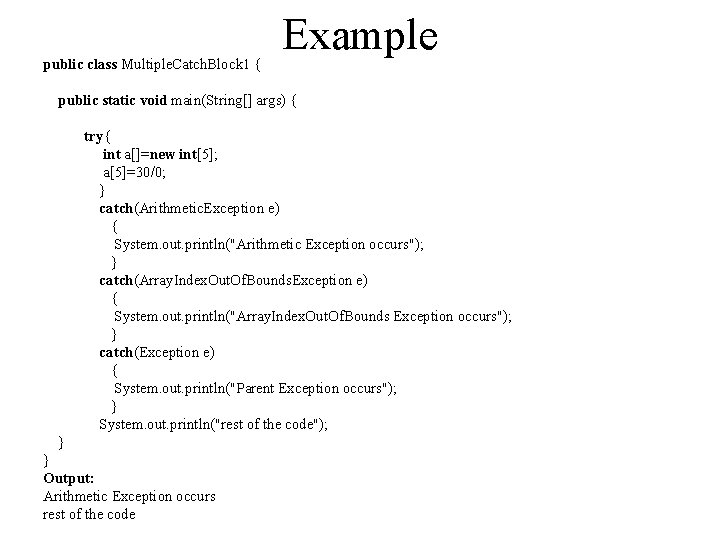
Java Multi-catch block • A try block can be followed by one or more catch blocks. Each catch block must contain a different exception handler. So, if you have to perform different tasks at the occurrence of different exceptions, use java multicatch block. Points to remember • At a time only one exception occurs and at a time only one catch block is executed. • All catch blocks must be ordered from most specific to most general, i. e. catch for Arithmetic. Exception must come before catch for Exception.
Example public class Multiple. Catch. Block 1 { public static void main(String[] args) { try{ int a[]=new int[5]; a[5]=30/0; } catch(Arithmetic. Exception e) { System. out. println("Arithmetic Exception occurs"); } catch(Array. Index. Out. Of. Bounds. Exception e) { System. out. println("Array. Index. Out. Of. Bounds Exception occurs"); } catch(Exception e) { System. out. println("Parent Exception occurs"); } System. out. println("rest of the code"); } } Output: Arithmetic Exception occurs rest of the code
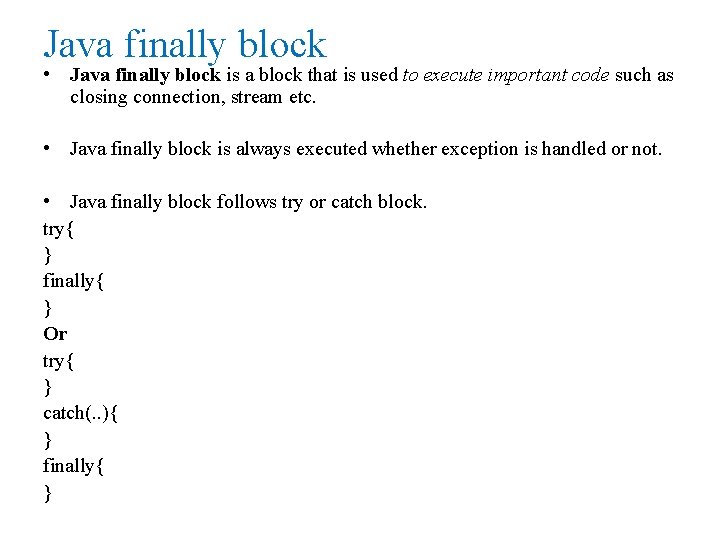
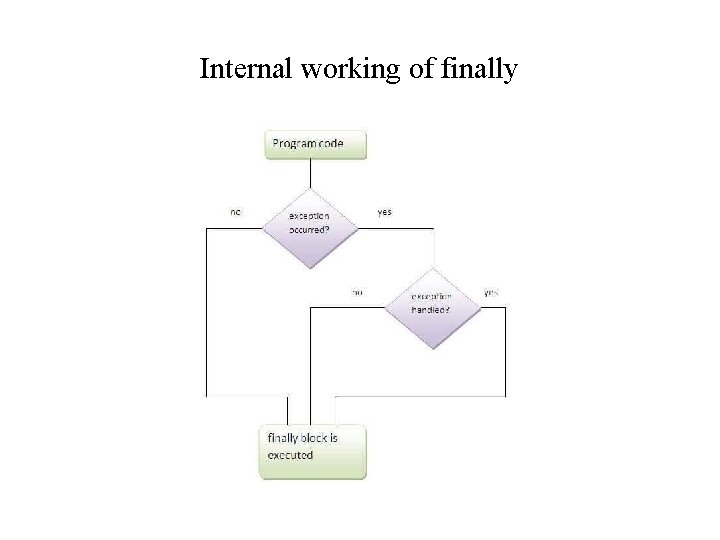
Java finally block • Java finally block is a block that is used to execute important code such as closing connection, stream etc. • Java finally block is always executed whether exception is handled or not. • Java finally block follows try or catch block. try{ } finally{ } Or try{ } catch(. . ){ } finally{ }
Internal working of finally
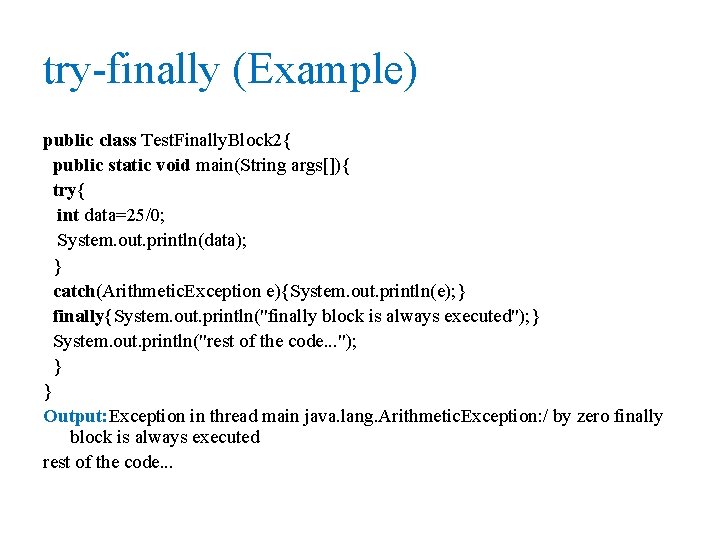
try-finally (Example) public class Test. Finally. Block 2{ public static void main(String args[]){ try{ int data=25/0; System. out. println(data); } catch(Arithmetic. Exception e){System. out. println(e); } finally{System. out. println("finally block is always executed"); } System. out. println("rest of the code. . . "); } } Output: Exception in thread main java. lang. Arithmetic. Exception: / by zero finally block is always executed rest of the code. . .
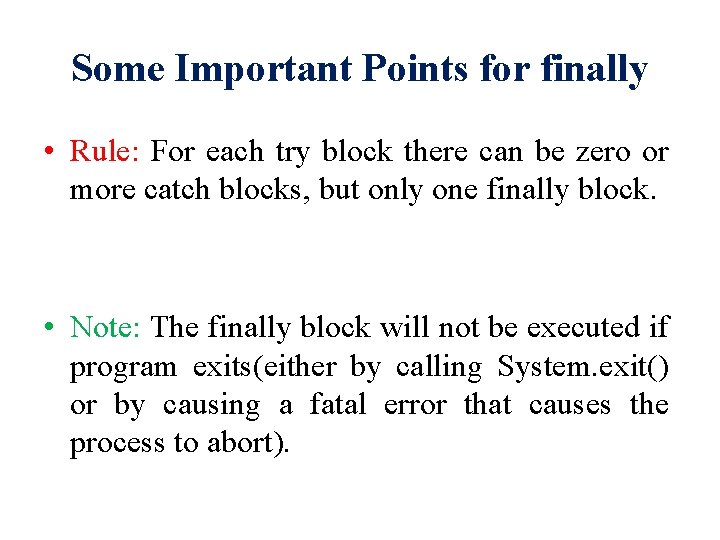
Some Important Points for finally • Rule: For each try block there can be zero or more catch blocks, but only one finally block. • Note: The finally block will not be executed if program exits(either by calling System. exit() or by causing a fatal error that causes the process to abort).
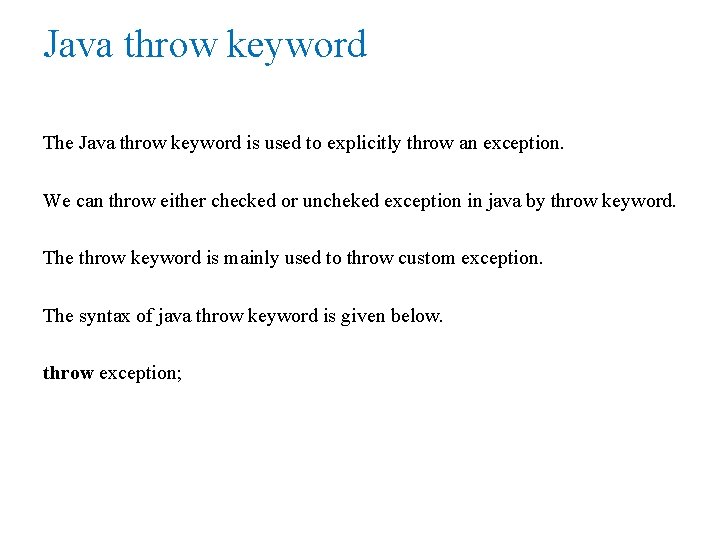
Java throw keyword The Java throw keyword is used to explicitly throw an exception. We can throw either checked or uncheked exception in java by throw keyword. The throw keyword is mainly used to throw custom exception. The syntax of java throw keyword is given below. throw exception;
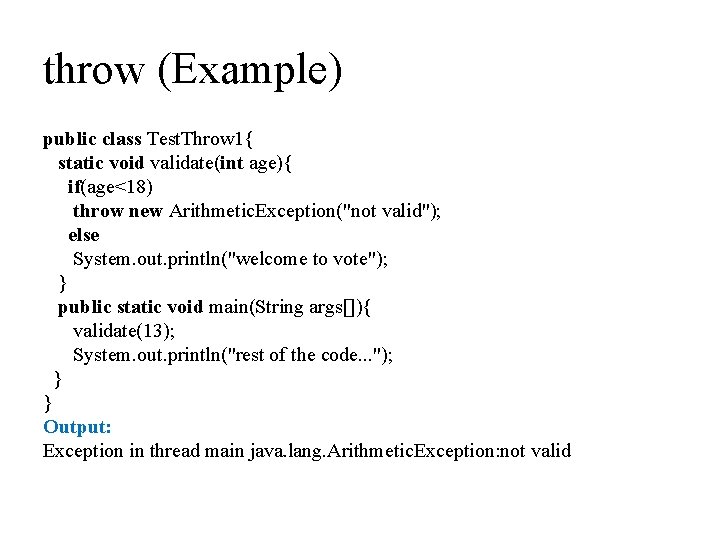
throw (Example) public class Test. Throw 1{ static void validate(int age){ if(age<18) throw new Arithmetic. Exception("not valid"); else System. out. println("welcome to vote"); } public static void main(String args[]){ validate(13); System. out. println("rest of the code. . . "); } } Output: Exception in thread main java. lang. Arithmetic. Exception: not valid
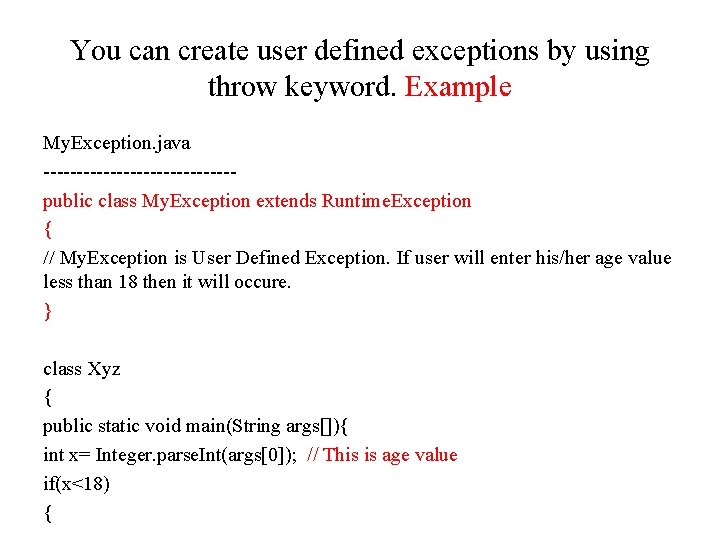
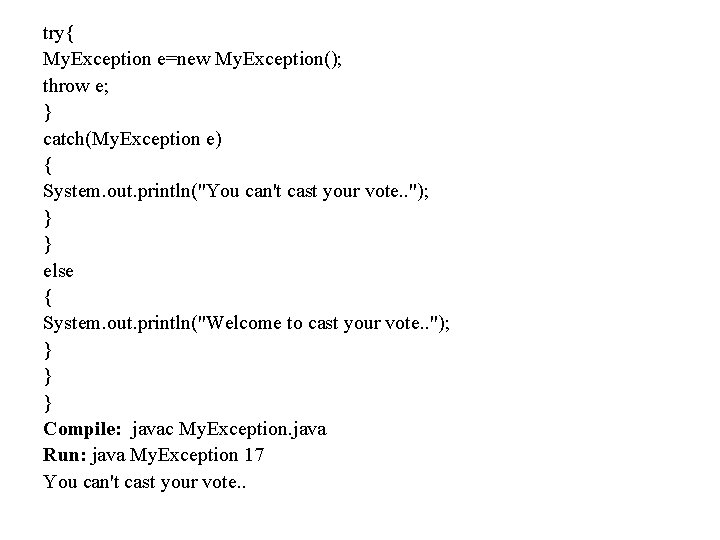
You can create user defined exceptions by using throw keyword. Example My. Exception. java --------------public class My. Exception extends Runtime. Exception { // My. Exception is User Defined Exception. If user will enter his/her age value less than 18 then it will occure. } class Xyz { public static void main(String args[]){ int x= Integer. parse. Int(args[0]); // This is age value if(x<18) {
try{ My. Exception e=new My. Exception(); throw e; } catch(My. Exception e) { System. out. println("You can't cast your vote. . "); } } else { System. out. println("Welcome to cast your vote. . "); } } } Compile: javac My. Exception. java Run: java My. Exception 17 You can't cast your vote. .
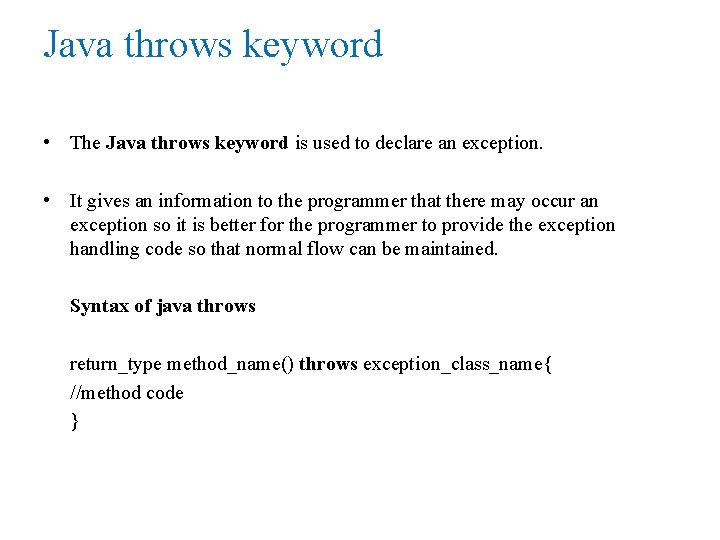
Java throws keyword • The Java throws keyword is used to declare an exception. • It gives an information to the programmer that there may occur an exception so it is better for the programmer to provide the exception handling code so that normal flow can be maintained. Syntax of java throws return_type method_name() throws exception_class_name{ //method code }
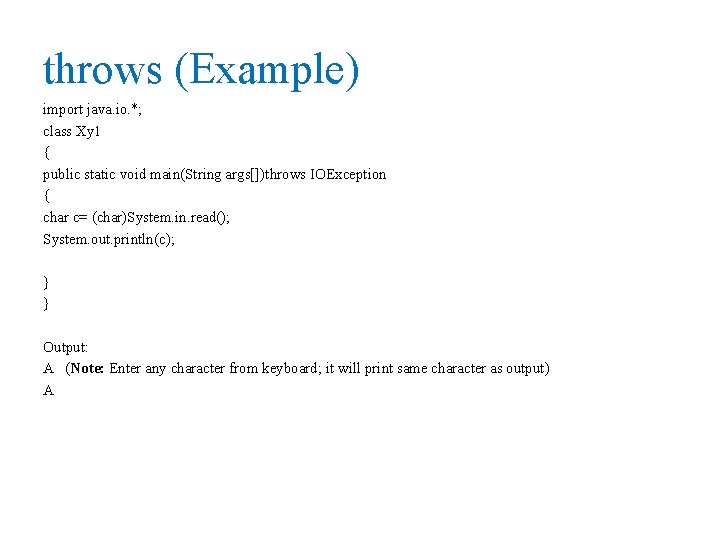
throws (Example) import java. io. *; class Xy 1 { public static void main(String args[])throws IOException { char c= (char)System. in. read(); System. out. println(c); } } Output: A (Note: Enter any character from keyboard; it will print same character as output) A