Technical University Sofia MODULE 2 Communication skills and
![Emoticon meaning Smile : – ) or : -] or : 3 or :](https://slidetodoc.com/presentation_image_h/303225af814dcbb16cadbfb6a72895c9/image-16.jpg "Emoticon meaning Smile : – ) or : -] or : 3 or :")
- Slides: 31
Technical University Sofia MODULE 2: Communication skills and social media Training: Enhancing professional training in companies 1
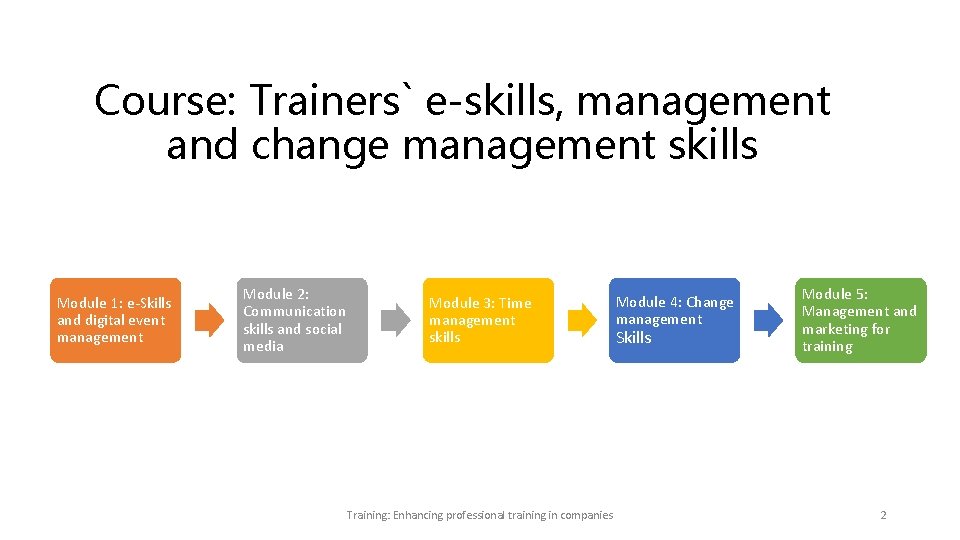
Course: Trainers` e-skills, management and change management skills Module 1: e-Skills and digital event management Module 2: Communication skills and social media Module 3: Time management skills Training: Enhancing professional training in companies Module 4: Change management Skills Module 5: Management and marketing for training 2
Objectives After completing the “Communication skills and social media” module, participants will have understanding and knowledge about how to communicate effectively, what is the core of netiquette. The participants will acquire knowledge about what are the communication technologies and what social media skills are of key importance for effective communication. Training: Enhancing professional training in companies 3
Content • • Introduction Communication skills Netiquette Social media skills Training: Enhancing professional training in companies 4
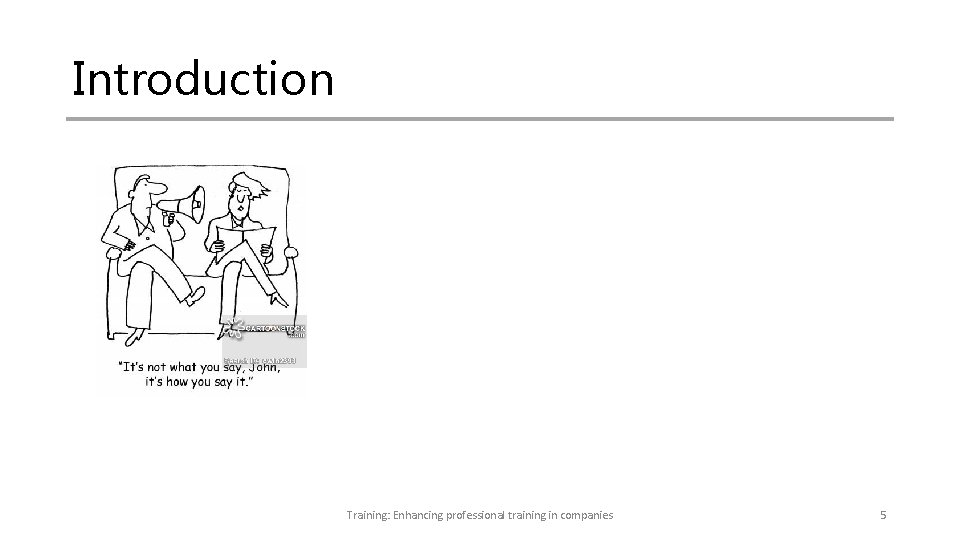
Introduction Training: Enhancing professional training in companies 5
Effective communication, digital event management and internet etiquette (netiquette) enables businesses to communicate effectively and efficiently while fully tap into the unique knowledge sharing, insights, and improve business values. Developing a corporate business digital culture that is forwardthinking in its approach, is a key for current business ecosystem towards shorten the labor market – education GAP through modern communications channels and appropriate usage of cloud technologies. Training: Enhancing professional training in companies 6
Online behavior Internet or online behavior describes a broad set of activities companies engage in to create, use and collect information. Knowledge about internet behavior and how to communicate effectively, such as netiquette is of great importance for better business trainings and working. Training: Enhancing professional training in companies 7
Time in Internet Depends upon the business sector, the companies spend different time online for doing their business. Some companies and employees spend a lot of time in Internet for everyday tasks. Their excessive Internet use has a different – positive and negative impact on their work performance. Research show that nearly half of the Internet users spend more than 5 hours online daily. Training: Enhancing professional training in companies 8
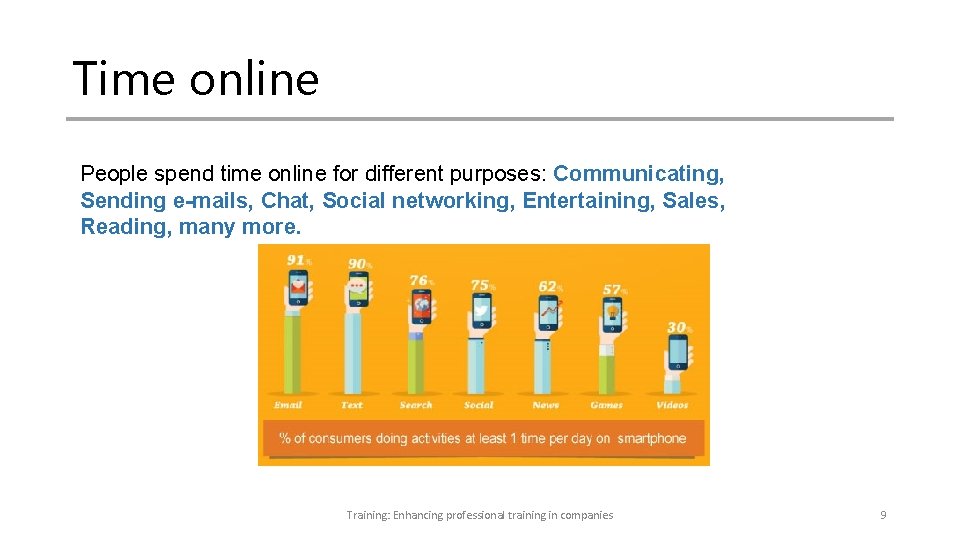
Time online People spend time online for different purposes: Communicating, Sending e-mails, Chat, Social networking, Entertaining, Sales, Reading, many more. Training: Enhancing professional training in companies 9
Use of Internet Business online communities use Internet in most of the time to communicate, while use a diversity of Internet tools - sending instant messages, finding friends, joining online groups, and sharing photos, videos, opinions, articles and Web information, stories, and more. Among the many communications channels social media is one of the most used among business communities. There is entirely new way for business to collaborate and co-create new initiatives with target audiences. Social networking is another popular online activity Worldwide. Statistics trends show that daily time spent on social networks rises to over 2 hours. Training: Enhancing professional training in companies 10
Netiquette Shorthand for network etiquette, and it is the set of rules that determines how to properly communicate and browse the web. It encompasses the special set of social conventions found in online interactions. While netiquette rules are very similar to good behavior or etiquette in offline encounters, there are subtle differences that can easily make or break a good impression. Training: Enhancing professional training in companies 11
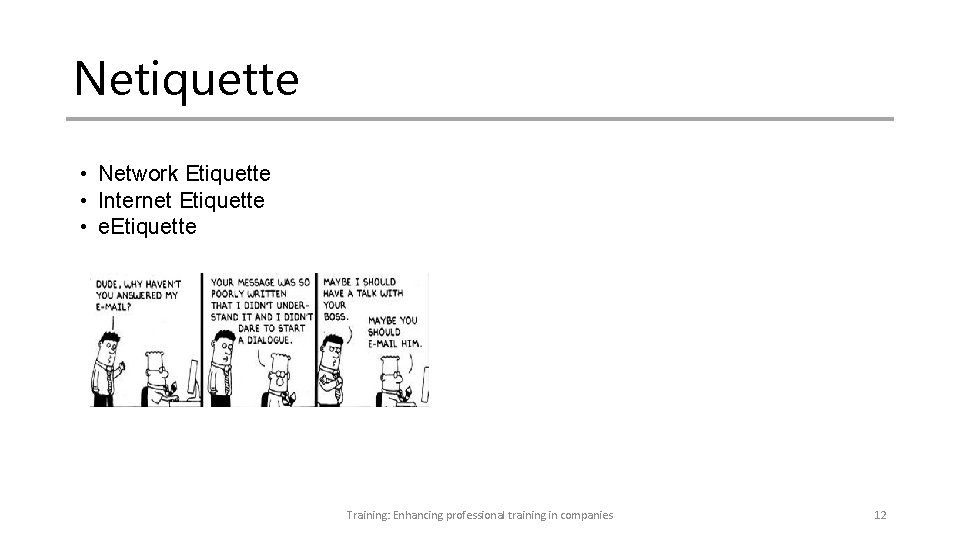
Netiquette • Network Etiquette • Internet Etiquette • e. Etiquette Training: Enhancing professional training in companies 12
Internet etiquette rules • Remember the Human - You should never say something to someone online that you would not say to him or her in person. • Be ethical – follow the law • Know where you are - What is acceptable in one environment is not acceptable in another. • Respect other people's time and data limits - When you post anything online, write an email or share a post it will take other people's time to read • Make yourself look good online - Make sure you set a good impression. Always ensure that what you write and share is understandable and grammatically correct. Training: Enhancing professional training in companies 13
Internet etiquette rules • Share expert knowledge - If you ever ask questions to other users, it is good practice to post a summary of the responses. • Keep disagreement healthy - Keep disagreement healthy • Respect other people's privacy - You need to ensure you do not breach anyone's wishes by sharing any of the content they have made available to you. • Don't abuse your power - make sure you do not abuse the privilege of access that your position may give you. • Be forgiving of other people's mistakes - Everyone has to start somewhere, so try and be forgiving of other's mistakes. Training: Enhancing professional training in companies 14
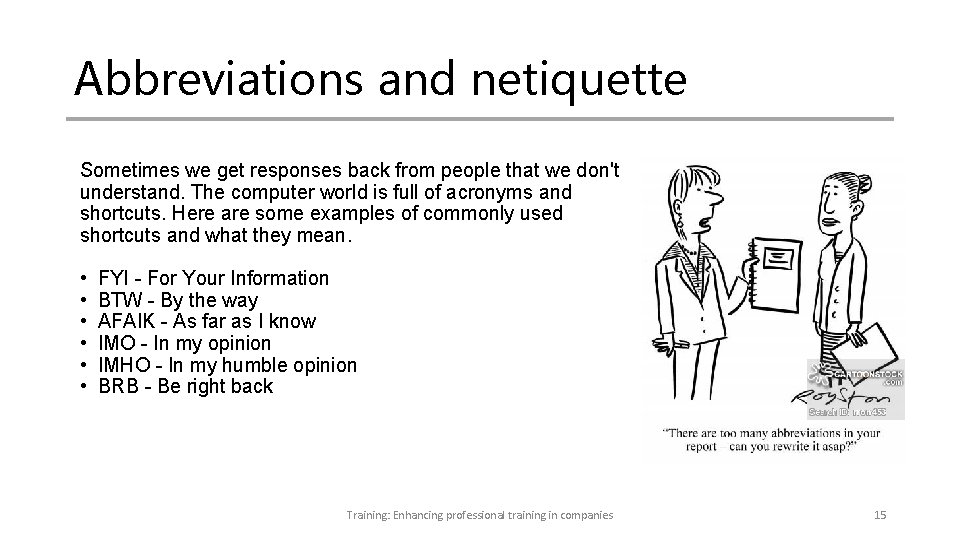
Abbreviations and netiquette Sometimes we get responses back from people that we don't understand. The computer world is full of acronyms and shortcuts. Here are some examples of commonly used shortcuts and what they mean. • • • FYI - For Your Information BTW - By the way AFAIK - As far as I know IMO - In my opinion IMHO - In my humble opinion BRB - Be right back Training: Enhancing professional training in companies 15
Emoticon meaning Smile : – ) or : -] or : 3 or : > stands for happiness Grin : – D expresses great happiness or a victory Frown : – ( or : -c represents sadness or disappointment. The latter can also mean great sadness Wink ; – ) or , -) or *-) indicates a joke or double entendre in what was said Tongue : – P or : – p or : -b is an emoticon to tease, often used as a joke Open mouth : -O or : – () stands for surprise or shock Blank : – | expresses boredom, but can also stand for no comment Training: Enhancing professional training in companies 16
E-mail netiquette e-mail tips • Process your e-mail one a day (the less time you spend on e-mail, the more you have to get things done) • Prioritize important e-mail (what’s new may be not important) • Sort your e-mail into folders • Use e-mail filters (sort your mail automatically) • Create templates for common e-mail • Use e-mail scheduler tool (control when you send e-mail) • Unscribe from stuff you do not read • To get less e-mails, send less e-mails • Use the 1 -minute rule to reply to e-mails (it takes less than a minute to do it, then get to it) Training: Enhancing professional training in companies 17
E-mail netiquette • • Subject line = summary of the message Don't forget explaining the background Keep it compact and clear Reply within 24 hours Allow time for a reply Use the BCC field when you send large mails Don't use ALL CAPITAL LETTERS or over-sized fonts Don't send email when you are angry Training: Enhancing professional training in companies 18
E-mail netiquette • Check your grammar and spelling • Think the layout - organize your message • Keep the thread - distinguish your reply from the message which you received • Don't reply to all unless necessary • Don't forget attachment files --consider the capacity of the recipient • Don't send any chain letters • Remember that email isn't private • Correct priority - Don't use "high priority" in subject line if it's not really high priority • Use "Not Suitable For Work (NSFW)" warning Training: Enhancing professional training in companies 19
Email Charter • Respect Recipients' Time This is the fundamental rule. As the message sender, the onus is on YOU to minimize the time your email will take to process. Even if it means taking more time at your end before sending. • Short or Slow is not Rude Let's mutually agree to cut each other some slack. Given the email load we're all facing, it's OK if replies take a while coming and if they don't give detailed responses to all your questions. No one wants to come over as brusque, so please don't take it personally. We just want our lives back! • Celebrate Clarity Start with a subject line that clearly labels the topic, and maybe includes a status category [Info], [Action], [Time Sens] [Low Priority]. Use crisp, muddle-free sentences. If the email has to be longer than five sentences, make sure the first provides the basic reason for writing. Avoid strange fonts and colors. • Quash Open-Ended Questions It is asking a lot to send someone an email with four long paragraphs of turgid text followed by "Thoughts? ". Even well-intended-but-open questions like "How can I help? " may not be that helpful. Email generosity requires simplifying, easy-to-answer questions. "Can I help best by a) calling b) visiting or c) staying right out of it? !" Training: Enhancing professional training in companies 20
Email Charter • Slash Surplus cc's are like mating bunnies. For every recipient you add, you are dramatically multiplying total response time. Not to be done lightly! When there are multiple recipients, please don't default to 'Reply All'. Maybe you only need to cc a couple of people on the original thread. Or none. • Tighten the Thread Some emails depend for their meaning on context. Which means it's usually right to include thread being responded to. But it's rare that a thread should extend to more than 3 emails. Before sending, cut what's not relevant. Or consider making a phone call instead. • Attack Attachments Don't use graphics files as logos or signatures that appear as attachments. Time is wasted trying to see if there's something to open. Even worse is sending text as an attachment when it could have been included in the body of the email. Training: Enhancing professional training in companies 21
Email Charter • Give these Gifts: EOM NNTR If your email message can be expressed in half a dozen words, just put it in the subject line, followed by EOM (= End of Message). This saves the recipient having to actually open the message. Ending a note with "No need to respond" or NNTR, is a wonderful act of generosity. Many acronyms confuse as much as help, but these two are golden and deserve wide adoption. • Cut Contentless Responses You don't need to reply to every email, especially not those that are themselves clear responses. An email saying "Thanks for your note. I'm in. " does not need you to reply "Great. " That just cost someone another 30 seconds. • Disconnect! If we all agreed to spend less time doing email, we'd all get less email! Consider calendaring half-days at work where you can't go online. Or a commitment to email-free weekends. Or an 'auto-response' that references this charter. And don't forget to smell the roses. Training: Enhancing professional training in companies 22
Strategies for Effective Communication • Listening: Good listening skills and showing a genuine interest are attributes of a successful communicator. • Use Names: When meeting people make sure you hear the person's name and use it right away so you will remember it. If you are not sure what the person said, ask him/her to repeat it. • Get to the Point: Show value for people's time by being as concise as possible when giving information. Do not give lengthy, unnecessary details and don't make excuses for your mistakes. Answer the question and give important information only. Training: Enhancing professional training in companies 23
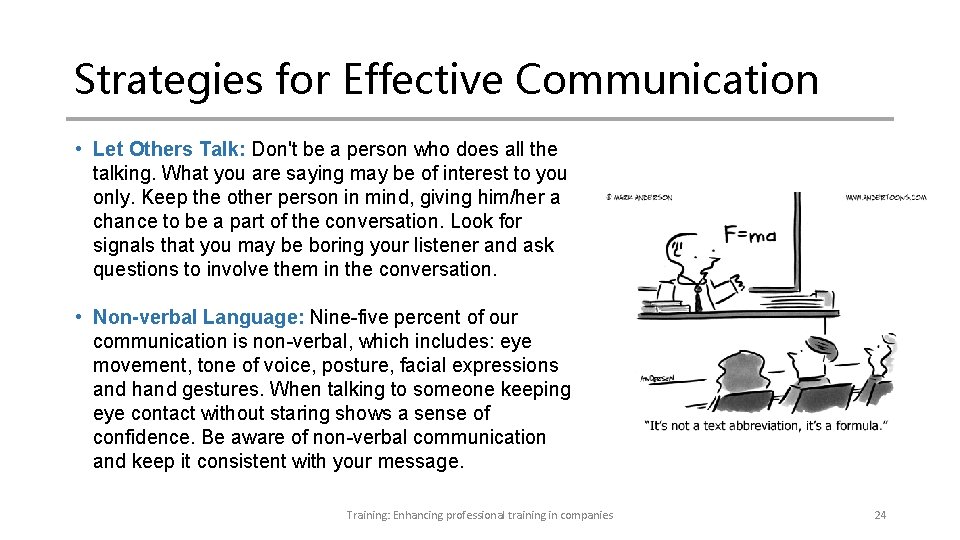
Strategies for Effective Communication • Let Others Talk: Don't be a person who does all the talking. What you are saying may be of interest to you only. Keep the other person in mind, giving him/her a chance to be a part of the conversation. Look for signals that you may be boring your listener and ask questions to involve them in the conversation. • Non-verbal Language: Nine-five percent of our communication is non-verbal, which includes: eye movement, tone of voice, posture, facial expressions and hand gestures. When talking to someone keeping eye contact without staring shows a sense of confidence. Be aware of non-verbal communication and keep it consistent with your message. Training: Enhancing professional training in companies 24
Strategies for Effective Communication • Vocal Cues: Do not use an excessive amount of 'filler' words (sayings or words repeated often), sounds such as "uh, um" or use lengthy pauses during conversation. The listener will lose interest in what you are saying and will become bored. • Create an Atmosphere of Openness: To establish a good relationship with customers and create a comfortable atmosphere be attentive to the number of interruptions. Give your customer/acquaintance your undivided attention by not keeping physical barriers (such as desks) between you. Avoid trying to communicate in a busy area and keep your focus on the listener. Training: Enhancing professional training in companies 25
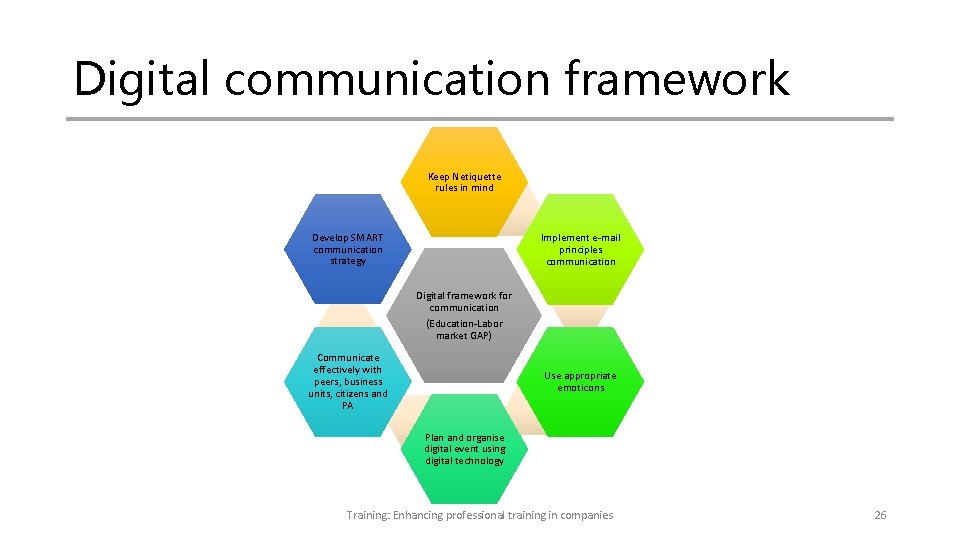
Digital communication framework Keep Netiquette rules in mind Develop SMART communication strategy Implement e-mail principles communication Digital framework for communication (Education-Labor market GAP) Communicate effectively with peers, business units, citizens and PA Use appropriate emoticons Plan and organise digital event using digital technology Training: Enhancing professional training in companies 26
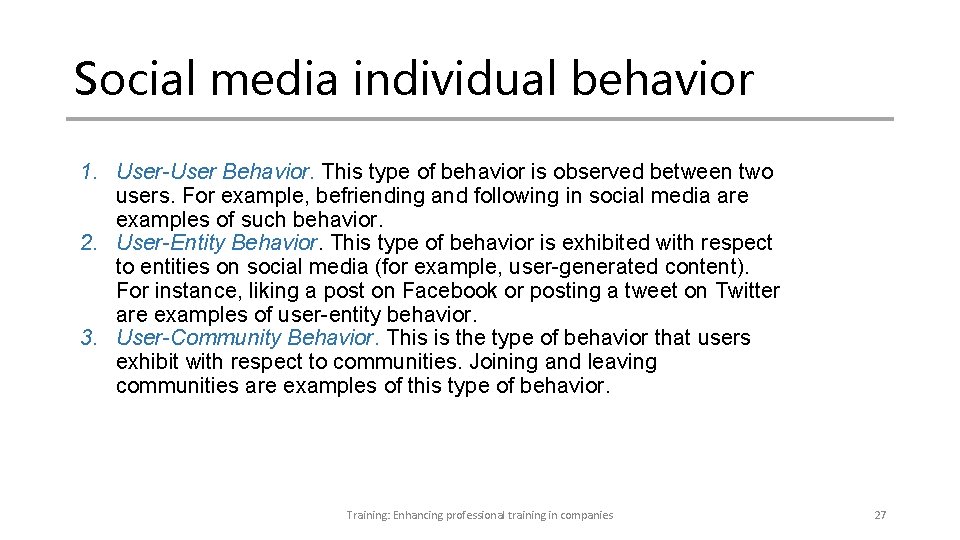
Social media individual behavior 1. User-User Behavior. This type of behavior is observed between two users. For example, befriending and following in social media are examples of such behavior. 2. User-Entity Behavior. This type of behavior is exhibited with respect to entities on social media (for example, user-generated content). For instance, liking a post on Facebook or posting a tweet on Twitter are examples of user-entity behavior. 3. User-Community Behavior. This is the type of behavior that users exhibit with respect to communities. Joining and leaving communities are examples of this type of behavior. Training: Enhancing professional training in companies 27
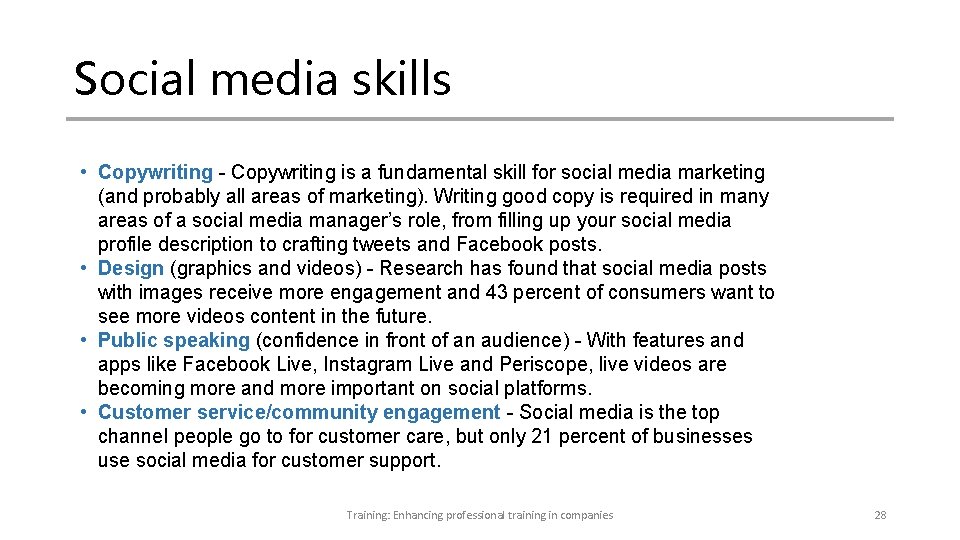
Social media skills • Copywriting - Copywriting is a fundamental skill for social media marketing (and probably all areas of marketing). Writing good copy is required in many areas of a social media manager’s role, from filling up your social media profile description to crafting tweets and Facebook posts. • Design (graphics and videos) - Research has found that social media posts with images receive more engagement and 43 percent of consumers want to see more videos content in the future. • Public speaking (confidence in front of an audience) - With features and apps like Facebook Live, Instagram Live and Periscope, live videos are becoming more and more important on social platforms. • Customer service/community engagement - Social media is the top channel people go to for customer care, but only 21 percent of businesses use social media for customer support. Training: Enhancing professional training in companies 28
Social media skills • Behavioral Psychology - With data and analytics, you know what type of social media posts do well. Behavioral psychology tells you the why -- for example, why are people attracted to certain posts? Why do people share certain posts? • Analytics - The term, 'Analytics, ' is used quite broadly here, referring to both social media metrics (e. g. likes, comments, shares etc. ) and business metrics (e. g. traffic, leads, conversions, revenue etc. ). • Budgeting - As a social media manager, you might be allocated a budget to work with. Apart from paid advertising, you might have to pay for things like a social media management tool, designs, images or courses to improve yourself. Training: Enhancing professional training in companies 29
Social media skills • Curiosity - A curious social media manager would immerse herself in the social media world, staying up-to-date with the latest development and experimenting with new social media marketing strategies. • Adaptability - Adaptability complements curiosity. When you discover something new or spot a trend, being able to quickly adapt to it can keep you ahead of the curve • Business Savviness - Being able to generate likes and shares is great; knowing how social media fits in with the entire business strategy is even better! Training: Enhancing professional training in companies 30
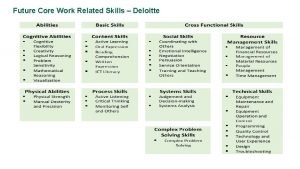
Technical University Sofia “Skills such as critical thinking and problem solving, communication and digital event management, collaboration, and creativity and innovation (the four Cs) will become more important to organizations in the future!” Happy lifelong learning! Training: Enhancing professional training in companies 31