Shoper 9 POS Reinstallation Tally Solutions Pvt Ltd





- Slides: 30
Shoper 9 POS Re-installation © Tally Solutions Pvt. Ltd. All Rights Reserved
When is re-installation required? Planned You are changing the hardware such as Hard disk or Mother Board You are moving Shoper 9 from one system to another You are changing the Operating System Unplanned The system has crashed © Tally Solutions Pvt. Ltd. All Rights Reserved 2
Resources for re-installation Contents of tool kit for Single Store Latest Shoper 9 Setup CD or latest setup files from the website Latest Shoper 9 Live. Update tool MS-SQL Express (recommended) setup (if you are not using Shoper 9 CD, download from website) SQL Server 2005, if available with the client use it © Tally Solutions Pvt. Ltd. All Rights Reserved 3
Resources for re-installation Contents of tool kit for Chain Store Latest Shoper 9 Setup CD or latest setup files from the website Latest Shoper 9 Live. Update tool MS-SQL Express (recommended) setup (if you are not using Shoper 9 CD, download from website) SQL Server 2005, if available © Tally Solutions Pvt. Ltd. All Rights Reserved 4
Planned re-installation Take the backup of Application and Security databases Take the backup of Secondary database, if any Collect all the exes and ini files, if customisations are present Make a note of the database server name, user names, passwords, Shoper company codes along with the system name (computer name) © Tally Solutions Pvt. Ltd. All Rights Reserved 5
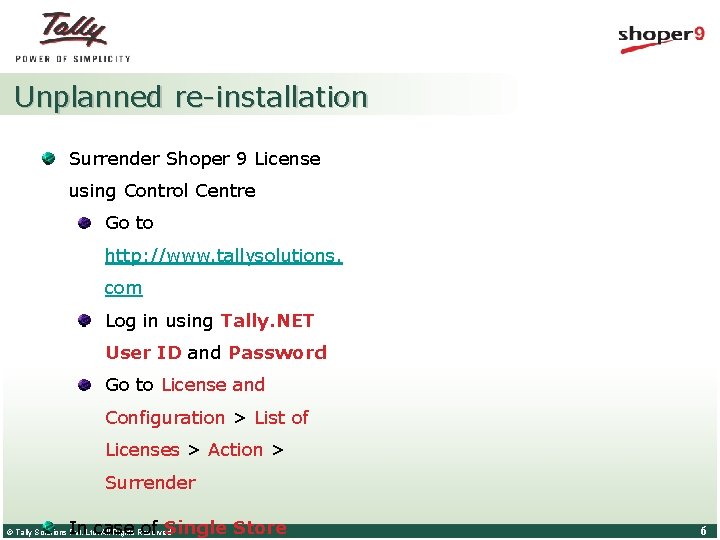
Unplanned re-installation Surrender Shoper 9 License using Control Centre Go to http: //www. tallysolutions. com Log in using Tally. NET User ID and Password Go to License and Configuration > List of Licenses > Action > Surrender In case of Single Store © Tally Solutions Pvt. Ltd. All Rights Reserved 6
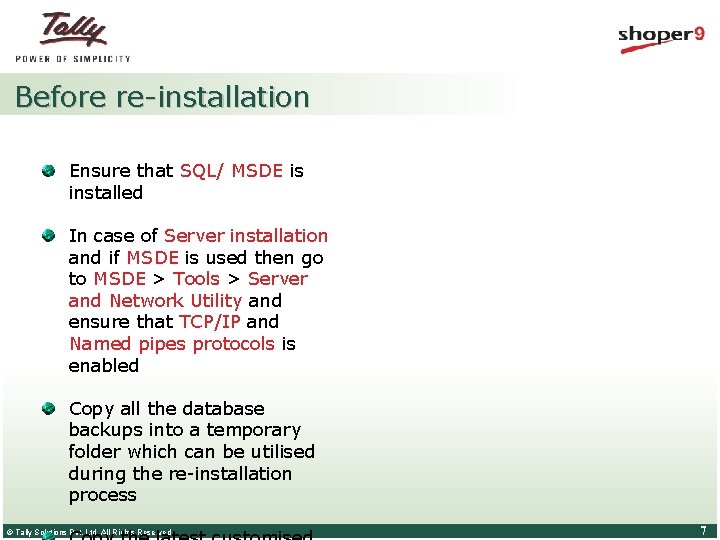
Before re-installation Ensure that SQL/ MSDE is installed In case of Server installation and if MSDE is used then go to MSDE > Tools > Server and Network Utility and ensure that TCP/IP and Named pipes protocols is enabled Copy all the database backups into a temporary folder which can be utilised during the re-installation process © Tally Solutions Pvt. Ltd. All Rights Reserved 7
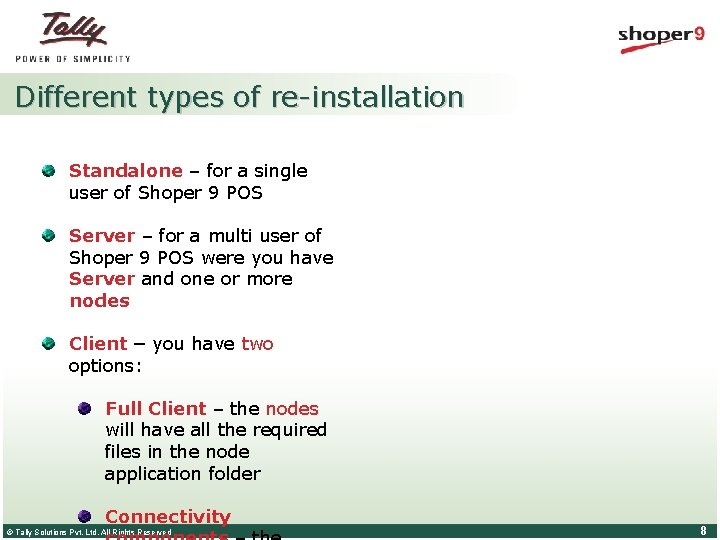
Different types of re-installation Standalone – for a single user of Shoper 9 POS Server – for a multi user of Shoper 9 POS were you have Server and one or more nodes Client – you have two options: Full Client – the nodes will have all the required files in the node application folder Connectivity © Tally Solutions Pvt. Ltd. All Rights Reserved 8
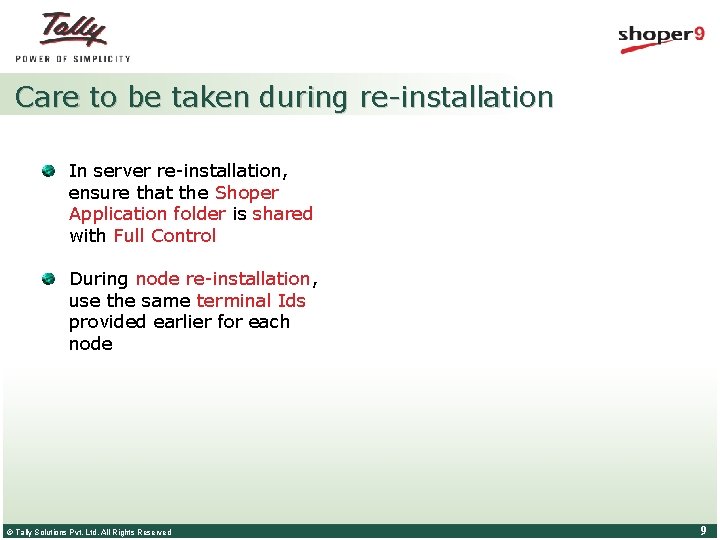
Care to be taken during re-installation In server re-installation, ensure that the Shoper Application folder is shared with Full Control During node re-installation, use the same terminal Ids provided earlier for each node © Tally Solutions Pvt. Ltd. All Rights Reserved 9
Re-installation process of Shoper 9 POS © Tally Solutions Pvt. Ltd. All Rights Reserved 10
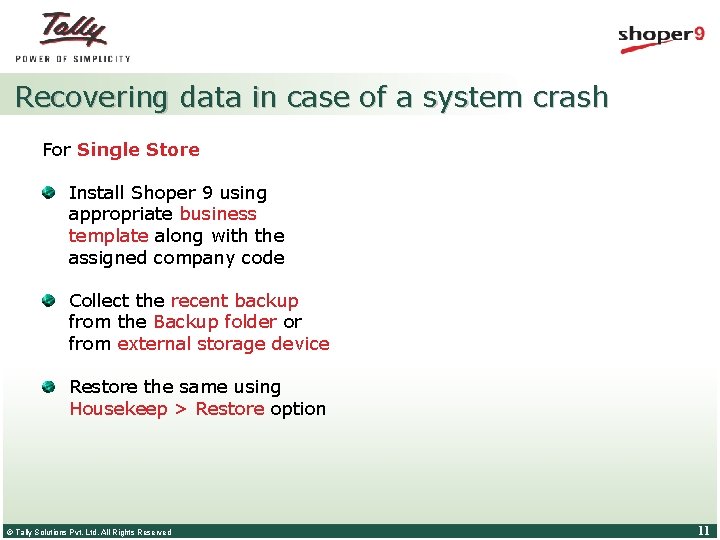
Recovering data in case of a system crash For Single Store Install Shoper 9 using appropriate business template along with the assigned company code Collect the recent backup from the Backup folder or from external storage device Restore the same using Housekeep > Restore option © Tally Solutions Pvt. Ltd. All Rights Reserved 11
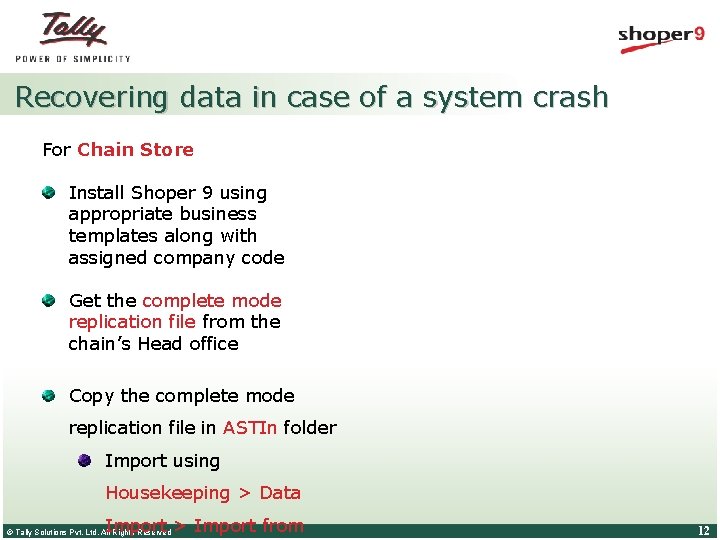
Recovering data in case of a system crash For Chain Store Install Shoper 9 using appropriate business templates along with assigned company code Get the complete mode replication file from the chain’s Head office Copy the complete mode replication file in ASTIn folder Import using Housekeeping > Data Import > Import from © Tally Solutions Pvt. Ltd. All Rights Reserved 12
Re-activating Shoper 9 License © Tally Solutions Pvt. Ltd. All Rights Reserved 13
Reactivating Shoper 9 License Ensure you have an active internet connection Run Shoper 9 POS On Shoper 9 splash screen click Manage License © Tally Solutions Pvt. Ltd. All Rights Reserved 14
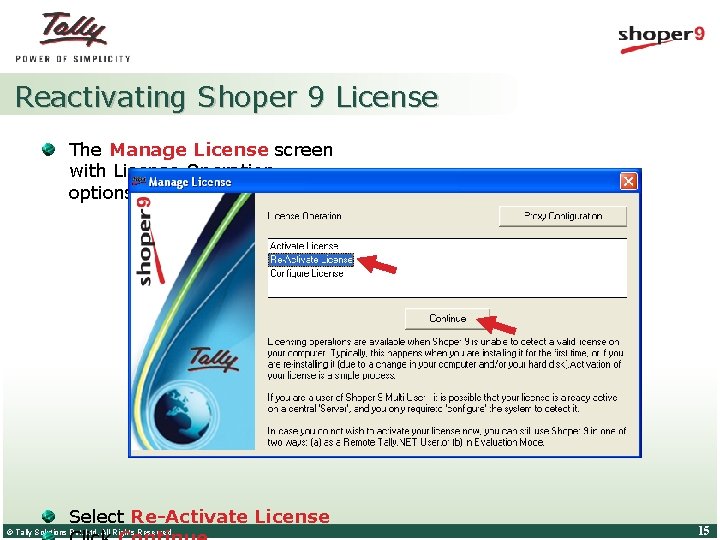
Reactivating Shoper 9 License The Manage License screen with License Operation options is displayed Select Re-Activate License © Tally Solutions Pvt. Ltd. All Rights Reserved 15
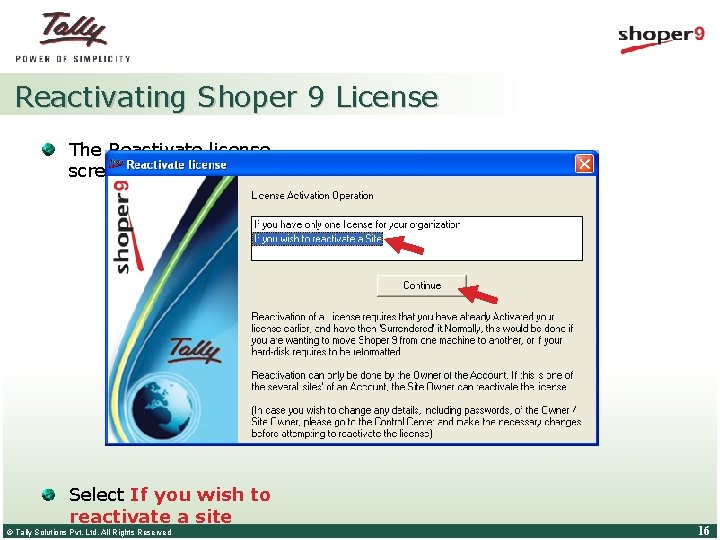
Reactivating Shoper 9 License The Reactivate license screen is displayed Select If you wish to reactivate a site © Tally Solutions Pvt. Ltd. All Rights Reserved 16
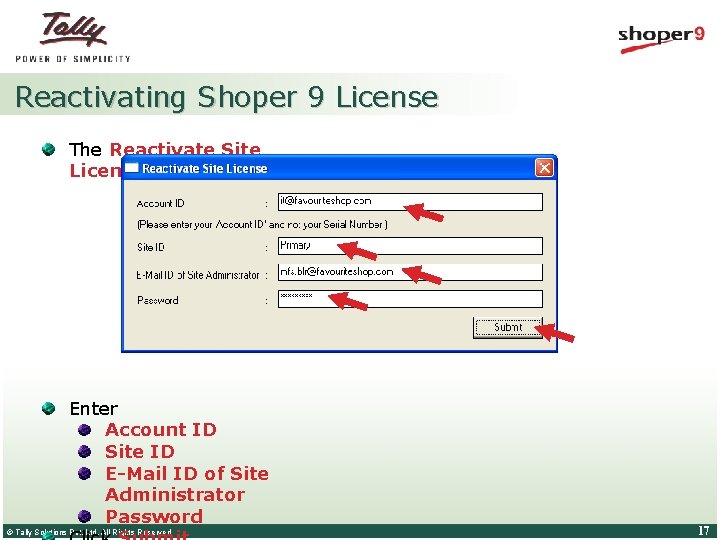
Reactivating Shoper 9 License The Reactivate Site License screen is displayed Enter Account ID Site ID E-Mail ID of Site Administrator Password © Tally Solutions Pvt. Ltd. All Rights Reserved 17
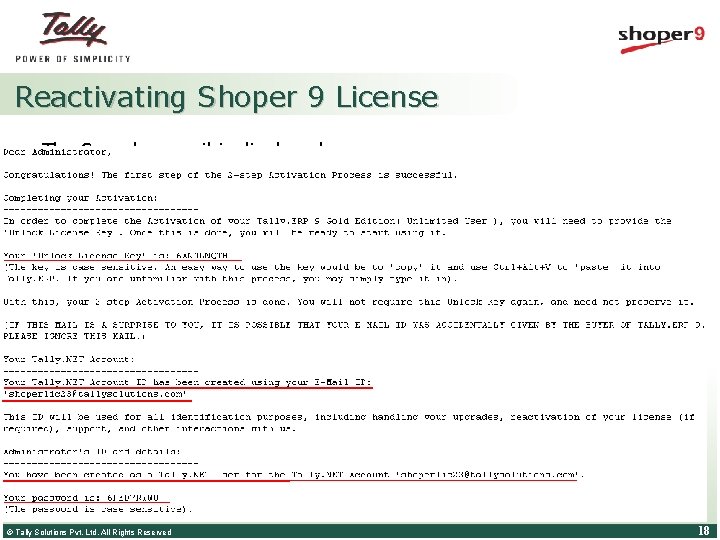
Reactivating Shoper 9 License The Sample e-mail is displayed as shown. © Tally Solutions Pvt. Ltd. All Rights Reserved 18
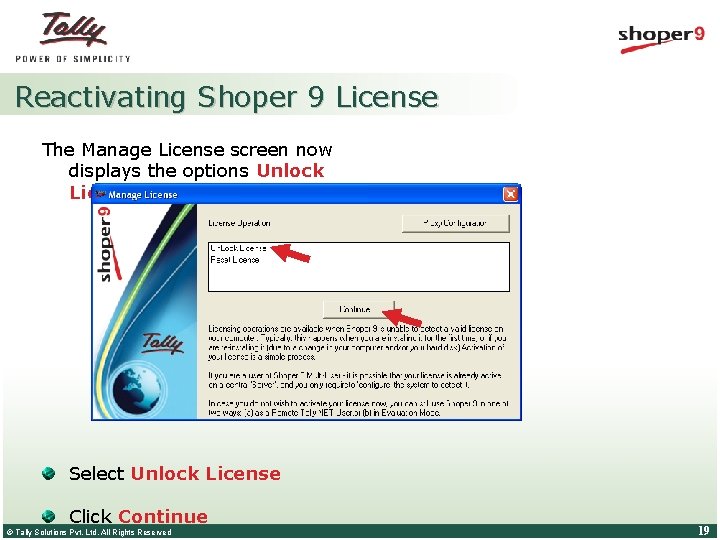
Reactivating Shoper 9 License The Manage License screen now displays the options Unlock License and Reset License Select Unlock License Click Continue © Tally Solutions Pvt. Ltd. All Rights Reserved 19
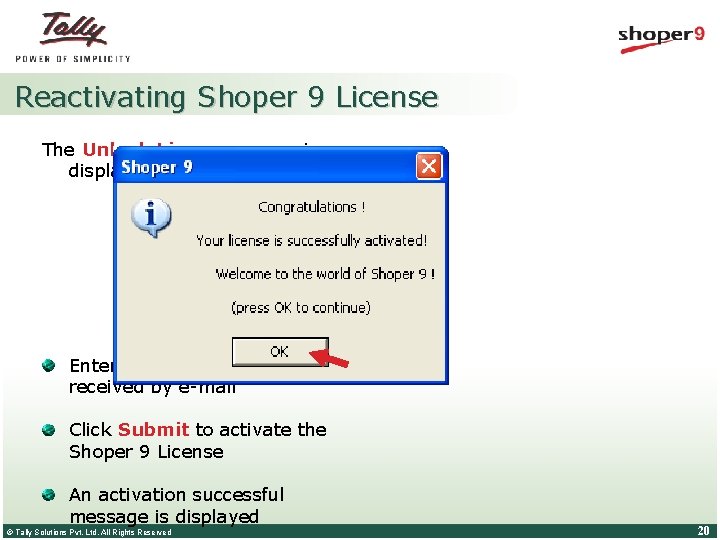
Reactivating Shoper 9 License The Unlock License screen is displayed. Enter the Unlock Key received by e-mail Click Submit to activate the Shoper 9 License An activation successful message is displayed © Tally Solutions Pvt. Ltd. All Rights Reserved 20
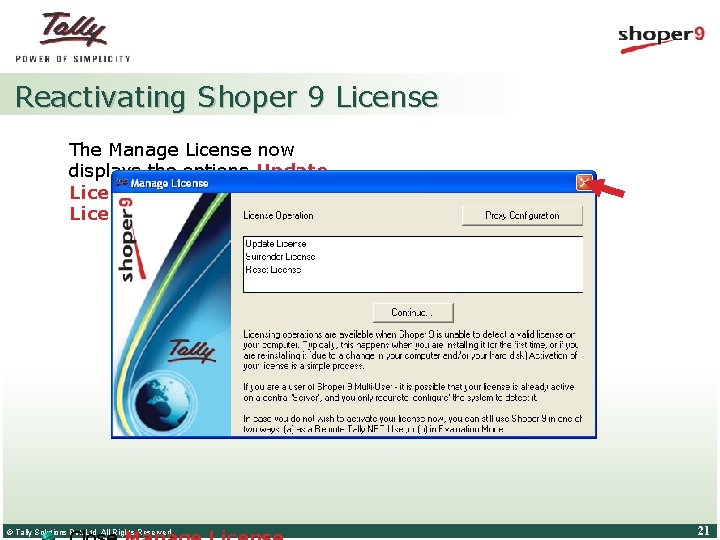
Reactivating Shoper 9 License The Manage License now displays the options Update License, Surrender License and Reset License © Tally Solutions Pvt. Ltd. All Rights Reserved 21
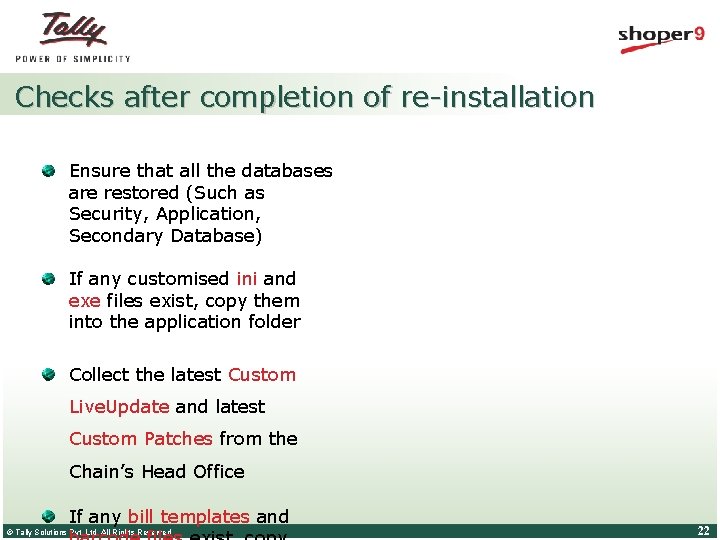
Checks after completion of re-installation Ensure that all the databases are restored (Such as Security, Application, Secondary Database) If any customised ini and exe files exist, copy them into the application folder Collect the latest Custom Live. Update and latest Custom Patches from the Chain’s Head Office If any bill templates and © Tally Solutions Pvt. Ltd. All Rights Reserved 22
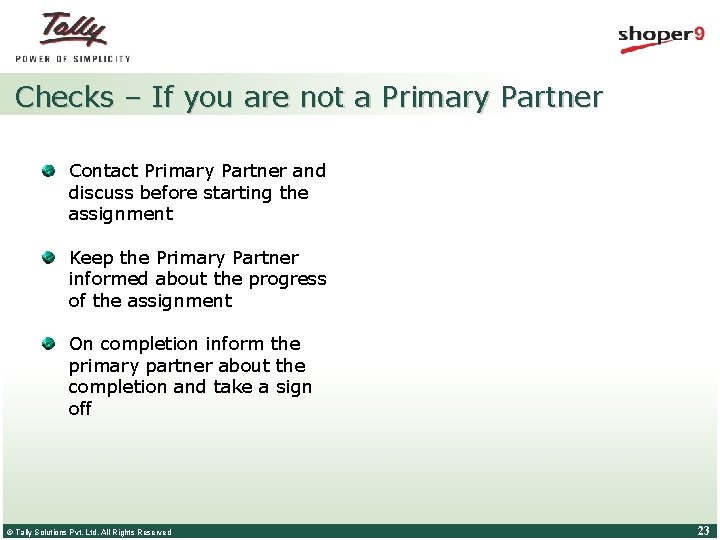
Checks – If you are not a Primary Partner Contact Primary Partner and discuss before starting the assignment Keep the Primary Partner informed about the progress of the assignment On completion inform the primary partner about the completion and take a sign off © Tally Solutions Pvt. Ltd. All Rights Reserved 23
Checks – If re-installation is assigned by TIPL Follow the instructions provided in the TIPL mail Carry all latest documents available at the Partner Portal If you have any issues contact the concerned person mentioned in the mail If you are doing the reinstallation for the first time, contact TIPL and get trained © Tally Solutions Pvt. Ltd. All Rights Reserved 24
Shoper 9 Installation Documents © Tally Solutions Pvt. Ltd. All Rights Reserved 25
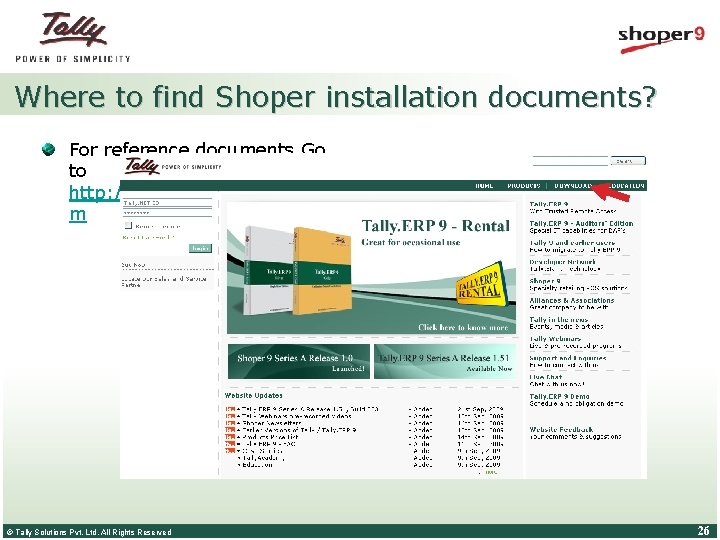
Where to find Shoper installation documents? For reference documents Go to http: //www. tallysolutions. co m © Tally Solutions Pvt. Ltd. All Rights Reserved 26
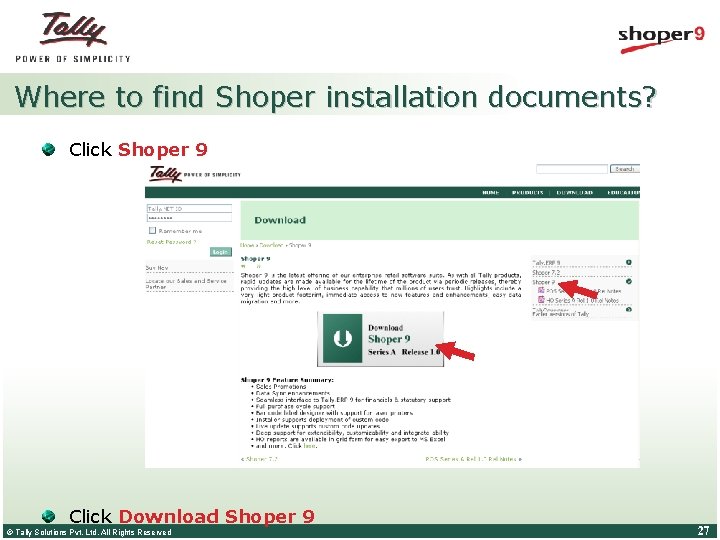
Where to find Shoper installation documents? Click Shoper 9 Click Download Shoper 9 © Tally Solutions Pvt. Ltd. All Rights Reserved 27
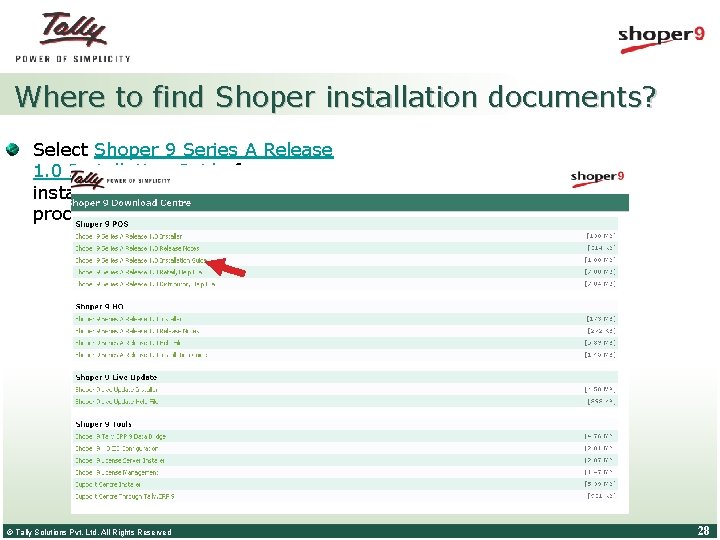
Where to find Shoper installation documents? Select Shoper 9 Series A Release 1. 0 Installation Guide for installation and re-installation process document © Tally Solutions Pvt. Ltd. All Rights Reserved 28
Points discussed Re-installation Scenarios Resources for re-installation Planned and unplanned reinstallation Steps to be followed before formatting the system Care to be taken before reinstallation Re-installation process of Shoper 9 POS Recovering data in case of system crash © Tally Solutions Pvt. Ltd. All Rights Reserved 29
Thank You © Tally Solutions Pvt. Ltd. All Rights Reserved 30