Shape Your Future http pep enron com MID

- Slides: 21
Shape Your Future http: //pep. enron. com MID YEAR 2001 PRC & PEP EMPLOYEE & SUPERVISOR GUIDE
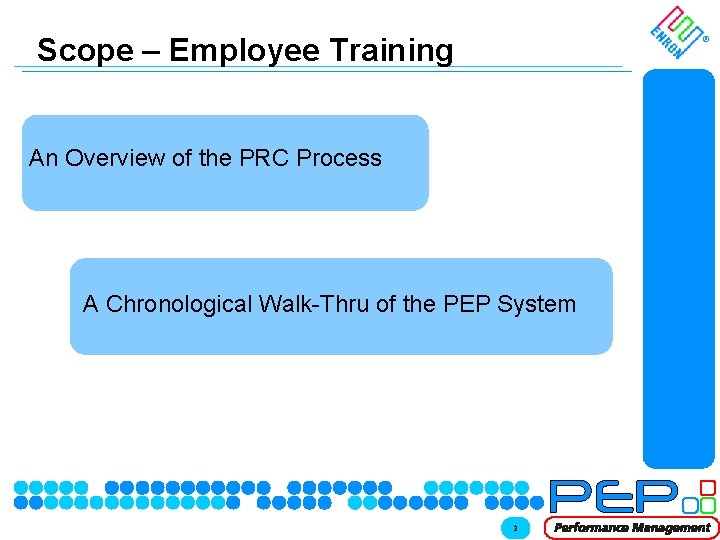
Scope – Employee Training ® An Overview of the PRC Process A Chronological Walk-Thru of the PEP System © 2000 XX-2090 xxx 2
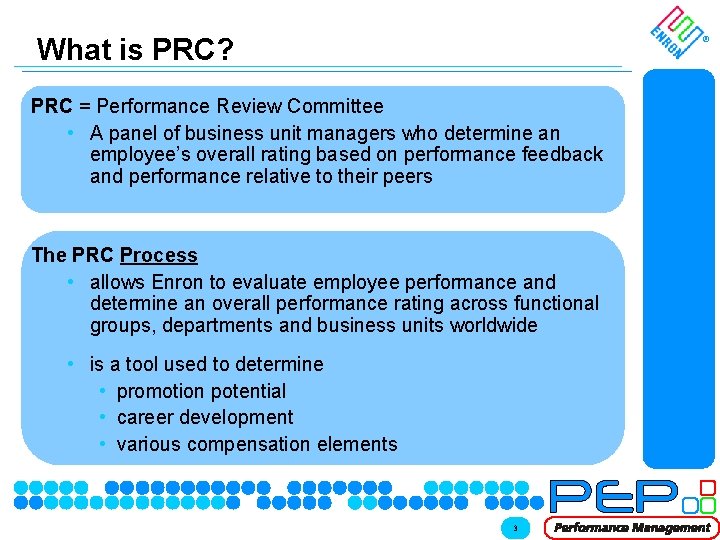
What is PRC? ® PRC = Performance Review Committee • A panel of business unit managers who determine an employee’s overall rating based on performance feedback and performance relative to their peers The PRC Process • allows Enron to evaluate employee performance and determine an overall performance rating across functional groups, departments and business units worldwide • is a tool used to determine • promotion potential • career development • various compensation elements © 2000 XX-2090 xxx 3
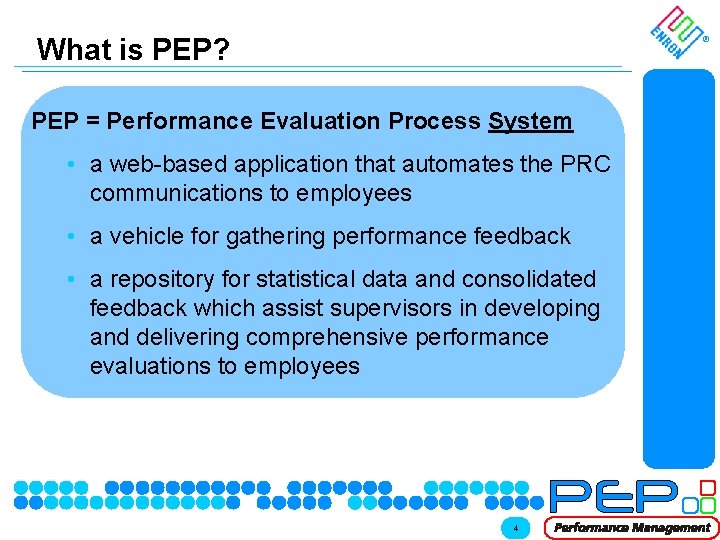
What is PEP? ® PEP = Performance Evaluation Process System • a web-based application that automates the PRC communications to employees • a vehicle for gathering performance feedback • a repository for statistical data and consolidated feedback which assist supervisors in developing and delivering comprehensive performance evaluations to employees © 2000 XX-2090 xxx 4
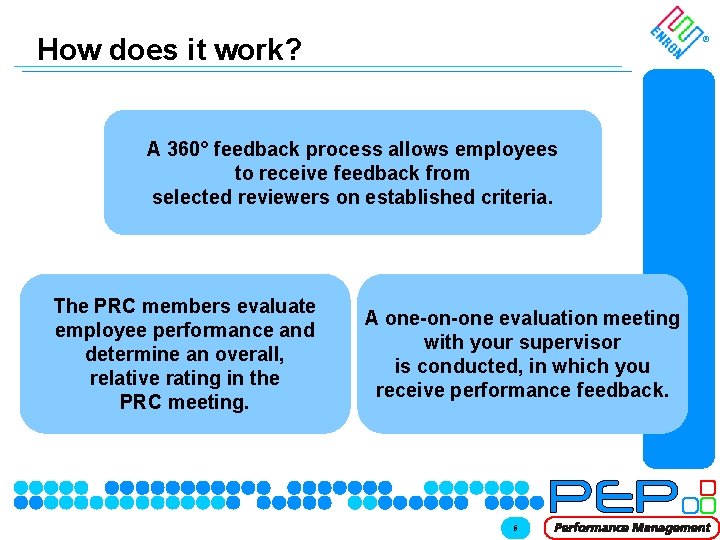
How does it work? ® A 360° feedback process allows employees to receive feedback from selected reviewers on established criteria. The PRC members evaluate employee performance and determine an overall, relative rating in the PRC meeting. © 2000 XX-2090 xxx A one-on-one evaluation meeting with your supervisor is conducted, in which you receive performance feedback. 5
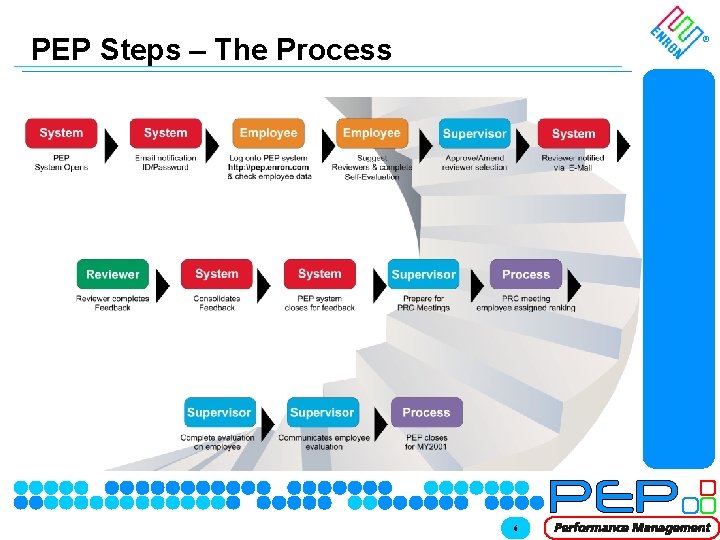
PEP Steps – The Process © 2000 XX-2090 xxx ® 6
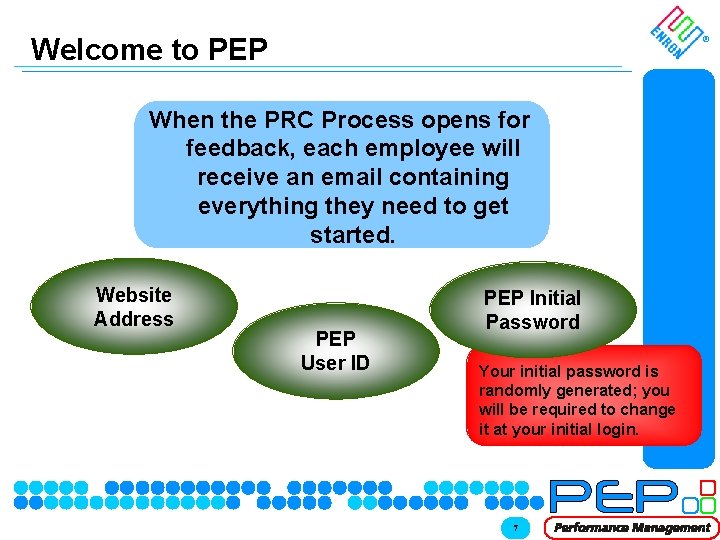
Welcome to PEP ® When the PRC Process opens for feedback, each employee will receive an email containing everything they need to get started. Website Address PEP User ID © 2000 XX-2090 xxx PEP Initial Password Your initial password is randomly generated; you will be required to change it at your initial login. 7
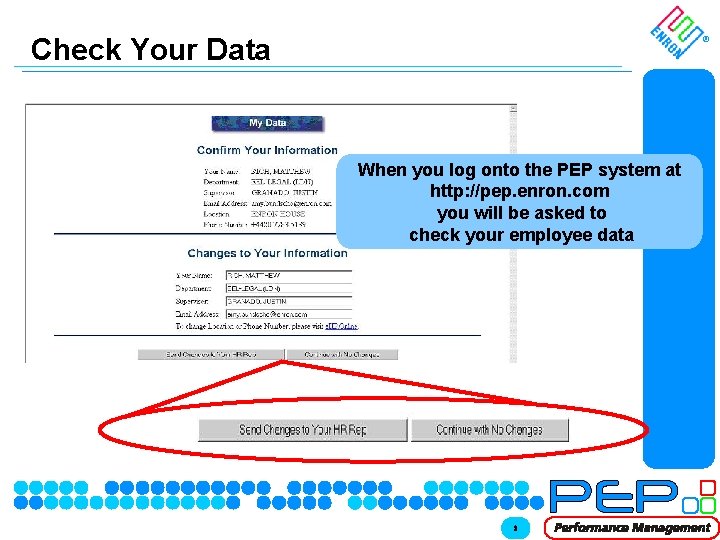
Check Your Data ® When you log onto the PEP system at http: //pep. enron. com you will be asked to check your employee data © 2000 XX-2090 xxx 8
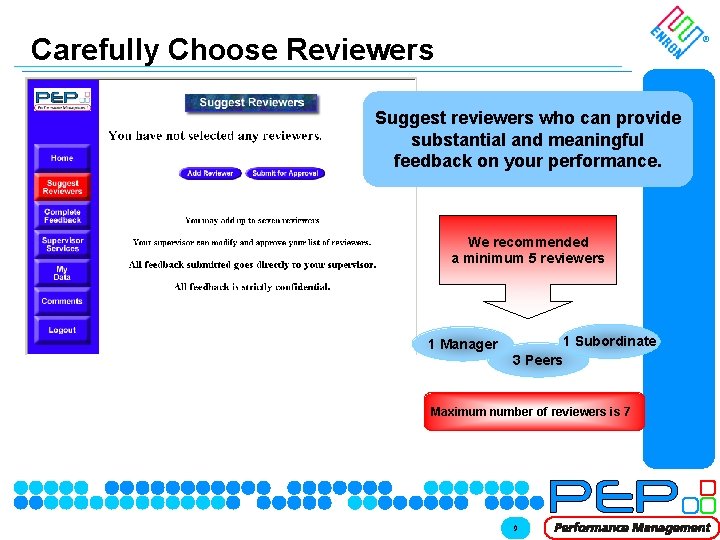
Carefully Choose Reviewers ® Suggest reviewers who can provide substantial and meaningful feedback on your performance. We recommended a minimum 5 reviewers 1 Manager 1 Subordinate 3 Peers Maximum number of reviewers is 7 © 2000 XX-2090 xxx 9
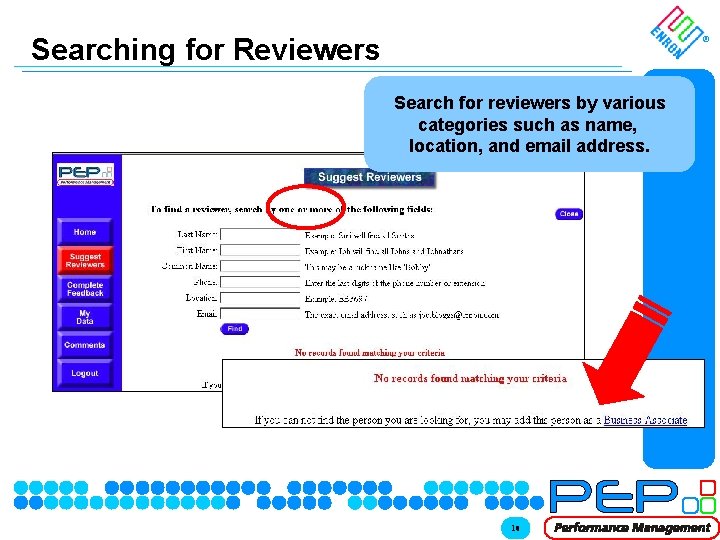
Searching for Reviewers ® Search for reviewers by various categories such as name, location, and email address. © 2000 XX-2090 xxx 10
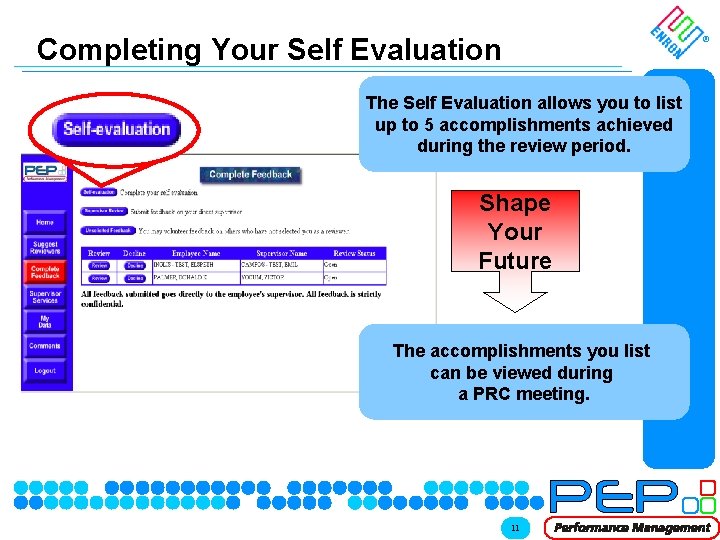
Completing Your Self Evaluation ® The Self Evaluation allows you to list up to 5 accomplishments achieved during the review period. Shape Your Future The accomplishments you list can be viewed during a PRC meeting. © 2000 XX-2090 xxx 11
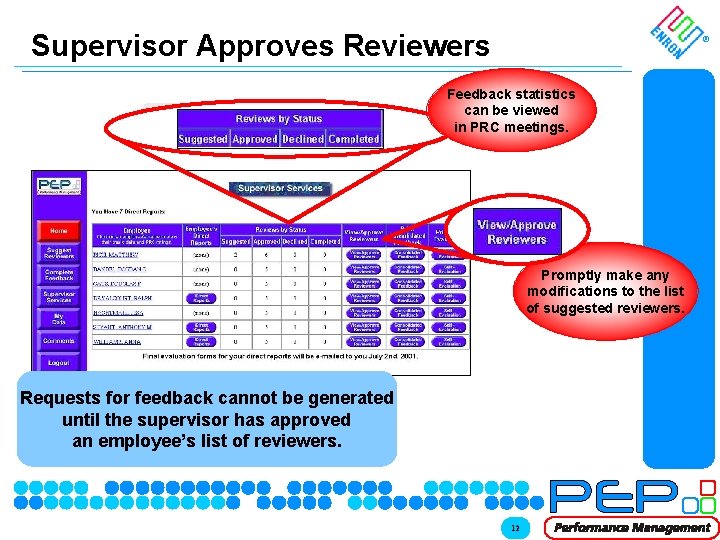
Supervisor Approves Reviewers Supervisor ® Feedback statistics can be viewed in PRC meetings. Promptly make any modifications to the list of suggested reviewers. Requests for feedback cannot be generated until the supervisor has approved an employee’s list of reviewers. © 2000 XX-2090 xxx 12
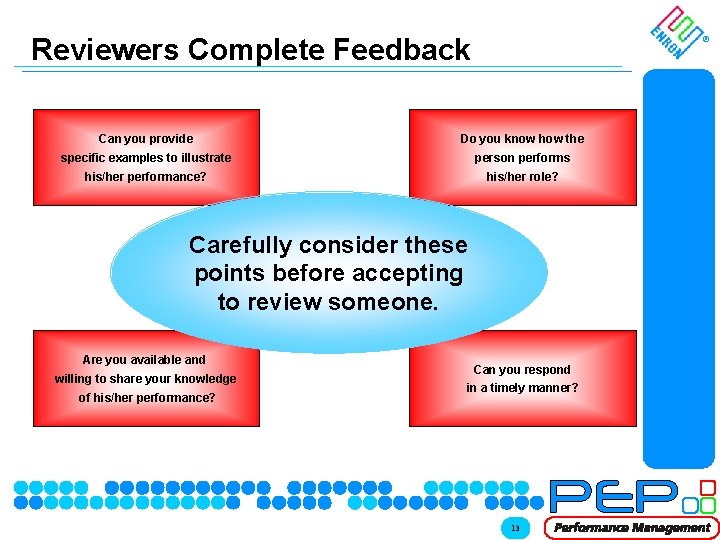
Reviewers Complete Feedback ® Can you provide Do you know how the specific examples to illustrate person performs his/her performance? his/her role? Carefully consider these points before accepting to review someone. Are you available and willing to share your knowledge of his/her performance? © 2000 XX-2090 xxx Can you respond in a timely manner? 13
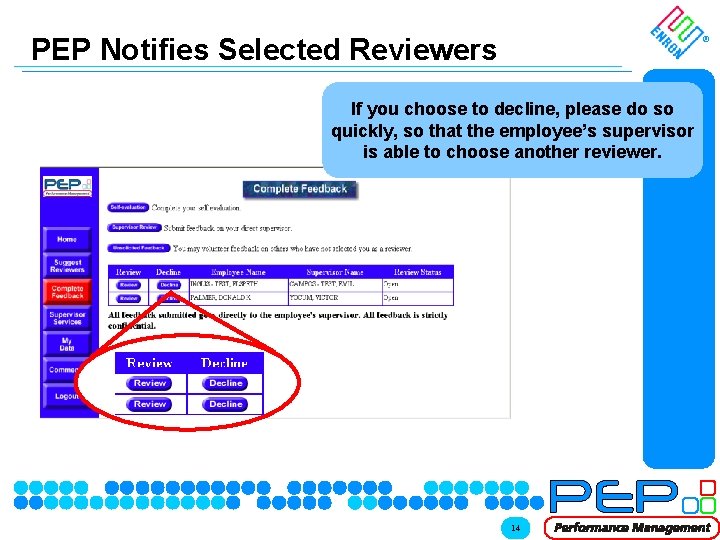
PEP Notifies Selected Reviewers ® If you choose to decline, please do so quickly, so that the employee’s supervisor is able to choose another reviewer. Supervisor © 2000 XX-2090 xxx Supervisor Process 14
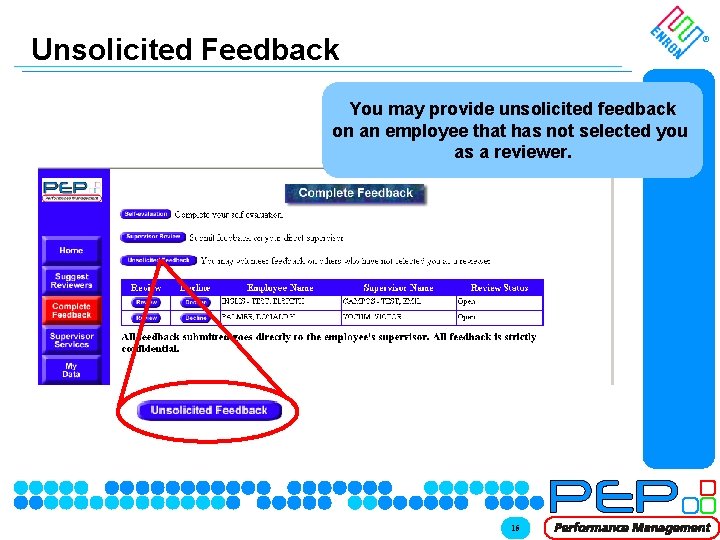
Unsolicited Feedback ® You may provide unsolicited feedback on an employee that has not selected you as a reviewer. Supervisor © 2000 XX-2090 xxx Supervisor Process 15
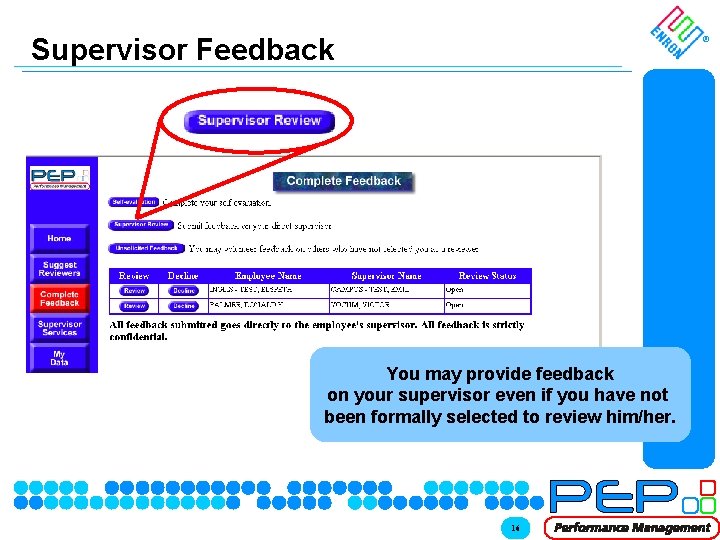
Supervisor Feedback ® You may provide feedback on your supervisor even if you have not been formally selected to review him/her. © 2000 XX-2090 xxx 16
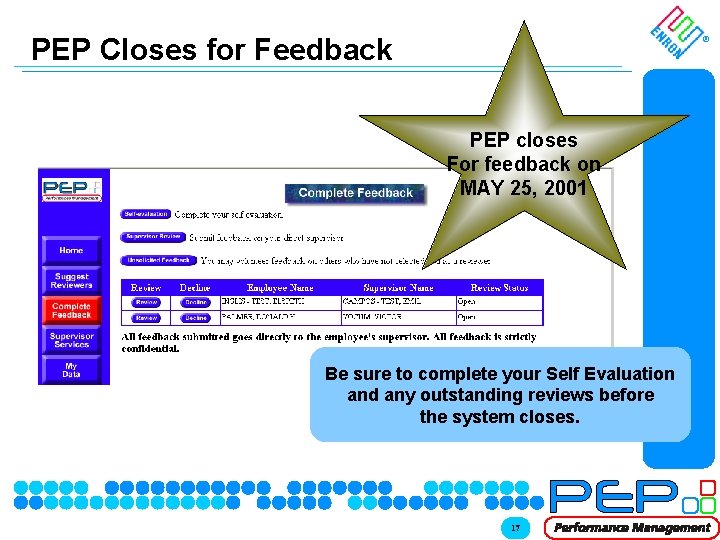
PEP Closes for Feedback ® PEP closes For feedback on MAY 25, 2001 Supervisor Process Be sure to complete your Self Evaluation and any outstanding reviews before the system closes. © 2000 XX-2090 xxx 17
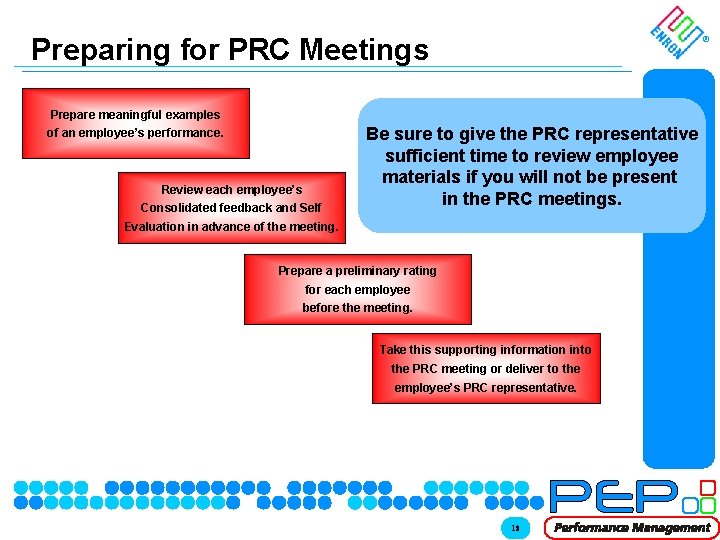
Preparing for PRC Meetings ® Prepare meaningful examples of an employee’s performance. Review each employee’s Consolidated feedback and Self Be sure to give the PRC representative sufficient time to review employee materials if you will not be present in the PRC meetings. Evaluation in advance of the meeting. Prepare a preliminary rating for each employee before the meeting. Take this supporting information into the PRC meeting or deliver to the employee’s PRC representative. © 2000 XX-2090 xxx 18
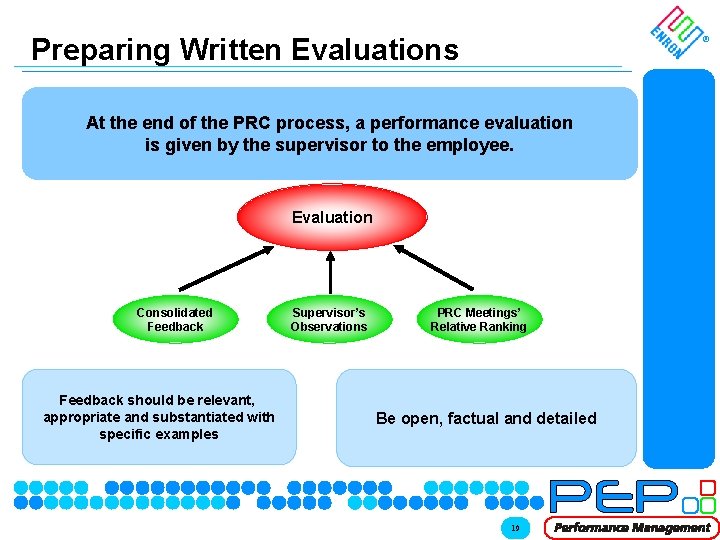
Preparing Written Evaluations ® At the end of the PRC process, a performance evaluation is given by the supervisor to the employee. Evaluation Consolidated Feedback should be relevant, appropriate and substantiated with specific examples © 2000 XX-2090 xxx Supervisor’s Observations PRC Meetings’ Relative Ranking Be open, factual and detailed 19
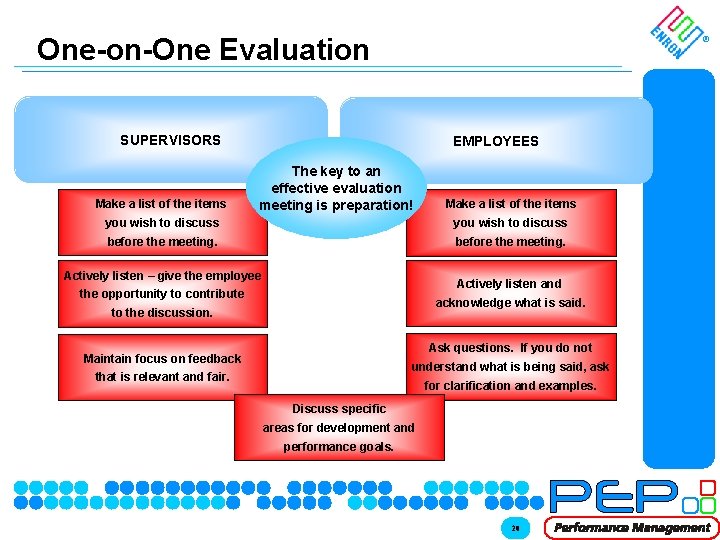
One-on-One Evaluation ® SUPERVISORS Make a list of the items EMPLOYEES The key to an effective evaluation meeting is preparation! Make a list of the items you wish to discuss before the meeting. Actively listen – give the employee Actively listen and the opportunity to contribute acknowledge what is said. to the discussion. Ask questions. If you do not Maintain focus on feedback understand what is being said, ask that is relevant and fair. for clarification and examples. Discuss specific areas for development and performance goals. © 2000 XX-2090 xxx 20
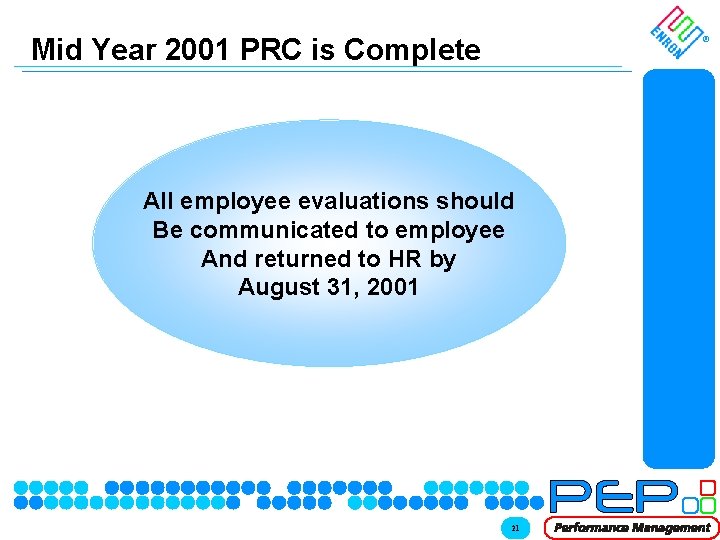
Mid Year 2001 PRC is Complete ® All employee evaluations should Be communicated to employee And returned to HR by August 31, 2001 © 2000 XX-2090 xxx 21