RHEL 7 Upgrade from RHEL 6 APS Information
- Slides: 12
RHEL 7 Upgrade from RHEL 6 APS Information Technology
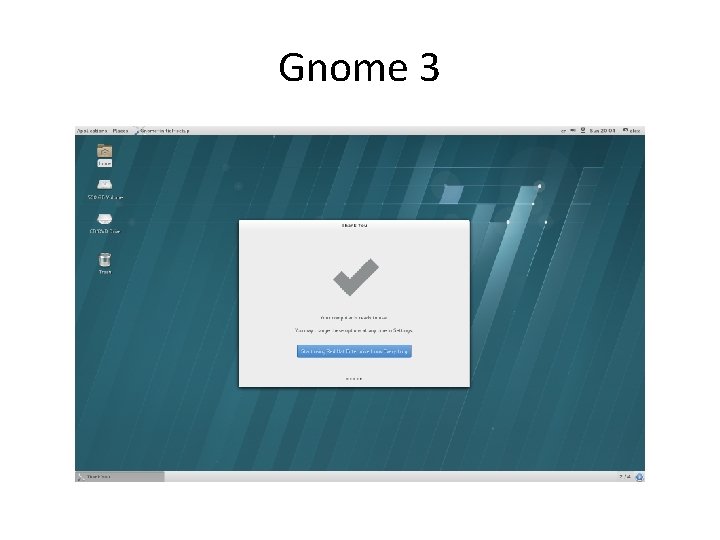
Gnome 3
Features In Red Hat Enterprise Linux 7, GNOME 3 is the default desktop environment. • • GNOME Shell GNOME Classic Gsettings GVFS GTK+ GNOME Shell Extensions Mutter
GNOME Shell Extensions https: //extensions. gnome. org/ • GNOME Shell in Red Hat Enterprise Linux 7 does not support applets • GNOME 3 replaces applets with GNOME Shell extensions.
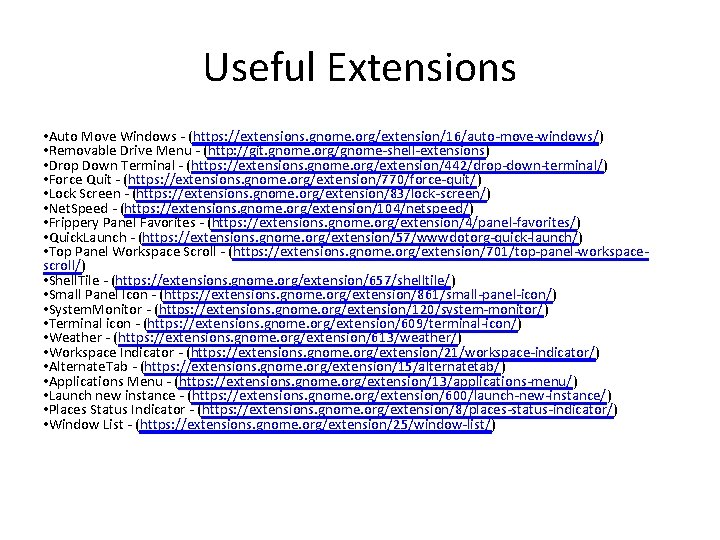
Useful Extensions • Auto Move Windows - (https: //extensions. gnome. org/extension/16/auto-move-windows/) • Removable Drive Menu - (http: //git. gnome. org/gnome-shell-extensions) • Drop Down Terminal - (https: //extensions. gnome. org/extension/442/drop-down-terminal/) • Force Quit - (https: //extensions. gnome. org/extension/770/force-quit/) • Lock Screen - (https: //extensions. gnome. org/extension/83/lock-screen/) • Net. Speed - (https: //extensions. gnome. org/extension/104/netspeed/) • Frippery Panel Favorites - (https: //extensions. gnome. org/extension/4/panel-favorites/) • Quick. Launch - (https: //extensions. gnome. org/extension/57/wwwdotorg-quick-launch/) • Top Panel Workspace Scroll - (https: //extensions. gnome. org/extension/701/top-panel-workspacescroll/) • Shell. Tile - (https: //extensions. gnome. org/extension/657/shelltile/) • Small Panel Icon - (https: //extensions. gnome. org/extension/861/small-panel-icon/) • System. Monitor - (https: //extensions. gnome. org/extension/120/system-monitor/) • Terminal icon - (https: //extensions. gnome. org/extension/609/terminal-icon/) • Weather - (https: //extensions. gnome. org/extension/613/weather/) • Workspace Indicator - (https: //extensions. gnome. org/extension/21/workspace-indicator/) • Alternate. Tab - (https: //extensions. gnome. org/extension/15/alternatetab/) • Applications Menu - (https: //extensions. gnome. org/extension/13/applications-menu/) • Launch new instance - (https: //extensions. gnome. org/extension/600/launch-new-instance/) • Places Status Indicator - (https: //extensions. gnome. org/extension/8/places-status-indicator/) • Window List - (https: //extensions. gnome. org/extension/25/window-list/)
XFS Filesystem • Standard filesystem in RHEL 7. • XFS is a very high performance, scalable file system and is routinely deployed in the most demanding applications. • Ext 4, which does not scale to the same size as XFS, is fully supported on all architectures and will continue to see active development and support. • XFS is a 64 -bit file system and supports a maximum file system size of 8 exbibytes minus one byte (263 − 1 bytes) (9. 223 e+6 TB). • Ext 4 in contrast only supports 16 TB.
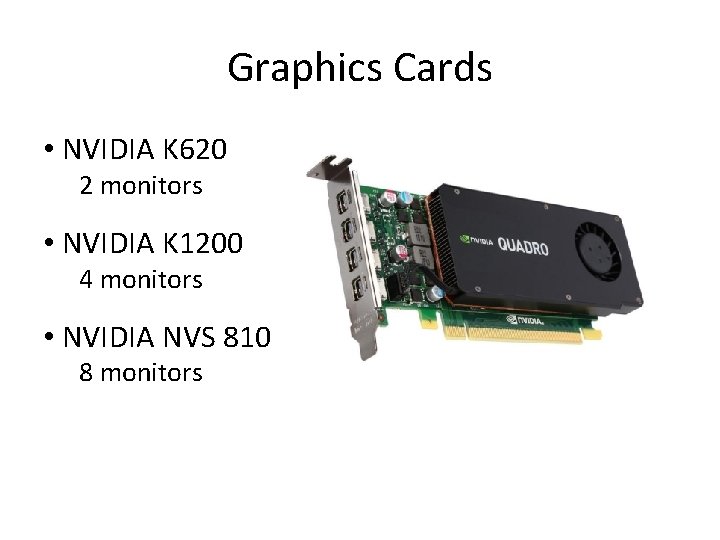
Graphics Cards • NVIDIA K 620 2 monitors • NVIDIA K 1200 4 monitors • NVIDIA NVS 810 8 monitors
Multi Monitor Setups • A single X screen spans multiple monitors. • Multiple X screens are not supported. –The developers have written this out of the environment and it is considered an obsolete method.
Red Hat Supported Desktop Environments Ø GNOME 3. 14 Ø Ø Classic mode (APS Supported) KDE 4. 10 Red Hat: “GNOME Classic is the default session of the GNOME 3 desktop environment on Red Hat Enterprise Linux 7. This environment is provided as a set of extensions to the GNOME 3 desktop environment, and includes its powerful new features while retaining the familiar look and feel of GNOME 2. ”
What about other Desktop Environments? MATE ? § Red Hat: “We're offering Gnome 3 (with Gnome Classic as the default) and KDE 4. 10. With so many desktop options of interest in the community (isn't that a great thing? ), it's hard for us to offer them all and look to the community to create EPELs or 3 rd party repos. Will you be doing this to help serve the MATE fans? ” XFCE ? § Red Hat: “The XFCE Desktop Environment is not provided for RHEL. There was an existing request for inclusion of XFCE in RHEL but project management denied it with the reason of "inability to manage third graphic environment" > Official Statement. ----------------------There is no plan to add into RHEL XFCE. We understand that there are niche cases where it is of interest, but we do not see a business to support justification of another (3 rd) Desktop Metaphor. Alternatively XFCE could be a subject for the EPEL community. ----------------------
Supported Hardware Ø Desktops Ø Ø Workstations Ø Ø Ø Recommend HP 800 G 2 HP 8100 minimum UEFI supported on HP 8300 and newer HP Z series UEFI supported on HP Z x 20 and newer Laptops Ø Ø Ø Dell Latitude E series UEFI supported on E 7 xxx and newer UEFI supported on Dell Precision 55 xx and 75 xx
HP 800 G 2 Specs ü ü ü ü Processor: Intel® 3. 4 GHz i 7 -6700 4 Cores, 8 Threads, 8 MB cache Chipset: Intel® Q 170 Express Chipset Memory: 8 GB (2 x 4 GB) DDR 4 -2133 (64 GB Max) Hard Drive: 500 GB SATA Hard Drive (7, 200 rpm) Graphics: Intel® HD Graphics 530 1 VGA port, 2 Display ports Optical Drive: Slim Super. Multi DVD Writer Drive Audio: Integrated Realtek® ALC 221 High Defination Audio Network Connection: Integrated Intel(R) I 219 LM Gigabit USB 2. 0 2 -front USB 3. 0 2 -front 6 -rear Serial 1(rear) HP USB Standard Keyboard HP USB 3 -Button Optical Scroll Mouse Dimensions 6. 7(W) x 15. 7(H) x 17. 4(D) in HP 3/3/3 (parts/labor/on-site service Graphics: NVIDIA Quadro K 620 PCI Express 2. 0 x 16 low profile 2 GB GDDR 3 DVI Display. Port https: //www 1. aps. anl. gov/Information-Technology/Supported-Hardware/PC ü ü