Process Description and Control Chapter 3 1 Why


- Slides: 40
Process Description and Control Chapter 3 = = 1 Why process? What is a process? How to represent processes? How to control processes?
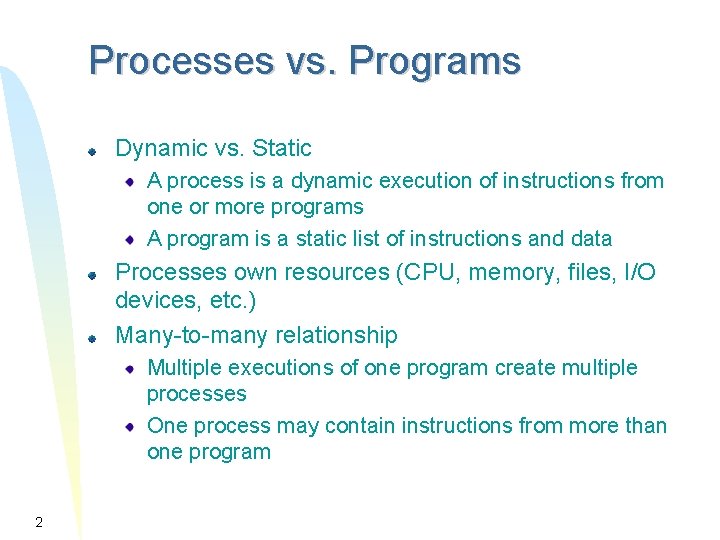
Processes vs. Programs Dynamic vs. Static A process is a dynamic execution of instructions from one or more programs A program is a static list of instructions and data Processes own resources (CPU, memory, files, I/O devices, etc. ) Many-to-many relationship Multiple executions of one program create multiple processes One process may contain instructions from more than one program 2
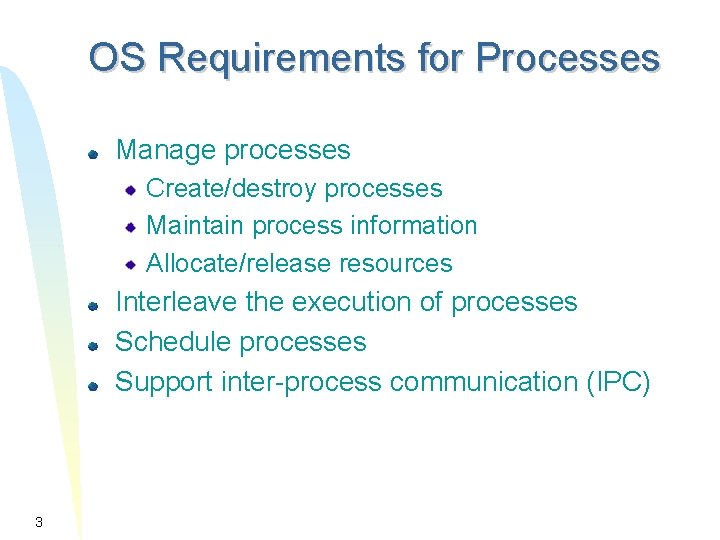
OS Requirements for Processes Manage processes Create/destroy processes Maintain process information Allocate/release resources Interleave the execution of processes Schedule processes Support inter-process communication (IPC) 3
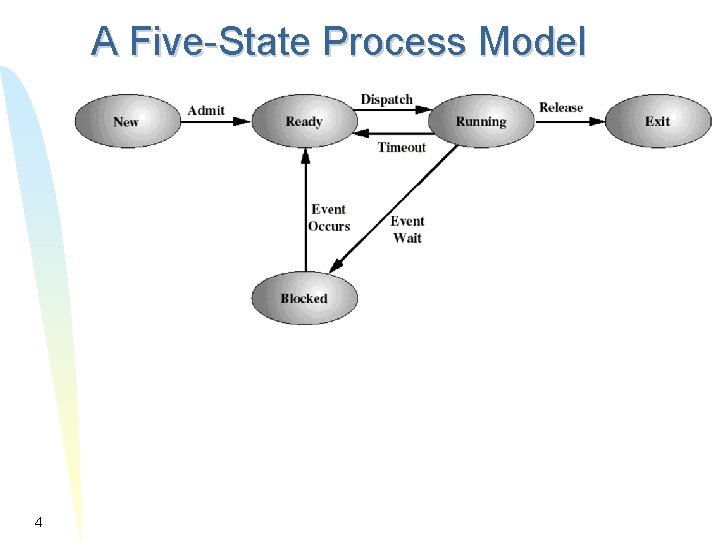
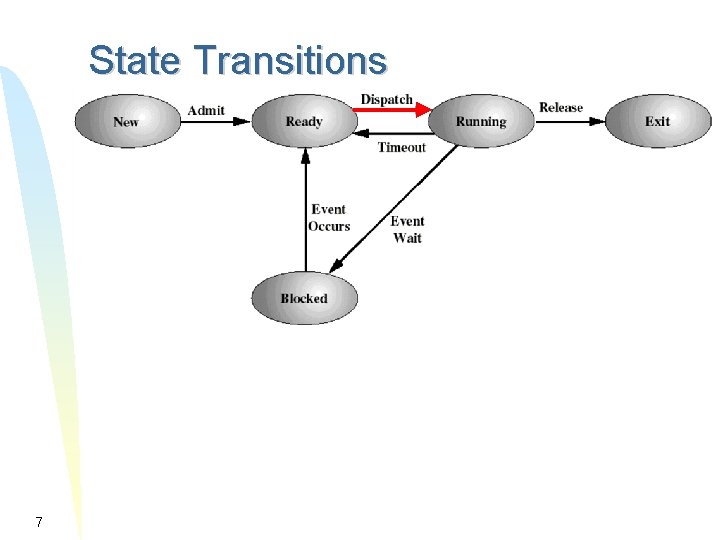
A Five-State Process Model 4
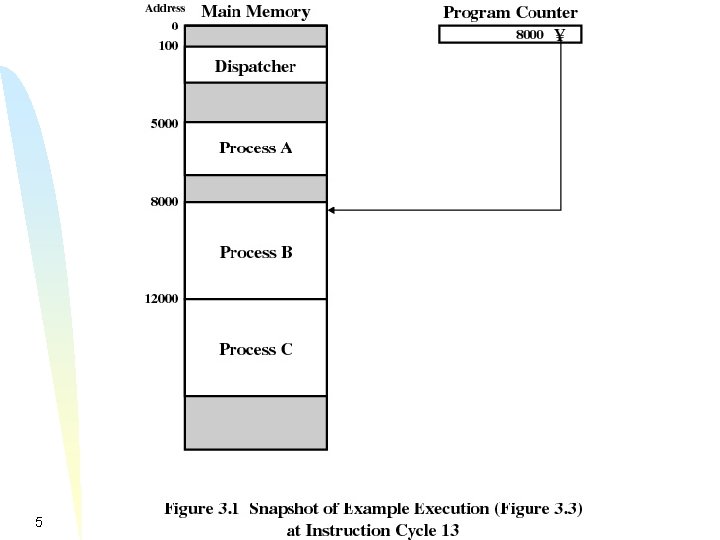
5
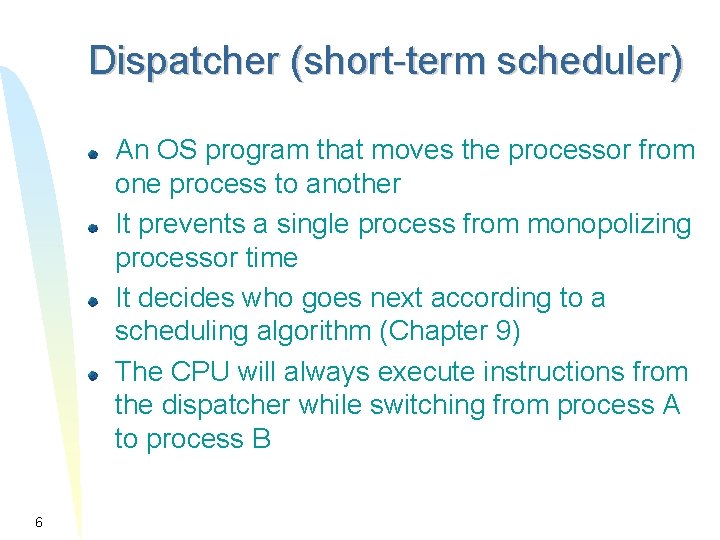
Dispatcher (short-term scheduler) An OS program that moves the processor from one process to another It prevents a single process from monopolizing processor time It decides who goes next according to a scheduling algorithm (Chapter 9) The CPU will always execute instructions from the dispatcher while switching from process A to process B 6
State Transitions 7
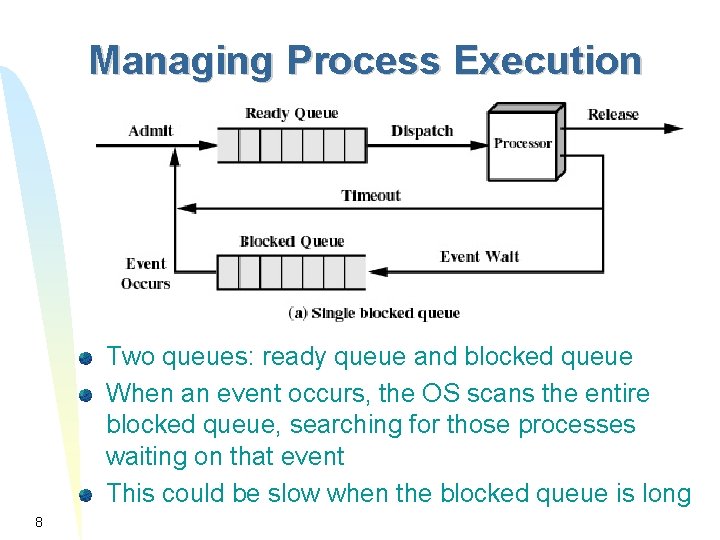
Managing Process Execution Two queues: ready queue and blocked queue When an event occurs, the OS scans the entire blocked queue, searching for those processes waiting on that event This could be slow when the blocked queue is long 8
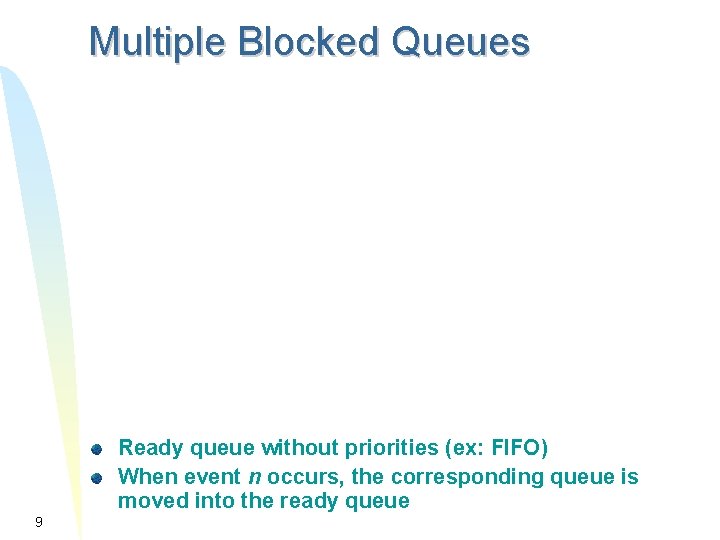
Multiple Blocked Queues Ready queue without priorities (ex: FIFO) When event n occurs, the corresponding queue is moved into the ready queue 9
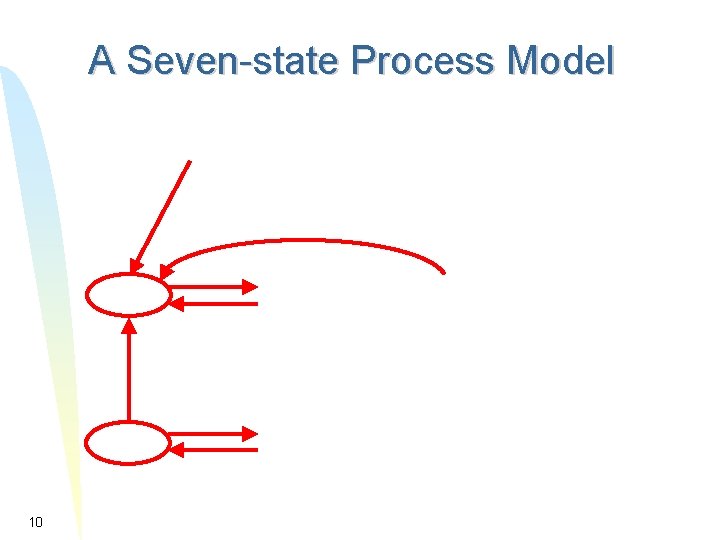
A Seven-state Process Model 10
New state transitions Blocked -> blocked suspend When all processes are blocked, the OS will make room to bring a ready process in memory Blocked suspend -> ready suspend When the event for which it has been waiting occurs Ready suspend -> ready When there are no more ready processes in main memory Ready -> ready suspend (unlikely) When there are no blocked processes and must free memory for adequate performance 11
Summary of What a Process is A process is an execution of a program A process has five basic states: New, ready, running, blocked, and exit A process can be suspended by the OS Two new process states Ready, Suspend and Blocked, Suspend are introduced The process execution can be managed through different queues (ready queues and blocked queues) Questions? 12
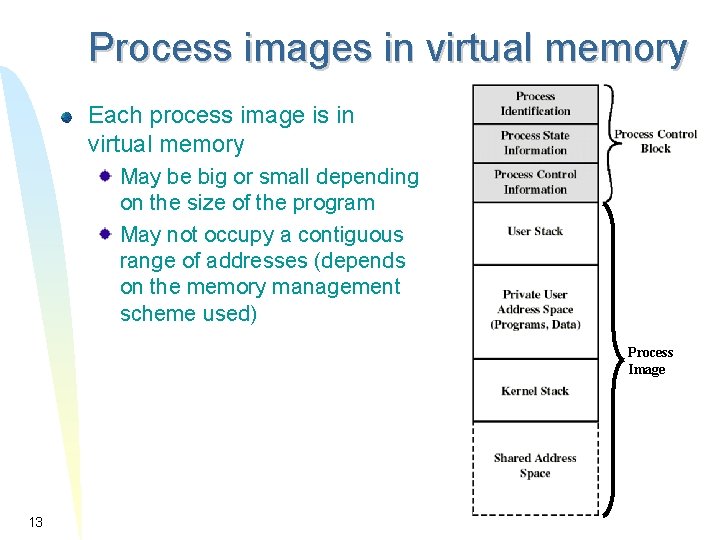
Process images in virtual memory Each process image is in virtual memory May be big or small depending on the size of the program May not occupy a contiguous range of addresses (depends on the memory management scheme used) Process Image 13
Process images in virtual memory Process Image 14
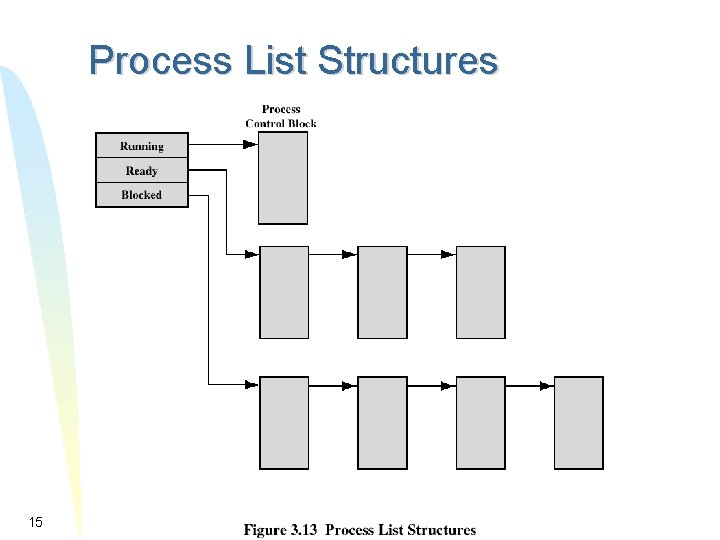
Process List Structures 15
Summary of Process Representation A process consists of a process image, resources, and a process control block (PCB) A process control block (PCB) consists of: Process Identification Process id, user id, � Processor State Information CPU registers, program status word Process Control Information Process state, priority, waiting events, IPC information, memory information, I/O resources, � Questions? 16
How to Control Processes Process creation Process protection (modes of execution) Mode switching Process switching Relationship between OS and user processes 17
Process Creation Allocate a PCB entry in the process table Allocate space for the process image, load the process image into the allocated space Initialize process control block Assign a unique process identifier Many default values (ex: state is New, no I/O devices or files. . . ) Put the PCB into a queue according to its state 18
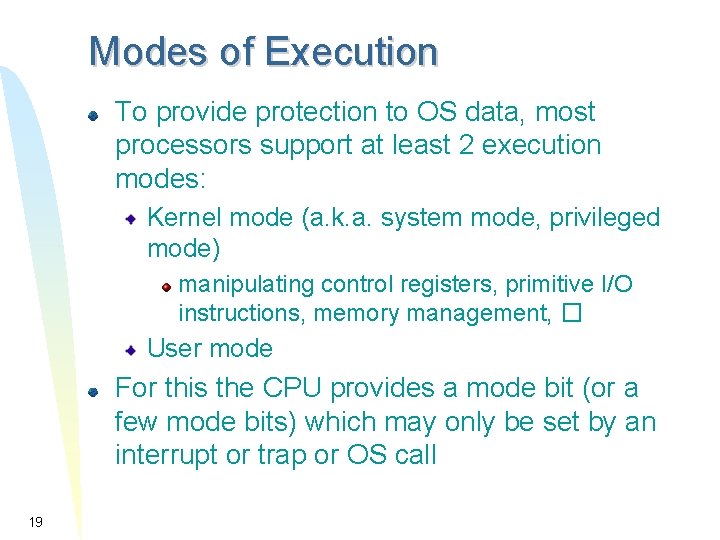
Modes of Execution To provide protection to OS data, most processors support at least 2 execution modes: Kernel mode (a. k. a. system mode, privileged mode) manipulating control registers, primitive I/O instructions, memory management, � User mode For this the CPU provides a mode bit (or a few mode bits) which may only be set by an interrupt or trap or OS call 19
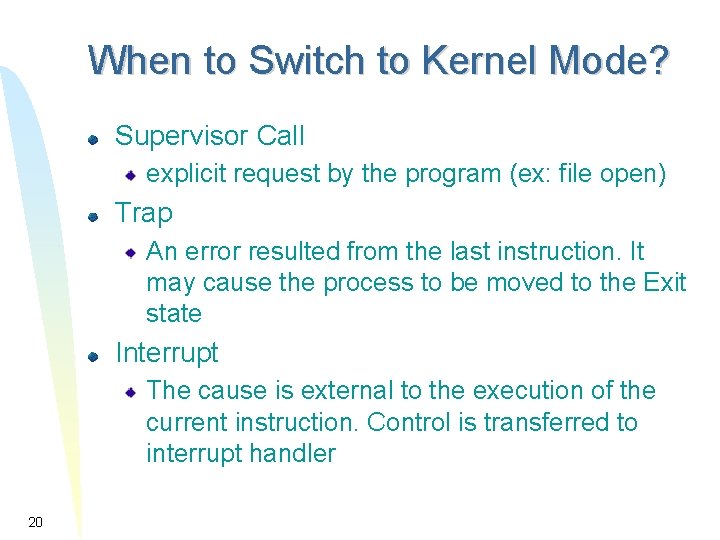
When to Switch to Kernel Mode? Supervisor Call explicit request by the program (ex: file open) Trap An error resulted from the last instruction. It may cause the process to be moved to the Exit state Interrupt The cause is external to the execution of the current instruction. Control is transferred to interrupt handler 20
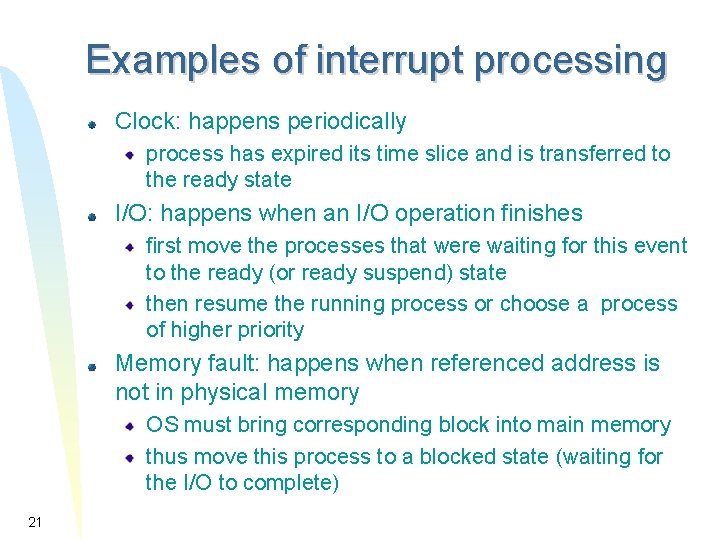
Examples of interrupt processing Clock: happens periodically process has expired its time slice and is transferred to the ready state I/O: happens when an I/O operation finishes first move the processes that were waiting for this event to the ready (or ready suspend) state then resume the running process or choose a process of higher priority Memory fault: happens when referenced address is not in physical memory OS must bring corresponding block into main memory thus move this process to a blocked state (waiting for the I/O to complete) 21
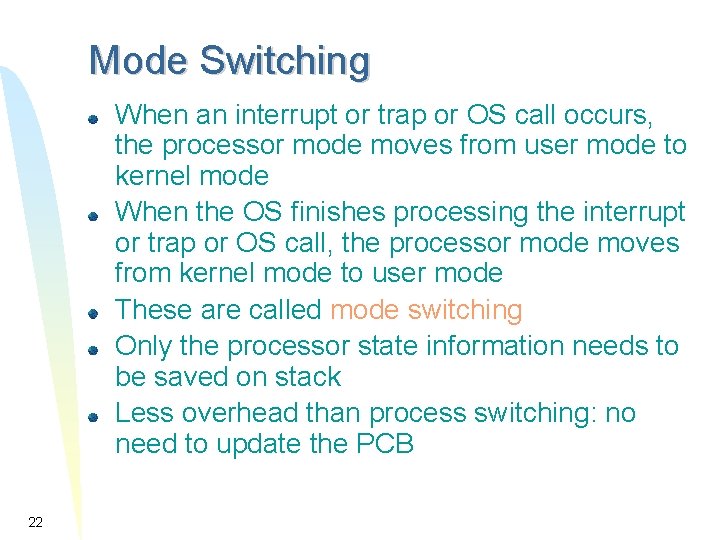
Mode Switching When an interrupt or trap or OS call occurs, the processor mode moves from user mode to kernel mode When the OS finishes processing the interrupt or trap or OS call, the processor mode moves from kernel mode to user mode These are called mode switching Only the processor state information needs to be saved on stack Less overhead than process switching: no need to update the PCB 22
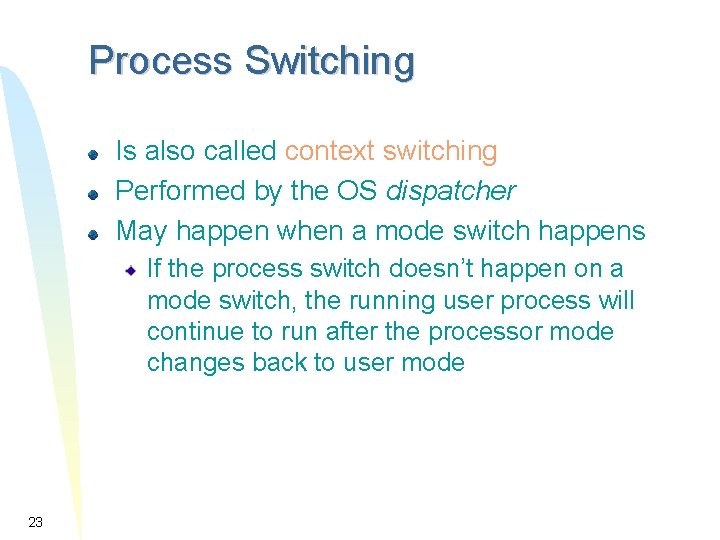
Process Switching Is also called context switching Performed by the OS dispatcher May happen when a mode switch happens If the process switch doesn’t happen on a mode switch, the running user process will continue to run after the processor mode changes back to user mode 23
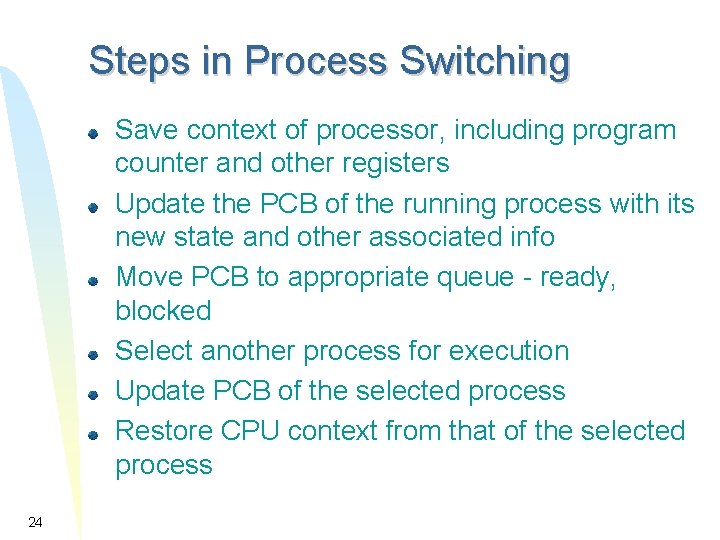
Steps in Process Switching Save context of processor, including program counter and other registers Update the PCB of the running process with its new state and other associated info Move PCB to appropriate queue - ready, blocked Select another process for execution Update PCB of the selected process Restore CPU context from that of the selected process 24
Relationship Between OS and User Processes The dispatcher of the OS is executed outside of any process How about the other parts of the OS? Are they processes? or Are they also outside of any user process? The answer depends on the OS design 25
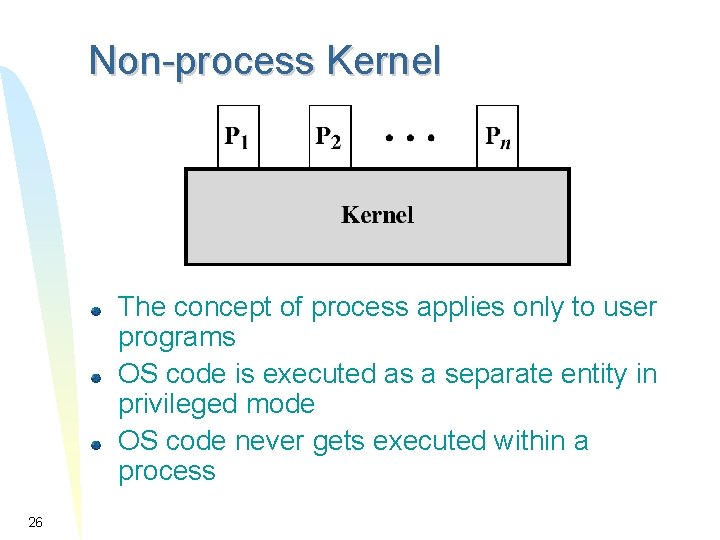
Non-process Kernel The concept of process applies only to user programs OS code is executed as a separate entity in privileged mode OS code never gets executed within a process 26
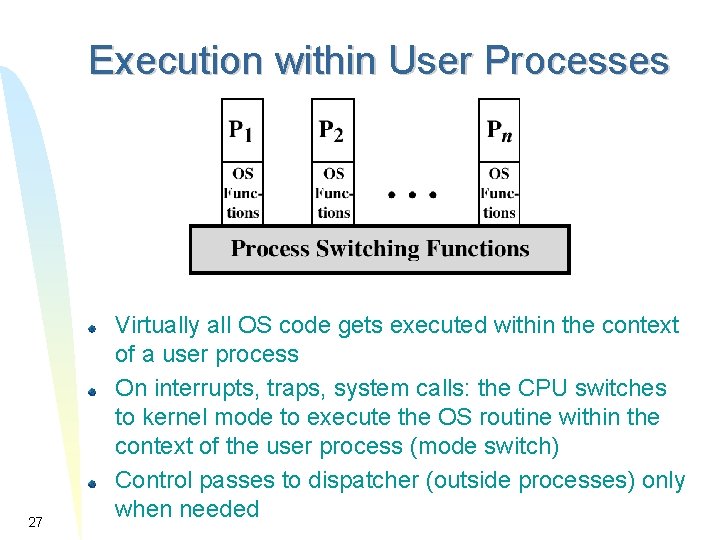
Execution within User Processes 27 Virtually all OS code gets executed within the context of a user process On interrupts, traps, system calls: the CPU switches to kernel mode to execute the OS routine within the context of the user process (mode switch) Control passes to dispatcher (outside processes) only when needed
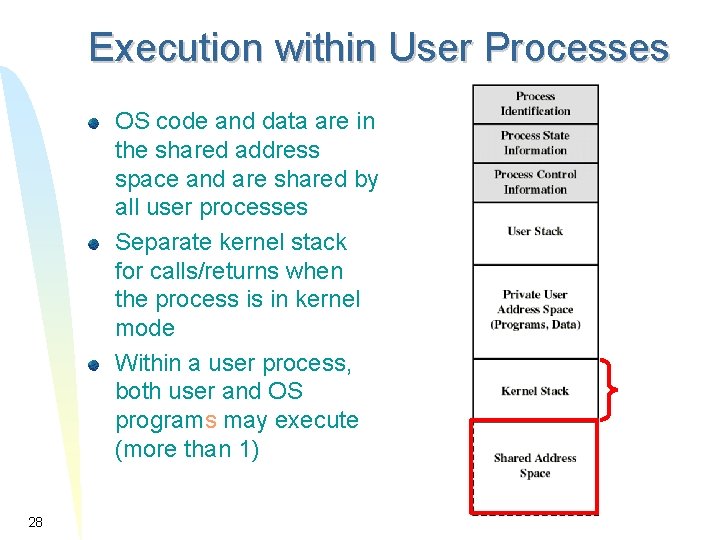
Execution within User Processes OS code and data are in the shared address space and are shared by all user processes Separate kernel stack for calls/returns when the process is in kernel mode Within a user process, both user and OS programs may execute (more than 1) 28
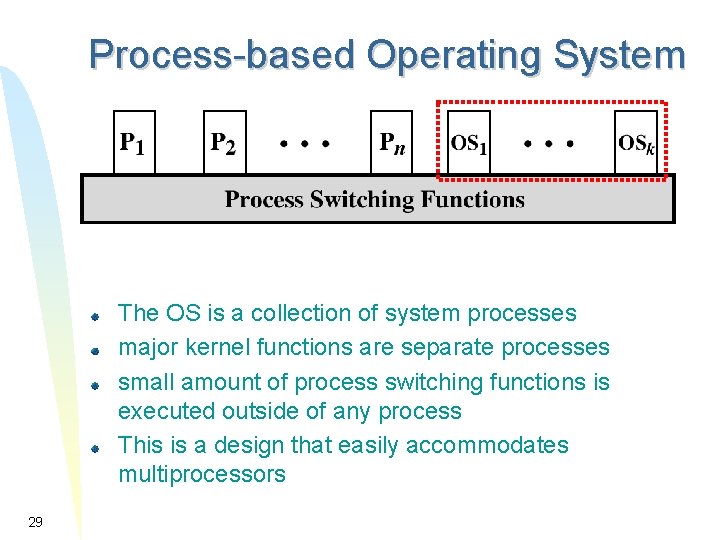
Process-based Operating System The OS is a collection of system processes major kernel functions are separate processes small amount of process switching functions is executed outside of any process This is a design that easily accommodates multiprocessors 29
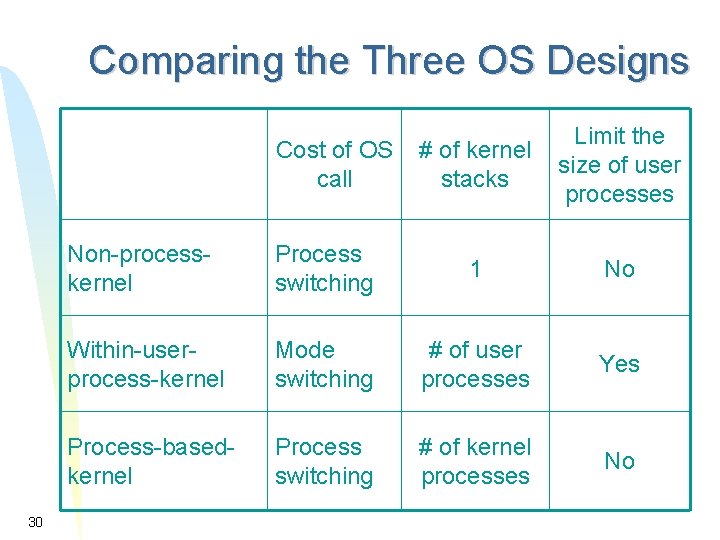
Comparing the Three OS Designs Cost of OS call 30 # of kernel stacks Limit the size of user processes Non-processkernel Process switching 1 No Within-userprocess-kernel Mode switching # of user processes Yes Process-basedkernel Process switching # of kernel processes No
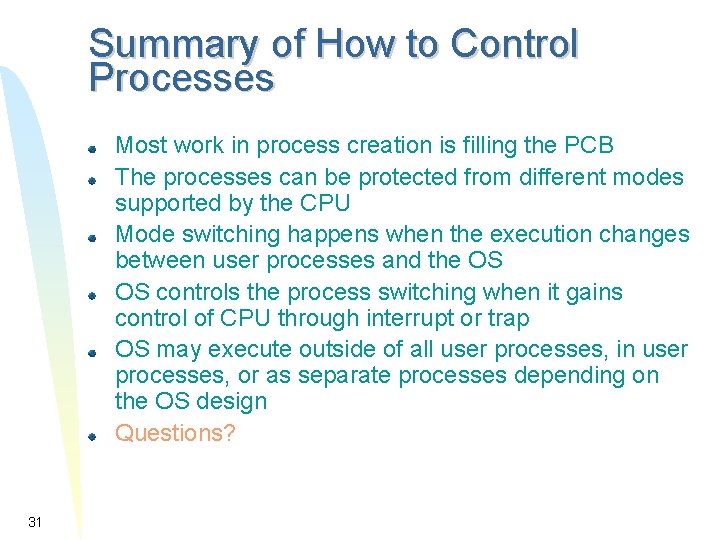
Summary of How to Control Processes Most work in process creation is filling the PCB The processes can be protected from different modes supported by the CPU Mode switching happens when the execution changes between user processes and the OS OS controls the process switching when it gains control of CPU through interrupt or trap OS may execute outside of all user processes, in user processes, or as separate processes depending on the OS design Questions? 31
Case Study: UNIX SVR 4 Process Management System process and user process Process creation Process states 32
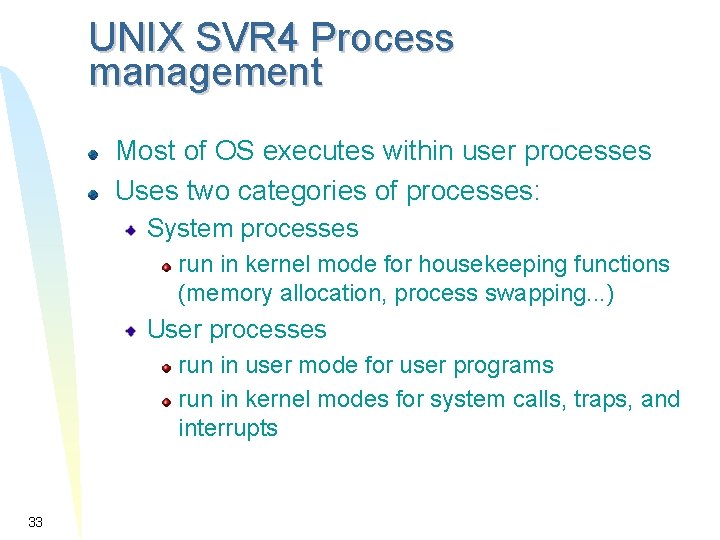
UNIX SVR 4 Process management Most of OS executes within user processes Uses two categories of processes: System processes run in kernel mode for housekeeping functions (memory allocation, process swapping. . . ) User processes run in user mode for user programs run in kernel modes for system calls, traps, and interrupts 33
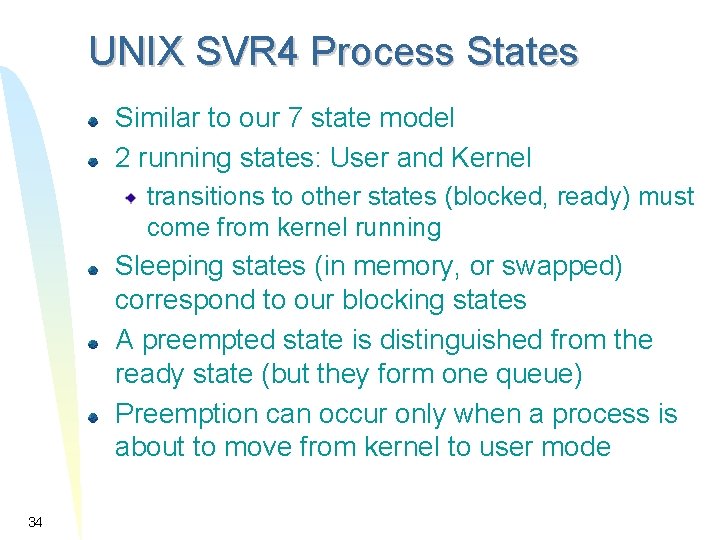
UNIX SVR 4 Process States Similar to our 7 state model 2 running states: User and Kernel transitions to other states (blocked, ready) must come from kernel running Sleeping states (in memory, or swapped) correspond to our blocking states A preempted state is distinguished from the ready state (but they form one queue) Preemption can occur only when a process is about to move from kernel to user mode 34
UNIX Process State Diagram 35
UNIX Process Creation Every process, except process 0, is created by the fork() system call fork() allocates an entry in the process table and assigns a unique PID to the child process child gets a copy of process image of parent: both child and parent are executing the same code following fork() but fork() returns the PID of the child to the parent process and returns 0 to the child process 36
UNIX System Processes Process 0 is created at boot time and becomes the “swapper” after forking process 1 (the INIT process) When a user logs in: process 1 creates a process for that user 37
UNIX Process Image User-level context Process Text (i. e. code: read-only) Process Data User Stack (calls/returns in user mode) Shared memory (for IPC) only one physical copy exists but, with virtual memory, it appears as it is in the process� s address space Register context 38
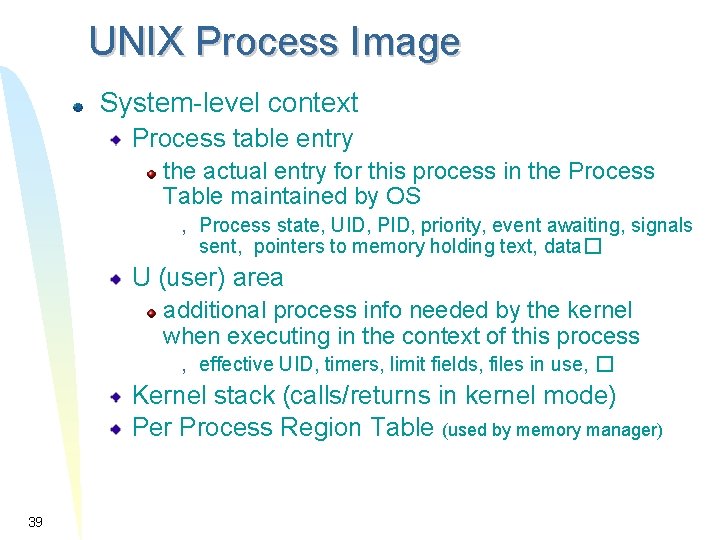
UNIX Process Image System-level context Process table entry the actual entry for this process in the Process Table maintained by OS , Process state, UID, PID, priority, event awaiting, signals sent, pointers to memory holding text, data� U (user) area additional process info needed by the kernel when executing in the context of this process , effective UID, timers, limit fields, files in use, � Kernel stack (calls/returns in kernel mode) Per Process Region Table (used by memory manager) 39
Summary of Process Description and Control A process is an execution of a program A seven-state process model can describe the life time of a process The PCB is an important data structure to represent and manage processes Process switching Relationship between OS and user processes UNIX SVR 4 Questions? 40