MIGRATING TO OFFICE 365 FROM GOOGLE MAIL AND


- Slides: 18
MIGRATING TO OFFICE 365 FROM GOOGLE MAIL AND EXCHANGE
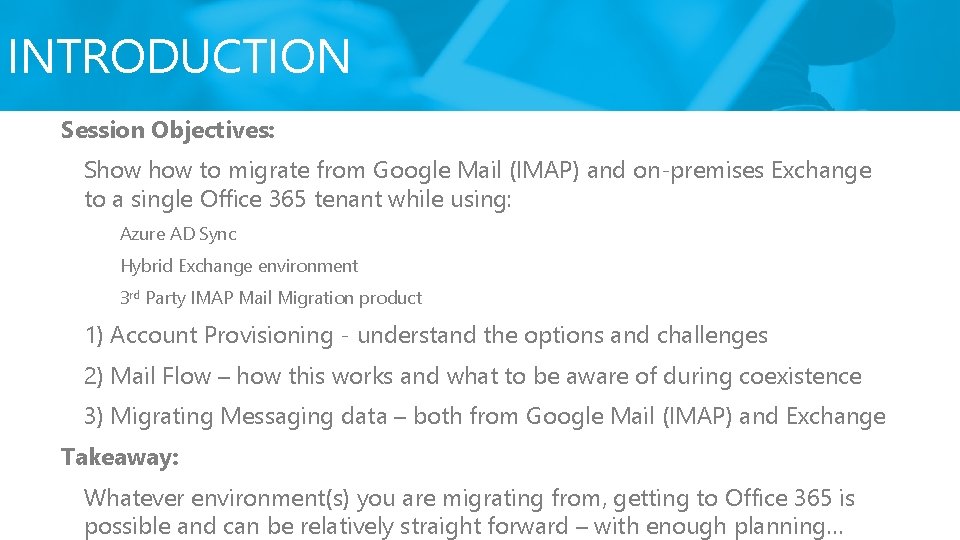
INTRODUCTION Session Objectives: Show to migrate from Google Mail (IMAP) and on-premises Exchange to a single Office 365 tenant while using: • Azure AD Sync • Hybrid Exchange environment • 3 rd Party IMAP Mail Migration product 1) Account Provisioning - understand the options and challenges 2) Mail Flow – how this works and what to be aware of during coexistence 3) Migrating Messaging data – both from Google Mail (IMAP) and Exchange Takeaway: Whatever environment(s) you are migrating from, getting to Office 365 is possible and can be relatively straight forward – with enough planning…
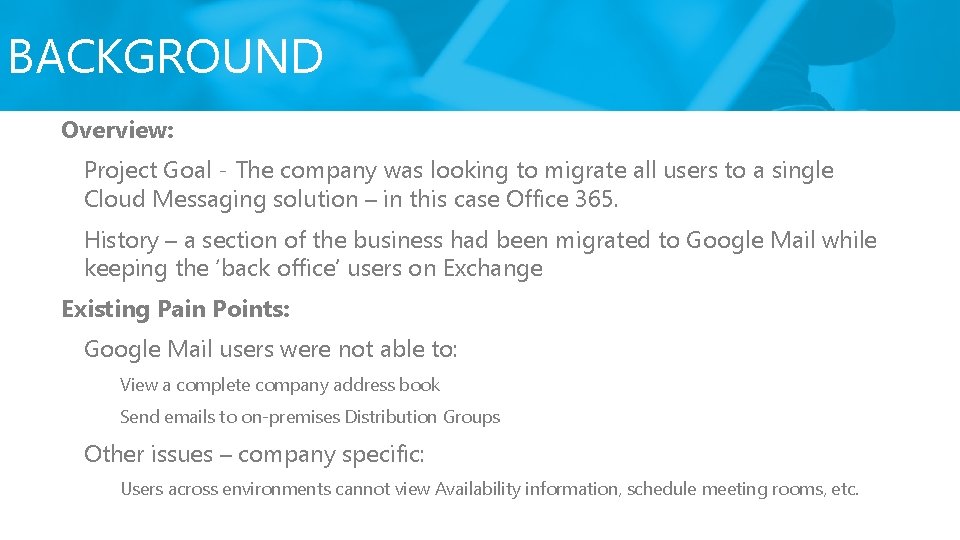
BACKGROUND Overview: Project Goal - The company was looking to migrate all users to a single Cloud Messaging solution – in this case Office 365. History – a section of the business had been migrated to Google Mail while keeping the ‘back office’ users on Exchange Existing Pain Points: Google Mail users were not able to: • View a complete company address book • Send emails to on-premises Distribution Groups Other • issues – company specific: Users across environments cannot view Availability information, schedule meeting rooms, etc.
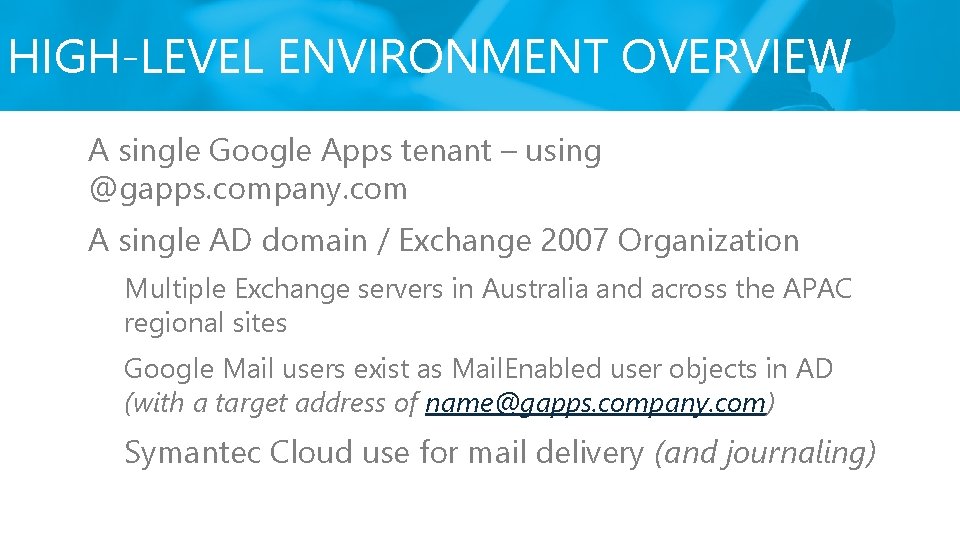
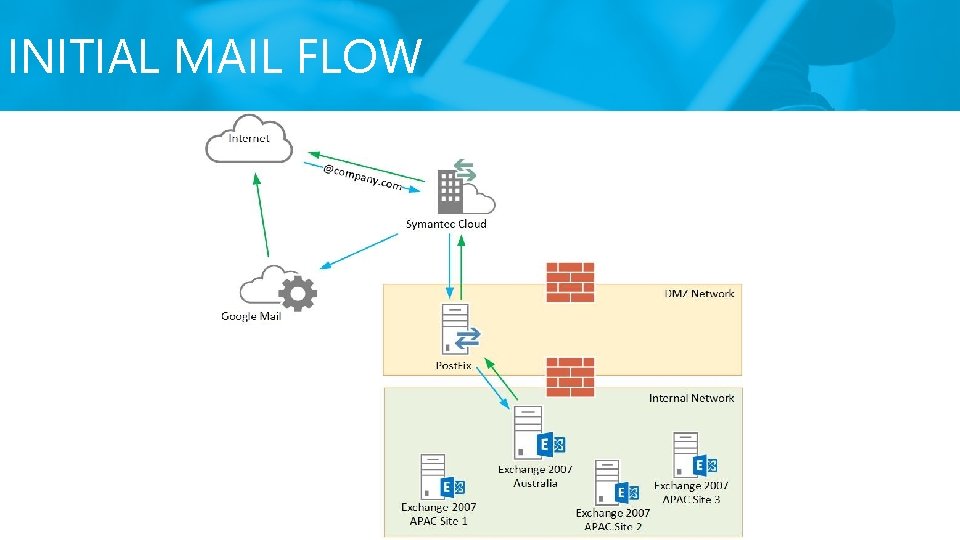
HIGH-LEVEL ENVIRONMENT OVERVIEW A single Google Apps tenant – using @gapps. company. com A single AD domain / Exchange 2007 Organization Multiple Exchange servers in Australia and across the APAC regional sites Google Mail users exist as Mail. Enabled user objects in AD (with a target address of name@gapps. company. com) Symantec Cloud use for mail delivery (and journaling)
INITIAL MAIL FLOW
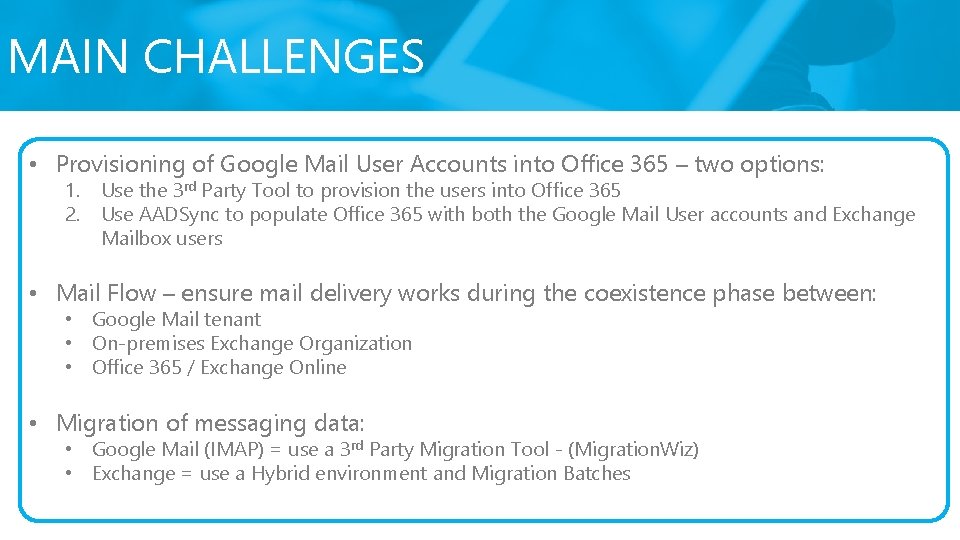
MAIN CHALLENGES • Provisioning of Google Mail User Accounts into Office 365 – two options: 1. 2. Use the 3 rd Party Tool to provision the users into Office 365 Use AADSync to populate Office 365 with both the Google Mail User accounts and Exchange Mailbox users • Mail Flow – ensure mail delivery works during the coexistence phase between: • Google Mail tenant • On-premises Exchange Organization • Office 365 / Exchange Online • Migration of messaging data: • Google Mail (IMAP) = use a 3 rd Party Migration Tool - (Migration. Wiz) • Exchange = use a Hybrid environment and Migration Batches
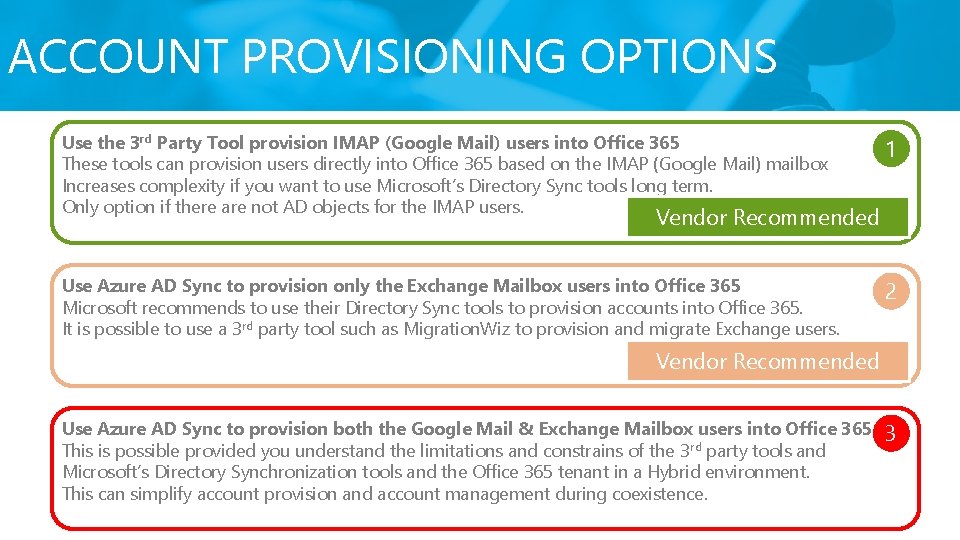
ACCOUNT PROVISIONING OPTIONS Use the 3 rd Party Tool provision IMAP (Google Mail) users into Office 365 These tools can provision users directly into Office 365 based on the IMAP (Google Mail) mailbox Increases complexity if you want to use Microsoft’s Directory Sync tools long term. Only option if there are not AD objects for the IMAP users. 1 Use Azure AD Sync to provision only the Exchange Mailbox users into Office 365 Microsoft recommends to use their Directory Sync tools to provision accounts into Office 365. It is possible to use a 3 rd party tool such as Migration. Wiz to provision and migrate Exchange users. 2 Vendor Recommended Use Azure AD Sync to provision both the Google Mail & Exchange Mailbox users into Office 365 This is possible provided you understand the limitations and constrains of the 3 rd party tools and Microsoft’s Directory Synchronization tools and the Office 365 tenant in a Hybrid environment. This can simplify account provision and account management during coexistence. 3
VENDOR SAYS… https: //community. bittitan. com/kb/Pages/How%20 do%20 I%20 synchronize%20 my%20 Active%20 Directory%20 objects%20 to%20 Office%20365. aspx
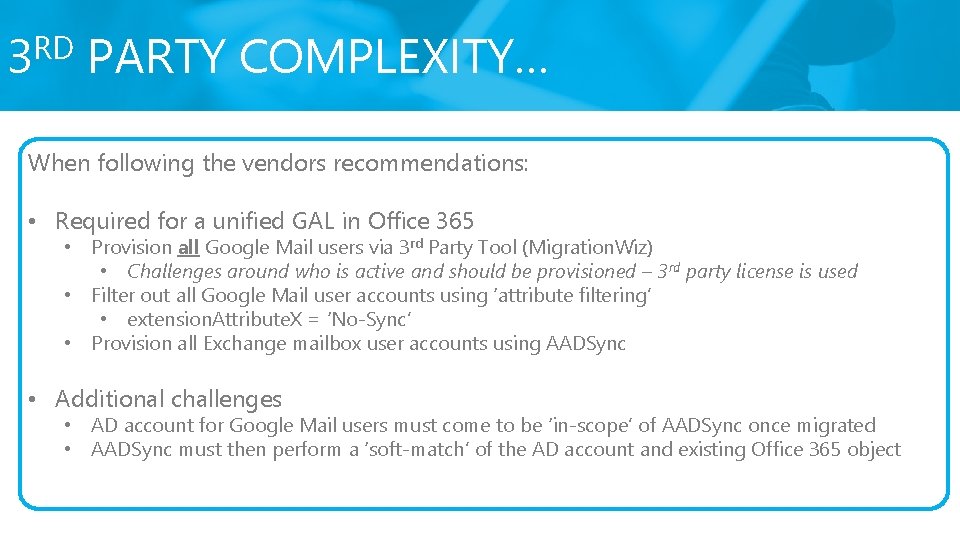
RD 3 PARTY COMPLEXITY… When following the vendors recommendations: • Required for a unified GAL in Office 365 • Provision all Google Mail users via 3 rd Party Tool (Migration. Wiz) • Challenges around who is active and should be provisioned – 3 rd party license is used • Filter out all Google Mail user accounts using ‘attribute filtering’ • extension. Attribute. X = ‘No-Sync’ • Provision all Exchange mailbox user accounts using AADSync • Additional challenges • AD account for Google Mail users must come to be ‘in-scope’ of AADSync once migrated • AADSync must then perform a ‘soft-match’ of the AD account and existing Office 365 object
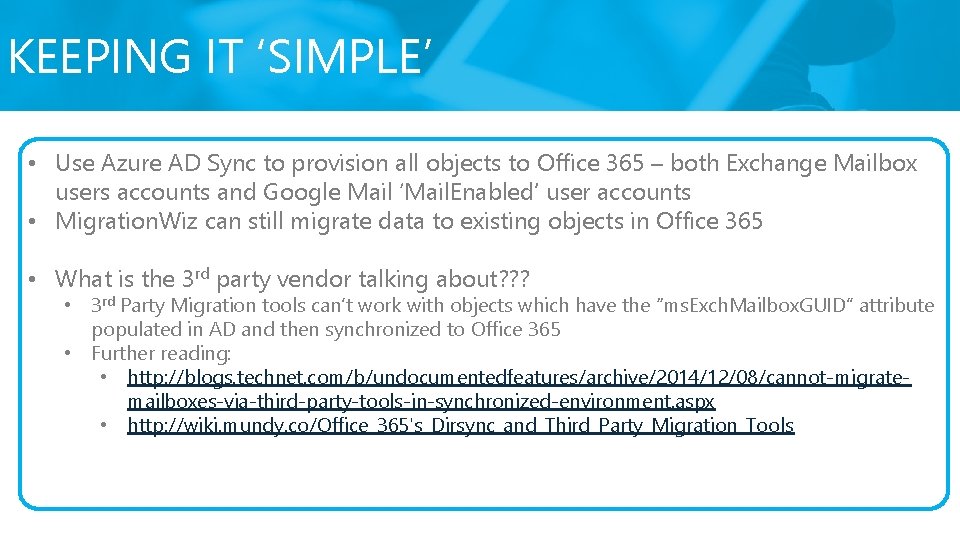
KEEPING IT ‘SIMPLE’ • Use Azure AD Sync to provision all objects to Office 365 – both Exchange Mailbox users accounts and Google Mail ‘Mail. Enabled’ user accounts • Migration. Wiz can still migrate data to existing objects in Office 365 • What is the 3 rd party vendor talking about? ? ? • 3 rd Party Migration tools can’t work with objects which have the “ms. Exch. Mailbox. GUID” attribute populated in AD and then synchronized to Office 365 • Further reading: • http: //blogs. technet. com/b/undocumentedfeatures/archive/2014/12/08/cannot-migratemailboxes-via-third-party-tools-in-synchronized-environment. aspx • http: //wiki. mundy. co/Office_365's_Dirsync_and_Third_Party_Migration_Tools
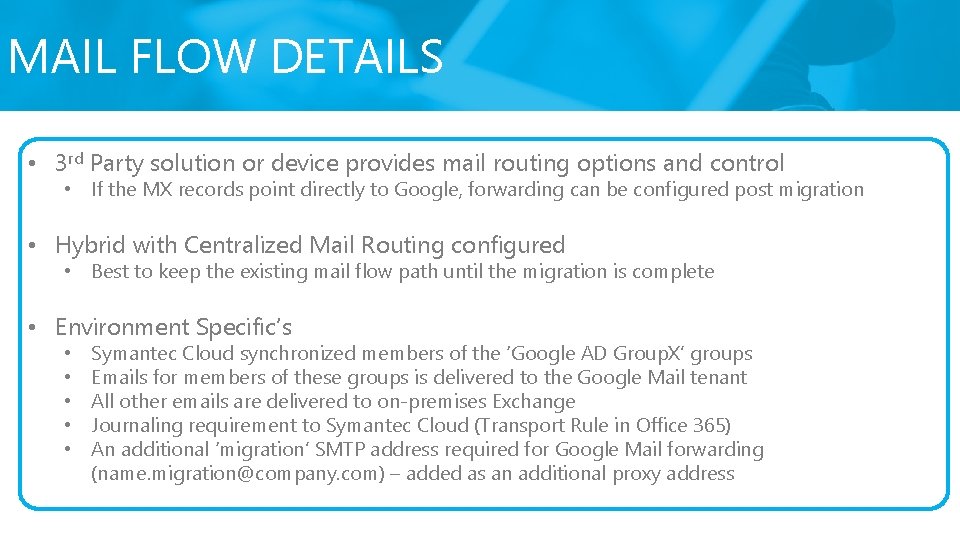
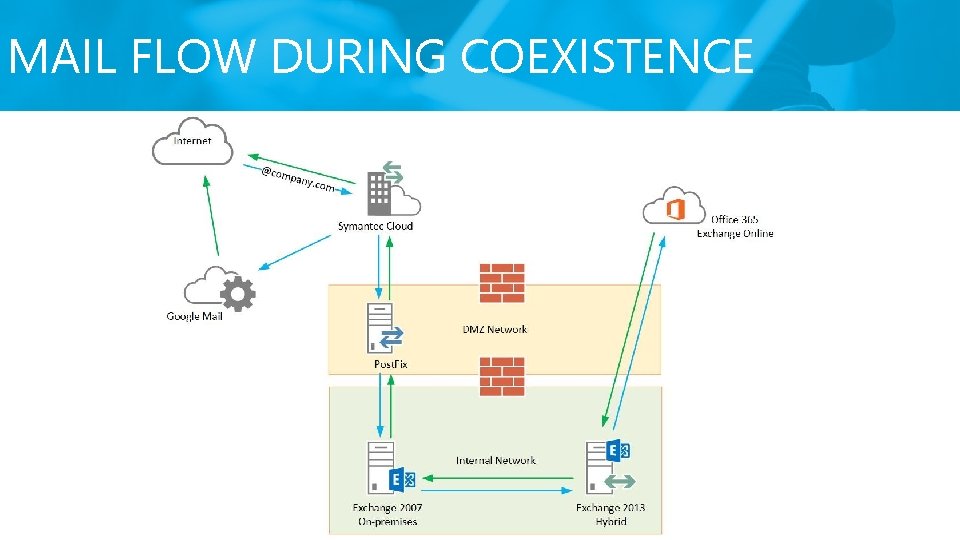
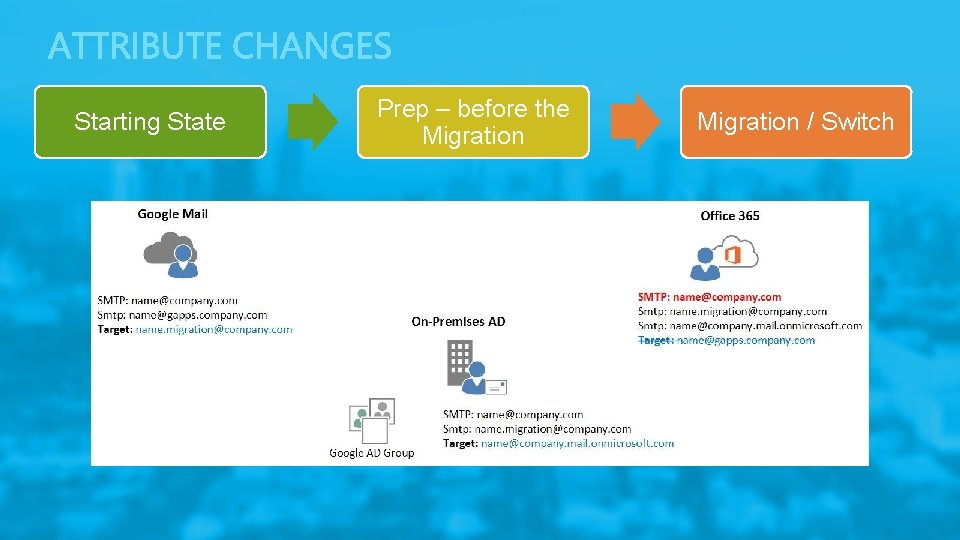
MAIL FLOW DETAILS • 3 rd Party solution or device provides mail routing options and control • If the MX records point directly to Google, forwarding can be configured post migration • Hybrid with Centralized Mail Routing configured • Best to keep the existing mail flow path until the migration is complete • Environment Specific’s • • • Symantec Cloud synchronized members of the ‘Google AD Group. X’ groups Emails for members of these groups is delivered to the Google Mail tenant All other emails are delivered to on-premises Exchange Journaling requirement to Symantec Cloud (Transport Rule in Office 365) An additional ‘migration’ SMTP address required for Google Mail forwarding (name. migration@company. com) – added as an additional proxy address
MAIL FLOW DURING COEXISTENCE
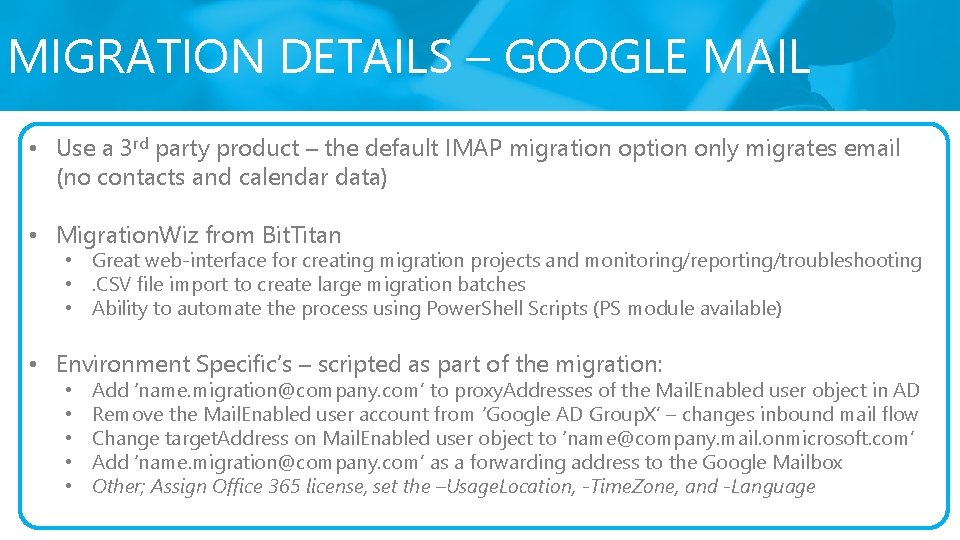
MIGRATION DETAILS – GOOGLE MAIL • Use a 3 rd party product – the default IMAP migration option only migrates email (no contacts and calendar data) • Migration. Wiz from Bit. Titan • Great web-interface for creating migration projects and monitoring/reporting/troubleshooting • . CSV file import to create large migration batches • Ability to automate the process using Power. Shell Scripts (PS module available) • Environment Specific’s – scripted as part of the migration: • • • Add ‘name. migration@company. com’ to proxy. Addresses of the Mail. Enabled user object in AD Remove the Mail. Enabled user account from ‘Google AD Group. X’ – changes inbound mail flow Change target. Address on Mail. Enabled user object to ‘name@company. mail. onmicrosoft. com’ Add ‘name. migration@company. com’ as a forwarding address to the Google Mailbox Other; Assign Office 365 license, set the –Usage. Location, -Time. Zone, and -Language
Starting State Prep – before the Migration / Switch
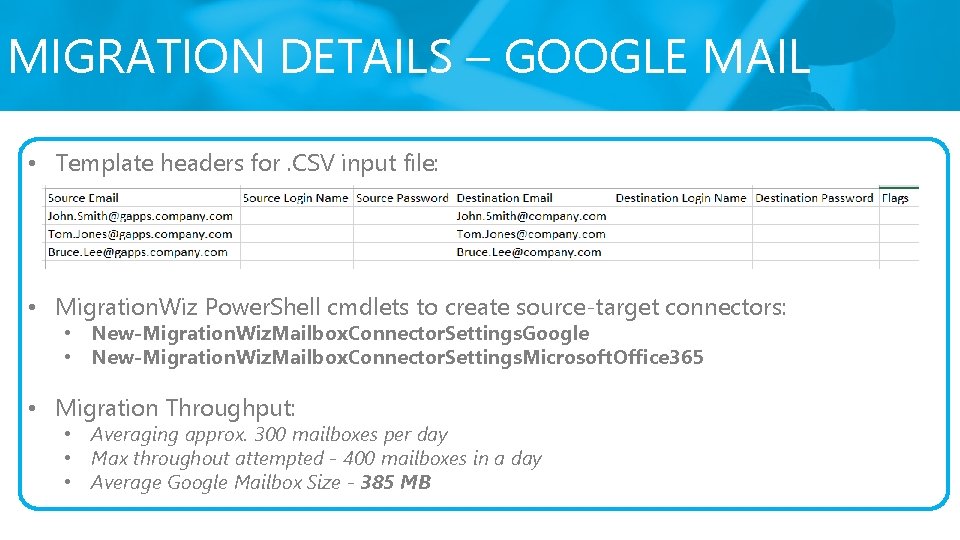
MIGRATION DETAILS – GOOGLE MAIL • Template headers for. CSV input file: • Migration. Wiz Power. Shell cmdlets to create source-target connectors: • New-Migration. Wiz. Mailbox. Connector. Settings. Google • New-Migration. Wiz. Mailbox. Connector. Settings. Microsoft. Office 365 • Migration Throughput: • Averaging approx. 300 mailboxes per day • Max throughout attempted - 400 mailboxes in a day • Average Google Mailbox Size - 385 MB
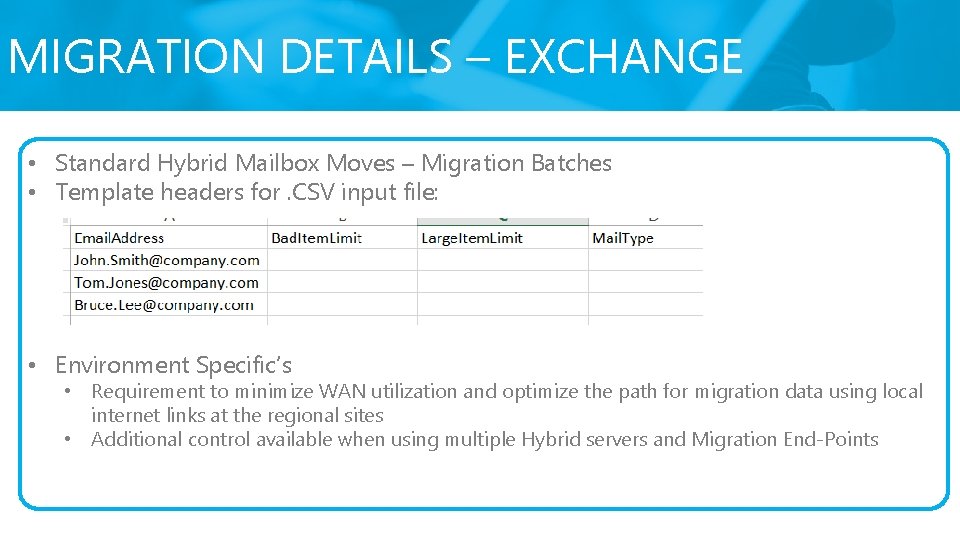
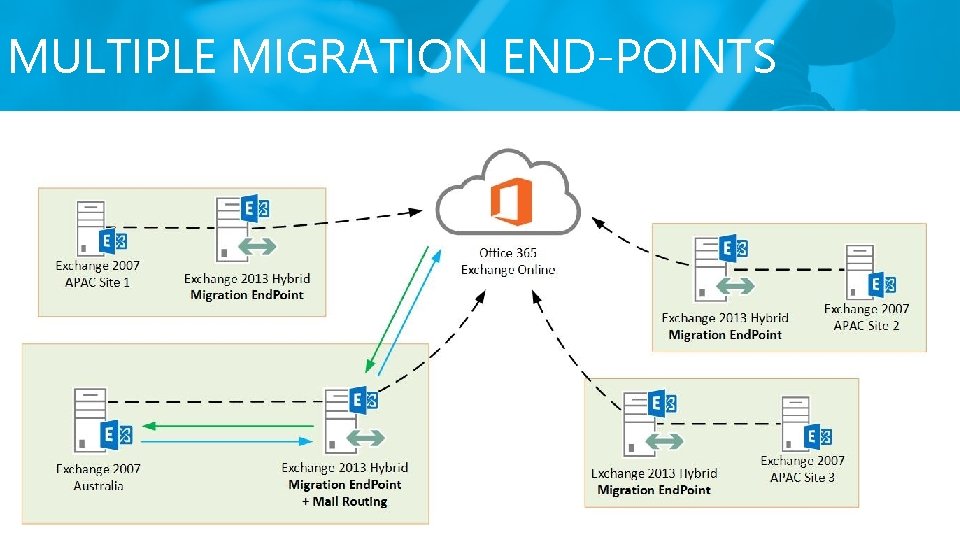
MIGRATION DETAILS – EXCHANGE • Standard Hybrid Mailbox Moves – Migration Batches • Template headers for. CSV input file: • Environment Specific’s • Requirement to minimize WAN utilization and optimize the path for migration data using local internet links at the regional sites • Additional control available when using multiple Hybrid servers and Migration End-Points
MULTIPLE MIGRATION END-POINTS
SUMMARY – QUESTIONS? ? ? Mail flow, mail flow – plan this thoroughly before starting Where possible, use the Microsoft Directory Synchronization Tool – it will probably be your long-term synchronization tool. Directory Synchronization from Active Directory to Office 365 is required for ADFS. Use a 3 rd Party Migration tool for IMAP migrations to migrate all messaging data (Migration. Wiz works great) Remember - Follow standard Microsoft ‘best practice’ when implementing Directory Synchronization and the Hybrid environment: run Id. Fix, open the required ports, ensure Outlook Anywhere is configured correctly, run the ‘Remote Connectivity Analyzer’, etc.